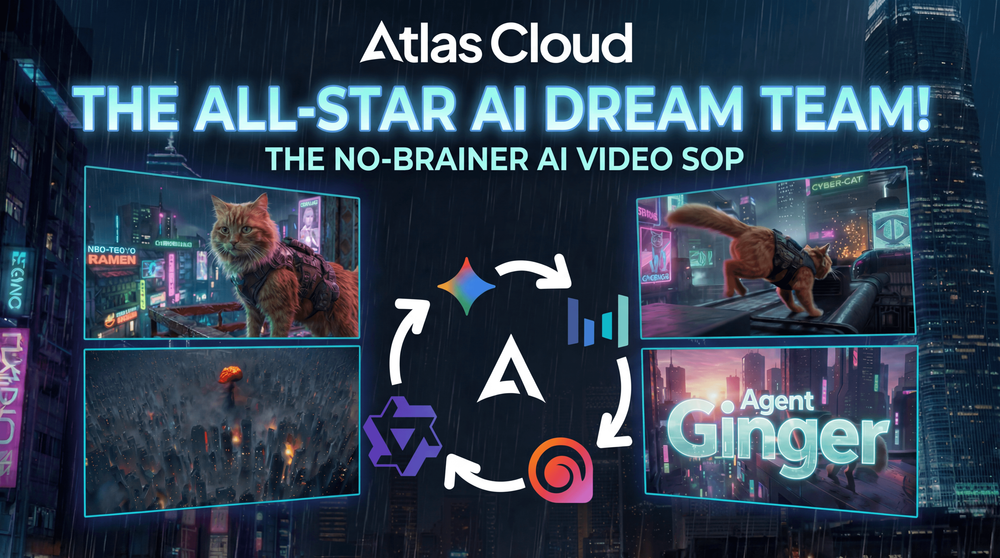
The All-Star AI Dream Team: How to Produce a Cyberpunk Cat Agent Blockbuster Using the Atlas Cloud Multi-Model Workflow
What is the biggest headache in AI video creation? It’s "overspecialization."
- You want a cat doing parkour on a roof, but the model with great lighting makes the movement look like it's ice skating.
- You want a grand, cyberpunk wasteland establishing shot, but the model good at action lacks texture and detail.
- You want to write a script with a plot twist, but you have to tab out to find a smarter LLM.
In the past, solving this required five different subscriptions and ten open browser tabs. But now, Atlas Cloud has assembled the "Avengers" of the AI world.
Today, using a specific case study—"Agent Ginger"—we will walk you through a hands-on "Multi-Model Collaboration" workflow. We’ll show you how to orchestrate top-tier models like DeepSeek, Nano Banana, VEO 3.1, Seedance 1.5 Pro, Hailuo 2.3, and Wan 2.6 on a single platform to complete a 30-second cyberpunk agent blockbuster.
📝 Article Structure: Scripting → Concept Art → Video Generation → Editing → Tutorials → Access
🧠 Step 1: The Brain & The Script – DeepSeek’s Logical Precision
Case Setting:
- Theme: Anthropomorphic Agent, starring a long-haired ginger cat.
- Style: Cyberpunk wasteland à la Stray, neon lights, acid rain, mechanical ruins.
- Plot: A 30-second teaser, from infiltration to breakout.
For this step, we need a logical mastermind.
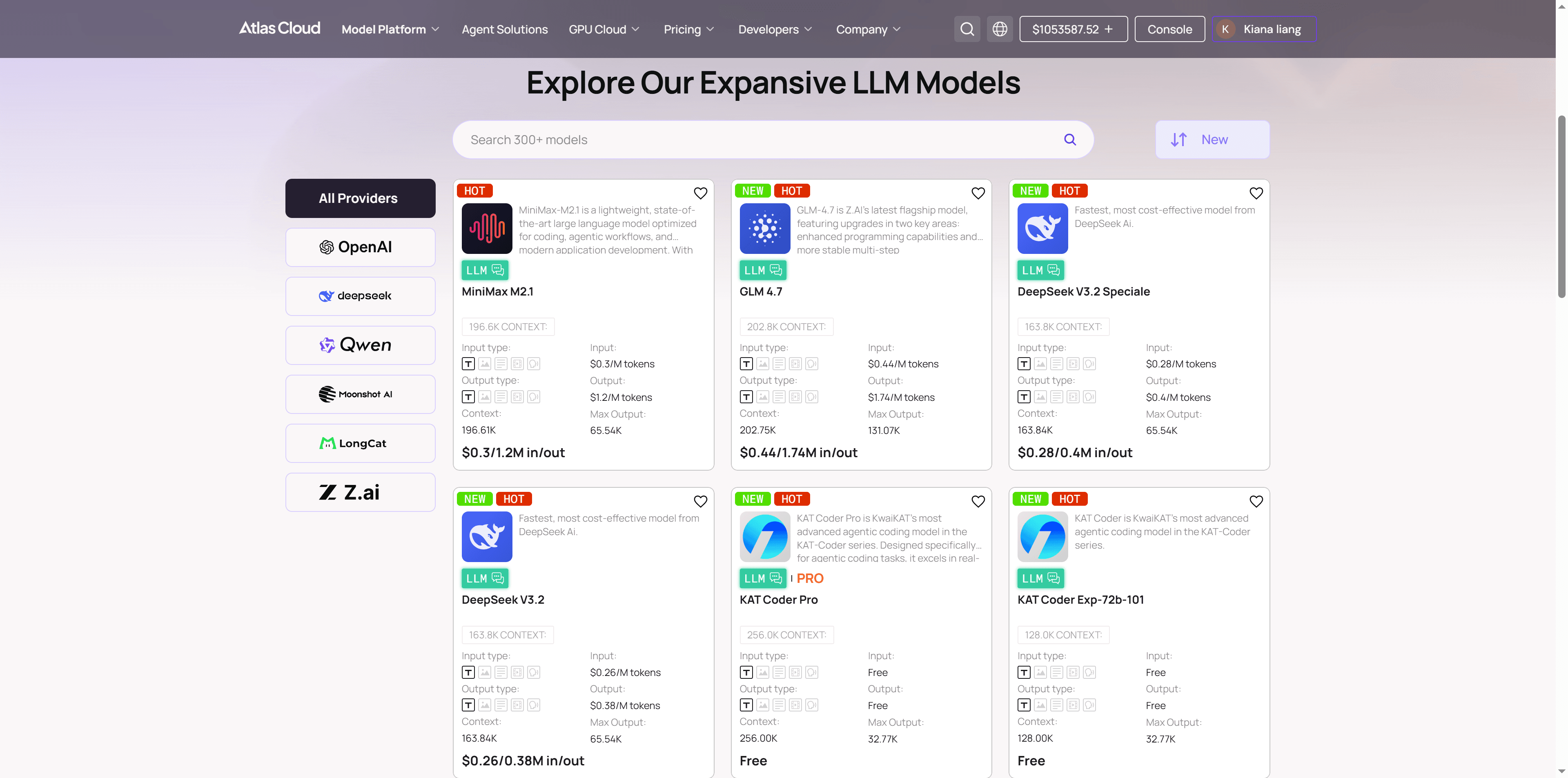
Workflow Action: Select DeepSeek-R1-0528 in Atlas Cloud.
Don't let the AI just "freestyle." Input the following instruction:
plaintext1Role: You are a Hollywood Sci-Fi Film Director and an expert AIGC Prompt Engineer. 2Task: Create a 30-second storyboard script for the short film "Agent Ginger." 3Protagonist: Ginger, an anthropomorphic long-haired ginger cat agent, wearing a tactical vest, with a determined gaze. 4Style: Reference the game Stray and the movie Blade Runner. Cyberpunk wasteland, neon lights, acid rain, high contrast, wet texture. 5Format: Output strictly as a Markdown Table. 6Table Columns (Must include these 5): 7Duration: Estimated time (e.g., 0-5s). 8Visual Description: Detailed description of action, environment, and lighting (be specific for AI understanding). 9Shot & Camera: Professional terminology (e.g., Close-up, Low angle, Dolly in, Pan right). 10Audio/SFX: Ambient sounds, cyberpunk synth music, or inner monologue. 11Image Prompt: This is the most critical column. Generate a direct English Prompt suitable for FLUX or Midjourney. 12Requirement: Must include subject description, environment, and style modifiers (e.g., Cyberpunk, Neon lights, Unreal Engine 5, Cinematic lighting, 8k, Hyper-realistic). 13Pacing: Arrange the plot in the structure of "Setup (Infiltration) -> Development (Crisis/Parkour) -> Twist (Explosion/Climax) -> Resolution (Reveal/Ending)."
With the script in hand and the logic sound, it's time for "Casting."
🎨 Step 2: Visual Tone – Native Output from Nano Banana
Core Workflow Principle: Image First, Video Second.
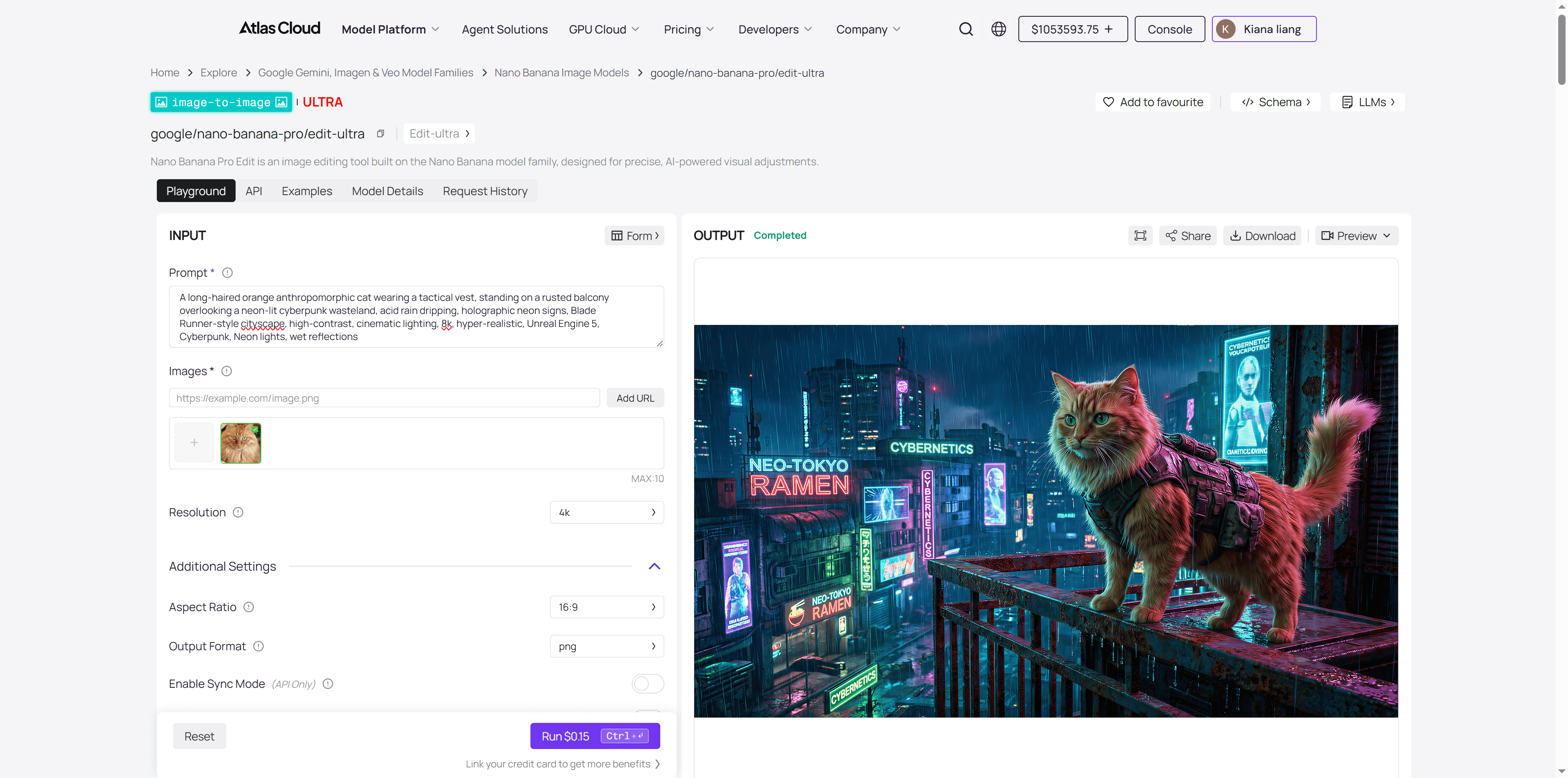
A thousand video models will imagine a thousand different versions of "Agent Ginger." We cannot let the video model "guess" what the cat looks like. We need an absolute high-quality "Anchor Image" (Reference Image) to take the Schrödinger's cat out of the black box and show it to the video models.
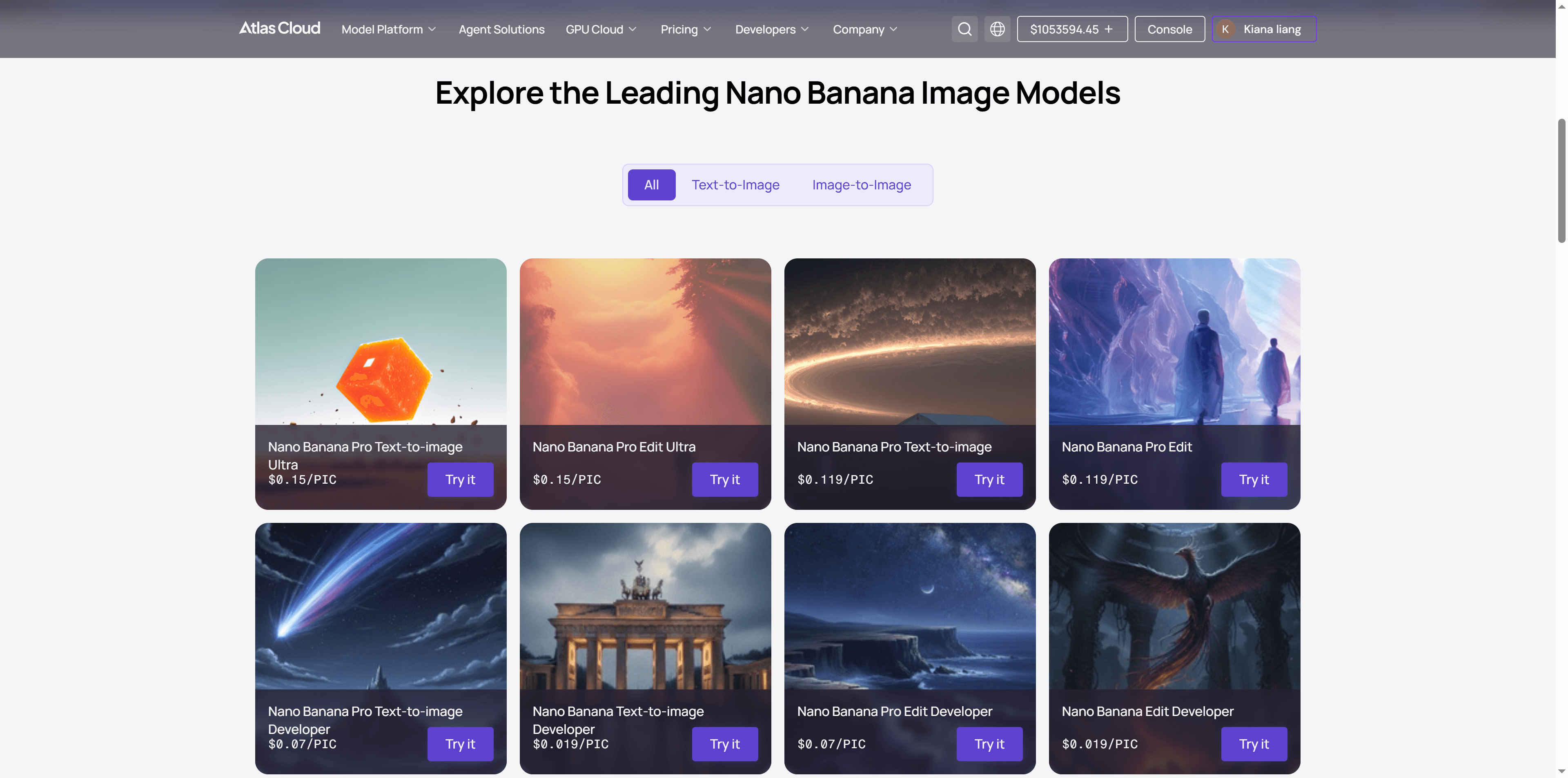
Workflow Action: 👉 Directly call the Nano Banana Pro model in Atlas Cloud. 👉 Use the "Image Prompt" column from the storyboard table generated in Step 1. 👉 Nano Banana Pro’s powerful semantic understanding ensures the tactical vest and goggles are rendered perfectly, with cinematic composition. This will serve as the "Image Prompt" benchmark for all subsequent video generation.
🎬 Step 3: Motion Generation – The "All-Star" Mixed Flow (Core!)
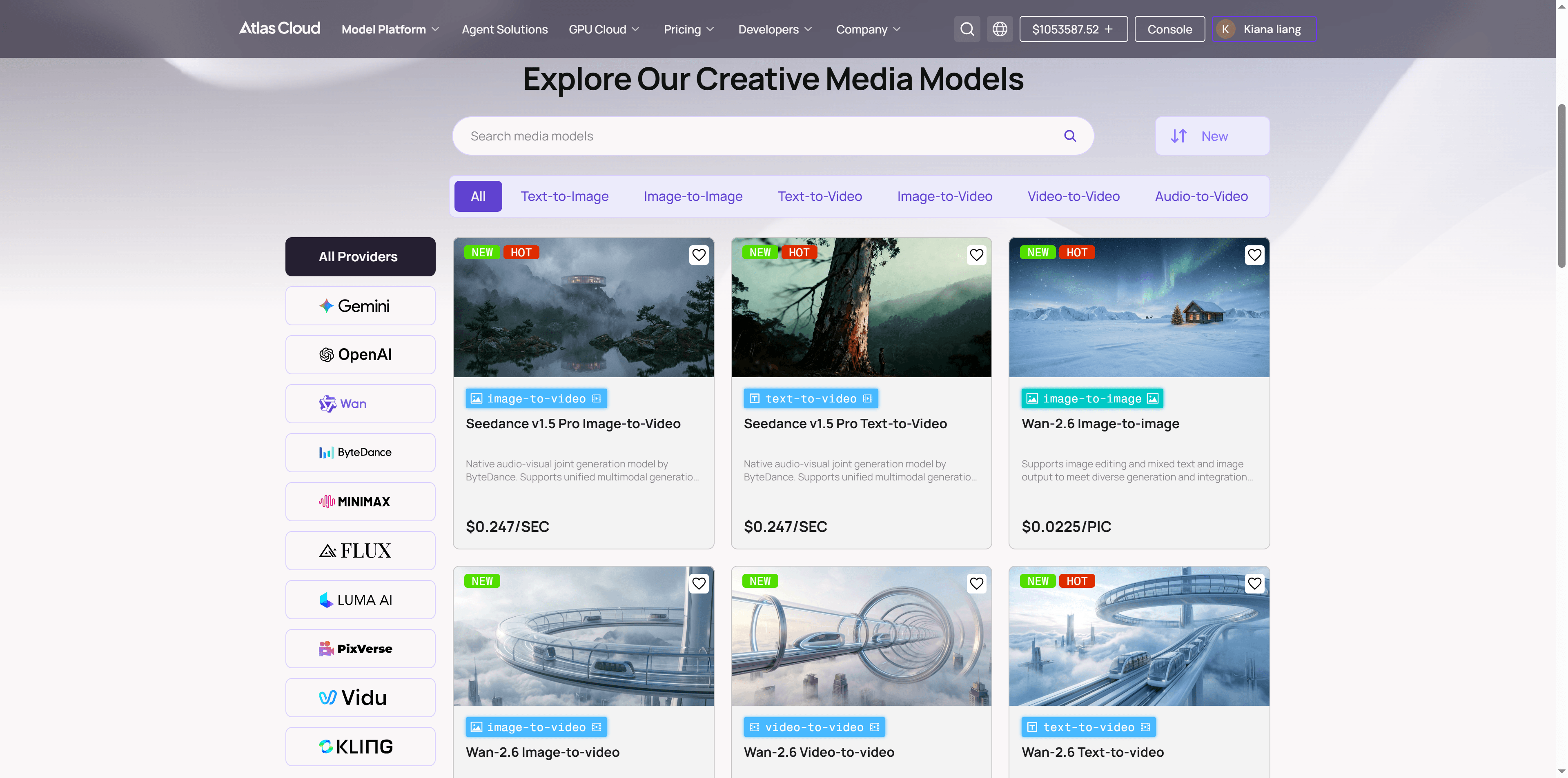
This is the most exciting part of the workflow. To achieve the best results, we don't just "stick to one tool." Instead, we dynamically route tasks to the model best suited for the specific shot:
🎥 Shot 1: Emotional Close-up (0-5s)
plaintext1Cinematic wide shot, low angle. A fluffy ginger cat wearing a tactical vest stands on a rusted balcony overlooking a rainy cyberpunk city at night. Neon signs reflect on the wet metal. Raindrops visibly slide down the cat's long fur. The cat gazes into the distance with a determined, stoic expression. The camera performs a slow, smooth dolly in towards the cat, emphasizing its heroic stature against the towering city background. 8k, photorealistic, volumetric lighting, heavy atmosphere.
- Click here to see the output.
- Visual: The cat looks into the distance, rain sliding down its long fur, eyes determined.
- Pain Point: Requires extreme physical texture and light reflection; fur cannot look blurry or matted.
- Atlas Cloud Pick: 👉 VEO 3.1 (Gemini) or Sora 2
- Core Reason: VEO 3.1 is the current "ceiling" for image quality regarding physical simulation (rain, fur) and realistic lighting. It delivers true cinematic texture.
🎥 Shot 2: Extreme Parkour & Long Take (5-20s)
plaintext1Dynamic action of an anthropomorphic orange cat in tactical gear performing parkour across neon‑soaked rooftops, acid rain, holographic advertisements, cyberpunk city, motion blur, cinematic lighting, 8k, hyper‑realistic, Unreal Engine 5, Cyberpunk, Neon lights, high contrast
- Click here to see the output.
- Visual: Agent Ginger sprints across suspended industrial pipes. Deadly red laser beams graze past him as he performs a flexible mid-air dodge.
- Pain Point: A high-difficulty 15-second continuous shot. The biggest challenge is limb coordination and stability during high-speed action—ordinary models often cause the cat to "liquefy" (turn into a dog or grow an extra leg) or fail to track the camera smoothly.
- Atlas Cloud Pick: 👉 Seedance 1.5 Pro (ByteDance) or KLING 2.6 Pro
- Core Reason: Highly recommended here is Seedance 1.5 Pro. It demonstrates ultimate control over biological skeletons and range of motion, solving the "collapse" problem in high-speed action. Crucially, it features native audio-visual sync, making this 15-second parkour sequence not a silent movie, but a fluid clip with perfectly timed footsteps and environmental sounds.
🎥 Shot 3: Explosion & Camera Movement (20-25s)
plaintext1Medium shot of orange cat agent landing amidst a huge cyberpunk tower explosion, debris and neon sparks flying, wet street reflections, cinematic lighting, 8k, hyper‑realistic, Unreal Engine 5, Cyberpunk, Neon lights, high contrast, dramatic
- Click here to see the output.
- Visual: As Ginger turns to leave, a massive corporate tower explodes in the background. Metal debris and neon shards scatter like rain. The camera executes a Rapid Crane Up, instantly shifting from a tight focus to a grand view of the cyberpunk city.
- Pain Point: The ultimate test of a model's 3D spatial understanding. With such drastic camera motion, background buildings in ordinary models often warp, lose perspective, or look like flat 2D textures.
- Atlas Cloud Pick: 👉 Hailuo 2.3 (Minimax) or Ray 2 (Luma)
- Core Reason: This is Hailuo 2.3’s home turf. It has the DNA of a "cinematographer" with powerful 3D construction capabilities. When handling "rapid zoom-outs" or "flying through fire," its Spatial Consistency is rock solid—you can clearly feel the depth and occlusion between debris and buildings, creating a suffocatingly epic atmosphere.
🎥 Shot 4: The Finale & Aftermath (25-30s)
plaintext1Back view, full body shot. A long-haired orange cat agent wearing a tactical vest standing on the edge of a rain-slick rooftop. Looking out at a neon sunrise breaking over a cyberpunk cityscape. Cinematic silhouette, 8k, hyper-realistic, Unreal Engine 5, Cyberpunk, Neon lights, atmospheric, high contrast, quiet mood.
- Click here to see the output.
- Visual: Ginger stands on the edge of a wet rooftop, back to the camera, overlooking the quieting wasteland city. The film title slowly fades in.
- Pain Point: A test of "Text Rendering" and "Brand Aesthetics." After the main visuals, audience attention shifts to the title and details. Two common issues:
- Inaccuracy: Warped letter structures or spelling errors, hurting brand credibility.
- Flatness: The logo is static but lacks depth, hierarchy, or visual tension.
- Atlas Cloud Pick: 👉 Wan 2.6 (Alibaba) or Pixverse v4.5
- Core Reason: For visuals emphasizing design and recognizability, Wan 2.6 excels at logo-level generation. Its control over composition order and visual standards is SOTA (State of the Art). It ensures precise control over line weight, color mapping, and lighting hierarchy while maintaining stylistic unity.
✂️ Step 4: Editing & Delivery
When you place the beautiful close-ups from Veo 3.1, the fluid action from Seedance 1.5 Pro, the stunning landscapes from Hailuo 2.3, and the delicate typography from Wan 2.6 onto your editing timeline, you will realize:
This film has no weak links.
This is the value of the SOP mentioned earlier—by compartmentalizing the workflow, we let each model do what it does best, elevating the overall quality to a commercial delivery standard.
🏆 Summary: Atlas Cloud = Your Cloud-Based AI Studio
Looking back, why were we able to successfully land this "Cyberpunk Cat Agent" project using Atlas Cloud?
- Breaking the Dimensional Wall: No need to do the script in OpenAI, go to Midjourney for images, and then jump to Kling for video. One account, the entire pipeline is connected.
- Refusing Compromise: Don't tolerate Kling's lighting just because you're already there—switch to Wan. Don't settle for Wan's limited motion range—switch to Minimax.
- Ultimate Cost-Efficiency: Pay-per-token and per-generation. No need to sustain monthly subscriptions for 5 different platforms.
SOP + Atlas Cloud Multi-Model Matrix: This is the "Industrial Revolution" for AI video creators in 2026.
How to Use Both Models on Atlas Cloud
Atlas Cloud lets you use models side by side — first in a playground, then via a single API.
Method 1: Use directly in the Atlas Cloud playground
The Script: DeepSeek-R1-0528
Anchor Image: Nano Banana Pro
Image-to-video models: VEO 3.1 (Gemini), Sora 2, Seedance 1.5 Pro (ByteDance) , KLING 2.6 Pro, Hailuo 2.3 (Minimax), Ray 2 (Luma), Wan 2.6 (Alibaba), Pixverse v4.5
Method 2: Access via API
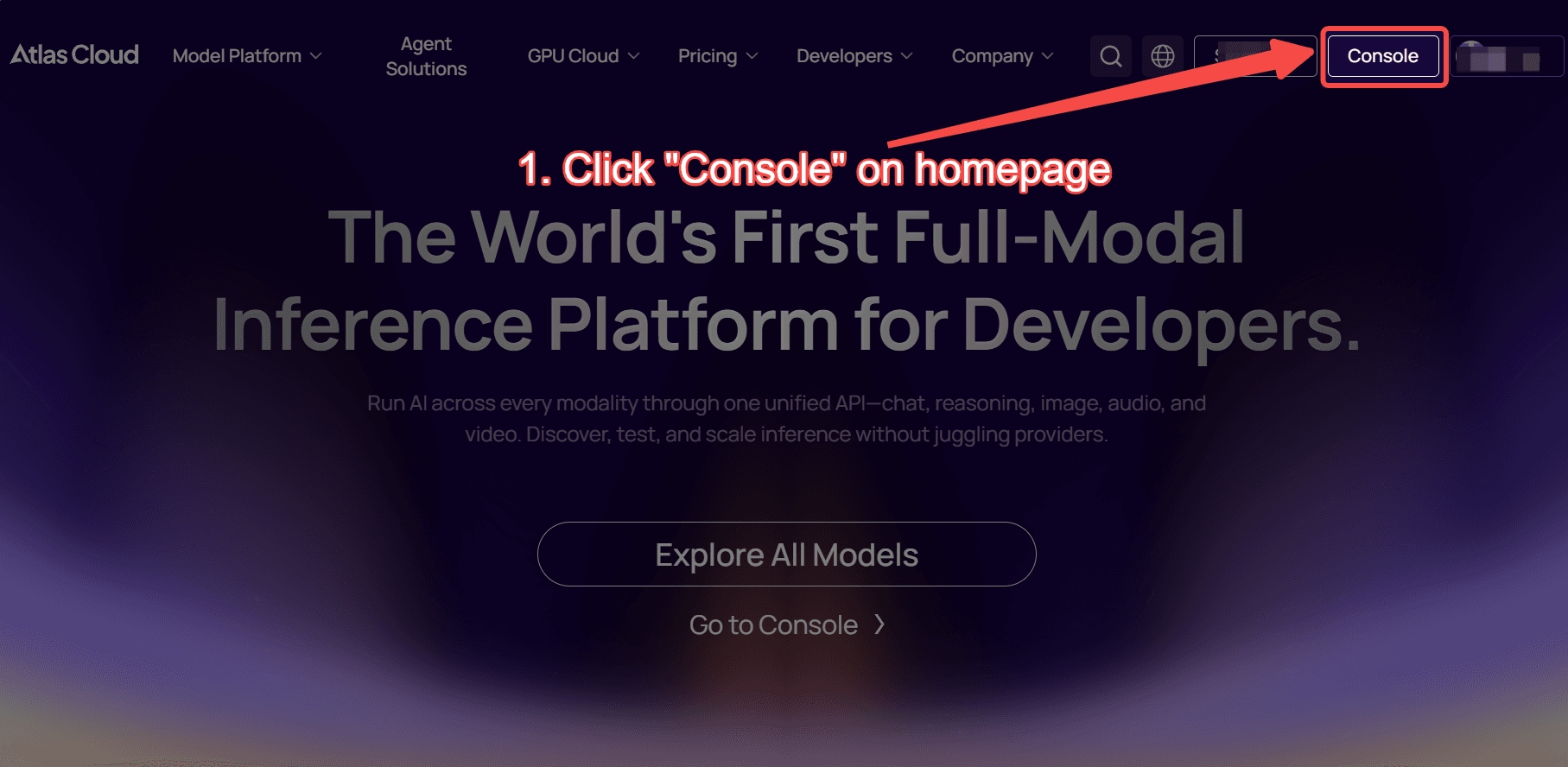
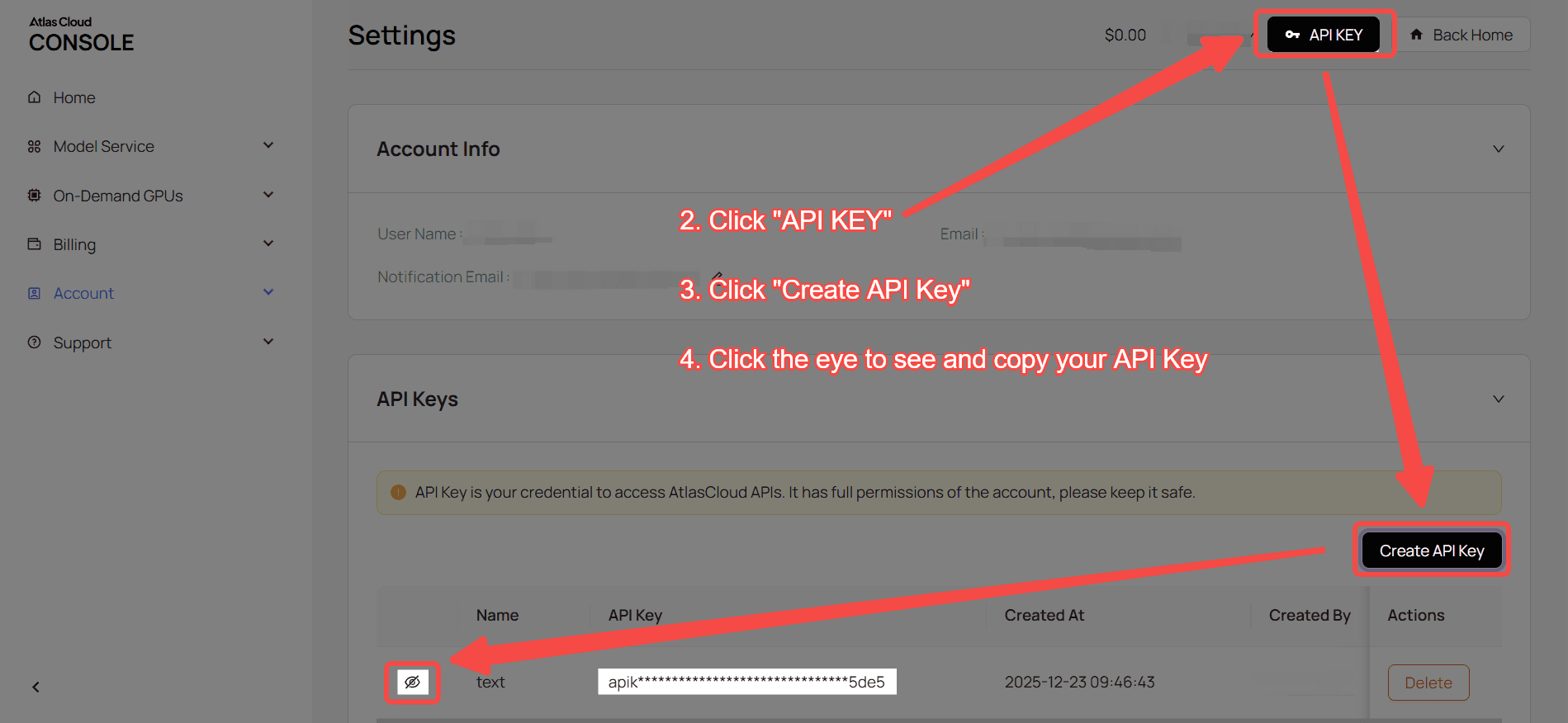
Step 1: Get your API key
Create an API key in your console and copy it for later use.
Step 2: Check the API documentation
Review the endpoint, request parameters, and authentication method in our API docs.
Step 3: Make your first request (Python example)
Example: generate a video with VEO 3.1 (Gemini) image-to-video model
plaintext1import requests 2import time 3 4# Step 1: Start video generation 5generate_url = "https://api.atlascloud.ai/api/v1/model/generateVideo" 6headers = { 7 "Content-Type": "application/json", 8 "Authorization": "Bearer $ATLASCLOUD_API_KEY" 9} 10data = { 11 "model": "google/veo3.1/image-to-video", 12 "aspect_ratio": "16:9", 13 "duration": 8, 14 "generate_audio": True, 15 "image": "https://static.atlascloud.ai/media/images/1760591777032682106_XaFByurn.jpeg", 16 "last_image": "https://d1q70pf5vjeyhc.cloudfront.net/media/fb8f674bbb1a429d947016fd223cfae1/images/1760591780225778646_nqDAwsql.jpeg", 17 "negative_prompt": "example_value", 18 "prompt": "The sports car is running, and its color turns red.\n", 19 "resolution": "1080p", 20 "seed": 1 21} 22 23generate_response = requests.post(generate_url, headers=headers, json=data) 24generate_result = generate_response.json() 25prediction_id = generate_result["data"]["id"] 26 27# Step 2: Poll for result 28poll_url = f"https://api.atlascloud.ai/api/v1/model/prediction/{prediction_id}" 29 30def check_status(): 31 while True: 32 response = requests.get(poll_url, headers={"Authorization": "Bearer $ATLASCLOUD_API_KEY"}) 33 result = response.json() 34 35 if result["data"]["status"] in ["completed", "succeeded"]: 36 print("Generated video:", result["data"]["outputs"][0]) 37 return result["data"]["outputs"][0] 38 elif result["data"]["status"] == "failed": 39 raise Exception(result["data"]["error"] or "Generation failed") 40 else: 41 # Still processing, wait 2 seconds 42 time.sleep(2) 43 44video_url = check_status()





