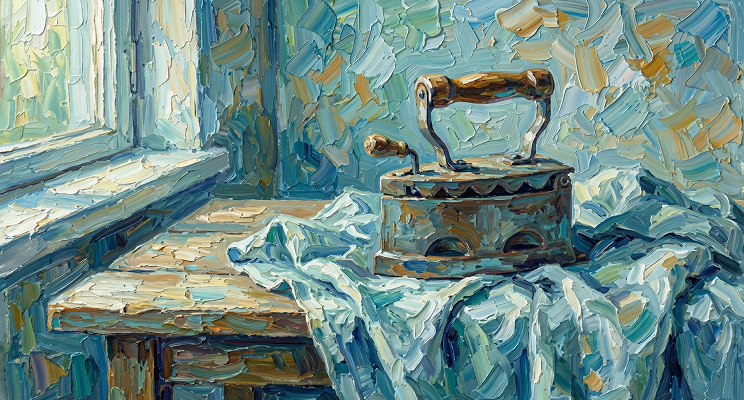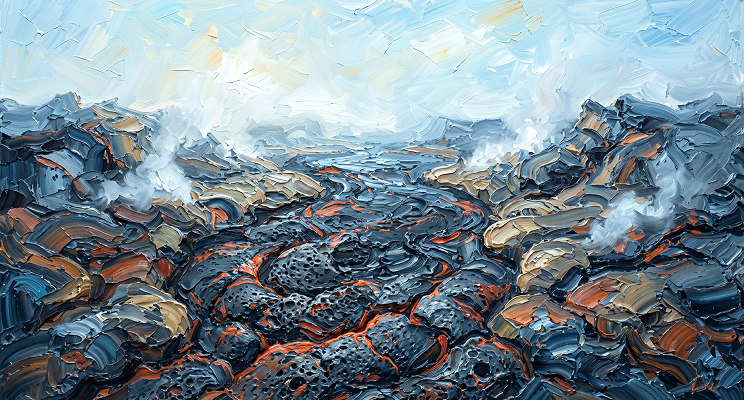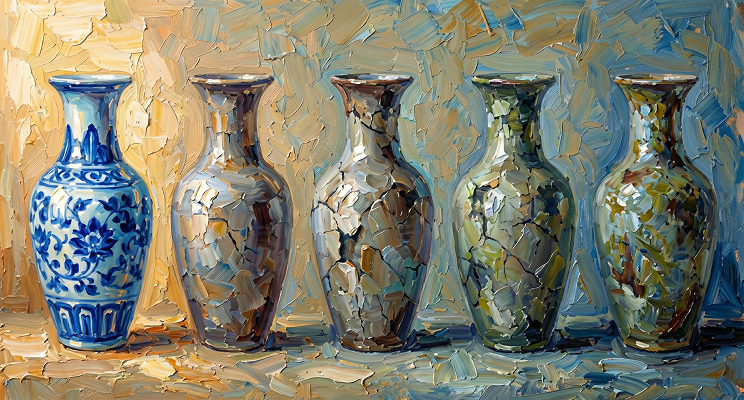
Recently, the local AI assistant framework OpenClaw on GitHub has gone viral. But many find it can only chat after installation. That's because you haven't installed the powerful 'Visual Skill Pack' yet!
Today, Atlas Cloud has curated 5 must-have flagship visual model Skills for everyone. From Nano Banana's god-tier image generation to Kling and Seedance's trending video generation, just a few command lines can upgrade your OpenClaw into a super visual assistant capable of generating high-end luxury TVC commercials!
🛠️ Step 1: Preliminary Preparation
To ensure a smooth installation, we need to prepare two basic environments on your computer: Node.js and Clawhub.
-
Install Node.js Before installing OpenClaw and Skills, please visit the official website to download and install Node.js; version v18 or above is recommended. Once installed, open your terminal (CMD/PowerShell for Windows, Terminal for Mac) and enter the following command to check the version:
text1node -v -
Install Clawhub Environment Clawhub is an essential tool for pulling and installing Skill repositories. Enter the following command in the terminal for global installation:
text1npm i -g clawhubNote: Mac users encountering permission errors should prefix the command with sudo, i.e.,
text1sudo npm i -g clawhub
📦 Step 2: One-Click Installation of Atlas Cloud Flagship Visual Skills
Once the environment is ready, we can "embed" these top-tier models into your OpenClaw. Execute the following installation commands in the terminal:
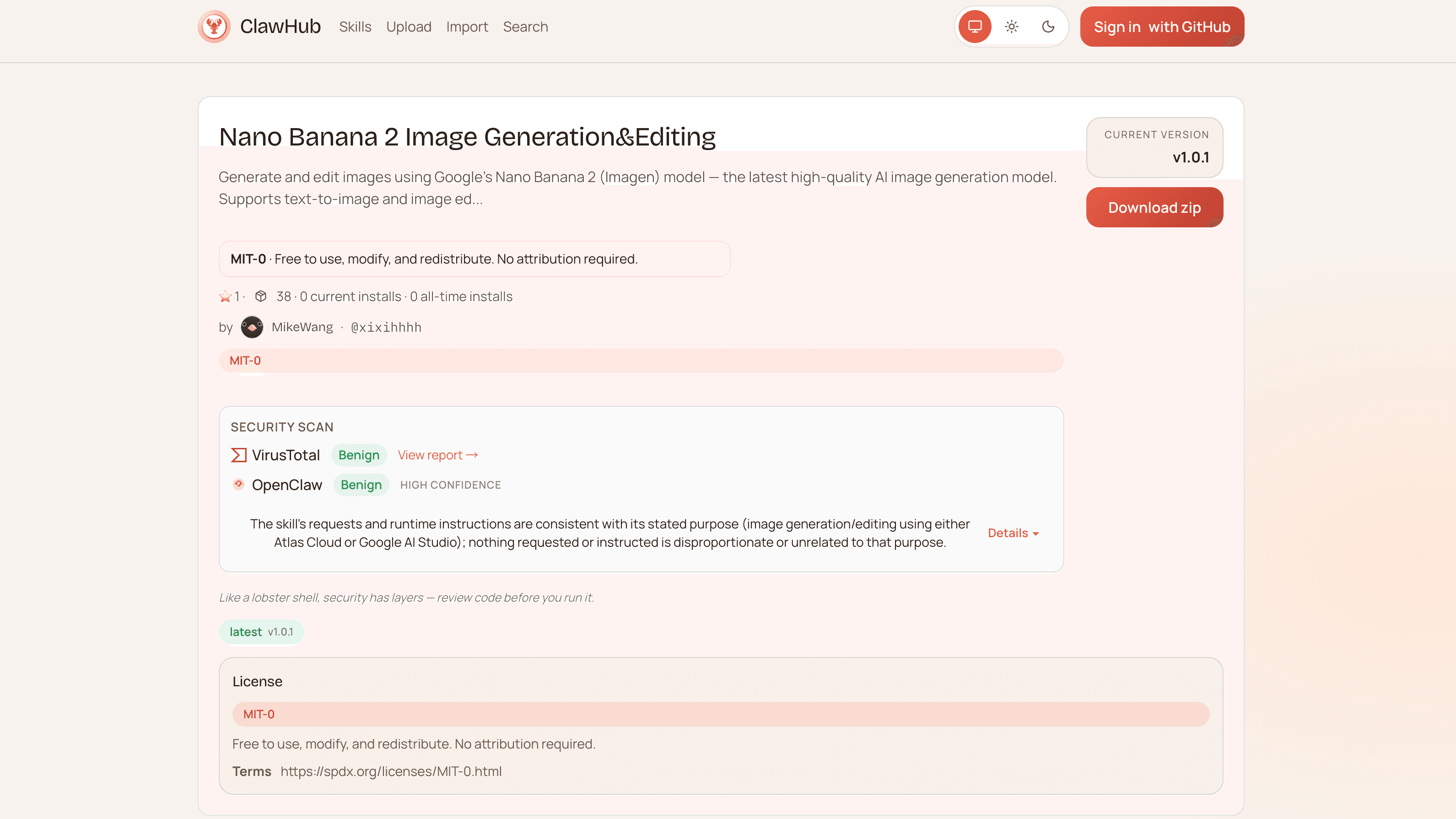
- Nano Banana 2 & Pro Image Series (High-fidelity visual tools):
- text
1clawhub install xixihhhh/nano-banana-2-skill - text
1clawhub install xixihhhh/nano-banana-pro-image - Kling & Seedance Video Generation Series (Dynamic shot makers):
- text
1clawhub install xixihhhh/kling-video - text
1clawhub install xixihhhh/seedance-ai-video - [Core Base] Atlas Cloud AI API (Power engine):
- text
1clawhub install xixihhhh/atlas-cloud-ai-api
🔑 Step 3: Configure Your Exclusive API Key
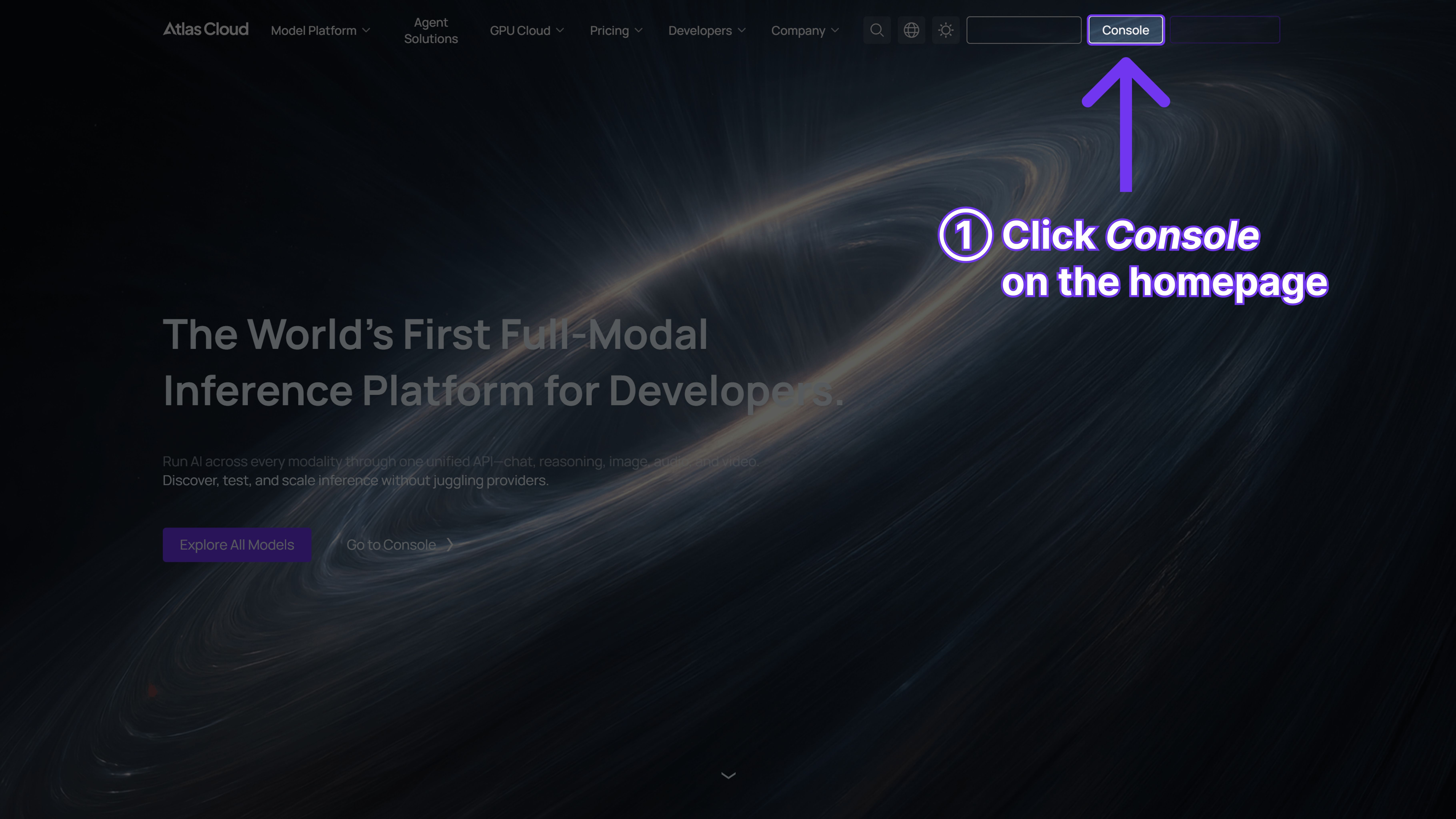
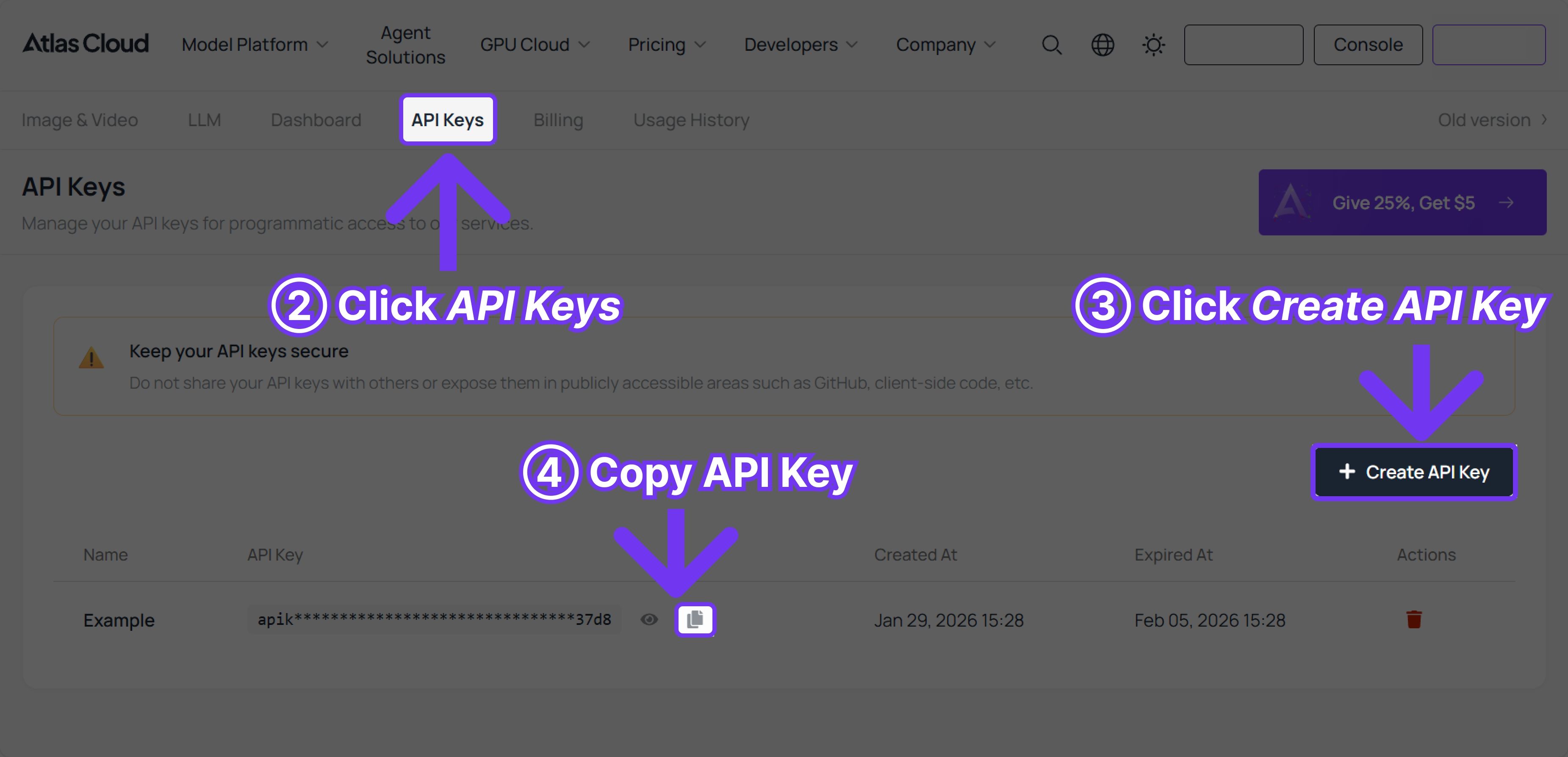
These 5 powerful skills consume computing power. You need to visit the Atlas Cloud console to get your exclusive API Key. Once obtained, enter the following command in the terminal to complete the configuration (replace the brackets with your actual Key, following general API configuration logic):
1clawhub config set ATLAS_CLOUD_API_KEY [YourKey]Step 1: Get Your API
Create and paste your API in the console
Step 2: Check the API Documentation
Please check the API docs for endpoints, request parameters, and authentication methods.
Step 3: Make Your First Request
🎬 Example Usage: Your Private Creative Director is Ready
After all configurations are complete, you can use natural language to command these models directly in the OpenClaw chat box. For example, you can enter:
Prompt 1: Please call Nano Banana Pro to generate an avant-garde advertising poster for the new Louis Vuitton handbag, with the background set in a minimalist art gallery with intersecting light and shadow.
Prompt 2: Use the Kling model to turn the image just generated into a 5-second dynamic video, requiring a slow camera push-in to reveal the reflective details of the Gentle Monster sunglasses lenses.