
CREATIVE VISUAL EFFECTS
VR Glasses Universe Journey
Immersive POV transition from real world through VR interface to multiple digital realms.
PROMPT
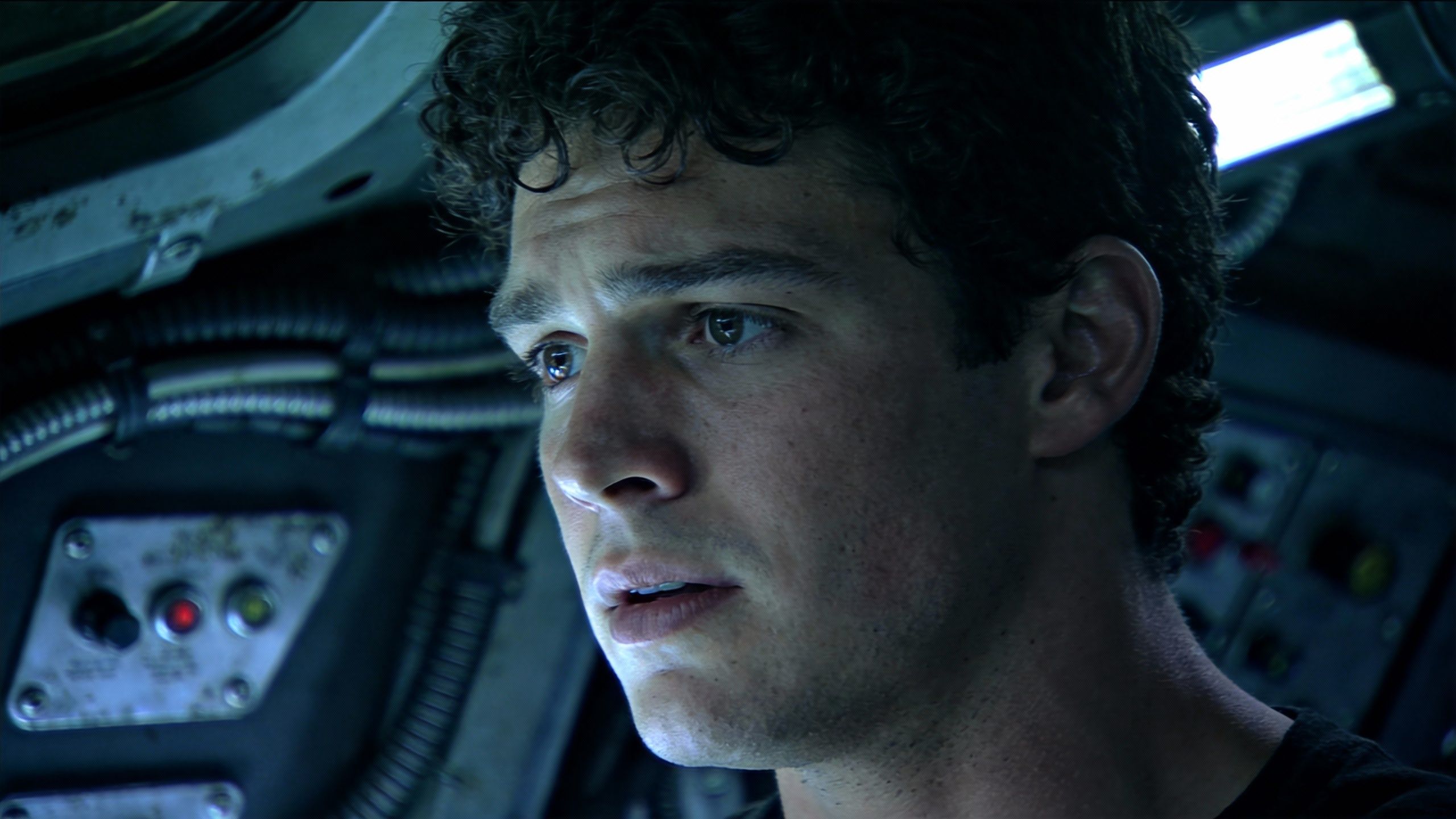
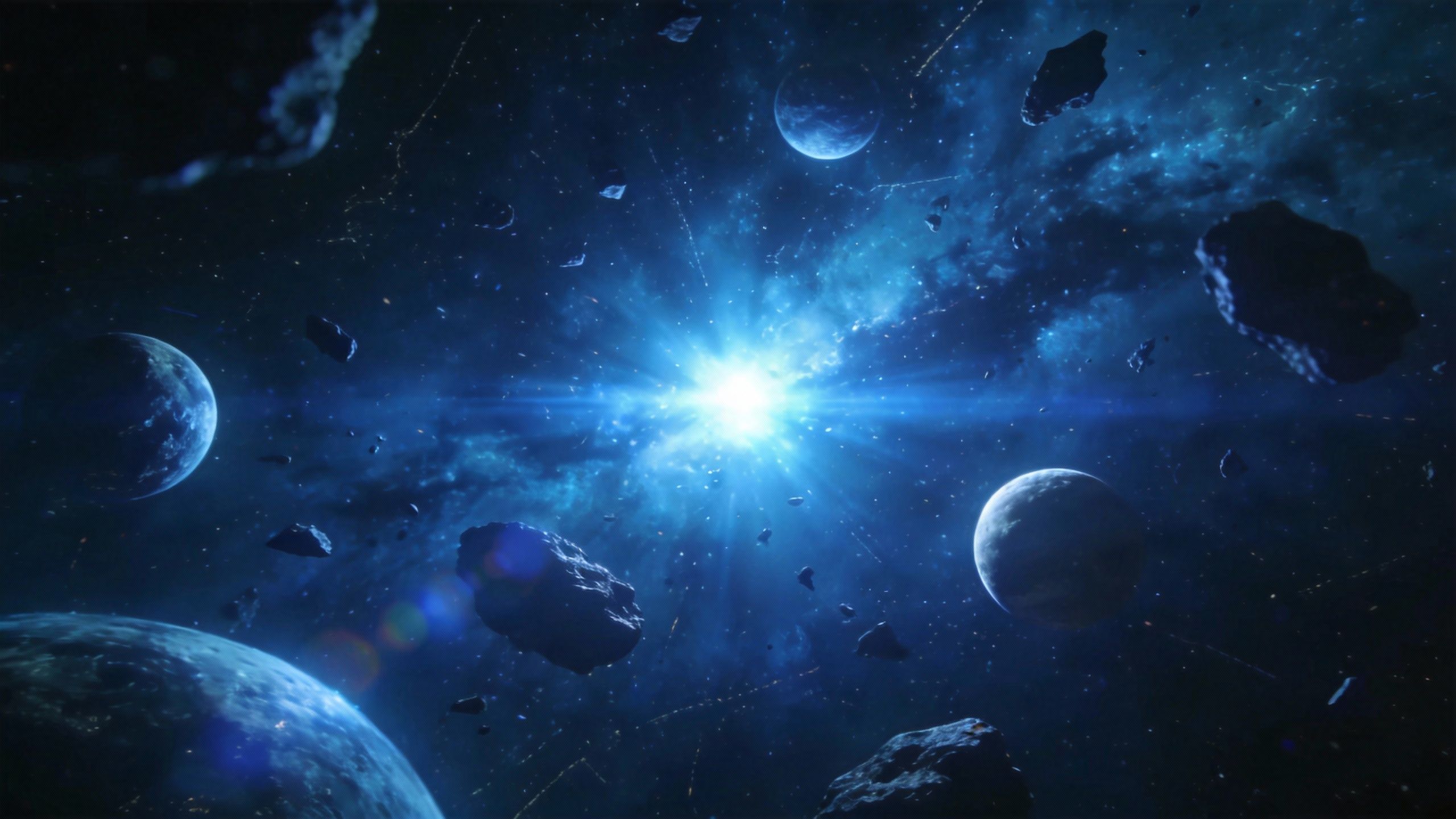
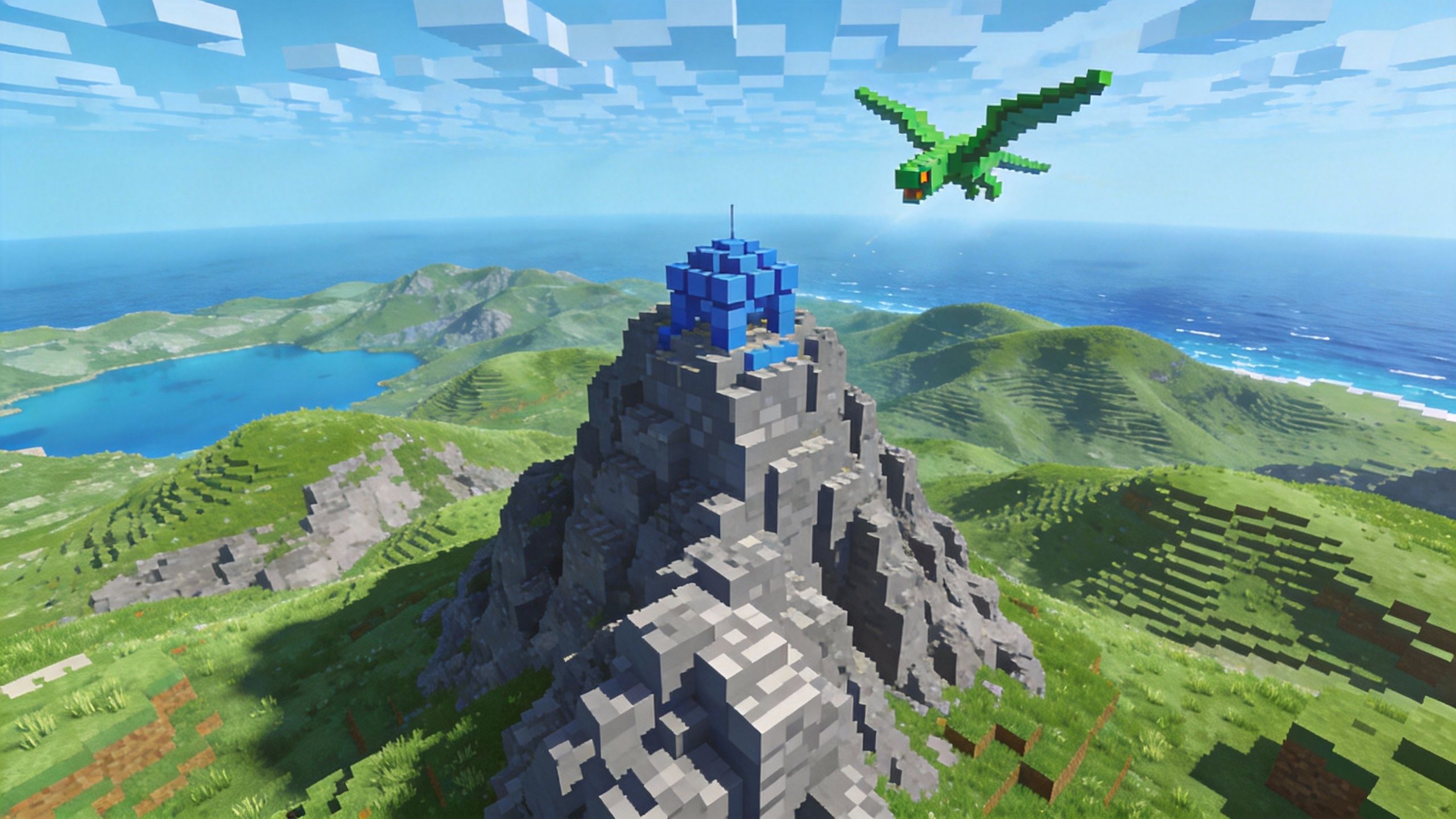
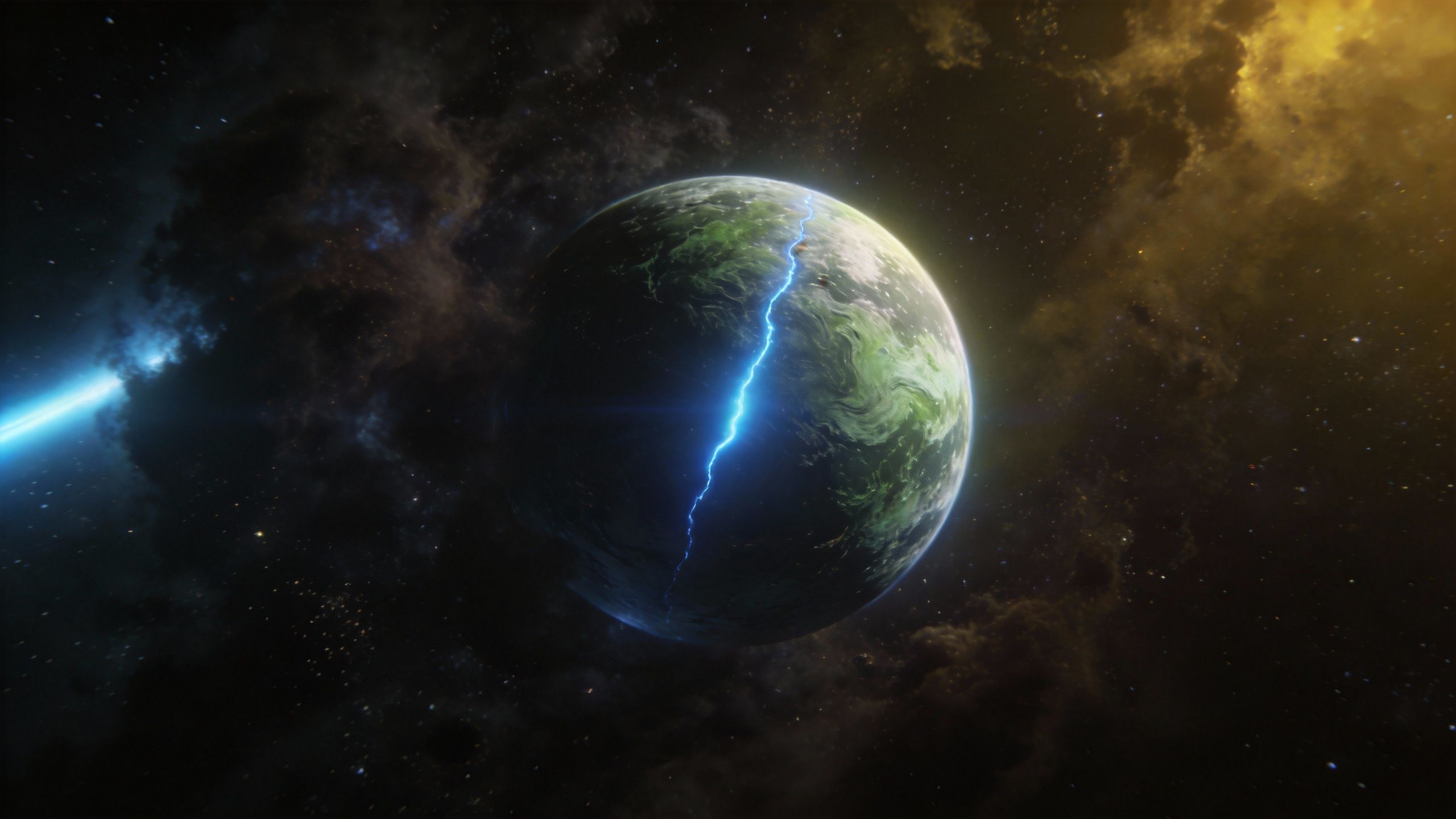
Replace the character in @video1 with @image1, @image1 as the first frame. The character puts on virtual sci-fi glasses, reference the camera movement of @video1, close orbital shot, from third-person perspective to the character's subjective perspective, shuttling through AI virtual glasses, arriving at the deep blue universe of @image2. Several spaceships appear shuttling into the distance, camera follows the spaceships shuttling to the pixel world of @image3. Camera flies low over the pixel mountain and forest world, where trees grow in formation. Then the perspective tilts up, rapidly shuttling to the light green textured planet of @image4, camera shuttles and sweeps past the planet's surface.
REFERENCE ASSETS
REQUIRED ASSETS
- @video1: camera reference
- @image1: character
- @image2-4: digital worlds
FAQ
What's new in Seedance 2.0 compared to previous versions?
Seedance 2.0 is a major upgrade from ByteDance's Jimeng AI. It supports true multimodal input — combining images (up to 9), videos (up to 3, total 2-15s), audio (up to 3, total up to 15s), and text in a single generation. Key improvements include more realistic physics, smoother motion, more precise instruction following, and more stable style consistency. It also features built-in sound effects and background music generation.
How does the @reference system work?
After uploading your materials, reference them in your prompt using @materialName to specify each asset's role. For example: '@image1 as first frame, @video1 reference camera movement and action, @audio1 for background music rhythm'. You can reference anything — actions, effects, styles, camera angles, characters, scenes, and sounds. The total number of uploaded files is limited to 12 across all modalities.
What are the key capabilities of Seedance 2.0?
Seedance 2.0 excels in: (1) Character and scene consistency — faces, clothing, and details remain stable across frames; (2) Precise camera movement replication from reference videos; (3) Creative template and VFX reproduction — transitions, ad formats, film segments; (4) Video extension — seamlessly extend existing videos up to 15s; (5) Video editing — replace characters, modify scenes, adjust actions in existing videos; (6) Audio-synced generation — beat-matching, voice acting, and music-driven visuals; (7) One-take long shots with coherent continuity.
What file formats and sizes are supported?
Images: jpeg, png, webp, bmp, tiff, gif (up to 9 files, each under 30MB). Videos: mp4, mov (up to 3 files, total duration 2-15s, each under 50MB, resolution between 480p and 720p). Audio: mp3, wav (up to 3 files, total duration up to 15s, each under 15MB). Generated video duration is customizable from 4 to 15 seconds.
What's the difference between All Reference and First & Last Frame modes?
All Reference mode supports full multimodal input (images, videos, audio, text) with the @reference system for maximum creative control. First & Last Frame mode is optimized for image-to-video generation where you only need to upload starting and ending frames. If you only upload a first frame image + prompt, you can use either mode; for multi-modal combinations, use All Reference mode.
Are there any content restrictions?
Due to platform compliance requirements, uploading materials containing realistic human faces (both photos and videos) is currently not supported. The system will automatically block such materials. This applies to both reference images and reference videos. Animated, illustrated, or stylized characters are not affected by this restriction.
Why use Seedance 2.0 on Atlas Cloud?
Atlas Cloud provides unified API access to Seedance 2.0 along with 300+ other AI models including Kling, Wan, Sora, and more. Benefits include: competitive pricing with first top-up +20% bonus, a single API key for all models, comprehensive prompt library with video examples, and reliable global infrastructure. Switch between different video models seamlessly to find the best results for your creative needs.
How can I get started with Seedance 2.0 on Atlas Cloud?
Browse our curated prompt gallery above for inspiration, copy any prompt directly, and try it on Atlas Cloud. Seedance 2.0 API is now available — start generating video today. You can also explore other top video models like Kling v2.6 Pro, Wan 2.6, and Sora 2 — all available through a unified API. Sign up and get bonus credits on your first top-up to start creating.