Anyone who has tried to keep one character looking the same across ten shots knows the pain. In a r/KlingAI_Videos thread titled "How to Actually Get Consistent Results in Kling Without Losing Your Mind", creators conclude that consistency "comes down to locking your prompt" and that results "depend greatly on which model you're using within Kling." This guide turns that hard-won advice into a repeatable workflow. You'll learn how to use Kling 3.0 for character consistency with reference images, Character ID, and AI Multi-Shot, plus a copy-paste prompt template.
Key Takeaways
- Kling AI character consistency depends on three pillars: a master character description, locked reference images, and disciplined negative prompts (Kling AI, 2025).
- Kling 3.0 adds feature-level tools (Character ID, AI Multi-Shot, Elements, Omni tagging) that go beyond prompt text alone.
- The single biggest fix from community testing is "locking your prompt," reusing identical descriptive keywords every shot.
- Developers scaling a consistency pipeline can call reference-to-video models per second through the Atlas Cloud API instead of buying web-app credits.
How to Use Kling 3.0 for Character Consistency: Workflow Overview
The fastest route to a consistent character in Kling 3.0 is a four-step loop: build a master character with reference images, lock your prompt with fixed descriptors and negative prompts, generate multi-angle shots with AI Multi-Shot, then extend scenes while carrying the same reference forward. Kling's own guide frames consistency as "prompt engineering and asset management," not luck.
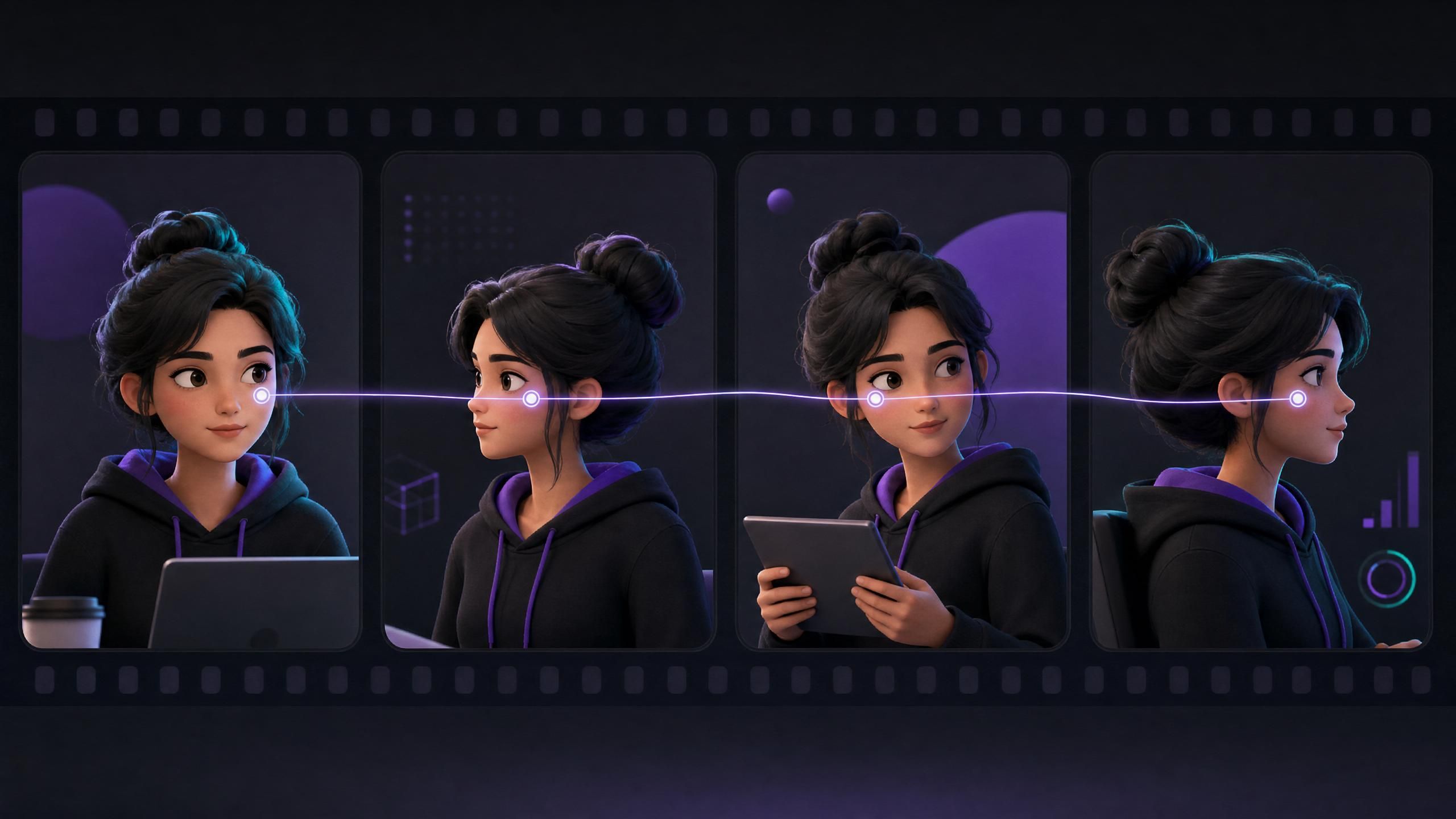
One thing to set straight first. Kling's official #1-ranking guide leans almost entirely on prompt text (master descriptions and keywords). This article goes further into the feature-level tools that Kling 3.0 actually ships, because prompt text alone drifts once you change scenes. Where does the real consistency come from? The reference and tagging features, used together with good prompts.
The Four-Step Kling 3.0 Character Consistency Workflow
- Master character (+ reference images) → 2. Lock the prompt (+ negative prompts) → 3. AI Multi-Shot (multi-angle reference) → 4. Generate + extend (carry frame forward)
td {white-space:nowrap;border:0.5pt solid #dee0e3;font-size:10pt;font-style:normal;font-weight:normal;vertical-align:middle;word-break:normal;word-wrap:normal;}
| Step | Action | Detail |
|---|---|---|
| 1 | Master character | Provide a master character image plus reference images |
| 2 | Lock the prompt | Fix the prompt and add negative prompts |
| 3 | AI Multi-Shot | Feed multi-angle reference shots |
| 4 | Generate + extend | Generate, then carry the frame forward into extensions |
The four-step Kling 3.0 character consistency workflow.
Kling AI Character Consistency: The Kling 3.0 Features That Matter
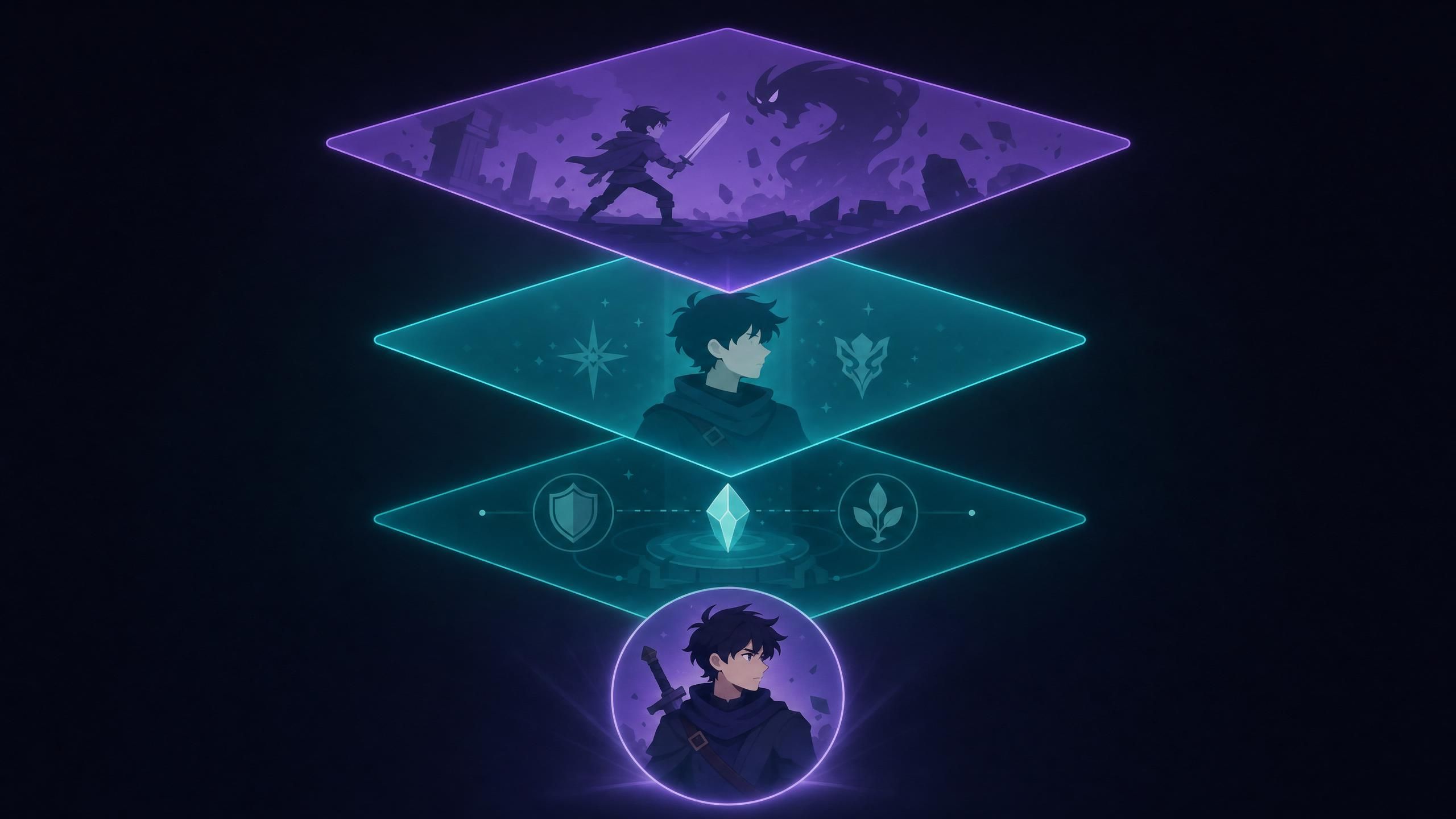
Kling AI character consistency in version 3.0 rests on four features that work together: Character ID to prevent visual drift, reference images to anchor appearance, AI Multi-Shot for automatic multi-angle generation, and Omni tagging for reusable characters. Character ID is described in Kling's consistency guide (Kling AI, Character Consistency Guide, 2025), while AI Multi-Shot and the Elements and Omni tools are defined in the Kling API documentation (2026). Prompt text sets the scene; these tools hold the identity.
Developers who want to see how reference images flow into motion can follow our Kling 3.0 image-to-video workflow → companion tutorial for the full pipeline.
Think of them as layers. The prompt describes what happens, the reference image describes who it is, and Character ID keeps that "who" stable when the camera angle or lighting changes. Skip the reference layer and you're back to rolling dice every render.
| Feature | What it does | When to use it |
|---|---|---|
| Character ID | Anchors a character's identity to prevent visual drift | Every multi-scene project |
| Reference images | Locks face, hair, and outfit from uploaded stills | Establishing a new character |
| AI Multi-Shot | Generates the same character from multiple angles automatically | Building a shot library |
| Elements / Omni tagging | Tags characters and objects as reusable assets | Reusing a character across prompts |
| Frame carry-over | Use a clip's final frame as the next clip's first frame for continuity | Stitching continuous scenes |
According to Kling's guide, consistency "demands organized prompt management, reference image application, and diligent parameter control," and advanced tools like Character ID exist specifically to "prevent visual drift" (Kling AI, Character Consistency Guide, 2025). That sentence is the whole strategy in one line.
Reference Images for Kling AI Character Consistency (Step 1)
Strong Kling AI character consistency reference images are the foundation, because they give the model a fixed visual anchor instead of a text guess. Kling's guide recommends keeping detailed character sheets that record face, hair, body, clothing, accessories, and posture, then reusing them every time (Kling AI, Character Consistency Guide, 2025). A clear, well-lit reference does more for consistency than any adjective.
What makes a reference image work? Treat it like a passport photo with options. Pair strong references with the disciplined prompt structure in our guide to writing effective AI video prompts → prompt structure deep dive to lock identity from the first frame. The table below collects practical guidance for preparing references; these are best-practice recommendations, not hard platform limits. When you are ready to animate those anchored references into motion, our Kling AI image to video guide explains how to carry a still character sheet into a moving clip.
| Reference attribute | Recommended approach |
|---|---|
| Face visibility | Unobstructed, front-facing, neutral expression |
| Lighting | Even and neutral, no harsh shadows |
| Background | Plain so the model isolates the subject |
| Angles | Provide several views for multi-angle work |
| Outfit | One signature look per character sheet |
Step 2: Lock Your Prompt to Keep Characters Consistent
The most repeated fix in community testing is blunt: lock your prompt. Reuse the exact same descriptive block for your character in every shot, and only change the scene and action around it. Kling's guide calls for "applying the same descriptive keywords" across scenes and pairing them with negative prompts to suppress unwanted changes (Kling AI, Character Consistency Guide, 2025).
Why does locking work? Because every word you change is a new instruction the model is free to reinterpret. A fixed descriptor block shrinks that freedom to just the scene. Here's a reusable template you can paste and adapt:
plaintext1[CHARACTER LOCK: keep identical every shot] 2A 30-year-old woman, oval face, sharp jawline, light-brown eyes, 3shoulder-length wavy black hair, small scar above left eyebrow, 4wearing a fitted olive-green field jacket and a silver pendant. 5 6[SCENE: change this only] 7{location}, {time of day}, {camera angle}, {action}. 8 9[NEGATIVE PROMPT] 10different face, changed hairstyle, altered outfit, extra accessories, 11age change, distorted features, inconsistent lighting on face.
Keep the character lock block byte-for-byte identical between generations. The moment you paraphrase it, drift creeps back in. For a deeper look at how to build that descriptor block so it reads clearly to the model every time, our Kling AI video prompt guide breaks down the exact phrasing patterns that stay stable across shots.
Step 3: AI Multi-Shot for Multi-Angle Kling AI Character Consistency
AI Multi-Shot is the Kling 3.0 feature that automatically renders the same character from multiple angles, which is the hardest part of Kling AI character consistency to do by hand. Instead of prompting each angle and hoping the face matches, you generate a coherent multi-angle set from one reference, then pull shots from it as needed.
The practical sequence is simple. Build the character in the image stage, run AI Multi-Shot to produce the angle set, then feed those frames into image-to-video so motion inherits a locked identity. Carrying the final frame of one clip into the next clip as its first frame keeps continuity across cuts.
Kling AI Character Consistency 2026: How Versions Differ
Kling AI character consistency in 2026 is noticeably stronger than in older releases, mainly because newer versions add reference and tagging features that 1.x never had. This matches what creators report: one r/KlingAI_Videos commenter noted that results "depend greatly on which model you're using within Kling," recalling weaker output starting from Kling 1.6.
Because each version also caps clip duration differently, it helps to know the Kling AI video length limit → maximum clip and extend duration before planning a long sequence. The takeaway is to standardize on a current version before blaming your prompts. A 3.0 workflow with Character ID and AI Multi-Shot has tools an early-version workflow simply cannot replicate, so consistency advice written for older Kling releases will underperform today. To understand exactly what changed under the hood and why the newer engine holds identity so much better, read our breakdown of the Kling 3.0 Omni upgrade.
Kling AI Character Consistency Review: Strengths and Limits
An honest Kling AI character consistency review has to hold two truths at once. Kling 3.0 is strong at preserving a face and signature outfit across separate shots when you use reference images and Character ID, which is a real step up from prompt-only methods (Kling AI, Character Consistency Guide, 2025). It is not flawless, though.
The limits show up in two places: fine details and long sequences. Small features like a specific scar, jewelry, or tattoo can wander between renders, and identity tends to soften the further you extend a single chain of clips. The fix is not a magic prompt; it's discipline, locking references, keeping clips short, and cutting between fresh generations rather than over-extending one. Treat Kling 3.0 as a powerful assistant that still needs a human continuity supervisor.
Kling AI Character Consistency Checklist and Troubleshooting
Use this Kling AI character consistency checklist before and during a project. It exists because video tutorials are hard to scrub through mid-render, and a written list is faster to act on.
- Master character sheet written and saved (face, hair, body, outfit, accessories).
- Reference image is clear, front-facing, evenly lit, plain background.
- Character lock block reused byte-for-byte every shot.
- Negative prompt blocks face, hairstyle, outfit, and age changes.
- Current Kling version selected (not an older release).
- Clips kept short; scenes connected by carrying the final frame forward.
Troubleshooting: Face changed between shots? Your descriptor block was paraphrased, paste it identically. Outfit drifting? Add the specific item to the negative prompt as "altered outfit." Identity fading in a long clip? Stop extending, generate a fresh clip from the reference and cut.
Scaling Character Consistency With the Kling 3.0 API
Manual shot-by-shot work is fine for one video, but a series or a product pipeline needs automation. Reference-to-video models let you script a locked character across hundreds of generations and pay per second instead of per credit. Atlas Cloud's catalog includes Kling 3.0 among 300-plus models, alongside other reference-to-video options you can call programmatically and bill by the second.
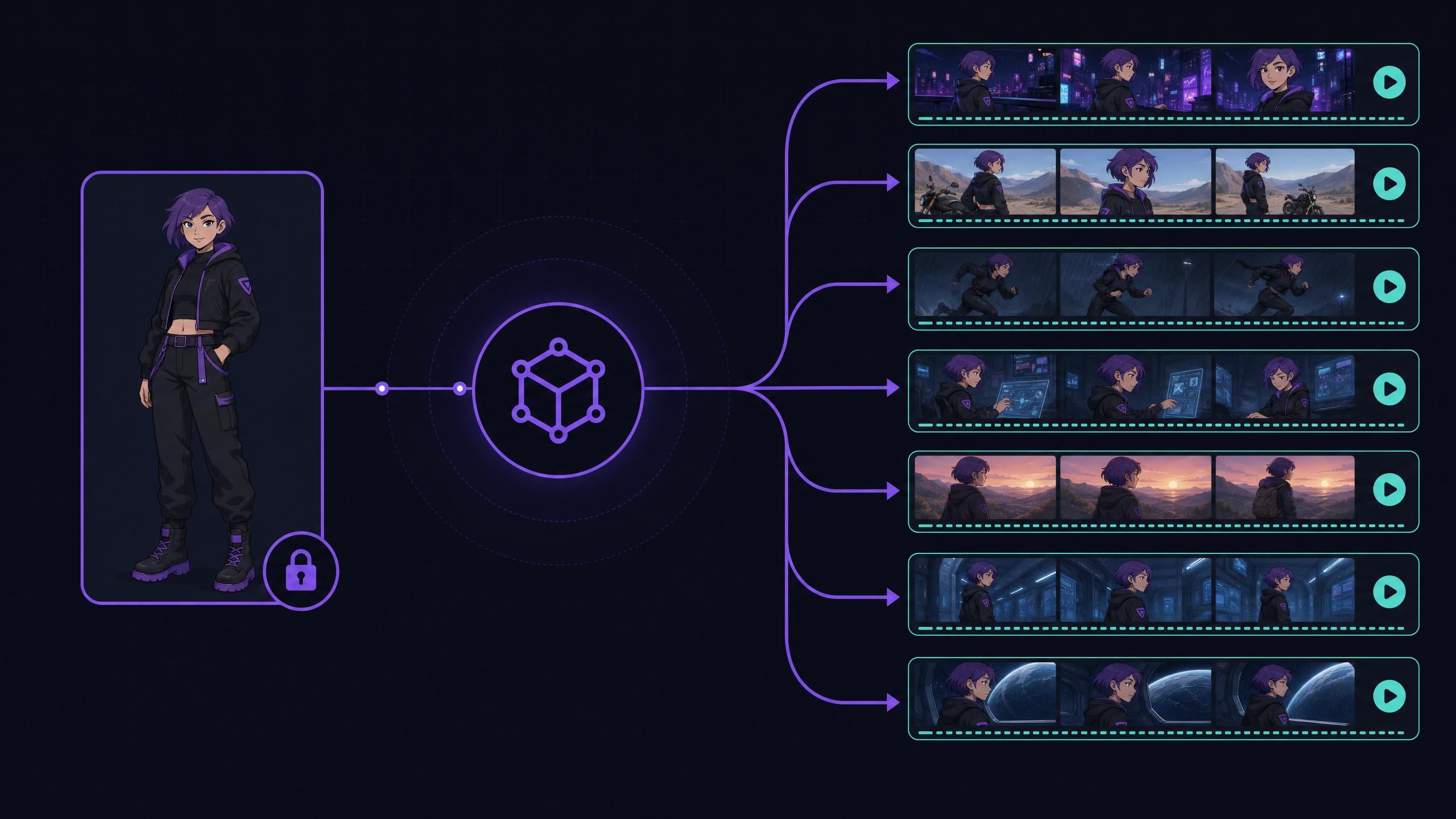
Here is our own per-second pricing for reference-to-video models on the platform, taken directly from the Atlas Cloud catalog. Reference-to-video is the exact capability a character-consistency pipeline leans on, so the per-second rate sets your real production budget.
Here is the same locked-character workflow in code. Upload your reference image, then generate a video from it with your locked prompt, and poll for the result. The Atlas Cloud video API takes a model id, your prompt, and the reference image URL.
plaintext1# 1. Upload your locked-character reference image (returns an image URL) 2curl -X POST https://api.atlascloud.ai/api/v1/model/uploadMedia \ 3 -H "Authorization: Bearer $ATLAS_API_KEY" \ 4 -F "[email protected]" 5 6# 2. Generate a video from that reference, reusing your locked prompt block 7curl -X POST https://api.atlascloud.ai/api/v1/model/generateVideo \ 8 -H "Authorization: Bearer $ATLAS_API_KEY" \ 9 -H "Content-Type: application/json" \ 10 -d '{ 11 "model": "kling-v2.0", 12 "prompt": "A 30-year-old woman, oval face, shoulder-length wavy black hair, olive-green field jacket, walking through a forest at dawn", 13 "image_url": "https://.../character-reference.png" 14 }' 15# Swap "model" for any video model id from the catalog (Seedance 2.0, Wan-2.7, Vidu Q3, ...) 16 17# 3. Poll for the finished video 18curl https://api.atlascloud.ai/api/v1/model/prediction/PREDICTION_ID \ 19 -H "Authorization: Bearer $ATLAS_API_KEY"
Because the reference image and prompt block are fixed, every call in a batch inherits the same character, which is exactly the consistency the manual workflow fights for by hand. Once your characters stay locked across a batch, you can give them a synced voice too, and our Kling AI lip sync tutorial shows how to match speech to those consistent faces at scale.
Developers building a repeatable pipeline can browse the full video model lineup on Atlas Cloud and pick a reference-to-video model by cost and quality, weighing the trade-offs in our comparison of AI video models → which model fits your pipeline, then automate the same locked-character workflow described above at scale.
Frequently Asked Questions
How do I maintain character consistency in Kling AI?
Write a master character description, lock it as an identical prompt block in every shot, add reference images, and use negative prompts to block face, hair, and outfit changes (Kling AI, Character Consistency Guide, 2025). In Kling 3.0, layer Character ID and AI Multi-Shot on top for multi-angle stability.
What are the best reference images for Kling AI character consistency?
The best Kling AI character consistency reference images are clear, front-facing, evenly lit, and set against a plain background, with one signature outfit per character sheet. Provide several angles when you plan to use AI Multi-Shot, so the model has a fuller view of the character to anchor to.
Is Kling 3.0 good for character consistency in 2026?
In this Kling AI character consistency review, Kling 3.0 in 2026 holds faces and signature outfits well across separate shots, clearly ahead of prompt-only methods. Fine details like jewelry and scars can still drift, and identity softens in very long single clips, so keep clips short and cut between fresh generations.
How does Kling 3.0 character consistency compare to other video models like Veo?
Both Kling 3.0 and models such as Google's Veo offer reference-based consistency features, and quality varies by shot, prompt, and reference quality rather than by a single winner. The most reliable approach is the same everywhere: lock a reference and reuse identical descriptors. Test the specific model your project needs against your own footage.
Why do my Kling characters still change between shots?
The usual cause is a paraphrased prompt. Even small wording changes to the character block let the model reinterpret the face or outfit. Paste the descriptor block identically every time, add the drifting attribute to your negative prompt, and confirm you are on a current Kling version rather than an older release.
Conclusion
Character consistency in Kling 3.0 is a workflow, not a wish. Lock a master character with strong reference images, reuse an identical descriptor block with sharp negative prompts, lean on Character ID and AI Multi-Shot for multi-angle stability, and keep clips short to avoid drift. Those steps turn the Reddit complaint of losing your mind into a repeatable process. For teams automating this at scale, per-second reference-to-video models on Atlas Cloud's model pricing let you run the same locked-character workflow across an entire project.





