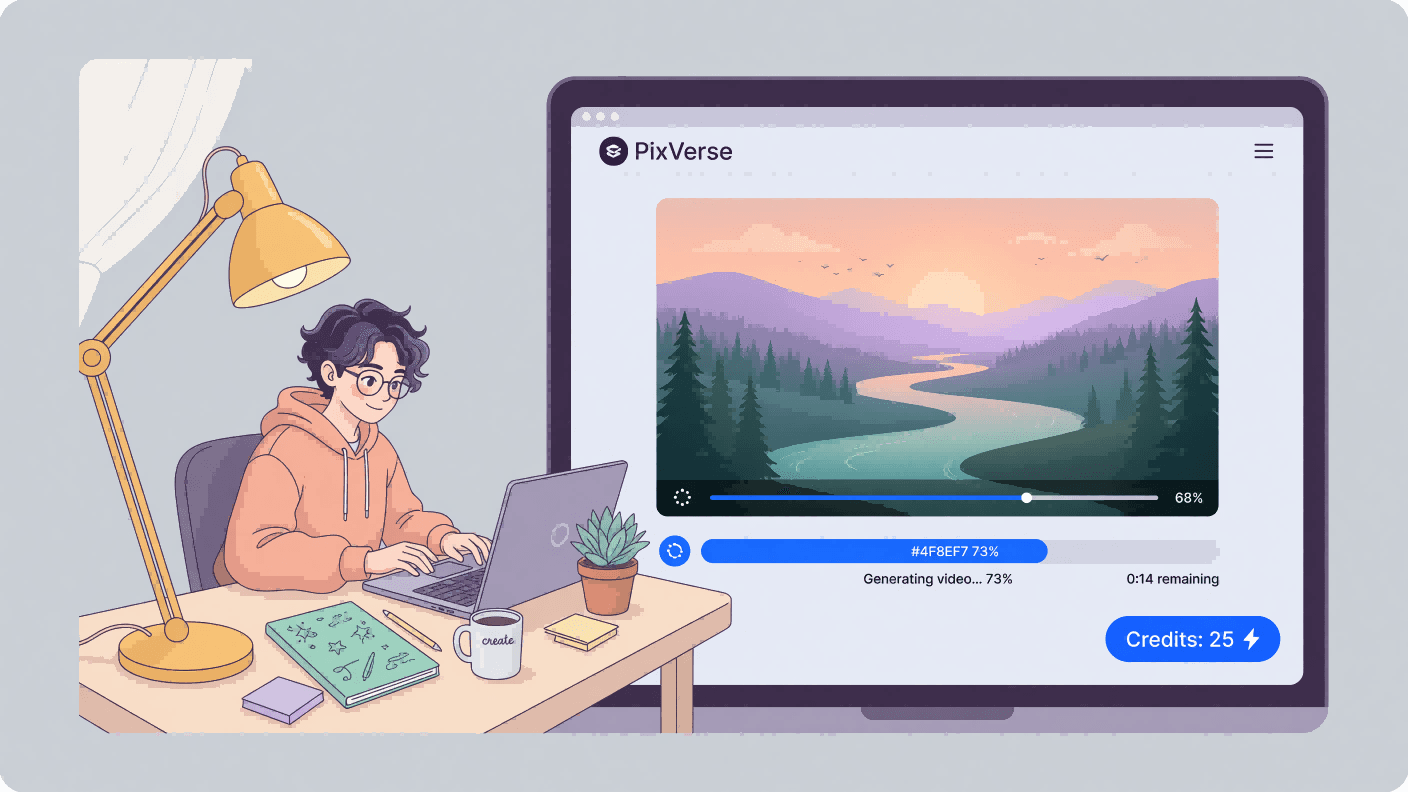
Yes, PixVerse AI is free to start. New accounts get a one-time bonus of 90 credits plus 60 credits that refresh every day, according to a 2026 review by Smoke Team. Each video costs about 35 credits or more depending on the model, so the free plan covers roughly one short clip per day. The catch? Free videos carry a watermark and are exported at low resolution.
So the real question is not whether PixVerse AI free access exists. It is what those free credits actually buy you, and where the limits bite. This guide breaks down every number.
Key Takeaways
- PixVerse AI free signup grants 90 one-time credits, then 60 credits daily.
- At 35 credits per video, that's roughly 1 free daily generation.
- Free exports include a PixVerse watermark and cap resolution at a low setting.
- Free credits cover both text-to-video and image-to-video modes.
- Heavy or commercial use needs a paid plan or an API route with no daily cap.
| Free-tier item | What you actually get |
|---|---|
| Signup bonus | 90 one-time credits |
| Daily free credits | 60 credits, refreshed every day |
| Cost per video | About 35-120 credits |
| Watermark | Yes, on free exports |
| Max resolution (free) | 540P (basic resolution; 1080P+ on paid plans) |
| Commercial use | Not permitted on the free tier |
| Modes available | Text-to-video and image-to-video |
Figures below are drawn from third-party reviews dated 2025 to 2026, since PixVerse does not publish its free-tier terms on an easily accessible page. Treat exact numbers as current-as-reported, not official guarantees.
Is PixVerse AI Free to Use?
PixVerse AI is free to use on a freemium model. You start with 90 credits at signup and pick up 60 more each day, and each generation requires a minimum of 35 credits. You never pay to open the app. You only pay when you outgrow the daily credit drip.
That makes the honest answer to "Is PixVerse AI Free" a qualified yes. The tool is free to try and free to use lightly, forever. It is not free for volume, high resolution, or commercial work.
Think of it like a coffee shop with free refills, but only one cup a day. Enough to enjoy, not enough to resell.
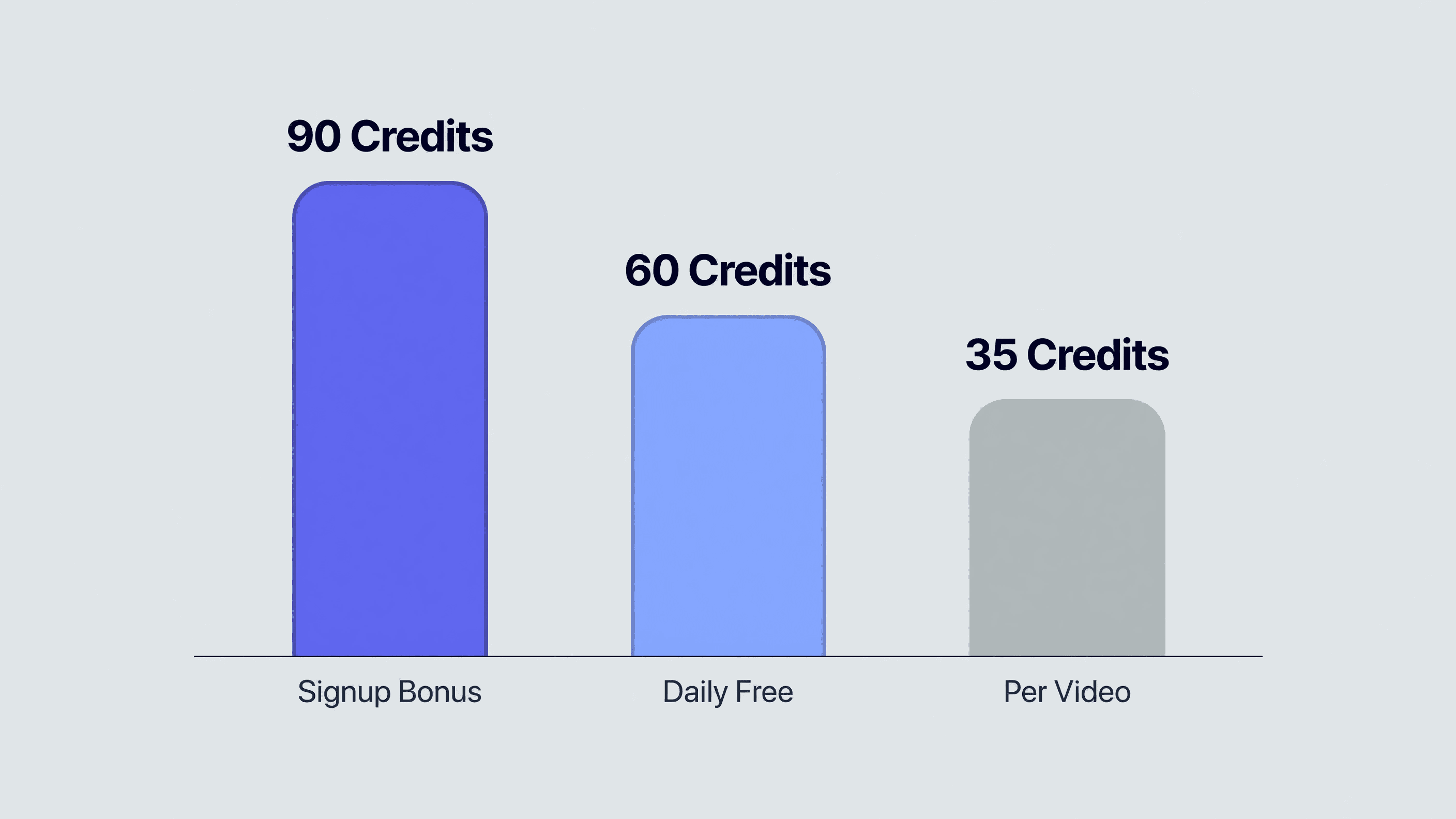
PixVerse gives new users 90 credits and charges 35 credits per video generation, with 60 credits arriving daily. The 90-credit signup bonus alone covers one video before the daily refills begin. This freemium structure lets anyone test text-to-video output before committing to a paid plan.
That free allowance is plenty to evaluate the tool before you ever weigh a paid tier.
How Many PixVerse AI Free Credits Daily Do You Get?
You get 60 PixVerse AI free credits daily, layered on top of the one-time 90-credit signup bonus. At roughly 35 credits per clip, the daily refill funds about one video every 24 hours. The 60 daily credits reset each day rather than stacking, so the system rewards steady use over hoarding.
Here is the math nobody states plainly. Sixty free PixVerse AI credits per day, divided by 35 credits per video, equals one free video a day. That is around 30 free videos a month if you log in daily. For a hobbyist making short social clips, that ceiling is generous. For a small business shipping daily ads, it runs dry fast.
The daily reset is the real engine of the free plan. Miss a day and those 60 credits do not roll over. Want a bigger buffer? You either earn extra credits through referrals or move to a paid tier. We cover the referral route further down.
What Can the PixVerse AI Free Video Generator Make?
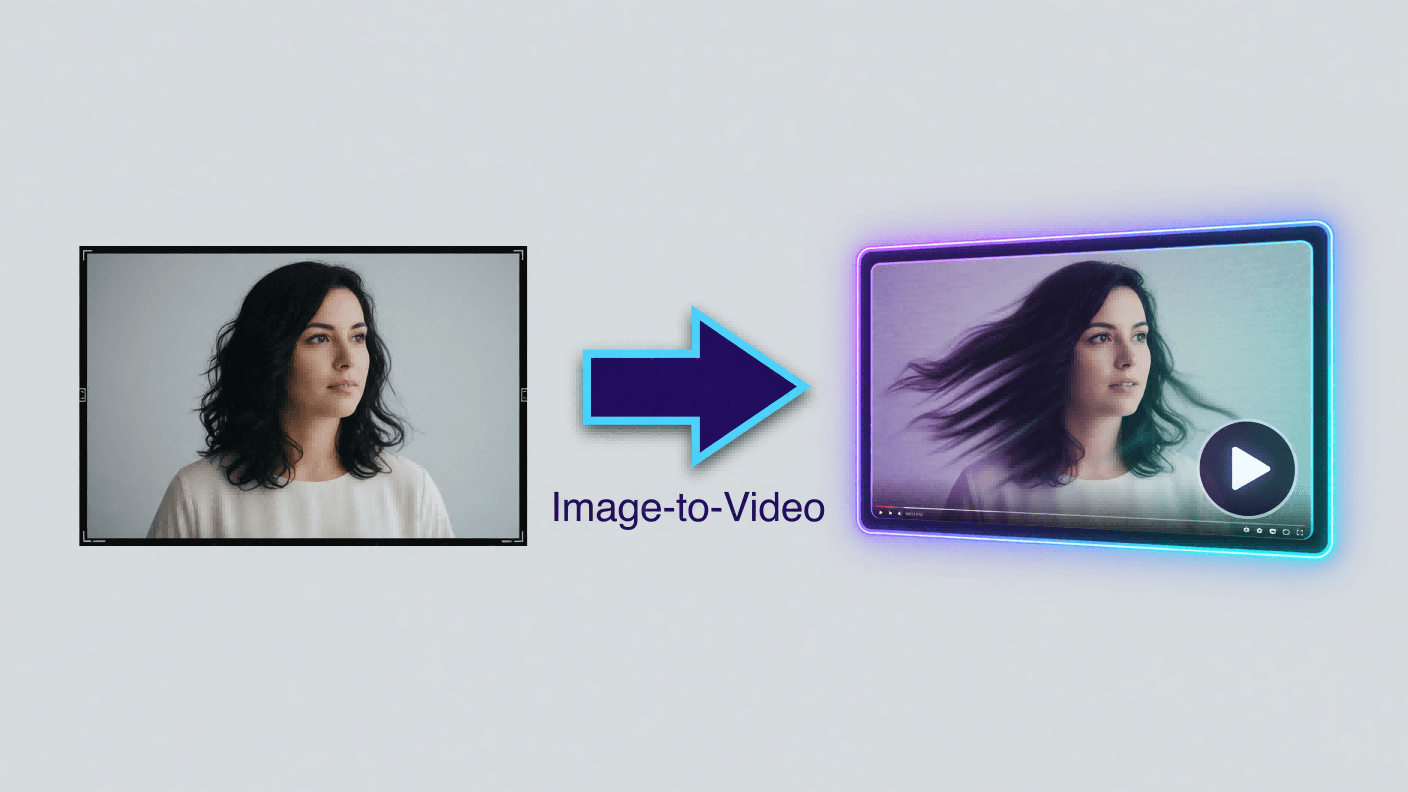
The PixVerse AI free video generator supports both text-to-video and image-to-video on the free plan, drawing from the same 60-credit daily pool. You type a prompt or upload a still image, and PixVerse animates it into a short clip. The cost per generation for both V5.6 and V6 modes is 35 credits.
This is where free credits stretch furthest. A single photo can become a moving scene without you touching a timeline. Curious how the photo workflow compares to prompts alone? Both start from the same credit pool, so you can test each without extra cost.
PixVerse AI free credits image to video conversions behave the same as text prompts on billing: 35 credits each, watermarked, low resolution. The creative ceiling is identical across modes; only your daily credit count limits how much you produce.
Does the PixVerse AI Free Plan Add a Watermark?
Yes. The PixVerse AI free watermark appears on every clip exported from the free tier, according to 2025 to 2026 PixVerse pricing breakdowns by Somake and Flowith, and free output is also capped at low resolution. PixVerse does not publish these terms on a public page, so treat the specifics as third-party reported rather than officially confirmed.
The watermark is the clearest line between free and paid. It signals the clip was made on a free account, which matters if you plan to post to a brand channel. Removing it means upgrading to a paid plan, which also lifts the resolution cap.
Reviewers note that free PixVerse exports keep a corner watermark and a reduced resolution, while paid plans lift both. Because PixVerse changes plan details periodically, confirm the current watermark policy inside the app before relying on a free clip for anything public.
Would a watermark sink your project? For practice and learning, no. For client work, yes.
PixVerse AI Free Limits in 2026
The PixVerse AI free limits 2026 users hit most are credits, resolution, watermark, and commercial rights. Third-party reviews from 2025 to 2026 consistently describe a low free resolution, with sources citing anywhere from 360p to 720p depending on the date, plus a watermark and no commercial-use license on free output. These are the four walls of the free plan.
We run PixVerse v6 ourselves through the Atlas Cloud API, so we watch its limits closely. The pattern is typical for consumer AI video apps. The free tier is a funnel, generous enough to hook you, capped precisely where serious work begins. None of this is a knock on PixVerse. It is simply how freemium video tools convert.
| Limit | Free plan | Paid plans |
|---|---|---|
| Credits | 90 signup + 60/day | Larger monthly allowance |
| Resolution | Low, reported 540p | Higher, up to 1080p |
| Watermark | Yes | Removed |
| Commercial use | Not permitted | Permitted |
PixVerse paid tiers run at roughly $10 monthly for Standard, $30 for Pro, and $60 for Premium, with cheaper annual billing. Those prices buy higher resolution, no watermark, and commercial rights.
How to Get More PixVerse AI Free Credits
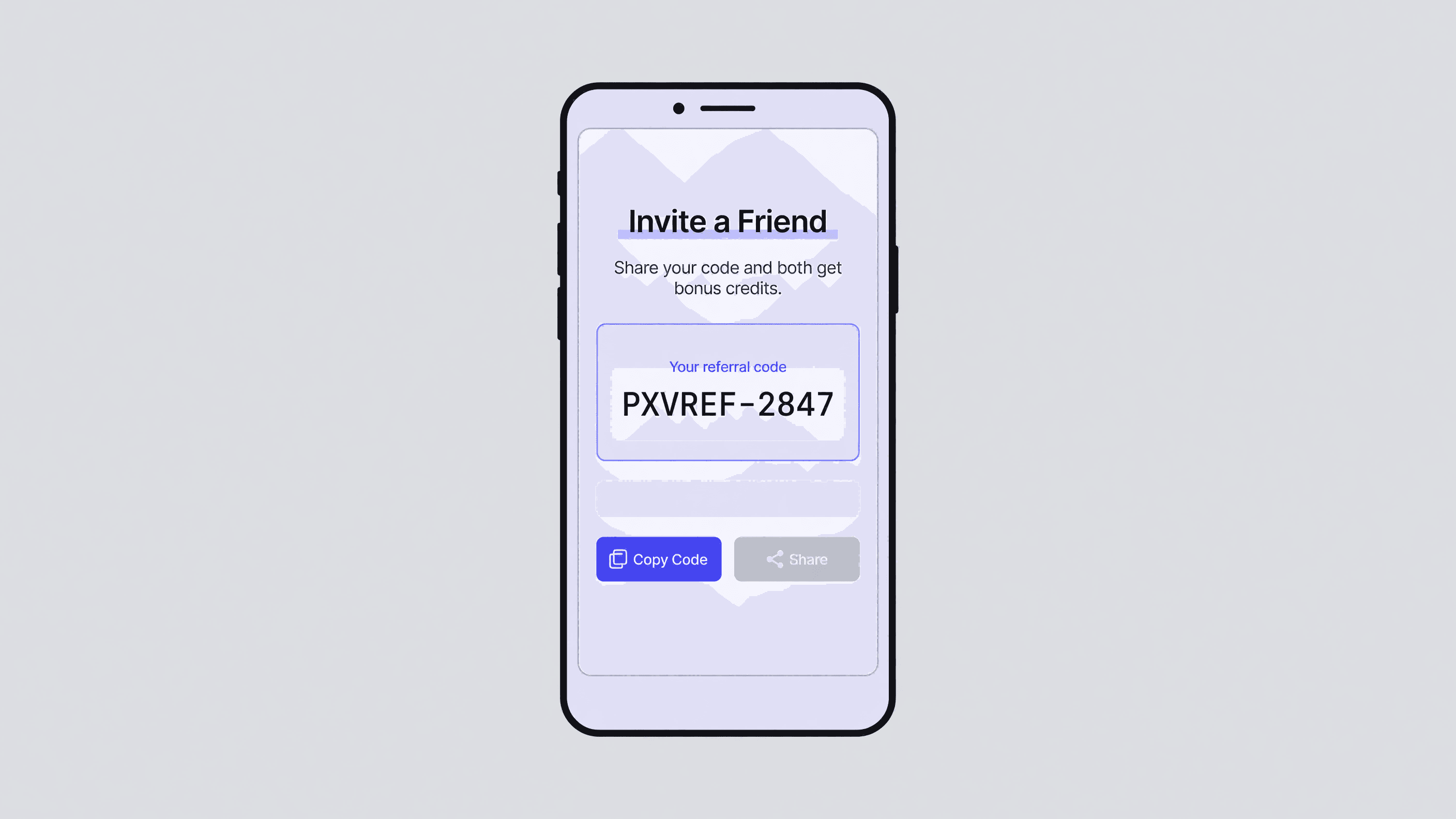
Beyond the daily 60, the main way to earn more PixVerse AI free credits is referrals. Across the r/PixVerse_AI community, users routinely share referral links that grant bonus credits to both sides, a pattern visible in active 2025 threads. PixVerse has also run periodic promotions tied to logins and events.
The referral loop is real but modest. It will not replace a paid plan for heavy users. It will top up a hobbyist who wants a few extra clips this week. New to the app entirely? Get comfortable generating your first few clips before chasing bonus credits.
One honest caveat is this. Sharing referral links in unrelated forums reads as spam and can annoy communities. Use the official in-app invite flow instead. Chasing "free credit hacks" rarely beats simply logging in daily for your 60.
When You Outgrow the Daily Cap: Running PixVerse v6 via API
When one free videos a day stops being enough, you have two paths: a PixVerse paid plan, or an API route that bills by usage instead of daily credits. As the team behind Atlas Cloud's full-modal AI model API, we run PixVerse v6 for both text-to-video and image-to-video through one endpoint.
The difference matters for builders. An app should not throttle your users to 60 credits a day, and it should not stamp a watermark on their output. With per-second video model pricing on Atlas Cloud, you pay only for the seconds you generate, with no daily cap and no forced watermark. That is the trade: the consumer app is free and friendly, while the API is metered and production-ready.
For a weekend creator, the free PixVerse app is the right call. For a product shipping video at scale, usage-based access removes the daily ceiling entirely.
Frequently Asked Questions
Is PixVerse AI completely free?
No, PixVerse AI is free to start but not unlimited. You get 90 signup credits plus 60 daily credits, about one video a day. Free clips carry a watermark and export at low resolution, and heavier or commercial use requires a paid plan.
Does PixVerse give daily credits?
Yes. PixVerse grants 60 free credits per day on top of the one-time 90-credit signup bonus, according to third-party reviews from 2025. At roughly 35 credits per video, that funds about one free generations daily. Credits generally do not stockpile, so logging in daily matters.
How do I get rid of the PixVerse watermark?
The PixVerse watermark on free exports is removed by upgrading to a paid plan, as reported by reviewers through 2026. There is no official free method to strip it. Confirm the current policy in-app, since PixVerse updates plan details periodically.
Which AI video generator is free to use?
Several AI video tools offer free tiers, and PixVerse is among the most-tried, with 90 signup credits and 60 daily credits noted in 2025 reviews. Most free tiers, PixVerse included, add watermarks and cap resolution. For watermark-free, uncapped output, builders typically use a usage-based API.
Can I use PixVerse AI free videos commercially?
No. Free-tier output is not licensed for commercial use, according to third-party reviews from 2025 to 2026, and it also carries a watermark. Commercial projects need a paid plan or an API route that grants proper usage rights and removes the watermark.
Conclusion
PixVerse AI free access is genuinely useful: 90 signup credits, 60 credits daily, and roughly one short video a day across text-to-video and image-to-video. The limits are equally clear, with a watermark, low resolution, and no commercial license on free output.
For learning and casual clips, the free plan is plenty. For volume or client work, you will outgrow the daily credits quickly. Decide which camp you are in, then either log in daily for your free 60 or move to a metered route that removes the daily ceiling.






