Ask 10 Kling users how long a clip can be and you'll get ten answers. One Reddit poster in r/KlingAI_Videos put it bluntly: the membership page never says, and Google contradicts itself. So here's the straight version. As of 2026, Kling AI's API caps a single generation at 10 seconds, and chained extensions cannot push a video past 3 minutes total. This guide breaks down the real Kling AI video length limit by generation, by Extend feature, by plan, and by model version, all sourced from the official API documentation.
Key Takeaways
- A single Kling generation maxes out at 10 seconds; the default is 5 seconds (Kling API documentation, 2026).
- The Extend feature adds 4 to 5 seconds per call, and total duration cannot exceed 3 minutes.
- Quality stays consistent up to roughly 30 seconds, then degrades after about 60 seconds of stacked extensions, based on community testing reports.
- For batch or long-form workflows, calling Kling 3.0 and other video models through an API on Atlas Cloud's full-modal inference platform sidesteps web-app credit caps.
What Is the Kling AI Video Length Limit Per Generation?
A single Kling AI generation produces 5 or 10 seconds of video, with 5 seconds as the default (Kling API documentation, 2026). The duration parameter accepts only those two enum values. There is no 15-second or 30-second single-shot option, no matter which plan you pay for. That's the first thing the SERP gets wrong.
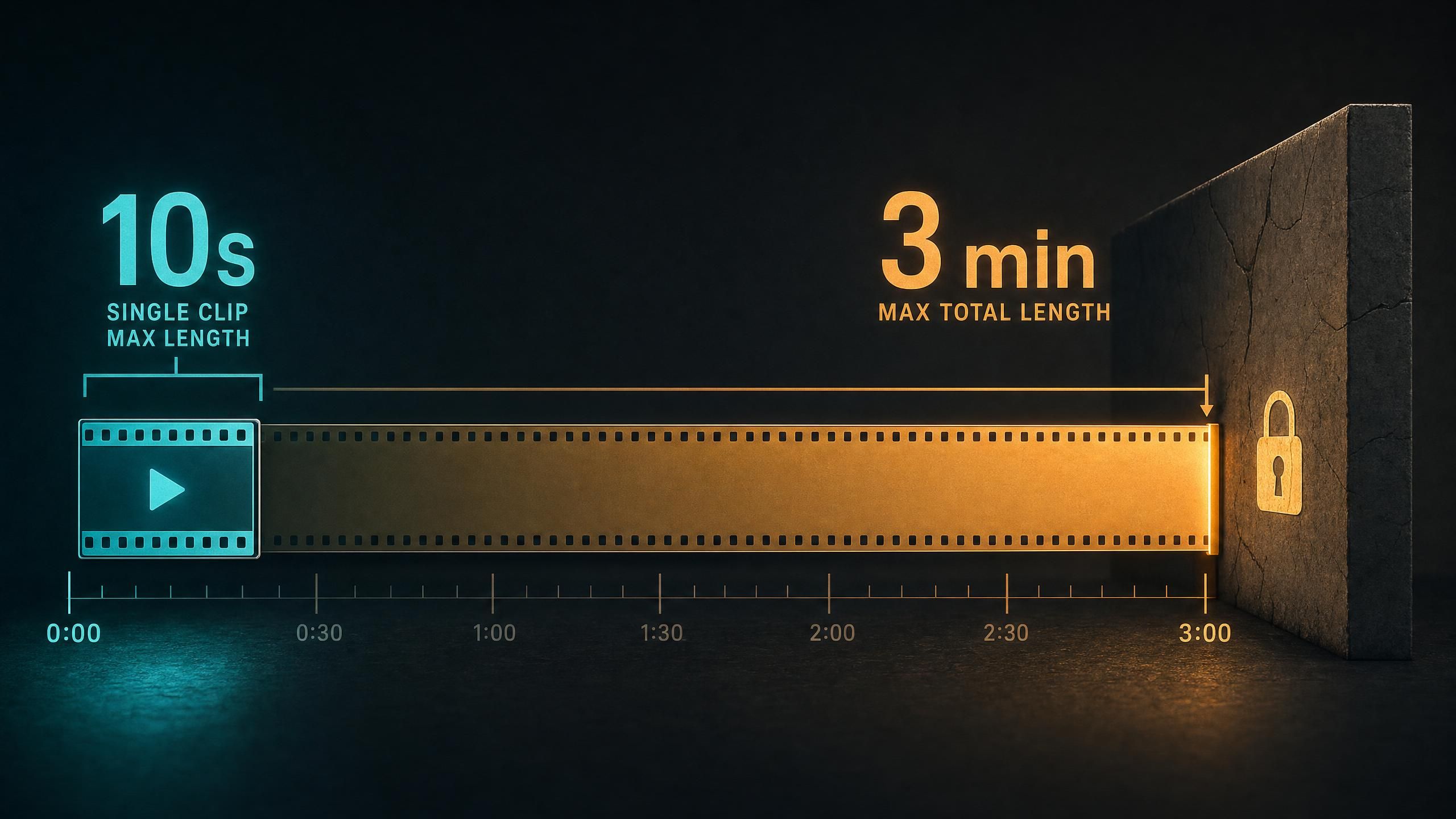
Why does this matter so much? Because most people conflate two different numbers: the length of one generation and the total length you can assemble. The Kling AI video length limit for one API call is fixed at 10 seconds. Everything longer is stitched, not generated in a single pass.
Our read: The official Extend spec locks the model and mode to the source clip. That constraint, not a marketing choice, is why Kling builds long videos from 5-to-10-second blocks instead of one continuous render. Each block inherits the seed style of the first.
According to Kling's API reference, the text-to-video and image-to-video endpoints both expose the same duration field with values of 5 or 10 seconds. This holds across every model version exposed by the API, so the per-shot ceiling is a platform rule rather than a per-model quirk.
How Does Kling AI's Extend Feature Reach Maximum Video Length?
Kling's Extend feature adds 4 to 5 seconds per call, and you can extend an already-extended clip repeatedly until the total reaches 3 minutes. That 3-minute ceiling is the true Kling AI max video length. Reaching it from a 10-second base takes dozens of sequential Extend calls, each one waiting on the last to finish.
The official Extend documentation states it plainly. Note 2 of the spec reads that extended videos can be extended again, "but the total video duration cannot exceed 3 minutes." Note 1 adds that each extension contributes 4 to 5 seconds and that the model and mode "cannot be selected; they must be the same as the source video." So you lock your style at second one and live with it for the full three minutes.
According to Kling's API reference, video extension applies only to text-to-video and image-to-video outputs, and each pass keeps the original model fixed. A third-party guide corroborates the cap, noting the free path tops out at a few seconds while the Extend feature carries videos "up to 3 minutes" total (Imagine.Art, Kling AI vs Other AI Video Generators, 2025).
Kling AI Maximum Video Length 2026: Free vs Paid Plans
The 10-second single shot and 3-minute Extend cap define the Kling AI maximum video length, but free and paid tiers do not get equal access to them. Kling's official plans confirm that video extension is a paid feature, so a free Basic account cannot extend at all and tops out at a single 10-second clip.
What does each tier actually unlock? The free Basic plan ships no monthly credits and watermarked 720p output for non-commercial use. Paid plans start at Standard for $6.99 per month with 660 credits, roughly 33 720p videos, 1080p generation, watermark removal, and video extension, then scale to Pro at $25.99 (3,000 credits) and Premier at $64.99 (8,000 credits).
Credits, not minutes, are the real constraint on paid plans. Every 5-second or 10-second block and every Extend call burns credits, so a 3-minute video at the Kling AI max video length can eat through a Standard plan's monthly pool fast. That economics gap is exactly why heavy users move to API access, where billing is metered per second instead of per credit.
Does Video Quality Drop When You Chain Extensions?
Yes, and this is the part the top-ranking pages skip. Community testing reports that Kling output stays consistent for about 30 seconds, then degrades noticeably after roughly 60 seconds of stacked extensions (aitoolanalysis.com, Kling AI Video Length Limits, 2026). Motion drift, color shift, and subject warping creep in as each Extend call builds on the compression artifacts of the previous one.
There's a structural reason behind it. Because the official spec forces every extension to reuse the source model and mode, errors compound instead of resetting. The fifth extension is rendering from a clip that already inherited four rounds of small inaccuracies.
So the practical sweet spot sits well under the technical ceiling. If your shot needs to look clean, plan for 15 to 30 seconds of extended footage and cut between fresh generations for anything longer, rather than chasing the full 3-minute cap in one chain. Editing several pristine 10-second blocks together usually beats one drifting 3-minute render.
Kling AI Video Length by Version: v1 Through v3.0
Across every exposed version, the Kling AI video length per single generation stays at 5 or 10 seconds; newer versions change quality and features, not the duration ceiling. The API currently lists kling-v1, kling-v1-6, kling-v2-master, kling-v2-1-master, kling-v2-5-turbo, kling-v2-6, and kling-v3 as selectable models.
The headline upgrade is resolution. Kling VIDEO 3.0 introduced one-click native 4K generation with no upscaling loss, aimed at advertising and film delivery, per Kling's own platform announcement (Kling API platform notice, 2026). The duration math is identical to older versions, but the output is sharper and the per-second cost is higher.
| Kling version | Single generation | Extend per call | Max total | Notable change |
|---|---|---|---|---|
| kling-v1 | 5 or 10s | +4 to 5s | 3 min | Original release |
| kling-v1-6 | 5 or 10s | +4 to 5s | 3 min | Improved motion |
| kling-v2-master | 5 or 10s | +4 to 5s | 3 min | Higher fidelity |
| kling-v2-5-turbo | 5 or 10s | +4 to 5s | 3 min | Faster response |
| kling-v2-6 | 5 or 10s | +4 to 5s | 3 min | Native audio focus |
| kling-v3 | 5 or 10s | +4 to 5s | 3 min | Native 4K output |
How to Reach Longer Kling AI Video Generation Length via API
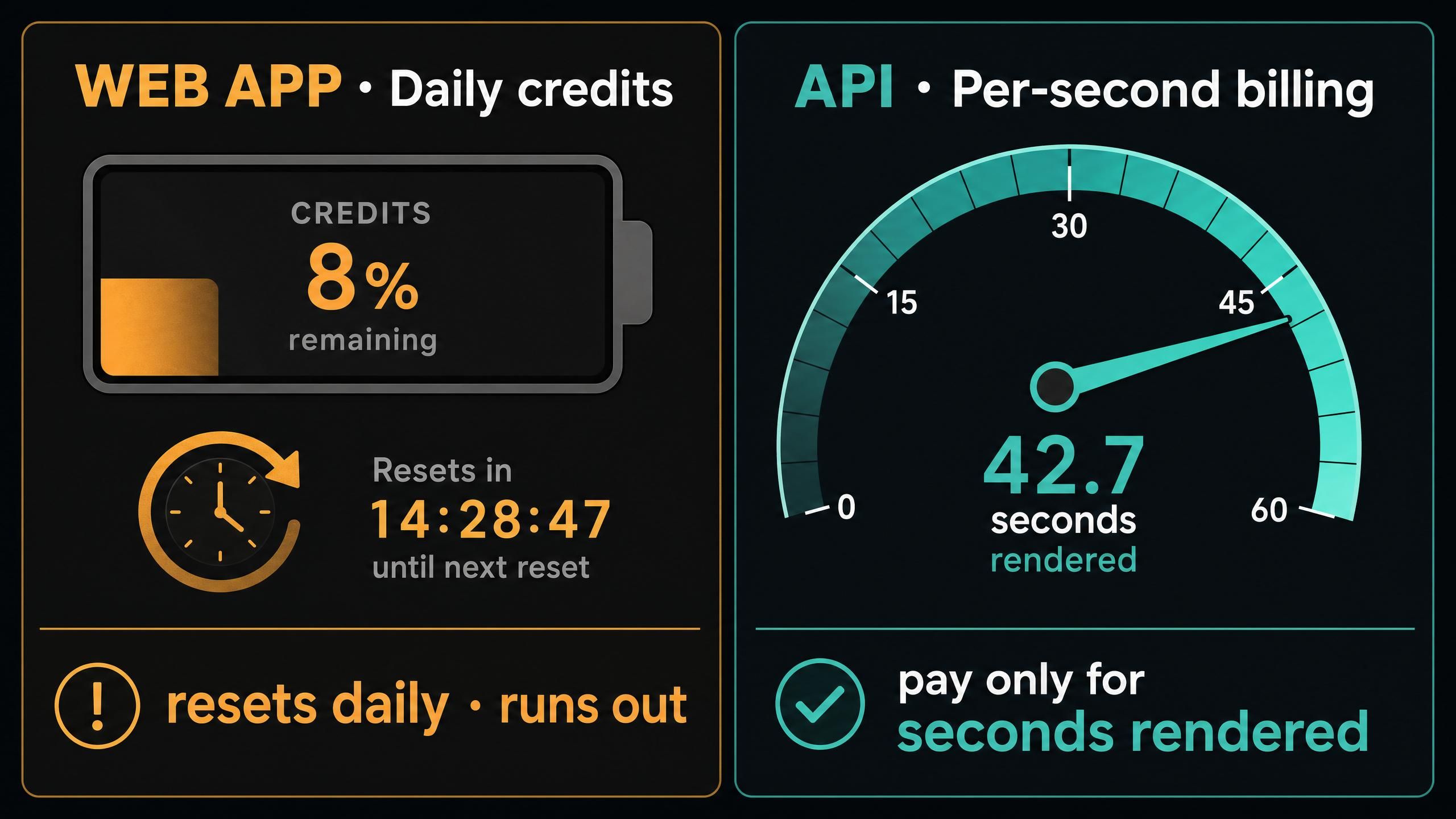
The web app ties your Kling AI video generation length to a daily credit pool, but the API meters usage per second, which makes long or batch projects far more predictable. On Atlas Cloud's model pricing page, Kling 3.0 sits alongside other video models you can call programmatically with per-second billing, so a 3-minute project costs the same whether you render it at 2 a.m. or noon.
Here's our own per-second pricing for video models on the platform, pulled directly from the Atlas Cloud catalog. The spread matters: when Kling's 3-minute cap forces you to generate a lot of footage, the per-second rate decides your real budget.
Why Per-Second Billing Changes the Math
Atlas Cloud's video endpoints use their own REST formats, while the platform's LLM endpoint follows the OpenAI Chat Completions format for text models. For video, that means you script generations and extensions, queue them in batch, and pay only for the seconds you render. Teams that need to stitch many clips to beat Kling's 3-minute ceiling can review the video models on Atlas Cloud's pricing page and pick a model by cost and quality rather than fighting a daily credit reset.
Frequently Asked Questions
What is the Kling AI video length maximum on a free account?
They differ. A free Basic account cannot use video extension, so its Kling AI video length maximum is a single 10-second clip. Reaching the 3-minute total with the Extend feature requires a paid plan, starting at Standard for $6.99 per month.
Can I make a 1-minute video in one Kling generation?
No. A single Kling generation is capped at 10 seconds, with 5 seconds as the default (Kling API documentation, 2026). To reach one minute, you chain roughly 10 to 12 sequential Extend calls, each adding 4 to 5 seconds onto the previous clip.
Does the Extend feature cost extra credits?
Yes. Each Extend call is a separate generation that consumes credits on the web app, since it renders 4 to 5 new seconds per pass . Reaching the 3-minute cap means paying for dozens of these calls, which is why per-second API billing often works out cheaper for long clips.
Which Kling version gives the longest video?
None gives a longer single clip. Every version from kling-v1 through kling-v3 shares the 10-second generation limit and 3-minute Extend cap. Kling VIDEO 3.0 improves resolution to native 4K, not duration.
Why does Kling video quality drop in long clips?
Each extension reuses the source model and mode, so compression errors compound across passes. Community testing reports clean output up to about 30 seconds and noticeable degradation after roughly 60 seconds of extensions.
Conclusion
The Kling AI video length limit comes down to two hard numbers: 10 seconds for a single generation and 3 minutes for a fully extended clip, with the cap unchanged across every model version. Access differs by plan, though: the free tier cannot extend at all, so reaching 3 minutes needs a paid subscription. Quality, not the technical cap, is the real ceiling, since stacked extensions drift past the 30-second mark. If your work depends on long or batch video, metered per-second API access to Kling 3.0 and other models on Atlas Cloud's full-modal inference platform gives you predictable cost without daily credit limits. To plan a workflow around these limits, compare model options on Atlas Cloud's video model pricing.





