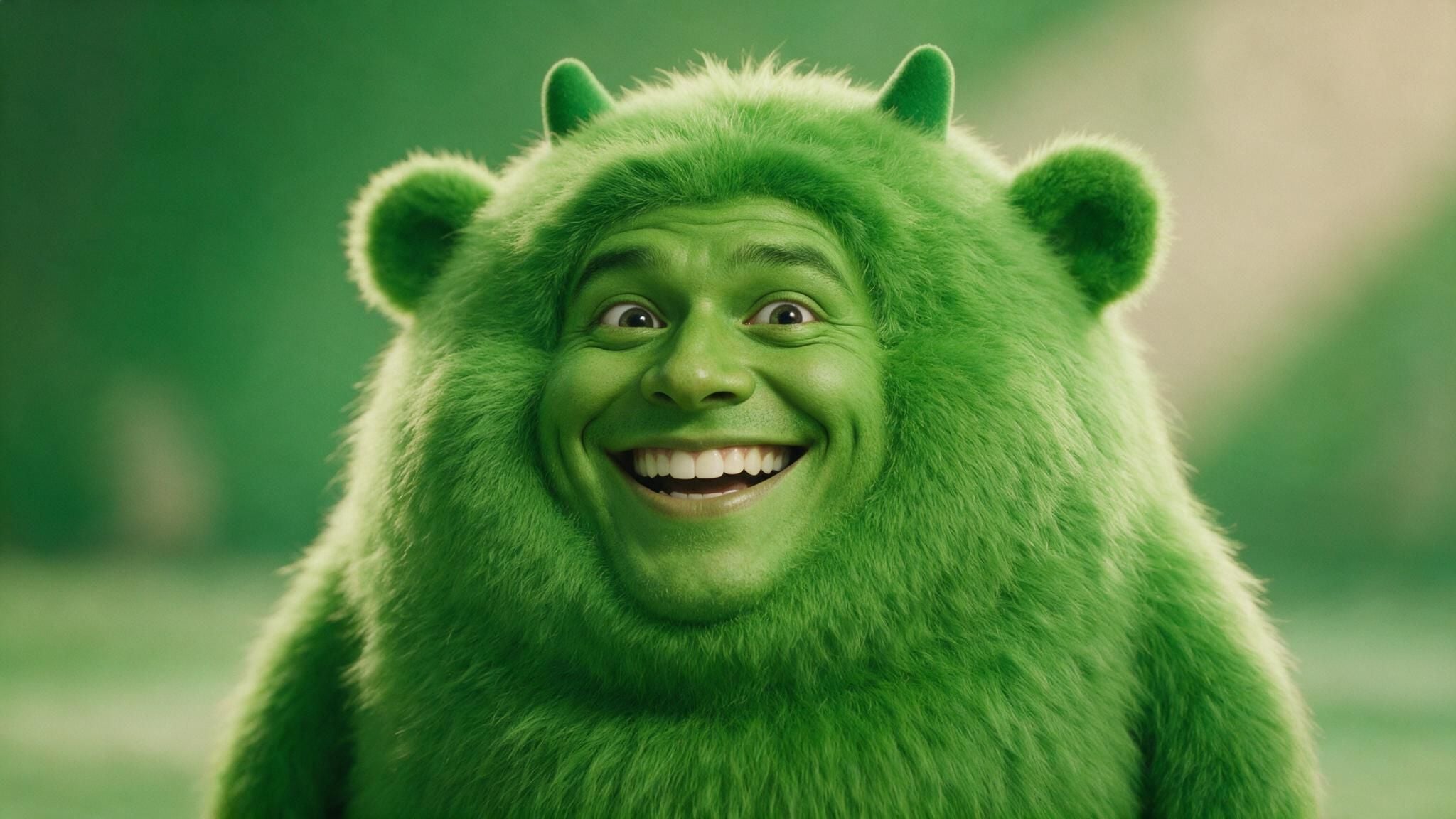
 A cursed Mike Wazowski face swap: a photorealistic human grin fused into a round green one-eyed monster, cinematic movie-still lighting
Be honest. You have already tried this. You dropped a Mike Wazowski still into some face swap app, hit go, and got back a melting green horror that looked nothing like the clean meme in your feed.
That is not you being bad at this. It is math. Mike is basically one giant eyeball with legs, so the second you ask a normal swap tool to slap a face on him, the geometry falls apart. Wrong eye count, sliding mouth, plastic skin. Cursed, and not the fun kind.
The good news: the meme is having a full 2026 comeback, and the fix is finally easy. Below is the exact workflow to fuse a real human face into Mike's one-eyed body so it actually looks rendered in, plus the classic Mike and Sulley face swap done in one shot. Copy the prompts, follow the settings, done in about 30 seconds per image.
Key takeaways
- Normal face swap apps fail on Mike because a single eye plus offset features breaks paste-on swapping. You need generative fusion, not a sticker.
- The reliable recipe: generate a face, fuse it onto the real Mike meme, then optionally make it blink.
- A finished still costs about $0.045. Adding a 15-second video pushes it to roughly $0.68 to $1.47.
- Everything runs in one browser tab on Atlas Cloud, no local GPU, no ComfyUI graph.
The Mike Wazowski Face Swap, Made in 30 Seconds
Here is the payoff first. Left is the real, instantly recognizable Mike Wazowski face swap meme template. Right is what you get when you stop pasting and start fusing: a genuine human grin blended into the green skin, the movie lighting kept intact, the whole thing still uncanny but believable.
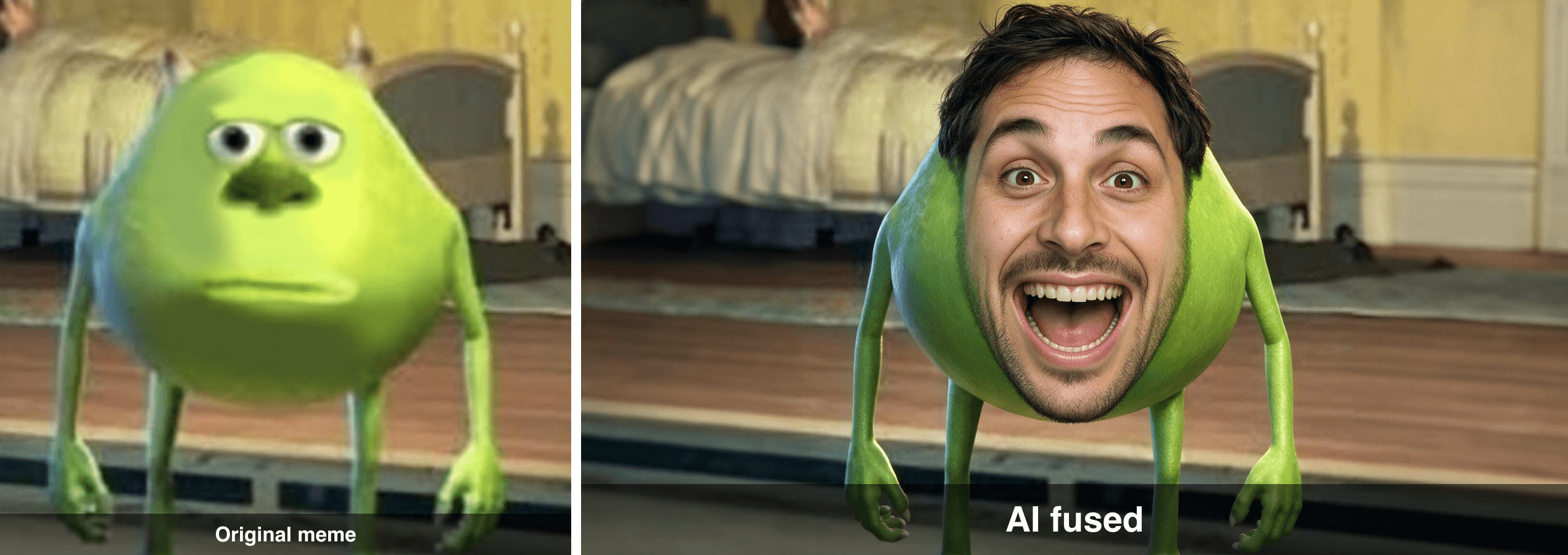 Before and after: the original Mike Wazowski face swap meme template on the left, an AI-fused human face version on the right
That right-hand image was not painted by hand and it was not a filter. It is one edit pass. The rest of this guide is just how to reproduce it, and how to push it into weirder territory.
Why Every Mike Wazowski Face Swap Meme Breaks Normal Tools
Quick history, because it explains the whole problem. The meme was born on July 14th, 2019 when the Facebook page Sulley - Core posted a still from Monsters, Inc. with Mike and Sulley's faces swapped (Know Your Meme, 2019). The cropped "just Mike, features all wrong, deeply resigned" version became the reaction image everyone knows.
It never really died, and in 2026 it is spiking again. Know Your Meme currently tags it as "Breakout" with 173 recorded hits and activity running into February 2026, helped along by a wave of AI face swap filters on TikTok and the cursed Shrek-as-Mike crossover. For a movie that grossed over half a billion dollars worldwide (Box Office Mojo), that is a long meme tail.
So why do most tools choke on it? Two reasons, and they are both geometric:
- One eye. Every paste-on swap tool assumes two eyes to anchor to. Mike has one giant eye in the center. The tool either duplicates a face into a puddle or clamps a two-eye face onto a one-eye socket. Instant body horror.
- Offset features. Mike's mouth sits low and wide across a round body. Sticker-style swaps keep the source face's proportions, so the mouth lands in the wrong place and the skin tone never matches the green.
The image below shows the difference. Left is the naive paste-on result, the kind of thing you have already generated by accident. Right is generative fusion, where the model rebuilds the face into Mike's skin, lighting, and shape instead of gluing it on top.
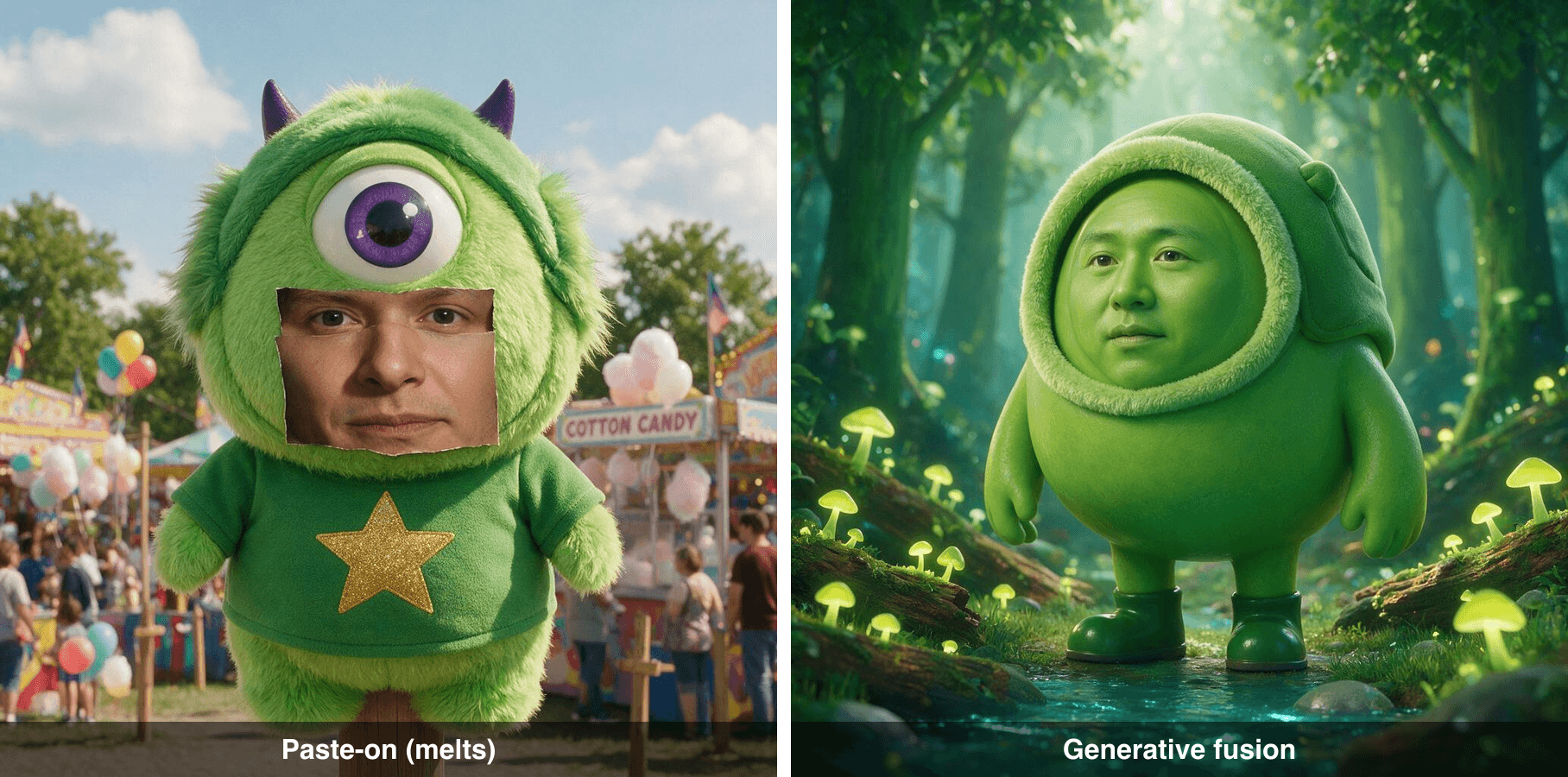 Comparison of a crude paste-on face swap that looks melted versus a clean generative fusion that matches the green skin and lighting
The takeaway: for the face swap Mike Wazowski meme, you do not want a swap tool. You want an image model that regenerates the face into the scene.
The Face Swap Mike Wazowski Workflow (Models and Prices)
The whole thing happens in one browser tab on Atlas Cloud, which lets you run different image and video models without juggling separate accounts. Three jobs, three models. Only the fusion step is doing the heavy lifting.
| Job | Model | What it does | Price (as of July 2026) |
|---|---|---|---|
| Make a face to fuse in | GPT Image 2 | Text-to-image, generates the human grin | From $0.009 per image (High quality runs cost more) |
| Fuse the face onto Mike | Seedream 5.0 Pro Edit | Rebuilds the face into Mike's skin and lighting | $0.036 per image (20% off, was $0.045) |
| Optional: make it move | Kling v3 Turbo | Image-to-video, adds a blink and a grin | $0.095 per second (15% off) |
Seedream 5.0 Pro Edit is the one that matters here. It does not paste, it re-renders, which is exactly what the one-eye problem needs. If a specific edit ever gets held up, Nano Banana 2 Edit is a fine backup, though it costs a bit more.
How to Make a Mike Wazowski Face Swap: Step by Step
This is the full recipe. Do it in order, copy the prompts exactly, and you will land the same result. Nothing here needs installs.
Step 1: Generate the face you'll fuse in (GPT Image 2)
First you need a face to blend into Mike. Do not worry about the body yet, just get a clean, expressive human face on a plain background. Open GPT Image 2 and paste this:
plaintext1A photorealistic close-up portrait of a cheerful man with a wide goofy open-mouth grin showing teeth, big expressive eyes, eyebrows slightly raised, warm soft studio lighting, plain neutral grey background, ultra-detailed skin texture, sharp focus, front-facing, symmetrical.
Settings: Quality High, aspect ratio 1:1, format PNG. High quality matters here because the fusion step copies skin detail from this face.
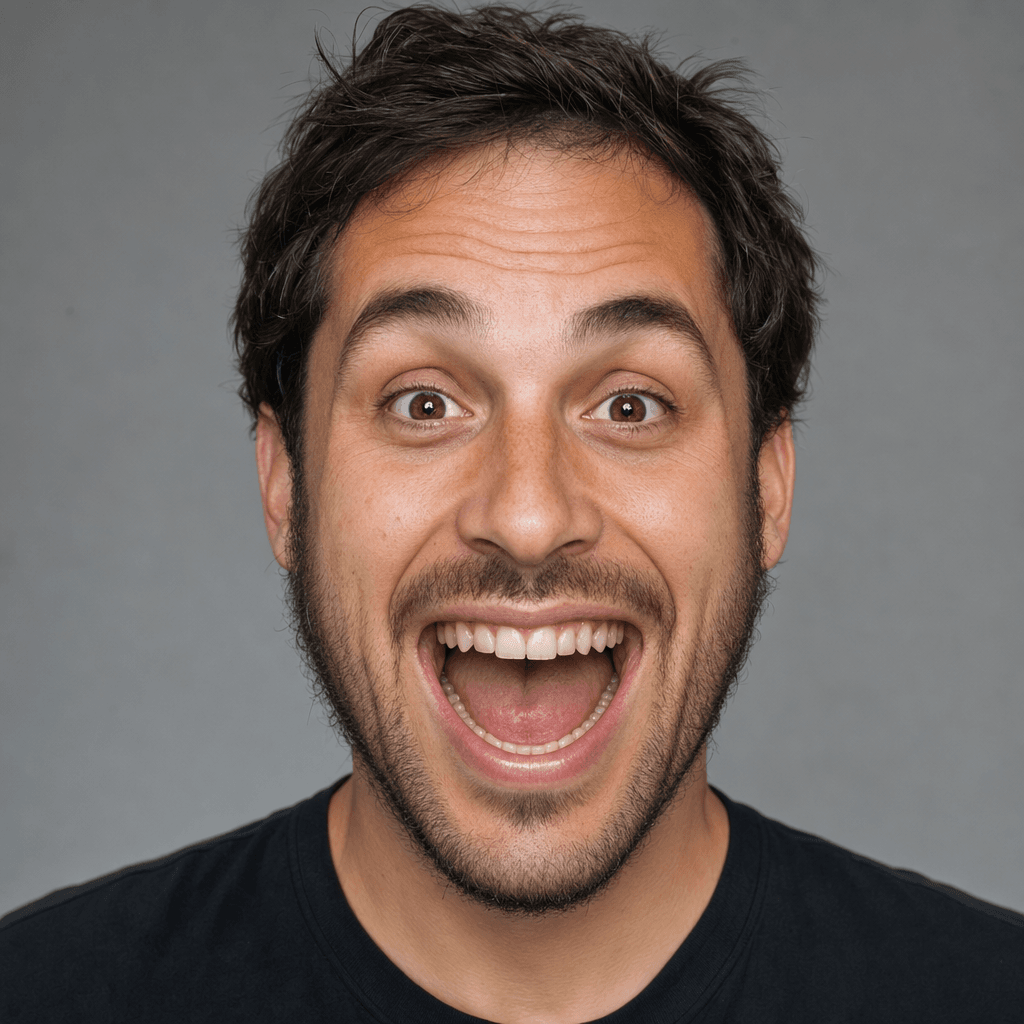 GPT Image 2 output on Atlas Cloud: the goofy human grin generated from the Step 1 prompt
Step 2: Fuse the face onto Mike (Seedream 5.0 Pro Edit)
This is the money step. Open Seedream 5.0 Pro Edit and upload two images: the original Mike Wazowski meme template (grab a blank one from the Imgflip generator) and the face from Step 1. Then paste this prompt, which is written to fuse rather than paste:
plaintext1Replace the face of the one-eyed green cartoon monster in the meme image with the human face from the portrait. Fuse the human features naturally onto the round green body, strictly preserve the exact same green skin tone, the 3D-animation movie-still lighting, the body pose, and the background. Blend the skin edges seamlessly so the human face looks rendered into the same animation style, not pasted on. Keep it uncanny but believable.
Settings: size 2048x1152 (16:9), resolution 2K. That combination keeps you in the cheaper billing tier while still looking sharp.
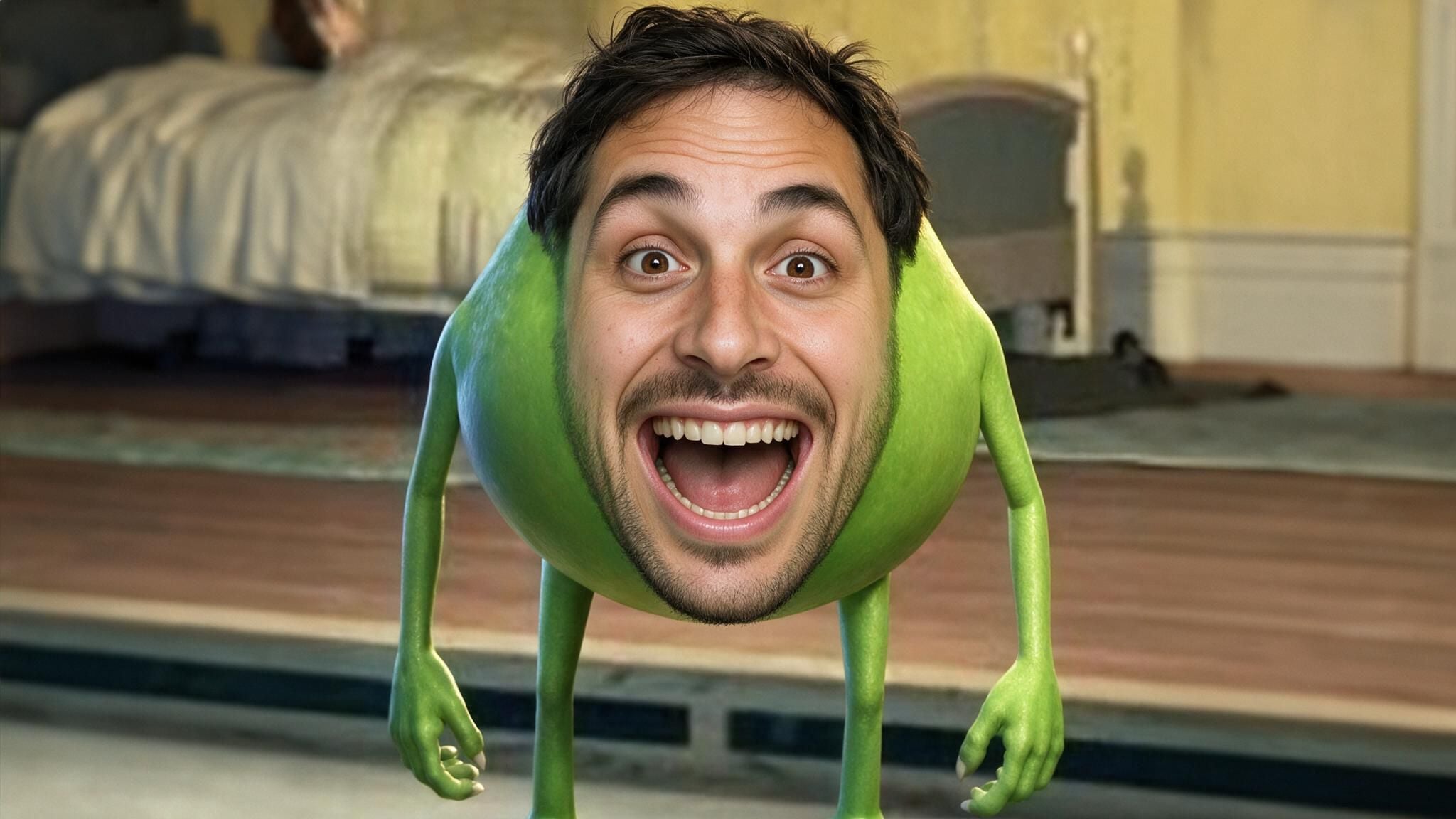 Seedream 5.0 Pro Edit output on Atlas Cloud: the human grin fused into Mike's one-eyed body, background intact
If the model re-stages the scene too much or holds up your edit, re-roll once, or switch to Nano Banana 2 Edit and keep the same prompt. Small wording tweaks (say "human face" instead of a person's name) clear most holdups.
Step 3: Make it move (optional, Kling v3 Turbo)
Want the cursed Mike to blink at you? Feed the Step 2 still into Kling v3 Turbo image-to-video with this:
plaintext1The character slowly blinks, breaks into a wide toothy grin, tilts its head slightly toward the camera, subtle breathing motion, smooth natural facial animation, cinematic lighting.
Settings: duration 15s, 720p, 16:9. This step is optional and it is the slow, pricier part, so skip it if you just want the image. For a cheaper clip, Seedance 2.0 Mini does the same job at roughly half the per-second cost.
Mike and Sulley Face Swap and Other Cursed Variations
Once the recipe clicks, the fun is in the variants. Same Step 2 fusion, different inputs:
- Mike and Sulley face swap. The original meme is a two-way trade, so this is a natural multiple face swap: put Sulley's face on Mike and Mike's face on Sulley in one edit by uploading both characters and asking the model to swap them. (Yes, half the internet spells it "Mike and Sully face swap." Both spellings are searched constantly, and both land you here.)
- Your own face on Mike. Swap the Step 1 portrait for a selfie. The fusion keeps the green skin and just borrows your features.
- Celebrity or character crossovers. The Shrek-as-Mike mashup is peak 2026 chaos for a reason. Any expressive face fuses well because the model matches lighting.
- Full meme grid. Fuse four different faces, then drop them into a 2x2 for maximum cursed energy.
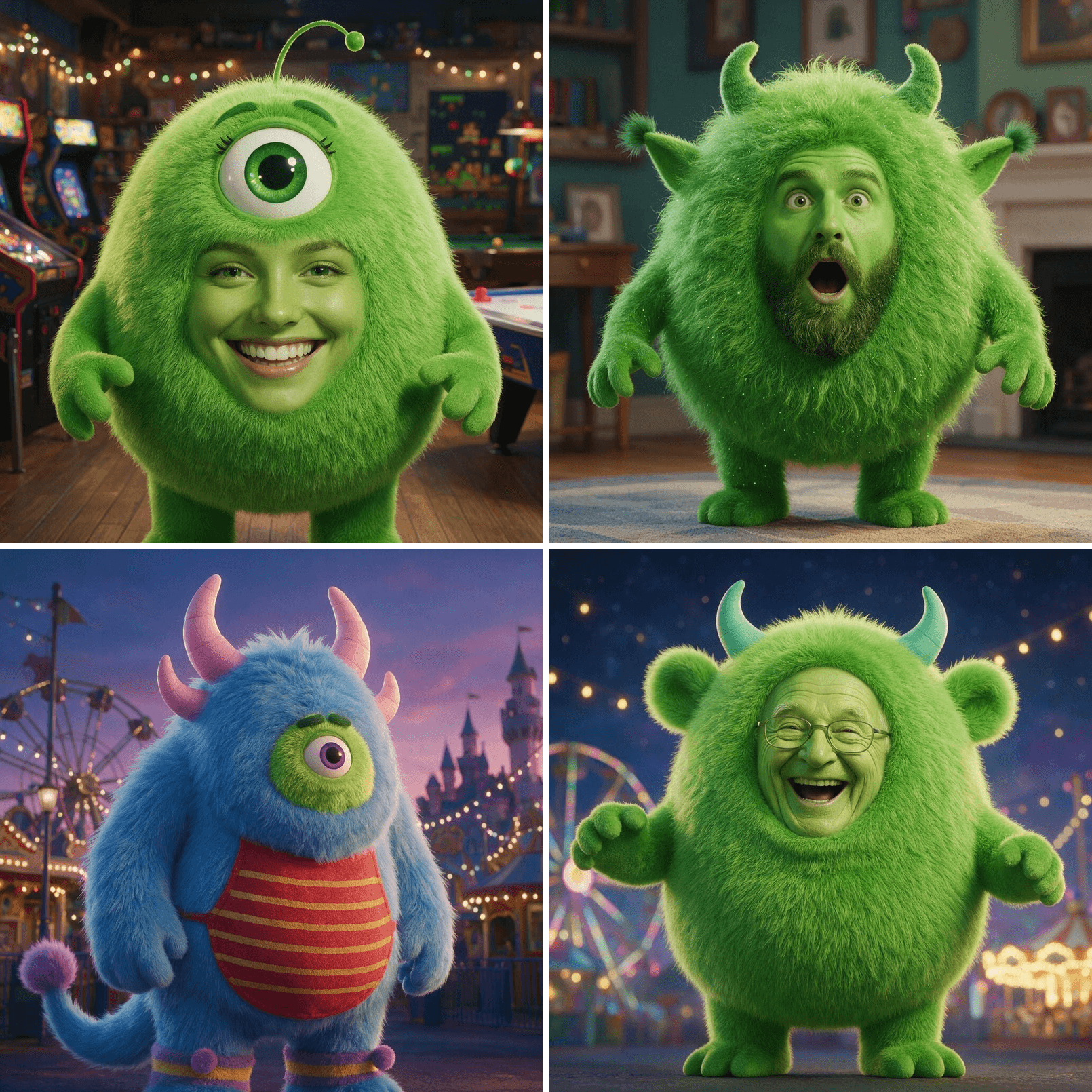 A 2x2 grid of four cursed Mike Wazowski face swap variations, each with a different fused face
Quick heads up before the cost breakdown: the fusion step above runs on Seedream 5.0 Pro, and right now it is 20% off. If you plan to sew a few dozen cursed Mikes, this is the moment to stock up.
 Seedream 5.0 Pro, 20% off for a limited time on Atlas Cloud
Grab Seedream 5.0 Pro at 20% off while it lasts.
How Much Does a Mike Wazowski Face Swap Cost?
Cheaper than you think. The still image is basically free. Video is where the meter runs.
| What you make | Models used | Rough cost |
|---|---|---|
| One cursed still | GPT Image 2 + Seedream 5.0 Pro Edit | ~$0.045 |
| Still + 15s video (Seedance) | Above + Seedance 2.0 Mini | ~$0.68 |
| Still + 15s video (Kling) | Above + Kling v3 Turbo | ~$1.47 |
So a single Mike Wazowski face swap image costs about four cents. You can iterate 20 times for under a dollar, which is the right way to work since fusion is a re-roll game. The video is the only real spend, and it is optional.
Is It Legal to Face Swap Mike Wazowski?
Short version: for memes, yes; for merch, no. Mike and Sulley are Disney and Pixar characters, so the underlying image is copyrighted. Personal, non-commercial meme edits and parody are the norm and are broadly treated as fair use, which is why the template has lived on Imgflip for years. Do not sell it, do not claim it is official, and do not present a face swap of a real person as something they actually did. Keep it a joke and you are on the same ground as every other meme maker.
Frequently Asked Questions
Why do most face swap tools fail on Mike Wazowski's one eye?
Because they paste instead of fuse. Standard swap tools anchor to two eyes and keep the source face's proportions. Mike has one central eye and a low wide mouth, so the paste lands wrong and melts. A generative edit model rebuilds the face into Mike's shape, skin, and lighting, which is why it works.
How do I put my own face on Mike Wazowski, or do a Mike and Sulley face swap?
For your own face, replace the Step 1 portrait with a clear selfie and run the same Step 2 fusion. For a Mike and Sulley face swap, upload both characters and ask the model to swap their faces in one edit, which is a clean multiple face swap.
Is the Mike Wazowski face swap meme copyrighted?
The source characters are Disney and Pixar property. Personal meme and parody edits are broadly fine as fair use. Commercial use, merch, or passing it off as official is not. Keep it non-commercial.
"Mike and Sulley" or "Mike and Sully" - which is right?
The official spelling is Sulley. Sully is the common misspelling, and both are searched heavily, so you will see the meme labeled both ways. Same character, same swap.
Can I turn my Mike Wazowski face swap into a video?
Yes. Feed the finished still into an image-to-video model like Kling v3 Turbo or the cheaper Seedance 2.0 Mini and prompt a blink and a grin, as in Step 3. A 15-second clip runs about $0.68 to $1.47.
How much does one Mike Wazowski face swap cost?
A still image is around $0.045 total. Adding a 15-second video brings it to roughly $0.68 with Seedance or $1.47 with Kling, as of July 2026.





