Most AI presentation tools can write slide content. The real problem starts when they have to make that content look like a clean PowerPoint deck.
A report, article, or Markdown file does not come with slide spacing, font size, visual hierarchy, or image placement. When an AI agent tries to build editable PowerPoint elements one by one, layout quickly becomes the bottleneck.
Among open-source AI presentation projects, codex-ppt-skill stands out because it takes a simpler route: generate each slide as a full-frame image, then package those images into a .pptx file. The result is not fully editable at the element level, but it is a practical workflow for users who care more about visual consistency than manually adjusting every text box.
This guide explains what codex-ppt-skill does, why image-based PPT generation can be useful for AI agents, and how to configure it with Atlas Cloud as the image model backend.
Why AI PowerPoint Agents Struggle With Native PPT Layouts
Search for “AI PowerPoint generator from Markdown” or “Codex PPT generator,” and many tools look similar at first. The real difference appears when the agent has to place content on slides.
Native PPT generation usually means the agent or script must create real PowerPoint objects: text boxes, shapes, tables, charts, and images. That gives users editable slides, but it also adds layout complexity. A native .pptx workflow has to decide where each object goes, how text wraps, how font size changes, and how to prevent overlap.
Libraries such as PptxGenJS are strong when developers want programmatic control over PowerPoint files. PptxGenJS supports text, tables, shapes, images, charts, templates, and OOXML-compatible output. But for AI agents, this also means the model must reason through slide structure instead of simply producing a visual page.
That is the bottleneck: not writing the outline, but turning messy content into a clean slide layout.
What codex-ppt-skill Does Differently
codex-ppt-skill is built for an image-first presentation workflow.
Instead of asking the agent to create every slide element as editable PowerPoint objects, it lets the agent plan the deck, choose a visual style, generate full-slide images, and package them into a standard .pptx container. The result is closer to a designed visual deck than a fully editable corporate template.
This trade-off is important:
- Use it when you want polished AI-generated slides quickly.
- Avoid it when every chart, text box, and icon must be editable inside PowerPoint.
- Combine it with an image-to-editable workflow later if you need to recover editable elements.
The project README also states this limitation clearly: the skill is suitable for strong visual expression, but the page elements themselves are not directly editable.
Step-by-Step Configuration Method
1. Install codex-ppt-skill
You can send the sentence below to your Agent:
plaintext1 Please help me install this codex-ppt skill. The link is https://github.com/ningzimu/codex-ppt-skill
2. Get your API key from the Atlas Cloud Console
Open your Atlas Cloud Console and go to the API Keys page. Create a new key or copy an existing one.
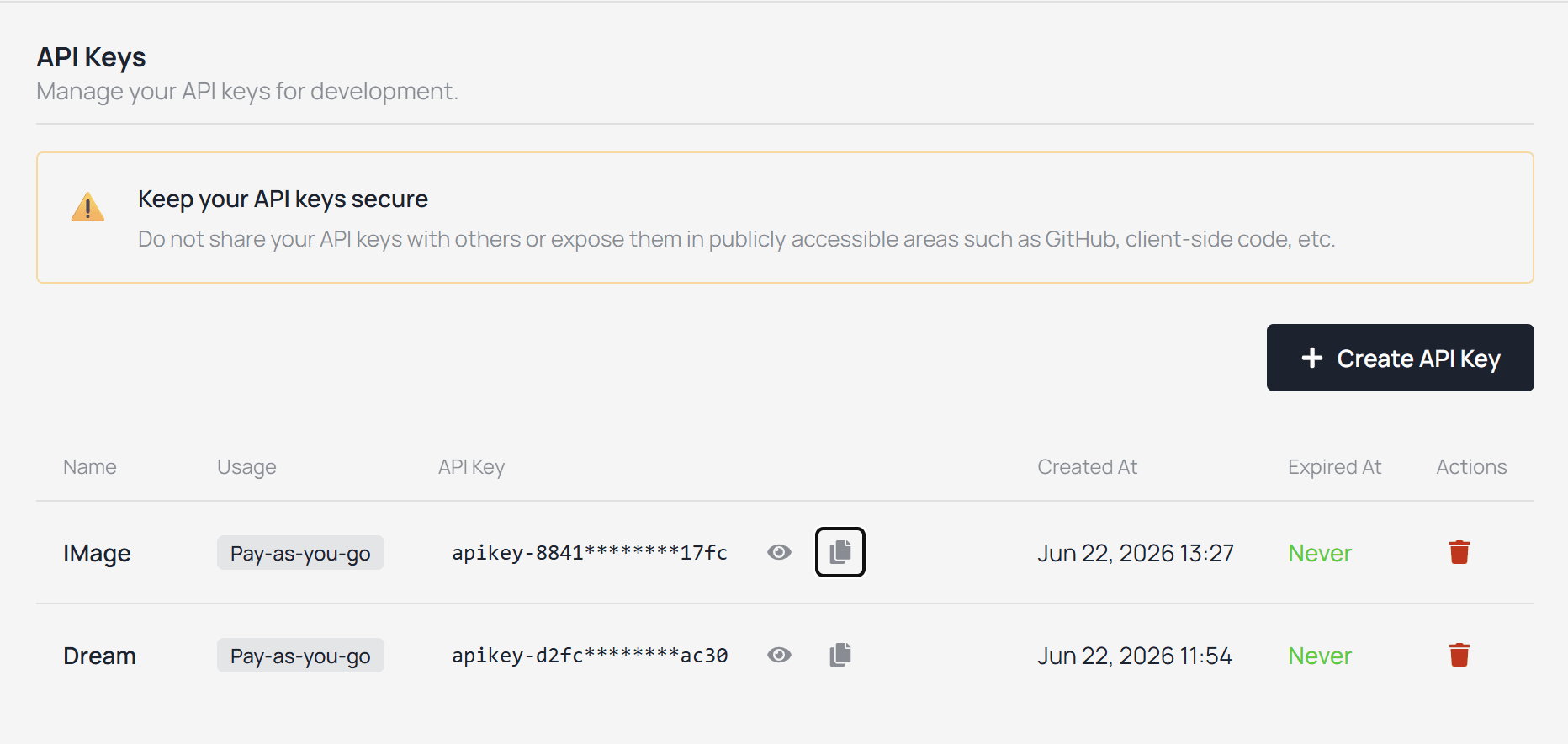
Keep the key private. Do not paste it into a public GitHub repo, public article draft, or screenshot.
3. Configure the image model backend
After the key is ready, configure the local runtime used by codex-ppt-skill.
Use the Atlas Cloud configuration command from the project’s image model configuration guide:
plaintext1python3 {skill_root}/scripts/codex_ppt_runtime.py config \ 2 --api-key "your-atlascloud-api-key" \ 3 --base-url "https://api.atlascloud.ai/api/v1/model" \ 4 --model openai/gpt-image-2
Replace your-atlascloud-api-key with the key generated from your Console.
For this route, set --model to the base model name. The configuration guide states that the CLI chooses the matching generation or editing model route internally.
4. Prepare a small Markdown input
Start with a short Markdown file. Here is an example.
plaintext1# AI Presentation Workflow 2 3## Slide 1: Why AI PPT Generation Is Hard 4- AI can summarize content quickly 5- Slide layout still requires visual decisions 6- Native editable PPT generation often adds layout complexity 7 8## Slide 2: The Image-Based Approach 9- Generate each slide as a full-frame image 10- Assemble the images into a PPTX file 11- Prioritize visual consistency over element-level editing 12 13## Slide 3: Practical Use Cases 14- Technical article summaries 15- Product explainer decks 16- Research briefings 17- Internal concept presentations
Recommended first-run settings:
| Setting | Recommended value |
|---|---|
| Slide count | 3 to 5 slides |
| Source length | Under 500 words |
| Aspect ratio | 16:9 |
| Text density | One main idea per slide |
| Visual style | Clean technical explainer |
5. Run the PPT generation prompt
Ask your agent to use the skill explicitly:
plaintext1Use the codex-ppt skill to turn /path/to/article.md into a 5-slide image-based PowerPoint deck.
The README describes the normal workflow as staged rather than one-shot: the skill reads the source, creates outline.md, asks the user to confirm slide count and key points, offers visual style options, confirms the image backend, generates one sample slide, then proceeds to full slide generation and .pptx assembly.
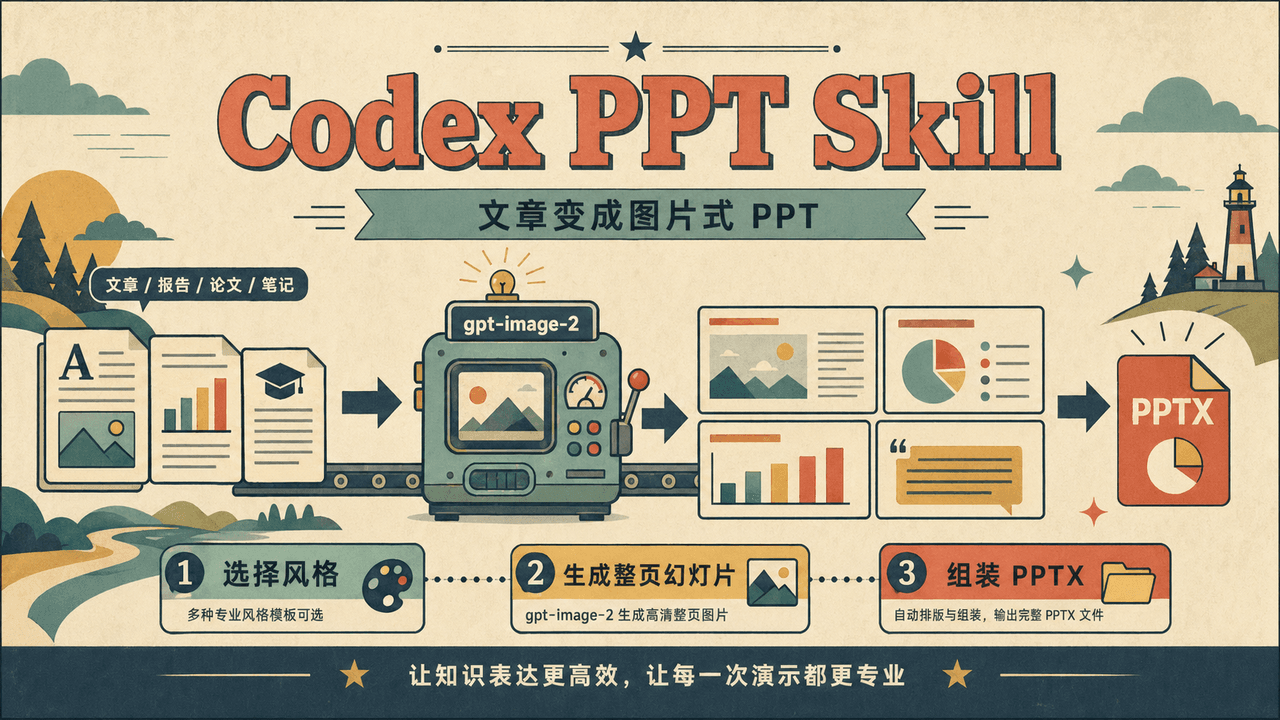
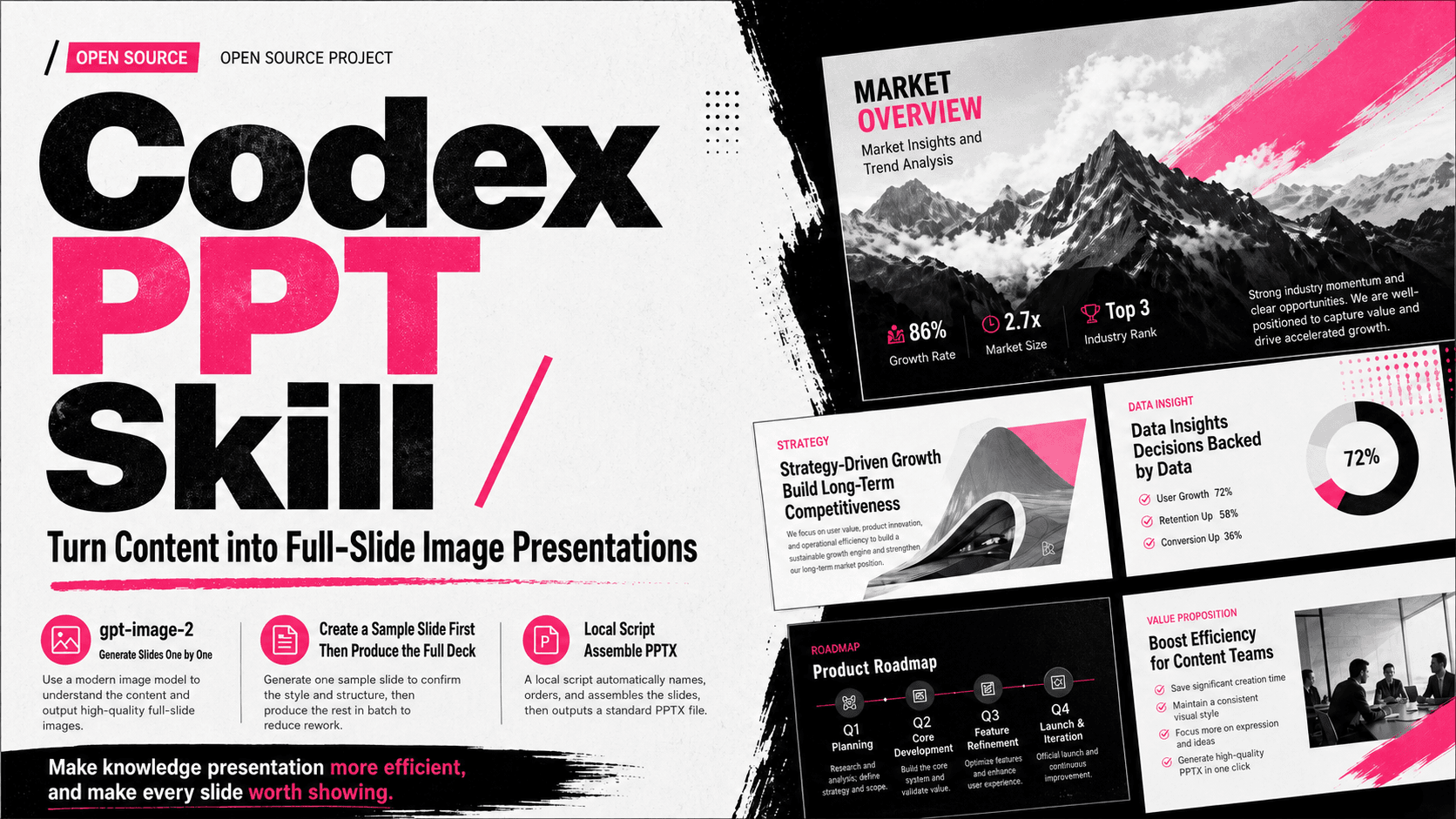
6. Below are the styles of the generated preview images:
Why Use codex-ppt-skill with Atlas Cloud?
codex-ppt-skill and Atlas Cloud solve two different problems in the same AI presentation workflow.
codex-ppt-skill handles the presentation generation side. It turns source material into an image-based PowerPoint deck by planning the slide structure, generating full-slide visuals, and packaging those images into a .pptx file. This avoids one of the hardest parts of AI slide generation: building clean layouts with editable PowerPoint objects.
Atlas Cloud handles the model access side. A workflow like this usually needs more than one model type. A text model is used to read the source material, structure the deck, and write the slide copy. An image model is then used to render each slide as a full visual page. Without a unified API layer, developers often have to manage separate provider accounts, multiple API keys, and different model endpoints.
That is where the combination becomes useful.
In this workflow, codex-ppt-skill is the PPT generation skill, while Atlas Cloud is the API routing layer. The skill focuses on slide planning, rendering, and packaging. Atlas Cloud makes it easier to call both text and image models in the same workflow with one key, instead of managing each provider separately.
This combination is especially practical for developers building:
- Markdown-to-PPT workflows
- AI presentation agents
- visual research summaries
- product explainer decks
- blog-to-slide pipelines
- internal concept presentations
The value of this setup is straightforward. codex-ppt-skill reduces layout complexity. Atlas Cloud reduces multi-model access complexity. Together, they create a more manageable path from raw content to visual .pptx output.
This setup works best when the goal is to generate visual slides quickly from Markdown, reports, notes, or articles. It is less suitable for workflows that require every slide element to remain fully editable inside PowerPoint.
FAQs
What is the fastest way to generate AI PowerPoint slides from Markdown?
For visual-first decks, an image-based workflow can be faster to build and easier to stabilize than native PowerPoint layout generation. codex-ppt-skill follows this route by generating full-slide images first, then assembling them into a .pptx file.
Are codex-ppt-skill slides editable?
Not at the element level. The slides are image-based, so text and shapes are part of the slide image. This is good for visual consistency, but not ideal if you need to edit every object inside PowerPoint.
Is codex-ppt-skill free?
The skill itself is open source, but image generation may require paid model access depending on your environment. If your agent needs a third-party image API or OpenAI-compatible endpoint, check the model provider’s pricing before running a large deck.
How do I reduce AI PPT generation cost?
Start with fewer slides, generate one sample slide before the full deck, avoid unnecessary regeneration, and keep each slide visually simple. Cost usually grows with the number of image calls, the image model used, resolution, and the number of retries.
Final Takeaway
The main problem with AI PowerPoint generation is not writing slide content. It is turning messy source material into a clean visual deck without spending too much time on layout fixes.
codex-ppt-skill solves this by using an image-based PPT workflow. It generates full-slide visuals and packages them into a .pptx file, which makes it a practical option for Markdown-to-PPT tools, AI presentation agents, product explainers, and visual research summaries.
Atlas Cloud adds value at the API layer. Instead of managing separate providers for text and image models, developers can use one model access point during the same presentation generation workflow.
That is why this setup works: codex-ppt-skill handles the slide generation problem, while Atlas Cloud handles the multi-model access problem.





