Seedance 2.0 Mini & Fast API at Lowest Prices Worldwide — up to 68% off official pricing

AI Avatar Generator That Makes a Photo Speak Your Audio

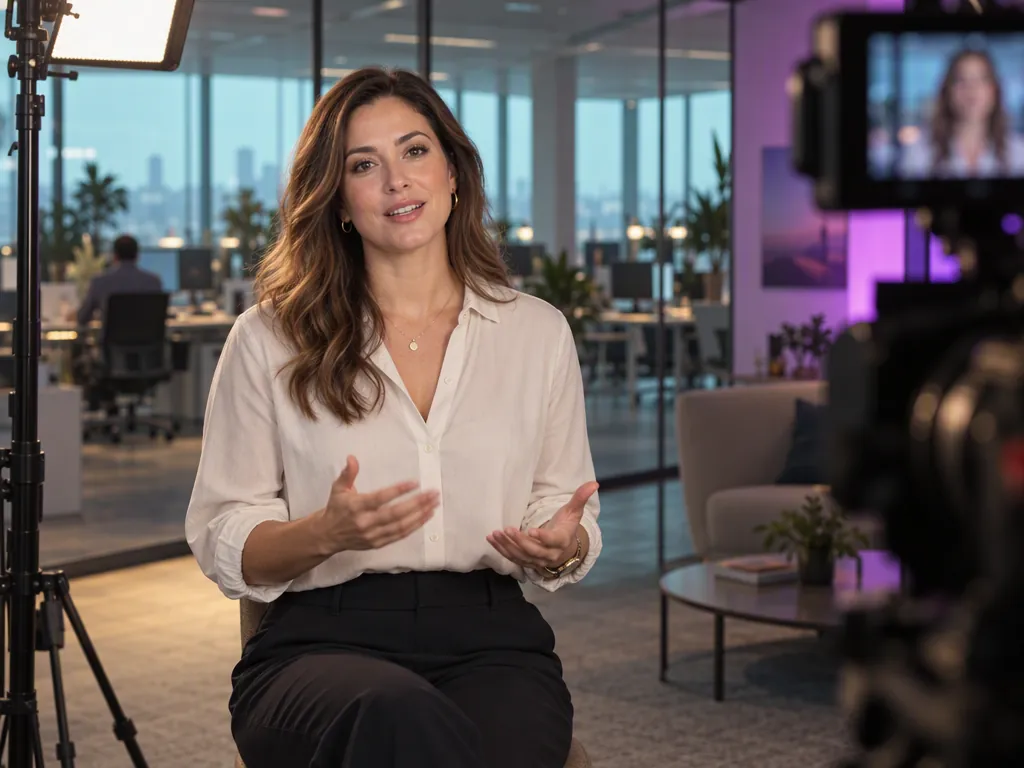
Upload one portrait and one audio file. The audio to video models animate the face so the lips and expressions follow the recording, and the finished talking video is ready to download.

AI Avatar Videos from a Single Portrait

Short expressive clips or ten-minute explainers, both from the same two inputs.

AI Talking Avatar Generator

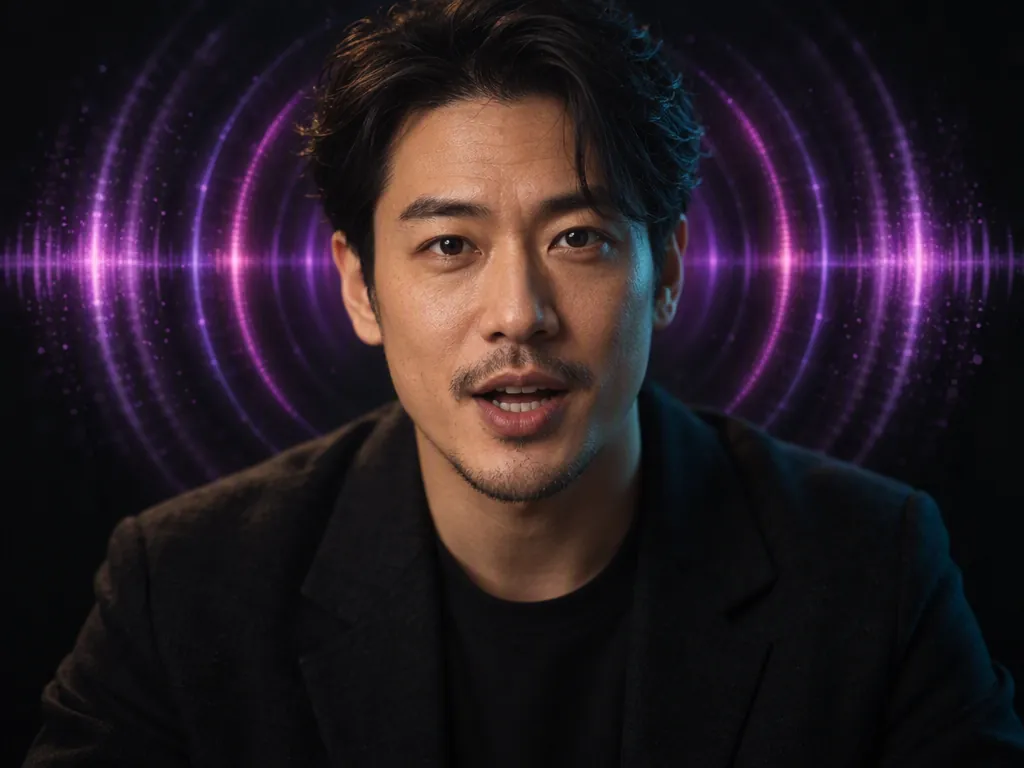
Upload a front-facing portrait and an MP3 or WAV. Avatar Omni Human 1.5 returns a video of that person speaking or singing the track, with lip-sync, expressions, and gestures generated straight from the audio. Output comes in 720p or 1080p.

Clips run up to 60 seconds, and 15 seconds or less gives the sharpest result. Add an optional prompt to steer the scene, the action, or the expression — it reads Chinese, English, Japanese, Korean, Spanish, and Indonesian.

Lip Sync AI for Long Recordings

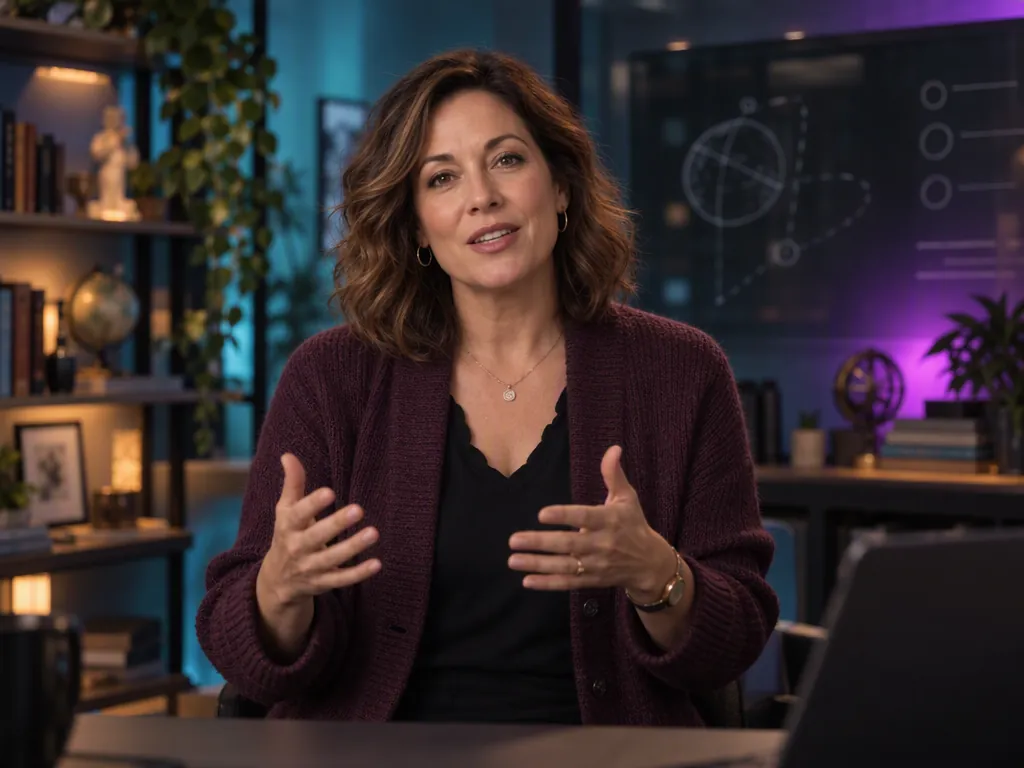
When the script is a full lesson rather than a social clip, InfiniteTalk takes the same portrait and up to 10 minutes of audio. Lip-sync stays locked at the phoneme level for the whole recording, and the face, hairstyle, clothing, and background hold steady throughout. Output comes in 480p or 720p.

Generate the narration in the Audio tab and bring the file here, then use a prompt to adjust expression and posture. A course module or a product walkthrough gets made without booking a camera or a presenter.

AI Avatar Models in One Place

Two models built for different lengths. Pick Avatar Omni Human 1.5 for short, expressive clips up to 1080p, and InfiniteTalk when the audio runs long.

How to Make an AI Avatar Video in Three Steps

1

Upload the Portrait

Use a clear, front-facing photo of one person. A plain background and an unobstructed face give the model the most to work with.

2

Add the Audio

Attach an MP3 or WAV: a recording, or speech you generated in the Audio tab.

3

Generate, Then Download

Pick the model and resolution, generate, and download the finished clip.

What Can You Make with a Talking Avatar?

Pick the tab closest to your work to see where a talking avatar replaces a shoot.

AI Spokesperson Clips for Every Market

One portrait, many languages. Record or generate the script in each language, run the same face through the model, and the campaign has a consistent presenter everywhere without flying anyone in.

Talking Head Lessons Without the Studio

Turn a ten-minute lecture recording into a video with InfiniteTalk. The instructor appears on screen for the full module, and updating the lesson means swapping the audio, not reshooting.

AI Avatar Product Explainers

Give every product a presenter. Pair the listing script from the Audio tab with a brand persona portrait, and the walkthrough video is ready for the product page or a UGC-style ad.

Onboarding Videos That Update Without a Reshoot

Record the policy walkthrough once as audio and give it a consistent presenter with InfiniteTalk, which holds lip-sync across a long recording. When a procedure changes, swap the audio file and the same face delivers the new version.

More Atlas Cloud AI Tools Around Your Avatar

Frequently Asked Questions

An AI avatar generator is an audio to video AI: it animates a still portrait so it speaks a given audio track. You upload one photo and one audio file, the model generates mouth shapes, expressions, and gestures from the sound, and you get back a video of that person talking.

Atlas Cloud supports Avatar Omni Human 1.5 from ByteDance and InfiniteTalk. Both take a portrait plus audio and differ mainly in clip length and resolution.

Avatar Omni Human 1.5 generates clips up to 60 seconds, with 15 seconds or less recommended. InfiniteTalk accepts up to 10 minutes of audio in one run.

Avatar Omni Human 1.5 outputs 720p or 1080p. InfiniteTalk outputs 480p or 720p.

A front-facing portrait of one person with the face clearly visible. Both models are built for a single speaker per clip.

Yes. Avatar Omni Human 1.5 is built for speaking or singing, generating gestures and expressions from the audio rather than from a script.

Avatar Omni Human 1.5 names Chinese, English, Japanese, Korean, Spanish, and Indonesian among the languages it works with. Lip-sync follows the audio itself, so the language of the recording is what matters.

Yes. Generate the narration with a text to speech model, download the file, and attach it as the audio input here. The avatar lip-syncs to the generated voice the same way it does to a recording.

Yes. Both models are available through the Atlas Cloud API with the same authentication as the image and video endpoints. Browse the avatar model pages to start building.

AI Avatar Video Guides

Portrait prep, audio length, and language tests.

Start with One Portrait. Let It Do the Talking.