Includes picks for readers searching for an AI anime generator instead of a Western cartoon look. The two aren't interchangeable, and we cover both below.
You upload a photo of your dog, pick a filter, and the cartoon that comes back looks like a different animal wearing your dog's collar. That mismatch is the real test for any cartoon tool, not just how a human selfie turns out.
We spent the past week running ten tools through the same paces to find the best AI cartoon generator for 2026, reading pricing pages, checking watermark policy, and seeing what happens when the input photo has fur instead of skin. Ten tools, one comparison table, and a separate reality check on pet photos follow below.
Key Takeaways
- Atlas Cloud covers cartoon and anime styles through general-purpose editing models with image-to-image support, not a single dedicated cartoonizer button. Try Atlas Cloud's image edit to see the range.
- Most free tiers watermark their exports. Only VanceAI's official page claims a watermark-free free trial among the tools we checked.
- Pet photos are the hardest real-world test. Tools built mainly on human faces tend to distort ears, muzzles, and fur texture.
- Store ratings and independent review sites often disagree sharply, especially around auto-renewing subscriptions.
- AI animegeneratorand AI cartoon generator searches lead to different tools in practice. Check which style you actually want before picking one.
AI Cartoon Generator Comparison Table
Four of the five tools below watermark their free exports by default, and three advertise pet photo support directly on their feature pages. Entry-level paid plans across the group run from about $4 to $9 a month, a roughly 2x spread for what is functionally the same task: one photo in, one cartoon out.
| Tool | Best for | Free Tier | Entry Paid Plan | Watermark on Free Exports | Pet Photos Advertised |
|---|---|---|---|---|---|
| Atlas Cloud | Flexible style range via general AI editing | No dedicated free tier | Pay-per-image, no subscription | No watermark | Not marketed as pet-specific |
| Fotor | Style variety, 54+ filters | Daily free credits via reward center | $8.99/month (Pro) | Yes, on default exports | Yes |
| VanceAI Toongineer | Pet and product cartoonizing in one pass | 3 free credits at signup | $5.94/month (annual) | No, per official page | Yes |
| BeFunky | No-design pet portrait templates | Free basic editor, premium effects locked | $6.99/month (Plus) | Yes, on premium effects | Yes |
| PhotoLeap | Mobile quick edits | 7-day free trial, iOS only on this offer | $3.99/month (billed $47.99/year) | Not specified | Yes |
How We Tested Every AI Cartoon Generator on This List
We read each tool's own pricing and feature pages in September 2026, rather than relying on third-party roundups that often repeat outdated numbers. Four criteria decided the ranking:
| Criterion | What we checked |
|---|---|
| Output usability | Does the cartoon still look like the person or pet in the source photo, or does it drift into a generic character? |
| Category-specific handling | Does the tool mention pet photos at all, or is it built and marketed for human faces only? |
| Pricing transparency | Is the free tier genuinely free, or does the watermark and paywall only show up after upload? |
| Privacy terms | What happens to an uploaded photo, and is that stated anywhere on the page? |
Output usability carried the most weight, since a cartoon that no longer resembles the subject fails the one job these tools are for, regardless of price.
Disclosure: Atlas Cloud publishes this article and operates the top-ranked tool. None of the other nine tools paid for placement here. Every claim about them comes from their own public pricing and feature pages.
1. Atlas Cloud: Best AI Cartoon Generator Overall
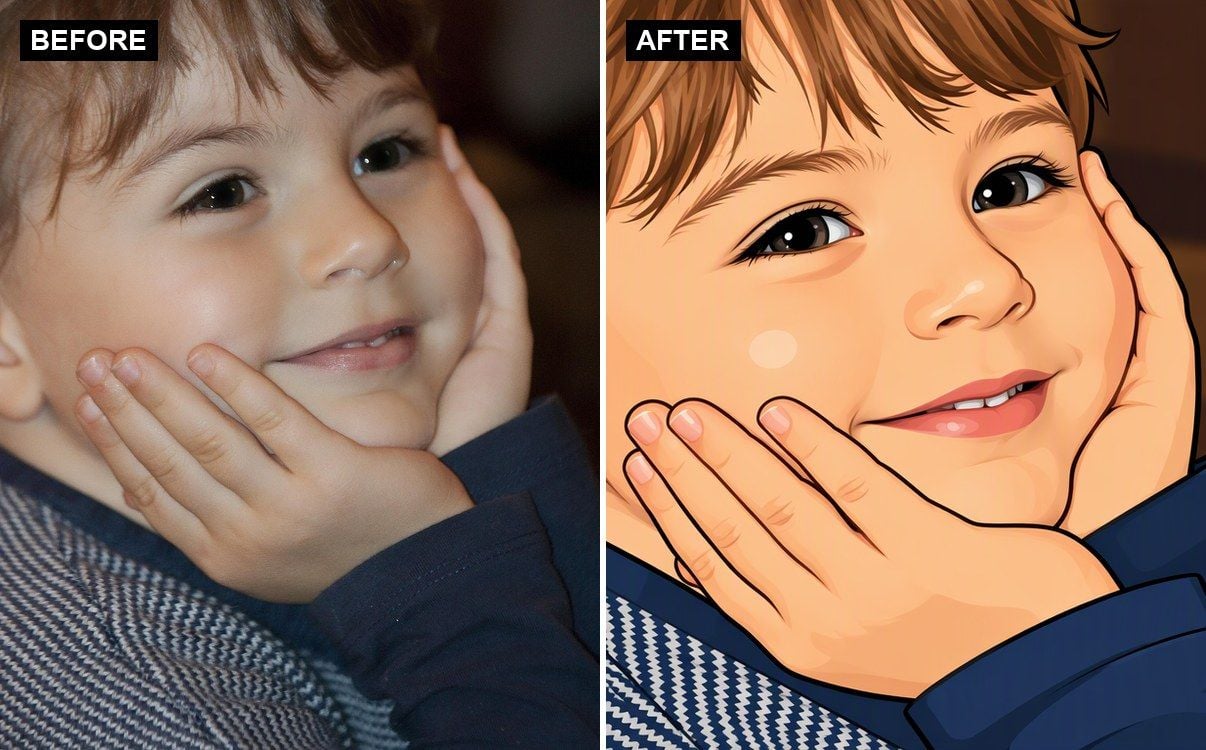
Atlas Cloud does not have a separate "cartoonization" button. But you can use it on the Image Generator workbench: drag the photo into the reference box of the Image Generation tab, write your cartoon prompt, and select the model as GPT Image 2.5 Sunburst Edit. GPT Image 2.5 Sunburst Edit receives real photos and style prompts, and returns the edited version of your described style, whether it's cartoon, manga, anime, or any other style.
Why it stands out: the same model handles portraits, pets, and landscapes without switching tools or templates, because the input is a prompt rather than a fixed filter list. Ask for "Studio Ghibli-inspired" or "bold comic-book linework" and the model follows the description instead of picking from a preset dropdown.
Best for: readers who want control over the exact style, or who need to cartoonize something outside the usual portrait mold, like a pet, a product shot, or a full scene.
Pricing: pay-per-image, no subscription and no minimum spend. There's no dedicated free tool for cartoon conversion the way there is for some of Atlas Cloud's other free utilities, so budget for a small per-image cost if you want to test it (see the FAQ below for the exact number).
2. Fotor: Best AI Cartoon Generator for Style Variety
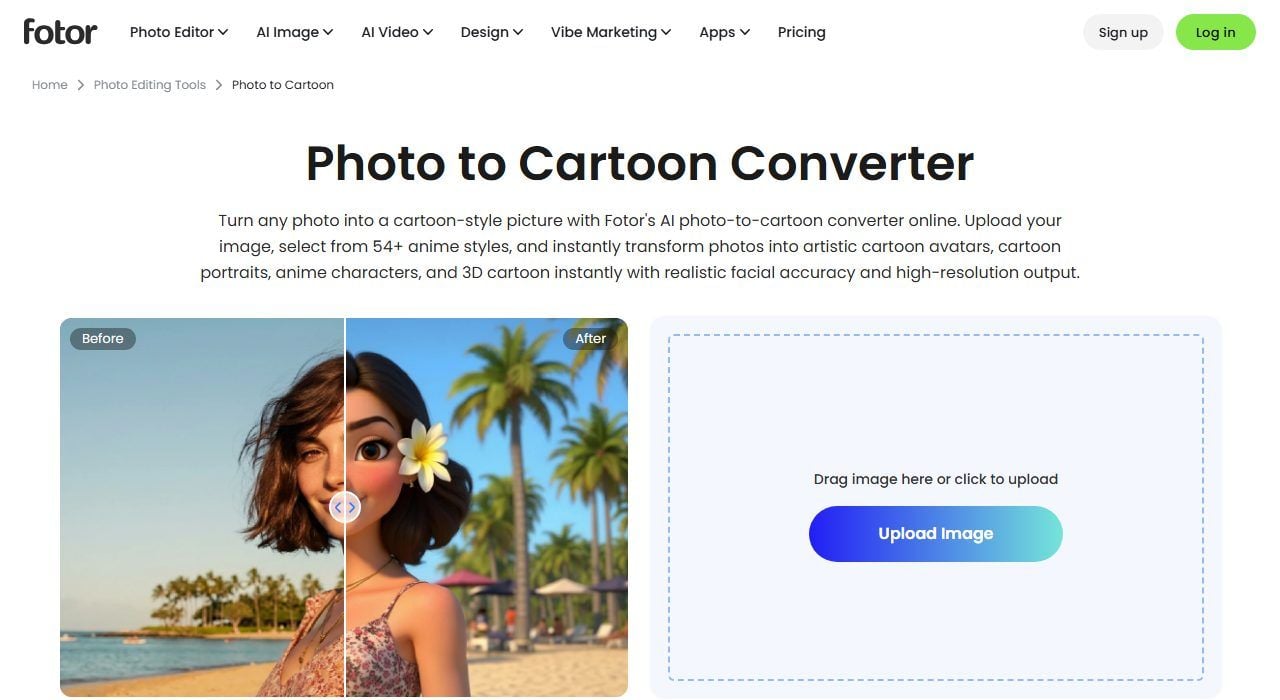
Fotor leads with breadth. Its converter page lists more than 54 cartoon styles, from 3D figurines to Ghibli-inspired portraits to toy-box renders, and the sample gallery includes cat and dog photos alongside human portraits.
Where the free tier stops you: Fotor's own page states you can "earn free daily credits in Fotor reward center to try these cartoon style filters," which means the free path runs through a rewards mechanic rather than a flat free allowance.
What one usable cartoon actually costs: the Pro plan starts at $8.99 a month, the highest entry price among the tools we checked, and unlocks unlimited exports without the reward-credit ceiling.
What users report: Trustpilot shows Fotor at 1.1 out of 5 across 447 reviews, with complaints concentrated on automatic subscription renewal and being upsold from Pro to a pricier Pro+ tier.
Where it falls short for cartoon generation: the free reward-credit system means casual users hit a wall faster than the "free" framing suggests.
Fits: readers who want to browse many styles before committing to one. Not for you if: you want a flat free tier with no credit-earning steps.
3. VanceAI Toongineer: Best AI Cartoon Generator for Pet and Product Photos
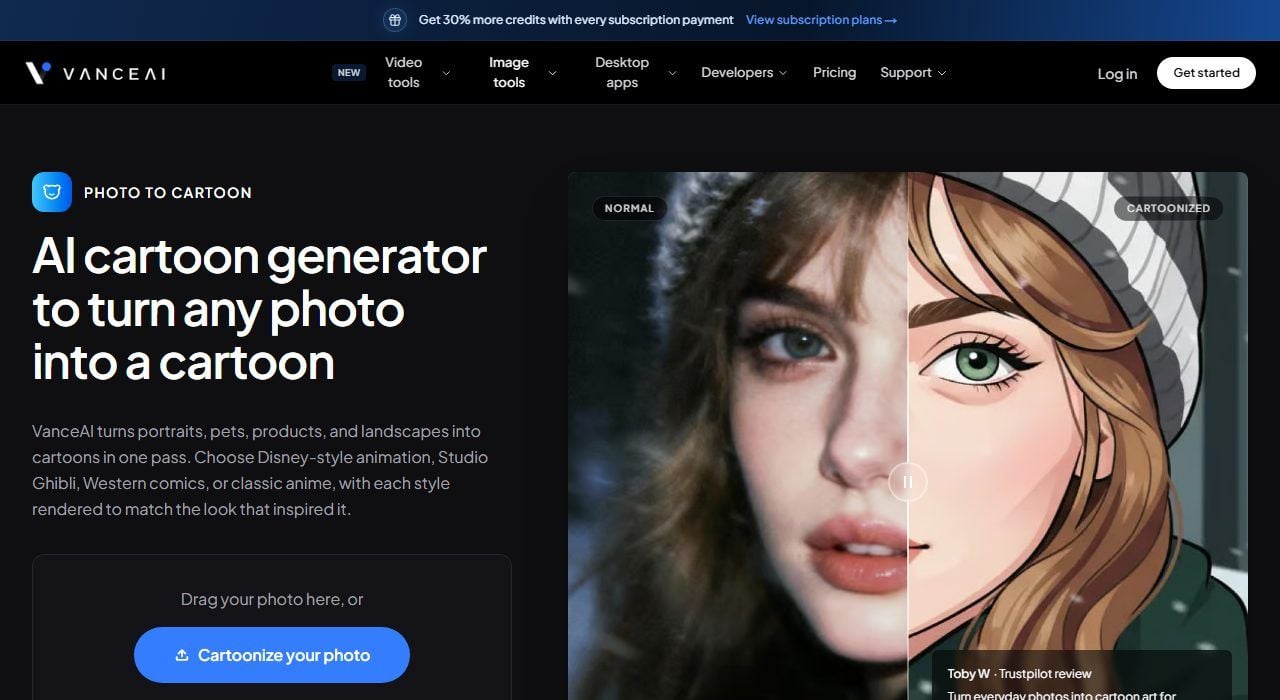
VanceAI's Toongineer page states plainly: "VanceAI turns portraits, pets, products, and landscapes into cartoons in one pass," and lists Disney-style, Studio Ghibli, Western comic, and classic anime among the selectable looks.
Where the free tier stops you: new accounts get 3 free image credits at signup, enough to test the tool but not to cartoonize a full photo set.
What one usable cartoon actually costs: the annual plan works out to $5.94 a month for 100 credits, or a lifetime option at $24.99 for 200 credits with no recurring charge.
What users report: Trustpilot puts VanceAI at 4.0 out of 5 across 1,336 reviews, the strongest score among the tools we checked, though a share of complaints mention a subscription cancel flow that's harder to find than the signup button.
Where it falls short for cartoon generation: three free credits means you'll hit the paywall almost immediately if you're testing more than one photo.
Fits: readers who specifically want pet or product photos cartoonized without a separate tool. Not for you if: you need more than a couple of free tries before paying.
4. BeFunky: Best AI Cartoon Generator for No-Design Pet Portraits
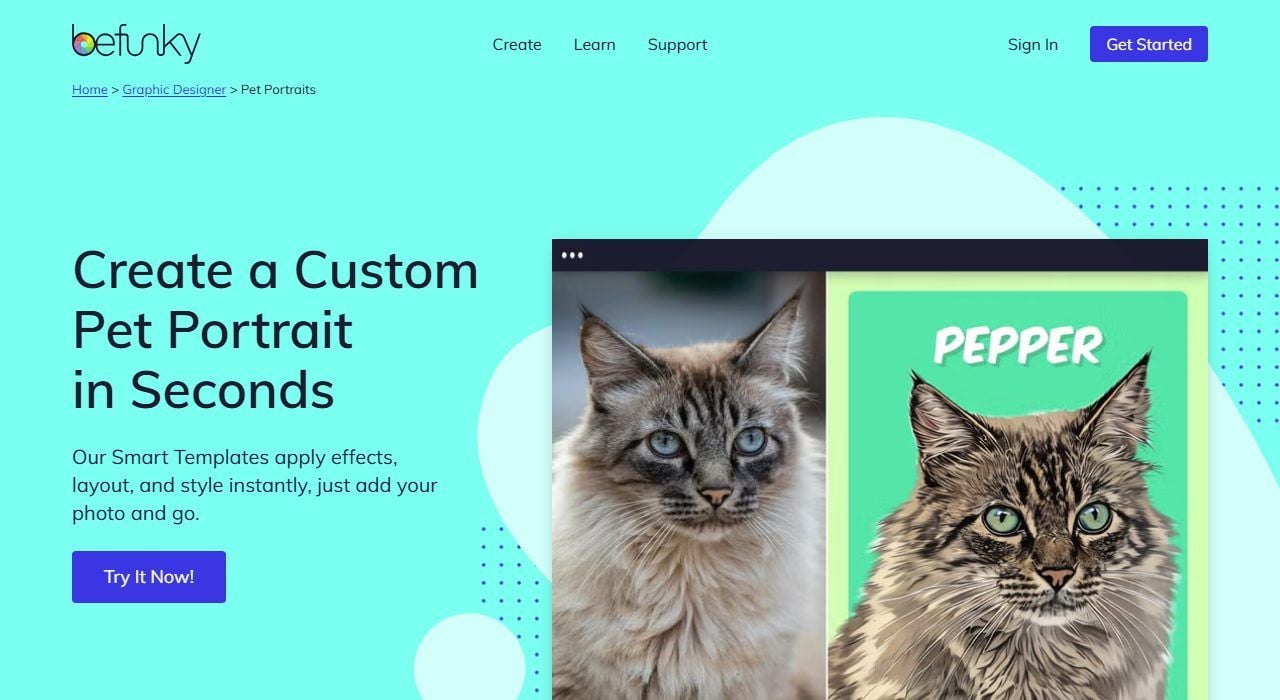
BeFunky's Pet Portrait Smart Templates apply background removal and stylized art in one step, then let you add the pet's name to the finished layout, positioning the feature as a finished product rather than a raw cartoon output.
Where the free tier stops you: BeFunky's own help center states the watermark "appears to indicate that this certain effect/feature is available only to BeFunky subscribers," and pet portrait templates fall under that premium set.
What one usable cartoon actually costs: the Plus plan starts at $6.99 a month, which removes the watermark and unlocks the full smart template library.
What users report: Trustpilot rates BeFunky at 1.8 out of 5 from 37 reviews, a small sample but consistent with complaints about unclear premium-feature gating.
Where it falls short for cartoon generation: the smart templates are built around a finished pet-portrait layout with text, not a plain cartoon export, so it's a narrower tool than a general photo-to-cartoon converter.
Fits: readers who want a shareable, styled pet portrait rather than a raw cartoon file. Not for you if: you want to cartoonize human portraits, landscapes, or anything outside the pet template set.
5. PhotoLeap: Best AI Cartoon Generator for Mobile Quick Edits
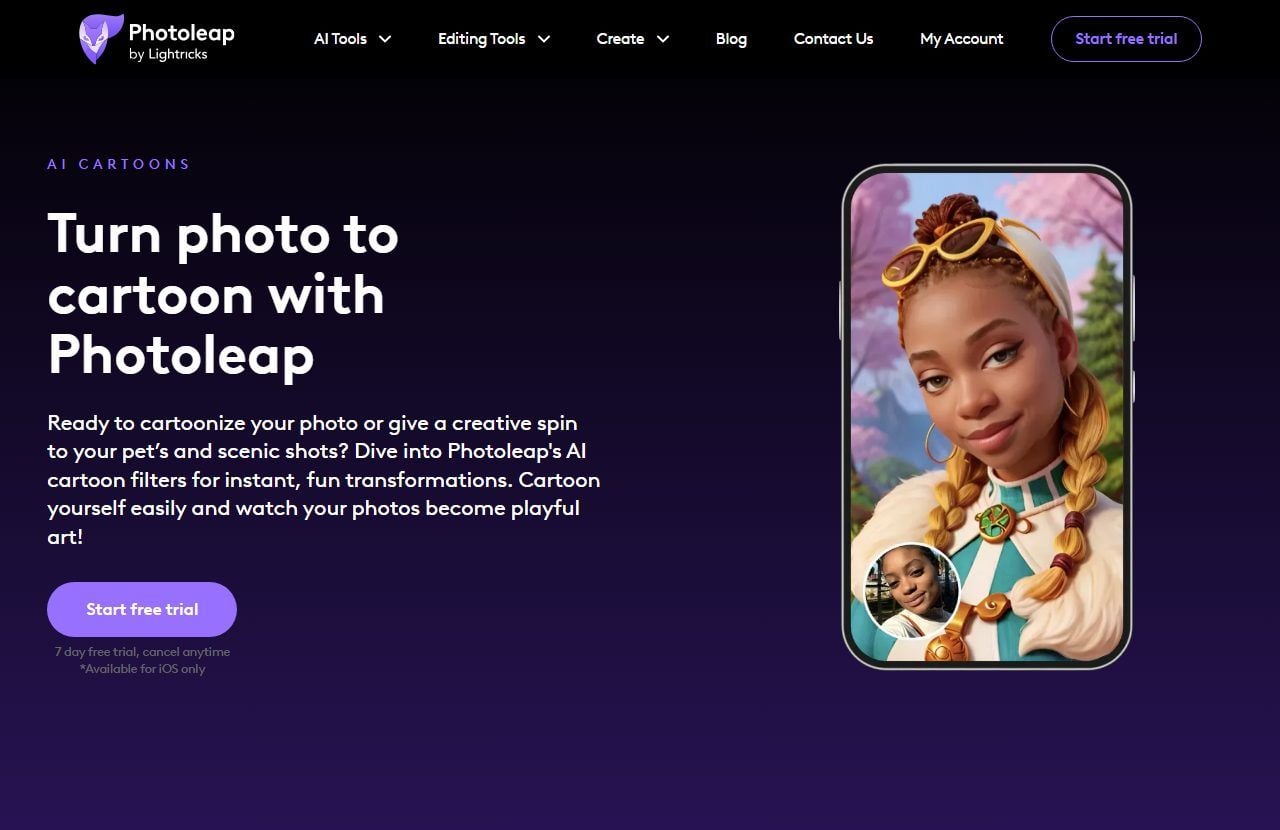
Photoleap's own page shows a real before and after of a corgi under the heading "Cartoonify your pet," and states: "Turn your pet photos into a cartoon! With Photoleap's AI-powered pet portraits, your furry friends can become the stars of their own cartoon show."
Where the free tier stops you: the trial is framed as "7 day free trial, cancel anytime," with a note that it's "Available for iOS only" on this offer, even though the app's own FAQ says both iPhone and Android work for the cartoon feature itself.
What one usable cartoon actually costs: $3.99 a month on the annual plan, billed at $47.99 a year, the lowest entry price among the tools we checked.
What users report: Photoleap advertises a 4.7 out of 5 rating from 600,000 users on its own site, drawn from app store reviews rather than an independent source like Trustpilot.
Where it falls short for cartoon generation: the free trial requires a subscription signup rather than offering a no-commitment free export, and the iOS-only framing on the pricing page may confuse Android users about what they're getting.
Fits: readers who want a phone-first workflow and don't mind a trial-to-paid signup. Not for you if: you want a no-signup free export before trusting the tool with payment details.
The Other Five AI Cartoon Generators Worth Knowing
These five didn't make the top group, mostly because their pet support is unconfirmed, their free tier is thin, or their positioning sits closer to a general art filter than a dedicated cartoonizer.
| Tool | One thing to know | Rating |
|---|---|---|
| Prisma | An art-style filter app with 700+ looks; premium unlocks the full set, but nothing on its pages confirms pet photo handling | No independent rating found |
| Lensa | Built for human self-portraits through Magic Avatars; no mention of pet support anywhere on its pages | App Store 4.6, Google Play 4.1 |
| Deep Art Effects | Desktop-first art rendering with no ongoing free tier, priced from $9.90 for one month | Trustpilot 3.0 (121 reviews) |
| Remini | Known for photo enhancement, with a cartoon filter as a secondary feature | App Store 4.6, but Trustpilot 1.3 |
| Snapchat Anime Lens | A free, real-time face filter built into the app, not a standalone photo tool, and not designed for pets | Free, no rating applicable |
6. Prisma
Prisma's pitch is style transfer across more than 700 art filters, closer to a painterly effects app than a dedicated cartoonizer. Its pages don't mention pet photo handling one way or another, so treat that as untested rather than confirmed.
7. Lensa
Lensa's Magic Avatars turn selfies into stylized digital portraits, but the product is built and marketed entirely around human self-portraits. There's no pet-photo pathway described anywhere in its materials.
8. Deep Art Effects
Deep Art Effects is a desktop app for turning photos into painterly digital art, priced from $9.90 for a single month with no standing free tier. It's a fit for readers who want a one-time desktop tool rather than a subscription.
9. Remini
Remini is best known for photo restoration and enhancement, with a cartoon-style filter available as one feature among many. Its App Store rating of 4.6 sits far above its Trustpilot score, a gap we dig into below.
10. Snapchat Anime Lens
Snapchat's Anime Style Lens is a free, real-time face filter, not a static photo converter, and it's built on face tracking designed for human faces. It won't take a still pet photo as input the way a dedicated cartoonizer will.
Will It Still Look Like Your Dog? Testing AI Cartoon Generators on Pet Photos
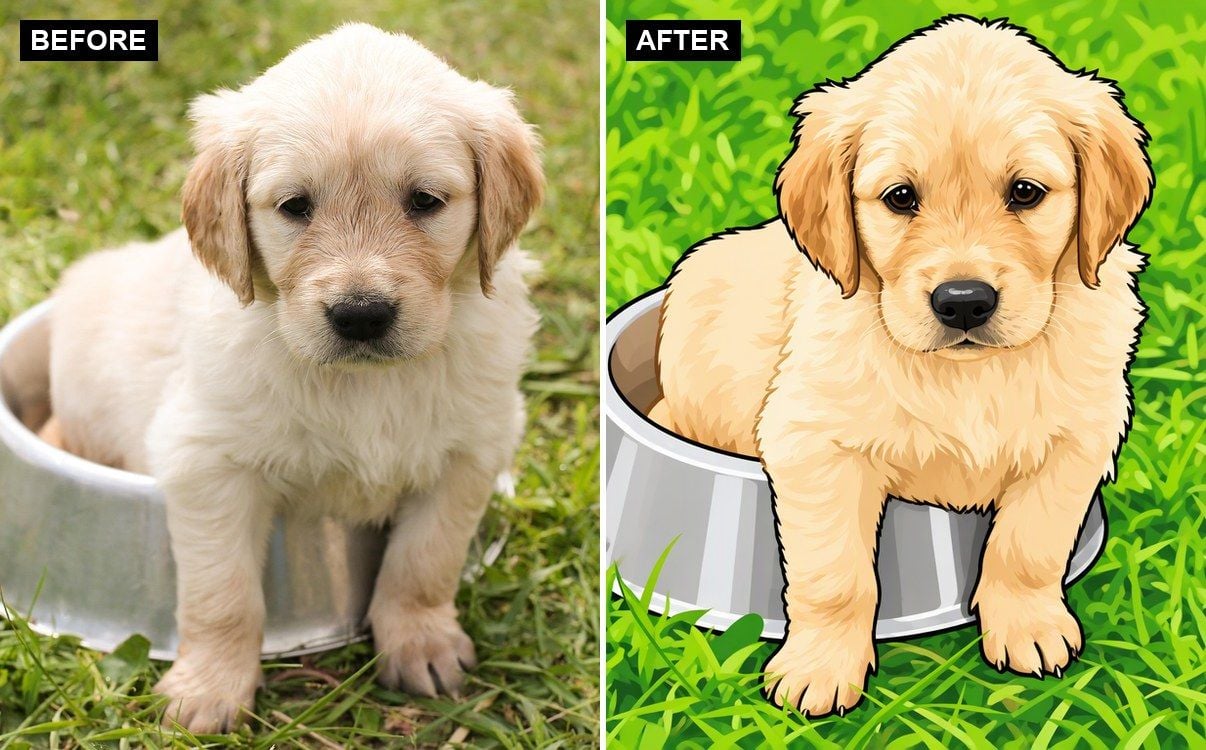
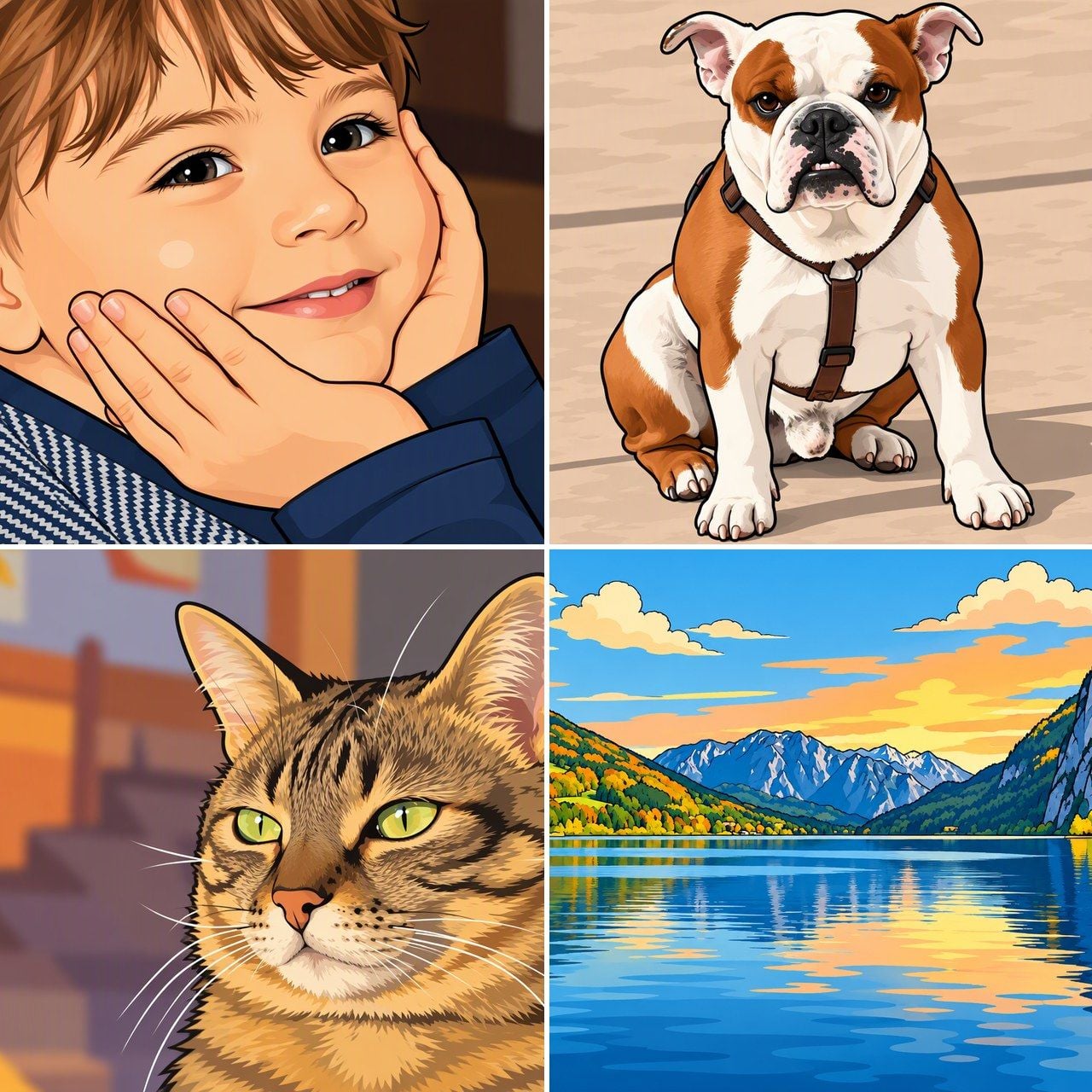
Running that test on Atlas Cloud came out the other way: the puppy above kept its ear shape, muzzle, and coat pattern, likely because GPT Image 2.5 Sunburst Edit works from a text prompt rather than a model trained narrowly on human faces. That's the distinction worth checking for before you upload a pet photo anywhere, not just with Atlas.
Most cartoon tools are trained on far more human faces than animal ones. AFHQ, one of the standard datasets used to train animal-face models, consists of "15,000 high-quality images" split across cat, dog, and wildlife domains, about 5,000 per domain.
That's a fraction of the size of the human face datasets that power most portrait tools, and the gap shows up as distorted ear shape, flattened muzzles, and fur that reads as a texture pattern instead of individual strands.
Toonify's own upload instructions make the human-only assumption explicit: the tool asks for a photo "where your face is the main subject," tells you to make sure you're "facing toward the camera," and to "avoid multiple faces," with no mention of pets anywhere in its guidance. That's a tool built for one job, and pet photos aren't it.
What to do instead: before trusting any tool with a pet photo, check whether pet support is stated on the tool's own page, not just implied by a stock photo in the marketing gallery. Fotor, VanceAI, BeFunky, and Photoleap all state pet support directly, which is why they're the four non-Atlas tools featured above.
Use a well-lit, front-facing photo with the pet's whole face visible, the same advice that improves results for human portraits. Check the ears and muzzle first in the output, since that's where the training-data gap shows up fastest.
What Do Real Users Say About the Best AI Cartoon Generators?
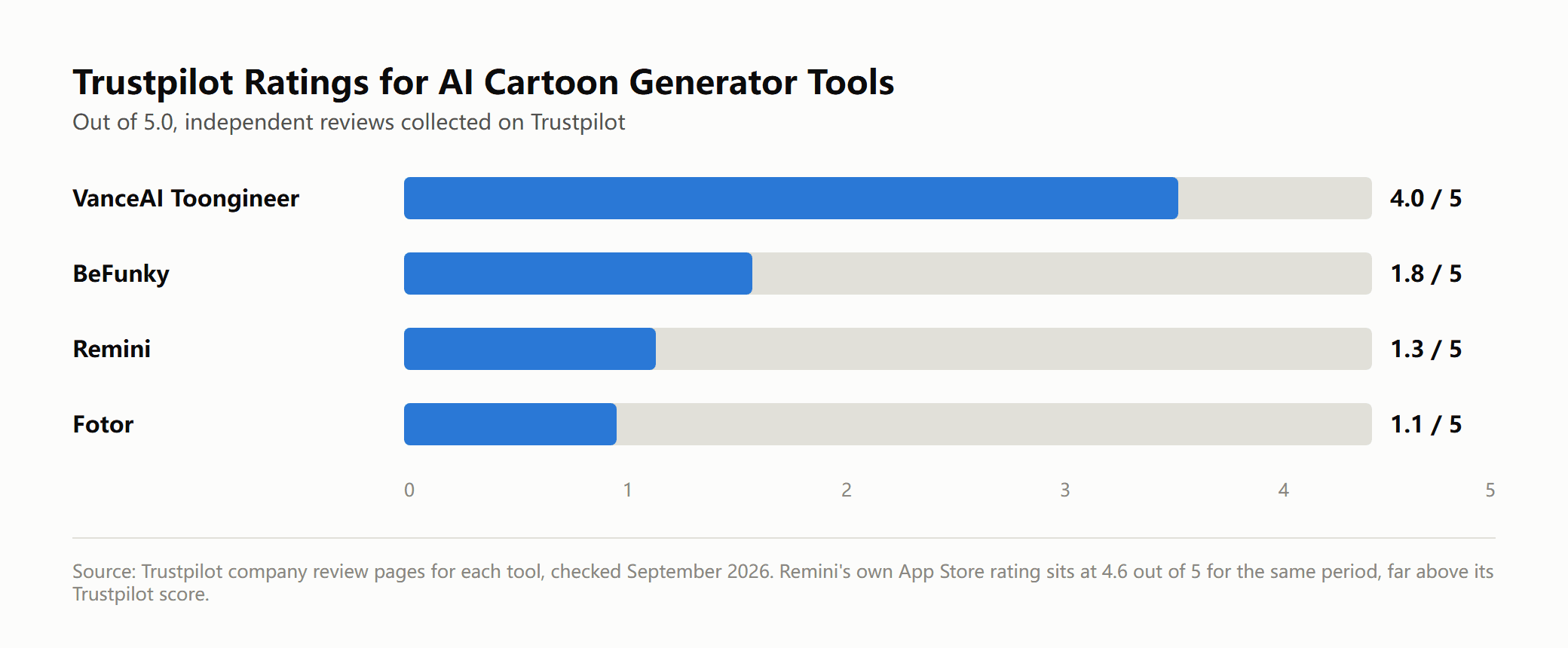
App store listings and independent review sites don't always agree, and the gap in the chart above is widest exactly where subscription billing is involved. Remini's app store number comes from people who liked the enhancement or cartoon filter right after downloading. Its Trustpilot score comes from people who later tried to cancel, and the bulk of those one-star reviews point to auto-renewing charges that were hard to find a way out of.
Fotor and BeFunky show the same shape of complaint at smaller scale, clustering around free-to-paid conversion rather than the cartoon output itself. VanceAI sits apart from the other three, and its stronger independent score lines up with the no-watermark free-start claim on its own page actually matching what reviewers describe experiencing.
Read both numbers before you commit a card number: what a tool advertises about itself and what people say once they've tried to walk away from it are measuring two different things.
Frequently Asked Questions
Can I cartoonize myself using ChatGPT?
Yes, if you have access to GPT-4o's native image generation, you can upload a selfie and ask ChatGPT to redraw it in a cartoon or animated style directly in the chat window, no separate tool needed. OpenAI has said it added a refusal that triggers when someone asks for the style of a specific living artist by name, but broader studio-inspired styles are generally allowed. For a result that still looks like you, describe identifying details in your prompt, like glasses, freckles, or a specific hairstyle, so the model has a reason to keep them.
Is there a free AI cartoon generator with no watermark?
Among the tools we tested, VanceAI's Toongineer page makes the clearest claim: "Free to start. No watermark. No credit card." The free allowance is still capped at 3 credits per new account, and most competitors, including Fotor and BeFunky, watermark their default free exports and remove the mark only on a paid plan. Atlas Cloud doesn't run a flat-free cartoonizer either, but its pay-per-image pricing on GPT Image 2.5 Sunburst Edit starts low enough that testing a handful of photos costs well under a dollar.
Which AI cartoon generator works best on pet photos?
Fotor, VanceAI, BeFunky, and Photoleap all advertise pet photo support directly on their own pages, which puts them ahead of tools like Lensa and Snapchat's Anime Lens that are built around human faces only. Even among the pet-friendly tools, results vary by breed and photo quality, so a clear, front-facing shot with good lighting will outperform a blurry action photo every time, regardless of which tool you pick.
Can AI turn a cartoon image back into a realistic photo?
That's a different task from what this article covers, and it works less reliably than the reverse. Turning an already-stylized cartoon back into a photorealistic image asks a model to invent detail that was never in the source, like real skin texture or fabric weave, rather than simplify detail that's already there. If you need a realistic version of a subject, start from the original photo rather than trying to reverse-engineer one from a cartoon.
Conclusion
The right AI cartoon generator depends on what's in your original photo more than any single feature list. For portraits, the field is crowded, and most tools handle the job reasonably well once you accept a free-tier trade-off like a watermark, a credit cap, or a trial that converts to a subscription. For pets, the gap between tools built for animal faces and tools that just happen to accept any upload becomes obvious fast, and checking a tool's own marketing for an explicit pet mention is a faster filter than trusting the sample gallery.
Atlas Cloud's approach through GPT Image 2.5 Sunburst Edit trades a one-click button for prompt control, which matters if you want a specific style or need to convert something outside the usual portrait mold. Whichever best AI cartoon generator you land on, test it with the actual photo you care about before committing to a paid plan, since a tool that nails a stranger's stock photo won't always nail your dog's.





