GPT Image 2.5 product photography works best as an extension layer for an approved product photo. It can turn that reference into a cutout, a campaign scene, and a tightly scoped retouch. The result still needs review before it becomes a listing or an ad.
That distinction saves expensive rework. A background swap can look polished while quietly changing a cap height, label character, color, logo edge, or the direction of a contact shadow. For an ecommerce team, those are product facts, not styling details.
Key takeaways
- Define a SKU protection list before writing the prompt.
- Change one variable per run and state what must remain exact.
- Treat each output as a candidate until a person checks it against the approved source.
OpenAI says Images 2.5 improves reference-subject preservation, editing precision, lighting, texture, and latency versus Images 2.0. Those improvements make constrained testing more practical, not automatic proof that every package detail survived. ( OpenAI announcement, September 2026)
What GPT Image 2.5 Product Photography Is Good For
Use this capability after your team has a real, owned, or licensed SKU reference. It is useful for clean cutouts, scene candidates, and focused retouches around an approved product. It is a poor fit for inventing a product that must later be presented as a real item for sale.
| Job | AI can help with | A human must confirm |
|---|---|---|
| Marketplace hero | Background cleanup, composition candidates, crop variants | SKU, label text, color, and the marketplace background rule |
| Campaign creative | Scene, props, light direction, headline space | Product was not redrawn; brand assets are licensed |
| Packaging retouch | Remove minor clutter, replace a non-regulated background | Ingredients, claims, barcode, warnings, and legal copy |
| New product concept | Moodboards and shoot pre-visualization | It is not represented as an available product |
Do not use a generated result as sole evidence for a regulated statement, a measured size, a product count, or packaging copy that must be exact. The same caution applies to an unlicensed product image. ChatGPT Images supports uploads, direct text edits, aspect-ratio choices, and transparent backgrounds, which is why a reference-led workflow is stronger than starting from a description alone. ( OpenAI Help Center, September 2026)
For teams that need to run both branches beside the same prompt and references, Atlas Cloud keeps GPT Image 2.5 work in one workspace so the source, prompt, output, and approval note can travel together.
GPT Image 2.5 Product Photography Starts With a SKU Protection List
Before uploading, write the fields that may not change. Put the approved source beside every candidate during review. A pretty scene cannot compensate for a changed product.
- Outline, geometry, and proportions
- Logo, label layout, readable package text, color, and finish
- Cap, pump, seal, accessory, and visible product count
- Product orientation and camera angle
- Light direction and the contact-shadow logic when those matter to the composition
If the item carries medical, food, cosmetic, children’s, or other regulated claims, keep AI-derived images in the creative-candidate lane until the compliance owner approves them. Image quality does not tell the model which letters, color codes, or components your business cannot afford to change.
GPT Image 2.5 Product Photography: A 3-Step SKU-Safe Workflow
The worked example below uses a real stock reference licensed for reuse as a testing input. It is a teaching asset, not a product claim or a marketplace listing. In a production run, replace it with a photo your brand owns or is authorized to edit.
Save the original source, model, committed settings, complete prompt, output file, and reviewer decision for every run. This creates a short audit trail when someone asks why a creative was approved.
GPT Image 2.5 Cutout: Step 1 With Flare
Upload the approved source image. In GPT Image 2.5 Flare Edit, choose PNG, transparent background, 1:1, output count 1, and the highest available quality tier. Paste this prompt exactly:
plaintext1Change only: remove the existing background and isolate the product. 2 3Keep exactly: the product’s silhouette, geometry, proportions, cap and accessory shapes, label layout, logo, readable packaging text, material finish, color, camera angle, and visible product count. 4 5Output: one centered product on a truly transparent background with a crisp edge and natural clean alpha. Do not redraw, restyle, simplify, invent, translate, or replace any product detail. Do not add a shadow, scenery, checkerboard, pedestal, text, or extra object.
Inspect the alpha edge at high zoom. Reject haloing, missing cap edges, altered lettering, or a changed brand color. A transparent checkerboard preview is not proof of a clean alpha channel.
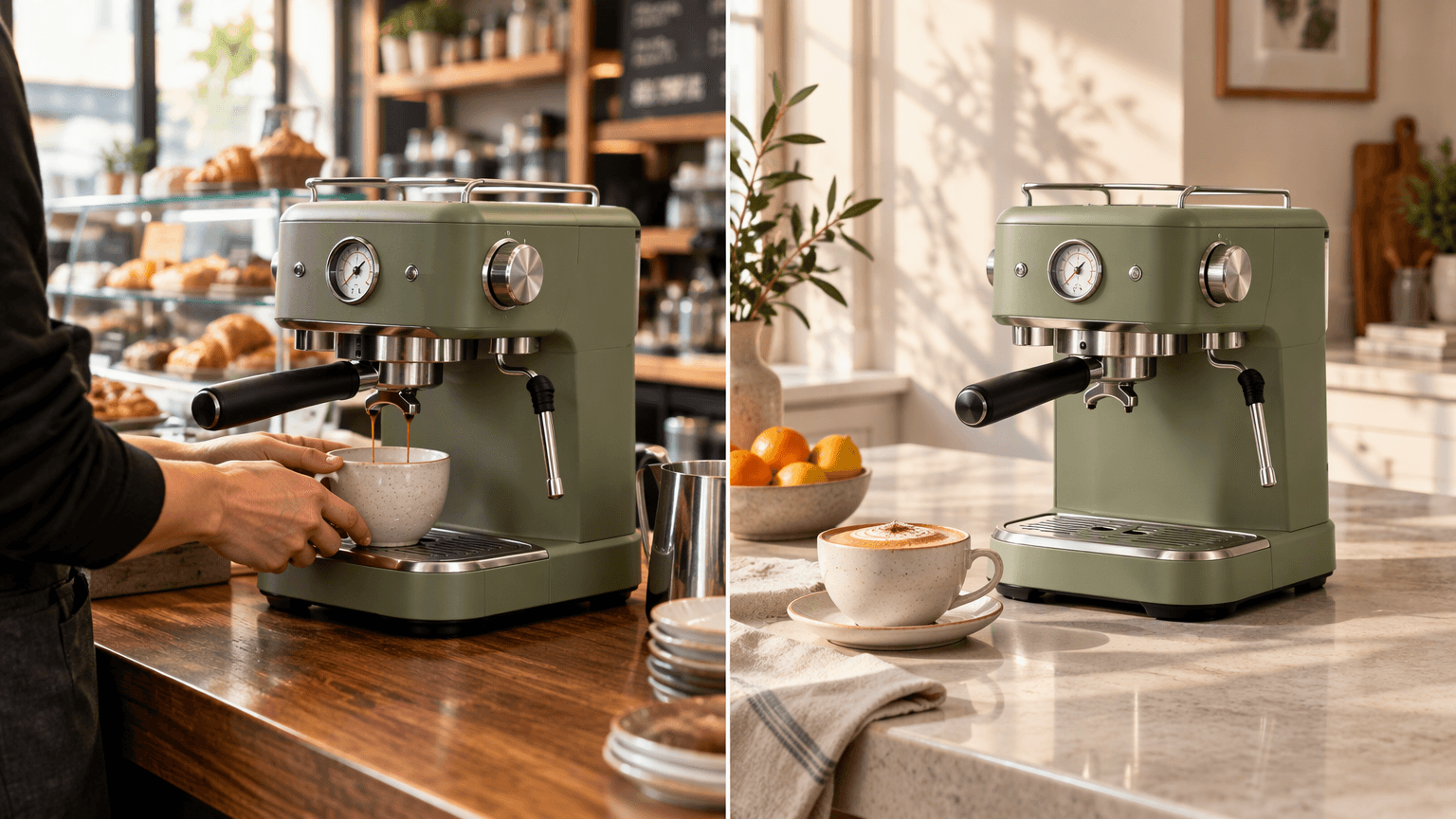
The same sage-green espresso machine shown in a café and home breakfast setting
Generated with GPT Image 2.5 Flare: the same sage-green espresso machine appears in active café service at left and on a sunlit home breakfast island at right. Compare the housing, gauge, portafilter, and steam wand across the two real-use settings.
GPT Image 2.5 Campaign Frame: Step 2 With Flare
Use the accepted cutout as the reference. Select Flare Edit, PNG, 16:9, and the highest available quality tier. The production target is 3840 × 2160 when the control accepts it; use the committed size reported by the workspace, not a typed size that reverted. Paste:
plaintext1Change only: place the supplied product in a premium but realistic product-photography scene. 2 3Scene: the product stands upright on a pale travertine plinth in soft side window light; a subtle warm-gray studio wall is behind it; add restrained natural contact shadows and generous empty space on the left for future headline placement. Use a straight-on three-quarter product-camera angle. No visible people and no generated typography. 4 5Keep exactly: the supplied product’s geometry, proportions, label layout, logo, readable packaging text, cap shape, color, material finish, product count, and overall product orientation. Do not redesign the packaging or add new claims, badges, labels, props touching the product, or text.
Check that the left-side headline space exists, the label remains unobscured, and the contact shadow agrees with the light direction. If the product shifts, return to the accepted cutout rather than repairing a compromised scene.
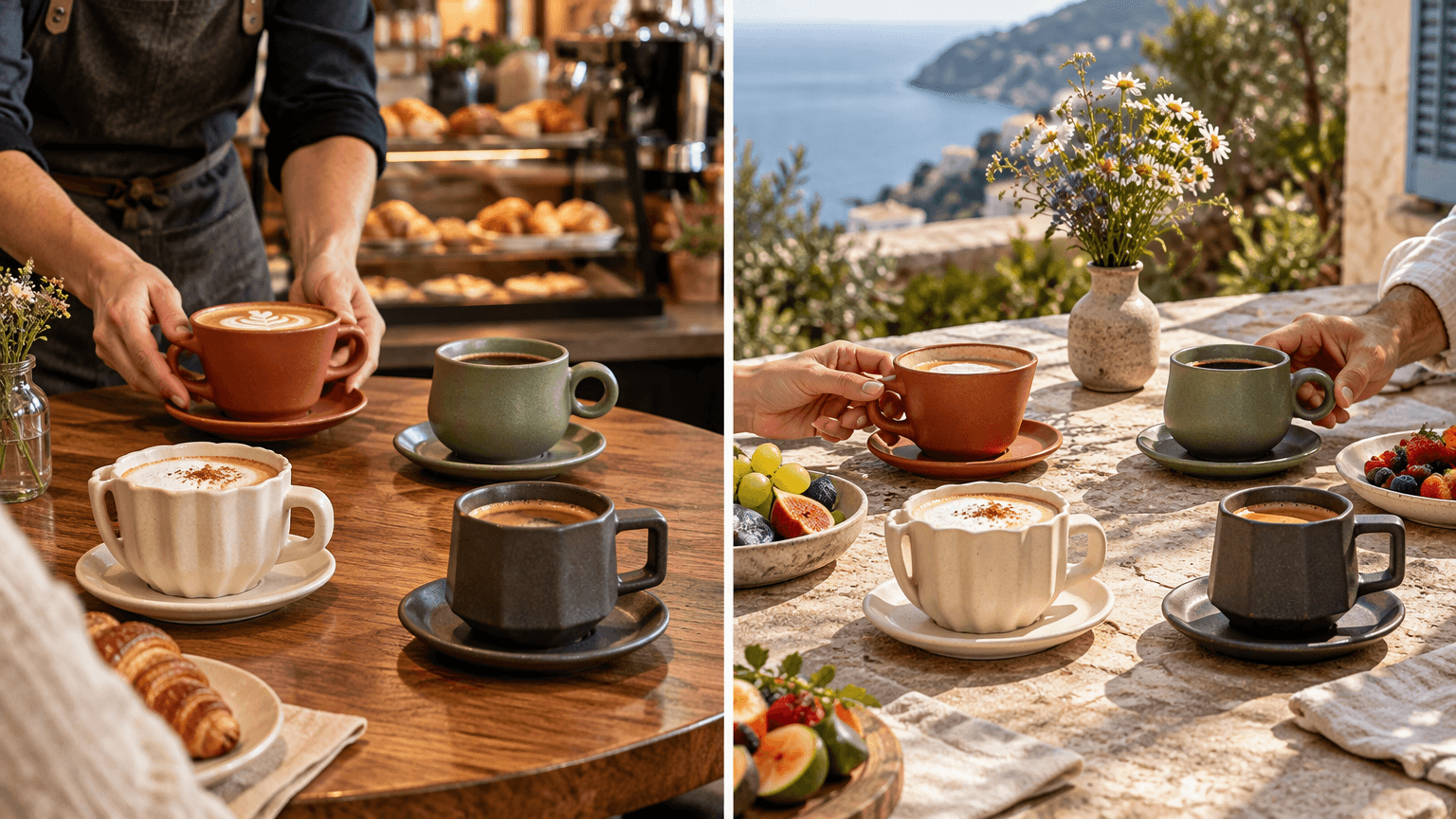
Four matching ceramic coffee cups shown in a café and terrace brunch setting
Generated with GPT Image 2.5 Flare: the same terracotta, sage, cream, and charcoal cups move from café service at left to a terrace brunch at right. Compare the cup count, shapes, colors, and placements before treating the scenes as usable.
GPT Image 2.5 Controlled Retouch: Step 3 With Sunburst
Upload the accepted Step 2 image. Add the original approved source as a second reference if the label or color needs closer protection. In GPT Image 2.5 Sunburst Edit, choose PNG, 16:9, and the highest available quality tier. Paste:
plaintext1Change only: refine the contact shadow under the product and remove any distracting background specks. 2 3Keep exactly: the product identity from reference image 1, including its silhouette, proportions, label layout, logo, readable packaging text, cap, color, material finish, orientation, placement, camera angle, crop, background, lighting direction, empty headline space, and every object not explicitly named for change. 4 5Do not regenerate or beautify the packaging. Do not add text, claims, extra products, hands, reflections, or decorative objects.
Review the result next to the original at 100% size. A fabricated character, a warped cap, an extra bottle, or a color shift is a fail. Do not publish a result that is close enough.
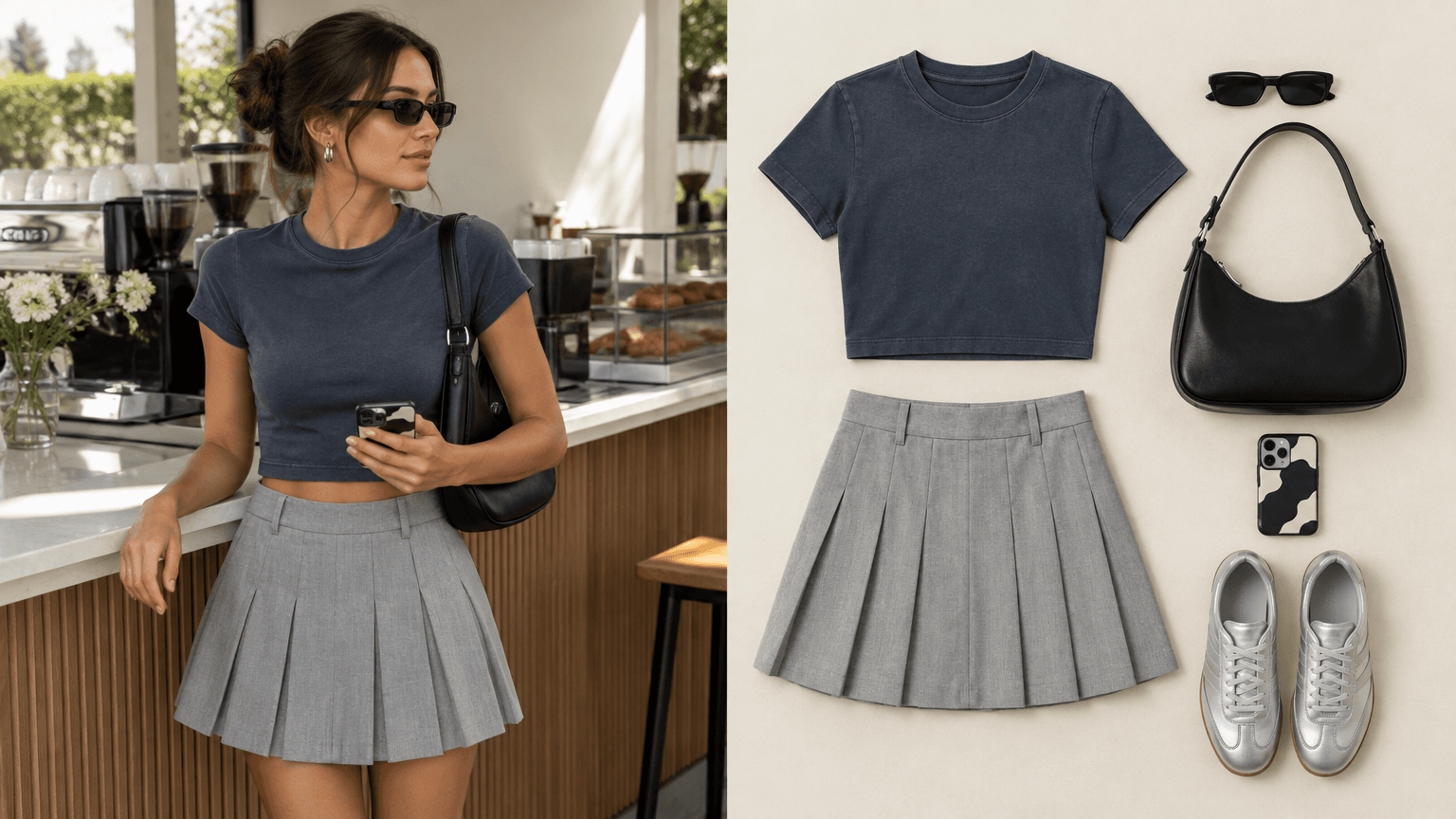
The same coordinated outfit shown on a model and as a flat lay
Generated with GPT Image 2.5 Flare: the lifestyle panel and flat-lay panel show the same tee, skirt, bag, sneakers, sunglasses, and phone case. Compare the product set and material details before reuse.
GPT Image 2.5 Product Photography Prompts for 3 Ecommerce Jobs
These are Step 2 scene briefs, not extra workflow stages. Keep the protection paragraph from Step 2 unchanged, then replace the scene paragraph with one of the following.
Marketplace white background
plaintext1Scene: place the supplied product centered on a pure white background, with no shadow unless the target marketplace explicitly permits a subtle natural contact shadow. Keep the complete product inside the crop with even margins. No props, text, badges, hands, or duplicate products.
Replace: category, marketplace rule, crop ratio, and exact packaging fields.
PDP lifestyle frame
plaintext1Scene: place the supplied product as the clear focal point on [surface] in a realistic [room or outdoor setting]. Keep the label facing camera and unobstructed. Use [light direction] and leave [left or right] negative space. No people, generated typography, or props touching the product.
Replace: product category, surface, setting, light direction, and safe headline side.
Paid-social background
plaintext1Scene: create a [channel ratio] product-photography frame with the product on [surface] and a clean empty [left or right] zone for later ad copy. Do not generate ad text, price cards, badges, or calls to action. Preserve the supplied package exactly.
Replace: channel ratio, surface, copy-safe zone, and every non-negotiable packaging feature.
GPT Image 2.5 Product Photography: Flare vs Sunburst
Choose by the kind of decision you need to make. Flare is the faster first route for a cutout, a simple background change, or several scene directions. Sunburst fits a later pass where the composition is accepted and the edit scope is deliberately small. OpenAI positions Flare as the default choice for most applications and Sunburst for more detailed, premium visual workflows.
| Decision question | Start with Flare | Start with Sunburst |
|---|---|---|
| Explore scene and composition quickly | Yes | No |
| Remove a background or create a cutout | Yes | No |
| Dense label, material, or protection requirements | Try first | Yes |
| Accepted composition, local final adjustment | Possible | Yes |
| Candidate nearest to launch | Review first | Better fit, still review |
Compare fairly: use the same source, scene brief, aspect ratio, quality tier, and one output per model. Do not compare a favorite result from two different prompts. The acceptance rate matters more than a headline price because rejected generations still consume production time and spend.
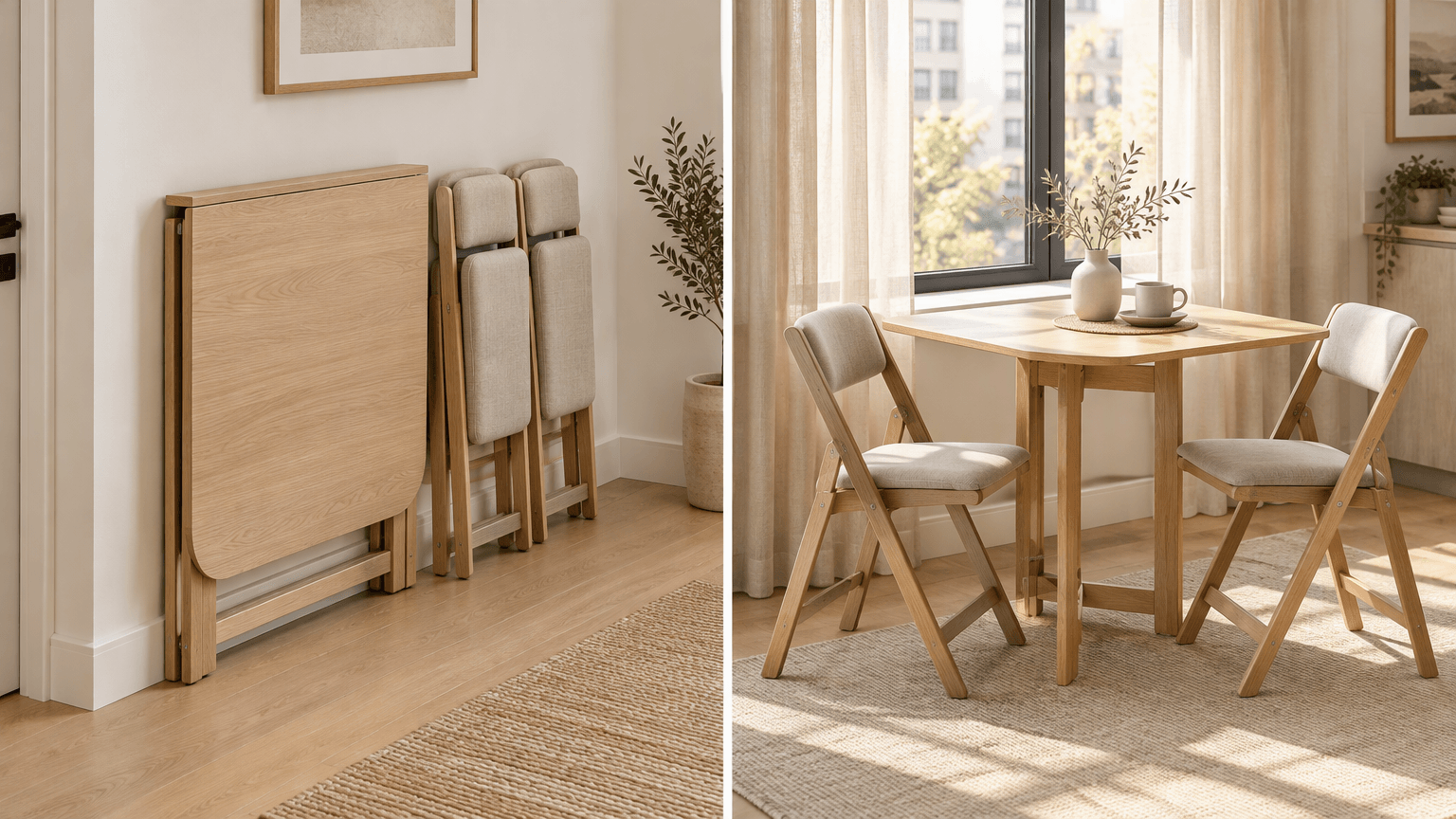
The same folding table and chairs shown stored and arranged as a breakfast nook
Generated with GPT Image 2.5 Flare: the left panel documents the folded storage state, while the right panel shows the same table and chairs opened beside a window. Compare the furniture geometry and count across the two states.
Community reaction supports that cautious approach. Some early users report better speed or adherence, while others still flag detail drift, texture artifacts, and product-accuracy concerns. Use the scorecard below rather than an absolute quality claim. ( r/ChatGPT launch discussion, September 2026)
GPT Image 2.5 Product Photography QA Before You Publish
Score each item pass or fail against the approved source. One failure sends the image back to the prior accepted source.
| QA check | Pass condition | Fail condition |
|---|---|---|
| Product count | Matches the source | Extra or missing unit |
| Outline | Same visible silhouette | Warped bottle, cap, or accessory |
| Proportions | Height and width stay credible | Stretched or compressed geometry |
| Package text | Matches the source where readable | Invented, changed, or unreadable text |
| Logo | Shape and placement agree | Missing, altered, or softened mark |
| Color | Product color matches the approved source | Noticeable shade shift |
| Material | Glass, plastic, metal, or finish remains plausible | New gloss, texture, or transparency |
| Shadows | Direction matches the scene light | Conflicting or floating shadow |
| Background | Scene is plausible and relevant | Fake claim, clutter, or odd object |
| Channel crop | Product remains complete and readable | Label cut off or product obscured |
Use traceable file names such as real-photo, ai-derived, and composite, followed by the SKU, channel, and revision. Commercial clearance and marketplace compliance remain separate decisions. Use only imagery, logos, and packaging you own or have permission to use.
GPT Image 2.5 Product Photography Cost Without Misleading Yourself
Do not estimate a production asset from a lowest listed generation price. The real number depends on resolution, quality tier, reference count, retries, and the share of outputs that pass human QA.
| Atlas Cloud route | Use case | Current page price, checked September 2026 |
|---|---|---|
| GPT Image 2.5 Flare Edit | Cutouts and first scene candidates | From $0.006 per image, currently $0.005 with 20% off |
| GPT Image 2.5 Sunburst Edit | Controlled high-value retouch | From $0.006 per image, currently $0.005 with 20% off |
| GPT Image 2.5 Flare Text-to-Image | Concept-only moodboards without a SKU reference | From $0.004 per image, currently $0.003 with 20% off |
Those are the current public catalog’s listed starting prices, not a promise of final billing at a chosen size or quality. Recheck live GPT Image 2.5 pricing before planning a batch.
Use this simple calculation:
plaintext1approved asset cost = total generation spend ÷ manually approved outputs
For gpt image 2.5 product photography, the lowest-risk workflow keeps the original, the prompt, and the reviewer’s decision together. That is how teams turn fast visual experimentation into defensible creative production.
Frequently Asked Questions
Can 1 Photo Start a Product Shoot?
It can create useful variations from 1 reference photo, including a cutout or scene candidate. Start with an owned or licensed source and review every output against it. A single image does not prove the generated product is accurate enough for a listing.
How Do You Protect a Product Label or Logo?
Write a protection list first, then use a Change only and Keep exactly structure. Name the label layout, readable text, logo, color, cap, material, geometry, and product count. Limit each edit to 1 variable, then inspect at full size.
Is GPT Image 2.5 Flare or Sunburst better for ecommerce product photos?
Start with Flare for cutouts and early scene exploration. Move to Sunburst after the composition is accepted and you need a narrow final retouch. Neither removes the need for SKU QA.
Can You Make a Transparent Product PNG?
Yes. Use an edit workflow, ask for a truly transparent background, and check the alpha edge. Confirm there is no halo, altered text, missing component, or added shadow.
Can Generated Product Images Be Used Commercially?
Check your rights to the source image, logos, packaging, and any channel-specific rules. Then send the approved candidate through your brand and compliance review. A generated image can still contain an inaccurate product detail.
How much does GPT Image 2.5 product photography cost on Atlas Cloud?
The catalog showed listed starting prices of $0.005 for Flare Edit and Sunburst Edit after the current 20% discount, and $0.003 for Flare Text-to-Image, when checked in September 2026. Calculate from approved outputs rather than from a single starting price.





