If one wrong character can change a price, a date, or a legal claim, an image that looks right is still a failed asset. GPT Image 2.5 text rendering is useful for short, clear, high-contrast copy inside an image. It is not a substitute for a release process.
The practical answer is simple: use it for a short headline, a few large labels, concept posters, and controlled edits. Put dense information, brand fonts, prices, regulated claims, and final localized copy through a character-by-character review and, where needed, an approved typography overlay.
Key takeaways
- Test the exact copy you plan to ship, not a friendly placeholder.
- Treat readable, accurate, and legally approvable as separate checks.
- Use a constrained edit test before trusting a text replacement.
- Measure cost per accepted image, including retries and review time.
OpenAI introduced Images 2.5 on September 8, 2026. Its announcement says people create more than 3 billion images a week across ChatGPT Images and GPT-Image API models, and says latency can be up to 50% lower than Images 2.0. Those are useful workflow improvements, not a waiver for proofing ( OpenAI announcement , September 2026).
This article uses a small, repeatable release gate rather than a beauty contest. The four proposed assets are controlled synthetic tests, not product ads or performance benchmarks. Each run should use the same model route, 16:9 canvas, maximum available quality, PNG output, and a count of one. The real-run evidence was blocked in this packaging session because the test-environment login expired, so no unverified result is presented as a pass.
GPT Image 2.5 Text Rendering: Is It Good Enough to Ship?
It can be good enough to start a production workflow. Whether it can ship without manual typesetting depends on the copy's risk, density, and change tolerance.
| Ship / QA / typeset elsewhere | Copy pattern | Risk level | Practical decision |
|---|---|---|---|
| Ship after standard QA | One short headline, large type, one language, one dominant text layer | Lower | Generate, inspect at 200%, and keep the source copy record. |
| Generate then QA | Several labels, a number, date, offer line, or accented text | Medium | Use a controlled test and reject the result on any copy mismatch. |
| Typeset elsewhere | Price, legal claim, accessibility-critical text, approved font, dense table, long paragraph | High | Generate the visual base only and apply approved text in a design tool. |
Legibility answers whether a reader can see a word. Accuracy answers whether every character is right. Editability answers whether a designer can change it as a normal text layer. Legal approval asks a different question again. A campaign team needs all four answers when the asset carries a price, deadline, or commitment.
OpenAI's image prompting guidance recommends putting required text in quotation marks, specifying placement and treatment, asking for no extra text, then reviewing spelling and readability in the output. The same guide warns that a higher quality setting does not guarantee a better result for every prompt ( OpenAI image prompting guide , September 2026).
GPT Image 2.5 text rendering risk signals
Treat these as escalation signals: a small denominator, a currency symbol, a date, an en dash, a diacritic, text wrapping across a fold, or several equally important blocks. A visual can remain attractive while any one of those details changes.
A GPT Image 2.5 Text Rendering Preflight: 4 Real Tests
Run a spot check that resembles the work you will publish. Save the model route, source-copy strings, exact prompt, settings, timestamp, estimate or quote, output file, reviewer, and result. Do not rerun until a lucky image appears and report only that one.
| Test | What must stay exact | Why it matters | Pass rule | Recorded result | If it fails |
|---|---|---|---|---|---|
| 1. Workshop headline | 3 short lines | One hierarchy with a footer | Each string appears once, fully visible, and no extra text appears | Blocked: test login expired before run | Shorten copy or typeset the final text. |
| 2. Schedule card | 2 PM, MON–FRI, 3 blocks | Numbers and punctuation raise risk | Characters, dash, and count match exactly | Blocked: test login expired before run | Treat delivery copy as a design-layer task. |
| 3. Carton label | PURE OAT, BARISTA BLEND, 1 L | Copy sits on a pictured object | All 3 label strings are readable and undistorted | Blocked: test login expired before run | Use the image as a visual base only. |
| 4. Constrained edit | New headline plus protected regions | A text edit must not rewrite the image | New copy is exact and all protected content is unchanged | Blocked: test login expired before run | Reject the edit and use a layered design file. |
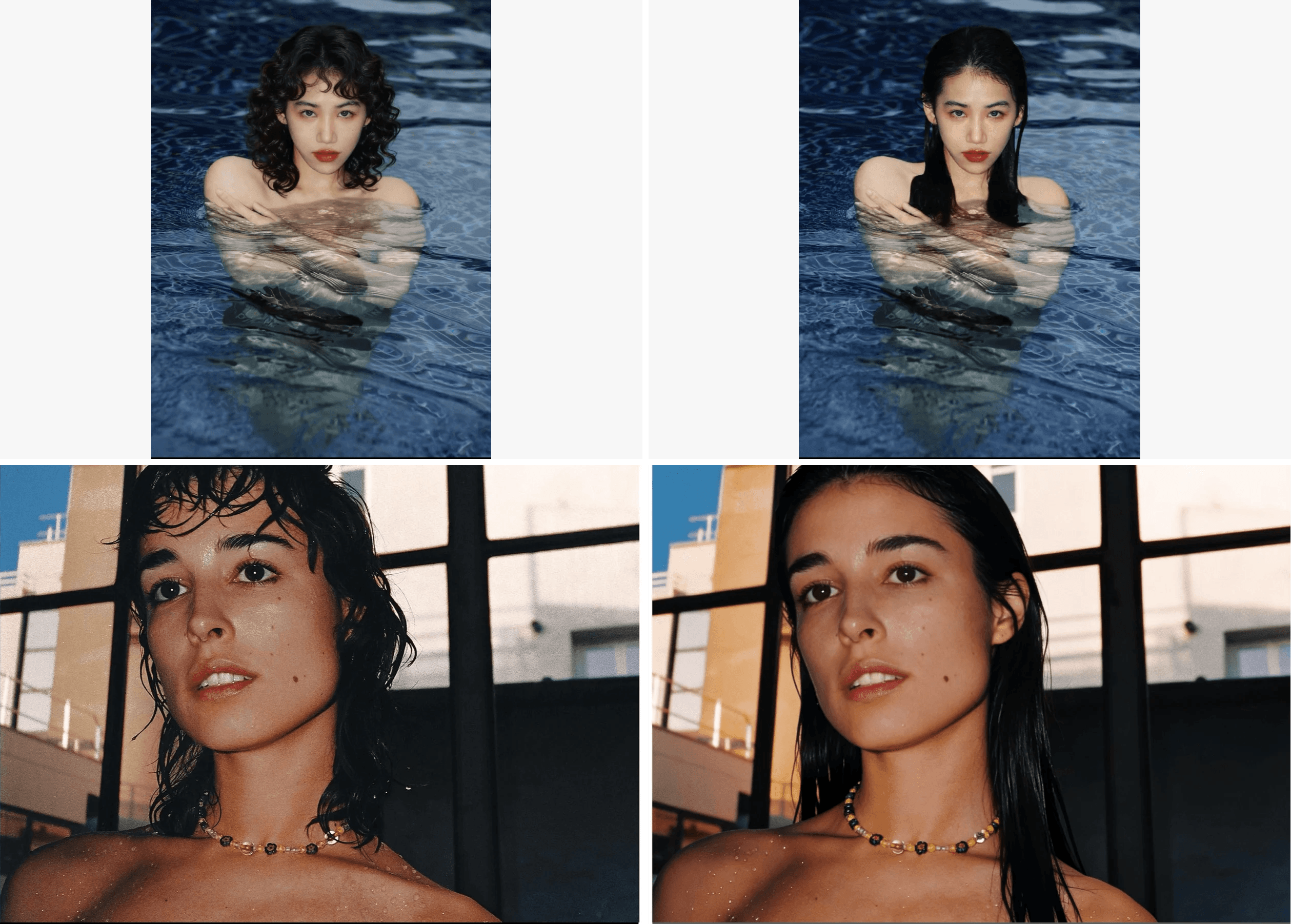
A person in a pool shown with two different hairstyles
A paired pool portrait shows two hairstyles while the subject and setting remain consistent.
The first test asks only for three lines with clear hierarchy. It establishes a baseline. It does not prove that the route can handle a label, schedule, or regulated promotion.
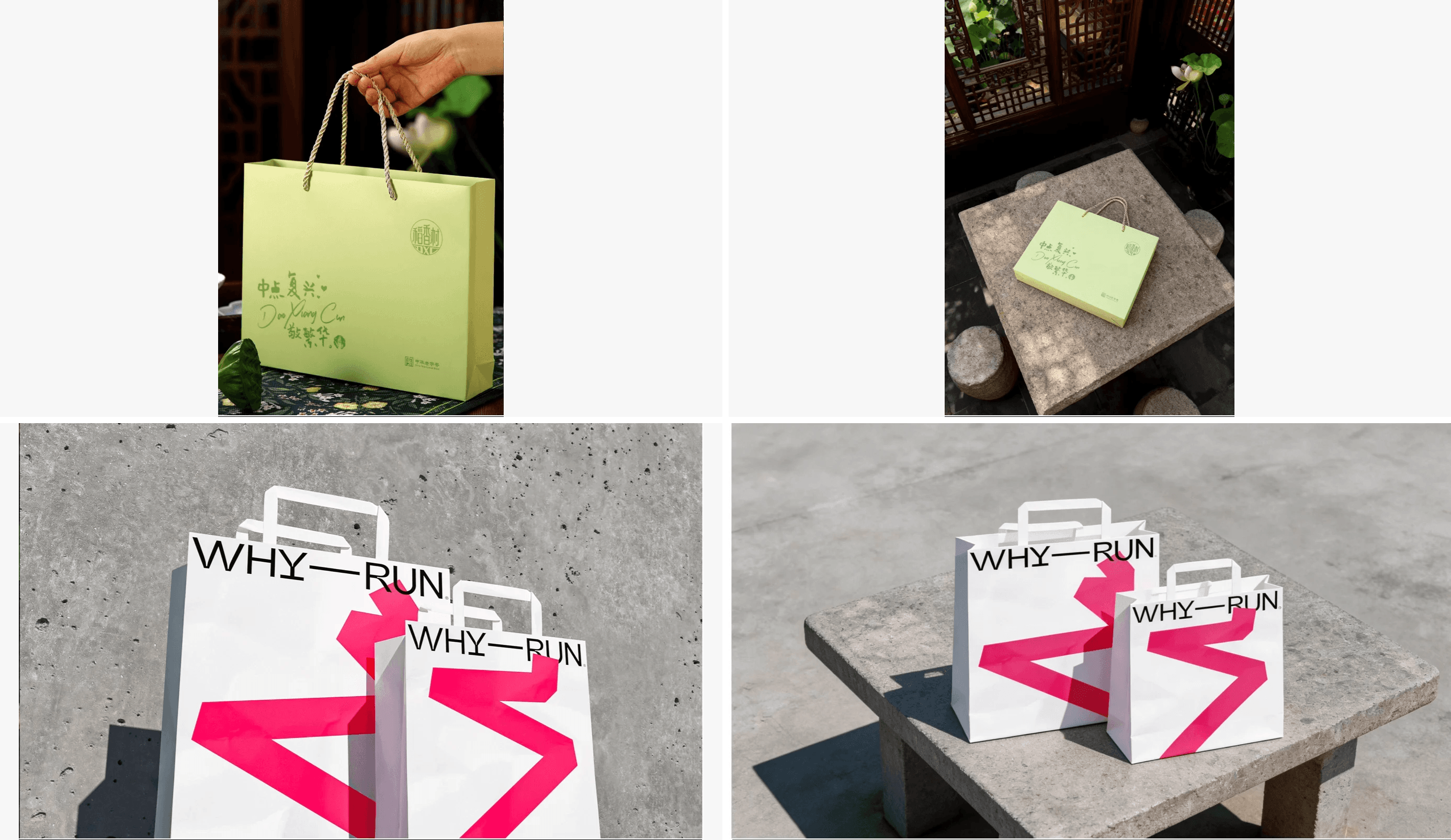
Shopping bags with short headline text across the packaging
A shopping-bag series places short display copy across the packaging.
The second test deliberately uses an en dash and a number. For many marketing teams, that is the realistic point where a “looks fine” review stops being sufficient.
How to Prompt GPT Image 2.5 for Exact, Readable Text
Write an artifact specification. State the intended use, aspect ratio, visual hierarchy, exact copy, count of each string, position, type treatment, and exclusions. This gives a reviewer something concrete to compare against.
GPT Image 2.5 text prompts: quote, place, count, exclude
Use quoted strings. Say where each string goes and how often it appears. Ask for no logos, watermarks, UI elements, or extra wording. Do not hide the key copy inside a long paragraph of mood language.
The first controlled prompt in this article is deliberately small:
plaintext1Create a polished 16:9 editorial campaign poster for an unbranded product-design workshop. 2 3Render these exact words once each, with no substitutions: 4"BUILD WITH CLARITY" 5"TEXT QA FIRST" 6"SEPTEMBER 2026" 7 8Typography requirements: 9- "BUILD WITH CLARITY" is the large primary headline in the upper third. 10- "TEXT QA FIRST" is a smaller but clearly readable subheadline directly below it. 11- "SEPTEMBER 2026" is a small footer line with generous spacing. 12- Use a bold geometric sans-serif style, high contrast, crisp kerning, and a restrained editorial layout. 13 14Visual direction: 15Warm off-white paper texture, cobalt-blue geometric forms, one abstract folded-paper object, generous negative space, no logos. 16 17Do not include any other text, watermarks, UI elements, fake buttons, or brand marks.
GPT Image 2.5 text rendering: start small, then add labels
Do not begin with a dense product sheet. Prove a short headline, then add 1 risk factor at a time: a number, a date, a second text block, a curved surface, or a protected-region edit. That sequence tells a team which change created the failure.
Do not ask an image model to make a real UI, a production dashboard, or a final data chart. Capture real software when a screen is evidence. Use a generated image only for an honest visual artifact such as this controlled carton-label test.
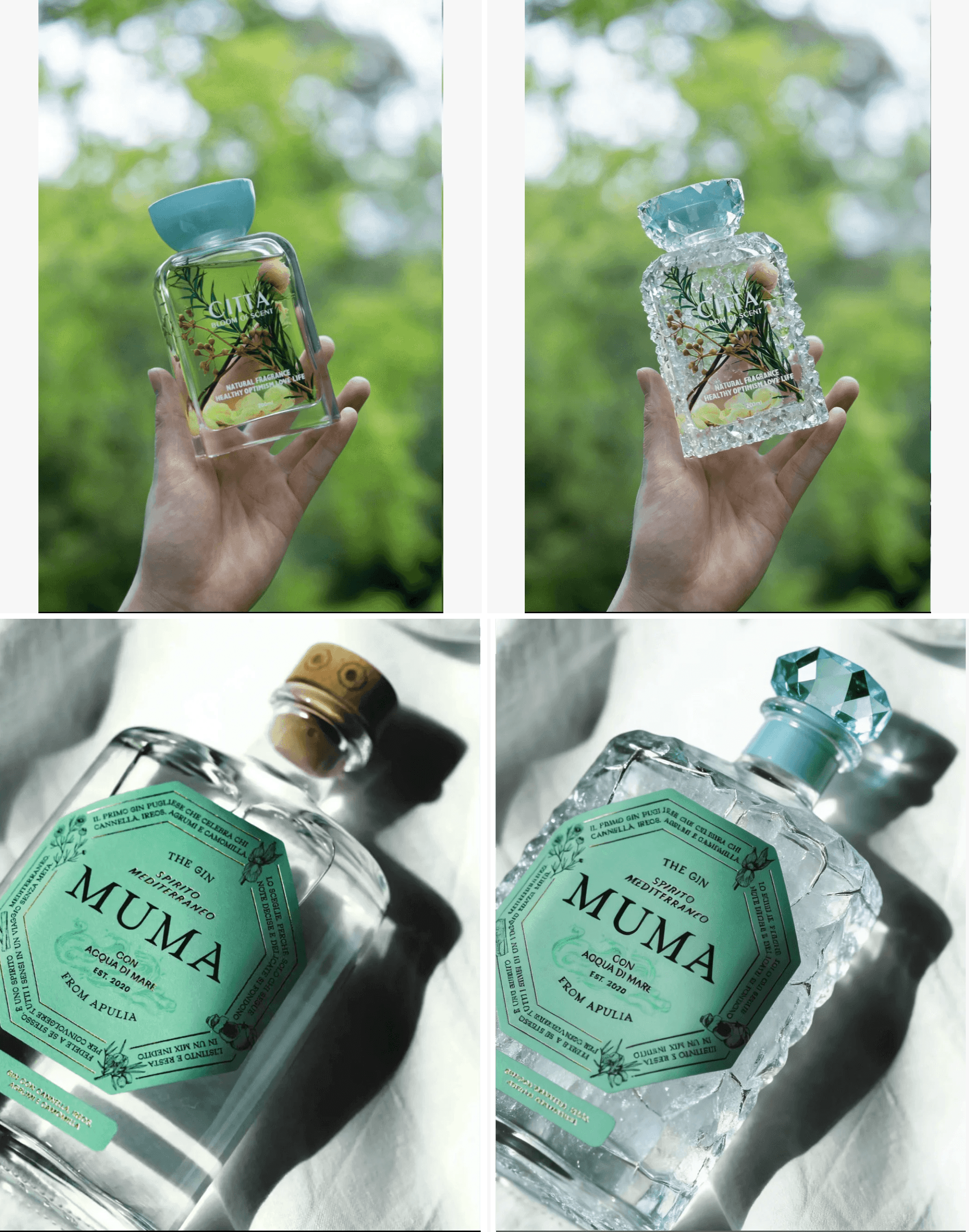
Hand-held fragrance packaging in glass-like and crystal-like material treatments
A hand-held fragrance package shifts from a glass-like treatment to a crystal-like treatment while the label remains visible.
GPT Image 2.5 Text Rendering QA: A Copy-Fidelity Checklist
Do not approve a generated image from a thumbnail. Give a named reviewer a source-copy record and a visible release decision.
- Copy approved text from the source-copy file rather than retyping it from memory.
- Inspect at 200%. Check every letter, number, decimal, currency sign, hyphen, en dash, date, capitalization mark, and accent.
- Count expected instances and actual instances of each string.
- Look for invented logos, watermarks, extra text, cropped characters, and text that blends into the background.
- Record prompt, model route, settings, source copy, reviewer, acceptance note, and final file name.
- Reject the asset when any requirement fails. Visual appeal cannot overrule a copy mismatch.
The GPT Image 2.5 copy-fidelity ledger
| Field | Example record |
|---|---|
| Asset ID | 02-number-and-schedule-copy-test |
| Source copy | ORDER BY 2 PM / FREE SHIPPING / MON–FRI |
| Route and settings | Sunburst Text-to-Image, 16:9, max quality, PNG, count 1 |
| Verification | 200% visual inspection plus exact count of 3 strings |
| Decision | Pass, Partial, or Fail with the mismatch written out |
| Owner | Named reviewer and release date |
When GPT Image 2.5 text rendering needs an overlay
Generated lettering is pixels, not a separately editable text layer. When brand typography, kerning, price control, or legal language matters, keep the image as the visual base and place approved copy in the final design system. This is often faster than trying to repair one changed numeral with repeated image generations.
A city landmark shown in several views and camera framings
The same city landmark appears in several views and camera framings.
GPT Image 2.5 Text Rendering: Flare vs Sunburst
Choose a route by workflow and acceptance outcome, then measure speed. A single attractive frame cannot settle the choice.
| Route | First use | Test first | Keep or switch when |
|---|---|---|---|
| Flare | Quick daily concepts and repeat checks | Whether its latency helps without lowering your pass rate | Keep it when the exact same test clears your quality gate. |
| Sunburst | Detailed composition, dense copy, and controlled edits | Whether precision earns its longer generation time | Keep it for high-value assets or switch only after a like-for-like Flare test passes. |
OpenAI positions Flare for fast, high-quality everyday image generation and Sunburst for its most capable generation and editing workflows, with longer generation times for detailed creative work ( Flare and Sunburst model documentation , September 2026). Fix prompt, reference image, dimensions, and output format before comparing routes. Pass quality first. Then test speed on a small slice of the workflow.
When GPT Image 2.5 Text Rendering Should Not Be Your Typesetter
Keep image generation away from final typesetting when any of these conditions applies:
- Long body copy, small type, tables, or multi-column information.
- An approved brand font or exact kerning that must remain unchanged.
- Prices, discounts, dates, delivery commitments, legal language, medical claims, or financial disclosures.
- Formal multilingual release work, especially diacritics, non-Latin scripts, and mixed left-to-right and right-to-left copy.
GPT Image 2.5 localization needs content review
Localization is a content review. A word may be readable yet use the wrong inflection, punctuation, unit convention, or line break. Give native-language reviewers the source copy and the enlarged final image. Do not use visual plausibility as a translation approval.
Generated previews are not product interfaces
An image with buttons, fields, and plausible labels does not prove a product feature works. A real product interface requires a real screen capture and functional review. Keep generated poster tests clearly labeled as synthetic tests.
Run the 4-Test Workflow on Atlas Cloud
For a reproducible route, open Atlas Cloud, choose GPT Image 2.5 Sunburst, and use Text-to-Image for Tests 1 through 3. Use Edit for Test 4. Save each run separately with its prompt, completion time, on-page quote, output, and QA decision. This is a workspace discipline, not a claim that the hosting layer changes model accuracy.
Use the highest available 16:9 resolution that the form accepts, maximum quality, one PNG, and output count 1. The committed form settings, not a typed wish, are the record.
Step 1: Run the short-headline test
Select Sunburst Text-to-Image and paste the Test 1 prompt above. Keep 16:9, max quality, PNG, and count 1. The release condition is exactly 3 strings, each fully visible, with no extra wording.
The same modern building in daylight and a warm sunset setting
The same modern building appears in neutral daylight and a warm sunset setting.
Step 2: Run the number and schedule test
Use Sunburst Text-to-Image again:
plaintext1Create a 16:9 premium editorial delivery-information poster for an unbranded ecommerce operations workshop. 2 3Render these exact words once each: 4"ORDER BY 2 PM" 5"FREE SHIPPING" 6"MON–FRI" 7 8Typography requirements: 9- "ORDER BY 2 PM" is the dominant headline. 10- "FREE SHIPPING" is a secondary line in a contrasting color block. 11- "MON–FRI" is a compact footer line. 12- All text must be large, crisp, high contrast, and fully visible. 13- Preserve the en dash in "MON–FRI". 14 15Visual direction: 16Clean cream background, dark navy typography, one matte orange parcel, subtle paper shadow, spacious composition. 17 18Do not include prices, logos, watermarks, extra text, interface elements, or invented delivery claims.
Reject the result when 2 PM or MON–FRI changes, even if the poster looks polished. The output is a controlled test, not a delivery promise.
Step 3: Run the carton-label test
Use Sunburst Text-to-Image:
plaintext1Create a 16:9 studio product photograph of one unbranded oat drink carton on a neutral stone surface. 2 3Render these exact words on the front label once each: 4"PURE OAT" 5"BARISTA BLEND" 6"1 L" 7 8Typography requirements: 9- "PURE OAT" is large and centered. 10- "BARISTA BLEND" is directly below in smaller type. 11- "1 L" is clearly visible at the lower-right of the front label. 12- Keep all lettering flat, legible, and undistorted on the carton face. 13 14Lighting: 15Soft side light, realistic carton texture, gentle shadow, uncluttered background. 16 17Do not add a logo, nutrition claim, price, watermark, extra text, barcode, or UI.
Do not describe the result as a real packaged product. It is a check on short labels, a capacity number, and a lightly angled pictured surface.
Step 4: Run the constrained text-only edit
Upload the Test 1 PNG, whether it passed or is explicitly marked Partial. Select Sunburst Edit and paste:
plaintext1Use the supplied workshop poster as the only source image. 2 3Change only the primary headline text: 4replace "BUILD WITH CLARITY" with "MAKE ROOM FOR IDEAS". 5 6Keep exactly unchanged: 7the paper texture, cobalt-blue forms, folded-paper object, camera framing, all colors, lighting, composition, negative space, the subheadline "TEXT QA FIRST", the footer "SEPTEMBER 2026", and image quality. 8 9Render "MAKE ROOM FOR IDEAS" once, in the same position, scale, and visual hierarchy as the original primary headline. 10 11Do not add, remove, translate, restyle, crop, or alter any other text, object, logo, or watermark.
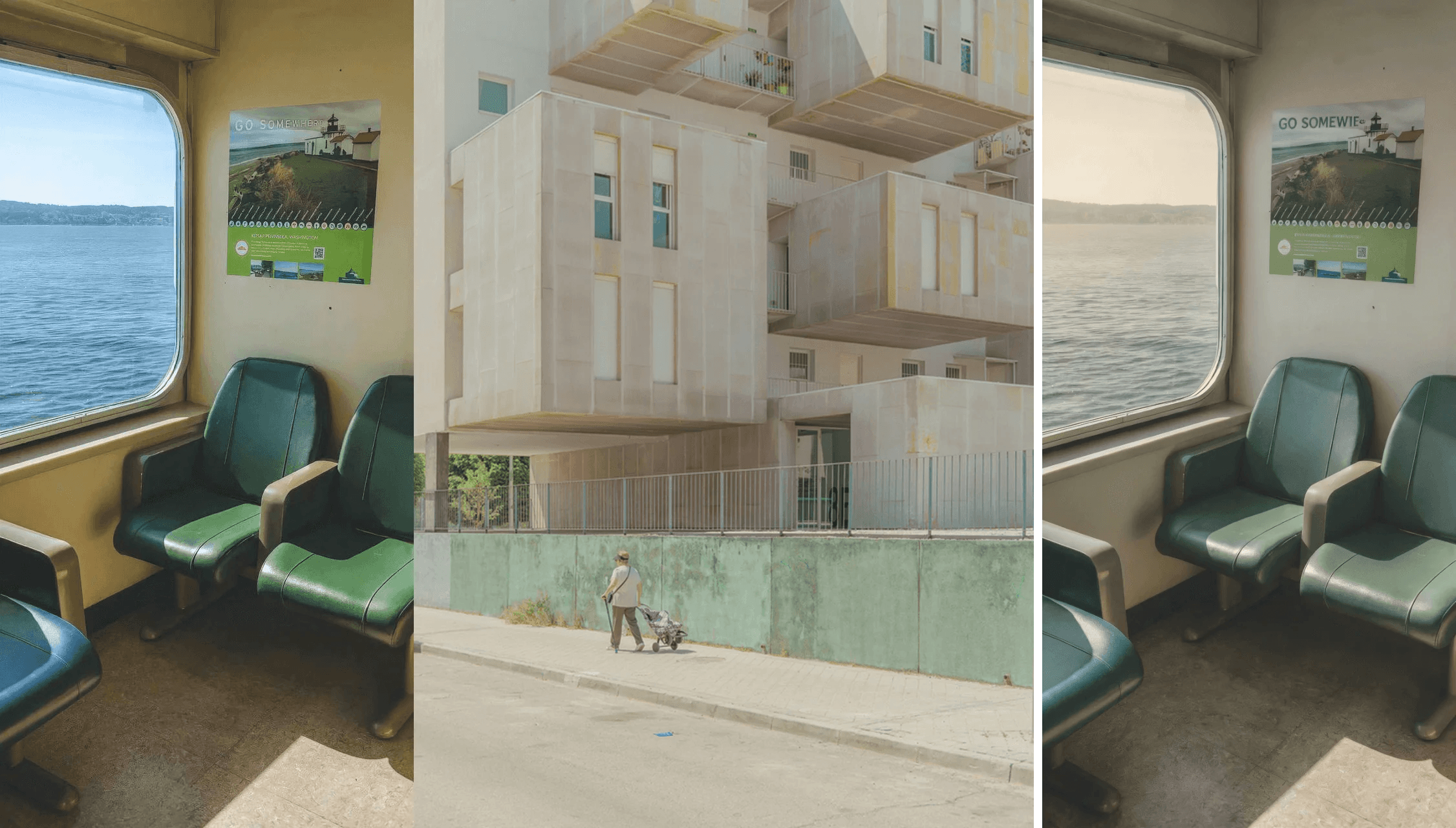
A train carriage, architectural facade, and a pedestrian in a fused street scene
A train-carriage interior and building facade are combined into a single street scene with a pedestrian.
The test fails if the new headline is wrong or if protected areas change. “Close enough” is not a valid outcome for a constrained edit.
Step 5: Apply the human release gate
Put source and output copy side by side. Inspect at 200%. Pay special attention to 1 L, dates, currency, percentages, hyphens, en dashes, capitalization, and accents. Apply final human typography whenever critical language, price, or brand styling enters the asset.
GPT Image 2.5 Text Rendering Cost per Accepted Image
Do not budget from the lowest displayed image price alone. Count the full path from prompt to accepted output: quality tier, selected resolution, input-image count for edits, retries, and the images your team rejects.
| Cost per accepted image worksheet | Example formula |
|---|---|
| Generations | All submitted runs for one deliverable |
| Accepted images | Runs that cleared copy QA |
| Retries | Generations made after a failed review |
| Total generation cost | Sum of the quoted costs for every run |
| Cost per accepted image | Total generation cost / accepted images |
The worksheet also exposes a useful operational distinction. A low quote for a generated frame does not mean the campaign is inexpensive if reviewers reject 4 versions before finding one that is safe to use. Track review time separately when a designer must recreate wording after the image is approved. For high-risk copy, the lowest-cost workflow may be one visual generation followed by one controlled typography pass, rather than a string of regeneration attempts.
Set an acceptance target before the work begins. For example, a social concept may accept a short headline that clears a single reviewer. A paid promotion with an offer, expiry date, or required disclosure needs a second reviewer and a retained source-copy record. The point is not bureaucracy. A release gate makes it easy to explain why an image was accepted, rejected, or rebuilt later.
At research time, the Atlas model listing showed from-price signals of about $0.004 per Sunburst or Flare text-to-image picture and about $0.006 per edit, with a promotional display beside them. Treat those as listing signals, not a fixed quote. Check the route-level quote and whether a promotion still exists on the release date in the model catalog. The final quote depends on route, settings, output, and inputs.
Run the same controlled prompt through GPT Image 2.5 on Atlas Cloud. Keep the test log with the output so another reviewer can reproduce the decision rather than relying on a remembered result.
GPT Image 2.5 Text Rendering FAQ
Is GPT Image 2.5 text rendering better than GPT Image 2?
OpenAI says Images 2.5 improves detail, editing precision, and latency compared with Images 2.0. That does not establish a universal text-accuracy score for every language, format, or prompt. Run the same release test on your own copy before changing a production route.
Can GPT Image 2.5 render exact prices and dates safely?
It can attempt them, but a price or date needs character-level human QA. For customer-facing price, tax, terms, booking, or deadline information, apply the approved text as a controlled design layer after generating the visual.
Should I use Flare or Sunburst for a text-heavy campaign image?
Start with Sunburst when precision or a constrained edit matters. Once that version passes, test the same locked prompt with Flare if speed matters. Keep the route with the acceptable pass rate, not the one that produced one attractive sample.
How do I make GPT Image 2.5 keep the rest of an image unchanged?
Name the one permitted change, then enumerate every protected element: other copy, objects, framing, colors, lighting, composition, and quality. Compare every protected area after generation. If any moves, the edit has failed its constraint.
Can GPT Image 2.5 translate text inside an image?
It can generate or replace visible language, but translation and localization remain human review tasks. Check meaning, diacritics, units, punctuation, line breaks, and audience conventions with a qualified reviewer.
Is generated text editable after export?
Usually no. Exported lettering is part of the image pixels. Build the final approved typography as a normal editable text layer in your design tool.
The release decision for GPT Image 2.5 text rendering should be deliberately boring: exact copy, confirmed protected regions, a named reviewer, and a saved record. That discipline lets a team move quickly without publishing a nearly-correct asset.





