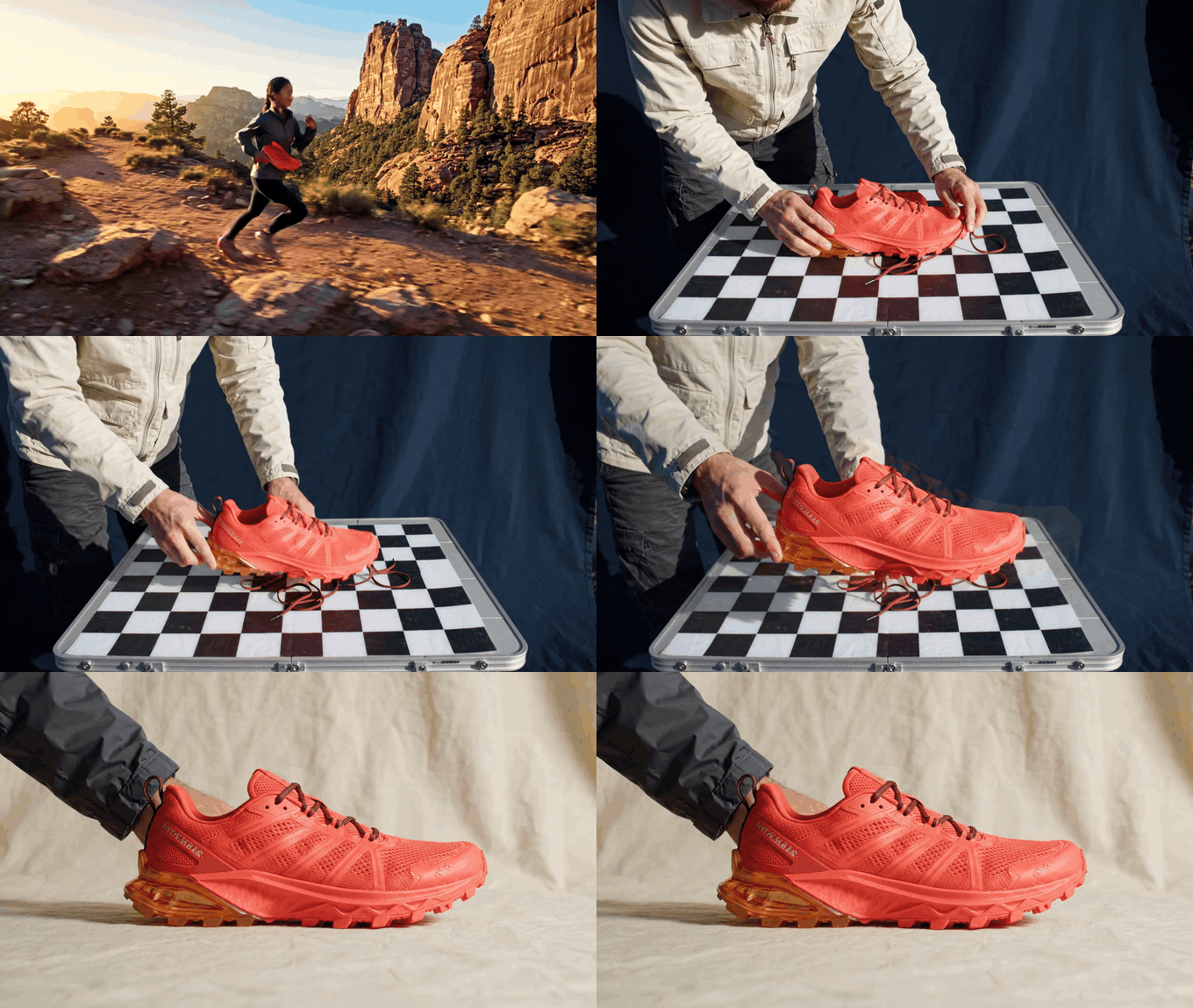
Eight-second trail-shoe alpha-inspection motion case, with a runner, stylist, checkerboard test surface, and multiple camera angles
Motion case, 8 seconds: a runner and product stylist move the coral-orange trail shoe from a wide trailhead view to an overhead checkerboard check and a low three-quarter edge inspection. Look at the black lace loops, open mesh, amber heel stabilizer, and contact-shadow concept rather than judging an asset on a white page.
A transparent PNG can look fine on a white canvas and fail the second it lands on a dark landing page. That pale rim around a lace loop, glass shoulder, or loose thread is where a “background removed” asset becomes unusable.
The fast answer: a reliable gpt image 2.5 transparent png needs three things. Ask for an actual transparent background, deliver PNG rather than JPEG, and inspect the output on a checkerboard. A white browser page proves almost nothing.
This guide uses three practical cutout cases: a frosted serum bottle, an embroidered patch, and a trail shoe. The goal is a reusable asset for a product page, campaign composite, Figma frame, or deck, with no surprise white box after export.
Key takeaways
- Request
transparentplusPNG, not “white background removed.”- Test alpha on checkerboard, dark navy, and warm off-white.
- Leave 12% breathing room for hair, glass, laces, and threads.
- Keep real SKU master photography for labels and regulated details.
- A transparent PNG is flat pixels, not editable Figma or PSD layers.
Showcase: A GPT Image 2.5 Transparent PNG That Survives 3 Backgrounds
The shoe is a useful stress test because it combines three edge types in one asset. Lace loops should have clean gaps. Woven mesh should not turn into a block. The translucent heel piece and soft shadow should remain partly visible without carrying a pale border.
GPT Image 2.5 is timely because OpenAI says the new family can handle complex layouts including transparent backgrounds, while Flare targets the faster default workflow and Sunburst adds tighter edit control (OpenAI announcement, September 2026). Treat that as capability context, not as a reason to skip inspection.
Why GPT Image 2.5 Transparent PNG Attempts Fail
Most failures start with a naming error. “Transparent” describes alpha, which is opacity data stored alongside the RGB pixels. It does not mean a white background, a painted checkerboard, a product photographed on pale paper, or a file that merely looks blank in a white browser tab.
First, inspect the file type. JPEG has no alpha channel, so it cannot be the final transparent delivery. PNG is the safest general choice for reusable product and design assets. WebP can also carry transparency when smaller web payloads matter. The developer community notes that transparent output should be saved as PNG, WebP, or GIF, and users have documented grey fringe behavior at the edge (OpenAI Developer Community, August 2026).
Second, inspect the edge against contrast. A checkerboard reveals whether empty canvas is actually empty. Deep navy reveals light RGB contamination under soft alpha. Warm off-white reveals dirty dark outlines. Zoom catches doubled outlines, jagged threads, and a contact shadow that became a rectangular patch.
Third, protect product truth. A generation model understands the idea of a serum bottle or shoe. It does not certify the exact capacity mark, ingredient list, safety label, colorway, or construction of a sellable SKU. Use an original packshot as the master reference for real product listings. Use generated cutouts for concepts, previsualization, campaign elements, and variants that a human checks before release.
| Transparent PNG failure test | What it reveals | Pass condition | Exact repair instruction |
|---|---|---|---|
| Checkerboard | Fake transparency or background pixels | Empty canvas shows through around the object | “Return a PNG with a truly transparent background. Remove all background pixels.” |
#0F172A dark surface | White or grey fringe | No light perimeter around soft edges | “Clean only the outer alpha edge. Remove white and grey fringe while preserving semi-transparent detail.” |
#F7F0E6 light surface | Dark RGB leak | No dirty outline around the silhouette | “Keep object color inside the edge; remove dark edge contamination.” |
| 150% zoom | Cropped laces, blocky threads, false shadow | Fine strands remain separate; shadow remains soft | “Preserve each visible thread or lace loop and the transparent contact shadow. Do not rebuild the object.” |
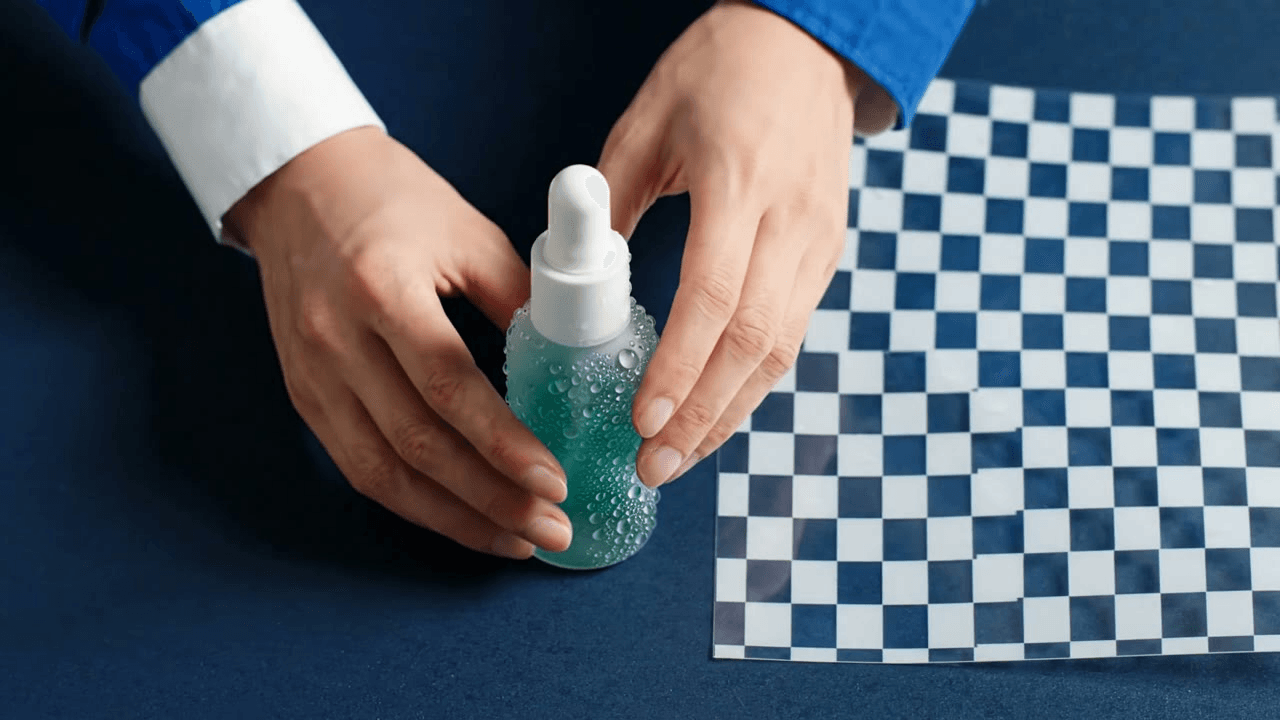 Still from the serum alpha-inspection motion case, showing the frosted bottle beside a checkerboard surface
Still inspection frame: the frosted glass bottle, water droplets, hands, and checkerboard surface make the alpha test concrete before a final transparent-PNG approval.
GPT Image 2.5 Transparent PNG Workflow and Model Choice
For a repeatable image-production queue, keep generation, inspection, and repair in one browser flow. Start from the current Atlas Cloud homepage, then use the live model page to confirm the endpoint and quote before committing a batch. That keeps a concept run separate from a production decision.
Flare is the default in this workflow. Use Sunburst only when a targeted edge edit needs tighter control and you have a reference PNG to preserve. That is a workflow choice, not a blanket ranking. OpenAI’s documentation lists quality levels through max for Flare and prices image output by tokens, so resolution, quality, and edits can change the final quote (OpenAI pricing, September 2026).
| Model | Use it for | Output setting | Atlas price today | Discount today | When not to use it |
|---|---|---|---|---|---|
| GPT Image 2.5 Flare | Primary cutout and first repair pass | Transparent, PNG, highest available quality | Read the live estimate before Run | Read the live model page | Exact regulated SKU master photography |
| GPT Image 2.5 Sunburst | Narrow precision repair when Flare changes a detail | Transparent, PNG, same ratio as source | Read the live estimate before Run | Read the live model page | Fast exploratory batches |
PNG fits a reusable asset library. WebP is a sensible optimization when the finished image only needs to live on the web and your stack preserves alpha. JPEG cannot deliver transparency. None of these formats creates editable object layers. A transparent PNG remains one flattened raster image.
How to Make a GPT Image 2.5 Transparent PNG
Step 1: Generate the Glass Product Cutout
Create a concept asset, not a replacement for a photographed SKU. In the GPT Image 2.5 Flare playground, paste this prompt exactly.
plaintext1Create one premium e-commerce cutout of an unbranded 30 ml frosted sea-glass green facial serum bottle with a matte ivory dropper cap. Show the whole bottle upright, centered, front three-quarter view, with a few realistic clear water droplets on the glass and a subtle transparent contact shadow directly beneath it. Preserve clean glass edges, the pipette silhouette, and soft refraction. Leave 12% transparent safety padding on every side. No background, no tabletop, no wall, no text, no logo, no watermark.
Choose GPT Image 2.5 Flare, 4:5 portrait, the highest quality available, transparent background, PNG output, and one output. After download, place the file on checkerboard, #0F172A, and #F7F0E6. Do not approve it from the white browser background.
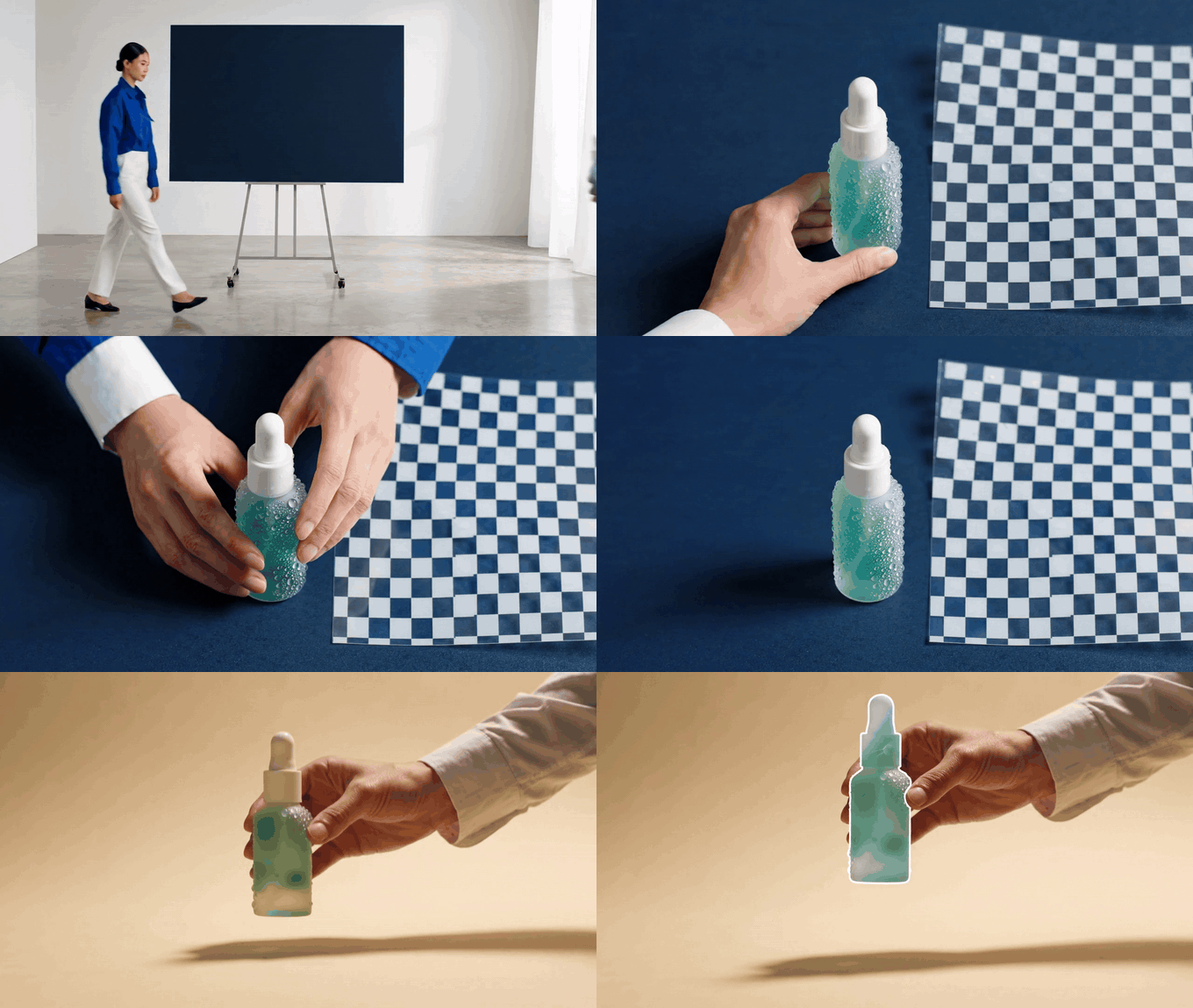
Eight-second serum alpha-inspection motion case, with a designer, bottle, checkerboard, navy board, and ivory board
Motion case, 8 seconds: the sequence moves from a studio handoff to overhead bottle placement and a low three-quarter inspection against navy and warm ivory boards. The camera changes rather than simply pushing in.
Step 2: Repair a Halo Without Rebuilding the Object
Upload the Step 1 PNG as the source. The purpose is to preserve bottle shape, droplets, and lighting while cleaning only the outside alpha. Avoid a broad “make it better” request, which can change the product itself.
plaintext1Use the uploaded PNG as the exact source. Keep the bottle's shape, frosted sea-glass color, dropper, water droplets, composition, scale, and transparent padding unchanged. Clean only the outer alpha edge around the pipette, bottle shoulders, and base: remove every white, grey, or checkerboard-colored fringe while preserving soft semi-transparent glass refraction and the subtle transparent contact shadow. Return a PNG with a truly transparent background. Do not add a backdrop, text, logo, or new objects.
Choose GPT Image 2.5 Flare edit, use the Step 1 output as the only source, keep 4:5 portrait, highest quality, transparent background, PNG, and one output. A pass succeeds when navy shows no pale perimeter, ivory shows no dark perimeter, and the glass highlights still look like glass.
Step 3: Run the Frayed-Thread Variation
Hard-edged packaging can hide a weak alpha edge. An embroidered patch makes the model account for small uneven threads that disappear if the output is only judged at fit-to-screen size.
plaintext1Create one highly detailed embroidered trail-club patch cutout: a circular navy twill badge with a coral mountain ridge, a small stitched compass, and a warm mustard border. Include realistic raised thread texture and six short loose embroidery threads at the lower edge. Place it centered with 12% transparent safety padding. Preserve every thread tip as a clean alpha edge. No fabric background, no tabletop, no text, no logo, no watermark.
Choose GPT Image 2.5 Flare, 1:1 square, highest quality, transparent background, PNG, and one output. Check every loose thread on both light and dark surfaces. A thread that turns into a thick pale bristle needs an edge repair, not a new patch design.
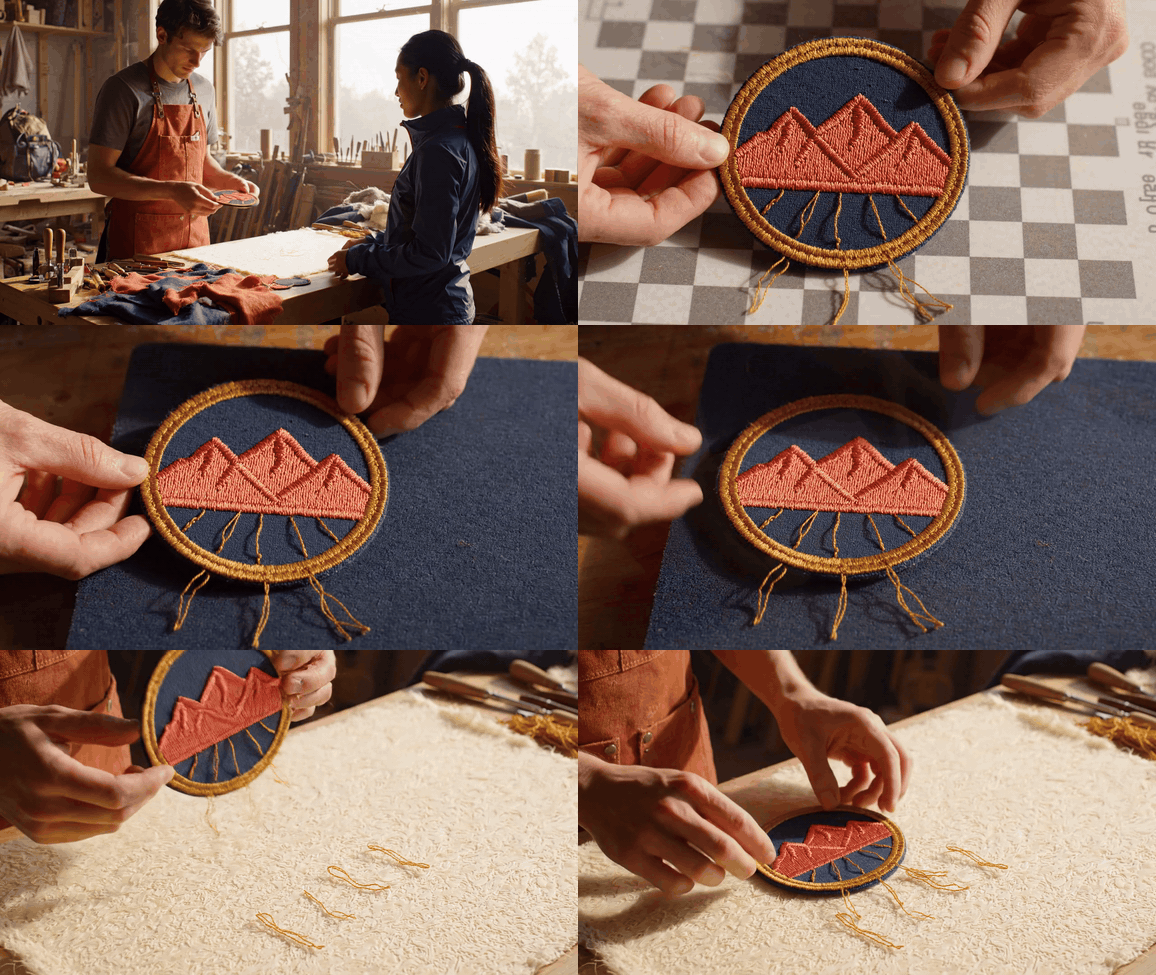
Eight-second embroidered-patch edge-inspection motion case, with a maker, runner, patch, workbench, and multiple camera angles
Motion case, 8 seconds: a maker hands the patch to a trail runner, then the view changes from a workshop-wide handoff to an overhead thread check and a side-by-side contrast inspection. The loose thread tips are the acceptance focus.
Step 4: Run the Mesh-and-Laces Variation
The shoe case tests several semi-open regions at once. Keep safety padding so the toe, heel, and floating lace loops remain fully inside the output instead of being trimmed at the canvas edge.
plaintext1Create one dynamic commercial cutout of a coral-orange trail-running shoe in a floating three-quarter side view. Show open woven mesh, thin black laces with visible loops, a translucent amber heel stabilizer, textured outsole, and a soft transparent contact shadow below the shoe. Keep the whole shoe inside the canvas with 12% transparent safety padding. Preserve fine lace loops and semi-transparent material edges. No background, no floor, no text, no logo, no watermark.
Choose GPT Image 2.5 Flare, 16:9 landscape, highest quality, transparent background, PNG, and one output. Reject a result with cropped laces, a hard rectangle under the shoe, or a background color leaking through the mesh.
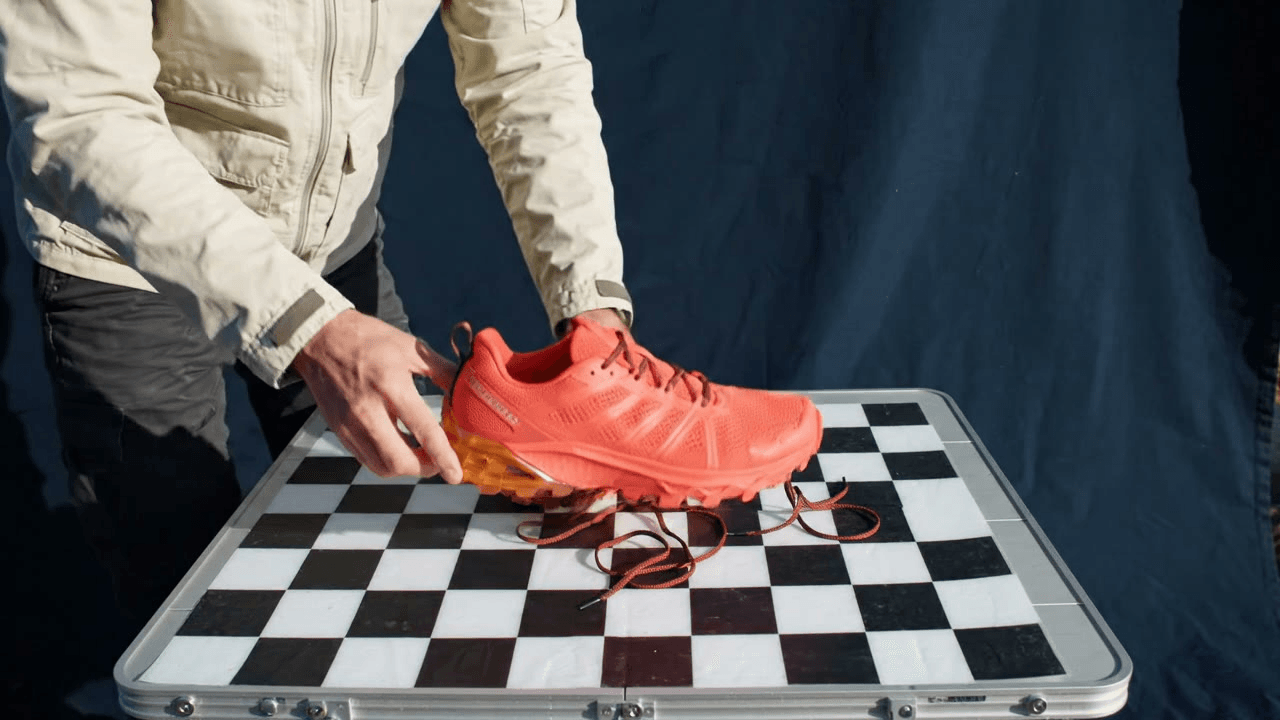 Still from the trail-shoe mesh-and-laces inspection case, showing the shoe above the checkerboard surface
Still inspection frame: laces, mesh, translucent material, and the soft contact-shadow concept all need to survive the same three-surface alpha test.
GPT Image 2.5 Transparent PNG Variations for Real Assets
For an exact-product workflow, begin with a clean, authorized packshot. Ask for background removal or a narrowly defined edit, then compare the result against the original at 150% zoom. Check spelling, color, capacity, closures, safety marks, and any legal copy by hand. A generated asset can support a listing workflow, but it should not silently replace the photographed source of truth.
For a sticker or app-asset workflow, generate the reusable graphic without forcing marketing copy into the image. The patch case works because the stitch edge is the design problem. Add the official product name, localization, and campaign language later in the design system, where a team can edit it without regenerating pixels.
For a campaign composite workflow, create and clean transparent subjects first, then position them in Figma, a web layout, or an ad template. This separates alpha quality from layout quality. It also prevents a model from trying to draw a whole ad, all its small text, and its product claim in one pass.
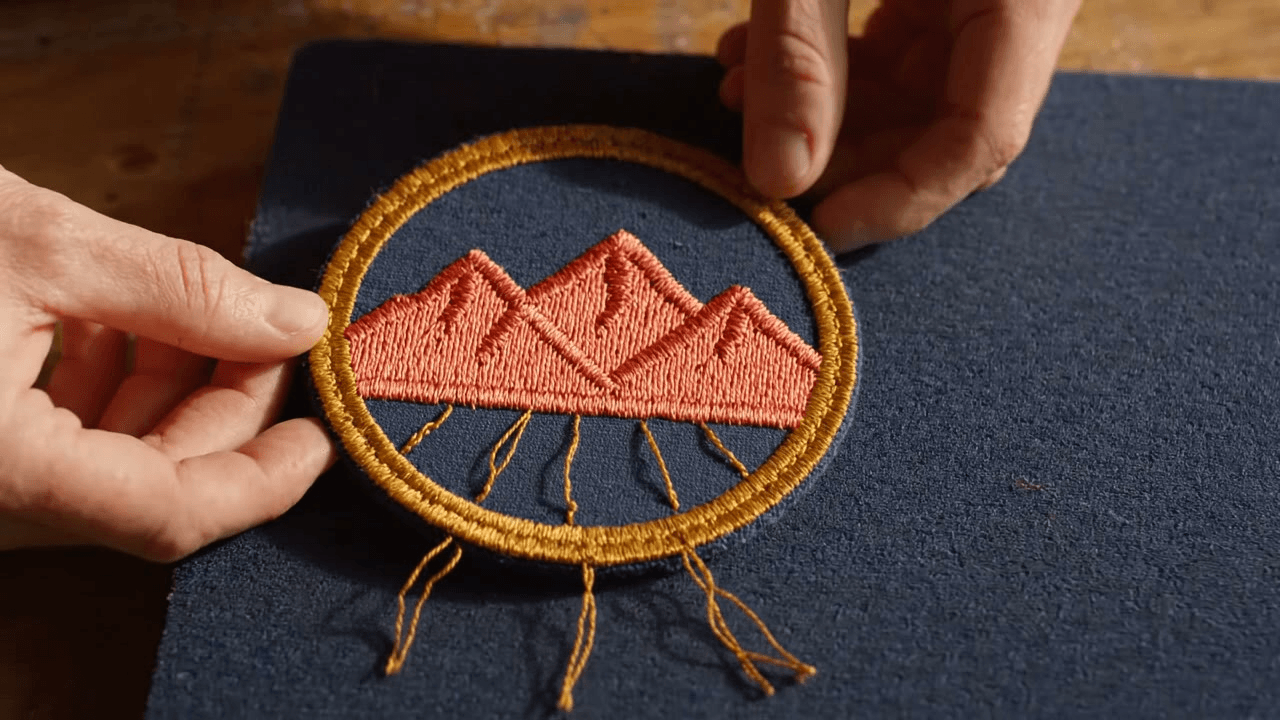 Still from the embroidered-thread inspection case, showing the patch texture and loose thread ends
Still inspection frame: the patch makes irregular thread tips visible at a scale where a pale fringe or an overly thick edge can be caught before handoff.
GPT Image 2.5 Transparent PNG Cost and Safe Use
Live pricing is the only safe way to estimate a production batch because the per-image quote can vary by model, quality, output size, edit inputs, and current promotion. Before a batch, open the Atlas model catalog and the selected model page in the same session, then record the displayed estimate beside the batch brief.
| Job | Suggested configuration | Live cost check |
|---|---|---|
| One-off test | Flare, one output, requested ratio, highest available quality | Use live estimate before Run |
| Final hero asset | Flare, one approved ratio, transparent PNG | Use live estimate before Run |
| Edge-repair pass | Flare or Sunburst edit, one source PNG, same ratio | Use live estimate before Run |
| Batch of 20 | Validate one representative output before the batch | Use live estimate before Run |
Use only images, brand assets, and people’s photos that you own or are authorized to use. Handle AI-generated product scenes and disclosure according to the sales platform and region involved. OpenAI says its generated images carry C2PA metadata and an invisible watermark, so a transparent cutout should not be presented as untraceable camera photography.
The practical finish line is simple: the gpt image 2.5 transparent png has a real alpha channel, reads cleanly on all three test surfaces, and has been checked by a person who knows the product.
Frequently Asked Questions: GPT Image 2.5 Transparent PNG
Can GPT Image 2.5 create a real transparent PNG, not a white background?
It can support transparent-background output, but the delivery still needs verification. Request a transparent background and a PNG file explicitly. Then open the result on a checkerboard, dark navy, and warm off-white surface. A white page can conceal a white background, a light RGB fringe, or a grey checkerboard painted into the output. Inspect the file properties too: a JPEG cannot hold alpha. For a reusable design asset, the test surfaces are part of the definition of done.
Why does my GPT Image 2.5 transparent PNG show a grey or white halo?
The visible fringe often comes from semi-transparent edge pixels whose underlying RGB color was prepared for a light canvas. Fine glass refraction, hair, threads, and soft shadows make this more likely. Keep safety padding around the subject, test against both dark and light surfaces, then run a constrained edit that preserves the object and cleans only the perimeter. Do not ask the model to remake the whole item. That can fix the fringe while creating new changes to shape, material, or labels.
Should I export transparent images as PNG or WebP?
Choose PNG when you need a broadly compatible transparent asset for a design handoff, presentation, product workflow, or creative library. Choose WebP when browser file size matters and your CMS, optimizer, and downstream tools preserve alpha correctly. JPEG is unsuitable because it cannot store transparency. Format selection does not change whether the image has editable layers. Keep a tested PNG master when the asset will move between teams or tools, then make optimized derivatives later.
Can I use GPT Image 2.5 transparent PNGs for product listings?
Use them carefully. They work well for concept visuals, promotional composites, placeholders, and creative experiments. For a real product listing, retain an authorized packshot as the master and audit every generated or edited image for product text, color, proportions, capacity, claims, and legal markings. If a marketplace has AI disclosure rules, follow them. The transparent background solves placement flexibility; it does not guarantee that a generated object accurately represents a sellable SKU.
Does a transparent PNG give me editable layers in Photoshop or Figma?
No. The alpha channel lets the background show through, but the image remains a flattened raster file. You can mask, crop, color-adjust, or place it over other elements in Photoshop or Figma, but you cannot select the dropper, shoe lace, or patch border as original separate layers unless you create those layers yourself. Keep the source prompt, source photo, and approved output together so future edits can be made deliberately rather than guessed from a flattened file.





