The ILLIT You're Under Arrest AI dance starts with an unusually clear visual hook: a police-style cap comes off, the dancer's knees bounce inward and outward, a whistle punctuates the beat, and a finger-gun gesture lands on the camera. The challenge existed as a dance before the photo-to-video templates appeared. Watching the original challenge and ordinary fan covers first makes it easier to decide what an AI remake needs to preserve. This guide compares the online examples with a new 16:9 AI video that transfers the first home-cover GIF's movement to a fictional dancer.
Key takeaways
- The recognizable sequence is cap toss, quick knee shake, whistle and hand gestures, then a camera-facing finger-gun finish.
- Online examples show two useful approaches: a coordinated group performance and a simpler, fixed-camera cover in an everyday room.
- A clear, front-facing photo with visible legs gives an image-to-video model room to perform the wide-stance moves.
- For the worked video, follow the first home-cover GIF specifically: wide knee bends and two active hands, a brief turn with one hand near the face, then a hand on the hip, an arm raised and alternating side kicks.
What is the You're Under Arrest dance challenge?
"You're Under Arrest" (체포하겠어) is the title track of ILLIT's fifth mini album, BREAK EVEN. ILLIT posted a short challenge before the album release. In the challenge video published on October 18, the members throw off their caps, move both knees rapidly, blow whistles worn around their necks, and finish with a hand gesture aimed toward the viewer. Those details are visible enough to identify the challenge even when a fan performs it without the original set or costume. Reporting on the challenge describes the same sequence.
The timing matters. BELIFT LAB's album notice schedules BREAK EVEN for October 26, 2026, at 6 p.m. Korea time. As of October 21, the official challenge and preview sound are public, but the full album has not been released. A tutorial published before that date should not tell readers to search for a full song that is not yet out.
The dance is a point routine, so viewers remember a few sharp beats rather than a long piece of choreography. The cap toss marks the opening. The wide stance makes the knee movement readable. The whistle and raised hands add the police-theme joke. The final gesture turns the camera into the person being "arrested." These beats explain why a simple, static phone shot can work: the dancer and timing do the visual work.
What do online examples actually show?
Before choosing an AI template, compare the real clips. They share a recognizable routine but differ in how much of the styling they keep. The short, silent GIFs below are visual references. Open the original platform post if you want to hear its sound; the GIFs are about the motion.
Online example 1: the official group challenge
The group version gives the clearest reference for the order of the signature moves. Several dancers enter the same beat together, discard their caps, drop into the knee shake, and use the whistle and final point as punctuation. Watch the space around each dancer. The camera stays far enough back that the legs remain visible, and the movements are big enough to read in a portrait frame. This is the right reference for the action order and group spacing, even if your own video will use a different person, location and costume.
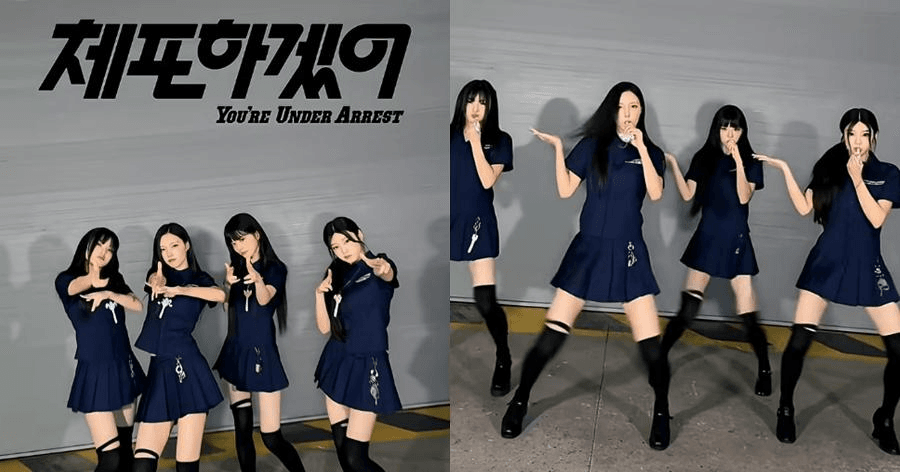
Still from the online group challenge, used here to identify the spacing and police-themed gestures. The moving examples follow below.
It also sets a limit for AI generation. Asking a model to make several people perform different gestures at once raises the chance of swapped faces and extra limbs. If a group image is the input, write down which person stays on the left, middle and right. Treat a result with identity swaps as a failed take, even if the choreography looks lively.
Online example 2: a fixed-camera home cover
One online cover uses an ordinary indoor background and a single camera angle. The performer gives the knees and arms enough space without needing an elaborate set. It shows that the challenge is recognizable through timing, stance and attitude. A cap, badge or designed backdrop can reinforce the concept, but they are not substitutes for the actual actions.
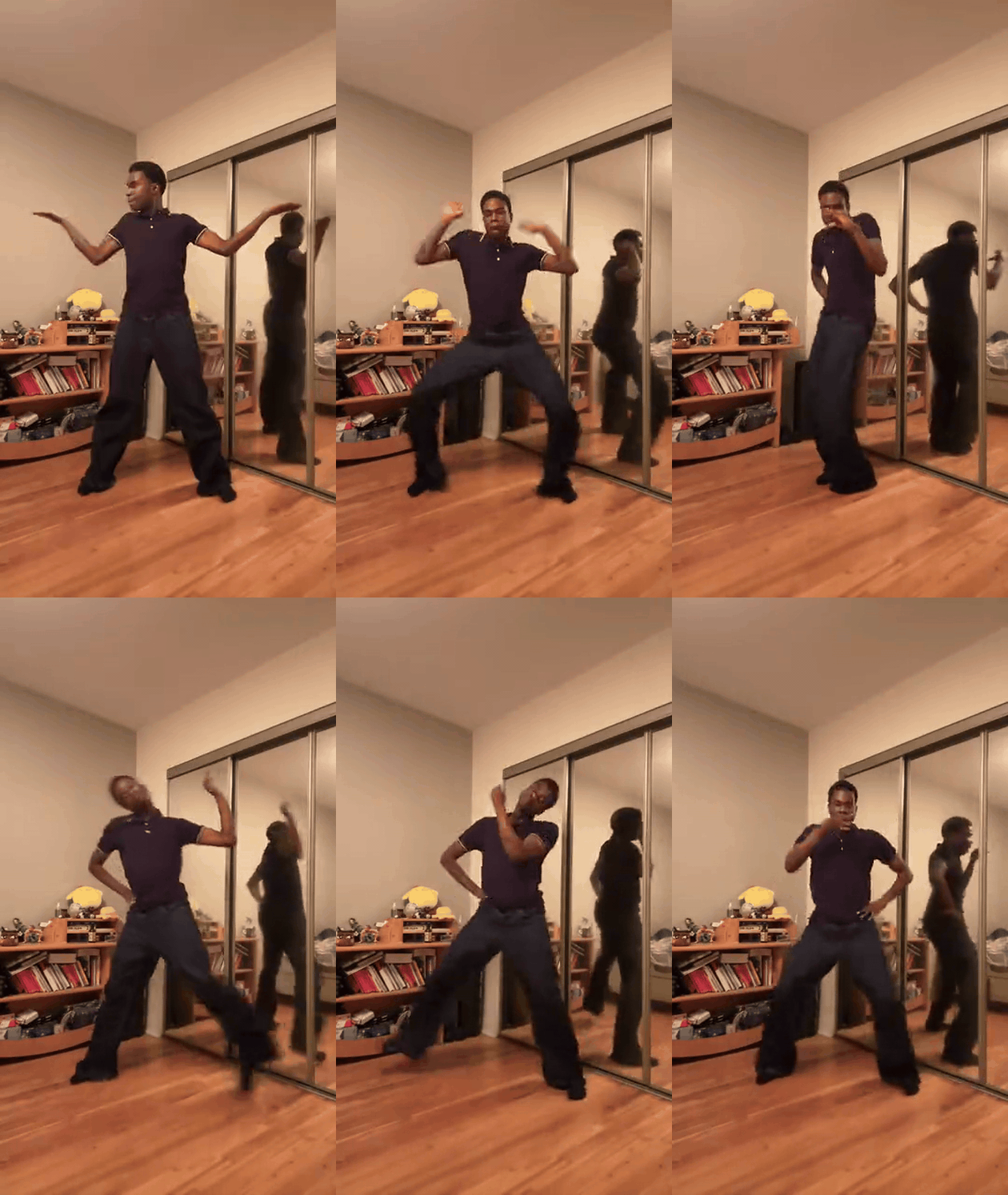
Online case GIF: an everyday room, full-body framing and changing arm and leg poses. This is a real cover, not our generated output.
For a photo-to-video recreation, this is a useful realism target. A normal room, believable floor contact and a continuous camera view can make the result feel like a dance challenge rather than a montage. The model still needs instructions for the rapid leg movement; a vague prompt such as "do a K-pop dance" can turn the key step into generic bouncing.
Online example 3: a solo variation with a different emphasis
A second solo cover emphasizes the salute, arm lift, hand near the face, wide stance and direct camera gesture. It differs from the official styling but still reads as the same challenge. That is the lesson for an original AI take: preserve a small number of identifying beats, then make the person and setting your own. Do not copy another dancer's face, upload their clip as your own footage, or claim their cover is an AI result.
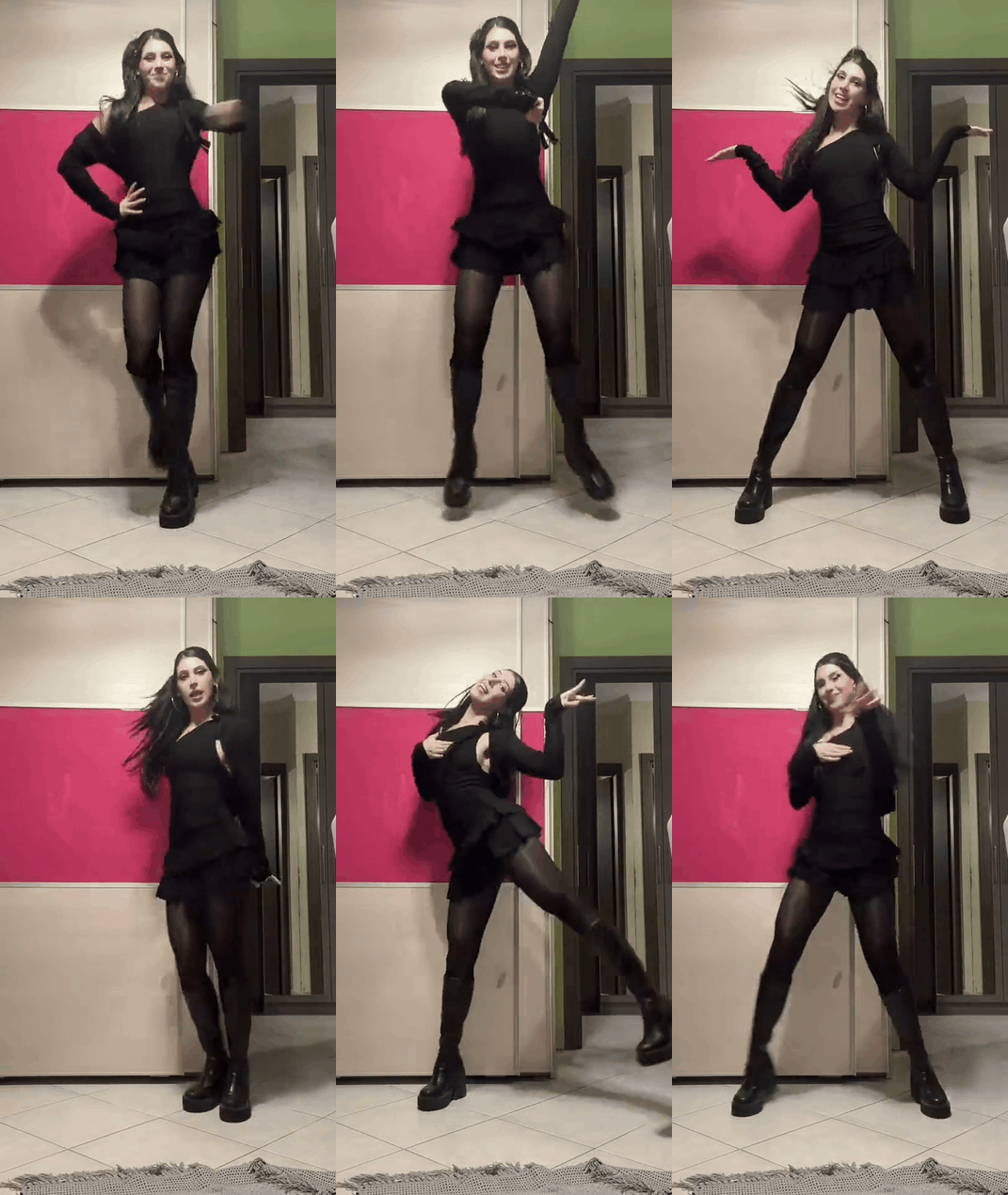
Online case GIF: a different home setting and a longer sequence of arm lifts, kicks and pose changes. The excerpt comes from one continuous cover.
Online example 4: an existing AI remake in city clothes
An online AI-template sample places a new dancer on a city street in clothes unlike the official styling. Its salute, knee movement and camera-facing gestures remain visible. This example answers a different question from the fan covers: what can a photo-to-dance treatment change while keeping the challenge recognizable? It shows a possible result, but a sample on a template page is not evidence that the specific remake itself went viral.
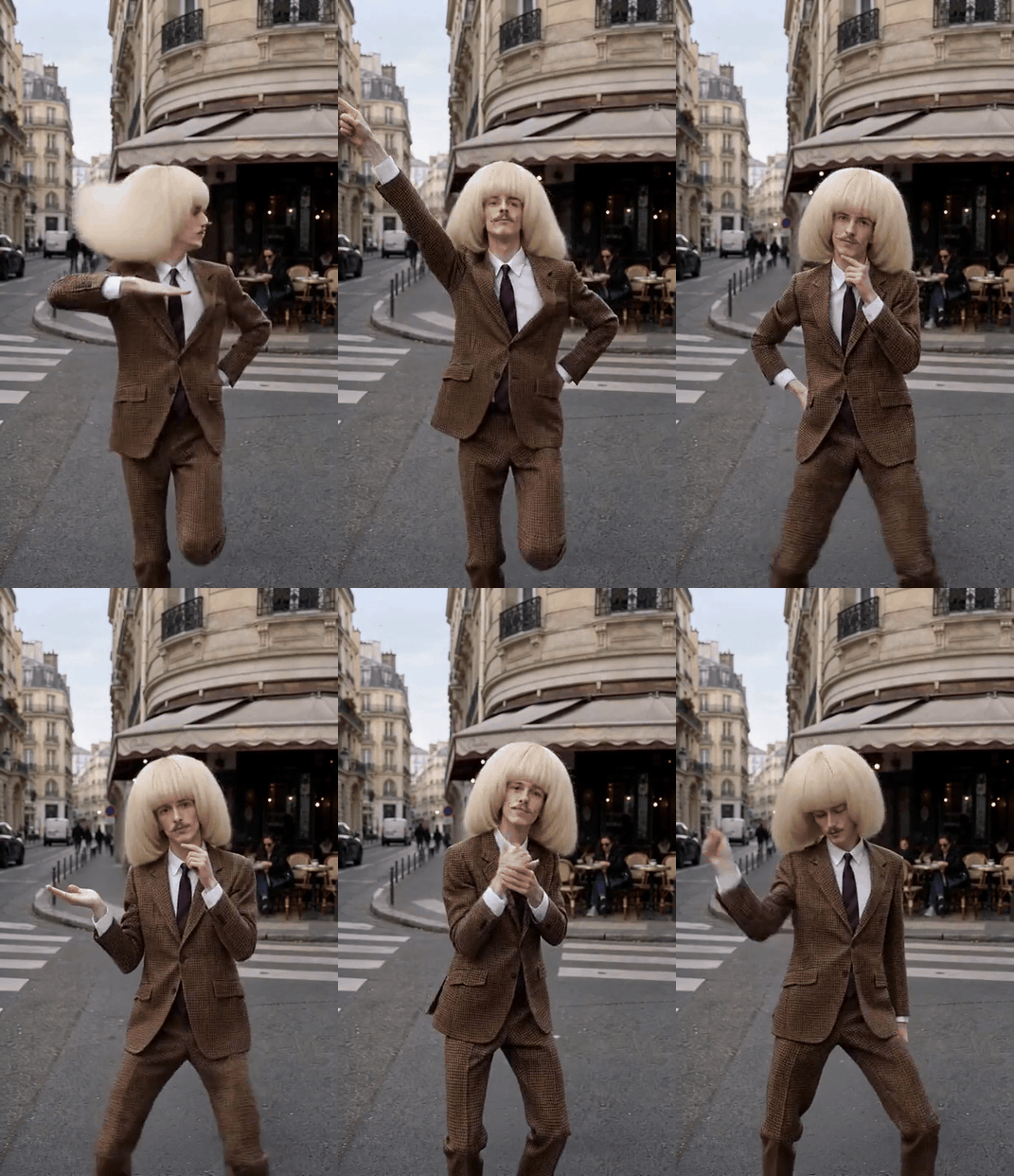
Online AI sample GIF: the setting and outfit change while the salutes, knee movement and hand gestures remain. This is a third-party sample, not our demonstration.
The online examples establish the trend. They do not prove that every AI variation is already popular. Photo-to-dance services now offer solo, duo, group and pet versions, but those are production options, not four separate viral challenges. The article below makes one original demonstration and explains how to adapt it for a friend or a pet when the input is suitable.
Which photo and template should you start with?
Choose the input according to what the viewer needs to see. For a solo dance, use one sharp photo of an adult who agreed to take part. A standing, front-facing image with the face, hands and legs visible is more useful than a close selfie. Leave space above the head for the cap movement and beside the legs for the wide stance. A half-body photo may hold the face better, but it gives the video model no reliable knees or feet to animate. If you have both, test the full-body image first.
For a duo or trio, provide one clear image per person if the chosen tool accepts separate references. Put each person in a fixed screen position from beginning to end. Avoid a crowded group photo with overlapping arms. For a pet adaptation, use a whole-body photo of your own dog or cat and treat the result as a playful reimagining. Real paws, fur pattern and the animal's size should remain consistent; a human hand appearing on the pet is a failed result, not a funny detail to hide.
There are two practical template routes. A motion-reference template transfers the timing of an existing dance clip onto the person in your photo. A prompt-led image-to-video workflow uses your photo as the subject and describes the actions in words. The first route can match a particular sequence more closely; the second gives you more control over costume, backdrop and an original ending. Preview any template before you upload a photo, because "You're Under Arrest" can label clips with different choreography and different input rules.
For the worked example, use a 16:9 landscape frame and a fixed camera in a modest bedroom with wood flooring, a low bookcase and a mirrored wardrobe. This follows the everyday-room feel of the first online cover while leaving more horizontal space for broad arm gestures. The fictional dancer wears a plain cap, a small toy whistle, a navy jacket and loose long trousers. Avoid a real badge, a police department name, uniform insignia or a prop gun. The hands, face and full body must remain visible throughout.
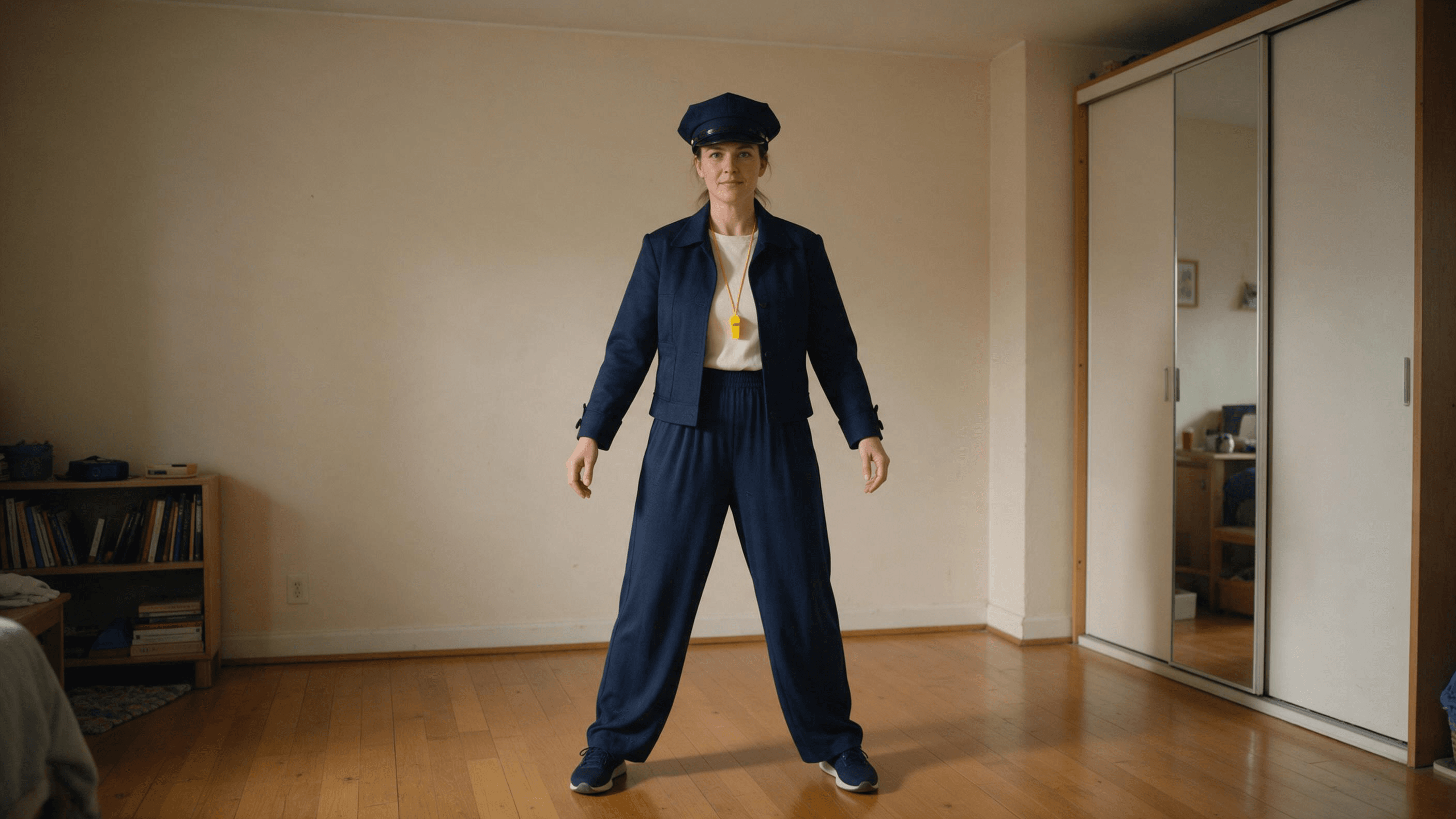
Our own input frame: a fictional adult dancer, generated with Seedream 5.0 Pro in the Atlas Cloud test playground at 2816 × 1584, 16:9, JPEG. The cap and toy whistle are already present, and both hands and shoes are visible before the dance starts.
How do you match the first home-cover GIF's hands and feet?
The first GIF in the article lasts about 5.5 seconds. It is a solo home cover with a fixed camera. We used its original public preview video as the motion reference and the same 16:9 fictional dancer image shown above as the character reference. This tells the model which movement to follow while keeping the new subject and bedroom. It is a closer method than describing the moves in text alone.
| Part of reference | Hands and upper body | Feet and lower body |
|---|---|---|
| Opening | One palm opens outward while the other hand comes toward the face; the arms change level with the beat. | Feet spread into a wide stance and the knees bend and pulse. |
| Middle | The dancer turns partly sideways, with one hand beside the cheek and the other arm settling near the hip. | The feet come closer and shift weight as the body turns. |
| Finish | One hand stays on the hip while the opposite bent arm lifts; the head and torso tilt with that arm. | The free leg kicks sideways, returns, and the kick alternates with the other side. |
We used Kling v3.0 Pro Motion Control on Atlas Cloud in the logged-in test playground. The selected character image was the existing 16:9 bedroom frame; the selected motion video was the original preview behind the first GIF above. We chose image orientation to keep the bedroom's wide framing and turned off original reference sound. The locally prepared article file carries a short segment of the previous generated video's original audio, not audio from the online cover or the ILLIT track.
The text prompt concentrated on preserving the subject and scene while instructing the model to follow the reference motion:
plaintext1Transfer the reference video dance motion frame by frame onto the single fictional adult woman from the selected image. Match the reference dancer’s exact timing and positions of BOTH hands, forearms, elbows, shoulders, hips, knees, ankles and feet throughout the entire clip, including the wide bent-knee steps, hand near face, hand on hip, raised bent arm and alternating side kicks. Keep the woman’s same face, navy jacket and loose trousers, plain toy cap, yellow toy whistle, warm bedroom, wood floor, low bookcase and mirrored wardrobe from the image. Keep the camera fixed and the output 16:9, full body with both hands and shoes visible. Preserve natural fabric motion. Do not add any choreography, salute, cap toss, siren lights, finger gun, props, extra people, camera movement, cuts or text.
What does the new motion-transfer demonstration show?
The completed motion-transfer output runs 5.33 seconds. For the article video, we trimmed four pixels from the top and bottom of its 1920 × 1088 encoded frame to make an exact 1920 × 1080, 16:9 file. Its timing, hand and foot movement were not changed in that local step.
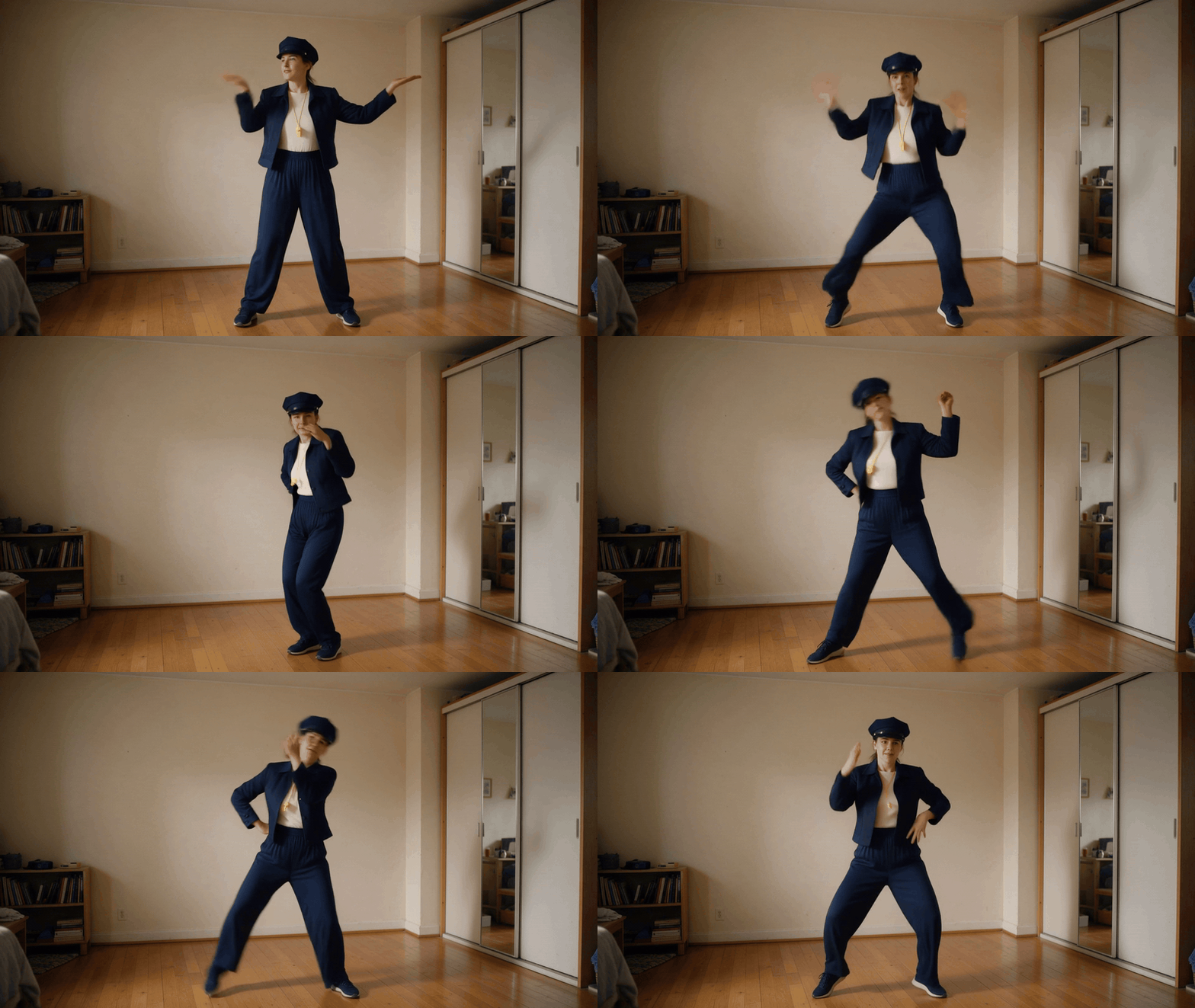
Our own 16:9 AI dance video using the first online GIF's original video as a motion reference. The performer, clothing and bedroom are generated for this article; the online dancer does not appear in the output.
At the opening, both hands work while the knees bend in a wide stance. The dancer then turns partly sideways with one hand beside the face. In the last section, one hand rests on the hip, the other arm lifts, and the leg kicks out on alternating sides. The hat remains on, the whistle stays around the neck, and the room and fixed camera match the existing first frame. Compare the two clips at the same playback speed: this is motion transfer from the first GIF, though a generative model can still soften an individual wrist or foot position rather than reproduce every pixel exactly.
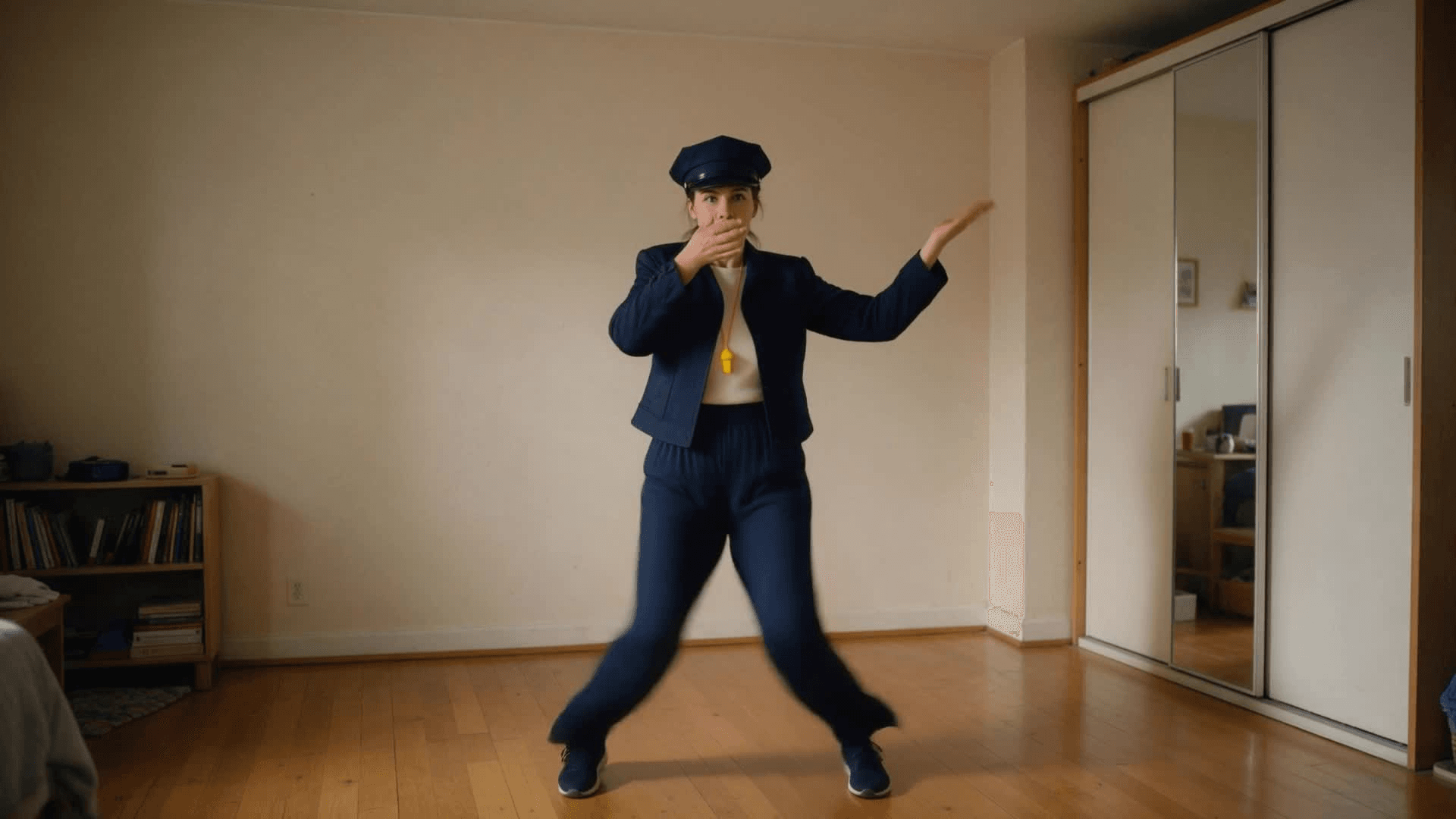
Our own case, an unaltered frame from about 0.75 seconds into the replacement video. Both hands and the wide leg movement are visible at once.
How do you post the result without confusing viewers?
Export this example in its native 16:9 frame. If a platform requires a vertical post, make a separate 9:16 crop and check every arm extension; a centered crop may cut off the hands that make the routine recognizable. Watch the whole file before posting, including the cap, toy whistle, hands and shoes. If your generation used an original beat, you can add the official track from the destination platform's music library when it is available there. Do not embed the unreleased full song into a generated file or imply that the model supplied music rights. The article's GIFs are silent, so their captions discuss movements, not how the music sounds.
The public examples are references to study, not assets to pass off as original. Keep the online case GIFs labeled as online examples and the later generated video labeled as this article's own AI demonstration. When posting a realistic synthetic dancer, use the platform's AI-content disclosure tools. TikTok's guidance explains its labeling approach. Clear labeling also helps people understand why a person appears to perform a dance they did not film.
Frequently Asked Questions
What are the essential You're Under Arrest moves?
The official challenge combines a cap toss, fast inward-outward knee shake, whistle, expressive hands and a camera-facing finger-gun finish. A fan cover may simplify props, but the rhythm and posture should still make the reference recognizable.
Do I need a full-body photo?
It is the better input for the wide stance and knee shake. A clear front-facing half-body image can be used for a tighter interpretation, but the model will have to invent the unseen legs. Leave room around the subject and avoid another person's limbs entering the photo.
Can I make it with friends or a pet?
Yes, if the people agreed to participate and the tool supports their references. Give each friend a clear image and fixed screen position. For a pet, use your own animal and inspect paws, legs and body shape carefully. These are variations on the challenge, not proof that each is a separate viral trend.
Where do I get the complete song?
As of October 21, 2026, the album is scheduled for October 26. The challenge uses preview material already published on social platforms. When the official sound is available in a platform's music library, add it there according to that platform's tools.
Why does my dance result look like a slow zoom?
The model may prioritize camera motion when the action prompt is vague or overcrowded. Keep the camera explicitly fixed, show the full body and divide the short performance into visible beats: cap, knees, whistle, overhead hands and camera-facing finish. Check the output at each transition before publishing it.





