

Wan 3.0 Prime is the premium tier of Alibaba's Wan 3.0 video model family on Atlas Cloud. It is built for creators and developers who want longer single-pass video generation, native audio, stronger multimodal reference handling, and a cleaner path from prompt to production clip.
The short version: use standard Wan 3.0 when you are exploring ideas and watching cost closely. Move to Wan 3.0 Prime when the shot matters, the reference stack is dense, or a 30-second clip needs to preserve character, motion, sound, and scene logic in one run.
This guide covers what Wan 3.0 Prime is, which parameters matter, how it differs from Wan 3.0, how to run it on Atlas Cloud, and how to write prompts that give the model enough structure without turning the prompt into noise.
Key takeaways
- Wan 3.0 Prime covers text-to-video, image-to-video, and reference-to-video.
- It supports up to 30 seconds, 480P to 1080P, adaptive or fixed aspect ratios, and native audio.
- Prime is the higher-priced tier, so test structure on shorter runs first.
- The best prompts describe time, camera, sound, identity, and constraints.
- On Atlas Cloud, start from the model page, pick the Prime mode, then run inside the playground or API flow.
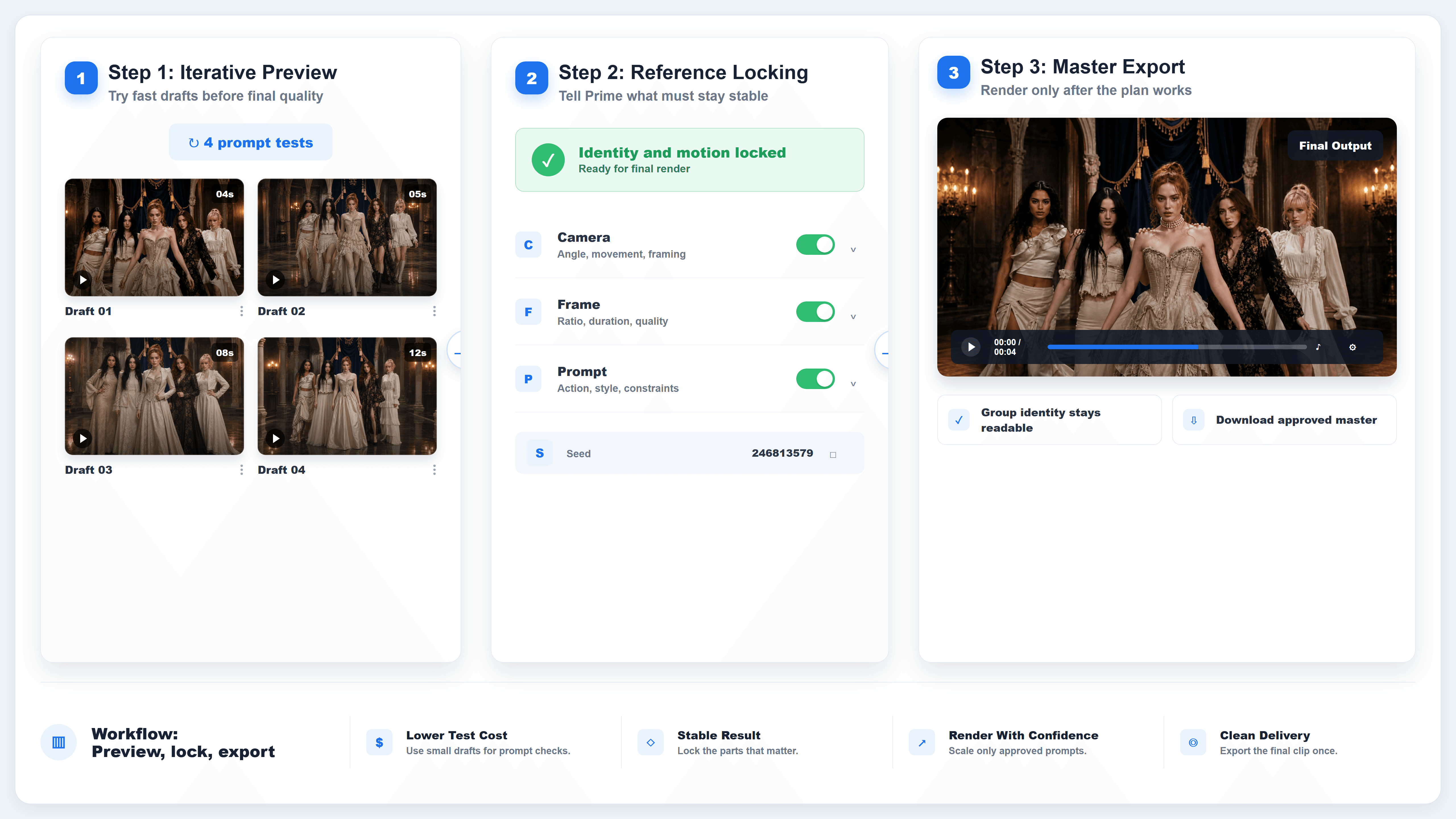
Wan 3.0 Prime workflow card showing text, image, and reference inputs turning into a controlled video
Wan 3.0 Prime works best when each input has a role: prompt for direction, references for anchors, and parameters for delivery.
Why Wan 3.0 Prime Is Getting Attention
Wan 3.0 changed the shape of AI video prompting because the model can produce longer clips with audio in the same pass. Alibaba Cloud's official Wan 3.0 release page describes native 30-second generation, 1080P output, native audio-visual generation, and a broad omni-reference workflow that can use text, images, audio, video, documents, and webpages as creative inputs.
That matters because video work is rarely just "make a clip." A marketer may need the same product and room across a 20-second ad. A game studio may need a character to keep the same outfit and movement style. A short-film team may need the camera to travel through three beats without losing spatial continuity. Prime is aimed at that more controlled use case.
The professional habit is to separate three jobs:
- Creative intent: what the viewer should understand by the end.
- Reference control: what must stay visually or sonically stable.
- Delivery settings: duration, resolution, aspect ratio, and audio behavior.
Weak Wan prompts blur those jobs together. Strong Wan 3.0 Prime prompts make the model's workload legible.
Wan 3.0 Prime Workflow and Parameters on Atlas Cloud
Atlas Cloud lists Wan 3.0 and Wan 3.0 Prime on the same Wan 3.0 model page. The public listing shows three Prime modes: Text-to-video, Image-to-video, and Reference-to-video. It also shows matching standard Wan 3.0 modes, which is useful when you want to compare cost or test a prompt before running the premium tier.
Use the Atlas Cloud model hub to verify live price before budgeting. On August 26, 2026, Atlas Cloud's public listings showed Wan 3.0 Prime at $0.068/SEC with a visible discounted rate of $0.061/SEC, and standard Wan 3.0 at $0.05/SEC with a visible discounted rate of $0.04/SEC. Treat those as checked-at-publication values, not permanent pricing.
| Wan 3.0 Prime mode | Input pattern | Best use | Key control |
|---|---|---|---|
| Text-to-video | Prompt only | New scenes, mood tests, short concepts, long single takes | Strong timeline and sound direction |
| Image-to-video | Start image, optional end image | Animate a designed first frame or lock a final frame | Identity, object, lighting, and camera constraints |
| Reference-to-video | Mixed images, videos, audio, document or webpage reference | Character, product, location, motion, and sound consistency | Positional reference language |
The public schema used across Wan 3.0 Prime style endpoints centers on these controls:
| Parameter | Typical values | What it controls | Prompting note |
|---|---|---|---|
| prompt | Text string | Scene, subject, action, camera, sound, constraints | Write the clip, not only the image |
| resolution | 480p, 720p, 1080p | Output quality tier | Test at 720P, finish at 1080P when detail matters |
| aspect_ratio | adaptive, 16:9, 4:3, 1:1, 3:4, 9:16 | Frame shape | Pick native ratio instead of cropping later |
| duration | 2 to 30 seconds, or smart duration where supported | Clip length | Timecode anything longer than one simple action |
| audio | true or false | Native generated audio | Silence is also a sound decision |
| enable_prompt_expansion | true or false | Prompt rewriting | Keep it on for quality, off only when latency matters |
| enable_thinking | true or false where exposed | Extra reasoning for complex beats | Use it for timed sequences and reference-heavy shots |
| enable_safety_checker | true or false where exposed | Safety filtering | Keep it on for normal production work |
| seed | Integer where exposed | Repeatability | Useful for controlled variations, not a guarantee |
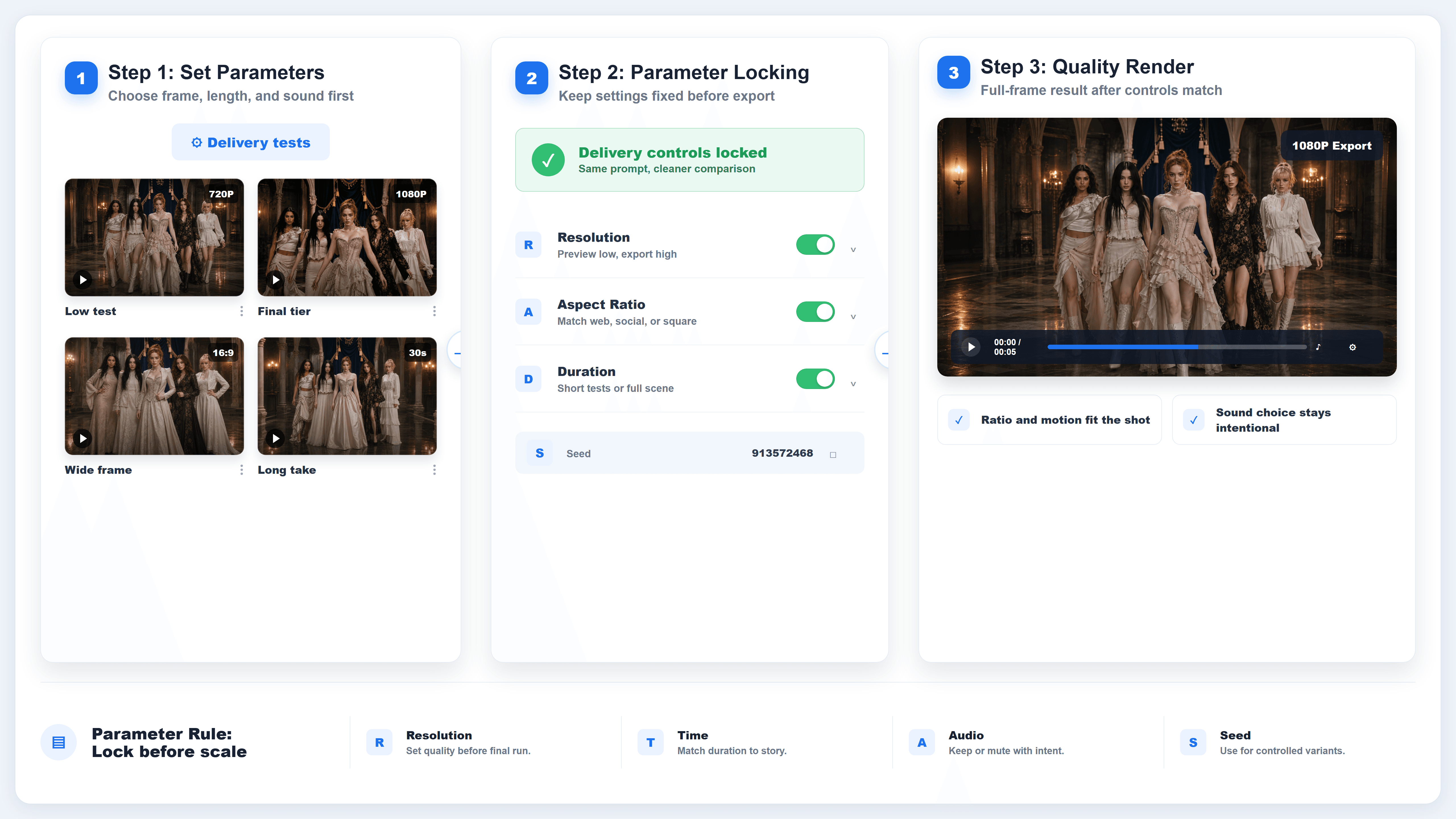
Wan 3.0 Prime parameter card mapping prompt, duration, resolution, ratio, audio, and references to output behavior
Parameters are not decoration. They decide whether Wan 3.0 Prime explores, tests, or produces a final clip.
Step 1: Pick the Right Wan 3.0 Prime Mode
Start with the input you already trust. If you only have an idea, use text-to-video. If a design team already approved a first frame, use image-to-video. If continuity is the job, use reference-to-video.
Copyable prompt for a text-to-video test:
Plain1Create a 10-second cinematic product spot for a matte black travel camera on a sunlit train table. 2 30 to 3s: close macro on the shutter button as a hand tightens the wrist strap. 43 to 7s: the camera tilts up as the train exits a tunnel and warm light sweeps across the lens glass. 57 to 10s: pull back to reveal the camera, notebook, and window reflection in one clean frame. 6 7Camera: 50mm macro into a slow pullback, no cuts. 8Light: warm window light from frame right, crisp reflections on the lens. 9Sound: train rail rhythm, leather strap creak, soft shutter click, no music. 10Constraints: no text overlays, no logos, no extra hands. 11
Recommended settings:
| Setting | Pick |
|---|---|
| Mode | Wan 3.0 Prime Text-to-video |
| Resolution | 720P for the first test, 1080P for final |
| Aspect ratio | 16:9 for web hero, 9:16 for vertical ads |
| Duration | 10 seconds for first test |
| Audio | On, unless the final delivery needs silent video |
The important move is not the subject. It is the shape. The prompt gives a time range, physical action, camera path, light source, sound design, and constraints. That gives Wan 3.0 Prime a clip to execute.
Step 2: Set Wan 3.0 Prime Parameters Before You Prompt
Choose the delivery frame before you write the final version of the prompt. A 9:16 ad, a 16:9 landing-page hero, and a 1:1 product loop should not use the same wording.
Copyable parameter checklist:
Plain1Wan 3.0 Prime setup 2Mode: Text-to-video / Image-to-video / Reference-to-video 3Resolution: 720P test, 1080P final 4Aspect ratio: native delivery ratio, not a later crop 5Duration: short test first, up to 30 seconds only when the timeline earns it 6Audio: on if sound helps the scene, off only for silent placements 7Prompt expansion: on for quality, off for latency-sensitive testing 8Thinking: on for multi-beat sequences or dense reference stacks 9Seed: set only when comparing prompt variants 10
Recommended settings:
| Goal | Resolution | Duration | Aspect ratio | Audio |
|---|---|---|---|---|
| Cheap prompt test | 720P | 5 to 8s | Adaptive or final ratio | On if sound matters |
| Social ad draft | 720P or 1080P | 8 to 15s | 9:16 | On |
| Website hero | 1080P | 8 to 12s | 16:09 | Often off or subtle |
| Narrative proof | 1080P | 20 to 30s | 16:09 | On |
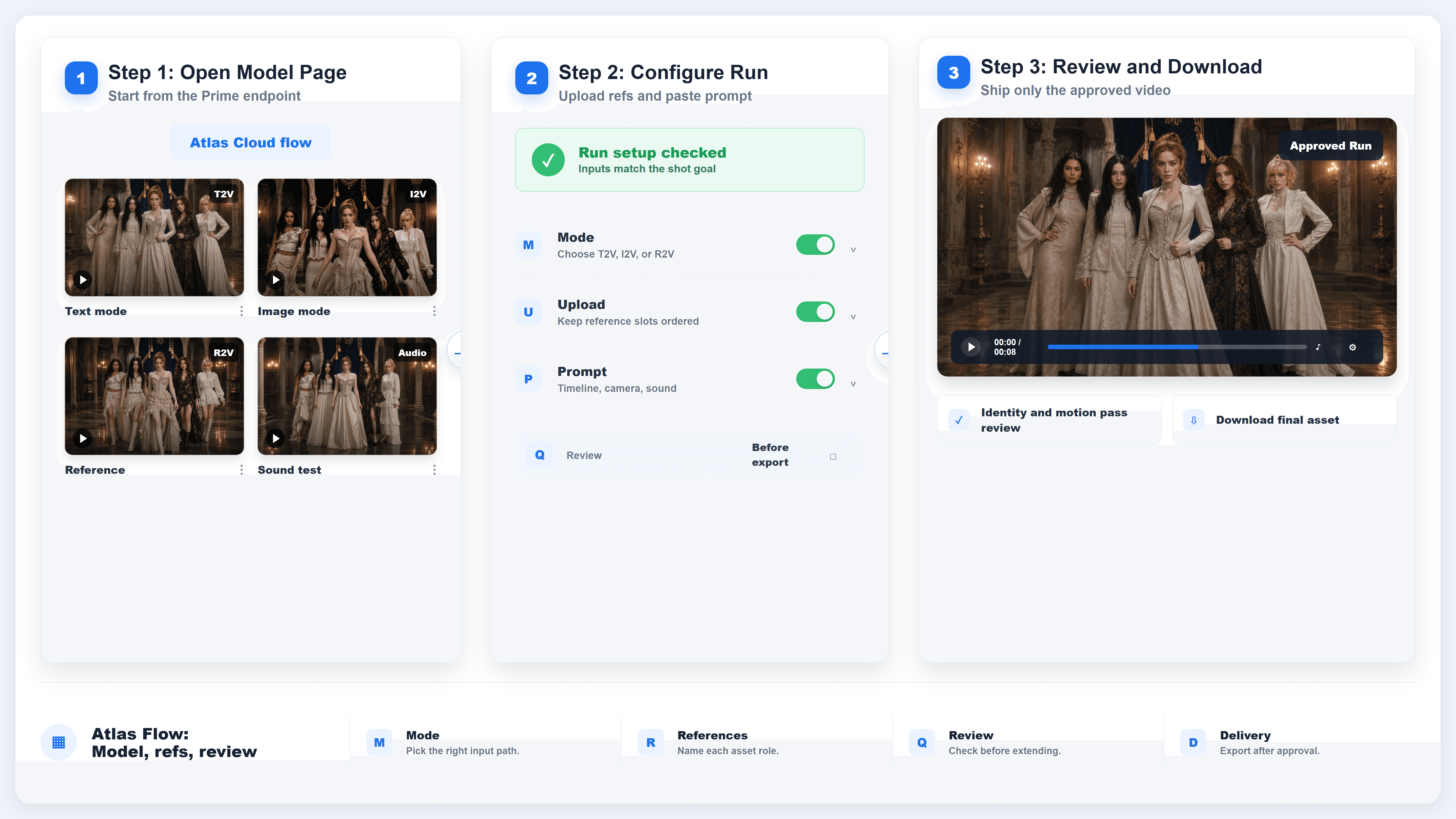
Wan 3.0 Prime setup card showing mode, resolution, aspect ratio, duration, audio, prompt expansion, thinking, and seed
Pick the delivery settings first, then write the prompt around the frame and time you actually selected.
Step 3: Use Wan 3.0 Prime Reference-to-Video for Dense Creative Packs
Reference-to-video is where Prime becomes most useful. A single request can combine roles: a character reference, a product image, a location plate, a movement clip, and an audio cue. The prompt has to address those references positionally.
Copyable reference prompt:
Plain1Use Image 1 as the lead subject's face and wardrobe. 2Use Image 2 as the product design. 3Use Video 1 only as movement reference. 4Use Audio 1 as the rhythm and sound texture. 5 6Create a 20-second fashion-tech launch film. 70 to 5s: the lead subject enters the glass atrium from frame left, wearing the exact jacket and carrying the product from Image 2. 85 to 12s: the camera tracks backward at chest height as the subject opens the product case, matching the confident walking rhythm from Video 1. 912 to 17s: orbit around the subject while the product lights up, keeping the face, jacket, and product shape consistent. 1017 to 20s: cut to a clean hero hold with the product in the foreground and the subject in soft focus behind it. 11 12Sound: use Audio 1 as rhythmic reference, with soft room reflections and product activation clicks. 13Constraints: preserve the face, jacket, product proportions, atrium layout, and movement rhythm. No duplicate subject, no wardrobe changes, no captions, no logos. 14
Recommended settings:
| Setting | Pick |
|---|---|
| Mode | Wan 3.0 Prime Reference-to-video |
| Reference order | Name each reference by slot |
| Duration | 15 to 20 seconds for controlled review |
| Thinking | On for reference-heavy prompts |
| Review | Check identity, product shape, motion rhythm, and sound |
The local Wan 3.0 handbook includes a multi-reference style case with a group performance and coordinated wardrobe. It shows why reference roles matter: the result is not only about a stylish frame, but about keeping multiple subjects, costume language, choreography, and lighting inside one coherent sequence.
Handbook case: a multi-subject fashion sequence shows the kind of identity, wardrobe, and choreography control that reference-to-video workflows are meant to protect.
Step 4: Run Wan 3.0 Prime on Atlas Cloud
Atlas Cloud keeps the workflow straightforward for teams that want one place to test and ship model output.
Copyable platform checklist:
Plain11. Open Atlas Cloud and sign in. 22. Go to Models, then search for Wan 3.0. 33. Choose the Prime mode: Text-to-video, Image-to-video, or Reference-to-video. 44. Set resolution, aspect ratio, duration, audio, and other exposed controls. 55. Upload the start frame, end frame, or references if the mode needs them. 66. Paste the prompt and run a short test. 77. Review identity, motion, audio, and composition. 88. Rerun the final version at the required resolution and duration. 99. Download the video or call the same model through the API workflow. 10
Recommended settings:
| Atlas Cloud step | What to check |
|---|---|
| Model page | Correct Prime endpoint, not standard unless you are testing cost |
| Input panel | Reference files are in the intended order |
| Settings | Duration and ratio match the prompt |
| Output | Clip actually rendered at the expected length and format |
| Final download | Filename, poster frame, and caption match the delivered clip |
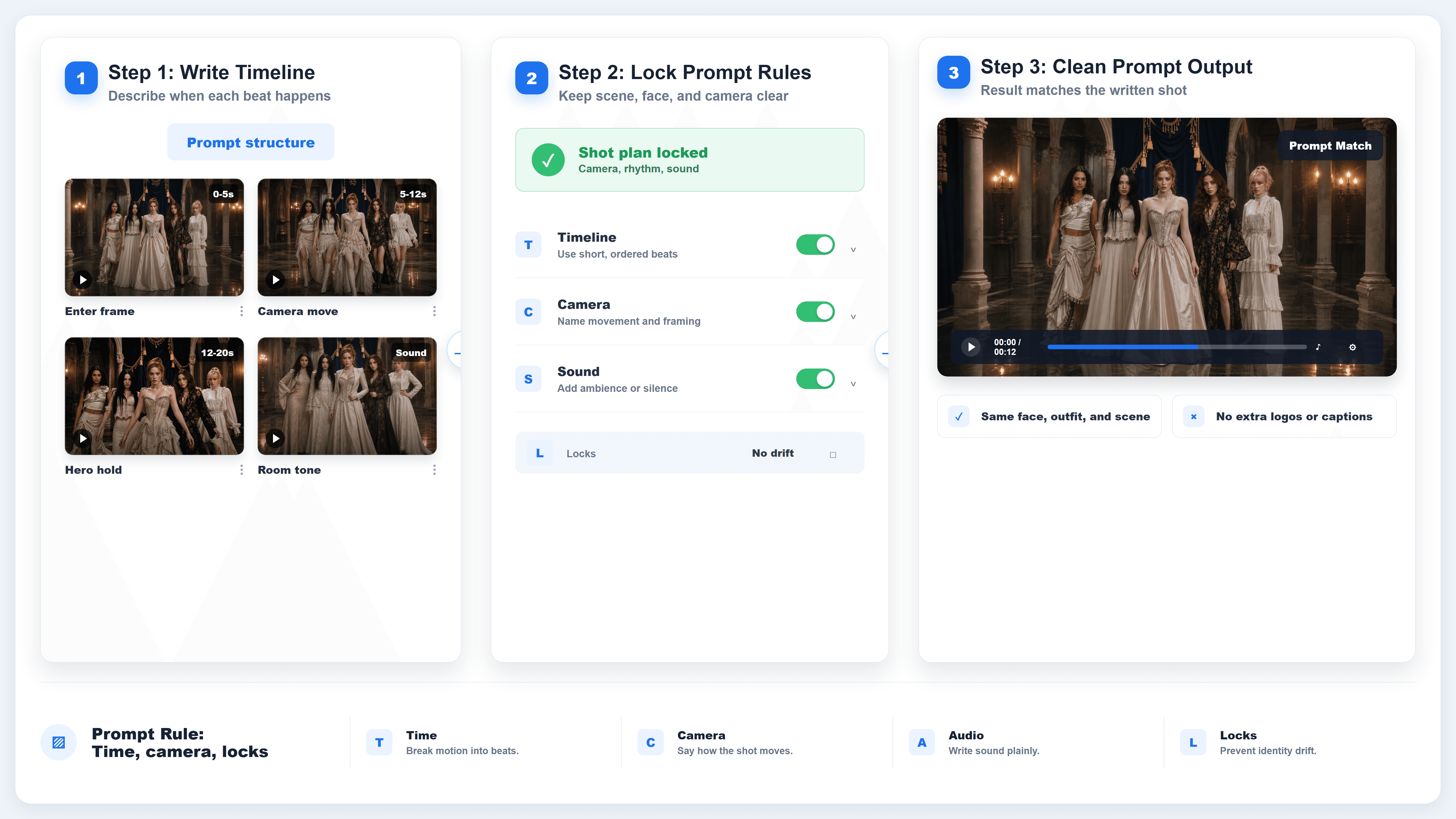
Wan 3.0 Prime Atlas Cloud checklist card showing model selection, settings, references, prompt, run, review, and download
Use Atlas Cloud as the operating surface: pick the mode, set delivery controls, upload references, run, review, and ship.
Wan 3.0 Prime vs Wan 3.0
The simplest difference is tier choice. Standard Wan 3.0 is the economical starting point. Wan 3.0 Prime is the premium lane when a prompt is ready for a higher-value run.
| Comparison point | Wan 3.0 | Wan 3.0 Prime | Aspect ratio | Audio |
|---|---|---|---|---|
| Modes on Atlas Cloud | Text-to-video, Image-to-video, Reference-to-video | Text-to-video, Image-to-video, Reference-to-video | Adaptive or final ratio | On if sound matters |
| Listed starting price on August 26, 2026 | $0.05/SEC, discounted listing visible at $0.04/SEC | $0.068/SEC, discounted listing visible at $0.061/SEC | 9:16 | On |
| Best use | Prompt exploration, cheaper test runs, early variants | Final-quality attempts, dense references, higher-stakes clips | 16:09 | Often off or subtle |
| Prompt strategy | Clear action, camera, audio, and constraints | Same structure, with stricter reference roles and review | 16:09 | On |
| Budget habit | Iterate more freely | Test short first, then commit longer runs | Silence is also a sound decision | |
| enable_prompt_expansion | true or false | Prompt rewriting | Keep it on for quality, off only when latency matters | |
| enable_thinking | true or false where exposed | Extra reasoning for complex beats | Use it for timed sequences and reference-heavy shots | |
| enable_safety_checker | true or false where exposed | Safety filtering | Keep it on for normal production work | |
| seed | Integer where exposed | Repeatability | Useful for controlled variations, not a guarantee |
The two tiers share the same broad Wan 3.0 logic: long single-pass generation, native audio, and multimodal input. Prime does not remove the need for discipline. It rewards it. A loose prompt still creates a loose video, just in the premium lane.
Choose standard Wan 3.0 when:
- You are testing story ideas.
- You need many variations.
- The reference pack is simple.
- The clip can be short.
- The budget matters more than turnaround or finish quality.
Choose Wan 3.0 Prime when:
- The prompt has already survived a cheaper test.
- The clip needs 20 to 30 seconds in one coherent pass.
- The job depends on character, product, location, motion, or sound references.
- The output is close to campaign, pitch, or client review.
- Re-running a failed clip costs more than using the stronger tier upfront.
Prompt Rules for Wan 3.0 Prime
Wan 3.0 Prime prompts should read like a short production brief. The model needs enough detail to preserve what matters after prompt expansion, but it does not need ten synonyms for "cinematic."
Use these rules:
| Rule | Why it matters | Example |
|---|---|---|
| Give the clip a clock | Longer clips need pacing | 0 to 5s, 5 to 12s, 12 to 20s |
| Name one camera plan per beat | Prevents random cuts | slow lateral track, locked macro, three-quarter orbit |
| Write sound deliberately | Native audio will happen anyway | no music, soft room tone, one spoken line |
| Pin identity in words | References alone can drift | same face, jacket, product shape, and color |
| Use constraints sparingly | Negative prompts work best when specific | no captions, no logos, no duplicate subject |
| Address references by slot | The model needs roles | Image 1 is the subject, Video 1 is movement only |
| Match ratio to delivery | Cropping wastes information | Write vertical shots for 9:16, not 16:9 leftovers |
Short prompt shape:
Plain1Subject + action + place + light + camera + sound + constraints. 2
Block prompt shape:
Plain1STYLE 2Describe lens, lighting, texture, and color. 3 4SUBJECTS 5List the stable identity, product, or environment details. 6 7TIMELINE 8Break the clip into time ranges. 9 10CAMERA 11Name the movement and shot size for each beat. 12 13SOUND 14Write ambience, effects, dialogue, silence, and music. 15 16CONSTRAINTS 17List only the details that must not change. 18
Reference prompt shape:
Plain1Reference roles: 2Image 1 = lead subject identity. 3Image 2 = product design. 4Video 1 = movement rhythm only. 5Audio 1 = sound texture only. 6 7Timeline: 80 to 6s: ... 96 to 14s: ... 1014 to 22s: ... 1122 to 30s: ... 12 13Continuity locks: 14same face, same outfit, same product geometry, same location, same motion logic. 15
The most common prompt mistake is using style words where production decisions are needed. "Premium cinematic commercial" is not enough. Say what the camera does, what changes over time, what the audio does, and what must stay fixed.
Cost and Workflow Tips
Prime costs more per second, so the best budget move is not to write shorter forever. It is to run smarter tests.
Use this sequence:
- Draft the final prompt structure.
- Run a 5 to 8 second test at 720P.
- Fix reference roles and constraints.
- Run the core 10 to 15 second version.
- Only then commit to a 20 to 30 second Prime generation.
For a production team, the expensive run should feel slightly boring. The shot is already designed, references are named, settings match delivery, and the review checklist is ready. Prime is where you execute the plan, not where you discover the plan.
Also keep captions honest. If the delivered clip is 20 seconds, call it 20 seconds. If the model changed a prop, either rerun or describe the limitation. Strong AI video articles lose trust fastest when the caption promises control that the clip does not show.
Safety and Rights Note
Use references you have permission to use, especially with faces, voices, branded products, and copyrighted footage. Wan 3.0 Prime can combine images, video, audio, and documents, which makes rights hygiene more important. A reference pack should include approved assets, clear usage scope, and no private material that should not enter a generation workflow.
FAQ
What is Wan 3.0 Prime?
Wan 3.0 Prime is the premium tier of Wan 3.0 video generation on Atlas Cloud, available across text-to-video, image-to-video, and reference-to-video modes. It is designed for more controlled, higher-value video runs.
How is Wan 3.0 Prime different from Wan 3.0?
On Atlas Cloud, both tiers expose the same three broad modes. Standard Wan 3.0 is cheaper and better for exploration. Wan 3.0 Prime costs more per second and is the better fit when references, duration, and final output quality matter more.
What parameters does Wan 3.0 Prime use?
The core controls are prompt, resolution, aspect ratio, duration, audio, prompt expansion, thinking where available, safety checker where available, and seed. Reference modes also use media inputs such as images, videos, audio, documents, or webpages depending on the endpoint.
Should prompt expansion be on?
Keep prompt expansion on for most creative runs because it can improve the model's interpretation. Turn it off only when you are testing latency or need to compare the raw effect of a very controlled prompt.
What is the best Wan 3.0 Prime prompt format?
Use a block brief or a timecoded beat sheet. Include subject, action, location, light, camera, sound, reference roles, and constraints. For longer clips, timecode the beats so the model knows how the shot should unfold.
How do I use Wan 3.0 Prime on Atlas Cloud?
Sign in to Atlas Cloud, open the Wan 3.0 model page, choose a Prime mode, set resolution, aspect ratio, duration, audio, and any exposed controls, upload references if needed, paste the prompt, run a short test, review the output, then rerun the final version.
When should I avoid Wan 3.0 Prime?
Avoid Prime for early brainstorming, vague prompts, or simple clips where standard Wan 3.0 already works. Use the lower-cost tier to refine the idea, then switch to Prime when the shot is ready.





