




Seedance 2.0 Mini & Fast API at Lowest Prices Worldwide — up to 68% off official pricing

AI Audio Generator: Turn a Script into Speech or a Full Song

Type a script and pick a voice, or describe a track and add lyrics. Six audio models from Google, xAI, and MiniMax sit in one workspace, and every result comes back with a player you can check before downloading.

Text to Speech First, AI Music Generation Next

Voice the words you already have, then score the scene around them, without switching tools.

AI Voice Generator

Paste a script and the AI voice generator reads it back in the voice you pick. xAI TTS v1 ships more than 80 voices across 20 language options, and detects the language for you. The Gemini TTS models add 30 prebuilt voices, steered by a short note on tone and pace.

Tune the delivery before you render. xAI TTS v1 takes speed from 0.7× to 1.5× and text normalization so numbers and dates read naturally, then exports MP3, WAV, PCM, μ-law, or A-law at up to 48 kHz. Scripts run to 15,000 characters, so most narration stays one file.

AI Music Generator

Describe the track you need, add lyrics if you want a vocal, and the AI music generator returns a complete, arranged and mixed song of up to five minutes. MiniMax Music 3.0 and 2.6 read structure tags such as [Verse] and [Chorus], so the song follows the shape you wrote.

Switch to instrumental mode when you only need a bed under a voiceover, then pick the sample rate and format your editor expects, from 16 kHz MP3 up to 44.1 kHz WAV.

Six AI Audio Models in One Place

Four text to speech models and two music models. Pick by voice range, output format, or the length of the script you are voicing.

How to Generate AI Audio in Three Steps

1

Paste Your Script

Drop in the text to voice, or describe the track and add lyrics marked with [Verse] and [Chorus] tags.

2

Choose a Model

Pick the model, then set the voice for speech or the vocal mode for music, and choose the output format.

3

Preview, Then Download

Play the result in the built-in player, rerun if the delivery is off, and download the file for your edit.

What Can You Create with an AI Audio Generator?

Pick the tab closest to your work to see where generated speech and music fit.

AI Voice Over for Every Cut

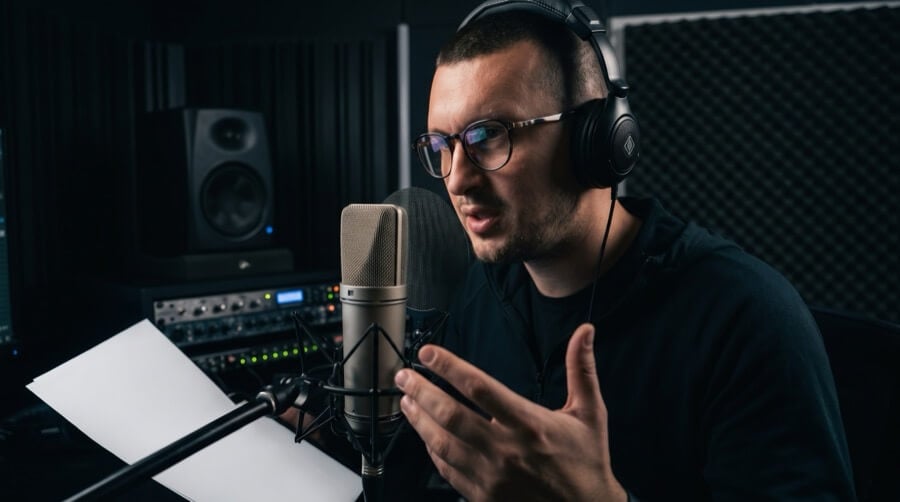
Record nothing. Paste the narration, pick a voice that matches the footage, and swap the script when the edit changes. The same model keeps the voice consistent across every version of the video.

Narration That Reads the Whole Chapter

A script of 10,000 characters runs in one pass, so an audiobook chapter or a podcast segment comes back as a single file rather than a stack of clips to stitch. Change the delivery with a short style instruction and rerun.

AI Music That Matches the Ad

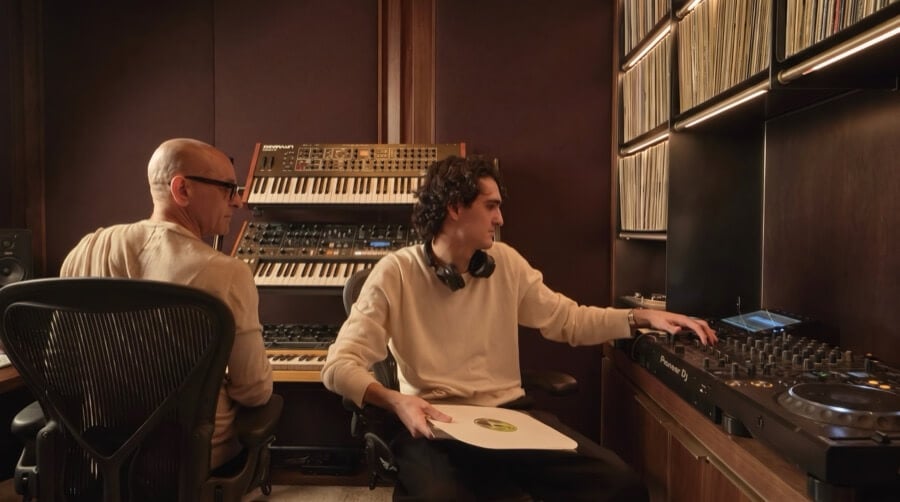
Describe the mood, switch to instrumental mode, and generate a bed that sits under the voiceover from the first tab. When the brief moves from upbeat to calm, a new description gets you a new track in the same session.

Product Videos That Talk

Turn a listing description into a spoken walkthrough, then pair it with a short instrumental track. Every SKU gets the same voice, so the whole catalog sounds like one brand.

More Atlas Cloud AI Tools for Your Audio

AI Audio Generator FAQ

An AI audio generator turns written input into sound. For speech you paste a script and choose a voice; for music you describe the track and optionally add lyrics. The model renders the file and you download it in the format you picked.

Atlas Cloud supports six audio models: xAI TTS v1, Gemini 3.1 Flash TTS, Gemini 2.5 Flash TTS, and Gemini 2.5 Pro TTS for speech, plus MiniMax Music 3.0 and MiniMax Music 2.6 for music.

It depends on the model. xAI TTS v1 lists more than 80 voices across 20 languages, while the Gemini TTS models ship 30 prebuilt voices such as Kore, Puck, and Charon and let you steer tone with a natural-language instruction.

Gemini TTS models accept up to 10,000 characters per request and xAI TTS v1 up to 15,000, so most narration scripts run in a single pass.

Yes. Used as an AI song generator, MiniMax Music 3.0 and 2.6 take a style description plus lyrics marked with tags like [Verse] and [Chorus], and return a full vocal song of up to about five minutes. Switch to instrumental mode when you only need the music.

Speech comes back as 24 kHz WAV on the Gemini models and as MP3, WAV, or PCM on xAI TTS v1. Music models return MP3, WAV, or PCM at sample rates from 16 kHz to 44.1 kHz.

Yes. Download the speech file and upload it as the audio track for the avatar models in the Avatar tab, which animate a portrait so the lips follow your recording.

Text to speech is billed per 1,000 characters and music per generation. The exact cost for the model you picked shows in the workspace before you run it.

Yes. Every speech and music model on this page is available through the Atlas Cloud API with the same authentication as the image and video endpoints. Browse the audio model pages to start building.

AI Audio Generation Guides

Voice comparisons, lyric writing, and voiceover workflows.

Start with One Script. Hear It Back in Seconds.