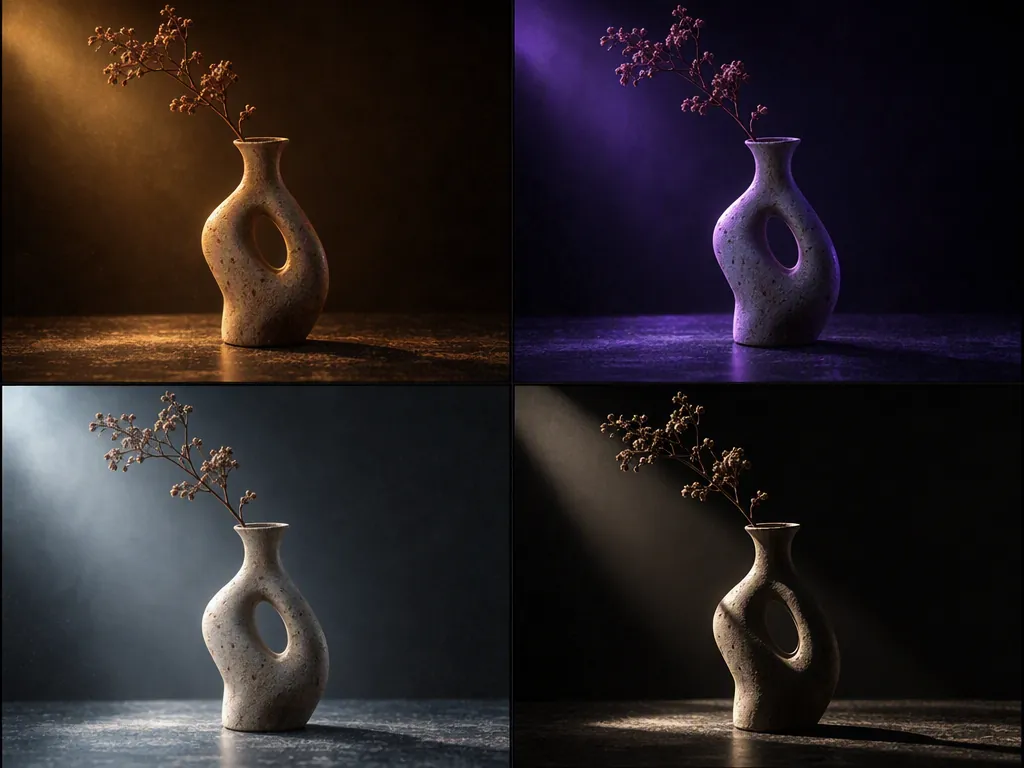
Image to Image AI vs. Text to Image AI: The 10 Best AI Generators, Tested for 2026
Image to image AI isn't the same as text to image. We compared 10 AI tools on how well they hold your reference photo, free tiers, and real cost.
Explore AI generated images and create your own with leading AI image generation and editing models.
Create new visuals from text or images, then refine them with AI editing tools in the same workspace.
Create images from text or reference images with an AI image generator built for creative work. Generate photorealistic photos, artwork, product visuals, portraits, and more with leading AI image generation models.
Start with a prompt using text to image, or upload a reference image to guide the composition, style, and visual direction. Choose the model that fits your project and generate multiple variations in seconds.
Edit photos and images with AI using simple prompts. Remove unwanted objects, change backgrounds, adjust colors, replace elements, and refine details without starting over.
Upload an image, describe the change you want, and let the AI image editor handle the rest. Keep the parts you like while making targeted edits to create the result you need.
Generate with popular models like Seedream 5.0 Pro, Nano Banana 2, GPT Image 2, and Wan, all in one place. Switch between models to find the right fit for quality, style, and creative control.
Describe the image you want, or upload a reference image to guide composition and style.
Choose one of the image models, set aspect ratio and resolution, then generate several variations at once.
Describe what should change, let the AI image editor apply it, then upscale or export the final image.
Create and edit visuals for marketing, ecommerce, design, social media, and more with AI image generation and editing.
Generate ad creatives, hero images, banners, and campaign variations from a single brief. Create on brand visuals faster, test more concepts, and adapt the same creative for every placement.
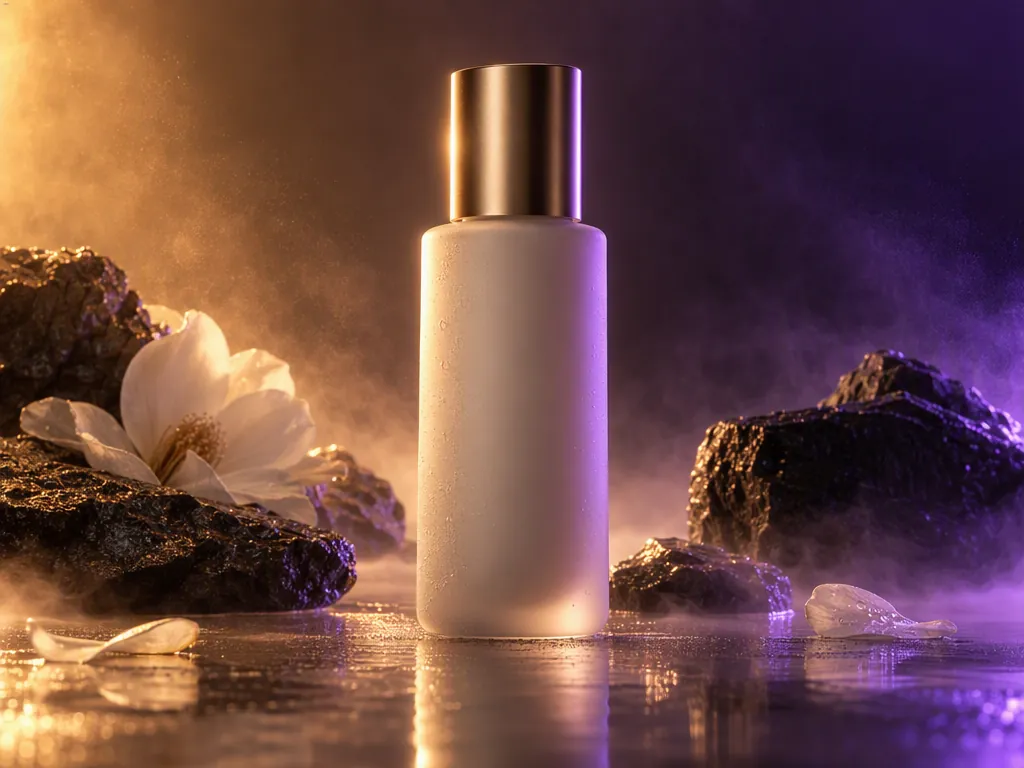
Turn product photos into polished ecommerce visuals with AI. Create lifestyle scenes, clean backgrounds, product variations, and marketplace ready images without organizing a new photoshoot for every SKU. Use an AI product photo generator to turn simple product photos into polished ecommerce visuals.
Explore different styles, compositions, color palettes, and visual concepts in minutes. Generate multiple directions with AI, keep the strongest ideas, and refine them with AI image editing.
Generate posts, thumbnails, profile images, and campaign visuals whenever you need them. Turn one strong concept into multiple social assets without starting from scratch.
Models, editing, resolution, and API access.
An AI image generator creates images from text prompts, reference images, or other instructions. Choose a model, describe what you want, and generate an image in seconds.
Atlas Cloud supports popular models including Seedream 5.0 Pro, Seedream 5 Lite, Seedream 4.7, Seedream 4.5, Nano Banana 2, Nano Banana 2 Lite, Nano Banana Pro, Nano Banana, GPT Image 2, GPT Image 1.5, Qwen Image 3.0, Qwen Image 2.0, Qwen Image, WAN 2.7, WAN 2.6, WAN 2.5, and Z-Image Turbo.
Yes. Use text to image AI to turn your prompts into images, from photorealistic photos and product visuals to artwork and creative concepts.
Yes. Atlas Cloud supports image to image AI, allowing you to upload a reference image and use a prompt to guide the generated result.
An AI image editor lets you edit images using simple prompts. You can change backgrounds, replace elements, adjust details, and refine existing images with AI.
Yes. You can describe a specific change and use AI image editing to modify the requested part while keeping the rest of the image as consistent as possible.
Yes. Use the AI image editor to remove unwanted objects, people, or other distractions and generate a natural looking result.
There is no single best AI image model for every use case. Atlas Cloud lets you compare leading models and choose the one that best fits your image generation needs.
Yes. Atlas Cloud provides an AI image generation API for supported image generation and editing models, allowing developers to integrate them into their own applications and workflows. Browse the image models and start building with the API →
Model comparisons, prompting, and editing workflows.
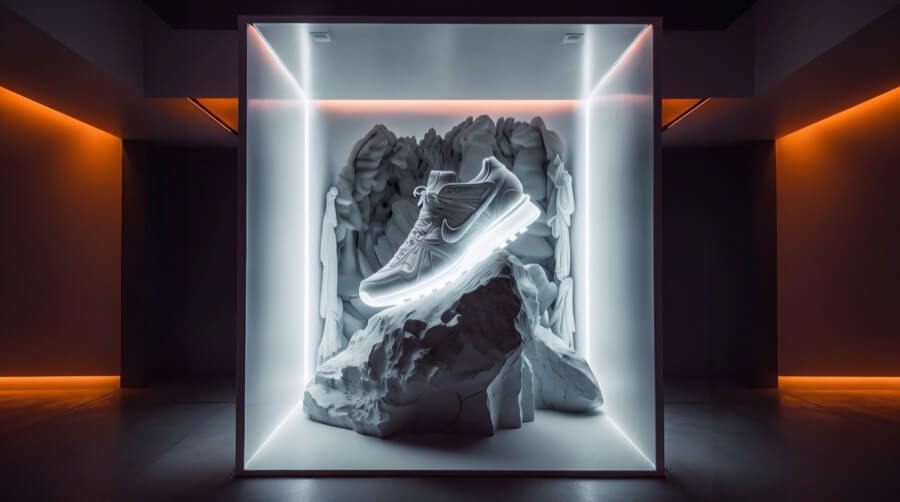
Image to image AI isn't the same as text to image. We compared 10 AI tools on how well they hold your reference photo, free tiers, and real cost.
Nano Banana vs Midjourney, 2026 edition: 2.1 and V8.2 on the same prompts for text, realism, mood and consistency, plus Thinking Mode and per-image cost.
Learn how to generate hyper-realistic AI UGC selfies using structured GPT Image 2.5 JSON prompts. Copy our master schemas, camera parameters, and 3 ad-ready templates.