Subscribing to PixVerse took you ten seconds. Now you want out, and the app offers no obvious exit. You are not imagining it, and you are not alone: "how do I cancel this recurring PixVerse subscription" threads show up on Apple's own support forums.
Here is the part nobody states plainly. PixVerse subscriptions are cancelled in three different places depending on how you paid, and the refund rules are set by your payment channel, not by PixVerse. We read both of PixVerse's terms documents so you don't have to. This guide gives you the exact steps, the honest refund odds, and what happens to your leftover credits.
Key Takeaways
- You cancel a PixVerse subscription where you bought it: Apple's Subscriptions settings, Google Play's Subscriptions page, or your PixVerse web account. There is no universal cancel button inside the app.
- PixVerse's own Terms of Service (updated May 7, 2026) contains no refund clause at all. Refund requests go to Apple, Google, or PixVerse support depending on your billing channel.
- Cancelling stops the next charge but keeps your plan active until the end of the paid period. Deleting the app cancels nothing.
- If you only need occasional AI video after cancelling, the same PixVerse models run pay per second on Atlas Cloud, from $0.025 per second with no subscription.
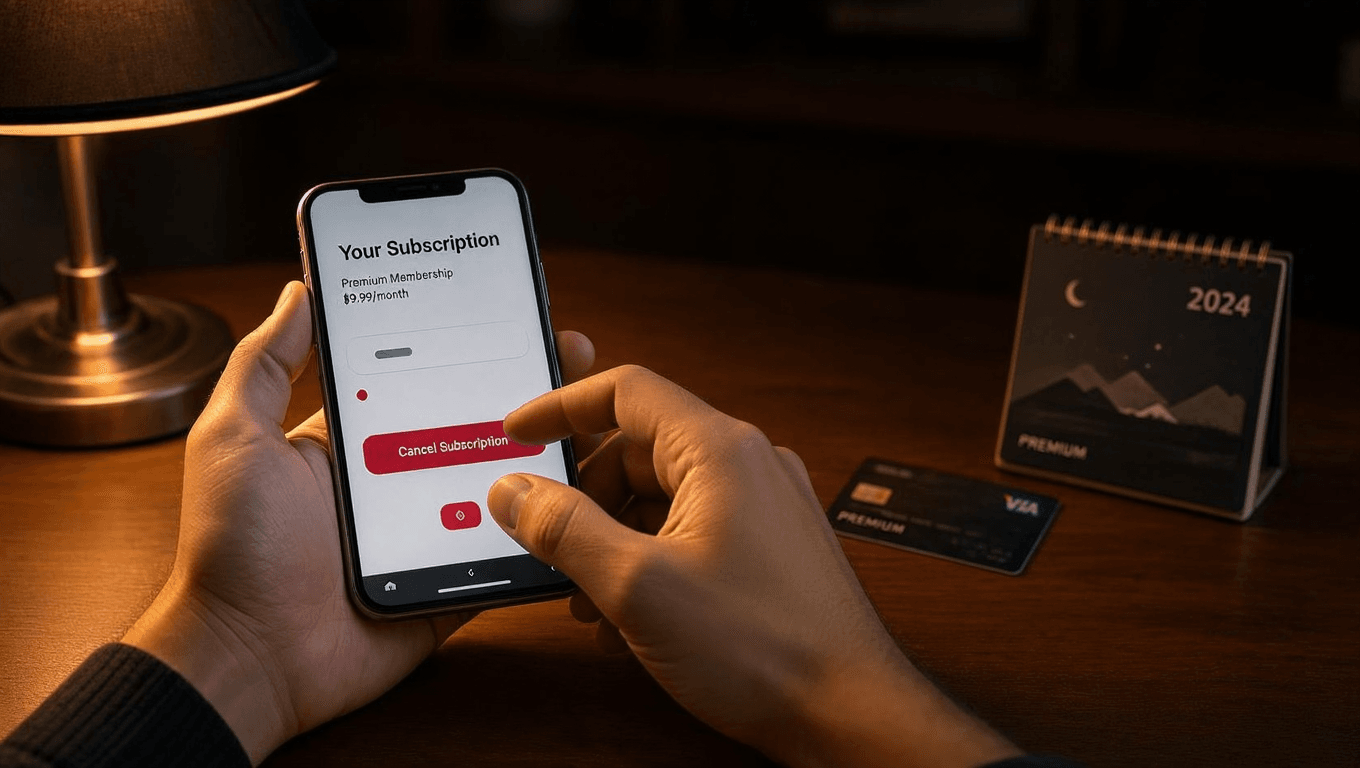
How to Unsubscribe from PixVerse on iPhone, Android, and the Web
Every failed cancellation starts with the same mistake: hunting for a cancel button inside the PixVerse app when the subscription actually lives with Apple or Google. PixVerse never touches an App Store or Play Store payment. The store does the billing, so only the store can stop it. So the first question is not "where is the button," it is "how did I pay?"
Two myths to kill before the steps. First, uninstalling the app does not cancel anything. Google's Play Store help page states outright that a subscription keeps billing after you remove the app, and Apple works the same way. Second, emailing support to say "please cancel" does not reliably stop a store-billed plan. Apple and Google subscriptions can only be cancelled from your own account settings. Refunds are a different story, covered further down.
Once you know your channel, cancellation takes about a minute. Do it at least 24 hours before your renewal date. Renewal charges can process early, and a cancellation that lands an hour before renewal sometimes loses the race.
On iPhone or iPad. Open Settings, tap your name, then tap Subscriptions. Find PixVerse in the list and tap Cancel Subscription. If PixVerse is missing from the list, you are signed in with a different Apple ID than the one that subscribed. Apple's cancellation guide confirms this is the only path for App Store billing.
On Android. Open the Play Store, tap your profile icon, then Payments and subscriptions, then Subscriptions. Pick PixVerse and tap Cancel subscription. Google's Play help walks through the same steps and confirms you keep access for the time you already paid.
On the web. Log in at pixverse.ai, open your profile menu, and look for the billing or subscription management section of your account settings. Turn off auto-renewal or cancel the plan there. PixVerse moves these labels around as the app updates, but the path always runs through your account's billing settings, not the video workspace.
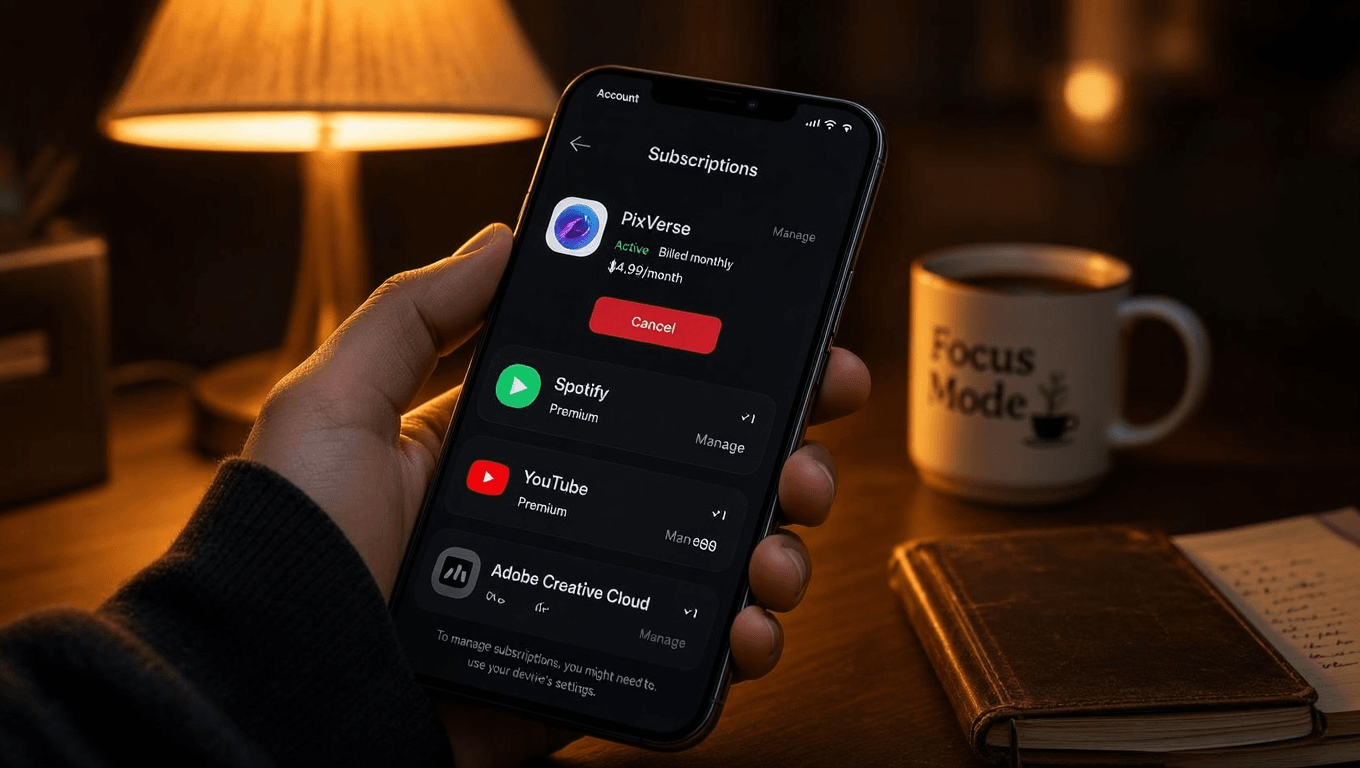
Cancelled PixVerse but Still Need AI Video? Pay Per Second Instead
Most people unsubscribe for one reason: the monthly plan costs more than their actual usage. If you generate a handful of clips a month, a subscription with expiring credits is the wrong shape. Metered billing fits better.
Atlas Cloud runs the same PixVerse video models with no subscription and no credit pack. You pay per second of generated video, and $0 months cost $0. The full PixVerse model family is available through one API, and the V6 playground lets you generate in the browser before you write any code. A standard 5-second 720p clip with audio costs $0.30 there.
Here is the live V6 text-to-video rate card, verified on the Atlas Cloud model page as of July 2026:
| Resolution | Per second, no audio | Per second, with audio |
|---|---|---|
| 360p | $0.025 | $0.035 |
| 540p | $0.035 | $0.045 |
| 720p | $0.045 | $0.060 |
| 1080p | $0.090 | $0.115 |
The multi-shot C1 series starts slightly higher, from $0.03 per second without audio. Clips run 1 to 15 seconds, output is watermark-free, and nothing renews on the first of the month.
PixVerse Refund Policy: What the Terms Actually Say
Here is the finding that surprised us. We read PixVerse's consumer Terms of Service, last updated May 7, 2026, looking for the refund section. There isn't one. The document sets no refund terms, no cancellation procedure, and no billing rules. The only mention of subscriptions at all sits in Section 10, a liability cap that limits PixVerse's maximum liability to the fees you paid. Section 9 goes further: if you are dissatisfied with the service, your sole recourse under the terms is to stop using it. The platform terms covering the developer API, updated January 5, 2025, are the same: no payment or refund section exists.
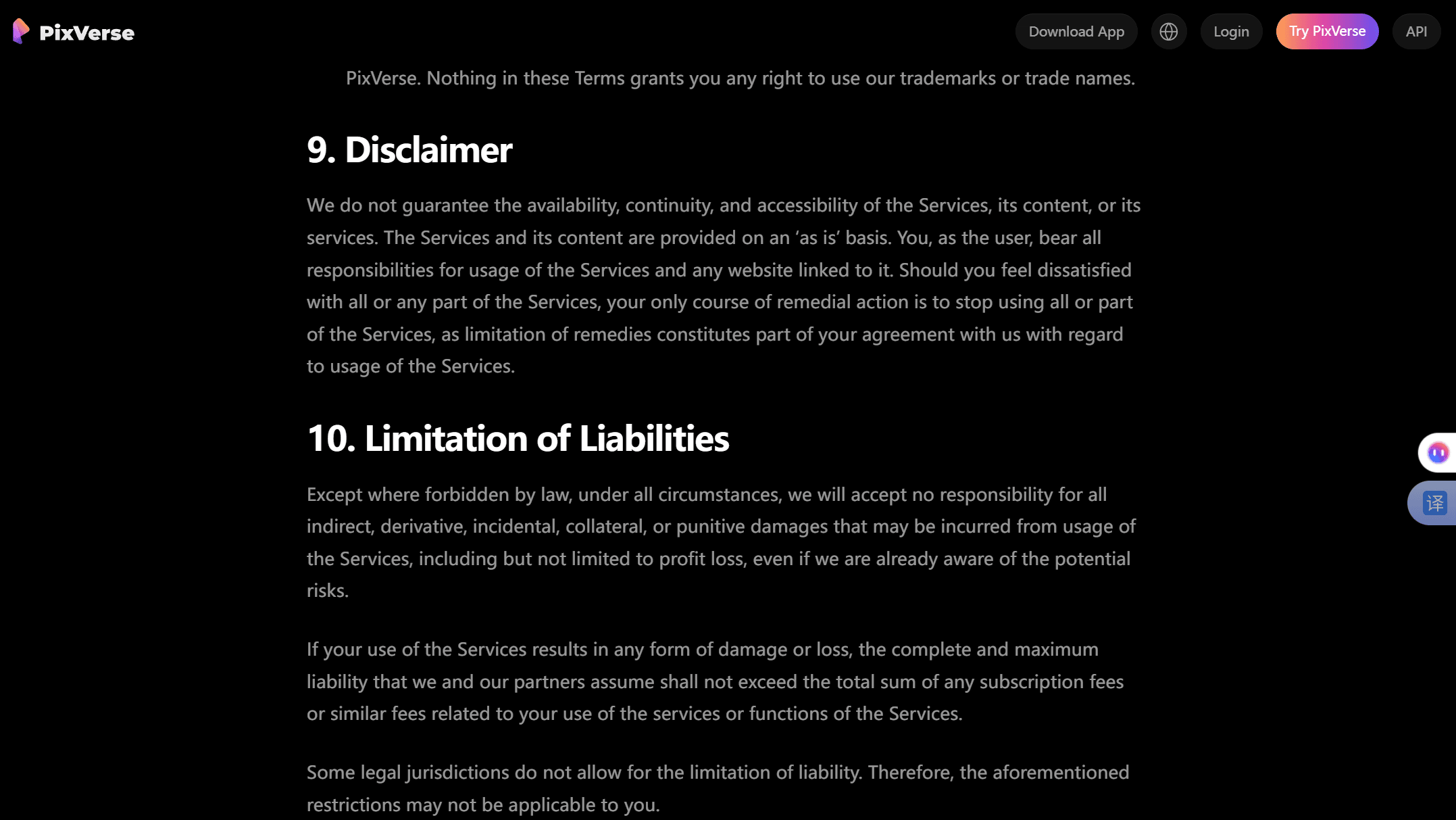
That absence has a practical meaning. Your refund rights come from your payment channel and your local consumer law, not from any PixVerse promise. So the real pixverse refund policy is three different policies:
| Channel | How to request | What to expect |
|---|---|---|
| App Store | reportaproblem.apple.com, sign in, pick the charge | Apple decides case by case; unused subscription time is not automatically refunded |
| Google Play | Play's refund request flow, or the developer | Google grants refunds for some purchases; for older charges it points you to the developer |
| PixVerse web | Email [email protected] with account and payment details | Discretionary; no published rule obliges a refund |
A few facts worth knowing before you ask. Apple treats refunds as exceptions, not entitlements, and explains the process on its refund request page. Google's refund policy says eligibility depends on what you bought, when, and how you paid, and notes that contacting the developer directly is often the fastest route. Google also accepts reports of unauthorized charges within 120 days, which matters if a family member subscribed without your knowledge. And if you live in the EU or UK, distance-selling rules give you a 14-day cooling-off window on digital purchases, though you typically waive it once you start using the service.
The pattern across all three channels: ask fast, be factual, and lead with the strongest fact you have, whether that is an unused plan, a duplicate charge, or a purchase you never authorized.
What Happens to Your PixVerse Credits After You Unsubscribe
Cancelling is not instant loss. Your plan stays active until the end of the period you already paid for, credits included. Cancel a monthly plan on day 3 and you keep generating until day 30.
The end of that period is where credits get complicated:
| What you hold | After your plan ends |
|---|---|
| Monthly plan credits | Treat as expiring with the billing cycle; spend them before the end date |
| Purchased credit packs | Bought separately from the plan; cancelling the subscription does not touch them |
| Daily free credits | Continue; the free tier is not tied to any subscription |
| API credits (developer platform) | Prepaid separately; auto-refunded to your balance on failed or moderated generations |
One honest caveat: PixVerse does not publish a consumer-facing rule for what happens to unused plan credits at cancellation, which fits the pattern of its terms saying nothing about billing. Third-party guides consistently describe plan credits expiring when the cycle ends. Nothing in the terms promises otherwise, so the safe move is to burn your balance before the end date.
The good news is that unsubscribing does not delete your account. You drop back to the free tier, which still hands out a small daily credit allowance, enough for roughly one watermarked clip a day. For the full plan-by-plan credit math, our PixVerse pricing guide breaks down every tier.
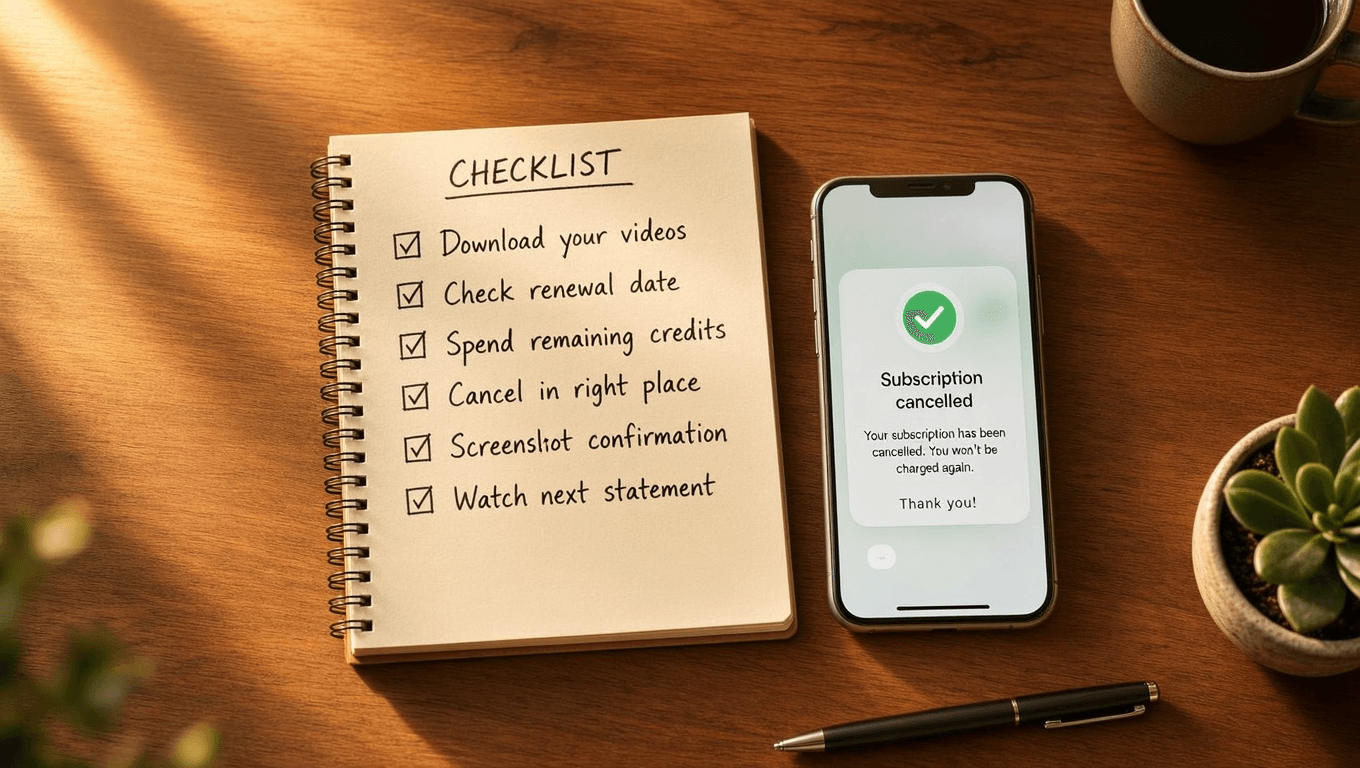
The Five-Minute PixVerse Exit Checklist
Run through this list as you cancel and you will never need the refund section above.
- Download your videos. Save everything you care about to local storage first. Never leave your only copy of client work inside a service you are leaving.
- Check your renewal date. Cancel at least a day early, for the reason covered in the steps above.
- Spend remaining credits. They are prepaid. Use them for drafts, tests, or clips you might want later.
- Cancel in the right place. Store subscriptions in the store, web subscriptions in your account settings. Check both stores if you are not sure where you subscribed.
- Screenshot the confirmation. Your proof if billing continues.
- Watch the next statement. One more charge after a valid cancellation is a dispute you will now win with step 5.
Frequently Asked Questions
How do I unsubscribe from PixVerse on my iPhone?
Open Settings, tap your name, then Subscriptions, then PixVerse, then Cancel Subscription. The cancel option is only there, in your Apple ID settings, not inside the PixVerse app. If PixVerse is not listed, check whether another Apple ID made the purchase.
Does PixVerse give refunds for unused subscription time?
Not automatically. PixVerse's Terms of Service contains no refund clause, so refunds run through your billing channel. Apple and Google review requests case by case, and web purchases depend on PixVerse support's discretion. Cancelling normally keeps your plan active until the paid period ends instead of refunding the difference.
Does deleting the PixVerse app cancel my subscription?
No. Both Apple and Google keep billing after you uninstall an app. You must cancel through iOS Settings, the Play Store's Subscriptions page, or your PixVerse web account. Deleting the app only removes your access to the thing you are still paying for.
Do I keep my PixVerse credits after cancelling?
Until the end of your paid period, yes. Your plan and its credits stay usable until the date you already paid through. After that, treat unused plan credits as expired. PixVerse publishes no rule that preserves them, so spend your balance before the period ends.
Can I still use PixVerse for free after I unsubscribe?
Yes. Cancelling drops your account to the free tier rather than closing it. You keep daily free credits, which cover roughly one watermarked lower-resolution clip a day. If you need clean, watermark-free output occasionally, per-second billing on Atlas Cloud starts at $0.025 per second for PixVerse V6.
Conclusion
Unsubscribing from PixVerse is easy once you stop looking in the wrong place. Cancel where you paid: Apple's Subscriptions settings, Google Play's Subscriptions page, or your web account's billing section. Do it a day before renewal, screenshot the confirmation, and spend your credits before the period ends.
On refunds, keep expectations realistic. PixVerse's terms promise nothing, so your leverage sits with Apple, Google, or a polite email to support, backed by consumer law if you are in the EU or UK. And if your real problem is paying $30 a month for $4 of usage, the fix is not another subscription. The same PixVerse models run per second on Atlas Cloud, and a month where you generate nothing costs exactly nothing.





