We tested 10 AI tattoo generators in 2026 and ranked them on what a tattoo actually requires: clean linework, a stencil an artist can work from, and terms that do not publish your design by default.
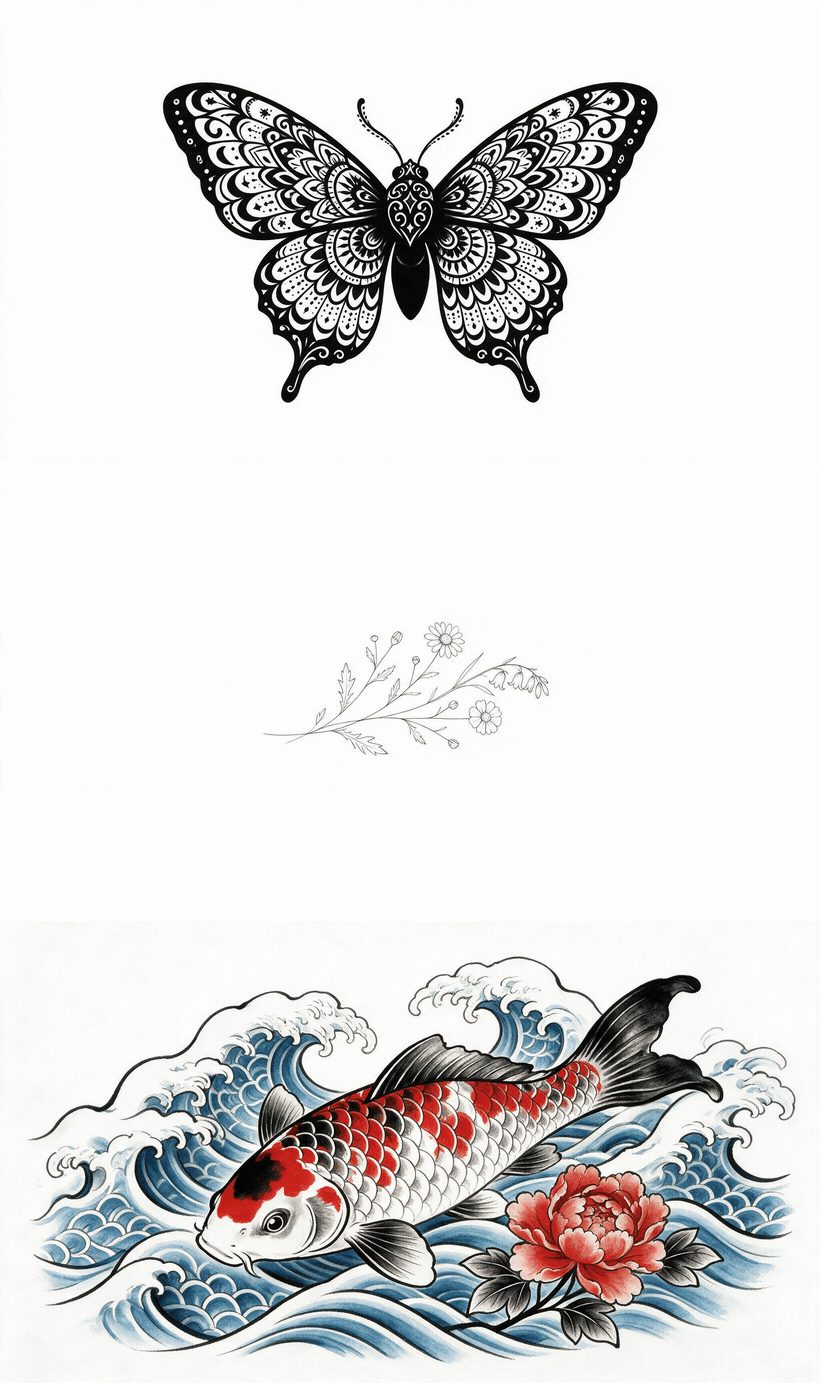
Three tattoo designs generated on Atlas Cloud, cycling through a blackwork moth, a fine-line wildflower sprig and a Japanese irezumi koi, each a clean high-resolution file with no watermark
Real designs generated on Atlas Cloud across blackwork, fine-line and Japanese irezumi styles, downloaded with no watermark.
AI Tattoo Generator Comparison Table
Across the ten tools, only three publish a stencil export and only four ship a built-in placement preview. Price spread on entry paid plans runs from $8.79 to $15.00 per month, a 1.7x range for broadly similar generation quality.
| Tool | Best for | Free Tier | Entry paid plan | Stencil export | Placement preview |
|---|---|---|---|---|---|
| Atlas Cloud Free AI Tattoo Generator Online | Overall, no watermark | FREE | Usage-based | No | No |
| BlackInk AI | Stencil conversion | 3 credits, public | $15.00/mo | Yes | Yes |
| Tat Ink | Style range | Daily resets | $8.79/mo | Yes | Yes (AR) |
| Ink Studio AI | Photo conversion | 1 generation | $12.99 / 7 days | No | No |
| Adobe Firefly | Commercially safe output | Free account | Not published | No | No |
| Canva | Post-generation editing | Limited images | Not published | No | Manual workaround |
| Leonardo.ai | Line and shading control | 150 tokens/day, public | $12/mo | No | No |
| Perchance | No sign-up | Unlimited | None | No | No |
| INKHUNTER | AR try-on | Free app | Free | No | Yes (AR) |
| Tattoo AI (HubX) | All-in-one Android | Ads, IAP | Not published | Yes | Yes |
How We Tested Every AI Tattoo Design Generator on This List
We evaluated ten tools in August 2026 by reading each vendor's live product and pricing pages rather than relying on prior knowledge, because pricing in this category changes within weeks. Every price, credit count, and rating in this article was copied verbatim from an official source on 2026-08-13.
Four criteria decided the ranking:
- Output usability: watermark policy, resolution, and whether a stencil can be produced
- Tattoo-specific tooling: line weight control, placement templates, cover-up and filler modes
- Cost transparency: published prices, per-credit cost after normalisation, rollover rules
- Privacy terms: whether free-tier designs stay private and what data the vendor collects
Watermarking carried the most weight under output usability. A stamped JPEG cannot be traced, scaled, or converted to a stencil, so a generator that watermarks its free output has not really given you anything.
Disclosure: Atlas Cloud publishes this article and operates the tool ranked first. No other tool paid for placement, and every competing entry is described using its own published data.
1. Atlas Cloud: Best AI Tattoo Generator Overall
Atlas Cloud free AI tattoo generator makes a tattoo design in under five seconds and downloads it with no watermark, which is the single biggest gap in free competitors. The tool sits on a platform that serves 400+ production AI models and holds SOC 2 certification, so the infrastructure behind it is built for commercial workloads rather than a single consumer app.
Want to try it right now? Atlas Cloud's free AI tattoo generator gives you your first tattoo design free — no credit card, no watermark — and the nine tools below are the alternatives worth comparing it against.
Why it stands out: Output is clean, high resolution, and free of the watermark that makes most free-tier files useless in an artist consultation. Commercial use is permitted. The generator covers blackwork, watercolor, minimalist line art, traditional, Japanese irezumi, and fine-line.
Best for: Anyone who wants one usable, unbranded file to bring to a consultation without opening a subscription.
Pricing: It gives one free design per eligible user with no credit card required, and it is listed under the platform's limited free tools rather than the unlimited ones.
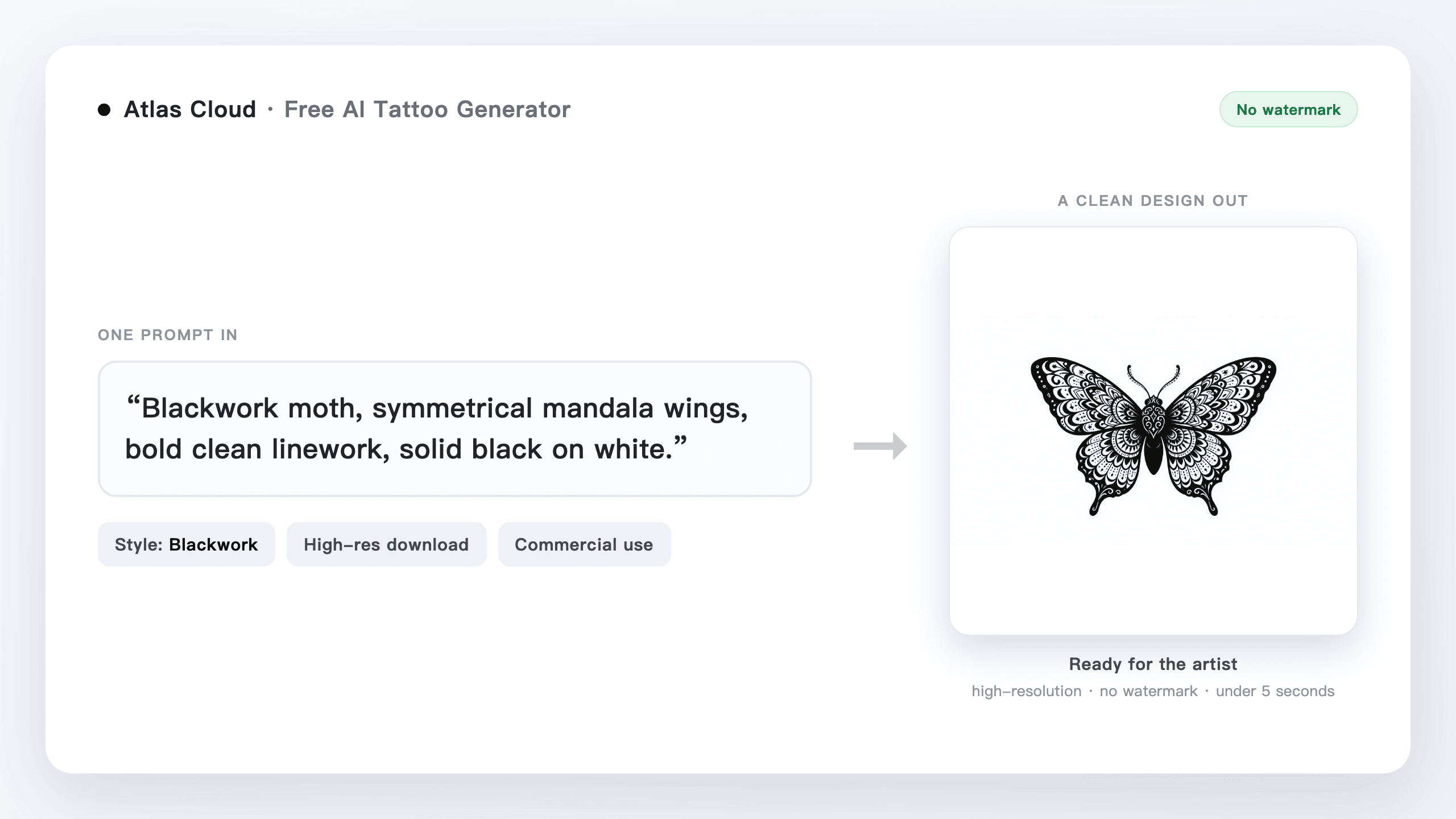
One text prompt in, a clean unwatermarked tattoo design out, generated on Atlas Cloud
One line of prompt in, a high-resolution black-ink design out with no watermark. Generated on Atlas Cloud.
2. BlackInk AI: Best AI Tattoo Design Generator for Stencil Conversion
BlackInk AI is the only tool reviewed that pairs an image-to-stencil converter with explicit line weight control, the two variables deciding whether a design survives contact with skin. Its official pricing page lists Pro Unlimited at $15.00 monthly, $39.99 quarterly, or $72.00 annually.
Where the free tier stops you: Almost immediately, and in more ways than the pricing page leads with. Three credits, one body placement visualization, generic templates only, and no control over complexity or colour. Some generated images arrive locked and blurred. Every design you make is public, and designs may be deleted after 30 days.
What one usable design actually costs: One credit yields two to four images, so three free credits produce six to twelve, some of which arrive locked and blurred. The annual plan works out to $6.00 per month, meaning the monthly option costs 150% more for identical features. Line weight control and the stencil converter both sit behind that paywall, so you cannot evaluate the feature that distinguishes the product before paying for it.
What users report: Very little, which is the finding. Its Trustpilot profile was claimed in April 2023 and carries a single review. Its iOS app holds 4.16 from 32 ratings. That is 33 independent data points against marketing claims of 1.5M+ users worldwide and 10,000,000+ designs created. The lone Trustpilot reviewer, writing in October 2025, complained the prompt field was too short to describe a specific idea and considered a month of access wasted.
Where it falls short for tattoos: The free tier actively works against evaluation. Blurred outputs and public-by-default designs mean you cannot judge line quality privately before subscribing.
Fits: Someone who already knows their placement and wants a stencil, not a mood board. Not for you if: you want to verify output quality before paying, or you need designs kept private without a subscription.
3. Tat Ink: Best Free AI Tattoo Generator for Style Range
Tat Ink publishes over 20 named tattoo styles, from trash polka and dotwork to neo traditional and chicano, the widest labelled style set among the tattoo-specific tools reviewed. It also ships AR try-on, a tattoo-to-stencil tool, and dedicated filler and cover-up modes.
Where the free tier stops you: At an undisclosed point. Tat Ink offers free daily generations that reset every day but does not publish the actual daily cap anywhere on its site. You cannot plan a session around a limit the vendor will not state.
What one usable design actually costs: Ink Pro is $8.79/month for 300 credits, Ink Pro+ is $16.79/month for 900, and Ink Max is $34.99/month for 2500. Normalised, that is $0.0293, $0.0187, and $0.0140 per credit. The entry plan therefore costs 2.1 times as much per design as the top plan. Credits do not roll over, so anything unused each month is simply gone.
What users report: Nothing verifiable. Tat Ink has no Trustpilot profile at all, and no app store listing to carry ratings. Its own blog is one of the roundups that places Tat Ink at the top of the category.
Where it falls short for tattoos: Feature breadth is real, but every claim about output quality traces back to the vendor. With an unpublished free cap and no independent reviews, the only way to assess it is to pay.
Fits: Someone still choosing between styles who wants to see ten aesthetics quickly. Not for you if: you want to know what you are buying before you buy it.
4. Ink Studio AI: Best AI Tattoo Generator From Photo
Ink Studio AI is built around conversion rather than generation, with a dedicated Image to Tattoo feature, Tattoo Style Transfer, and an AI prompt optimizer. That answers the most repeated request on r/tattooadvice, where people keep asking for a tool that starts from a photo they already have.
Where the free tier stops you: Before you reach the product. The free plan allows exactly one generation with zero premium credits, and it locks all three signature features, including the photo converter. The free tier cannot do the one thing the product exists to do.
What one usable design actually costs: Access is sold as one-time passes with no auto-renewal, which is genuinely better than a subscription trap: $12.99 for 7 days with 10 premium credits, $16.99 for 14 days with 20, and $23.99 for 30 days with 30. That works out to $1.30, $0.85, and $0.80 per premium credit, the highest per-unit price of anything reviewed here by a wide margin.
What users report: Nothing. Its Trustpilot profile was claimed in April 2025 and still holds zero reviews. The company lists Italy as its location. Its blog publishes the roundup that ranks Ink Studio AI first in this category.
Where it falls short for tattoos: No stencil export and no placement preview. It converts images well in principle, then hands you a picture rather than something an artist can transfer.
Fits: Someone holding a reference photo, a sketch, or an existing tattoo to reinterpret. Not for you if: you are price sensitive, since a handful of conversions costs more here than a month of unlimited generation elsewhere.
5. Adobe Firefly: Best AI Tattoo Generator From Text for Commercial Work
Adobe is the only vendor reviewed that makes an explicit commitment about the legal status of output. Its official Firefly tattoo generator page states that content generated with Firefly models is commercially safe and produced with ethically trained AI.
Where the free tier stops you: At Adobe's general credit system. You need a free Adobe account, and Adobe publishes no tattoo-specific allowance on this page, so the tattoo tool draws on standard Firefly credits like any other Firefly feature rather than having its own quota.
What one usable design actually costs: $0 to start. The real cost is indirect: Firefly credits are shared across every Firefly tool, so tattoo iterations compete with whatever else you use the account for.
What users report: Adobe has no tattoo-specific review base, because this is a landing page on a general product rather than a standalone app. Ratings for Firefly overall reflect a design tool used mostly for other work, so they say little about tattoo output quality.
Where it falls short for tattoos: No stencil export, no placement preview, no line weight control. Firefly produces artwork, not a tattoo-ready deliverable, and none of the tattoo-specific workflow exists here.
Fits: A professional tattoo artist producing client concepts they intend to sell as flash, where commercial-use clarity matters more than tooling. Not for you if: you want anything past the image itself.
The Other Five AI Tattoo Generators Worth Knowing
The remaining five either solve one narrow part of the workflow well or carry trade-offs that keep them out of the top half. Two of them are the only options here with a large verified user base, at 24,806 and roughly 270,000 ratings respectively.
6. Canva
Magic Media pointed at tattoo prompts, with 20+ style presets and no tattoo-specific tuning. Its value is post-generation: Background Remover produces a transparent PNG you can overlay on a photo of your arm, and you can grant a client editing access to mark up drafts. Canva publishes no free-tier image count. Magic Edit and Magic Expand are Pro-only. Not for you if: you need a stencil.
7. Leonardo.ai
A general image platform rather than a tattoo product, with better fine-line and shading fidelity than most tattoo-branded tools. Free gives 150 fast tokens per day; Essential is $12/month, Premium $30, Ultimate $60. Its free tier sets creations access to Public, matching BlackInk AI, so two of the ten tools reviewed publish your concept by default. Not for you if: you want tattoo presets rather than prompt engineering.
8. Perchance: Free AI Tattoo Generator With No Sign-Up
The only option requiring no account. Its page title states the generator is free, with no sign-up and no limits, which means no data collection at the point of use and no marketing emails afterwards. It has no stencil export, no placement preview, no tattoo-convention style presets, and publishes nothing about its underlying model. Fits: a throwaway first look at whether an idea has legs.
9. INKHUNTER: Best AI Tattoo Generator App for AR Try-On
Solves placement rather than design, and does it better than anything else here. Apple records 4.73 across 24,806 ratings, the strongest verified rating of any dedicated tattoo app reviewed. Its AR preview holds a design on your body from multiple angles as you move, so you can judge how a piece wraps a forearm. Free to download. Treat it as the second half of a two-tool workflow.
10. Tattoo AI by HubX
The most downloaded option, with 5M+ downloads, 4.0 from roughly 270K Google Play reviews, and 4.56 from 50,901 iOS ratings. It generates from text, does lettering, visualizes placement, and exports stencils. Two facts belong beside that reach: its Google Play listing discloses under Data safety that data is not encrypted, while the app may collect personal and financial information, and recent reviews describe difficulty cancelling subscriptions billed outside the Play Store.
Will Your Design Actually Work as a Tattoo?
This is the question every competing listicle skips. Working tattoo artists are direct about the answer. A widely read r/tattoo thread on generative AI records one artist arguing that AI image generation is weak in most niches including tattooing, because it will not produce a traditional piece that follows the rules or a realism piece that flows with the body.
The technical reasons are specific. Tattoo ink spreads under skin over years, so lines below a certain weight blur into each other, a failure called blowout. AI generators optimise for screen detail, which means they happily render hairline strokes and dense micro-shading that a machine cannot hold. Designs also need to follow the curve of a limb, and a square image generated in isolation does not.
What to do instead: Treat every output as a reference, never a final. Ask for thicker linework in the prompt, avoid gradients, and generate at the largest resolution available. Then hand the file to an artist as a starting point and let them redraw it.
This is also why stencil export matters more than image quality. A stencil forces the design down to the lines that will actually be tattooed, which exposes whether anything survives.
What Does Reddit Say About the Best AI Tattoo Generator?
Ask about the best AI tattoo generator Reddit users actually trust, and you get two consistent answers rather than one product name. Tattoo artists say the output is not tattooable as drawn. Everyone else keeps asking for a tool that starts from a photo they already have.
That second request is the more useful signal. Across r/tattooadvice and r/tattoos, the recurring ask is for a generator that takes a parent image and reinterprets it, not one that starts from an empty text box. People arrive with a photo of a pet, a handwriting sample, or an existing piece they want extended, and most tools answer a different question than the one being asked.
The stated consensus and the practical one also diverge. Users criticise AI tattoo tools in public and keep asking for better ones in the same threads, and the replies that gain the most agreement point toward general models built on SDXL and Flux rather than tattoo-branded wrappers. Several of the most widely circulated tool roundups are published by companies that place their own product first without disclosing it, which is why peer threads carry more weight here than vendor lists.
Frequently Asked Questions
What is the best AI tattoo generator in 2026?
Atlas Cloud ranks first for producing an unwatermarked, commercially usable file from a single free generation with no credit card. The remaining nine differ more on tooling than on image quality: three publish a stencil export, four ship a placement preview, and only one exposes line weight control.
Is a free AI tattoo generator good enough for a real tattoo?
For a reference image, yes. For a final design, no. Anyone hunting for the best AI tattoo generator free of charge should know that free tiers cap you at one to three generations, and two of the ten tools reviewed publish your designs publicly by default. No free tier reviewed produces linework an artist would tattoo without redrawing it.
Can an AI tattoo generator work from a photo?
Yes. Ink Studio AI's Image to Tattoo feature and Adobe Firefly's reference image upload both accept a photo as the starting point. Ink Studio AI restricts photo conversion to paid passes starting at $12.99 for seven days, so the free plan cannot do it.
Will my tattoo artist accept a design I made with AI?
Most will accept it as a reference and redraw it. Artists on Reddit consistently object to AI output being treated as a finished design, since generators produce line weights and shading that fail on skin. Bring the highest resolution file you have and expect revisions.





