Seedance 2.5 Now Live — First on Atlas Cloud

Online AI Tattoo Generator Free

Describe your tattoo idea and turn it into a ready to show AI generated tattoo design, perfect for anyone planning their next tattoo, exploring new styles, or just curious what an idea might look like inked.

Checking AtlasCloud login status

Confirm your account and current workspace to run free tools.

From Words To AI Tattoo Design

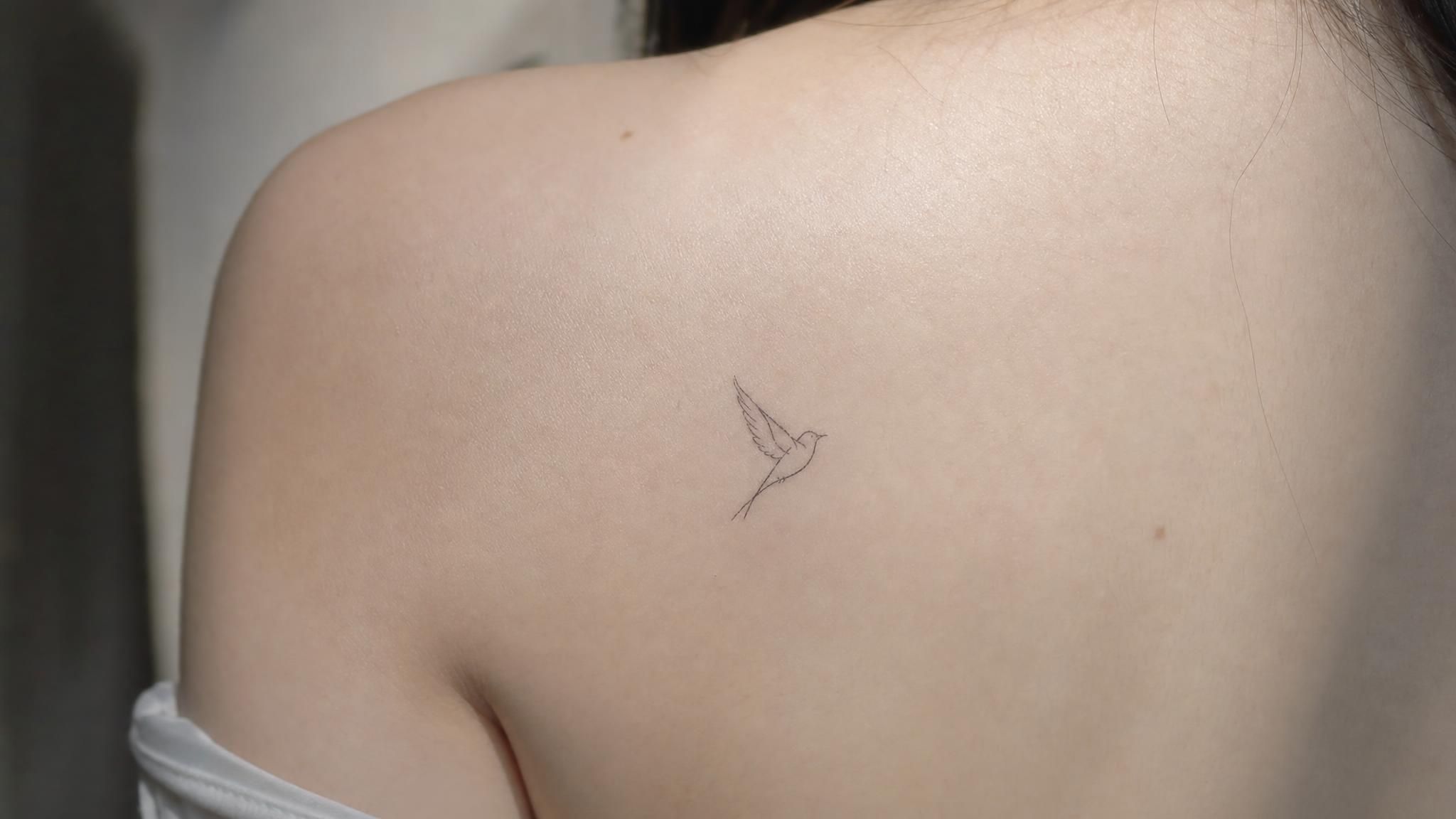
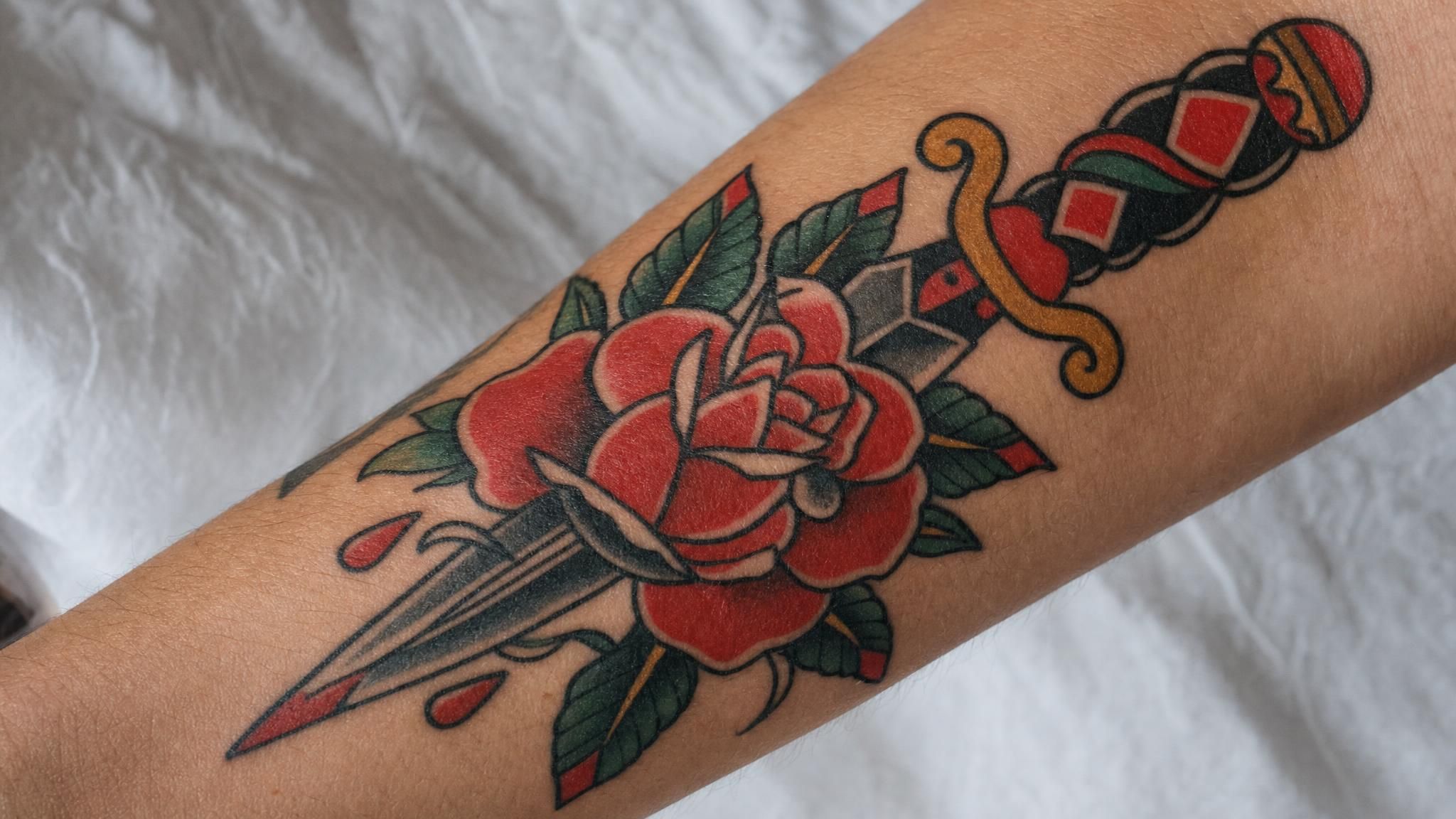
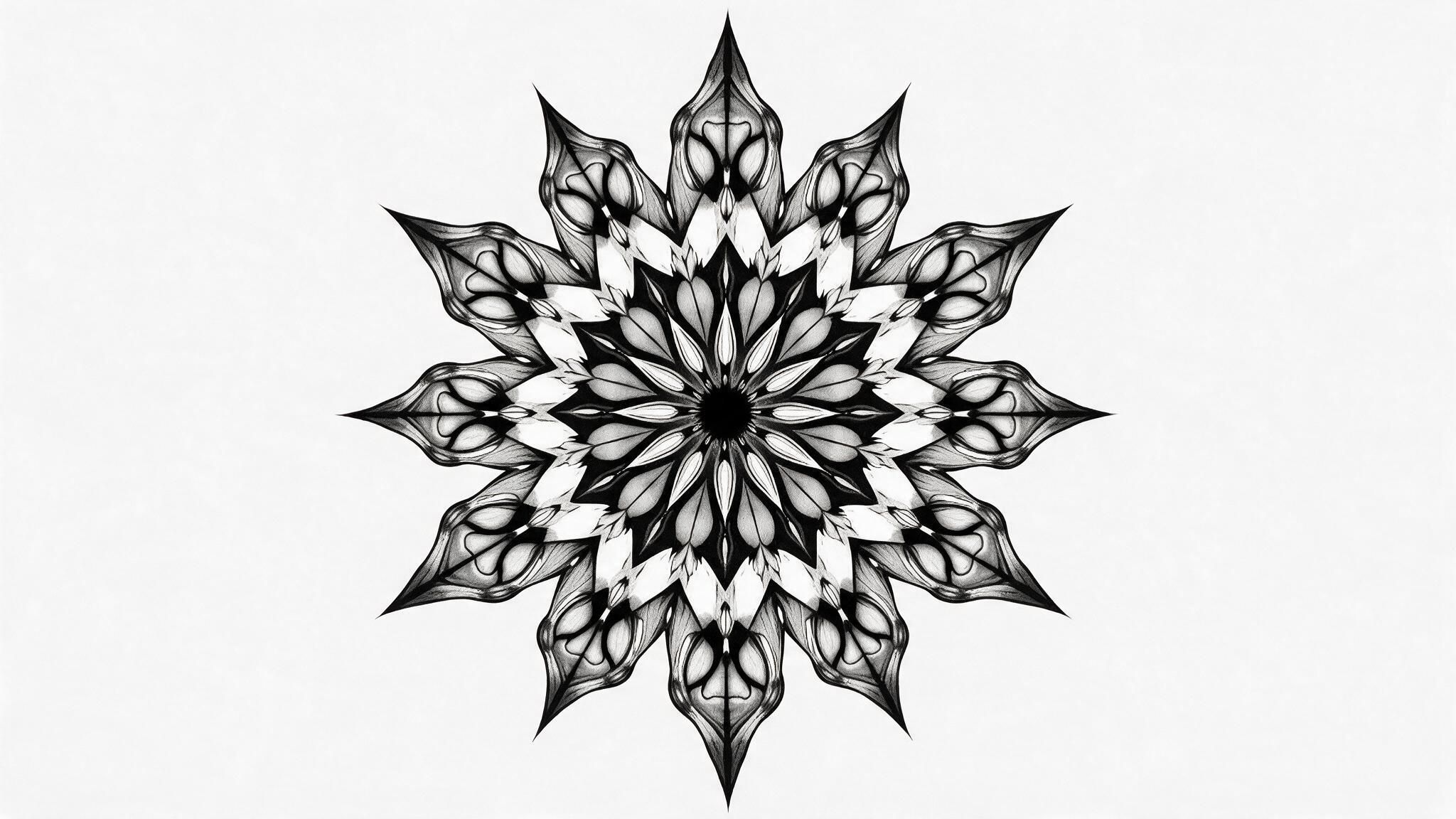
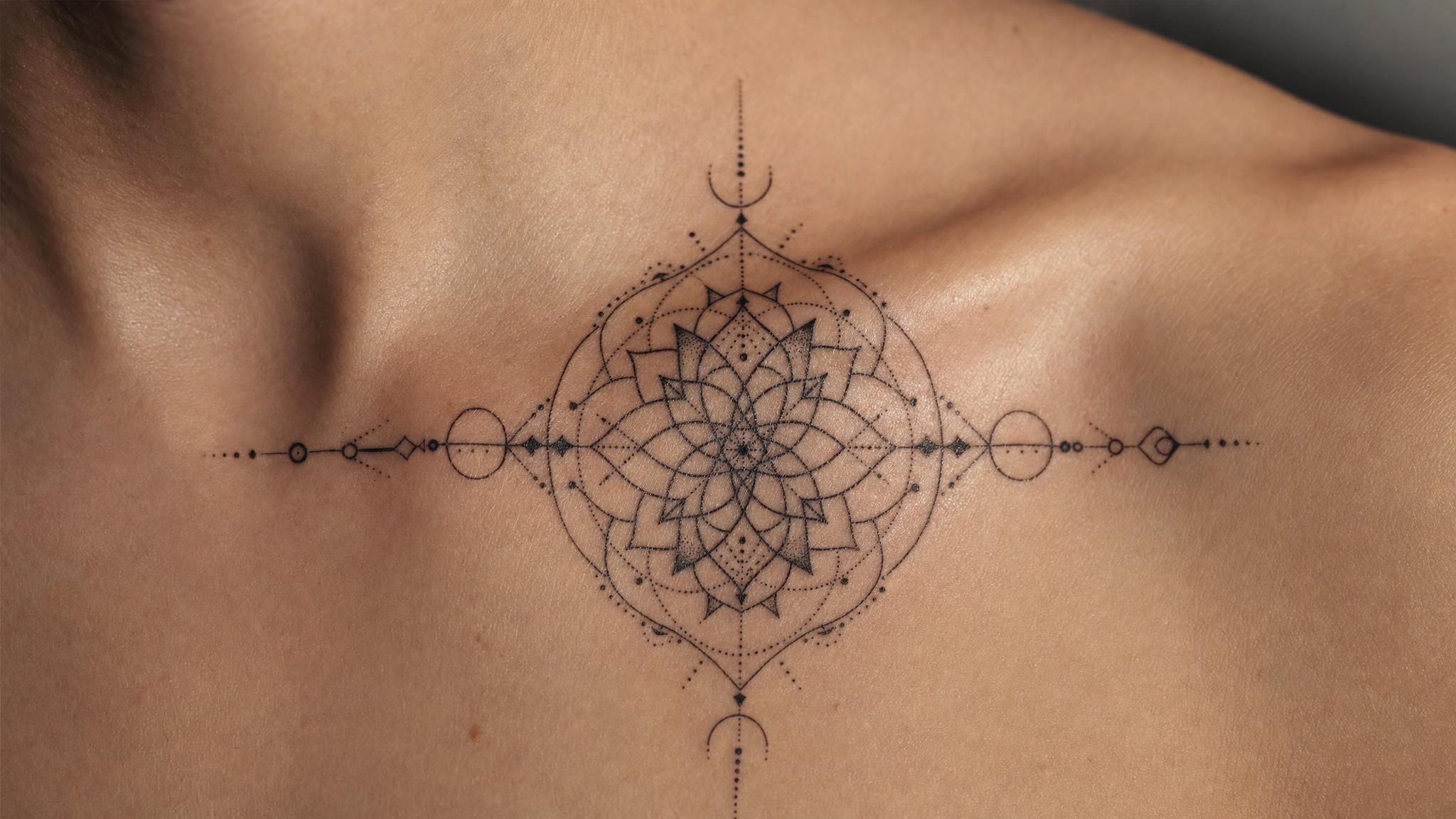
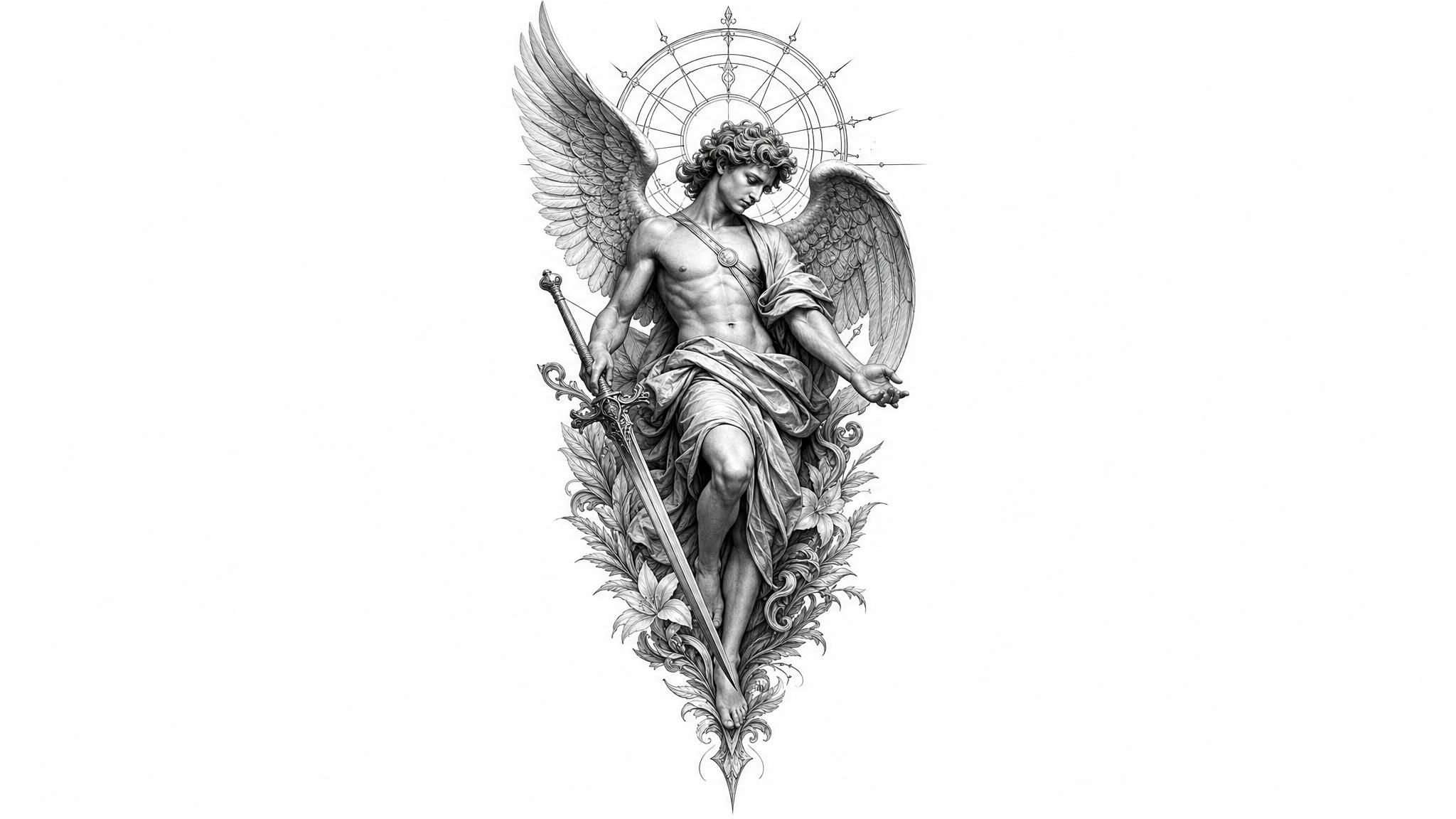
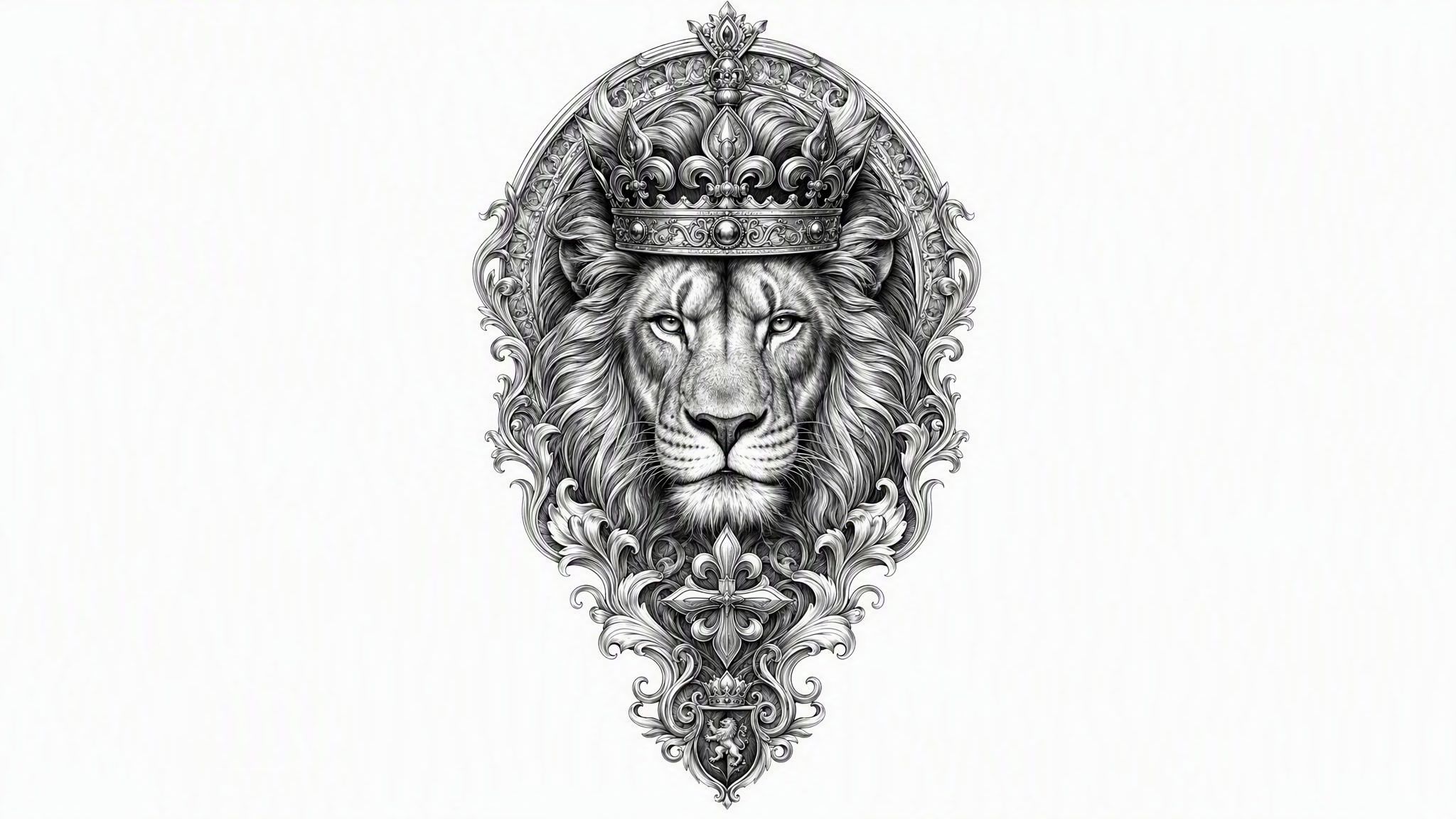
A few words about your idea is all it takes. In just a few seconds, it grows into a complete AI tattoo design, detailed and ready to show your artist or bring to your next appointment.

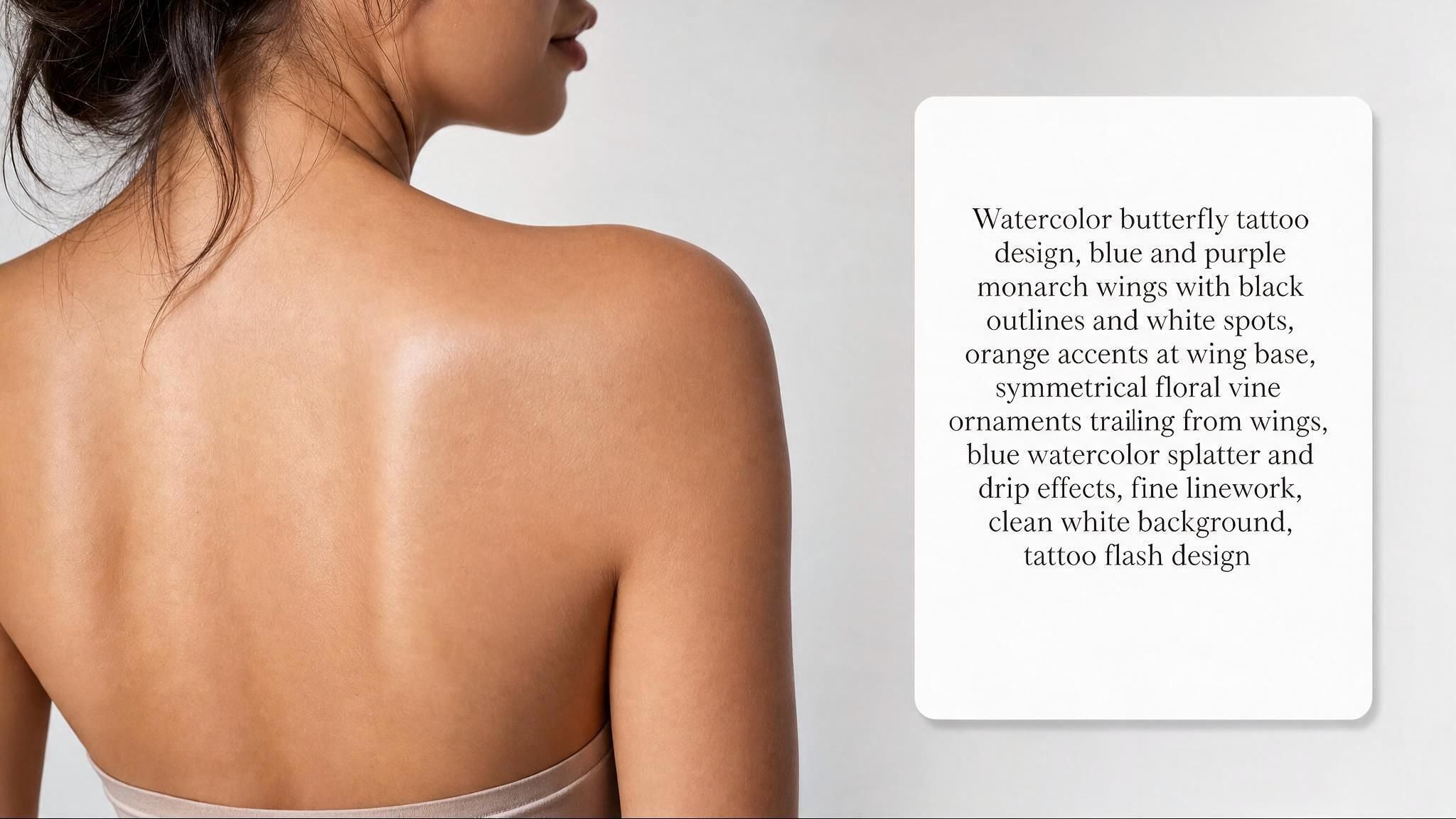
before tattoo generation
Before
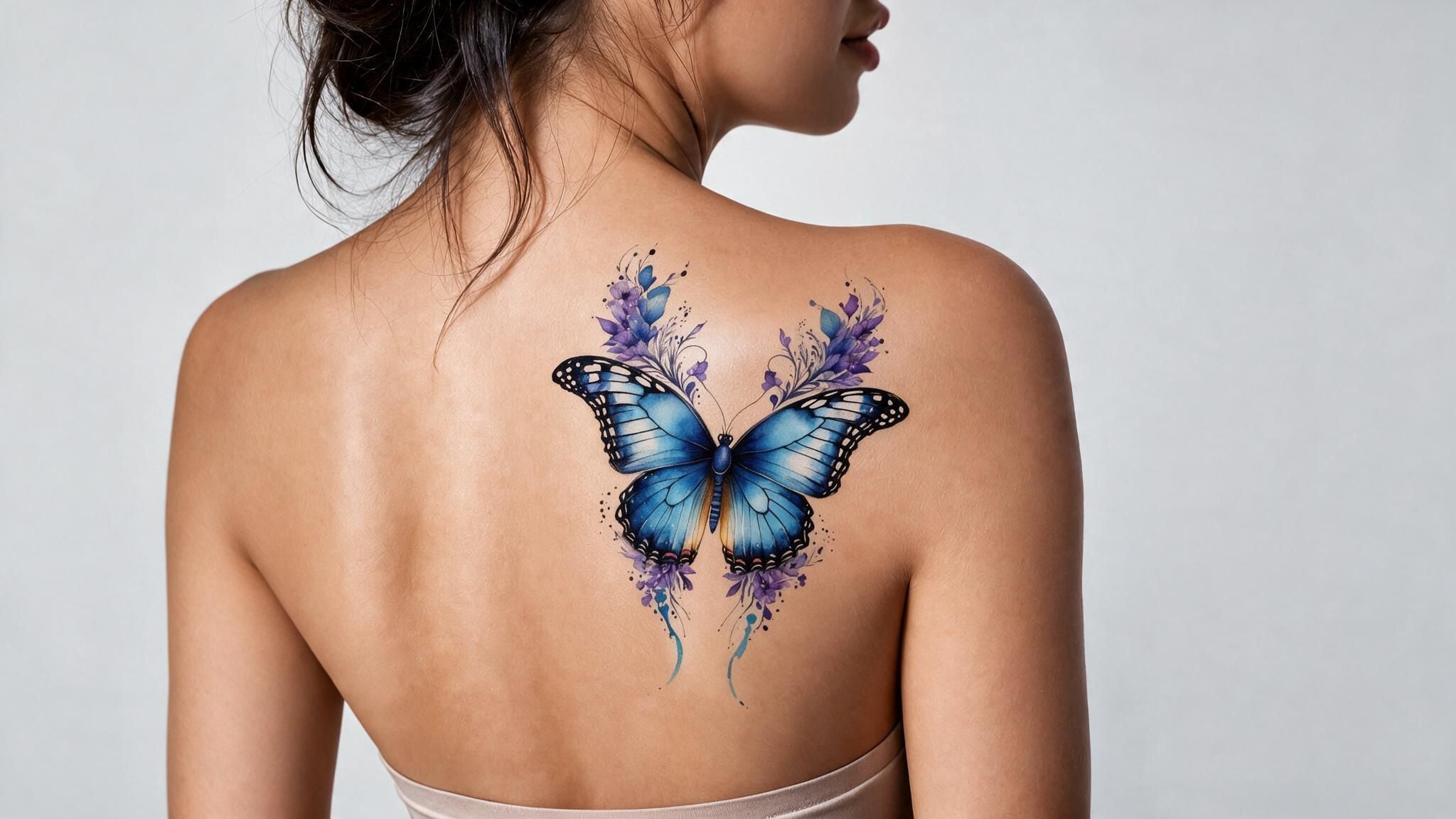
after tattoo generation
After

What This AI Tattoo Generator Gets Right

From the first description you type to the final download, here's what makes the process quick and simple.

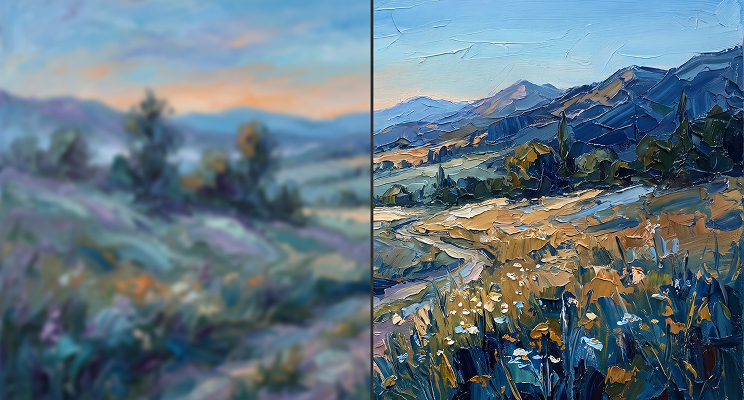
Text-to-Tattoo Design

Type a short description of the tattoo you're picturing, the subject, the mood, any symbols that matter to you, and the AI turns those words into a finished design. There's no sketching or design software involved, just your idea translated straight into tattoo art you can look at right away.

Text-to-Tattoo Design

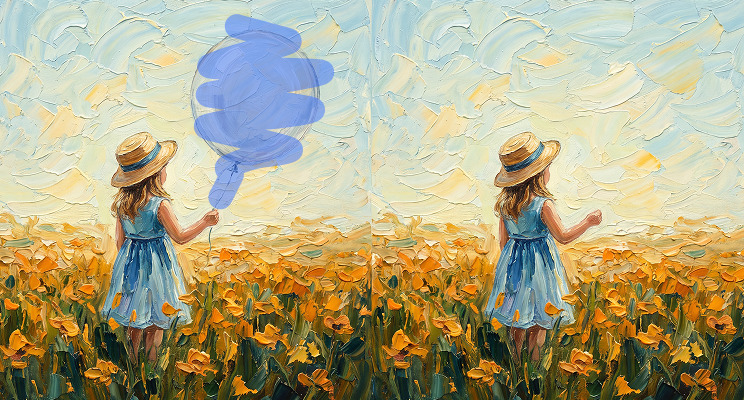
High-Res Tattoo Art

Every design downloads in high resolution with no watermark stamped across it, so what you save is exactly what you'd want to show a tattoo artist or print out. There's no blurry preview here, just a clean image ready for your next appointment.

High-Res Tattoo Art

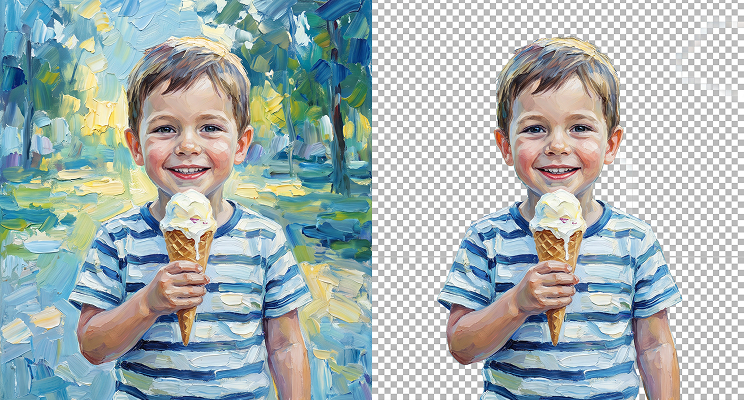
Any Tattoo, No Drawing

You don't need any design skill or sketching ability to use this. If you can describe the tattoo you're imagining in a sentence or two, the AI handles the rest, turning your words into visual art without you touching a pen or stylus.

Any Tattoo, No Drawing

Fast Results

You won't be sitting around waiting for this one. From the moment you submit your description, the finished tattoo design appears in under five seconds, so you can try a few different ideas back to back without losing momentum or losing interest along the way.

Fast Results

Free To Try

Your first tattoo design does not cost anything, and there's no credit card required just to see what the tool can do. Generate your first idea, look over the result, and decide from there whether you want to come back and create more.

Free To Try

From First-Timers To Working Artists

Whether you're getting your first tattoo or sketching concepts for a client, here's how people put this tool to use.

First Tattoo Ideas
First Tattoo IdeasIf this is your first tattoo, typing out a rough idea and seeing it turn into an actual design can make the whole decision feel less overwhelming before you ever sit in a chair.
Matching Tattoo Ideas
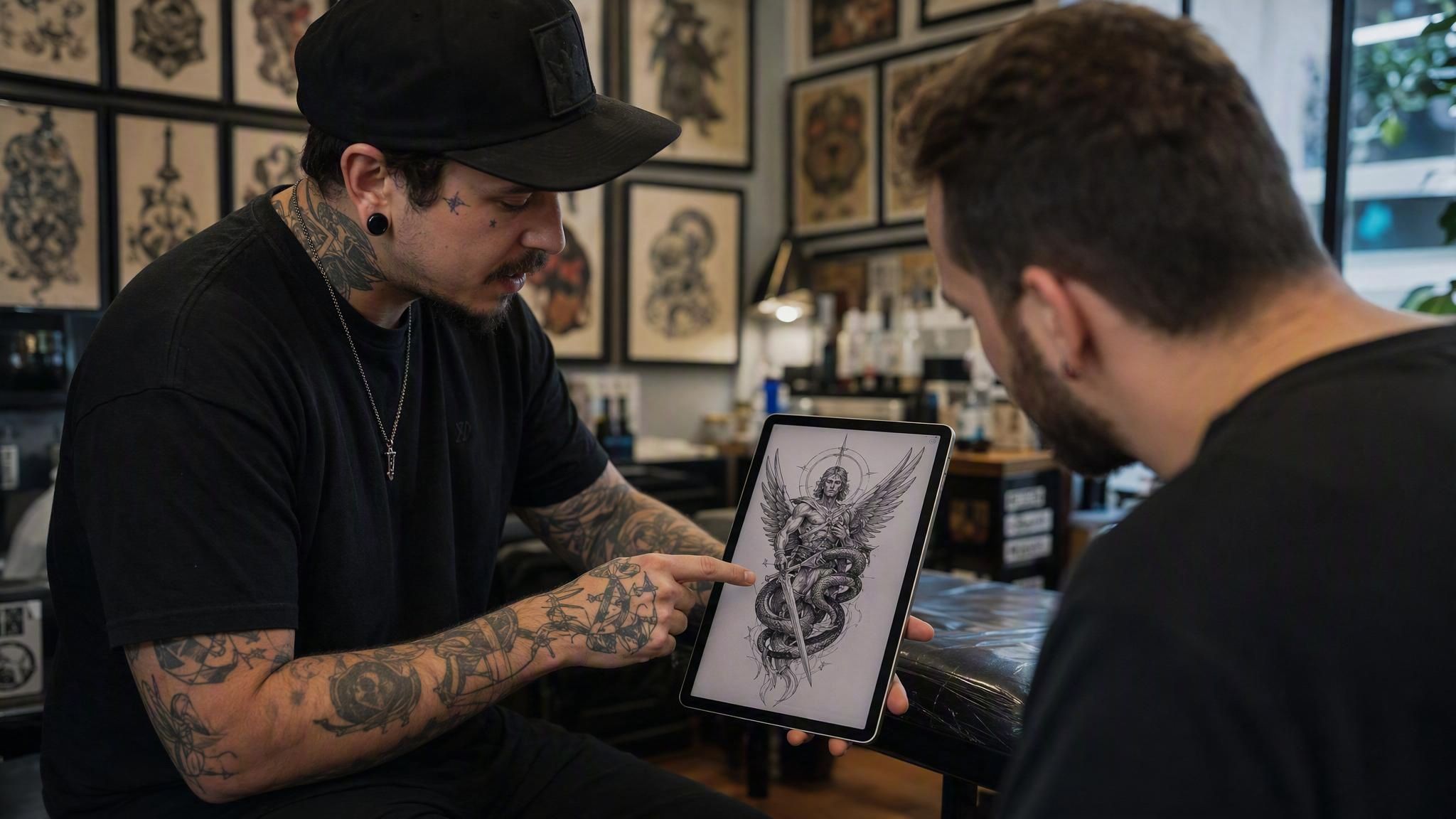
Quick Client ConceptsWorking artists can turn a client's spoken request into a quick visual concept in seconds, giving both sides something concrete to react to before the real sketching begins.
Commercial Tattoo Art
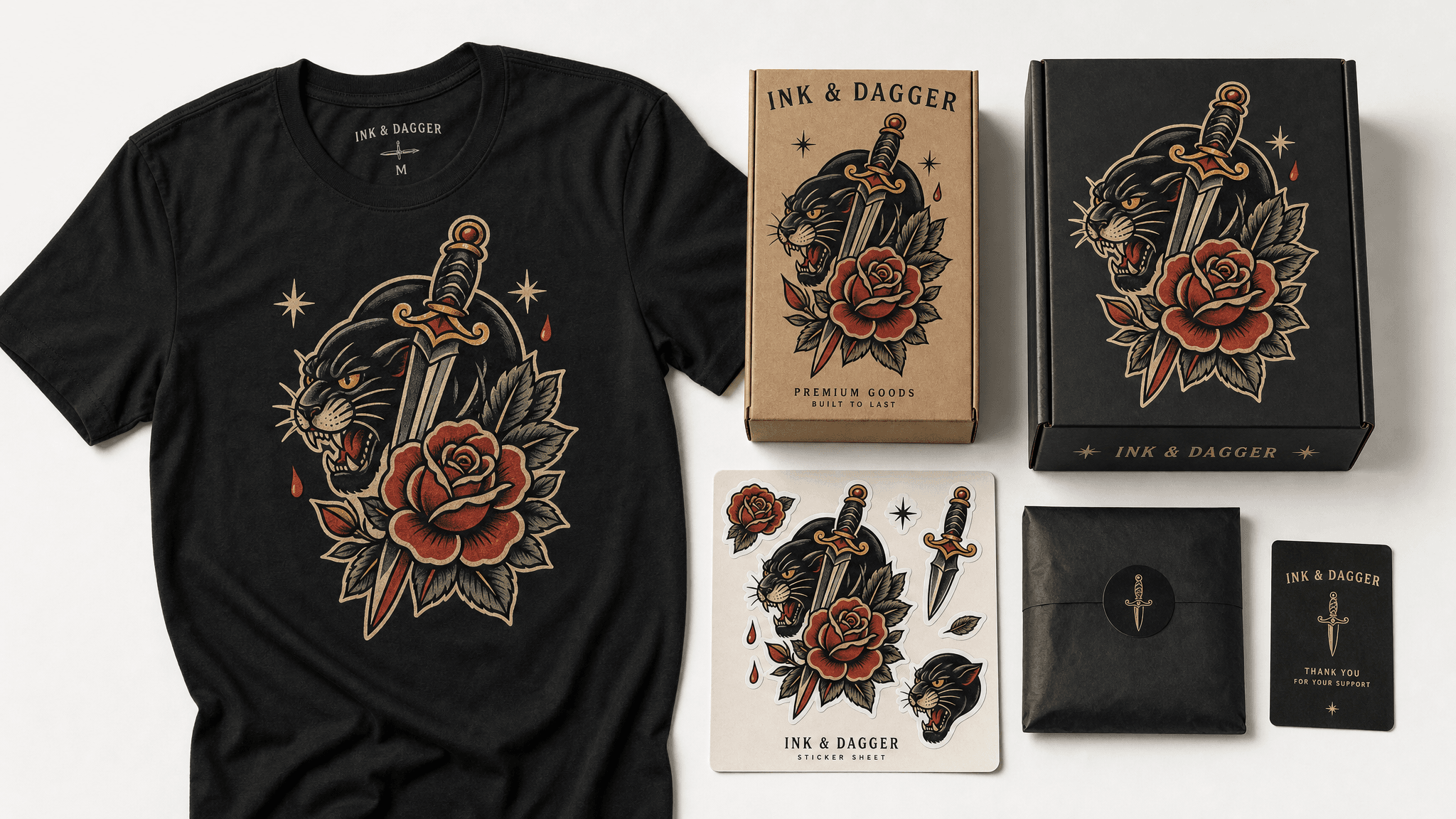
Commercial Tattoo ArtSince results are cleared for commercial use, brands and merch designers can generate tattoo-style artwork for products, packaging, or promotional material without licensing concerns.
Clear Artist Reference
Clear Artist ReferenceInstead of trying to explain a vague concept out loud, generate a visual first and bring that image straight to your consultation so your artist knows exactly what you're picturing.
Matching Tattoo Ideas
Matching Tattoo IdeasCouples, siblings, or close friends can each describe their side of a matching design and compare results side by side before deciding on a shared look.

Make Your Tattoo Design In 3 Steps

No presets to pick through, just describe what you want and let the AI do the rest.

  1. STEP-1Describe Your Tattoo Idea

    Type out the subject, style, and any details or symbols that matter to you.

  2. STEP-2Generate Tattoo AI

    The AI turns your description into a finished tattoo design almost instantly.

  3. STEP-3Download Your High-Res Tattoo Design

    Save your watermark-free result, ready to show your artist or use however you like.

Get More From Your Tattoo Prompt

A few details in your description go a long way toward a design that actually matches what you had in mind.

Name The SubjectName The Subject

Start with what the tattoo is actually of, a wolf, a rose, a set of initials, so the AI has a clear starting point instead of guessing.

State Your StyleState Your Style

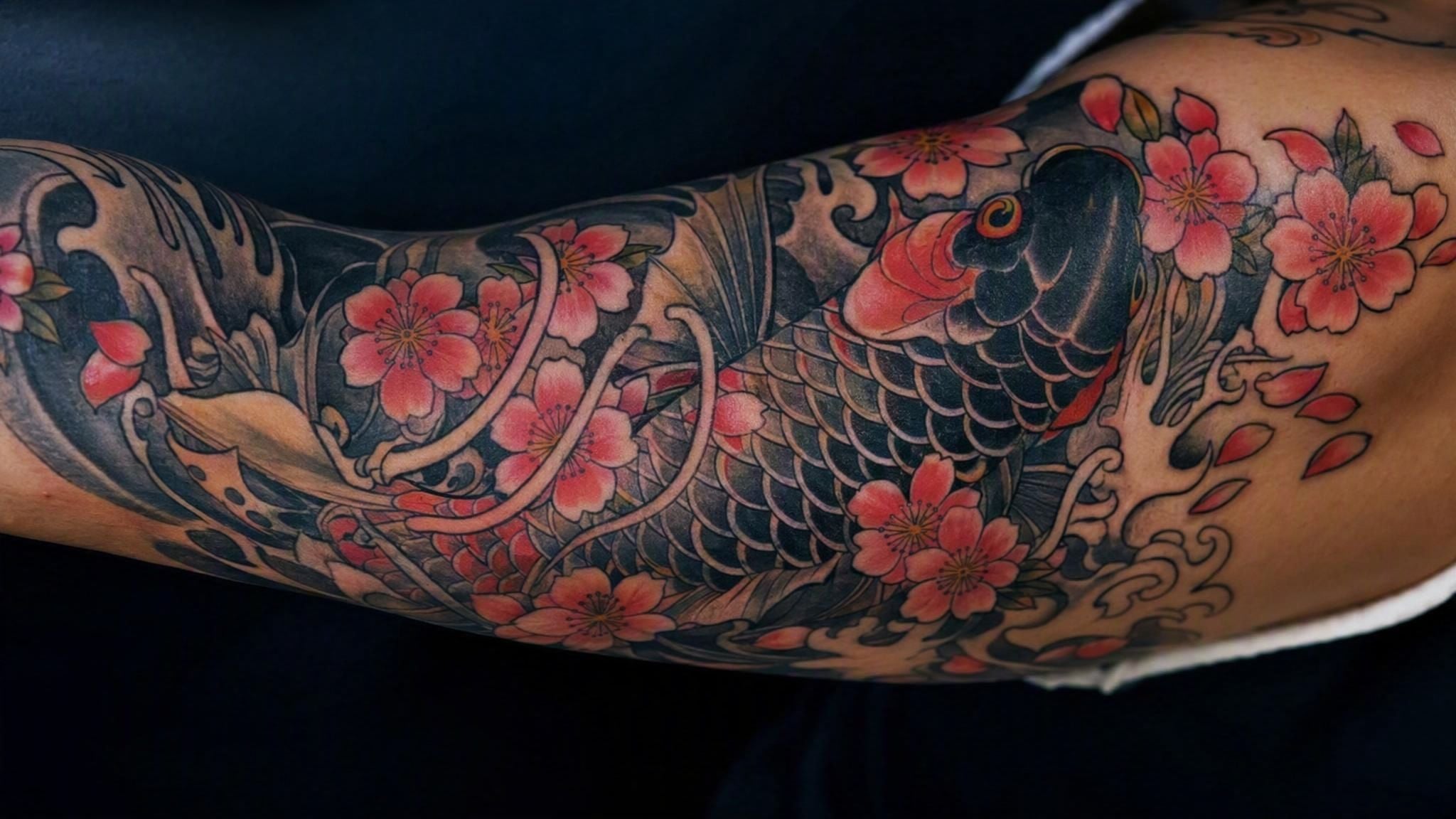
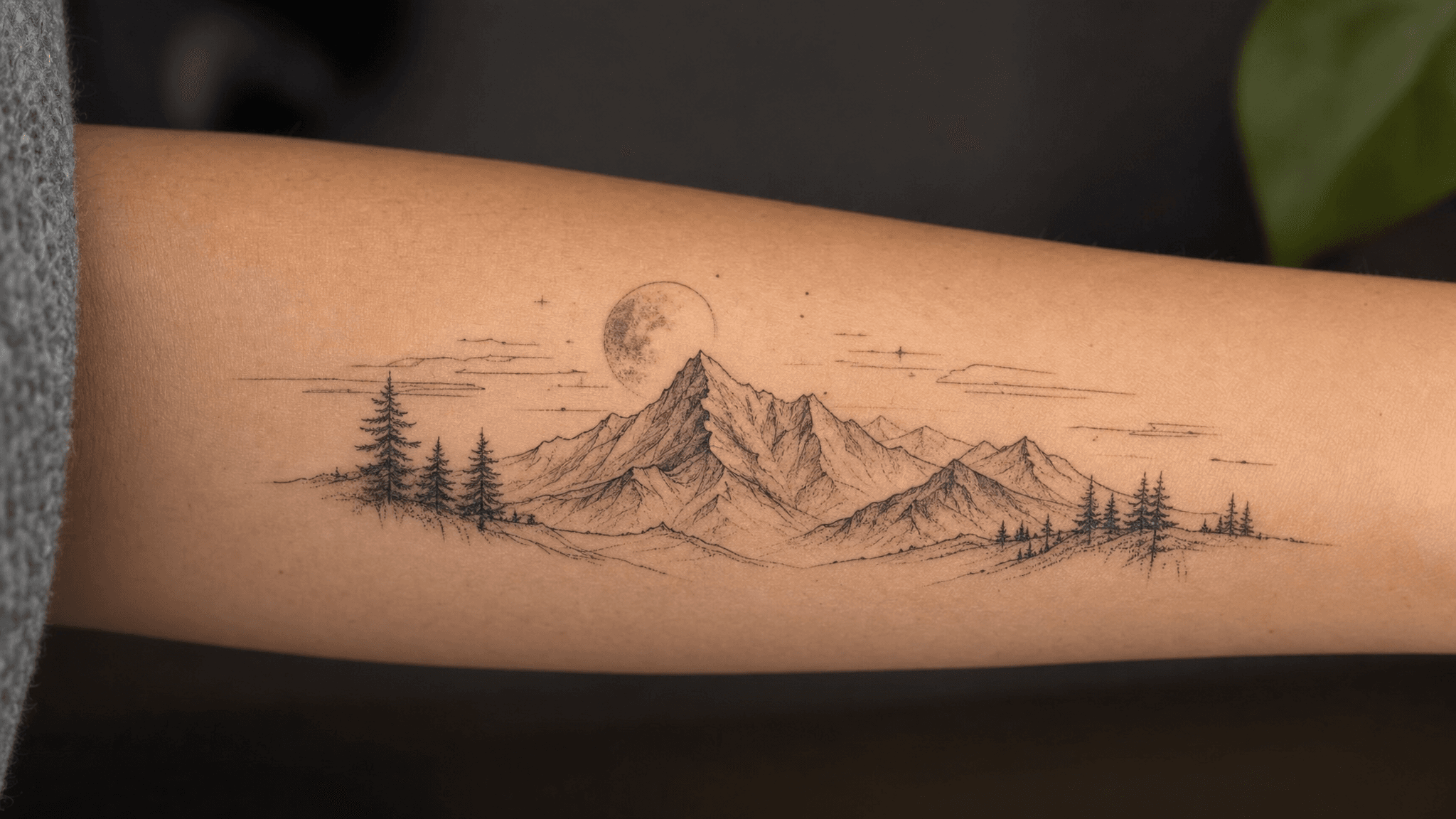
Since there's no style menu to pick from, write it into your description, whether that's blackwork, watercolor, minimalist line art, or something else entirely.

Note Your ColorsNote Your Colors

Say whether you want bold color, black and grey shading, or a single-line outline, since the AI will default to its own choice if you leave it out.

Mention The PlacementMention The Placement

Naming the body part, like forearm, ribs, or calf, helps shape the composition toward something that fits that space naturally.

Add A Style AnchorAdd A Style Anchor

A quick reference like traditional American, Japanese irezumi, or fine line gives the AI a recognizable target instead of an open-ended interpretation.

Include The SizeInclude The Size

Let the AI know if you're picturing a small, simple piece or a larger, more detailed one, since scale changes how much detail fits comfortably.

Recommended Related Tools

Continue creating with more free AtlasCloud tools.

View all free AI Tools

Real Reactions To Their Tattoo Designs

Here's what a few people had to say after turning their ideas into a design.

I had a vague idea in my head for months but could never explain it out loud. Typing it into this tool and watching an actual design pop up in seconds made the whole thing finally feel real instead of just an idea floating around.

Jordan EllisFirst-Time Tattoo Client

Clients come in with descriptions that are hard to picture from words alone. I've started running their requests through this generator during consultations, and having something visual on screen right away speeds up the whole conversation.

Maria CastilloTattoo Artist

We needed tattoo-style artwork for a small merch run and didn't have budget for a full illustrator commission. Being able to generate options from a text prompt and use them commercially without extra licensing steps saved us real time.

Kevin ZhaoMerchandise Designer

I post tattoo concept content pretty regularly and this has become my go-to when I need something fresh fast. No waiting around, no complicated settings, just type an idea and I've got a design ready to post within a minute.

Aisha BelloContent Creator

I was skeptical going in, expecting something rough around the edges. The line work and shading held up better than I expected for a five second generation, especially compared to a few other generators I tried for a class project.

Liam O'ConnorGraphic Design Student

My best friend and I were bored one night and typed in matching tattoo ideas just to see what came out. We ended up laughing at how close the two designs actually looked together. Free was the reason we even bothered trying it.

Rachel KimCasual User

Why Choose Us

Built for both creative speed and dependable delivery.

PERFORMANCE & FLEXIBILITY
  • Low Latency

    Fast, responsive workflows for daily creation.

  • Unified Experience

    One visual language across different AI tools.

  • Transparent Controls

    The exact parameters stay visible and predictable.

ENTERPRISE & SCALE
  • Creator-ready workflows

    Examples and upload flows fit real production work.

  • Reliable platform

    AtlasCloud infrastructure supports every cloud run.

  • Security & compliance

    Clear boundaries for local and cloud processing.

Relative Articles

Three Hands, Three Legs: Where Seedream 5.0 Pro Breaks, How to Work Around ItATLAS CLOUD
Three Hands, Three Legs: Where Seedream 5.0 Pro Breaks, How to Work Around ItJuly 24, 2026
seedream-5-pro-seedance-2-5-workflowATLAS CLOUD
How to Build Cinematic AI Videos and Layered Visuals Using Seedream 5.0 Pro Plus Seedance 2.5July 24, 2026
GPT Image 2 Prompt Guide: 50+ Prompts for Product Photos, UI Design, and Marketing VisualsATLAS CLOUD
GPT Image 2 Prompt Guide: 50+ Prompts for Product Photos, UI Design, and Marketing VisualsMay 10, 2026
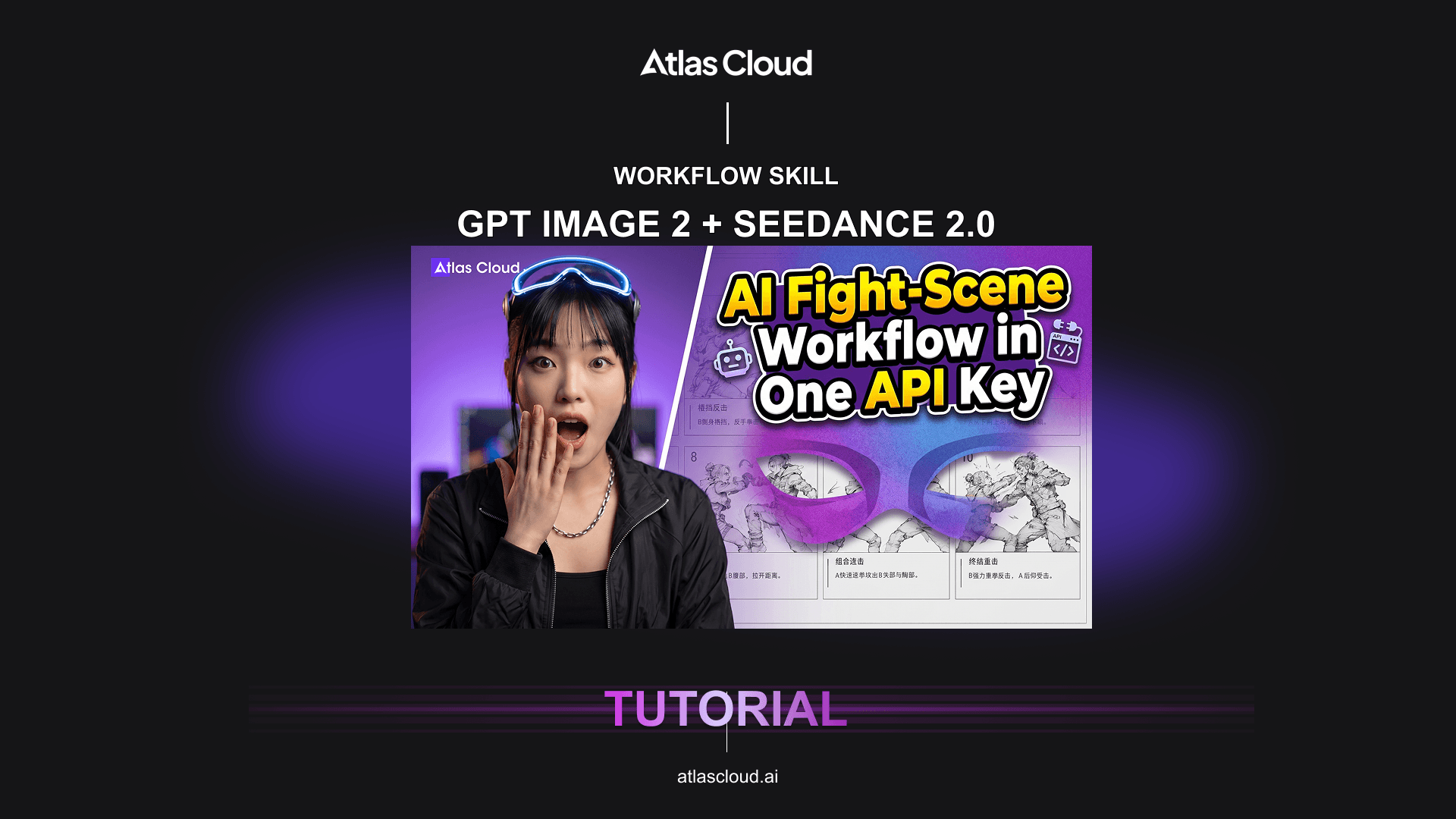
Seedance 2.0 + GPT Image 2 API Tutorial: AI Fight-Scene WorkflowATLAS CLOUD
Seedance 2.0 + GPT Image 2 API Tutorial: AI Fight-Scene WorkflowMay 12, 2026
2026 AI Image API Benchmark: GPT Image 2 vs Nano Banana 2/Pro vs Seedream 5.0ATLAS CLOUD
2026 AI Image API Benchmark: GPT Image 2 vs Nano Banana 2/Pro vs Seedream 5.0April 23, 2026

FAQ

1. What is an AI Tattoo Generator?

An AI tattoo generator is a tool that turns a written description into a finished tattoo design image, without needing any drawing or design skill. This online AI tattoo generator free tool works purely from text, so you describe the subject, style, and details you want and get a visual result in seconds.

2. Is this AI Tattoo Generator free to use?

Yes, your first tattoo design generation is completely free, with no credit card required to try it. After that, you'll need to register or add credit to keep generating new designs.

3. Do I need any design skills to use this?

No design or sketching skill is required at all. If you can describe the tattoo you're imagining in a sentence or two, the AI handles turning that description into a finished visual design.

4. What tattoo styles can I create?

There isn't a fixed style menu to choose from, since this tool works purely from your written description. You can ask for practically any style, traditional, blackwork, watercolor, fine line, or anything else, just by mentioning it directly in your prompt.

5. Can I use the result commercially?

Yes, generated tattoo designs can be used commercially as well as personally, whether that's for merchandise, branding, or any other project, with no extra licensing steps required.

6. Can I download the design in high resolution?

Yes, every design downloads in high resolution with no watermark, so you get a clean image that's ready to show a tattoo artist or use however you need.

7. Can I share the result with my tattoo artist?

Yes, since the downloaded design is a high-resolution image, you can bring it to your appointment on your phone or print it out to show your artist exactly what you have in mind.