Search for the best ChatGPT plugins and much of what comes back still recommends tools from 2023. OpenAI closed that plugin store in 2024. The plugins inside ChatGPT today come from a new directory that ChatGPT shares with Codex, and many roundups have not caught up.
So we went through it ourselves. We read the listings of the plugins people actually install, ran a real video job inside ChatGPT, and checked what became of the twelve plugins OpenAI launched with in 2023.
Below are the ten worth adding. We ranked them on what a plugin has to do in a chat: hand back finished work, ask little of you before the first request, and be clear about what it costs and what it sees.

Three shots from one 10-second Seedance 2.5 clip that the Atlas Cloud plugin made inside ChatGPT. The MP4 came back at 720 × 1280 with an audio track and no watermark.
Key Takeaways
- OpenAI closed the original plugin store in March 2024;today's ChatGPT plugins come from a new catalog shared with Codex.
- TheAtlas Cloud pluginranks first, generating Seedance 2.5 video, images and 3D from 400+ models inside the chat.
- Canva and Adobe handle design and photo work, while Google Drive and Expedia cover files and trips.
- Eight of the twelve plugins OpenAI launched in 2023, from Expedia to Wolfram, are back in the directory.
- Installing a plugin is free;thecost comes from each service, such as Canva AI credits or a per-job Atlas balance.
Best ChatGPT Plugins Comparison Table
A ChatGPT plugin in 2026 is an installable bundle that can carry apps, skills or both. OpenAI shipped the app side first, as ChatGPT apps, in October 2025. The directory now lists everything as plugins, and OpenAI's plugin documentation puts the scope in one line: "ChatGPT and Codex use the same public plugin catalog."
Eight of the ten picks need an account on the service behind them for their main job. Adobe's listing lets you start as a guest, and Wolfram's names no account at all. Four draw on a meter of their own as you use them: Atlas Cloud charges per job, Canva and Runway spend credits, and HeyGen counts against your plan's allowance.
Two picks need a paid ChatGPT plan: Google Drive and Slack. Three of the ten generate video: Atlas Cloud, Runway and HeyGen.
| Plugin | Best for | Built by | What it returns in the chat | Account it needs | Who bills you |
|---|---|---|---|---|---|
| Atlas Cloud | Video, images and 3D from one request | Atlas Cloud AI Inc | Finished video, image, audio and 3D files | Atlas Cloud | Your Atlas balance, per job |
| Canva | Social posts, decks and resized designs | Canva Pty Ltd. | Editable Canva designs | Canva | Canva AI credits on your Canva plan |
| Adobe | Photo retouching, quick video cuts and PDFs | Adobe Inc | Edited photos, reformatted clips, PDFs | None to start; Adobe account for more | Adobe, once you go past guest use |
| Google Drive | Working inside your Docs, Sheets and Slides | OpenAI | Answers and edits drawn from your files | Google account plus a paid ChatGPT plan | Your ChatGPT plan |
| Expedia | Shortlisting hotels and flights | Expedia Group | Hotel picks, guest ratings and booking links | Expedia sign-in for live hotel rates | Nobody in the chat; you book on Expedia |
| Runway | Editing footage you already have | Runway AI, Inc. | Images, video and audio in an inline viewer | Runway | Runway credits |
| HeyGen | Talking-avatar videos | HeyGen Technology Inc. | Avatar videos and short AI clips | HeyGen | Your HeyGen allowance |
| Wolfram | Exact math and data answers | Wolfram Research | Computed results inside the reply | None listed | Free for limited personal use |
| Spotify | Playlists and podcast picks | Spotify | Songs, playlists and episodes to play in Spotify | Spotify, Free or Premium | Free; Premium for custom playlists |
| Slack | Catching up on busy channels | Slack | Channel summaries and drafted replies | Slack workspace plus a paid ChatGPT plan | Your ChatGPT plan |
How We Tested Every ChatGPT Plugin on This List
We read each listing in the ChatGPT Plugins Directory on October 10, 2026, inside the ChatGPT desktop app on a free account. For the cost columns we went to each service's own pricing or help pages. Then we installed Atlas Cloud and ran one job from first prompt to saved MP4.
Four criteria decided the ranking:
- Finished work in the chat. Does a request end in a file, an edit or a booking, or in a list of links to open elsewhere?
- Setup before the first request. How many accounts, plan upgrades and browser sign-ins stand between install and use?
- Cost you can see. Does the plugin or its service say what each request draws on, whether that is credits, an allowance or a per-job charge?
- Data you share. The listings we opened carry the same notice: once you connect an app, ChatGPT "may share relevant chats and memories" with it. So what can each plugin read, and what can it write?
The first criterion carried the most weight. A plugin earns a slot when it saves you a trip to another tab, and the ones that return a finished file or a completed action save the most trips.
Disclosure: Atlas Cloud publishes this article and builds the first plugin on the list. No other plugin maker paid for placement, and each one is described from its own directory listing and public pages.
1. Atlas Cloud: Best ChatGPT Plugin for Video
We described a 10-second teaser for a weekend in Lisbon in one message. Atlas Cloud handed back an MP4 with three shots: a yellow tram climbing a cobbled street, a red-haired traveler turning to the camera on a viewpoint, and a hand reaching for a pastel de nata. An audio track runs under all three, and the file landed in the project folder we had open.
Install it from Atlas Cloud's Plugins directory listing, sign in with your Atlas account in the browser, and start a new chat. Our launch walkthrough shows each install screen.
Why it stands out: OpenAI's plan comparison lists image generation for ChatGPT but no video generation. Atlas Cloud fills that gap with a live catalog of 400+ models. Our clip used Seedance 2.5, and the same plugin reaches Veo, Kling and Wan for video, Seedream and Nano Banana for stills, Suno and ElevenLabs for audio, and Hunyuan or Tripo for 3D.
Before a job runs, the plugin can look up a model's inputs, output type and price. Its listing says billable jobs may wait for your confirmation, and no API key is involved at any point. Of the ten plugins here, it is also the one that returns 3D model files.
Best for: creators and small marketing teams who already plan in ChatGPT and need a short clip for Reels, Shorts or a pitch deck. It also suits anyone who wants to pick the model for each job instead of living with one vendor's lineup.
Pricing: the plugin is free to install. Each job draws on your own Atlas Cloud balance at that model's rate, and new accounts get a small sign-up credit once a payment method is on file. The FAQ breaks down what our teaser cost.

The full teaser, generated with Seedance 2.5 text-to-video at 720p and 9:16. The original MP4 carries the audio track that the GIF drops.
How to Use Two ChatGPT Plugins in One Chat
Plugins share one thread, and that is where they beat a row of browser tabs. In our run, Atlas Cloud made the teaser and Expedia took the next job in the same conversation.
- Name the plugin and describe the job. Open with "Use the Atlas Cloud plugin to…" so ChatGPT routes the request, then give the model, ratio, resolution and a time-coded shot list. Asking for a quote first keeps the spend in view.
- Send it. The plugin checks the model's inputs, restates the job, submits it and saves the MP4 under the name you gave.
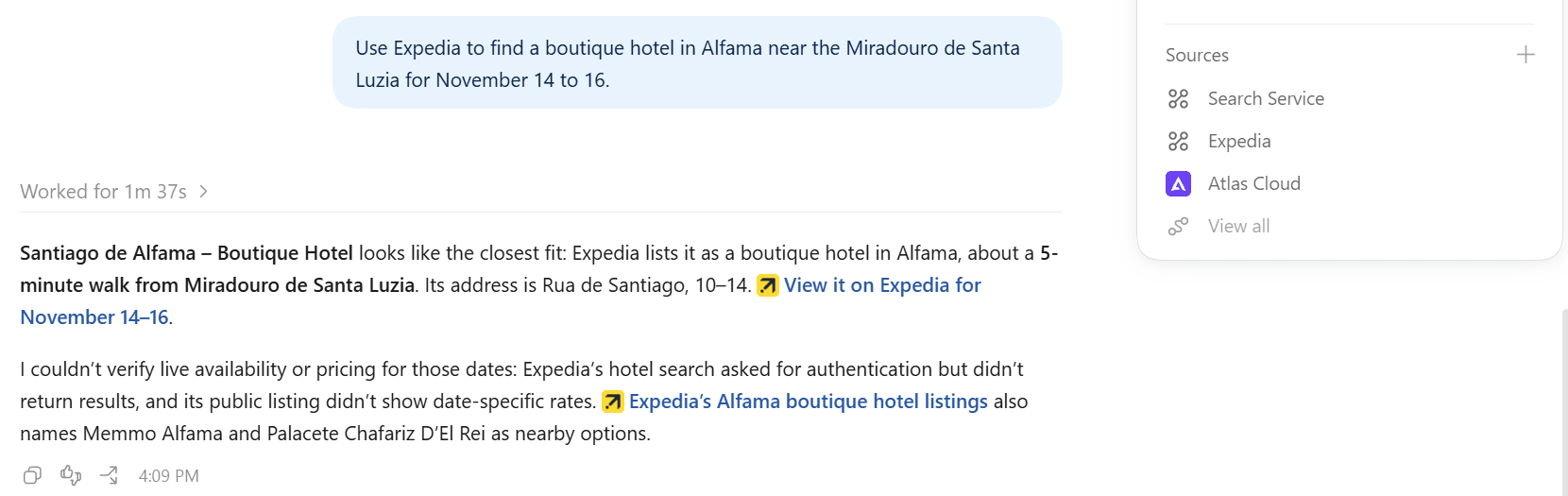
- Hand the next job to another plugin in the same thread. Try "Use Expedia to find a boutique hotel in Alfama near the Miradouro de Santa Luzia for November 14 to 16." The teaser request stays in the conversation, so you don't repeat where or when.
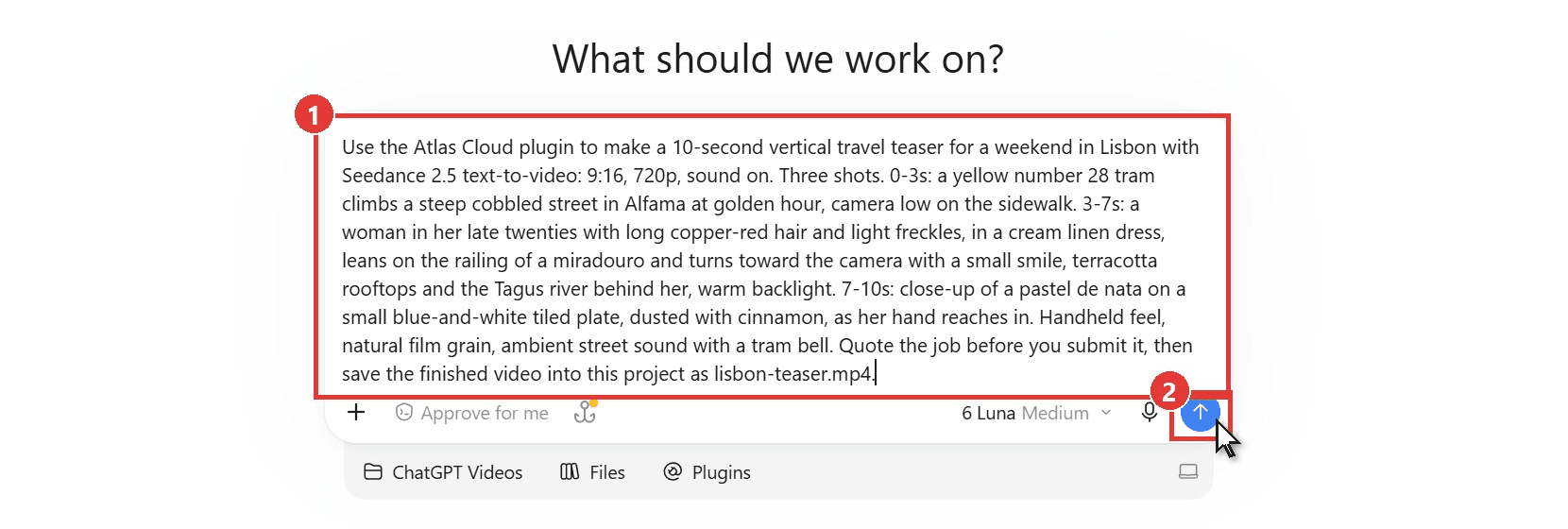
This is the request we sent, word for word:
plaintext1Use the Atlas Cloud plugin to make a 10-second vertical travel teaser for a weekend in Lisbon with Seedance 2.5 text-to-video: 9:16, 720p, sound on. Three shots. 0-3s: a yellow number 28 tram climbs a steep cobbled street in Alfama at golden hour, camera low on the sidewalk. 3-7s: a woman in her late twenties with long copper-red hair and light freckles, in a cream linen dress, leans on the railing of a miradouro and turns toward the camera with a small smile, terracotta rooftops and the Tagus river behind her, warm backlight. 7-10s: close-up of a pastel de nata on a small blue-and-white tiled plate, dusted with cinnamon, as her hand reaches in. Handheld feel, natural film grain, ambient street sound with a tram bell. Quote the job before you submit it, then save the finished video into this project as lisbon-teaser.mp4.
The time codes did most of the work. Seedance 2.5 kept the three shots in the order we wrote them, with each cut landing close to its mark, and the traveler's face held steady through her turn to the camera. Our guide to writing Seedance 2.5 prompts breaks that shot-list structure down line by line.
Expedia picked up the follow-up without us restating the trip. Its hotel search asked for authentication on our unlinked account, so ChatGPT fell back to Expedia's public listings. It suggested Santiago de Alfama, a boutique hotel about a five-minute walk from the viewpoint, with a link to the property on Expedia for our dates. Live rates are what that sign-in request was holding back.
2. Canva: Best ChatGPT Plugin for Social Media Designs
Canva was among the first apps OpenAI brought into ChatGPT in October 2025, and its plugin still does the job people expect from it: a brief goes in, an editable design comes out.
What it does in ChatGPT: its listing says Canva can turn a brief, outline or draft copy into a presentation, poster, flyer, social post or resume. It can also adapt one design for Facebook, Instagram and LinkedIn in a single step, and check colors, fonts and logo use against your Brand Kit. You can also call it by name with an @ mention.
What you need first: a Canva account connected through the plugin. Bulk Create, which fills a brand template from spreadsheet rows, needs an eligible Canva Enterprise plan.
What it costs: the listing says design and image generation use Canva AI credits. Canva's help center puts the Free plan at up to 20 AI uses a month, and Canva Pro costs US$144 a year for one person.
Where it falls short: the listing describes designs, images and background removal. Video generation isn't on it, so a moving clip still needs another tool.
First prompt to try: "Can you resize this poster as an Instagram post for my online store?"
Fits: small businesses and social media managers who already keep a Brand Kit in Canva. Not for you if: you need finished video rather than designs.
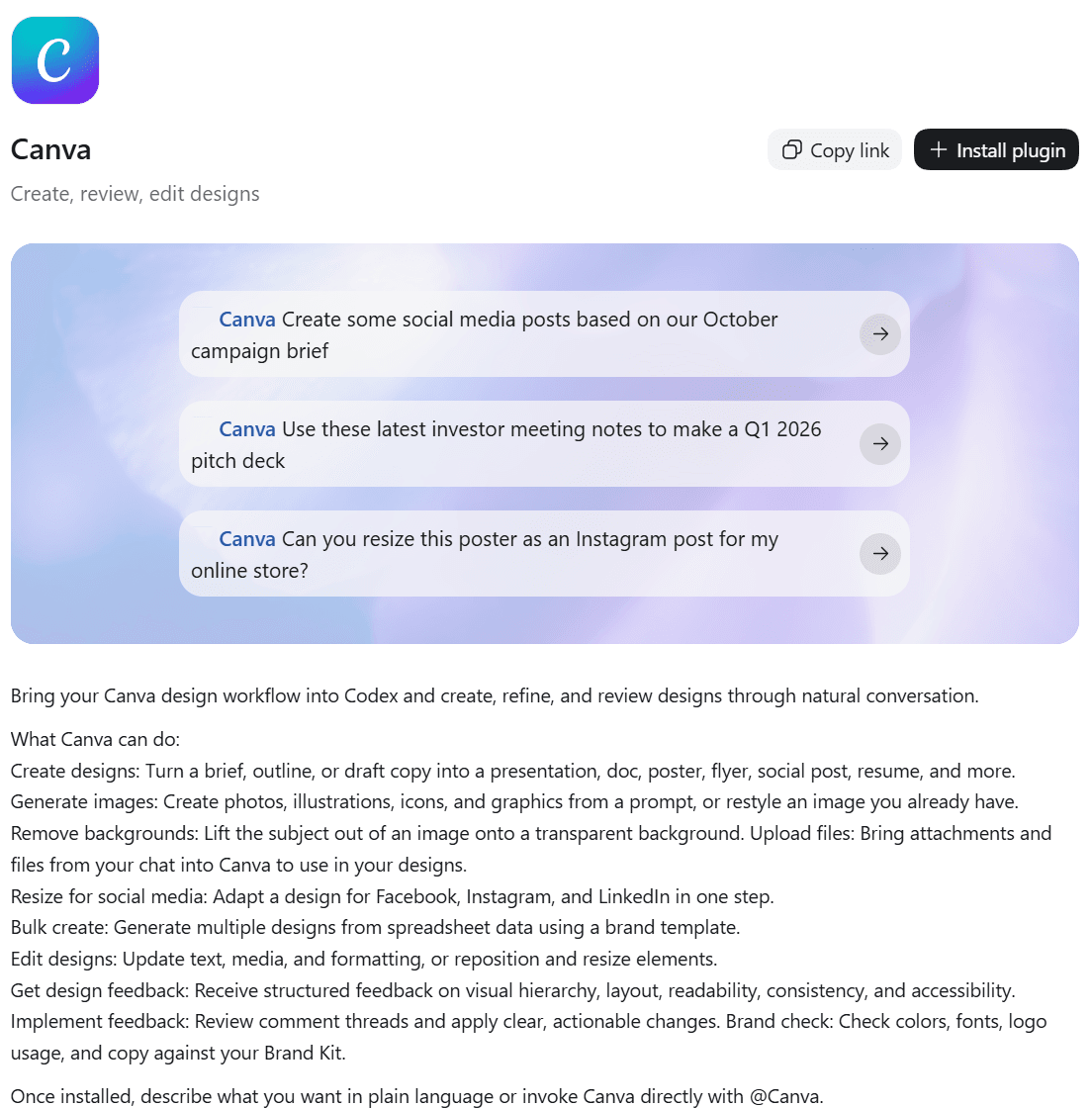
Screenshot from Canva's listing in the ChatGPT Plugins Directory, October 2026.
3. Adobe: Best ChatGPT Plugin for Photo Editing
Adobe's plugin started out as the Photoshop connector. According to its listing, it now reaches across Creative Cloud and Acrobat, and photo editing leads its list of capabilities.
What it does in ChatGPT: drop in photos and describe the look you want. The listing covers color and lighting changes, removing distractions, Lightroom presets, background removal and expanding an image. Its seven skills include Batch edit photos, Retouch portraits and Edit quick cut, and it can turn a horizontal clip into a vertical one for YouTube Shorts or Instagram Reels.
What you need first: nothing. The listing says you can start as a guest. Signing in with an Adobe account adds more capabilities, Creative Cloud storage and saved work across sessions.
What it costs: Adobe announced the ChatGPT apps on December 10, 2025 as free to ChatGPT users. Its help page says signing in unlocks more generative AI tool calls, and Adobe Express Premium costs US$9.99 a month with 250 generative credits.
Where it falls short: its video tools reformat, trim and stitch clips you upload. The listing doesn't describe generating new footage from a prompt.
First prompt to try: "Resize these photos for my social media platforms."
Fits: anyone who edits product shots or portraits in batches. Not for you if: you need a clip made from scratch.
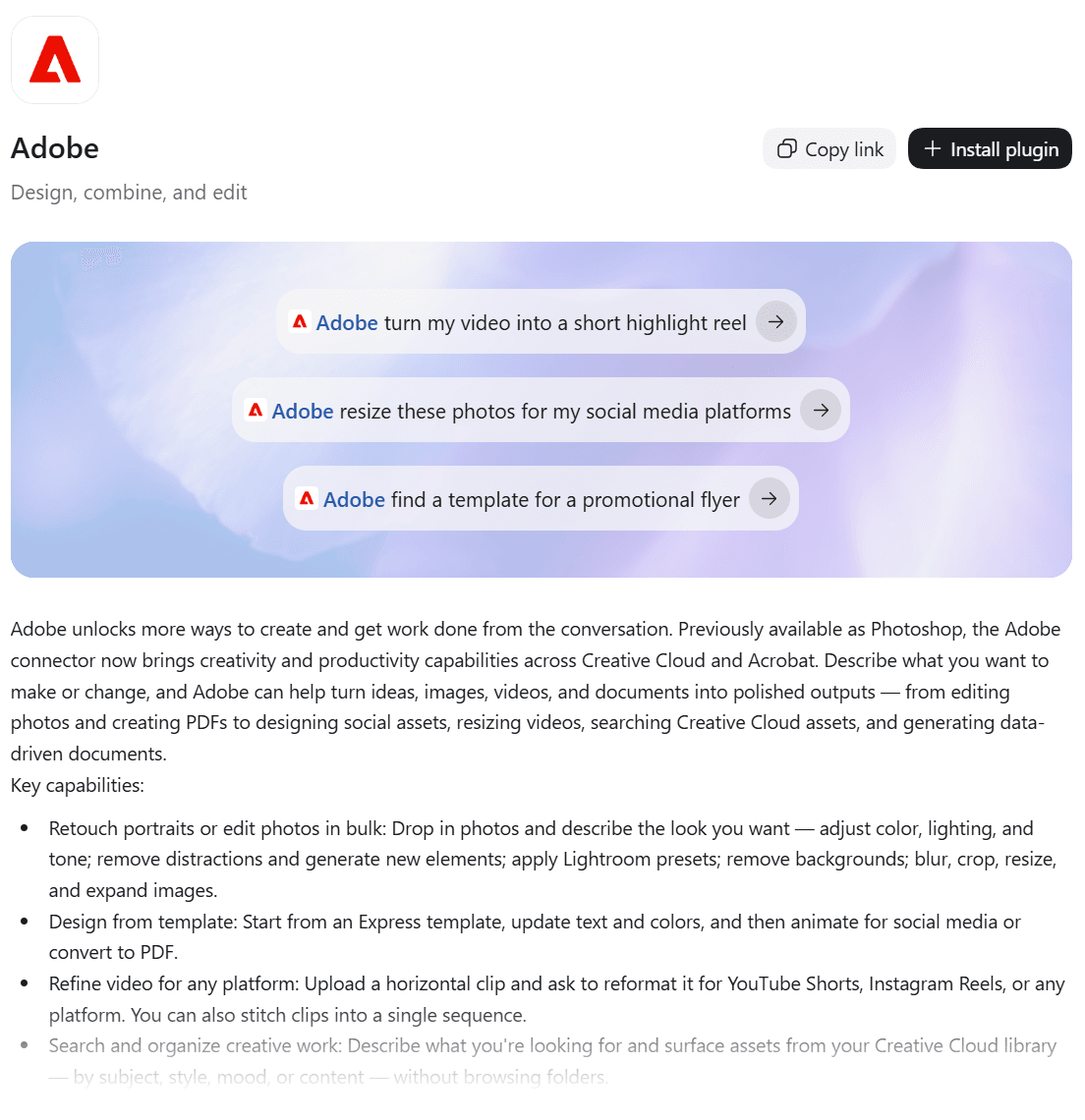
Screenshot from Adobe's listing in the ChatGPT Plugins Directory, October 2026.
4. Google Drive: Best ChatGPT Plugin for Work Files
OpenAI builds the Google Drive plugin itself, and it sits in the directory's Popular row. It turns ChatGPT into an assistant that reads your own files instead of the open web.
What it does in ChatGPT: the listing describes one plugin for search, file organization, sharing and Docs, Sheets and Slides work. Its five skills cover each of those apps plus Drive comments, which ChatGPT can write, reply to and resolve. One sample prompt asks it to find the latest Q4 board deck and write a 10-bullet recap with the three biggest risks.
What you need first: a Google account and a paid ChatGPT plan. On our free account the listing showed Upgrade to Plus where other plugins show Install plugin. In a managed workspace, an admin may also need to turn the app on.
What it costs: nothing beyond your ChatGPT plan.
Where it falls short: free ChatGPT users can't install it, and it only reaches files stored in Google's apps.
First prompt to try: "From [folder], pull key deliverables, timeline, and open questions, then draft a client-ready status update."
Fits: teams whose documents live in Google Workspace. Not for you if : you're on the free plan or your files sit in another cloud.
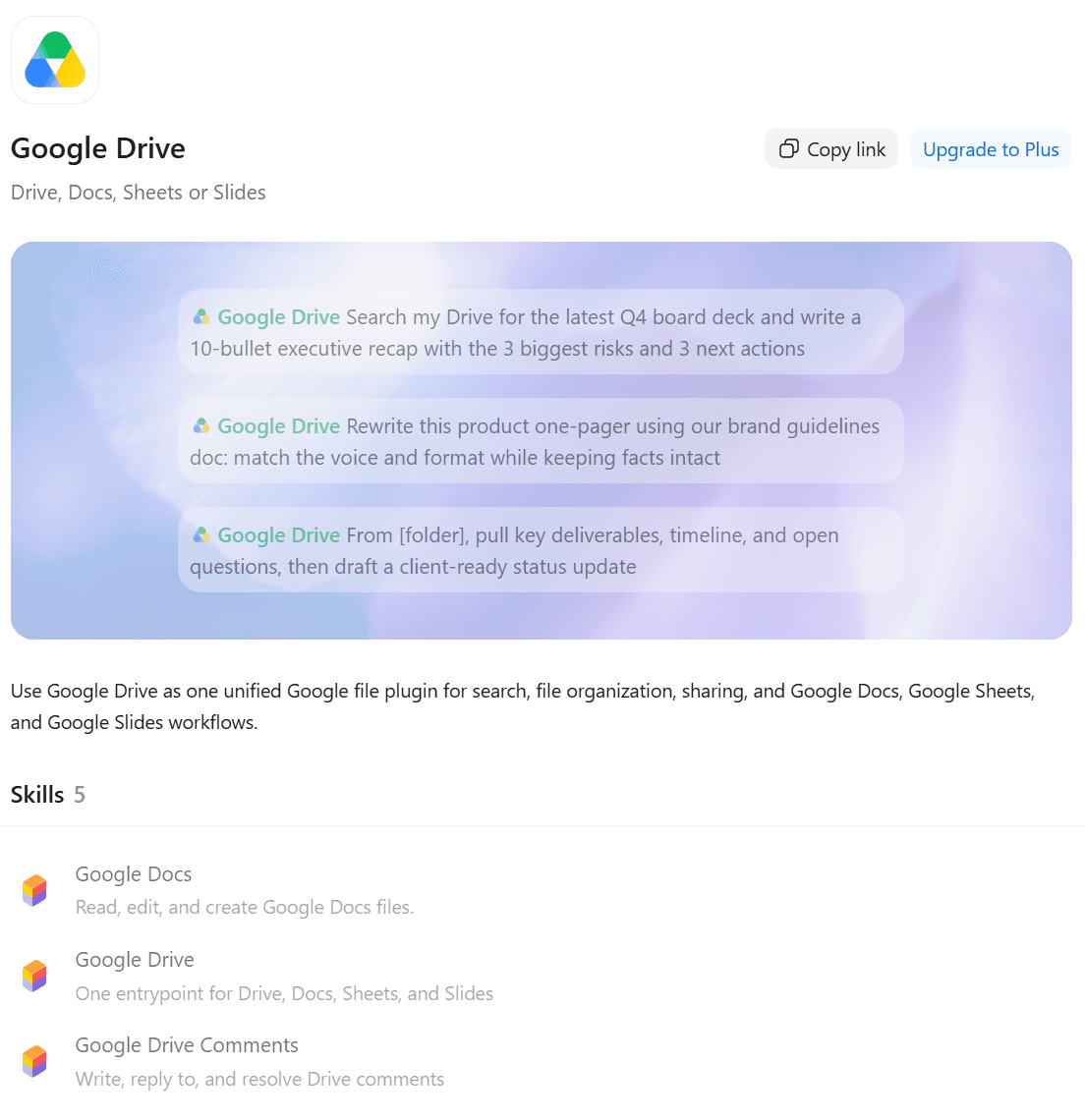
Screenshot from Google Drive's listing in the ChatGPT Plugins Directory, viewed on a free ChatGPT account, October 2026.
5. Expedia: Best ChatGPT Plugin for Trip Planning
Expedia was in OpenAI's first batch of plugins in 2023 and its first batch of apps in 2025. In 2026 it is back again, this time as a plugin in the new directory.
What it does in ChatGPT: ask for flights or hotels and the listing promises real-time prices, availability and photos in the conversation, with hotels shown on a map. Linking an Expedia account adds member deals and personalized recommendations.
What you need first: the install, which in our desktop app ended with a prompt to finish connecting Expedia in the browser. For live hotel rates, plan on signing in to Expedia as well.
What it costs: nothing to search. You pay Expedia when you book.
Where it falls short: on our free ChatGPT account with no Expedia sign-in, ChatGPT came back with hotel picks and Expedia guest ratings but couldn't confirm live availability or a total price for our dates. Booking also happens off the chat, whereas OpenTable's plugin can complete a restaurant reservation inside the conversation.
First prompt to try: "Find flights from Seattle to Cancun in February."
Fits: travelers who compare options in ChatGPT before committing. Not for you if : you want the whole booking done without leaving the chat.
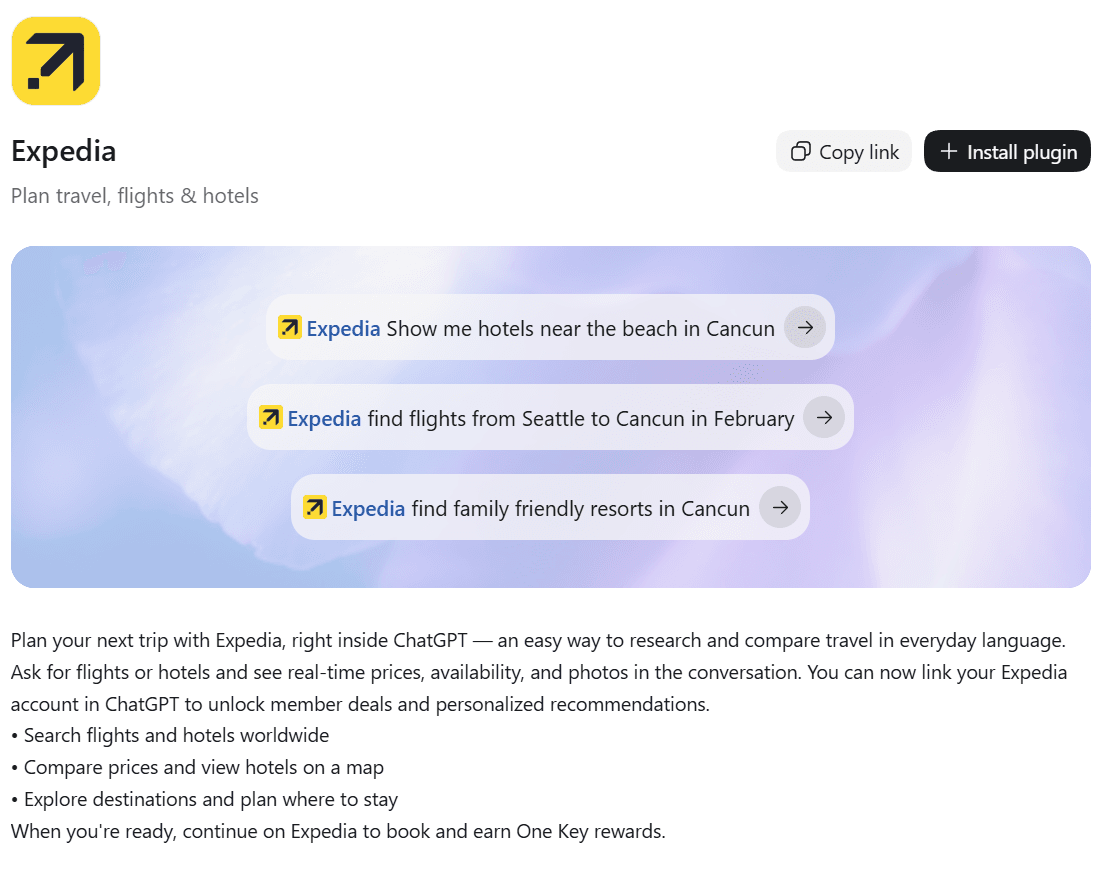
Screenshot from Expedia's listing in the ChatGPT Plugins Directory, October 2026.
The Other Five ChatGPT Plugins Worth Knowing
Each of these five is strong at one narrower job, which kept them out of the top half. Two of them make video, so if you already pay for Runway or HeyGen, start with theirs.

6. Runway
Runway's plugin edits and generates images, video and audio through your Runway account, and its listing leans on editing: targeted changes to existing footage, new aspect ratios, HDR conversion and ad localization. Results stay in your Runway workspace, and purchases happen on Runway's site, never inside the chat. New accounts start with 125 one-time credits on Runway's free plan.
7. HeyGen
HeyGen makes talking-avatar videos from your script, plus short AI clips with its HeyGen Video 1 model, and new clips open in an inline player while they render. Generation uses your HeyGen allowance, and the free plan covers three videos a month up to a minute each. The listing adds that creating an avatar or voice requires the appropriate rights and consent, so a digital twin of yourself is the intended use.
8. Wolfram
Wolfram is one of the 2023 originals, back as an MCP server that pipes Wolfram Language and Wolfram|Alpha into ChatGPT's answers. Its listing pitches it for differential equations, chemical structures and real-time socioeconomic data. Wolfram describes its cloud MCP server as free for limited personal use. Pick it when a wrong digit matters more than a fluent paragraph.
9. Spotify
Spotify drops songs, artists, playlists and podcast episodes into the conversation and plays them in Spotify. Free listeners get picks from Spotify's existing playlists, while Premium listeners can describe a vibe and get a playlist built to match. It joined ChatGPT as one of the October 2025 launch apps.
10. Slack
Slack, another 2023 original, summarizes channels, drafts replies in a channel's tone and builds agendas from a morning's discussion, with write access listed among its capabilities. OpenAI's help page for the app says you don't need a paid Slack plan, but you do need a paid ChatGPT plan. Teams buried in channels get the most from it.
Do the 2023 ChatGPT Plugins Still Work in 2026?
No. The plugins in most older roundups belonged to a beta that OpenAI wound down more than two years ago. Its help center notice, preserved in an archived copy, was blunt: "New conversations with plugins can no longer be created as of March 19, 2024." Existing plugin chats ran until April 9, 2024.
That store held a little more than 1,000 plugins when it closed, and OpenAI pointed users to GPTs instead. The current system arrived later, starting with apps in October 2025 and growing into today's plugin directory. Of the twelve plugins in OpenAI's 2023 launch post, here is where each one stood when we searched the directory on October 10, 2026:
| 2023 launch plugin | In the 2026 directory? | What it does now |
|---|---|---|
| Expedia | Yes | Flights and hotels with live prices; booking finishes on Expedia |
| FiscalNote | Yes, renamed PolicyNote | Policy and regulatory data |
| Instacart | Yes | Store search and grocery suggestions |
| KAYAK | No listing found under that name | None |
| Klarna | Yes, renamed Klarna Shopping Search | Product search and price comparison |
| Milo | No listing found under that name | None |
| OpenTable | Yes | Finds and books restaurant tables in the chat |
| Shopify | Yes | Now a merchant tool for creating and managing a store |
| Slack | Yes | Channel summaries and drafted replies |
| Speak | No listing found under that name | None |
| Wolfram | Yes | Computation and curated data through an MCP server |
| Zapier | No listing found under that name | None |
Eight of the twelve are back in some form. Two of them returned under new names, and Shopify's plugin is now a merchant tool for running a store.
What to do instead: treat any list that mentions a plugin store or a plugins beta setting as out of date. Search the directory for the tool by name, then open its Information section and check that the Developer field matches the company you expect. A search for Speak, for instance, returns several similarly named apps, and only the developer field tells you who built each one.
What Does Reddit Say About the Best ChatGPT Plugins?
A July 2026 thread in r/ChatGPT asked the question plainly: with dozens of plugins in the menu, which ones are must-haves? It stayed small, with a handful of replies, but they split the way most plugin advice does.
| Pick from the thread | What commenters liked | The catch they raised |
|---|---|---|
| Gmail, Google Calendar, Slack and Canva together | Daily roll-ups from calendar, email and Slack with a prioritized to-do list, plus inbox cleanup and summaries of long email threads | A later reply said scheduled tasks lost access to Gmail, Calendar and Notion after a couple of days |
| Whatever you already use | The top-scoring reply's advice was to connect the tools you use now | The same commenter chased new plugins, overcomplicated their setup and went back to basics |
| Superpowers and Wolfram | Named in the newest reply, with Wolfram picked for searching | No detail beyond the names |
The connector camp was the most enthusiastic. One commenter said that combination in work mode had "been making me feel like a super human," and that the list of jobs it handles grows every day.
The back-to-basics reply drew the most agreement, and it matches how we ranked this list. A plugin is worth installing when it plugs into work you already do. None of the replies mentioned image or video plugins.
FAQ
What is the difference between ChatGPT plugins, apps and GPTs?
A GPT is a custom version of ChatGPT with its own instructions and files. ChatGPT apps connect ChatGPT to an outside service and can show interactive results in the chat. A plugin is the package you install from the directory, and OpenAI's help center describes it as a bundle that brings apps and skills together, while some plugins carry skills only. Many guides still say ChatGPT apps when they mean the same listings.
Are ChatGPT plugins safe to connect to your accounts?
They are as safe as the permissions you give them. OpenAI's help center says connected apps can use relevant context from your conversations, plus relevant memories if Memory is on. You can set each app to Always ask, Allow read actions, Allow low-risk actions or Allow all actions, and low-risk actions apply unless another setting overrides them. Disconnect any plugin from Settings when you stop using it.
How much do ChatGPT plugins for video cost per clip?
It depends on how the service meters you. Our 10-second Seedance 2.5 teaser at 720p came to $3.02 on our Atlas balance, which included a 20% discount on the model page in October 2026, against a list price of $3.77. The same clip at 480p prices at $1.40.
Runway counts credits instead. Gen-4.5 uses 12 credits per second, so a 10-second clip takes 120 credits, and Runway's Standard plan includes 625 credits a month for $12 a month billed yearly. HeyGen's paid Creator plan starts at $29 a month.
How do you call a specific plugin in a ChatGPT chat?
Type @ in the composer and pick the plugin from the list. You can also just name it in plain words, which is what we did with "Use the Atlas Cloud plugin to…" at the start of the request. Naming the plugin helps most when two installed plugins could both answer.
Conclusion
The top five each replace a trip to another app. Atlas Cloud covers the video, and Canva and Adobe split design from photo work. Google Drive brings your files into the chat, while Expedia shortlists the hotel. The other five each do one narrower job well, and the 2023 names only count if they show up in today's directory.
Start with two or three that match work you already do this week, and check the developer field before you install anything a 2023 roundup recommended. If the job is video, install Atlas Cloud and send the shot list you were about to paste into another tool. Picking the best ChatGPT plugins comes down to that: install the ones that finish work you already do.





