GPT-6 Astra is real. Your access may not be.
Before you change a subscription, wire up an API, or hand an agent a browser, run a short entitlement check. GPT-6 availability is a staged rollout as of September 4, 2026. A launch announcement does not guarantee that your account, country, workspace, or API tier can use it today.
The quick answer: eligible Plus, Pro, Business, Enterprise, API, Azure, and AWS routes are rolling out, subject to account and workspace access. GPT-6 Pro in ChatGPT has narrower plan rules. Start with one read-only task, then decide whether an upgrade or pilot is worth it.
Key takeaways
- GPT-6 Astra is rolling out, not universally live.
- Plus access and GPT-6 Pro access are different checks.
- API visibility does not prove your tier is enabled.
- Start pilots read-only, with a human approval gate.
- Atlas Cloud is not a GPT-6 access route.
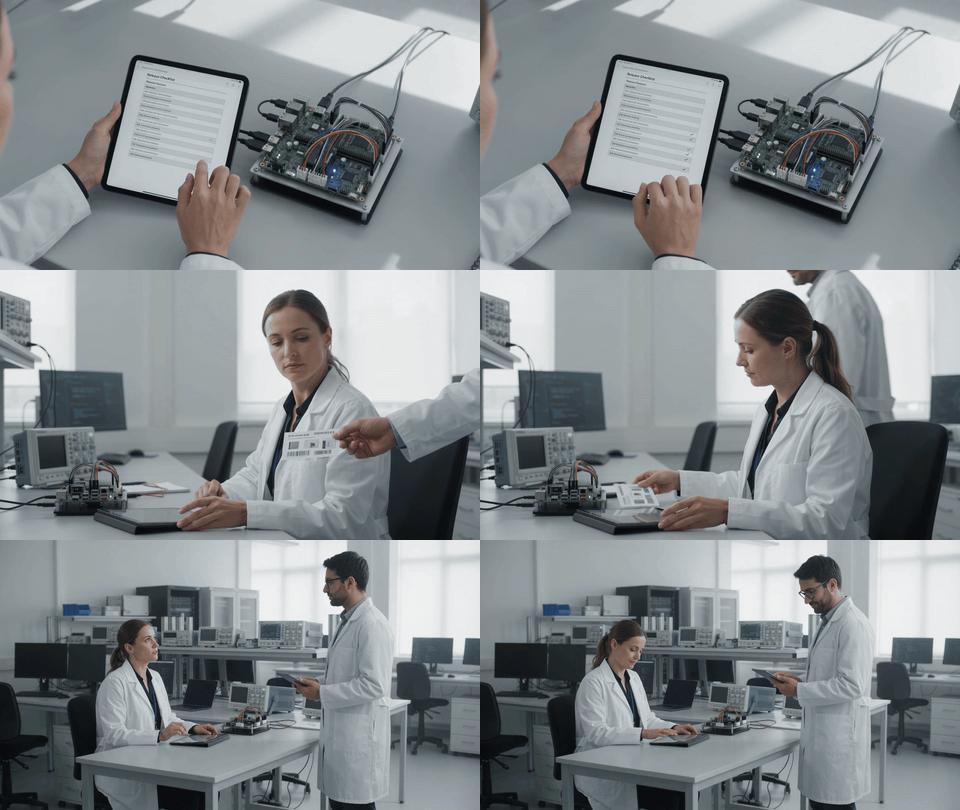
Animated frontend QA review: a fictional engineer checks a read-only release list beside a hardware test rig as the viewpoint moves from overhead to side profile and a wider laboratory view
Motion study for the entitlement check: Gemini Omni 1.1 Flash animates a fictional QA engineer, tablet, test rig, colleague, and laboratory in one 10-second sequence. The overhead check, side handoff, and wider approval-gate view make the human review boundary visible without depicting a real GPT-6 interface.
Why GPT-6 Availability Is Hot, and Why Most Attempts Fail
The rush is about computer use and long-running professional work, not a slightly sharper chatbot reply. OpenAI reports 72.6% for GPT-6 Astra on its OSWorld 2.0 offline set, versus 65.7% for GPT-5.6 Sol. That is an OpenAI evaluation result, not a production SLA or a promise that an unattended agent will succeed in your environment (OpenAI launch page, September 2026).
Most failed access attempts come from four mix-ups:
- Treating a public launch as a personal entitlement.
- Assuming ChatGPT Plus includes GPT-6 Pro in Chat.
- Seeing a model ID in documentation before an API account is enabled.
- Giving an agent write, payment, deploy, or send permissions during the first test.
The useful first milestone is smaller: prove the account can perform one bounded, reversible review and leave behind an audit trail a human can inspect.
GPT-6 Availability Routes, Plans, and Price
Use this matrix before you spend time refreshing a model picker. Plan allowances and workspace controls can change during rollout.
| Route | What it means today | Price or allowance | Best next action |
| ChatGPT Free / Go | Do not assume GPT-6 Pro access | Not applicable | Watch official rollout updates rather than repeatedly refreshing. |
| ChatGPT Plus | Rollout messaging can cover paid users, while GPT-6 Pro is not included in Plus Chat | Account rollout dependent | Check the model picker and release note. |
| ChatGPT Pro $100 / $200 | Main GPT-6 Pro route in ChatGPT | $100: 50 messages/week; $200: 200 messages/week | Pilot one low-risk, read-only task. |
| Business / Enterprise | Workspace and admin permissions matter | Plan and admin setting dependent | Confirm model access and data policy first. |
| OpenAI API | gpt-6-astra, with tier access still to verify | $10 input / $50 output per 1M tokens | Send one harmless, low-cost lookup. |
| Atlas Cloud | The public catalog should not be presented as a GPT-6 route | Not applicable | Use only as a separate visual-production option. |
The official ChatGPT guidance says GPT-6 Pro is rolling out to Pro $100, Pro $200, Business, and Enterprise, and says it is not included with ChatGPT Plus in Chat (OpenAI Help Center, September 2026).
If your rollout is pending but you still need a documented visual brief, Atlas Cloud can be a separate production lane. The illustrative GIFs and stills in this guide were created in the Atlas test environment with Google media models; they do not provide or imply GPT-6 access.
Step 1: Check the Official GPT-6 Availability Rollout
Start with OpenAI's own launch and availability pages. Record the page date, your region, and your plan. A social post can point you toward the news, but it cannot establish your entitlement.
plaintext1site:openai.com "GPT-6 Astra" availability
Settings: use a signed-out browser window for the public check. Compare the launch page with the current Help Center availability note, and write down the date before you make a plan change.

Illustrative source-verification scene: two fictional product leads compare dated public-source materials before changing a GPT-6 availability plan
Illustrative scenario produced with Google Nano Banana: the public-source check is a human workflow. Verify live account eligibility and official notices separately; the pictured documents and screens are fictional.
Step 2: Check Your GPT-6 Availability Entitlement Before Changing Plans
Sign in to your own ChatGPT account and open the model picker. Redact your email address, organization name, personal chats, and any client data before retaining a screenshot. If GPT-6 or GPT-6 Pro is absent, record “not enabled for this account” and stop there.
plaintext1Reply in five lines only: 21. Model name currently selected 32. Whether this chat can use GPT-6 Astra or GPT-6 Pro 43. Any displayed usage limit or reset time 54. Whether computer-use tools are enabled in this chat 65. Confirm that no external action has been taken
Settings: select only a model that actually appears in your picker. Do not infer an allowance from a plan name, and do not give the chat connector, browser, or write access for this check.
Keep the entitlement check inside the account that will use the model. Record only the plan, model name, date, access result, and any restriction; do not paste a private picker or account screenshot into a rollout document.
Step 3: Verify GPT-6 API Availability with a Harmless Lookup
Use a controlled development environment and your own API credential. This is a read-only model lookup. Do not expose a key in a terminal recording, repository, support ticket, or browser console.
plaintext1curl https://api.openai.com/v1/models/gpt-6-astra \ 2 -H "Authorization: Bearer $OPENAI_API_KEY"
Settings: make no follow-on generation request. If you receive an access or tier error, log it as “not enabled for this account.” The API documentation lists standard pricing at $10 per 1M input tokens and $50 per 1M output tokens, with no Free tier support (OpenAI API model documentation, September 2026).

Illustrative controlled API preflight: a fictional engineer and reviewer prepare one read-only, no-side-effect availability check with a paper plan, timer, test device, and stop marker
Illustrative scenario produced with Google Nano Banana: make one limited preflight check, retain the account response, and stop before generation or write actions. The people, props, and setting are fictional; the account response is the evidence.
Step 4: Run a Read-Only GPT-6 Availability Spreadsheet Pilot
For a circuit-board team, make the first useful test a discrepancy report, not a file-editing session. Upload only a sanitized test BOM and disable connectors or automatic submissions.
plaintext1You are assisting with a read-only engineering review. 2 3Compare the three supplied BOM columns and return: 41. duplicate part numbers, 52. quantity mismatches, 63. missing manufacturer fields, 74. rows that need a human decision. 8 9Do not edit files, submit forms, create tickets, contact anyone, or take actions outside this chat. 10For every finding, cite the source row and state your confidence.
Settings: use a non-sensitive spreadsheet, no write permission, no external connectors, and a human reviewer who owns the final decision. A good pilot ends with a list of anomalies, not a changed production BOM.
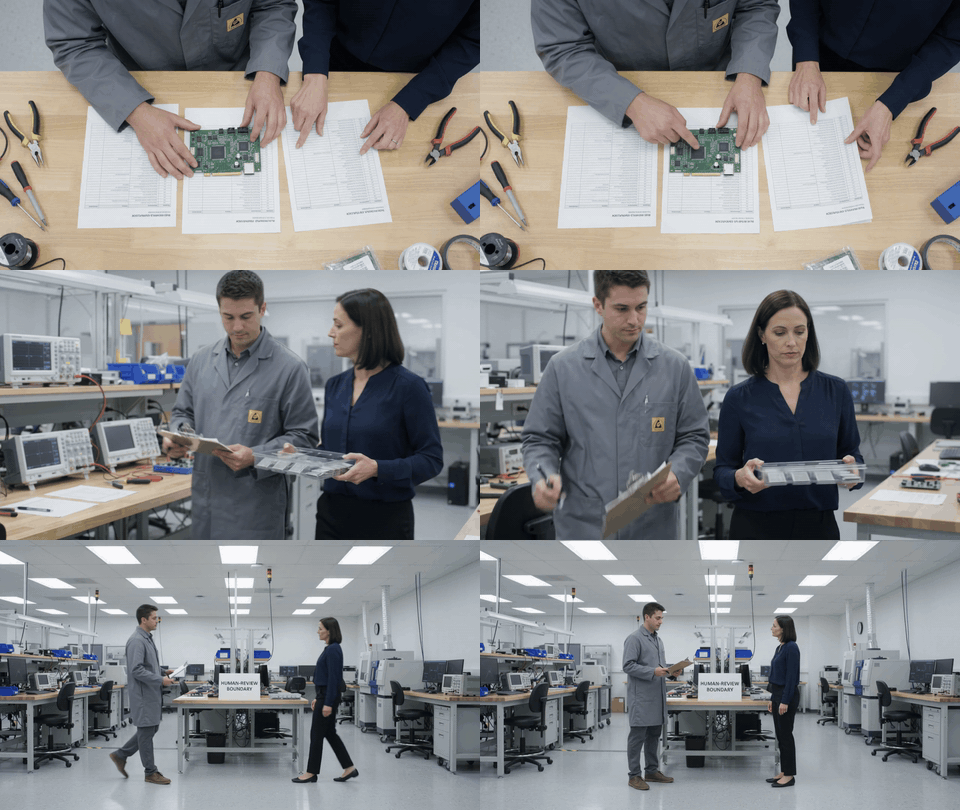
Animated BOM verification review: two fictional reviewers compare a circuit board and parts lists from an overhead view, side tracking view, and wider human-review boundary
Case 2 motion study: Gemini Omni 1.1 Flash shows a sanitized BOM review as a deliberate no-write pilot. The board, component tray, printed lists, and both reviewers remain visible while the scene moves from overhead detail to side tracking and a wider stop-for-review view.
Step 5: Run a No-Deploy GPT-6 Availability Bug-Triage Pilot
For a game prototype, ask for reproducible steps and a safe test. Do not make the first successful GPT-6 session a pull request, a build deployment, or a support-ticket automation.
plaintext1Turn this bug report into a read-only triage brief. 2 3Return: 41. reproducible steps, 52. expected versus observed behavior, 63. severity and rationale, 74. the smallest safe next test, 85. questions a human owner must answer. 9 10Do not modify code, open a pull request, deploy a build, create tickets, or contact users. 11Stop after the brief and wait for approval.
Settings: use a fictional or public test project. Remove repository write access, deploy tokens, payment access, and live-user data. The human owner should approve any ticket or code change after reviewing the triage brief.
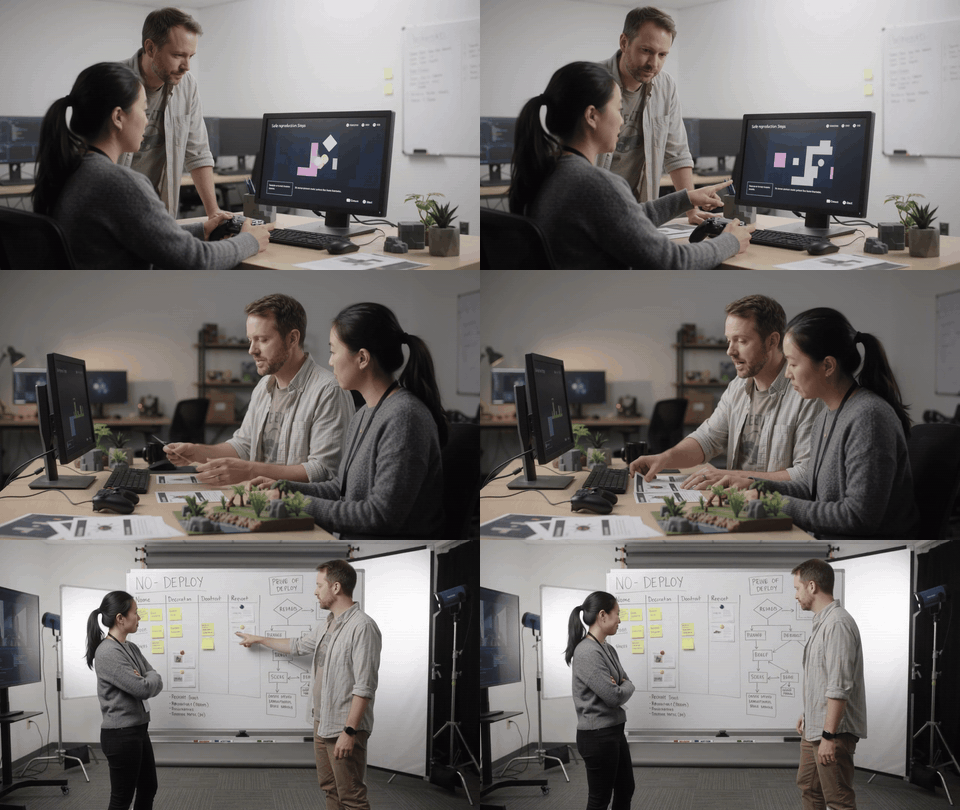
Animated game bug-triage review: a producer and QA tester use a controller, bug cards, and a prototype playtest station as the camera shifts among shoulder, lateral, and wide review angles
Case 3 motion study: Gemini Omni 1.1 Flash animates a fictional no-deploy bug-triage session. The controller, bug cards, playtest station, people, and explicit human-review boundary stay connected through three distinct viewpoints rather than a single zoom.
GPT-6 Availability Variations for Teams, Builders, and Creators
Team admins should confirm workspace model access, data policy, and logs before inviting users into a sandbox. API builders should set a cost ceiling, then send one no-side-effect request. Creators should keep current work moving rather than pause a launch for a pending rollout.
The documentary scenes in this guide are illustrative media produced in the Atlas test environment and assembled locally. They document the workflow boundaries described here, not GPT-6 output or a live model interface.
GPT-6 Cost: What to Budget Before You Switch
There are three separate cost layers: your ChatGPT subscription, the message allowance for the Pro model, and API token billing. Keep them separate in the same decision note.
| Cost layer | What to watch | Simple planning rule |
| ChatGPT plan | Eligibility and weekly message allowance | Confirm the picker before upgrading for one model. |
| API tokens | Input and output volume | Measure one representative read-only request. |
| Agent workflow | Context, tool calls, retries, human review | Budget review time and a hard spending cap. |
Estimated API cost = input tokens × $10/1M + output tokens × $50/1M
That formula excludes tool-call fees and the extra context, retries, and review that a real agent task may require. Do not move a stable production workflow solely to chase the GPT-6 rollout.
GPT-6 Availability, Privacy, and Approval Controls
Use least privilege from the first pilot. Keep payment, deletion, deployment, outbound email, and production-database write permissions outside the test. Work with a non-sensitive sample and a test account whenever possible.
For a high-impact document such as a Form 1040, a model can assist with a review checklist, but a qualified human must validate the result and authorize every consequential action. Enterprise administrators should also confirm workspace access, data handling, and audit logging before broad enablement.
Frequently Asked Questions
Is GPT-6 available to everyone yet?
No. GPT-6 Astra is in a staged rollout. Check the official availability page, your account, region, and workspace before assuming access.
Does ChatGPT Plus include GPT-6 Pro?
No, not in Chat according to the current Help Center guidance. Plus may be part of broader rollout messaging, while GPT-6 Pro has its own entitlement and allowance rules.
Why can’t I see GPT-6 in the ChatGPT model picker?
Your account, region, rollout cohort, workspace setting, or plan may not be enabled yet. Record the absence, avoid repeated plan changes, and check the official note again later.
What is the GPT-6 Astra API price?
The published standard rate is $10 per 1M input tokens and $50 per 1M output tokens. Usage tier, tool calls, and request shape still affect your total operating cost.
How do I check whether my API account can use gpt-6-astra?
Run the read-only model lookup in Step 3 with your credential in a controlled environment. An access or tier error means your GPT-6 availability check has not passed for that account.
Is GPT-6 available on Atlas Cloud?
Check the live Atlas Cloud model catalog before purchasing. At last check, the public catalog should not be represented as a GPT-6 access route. Atlas Cloud can still support separate media-production workflows with models it currently lists.





