Seedance 2.5 Flash now 35% off — ends Nov 30

Image Clone

Product shot
Type @ to reference an uploaded image.
Reference image
SETTINGS

Output

Image Clone

AI Image Recreator That Rebuilds a Reference Around Your Product

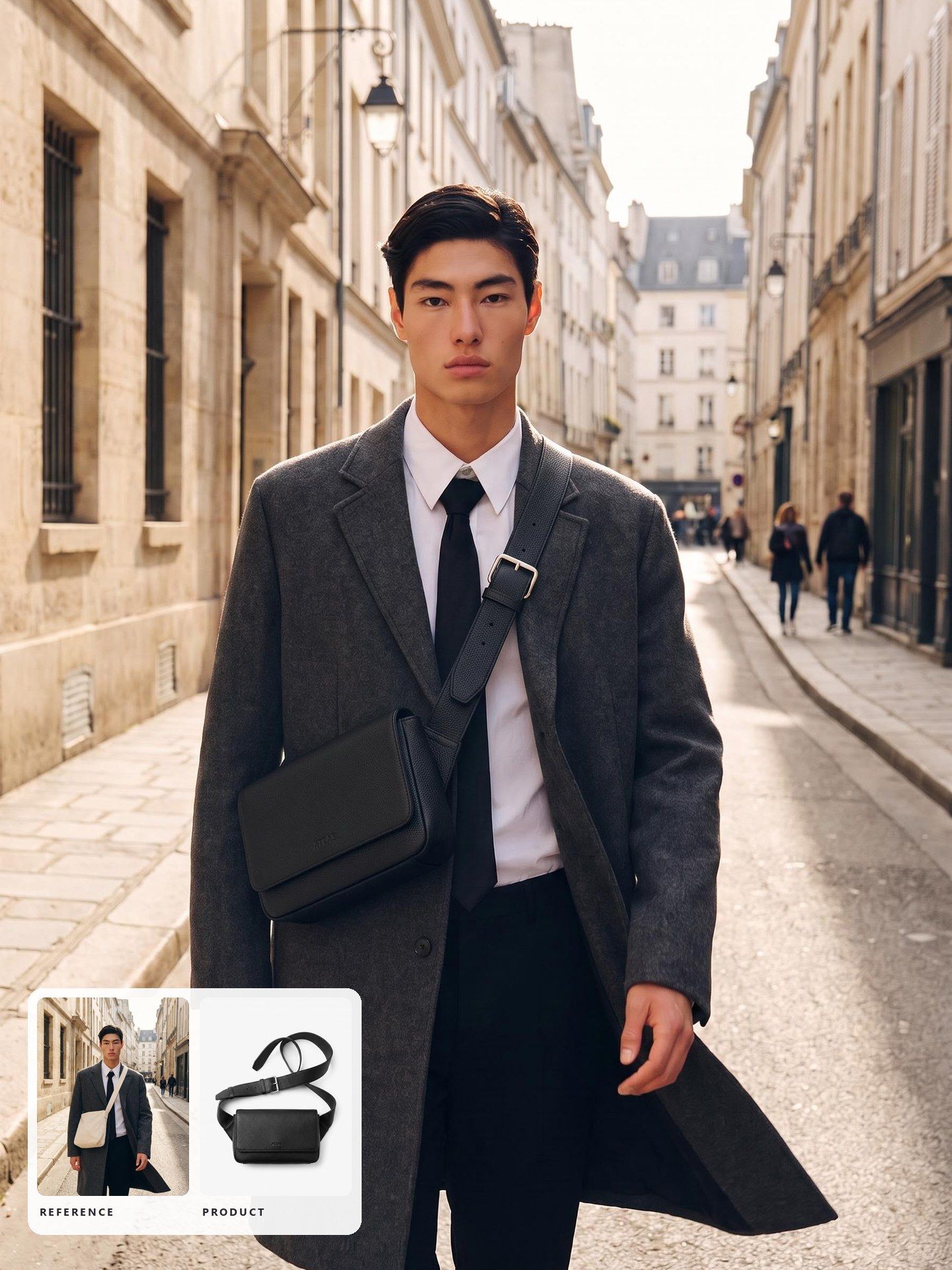
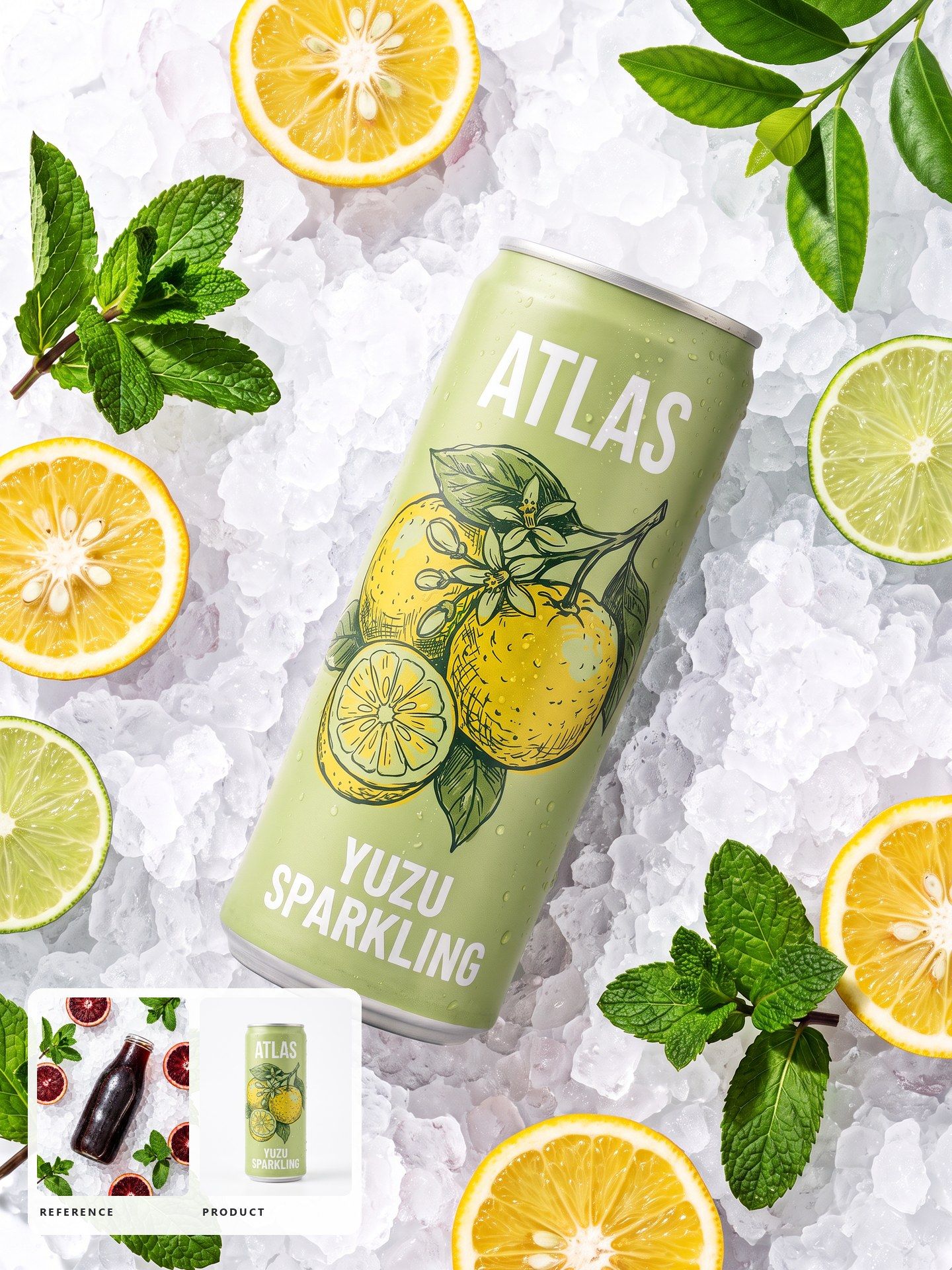
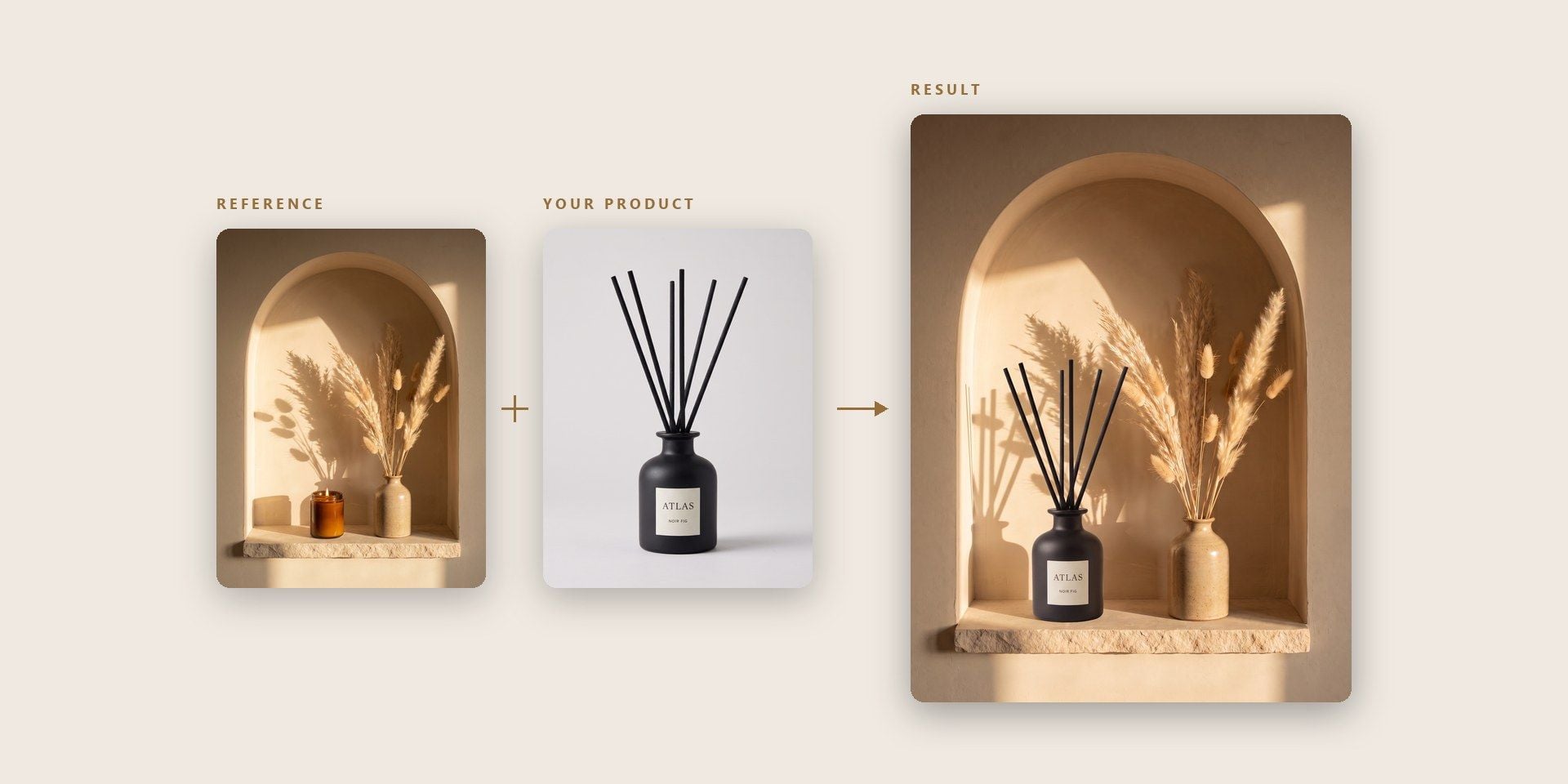
Upload the image you want to match and a photo of your product, then say what should change. Exact Clone keeps the layout as it is; Reference Clone borrows the look and rebuilds the rest.

Rebuild a Reference Image Around Your Own Product

Everything below starts from two uploads: the image you want to match and the product you want in it.

An AI Image Recreator That Takes Your Product

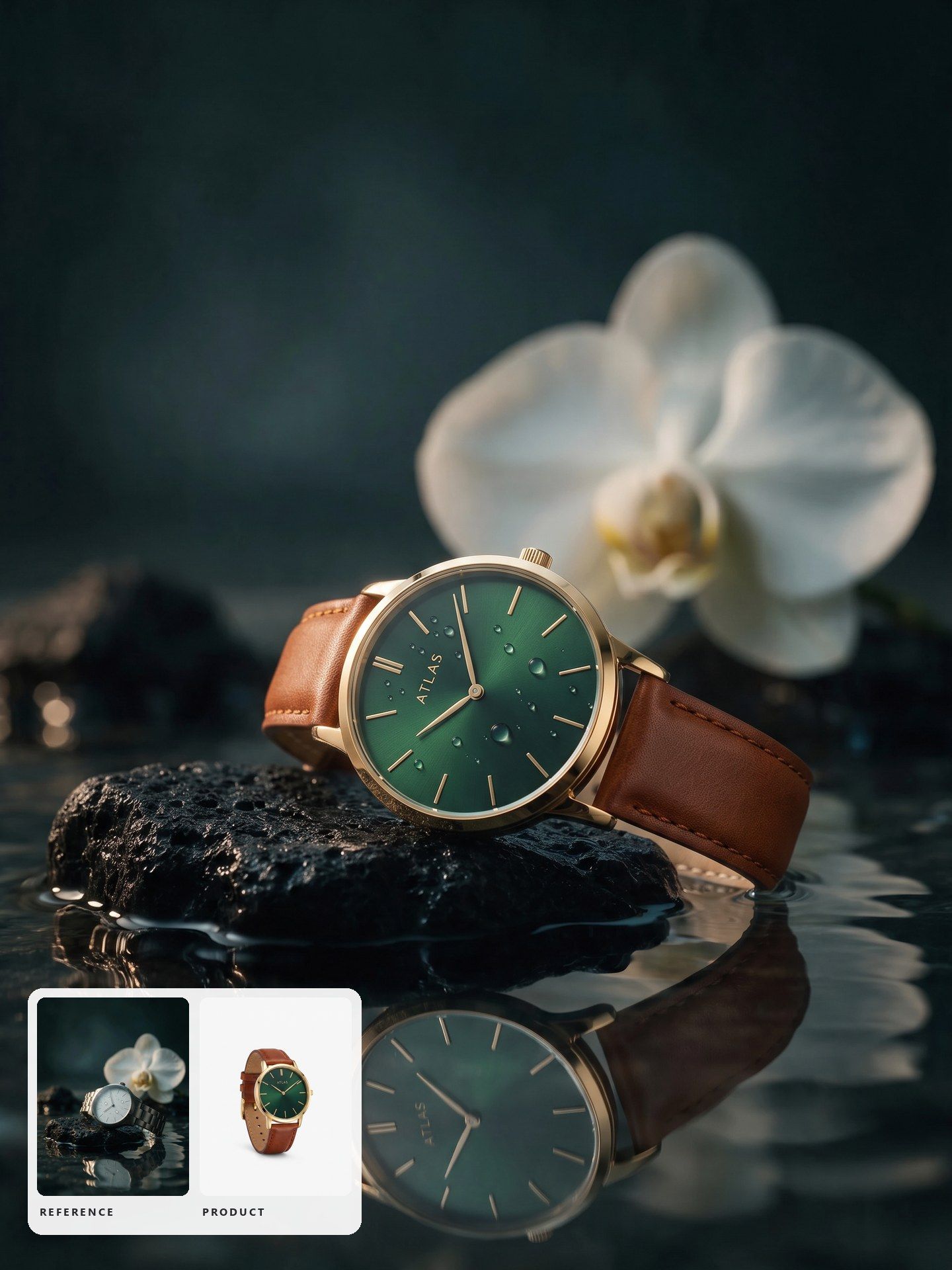
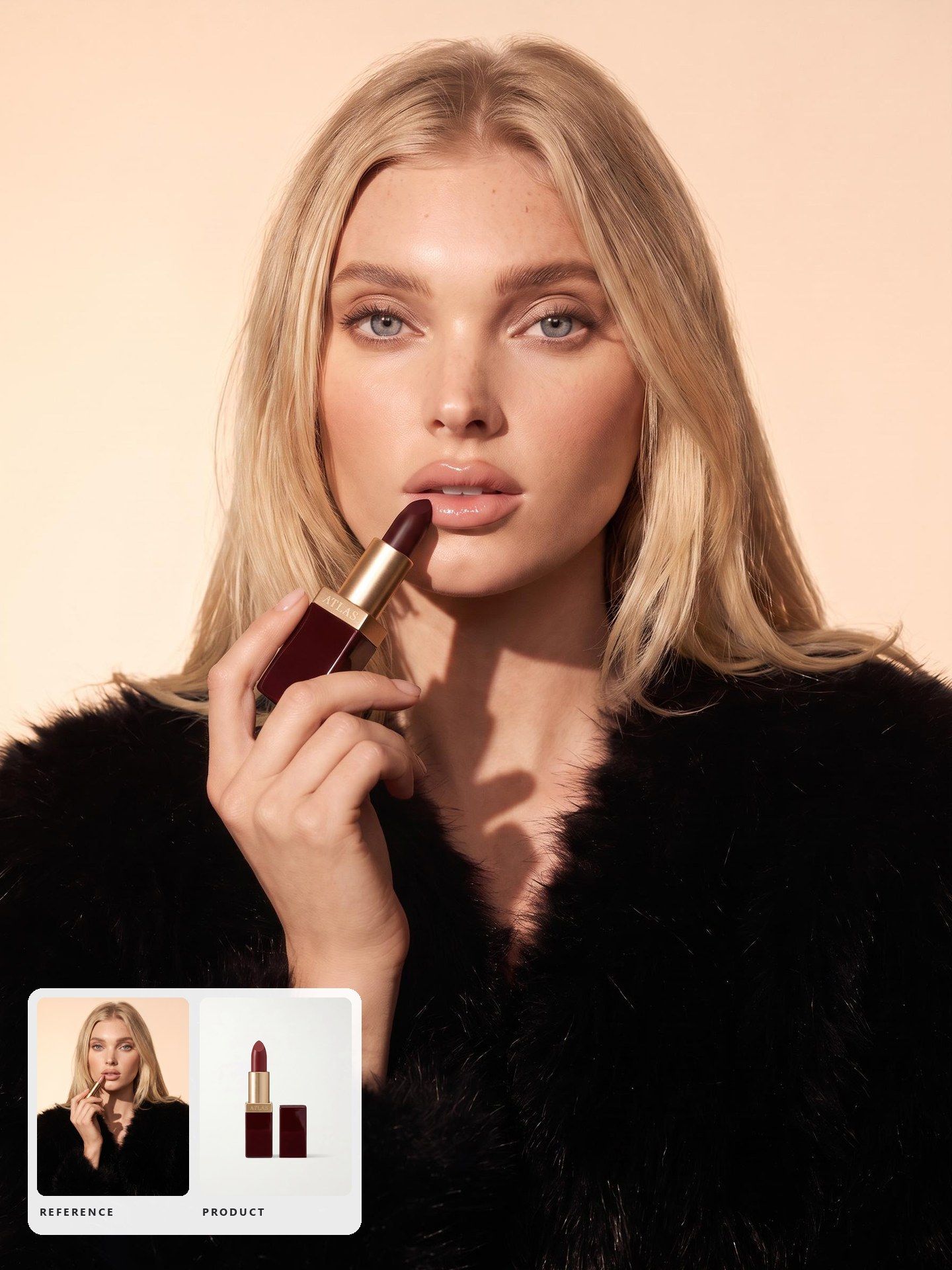
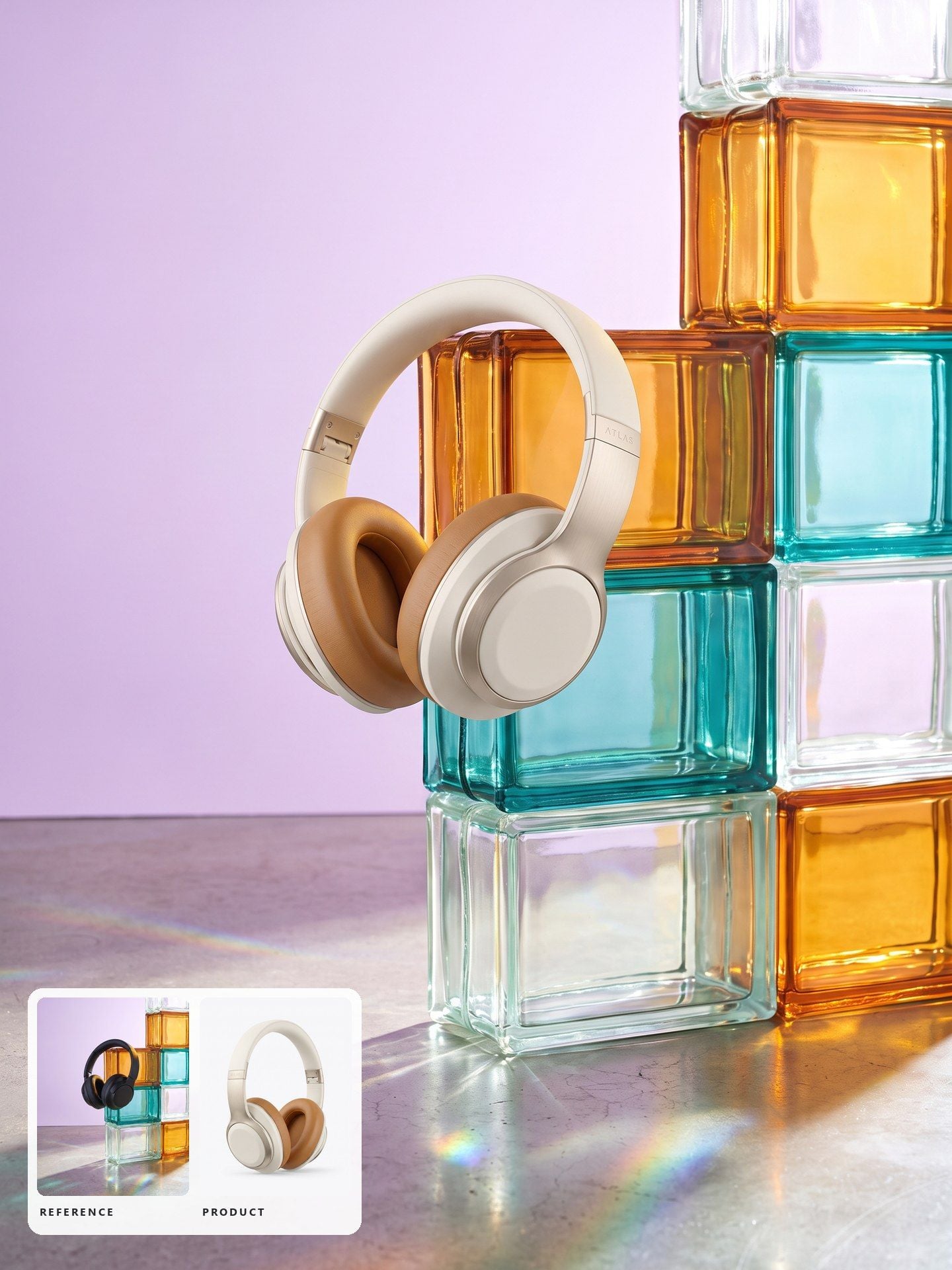
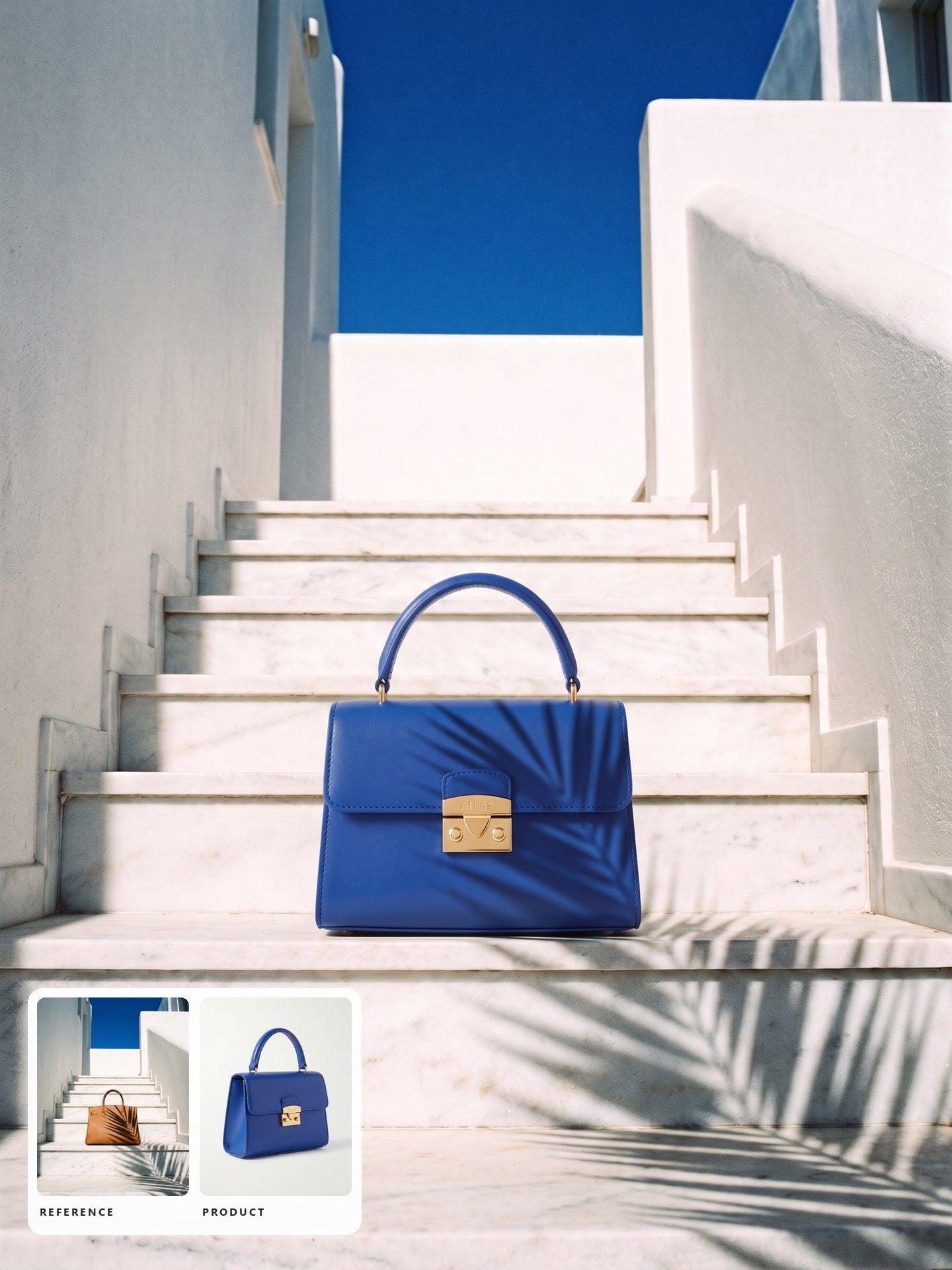
Most image recreators take one picture and hand back a variation of it, which is no help when the picture you admire shows somebody else's product. Here the reference and your product go in as two separate uploads, so the look of that image is rebuilt around the item you actually sell instead of the one that was in the original.

Product Replacement AI That Keeps the Layout

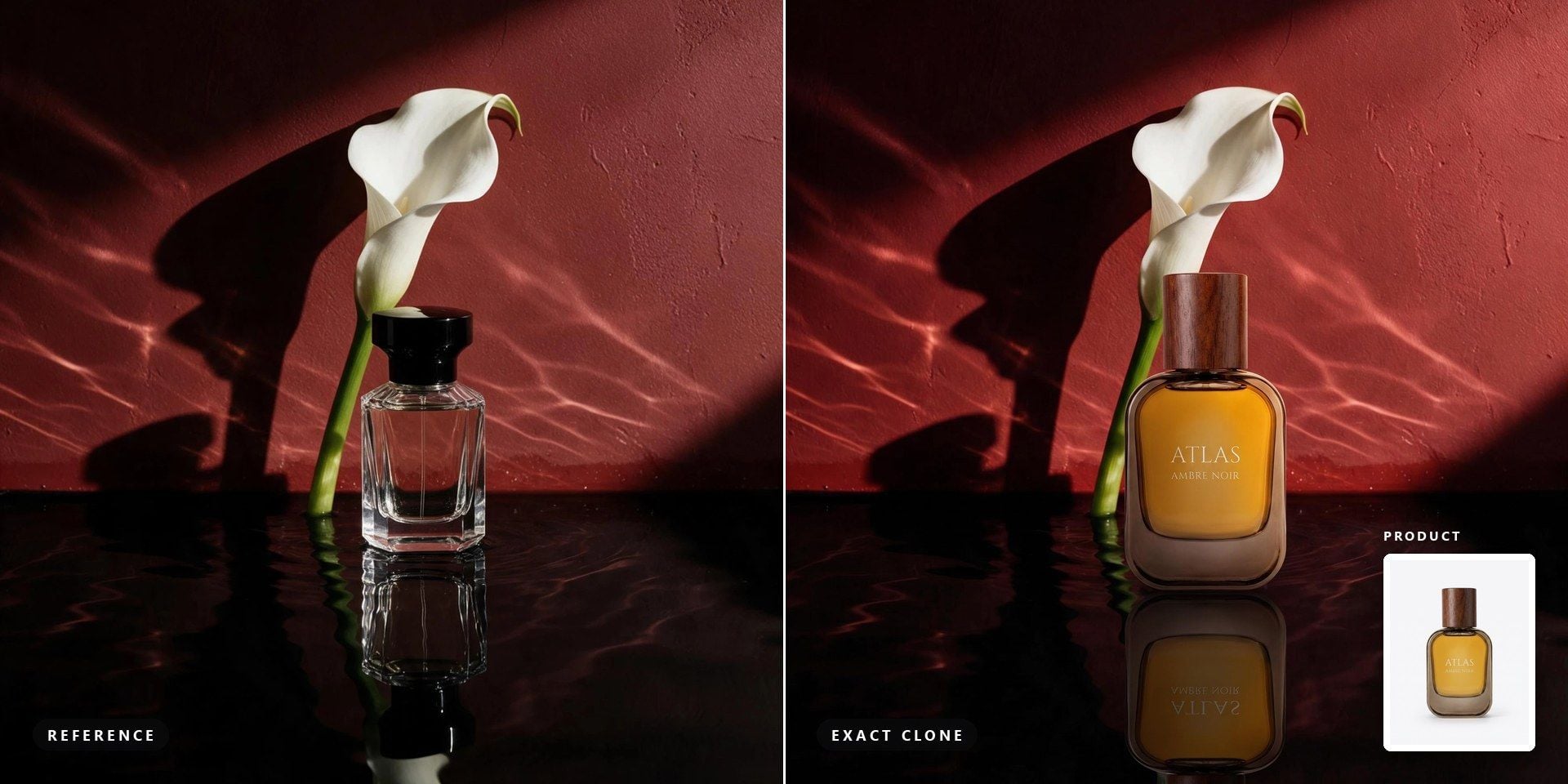
When a creative is already winning, the point is to change as little as possible. Exact Clone keeps the reference's layout and light exactly where they are and swaps only the product, so a test against the original measures the product rather than a new picture. Reference features in other tools usually treat the upload as loose inspiration; this mode treats it as the layout.

Recreate a Photo With AI Your Own Way

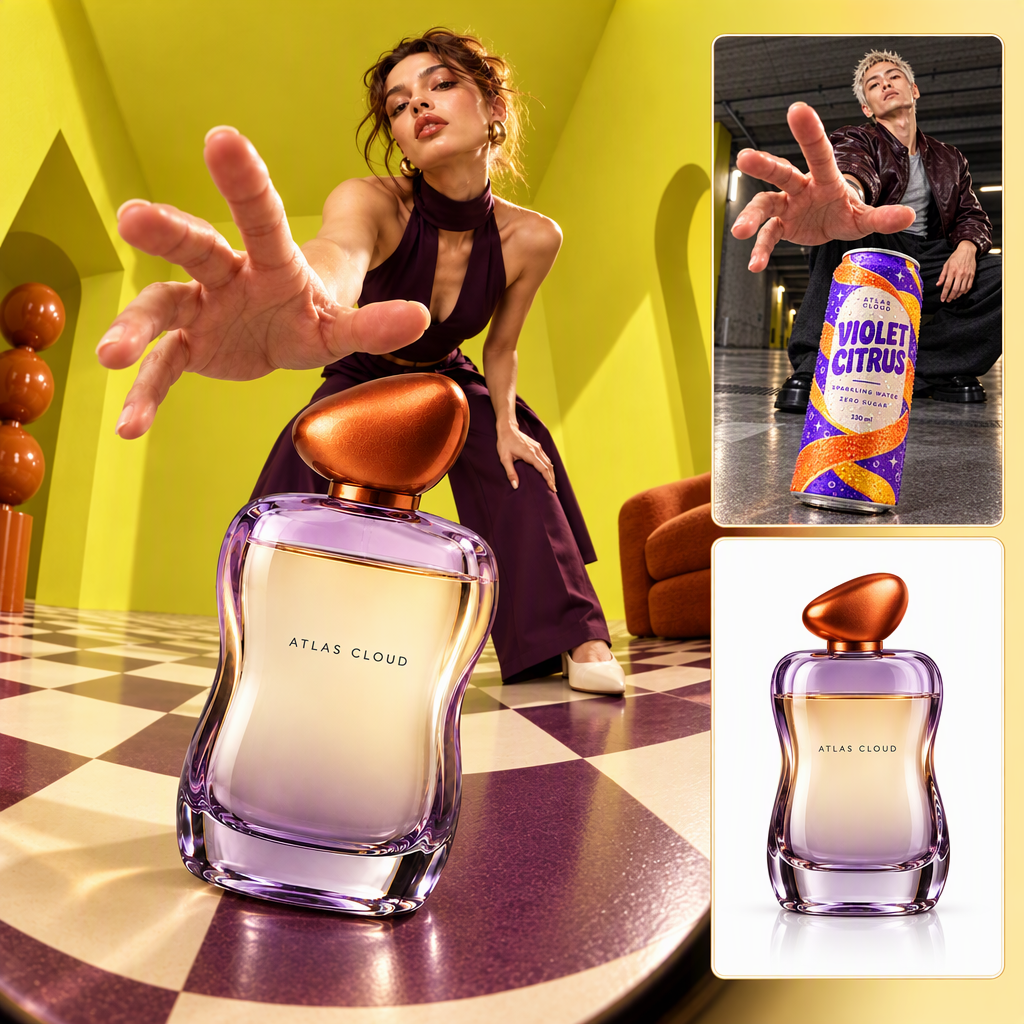
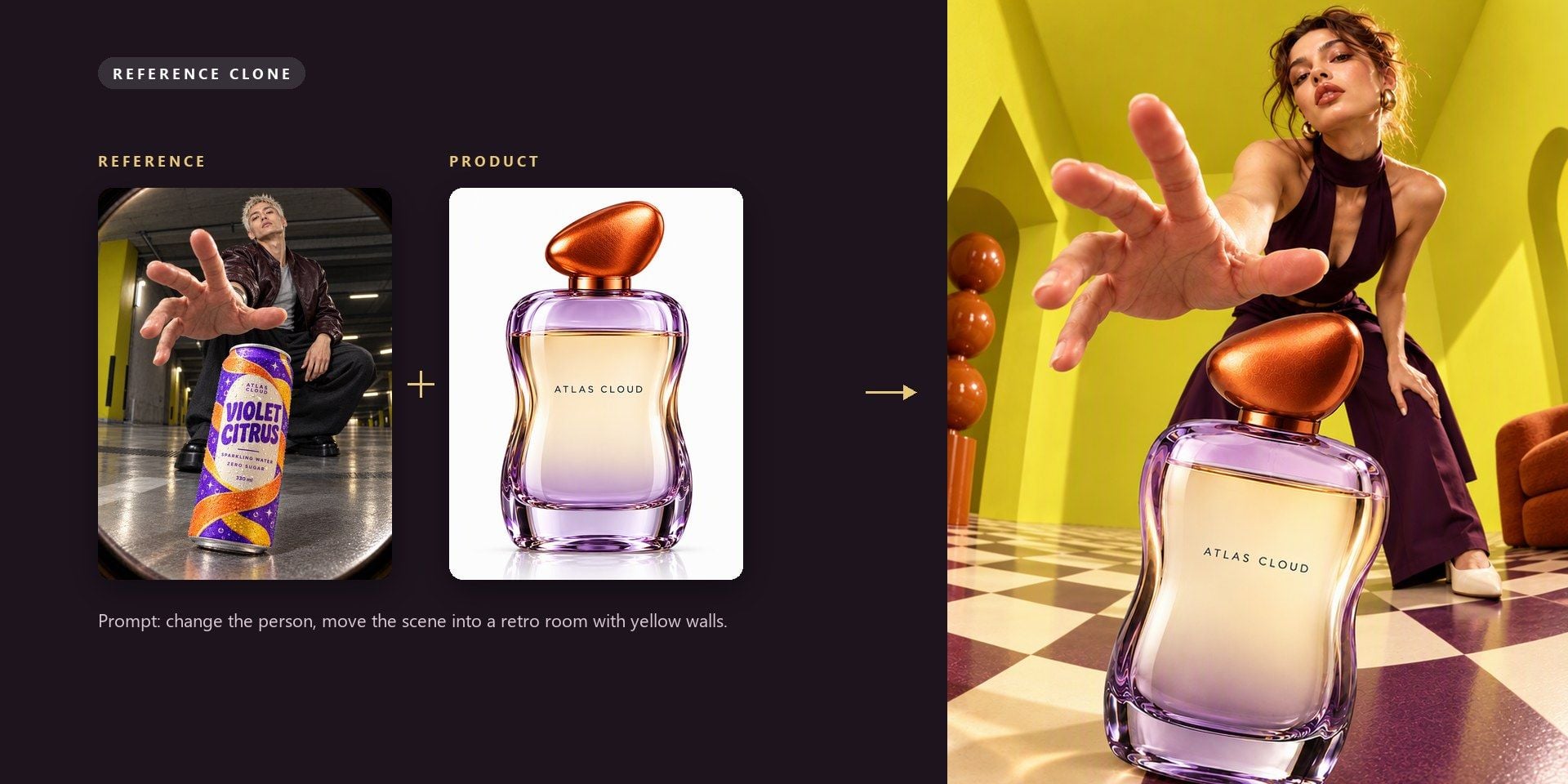
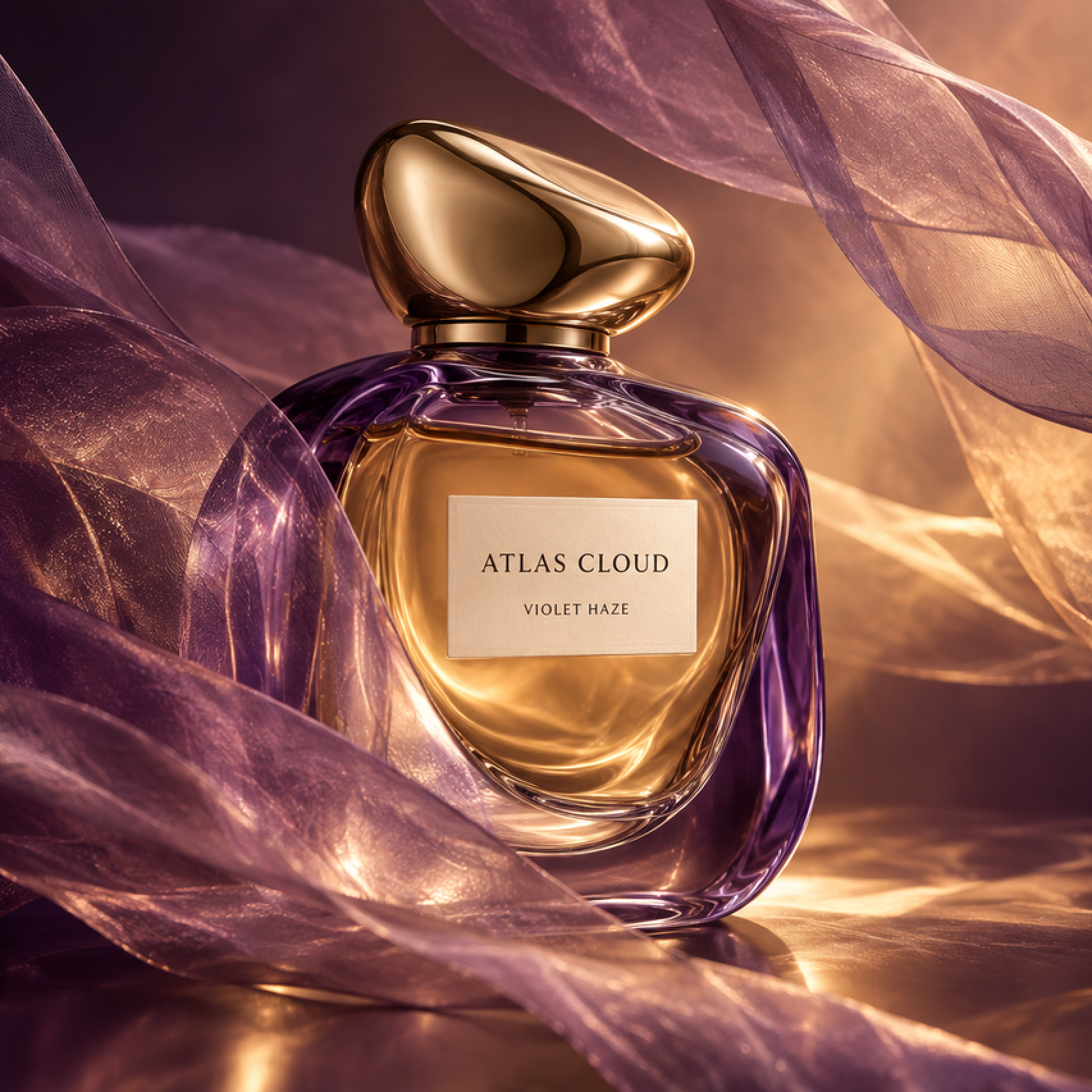
Reference Clone borrows the mood of the reference and rebuilds the rest around your product, following whatever your prompt asks for. The example that loads with the form starts from a man holding a drinks can in a dark room and ends with a woman, the uploaded perfume bottle and a retro room with yellow walls.

One Reference Image, Sized for Every Placement

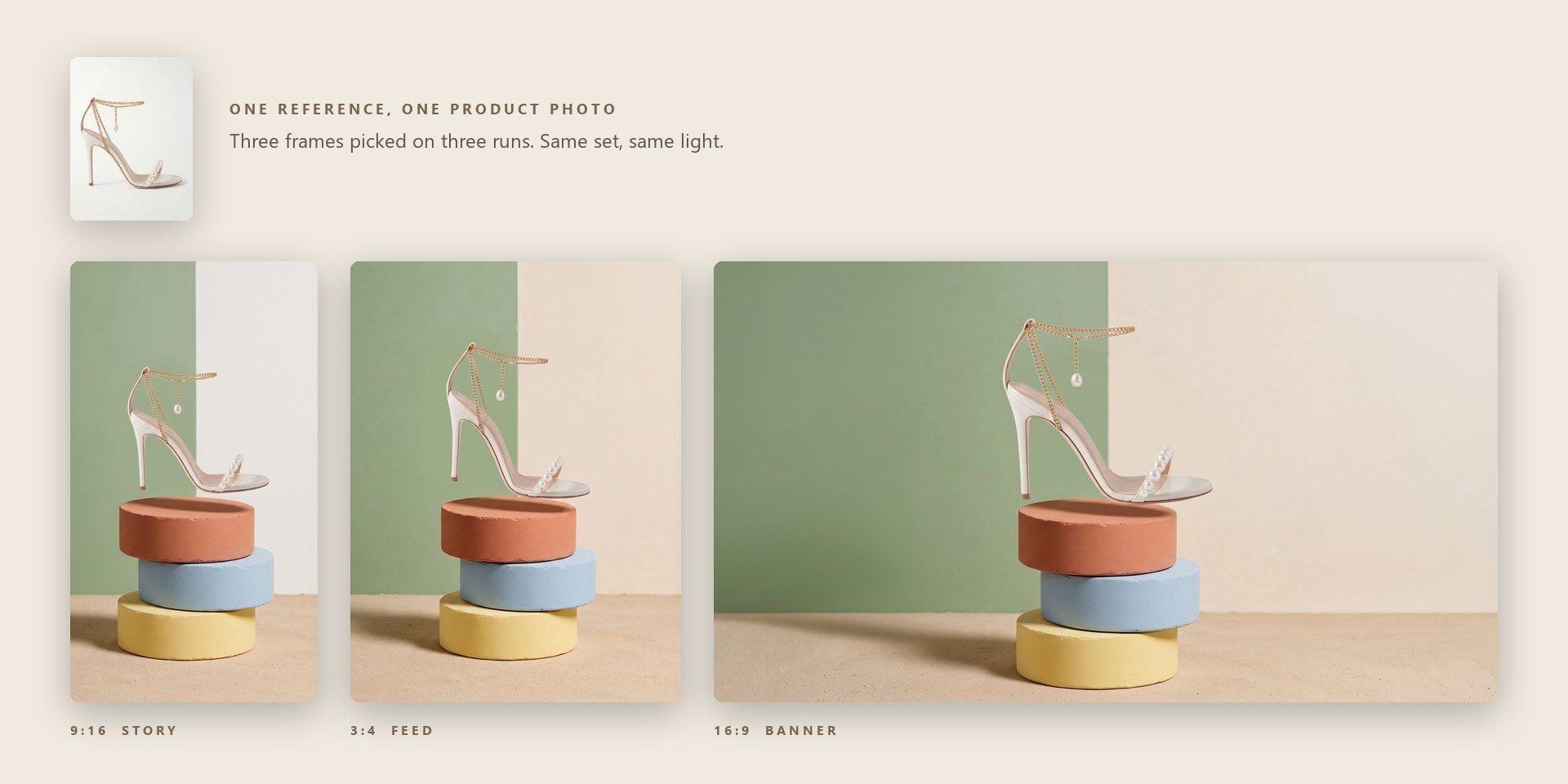
A winning creative rarely lives in one place. The same look has to work in a 9:16 story, a 3:4 feed post and a 16:9 banner. Here you pick the frame on each run, so a single reference and a single product photo can cover every placement in a campaign without rebuilding the image for each format. The scene, light and product stay consistent while the composition adapts to the new shape, so the story, the feed post and the banner read as one campaign rather than three separate shoots.

How to Recreate an Image With AI in Three Steps

  1. Upload Both Images

    Upload the product photo and the reference image, each up to 10 MB.

  2. Describe and Pick a Mode

    Describe your product and the change you have in mind, then pick Exact Clone or Reference Clone.

  3. Set the Frame and Run

    Open Settings for the frame and the resolution, set how many images you want, and run it.

When an AI Image Clone Beats a New Shoot

Pick the tab closest to your work.

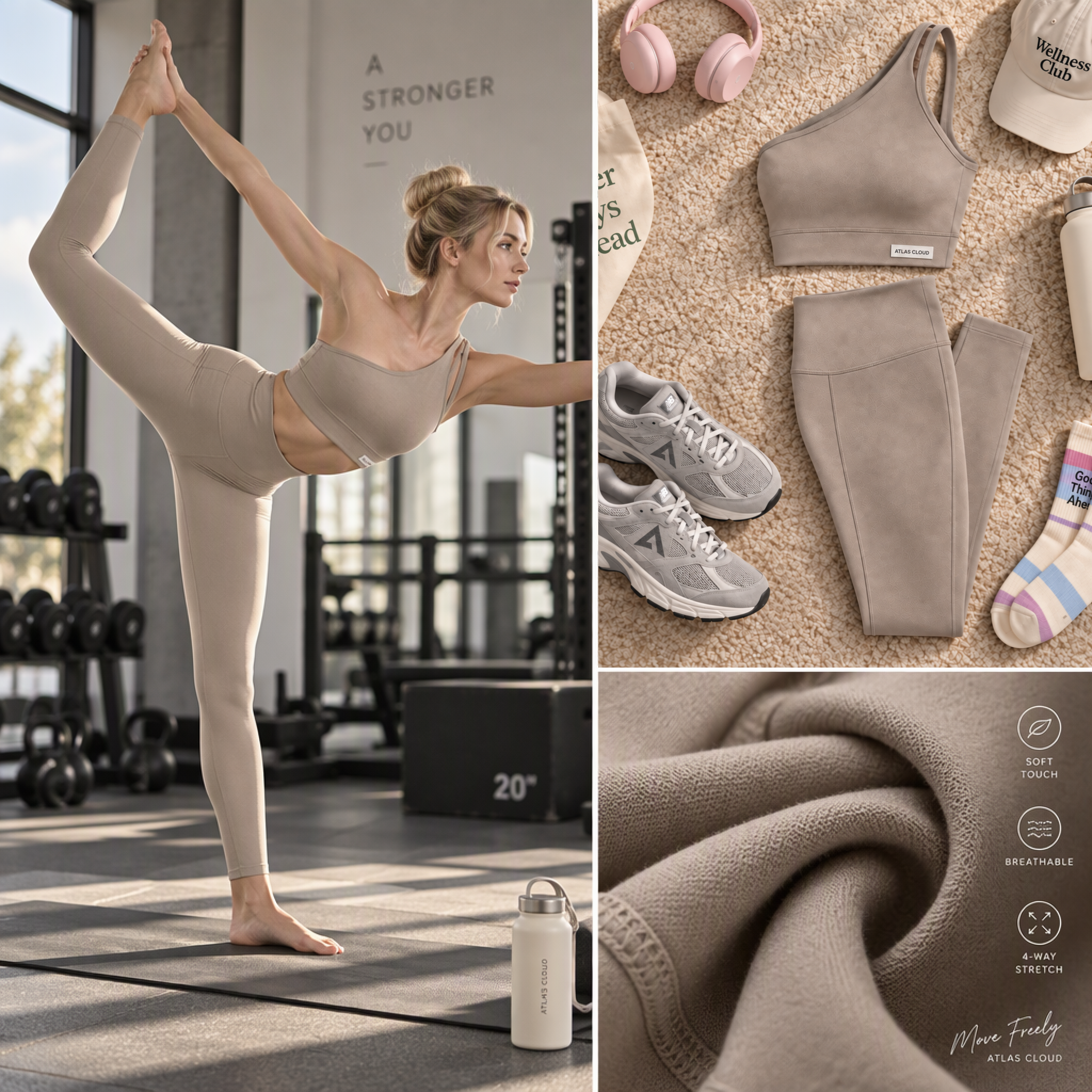
A Winning Ad That Needs a Second Product

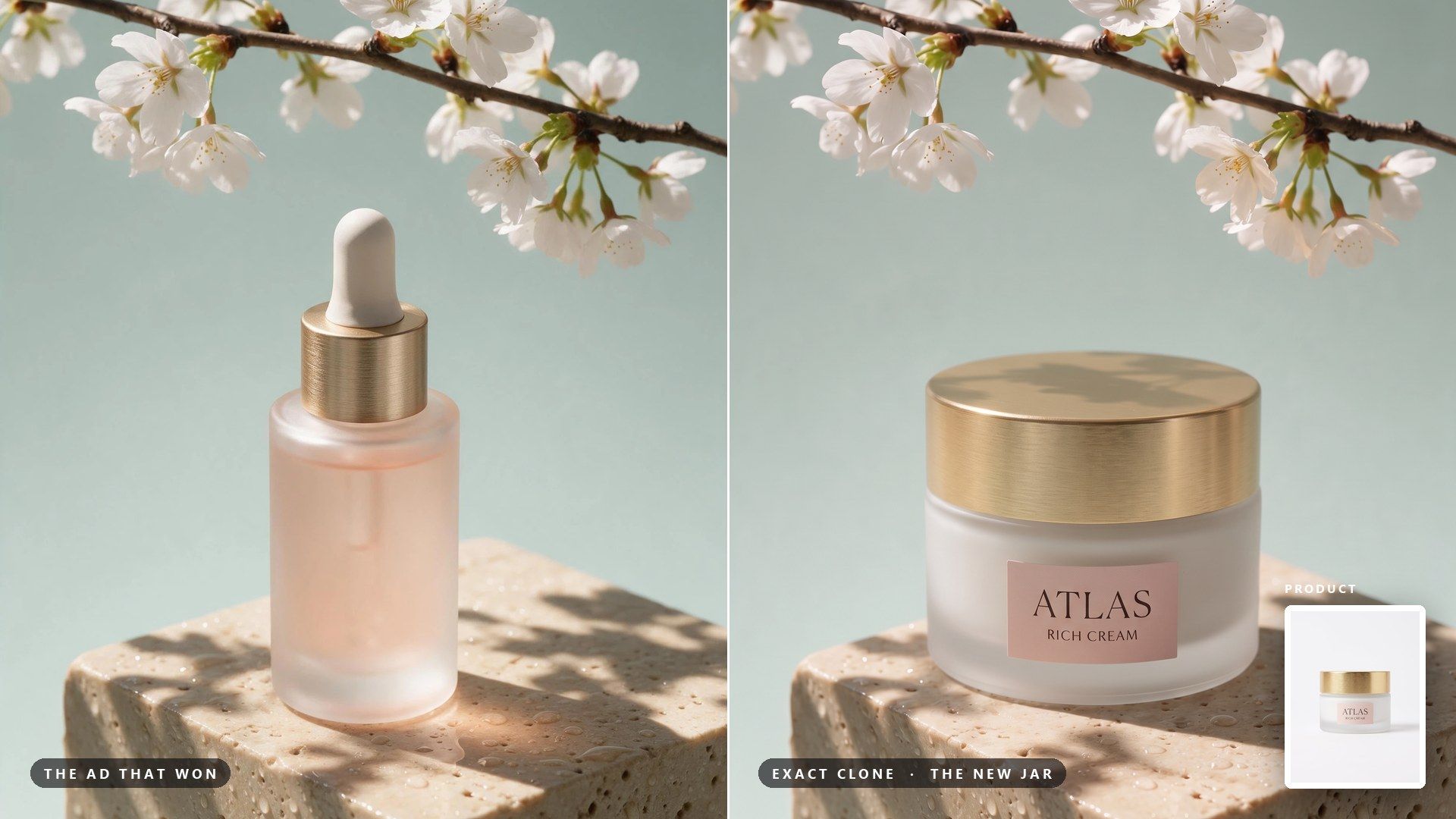
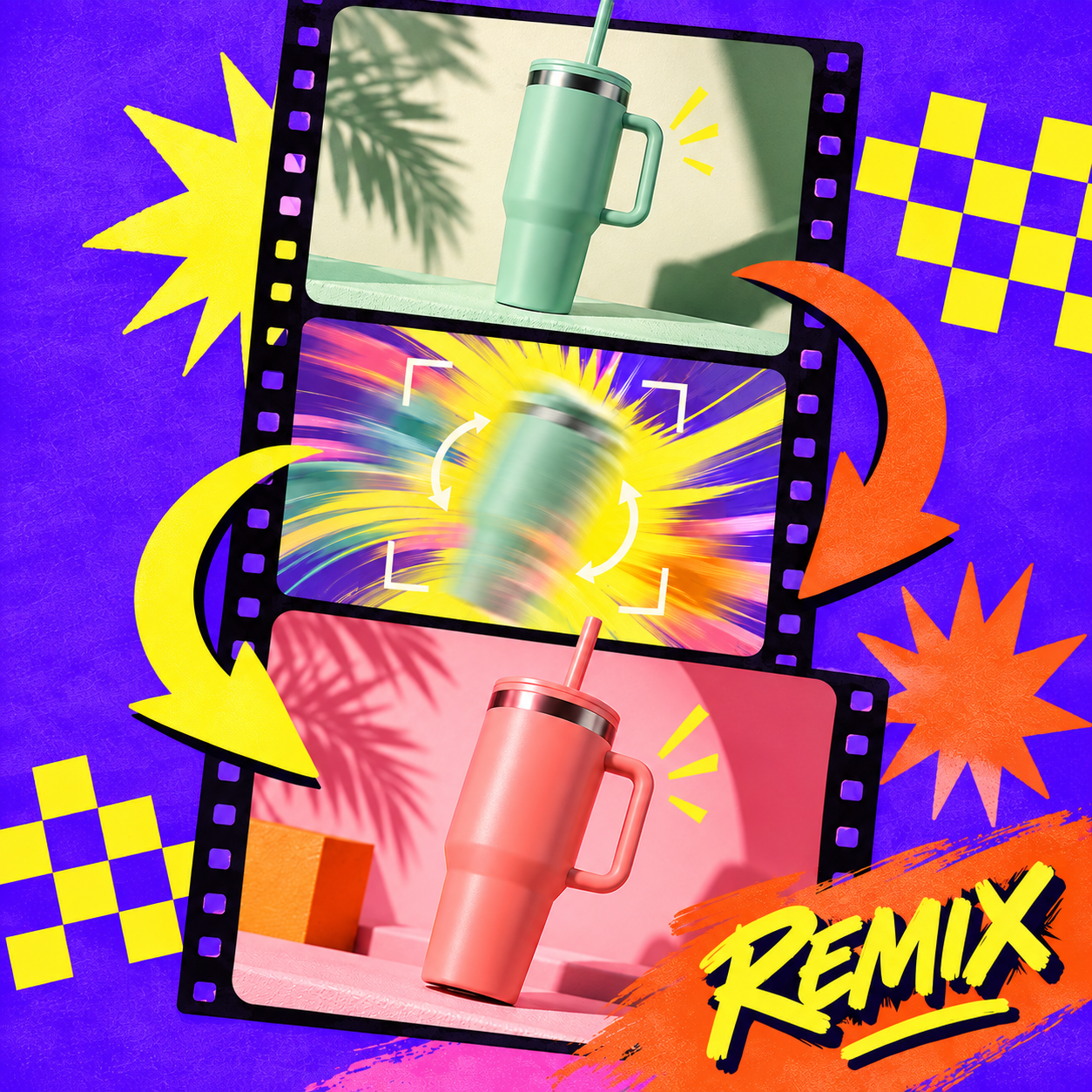
The spring ad for the serum is outperforming everything else in the account, and the moisturiser launches next week. Running that creative through Exact Clone with the new jar in it gives the launch a layout that has already proven itself, and the test that follows is about the product.

A Winning Ad That Needs a Second Product

A Mood Board That Turns Into Product Shots

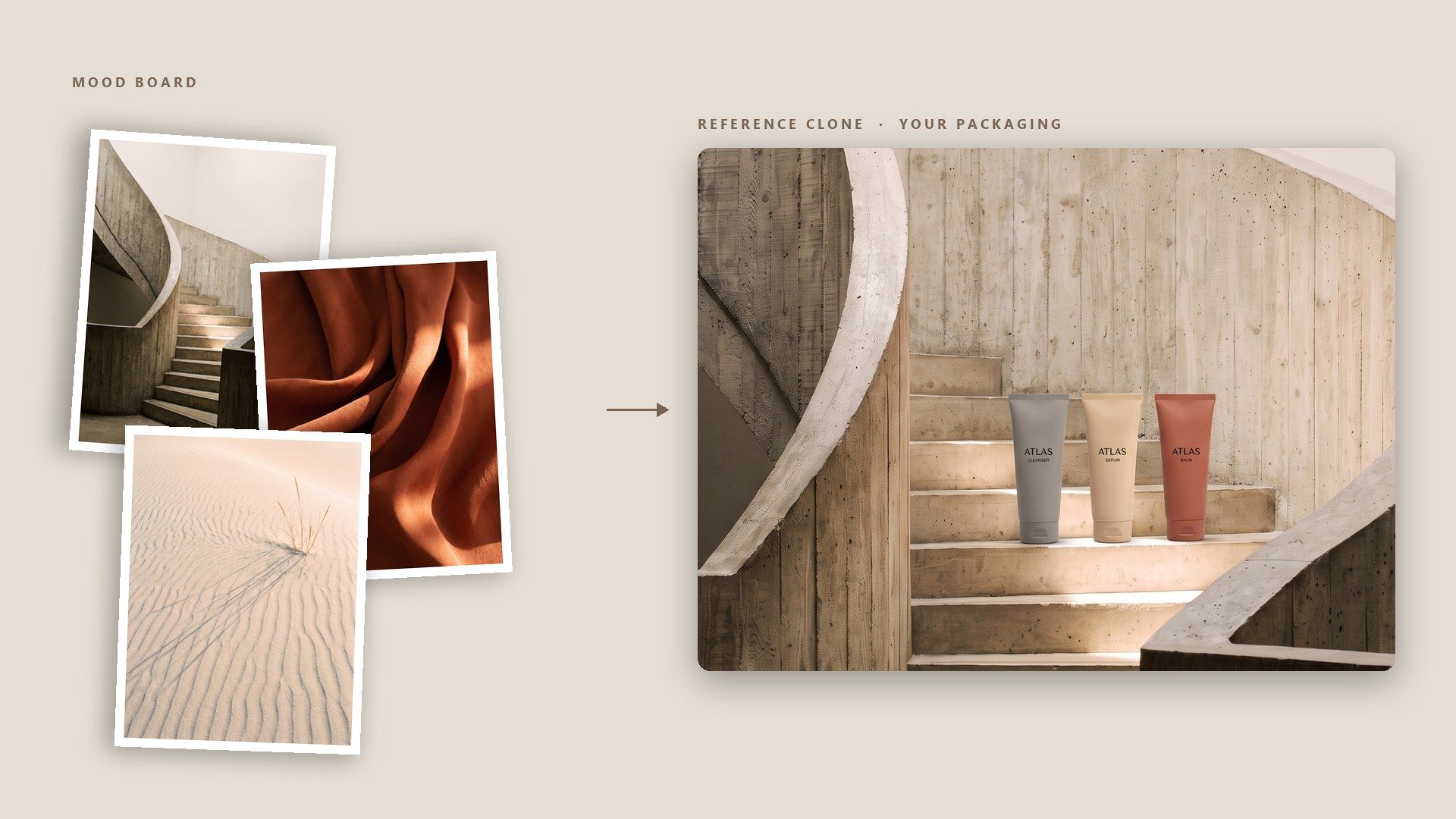
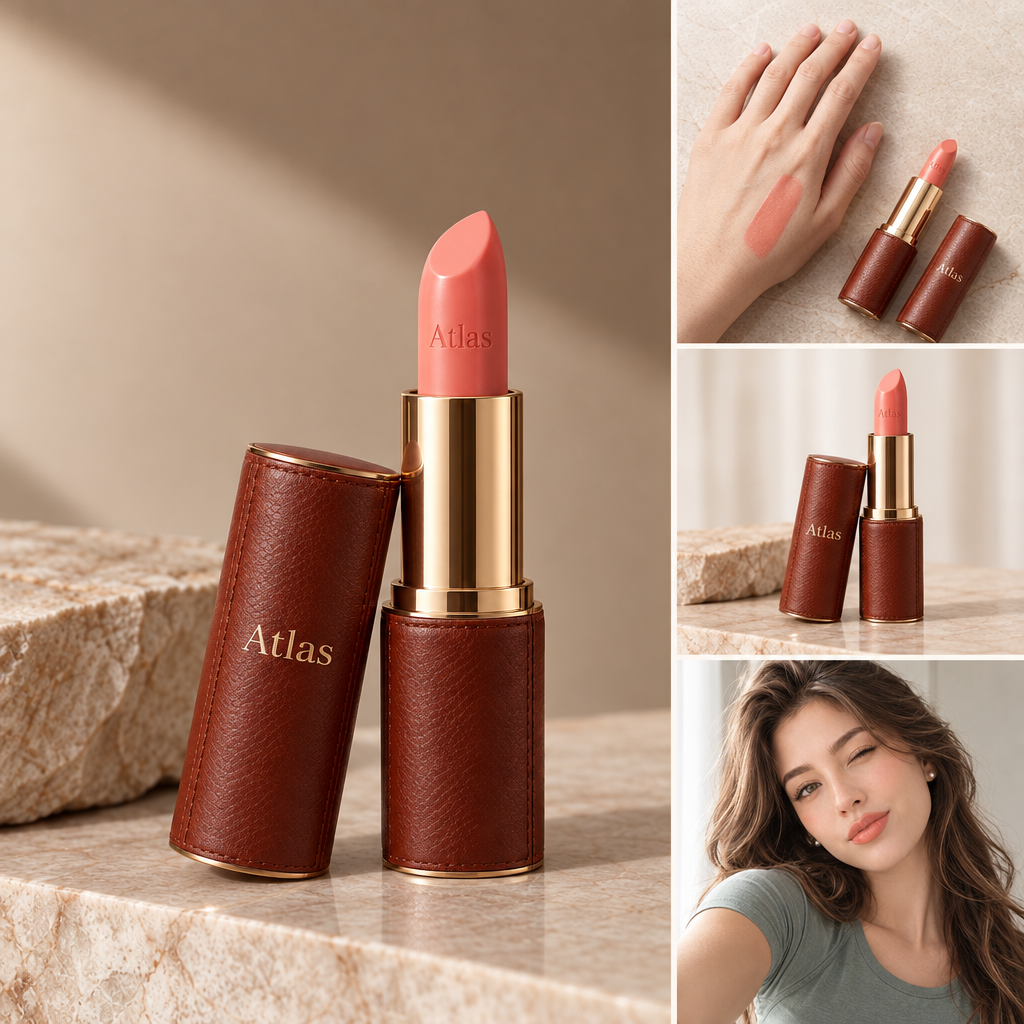
Creative direction usually arrives as a folder of references pulled from other categories, and none of them show your product. Reference Clone takes one of those images and rebuilds its mood around what you sell, so the brief comes back as pictures of your own packaging.

A Mood Board That Turns Into Product Shots

Pitching a Look With the Client's Own Product

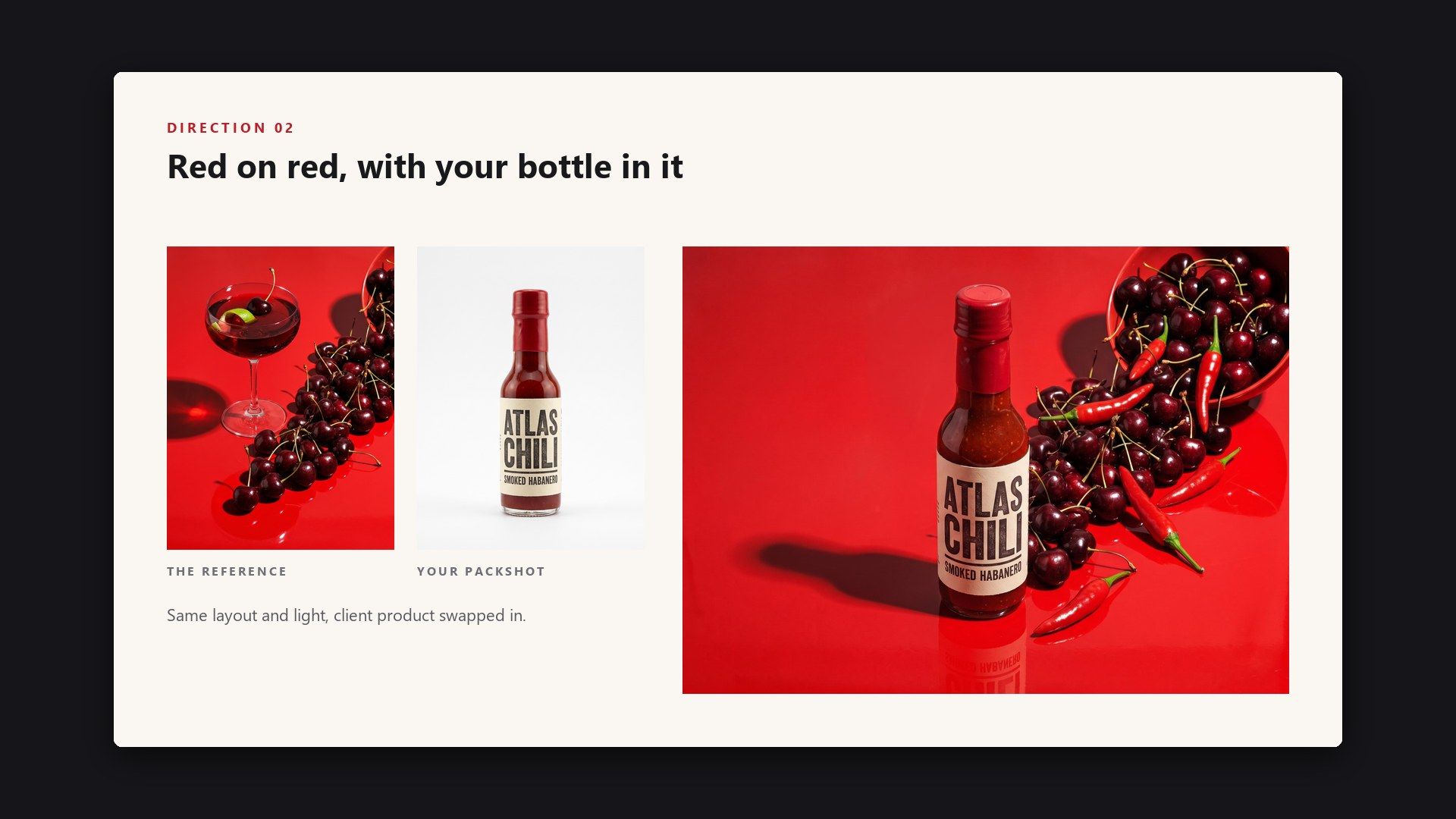
A pitch lands better when the client sees their own product inside the direction you are proposing. Put the reference that inspired the idea next to their packshot, and the deck opens on images the client can already picture on their own feed.

Pitching a Look With the Client's Own Product

Matching the Look a Category Rewards

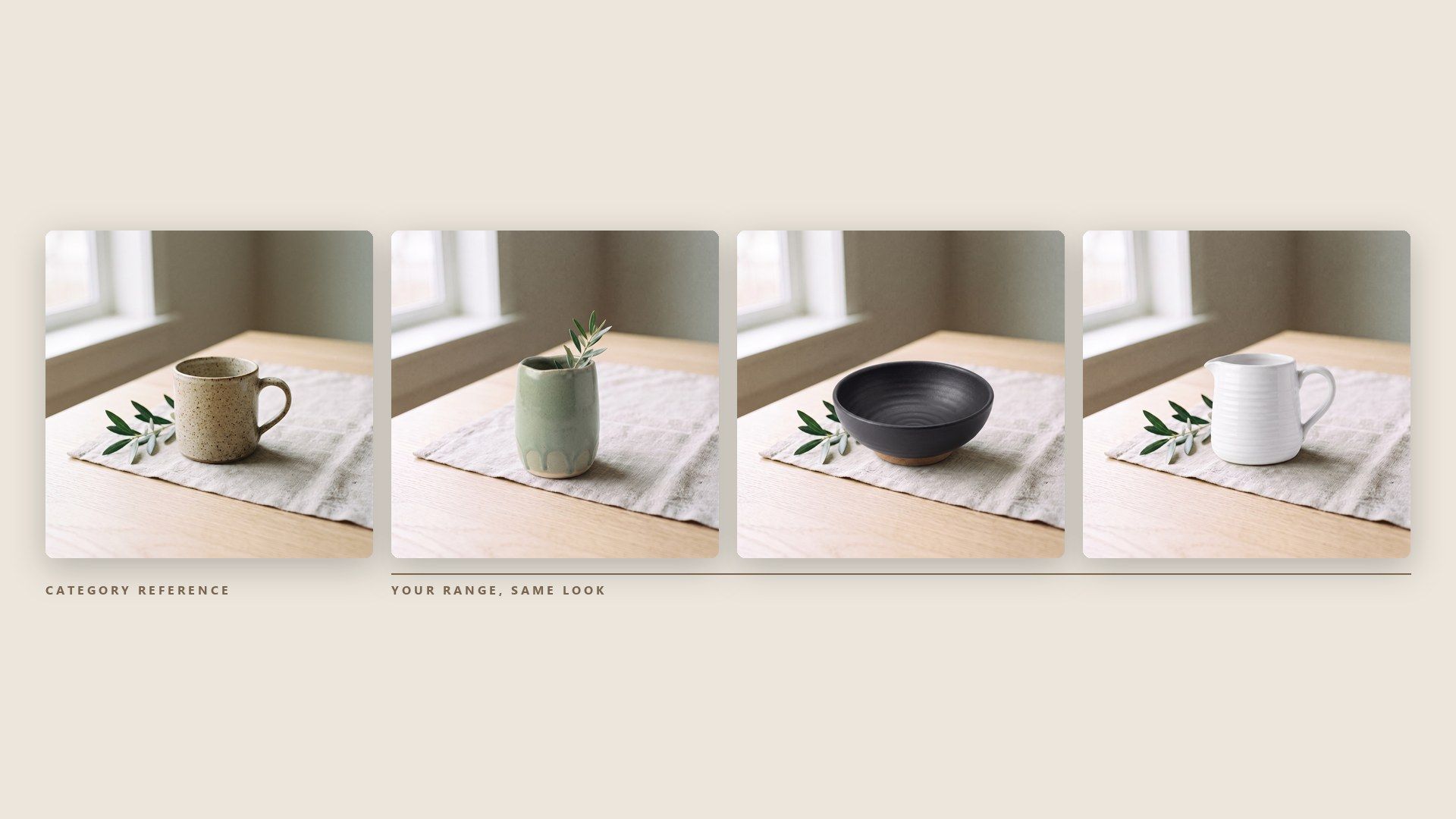
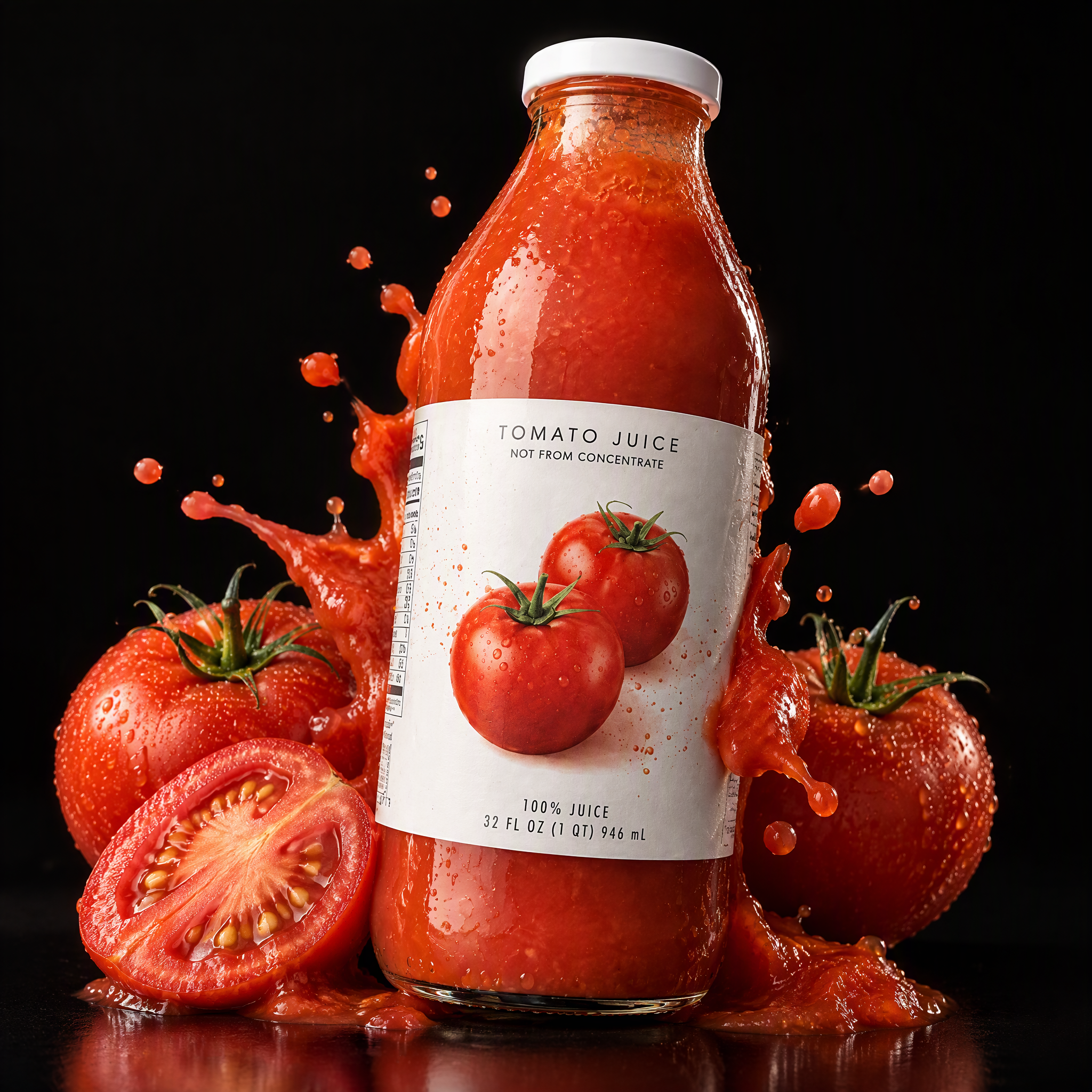
Some categories settle on a look, and a listing that ignores it stands out for the wrong reasons in the grid. Using a strong image from the category as the reference and your own item as the product gives you a photo that sits comfortably among the rest while showing what you actually sell.

Matching the Look a Category Rewards

Frequently Asked Questions

es. An AI image recreator takes an image you like and produces a new one in the same spirit. This one works from two uploads rather than one, the reference and your product, so what comes back keeps the reference's look with your item in it.

Pick Exact Clone when the reference already works and you want a like-for-like version with your product in it. Pick Reference Clone when you like the feeling of the image but want a different person, place or season. Both cost the same, so running one of each on the same pair of images is a cheap way to decide.

Name your product first, then say what should stay and what should change. The template gives the prompt more weight than either image, so a line such as keep the pose and move the scene into a kitchen changes more than swapping in a different reference would.

The product is read from the photo you upload, so the clearer that photo is, the more of the label and the shape the render has to work from. Photograph it head on against a plain wall or sheet, with nothing cropped and the label turned towards the lens.

A clear subject in a layout you could describe in a sentence. A busy collage or a screenshot with text laid over it leaves the render guessing where your product belongs, while a clean single shot of a product in a scene gives it an obvious slot to fill.

Yes. The prompt decides whether that person stays, changes or disappears. There is no separate slot for a model photo, so anyone in the result comes from the reference or from your description; if a particular real person should appear, use a reference of someone who has agreed to it.

Borrowing a layout is not the same as publishing someone else's photograph, and what you may put out depends on the rights in the original image and on the rules of the platform you publish to. Check both before a recreated image goes live, and take the most care with Exact Clone, which keeps the most of the original.

About $0.10 at 1K, $0.14 at 2K and $0.18 at 4K for a single image, and the frame shape does not change it. The form opens on two images at 1K, which comes to $0.18, and four images at 1K come to $0.34.

The widest frame on the form is 16:9, and 9:16 covers the other end for stories. For a banner wider than that, render at 16:9 in 4K and crop the top and bottom, which leaves plenty of pixels for a full-width web header.

Yes. Send a POST to /api/v1/model/generateImage with the model set to atlascloud/studio/image-clone, passing product_image, reference_image and user_prompt, which are all required, plus visual_type for the mode. Then poll /api/v1/model/prediction/{request_id} until the status comes back completed. Start from the API docs.

Image Clone Guides

Picking references and writing the prompt that steers them.

Put Your Product Into the Picture You Wanted.