Seedance 2.5 Now Live — First on Atlas Cloud

Online AI Image Eraser Free

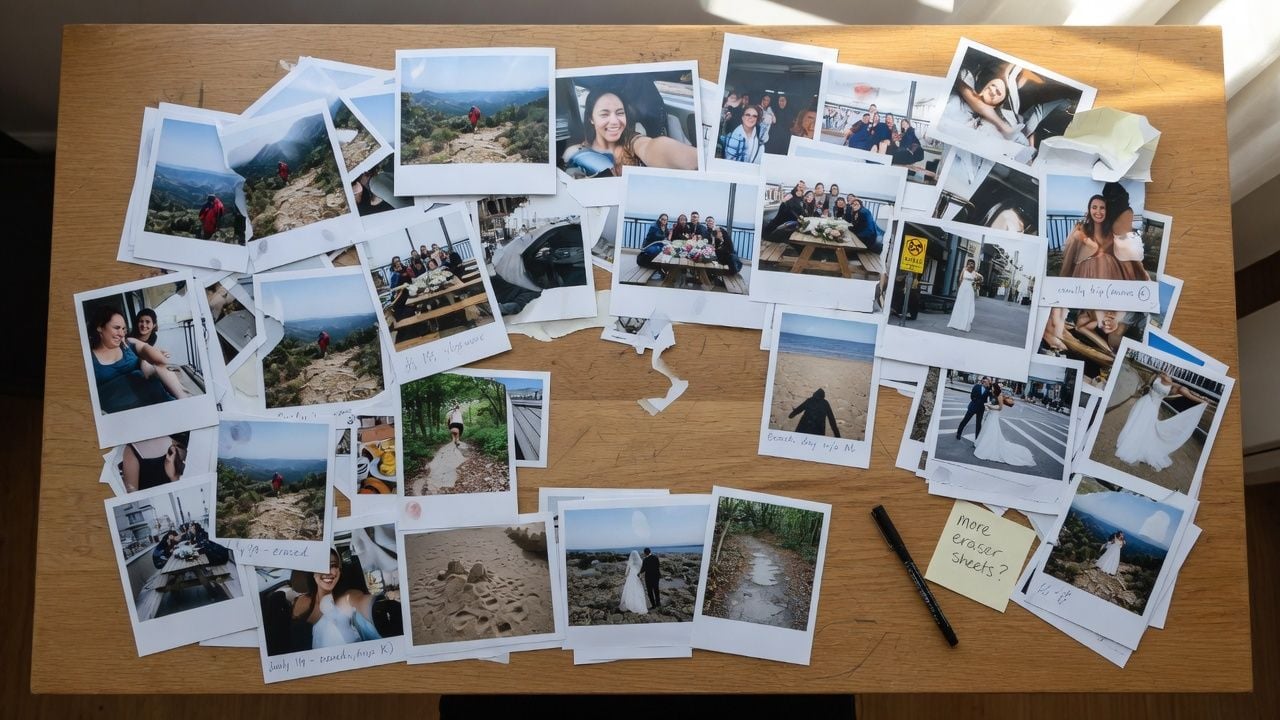
Whether it is a photobomber in a travel shot or a price tag in a product photo, just brush over it and the background fills itself in. Use this AI image eraser online free of charge, right in your browser.

Object Eraser cover
Image tool

Object Eraser by Atlas Cloud

LaMa big-lama · WASMlocal/image-eraser

Paint over unwanted objects, watermarks, or photobombers to erase them

Input

Images processed locally in browserAssets aren't uploaded to OSS or processed by AtlasCloud backend.

Upload an image, then paint over objects or switch to lasso mode to select areas.

24px

Adjust the width for painting or lasso edges.

Draw around the object edge; fills automatically on release.

Upload or load a sample image first
Free · No charge

Output

Idle
Results will appear here

Complete the required fields on the left, then click "Run free".

Images processed locally in browserLaMa big-lama · WASM

Browser downloads and caches model weights on first run; actual speed depends on device performance and network conditions.

See What One Brushstroke Can Erase

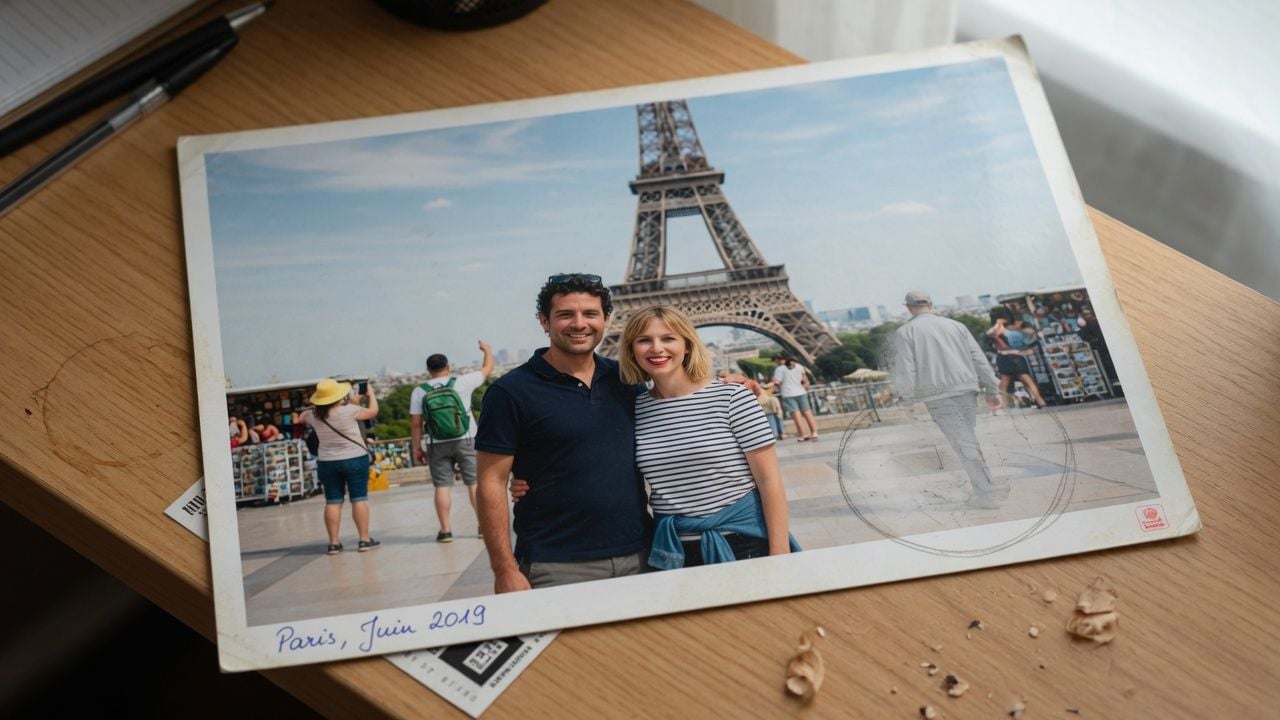
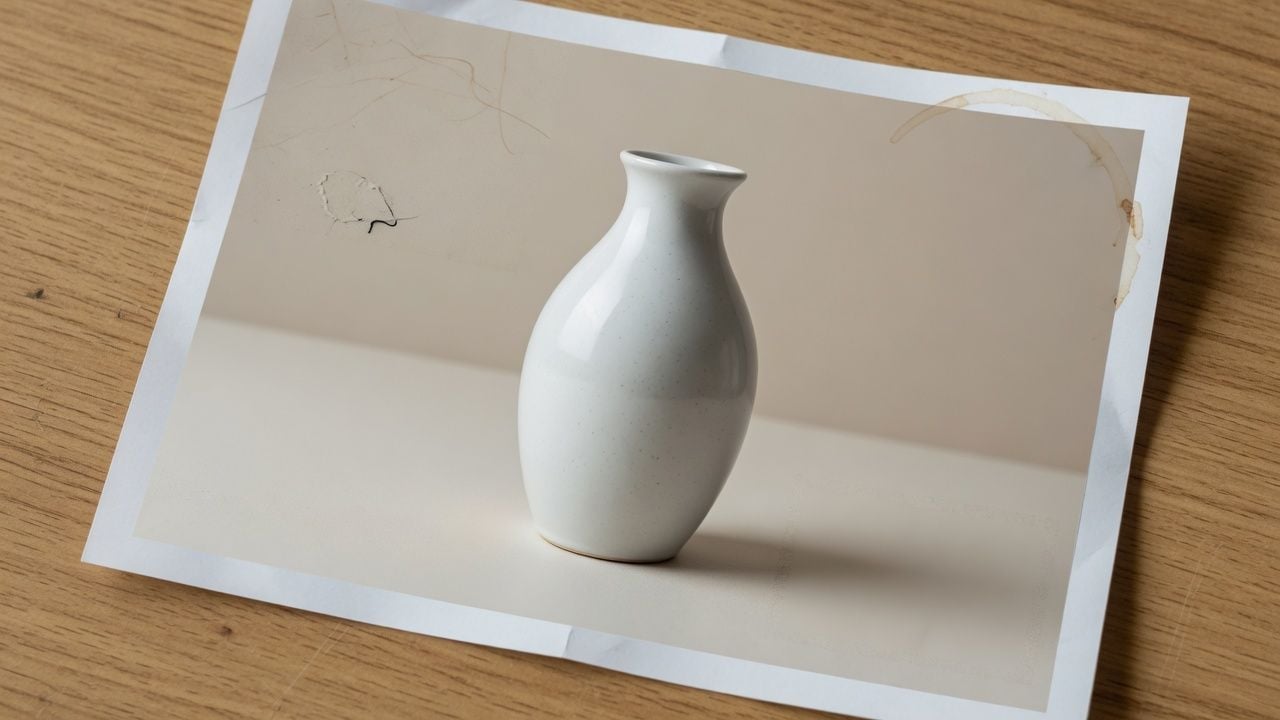
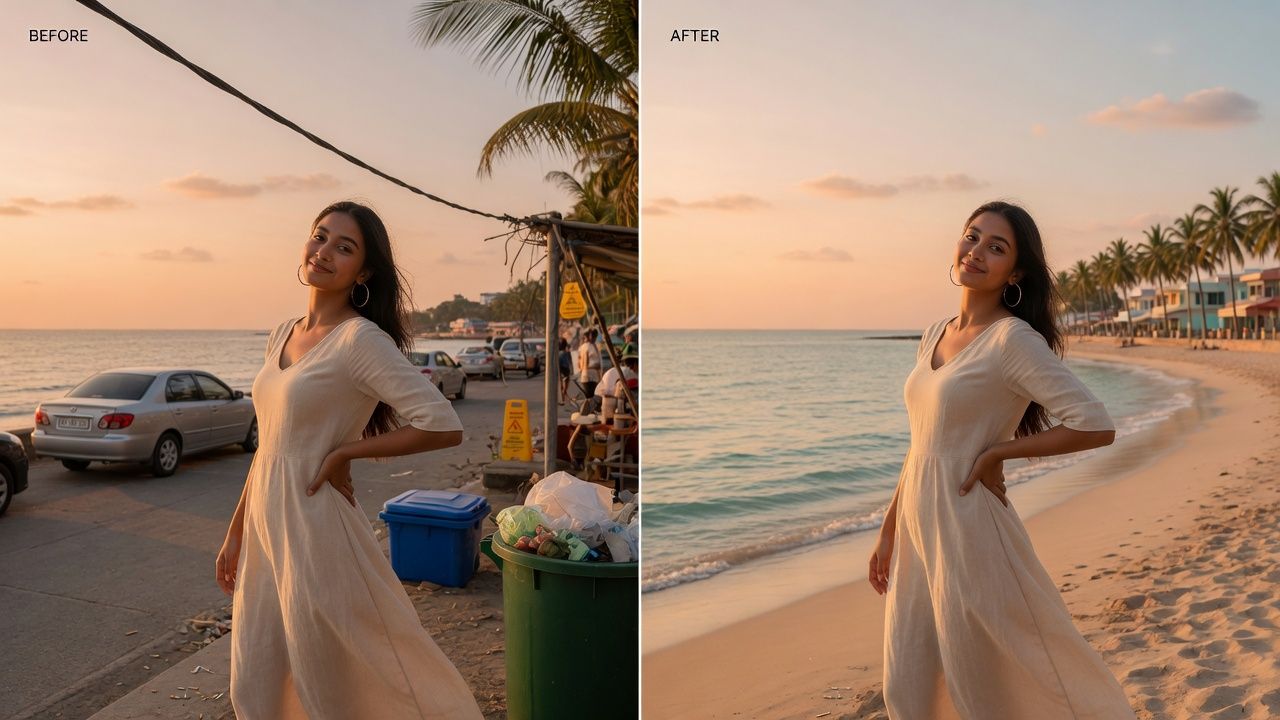
Each pair below started as an ordinary photo with something in the way, cleared out by the same AI image eraser online free of charge featured on this page. The result comes from an AI image eraser free process that rebuilds only the patch you marked and blends it softly into everything around it.

Before
After

A Free Image Eraser That Holds Nothing Back

Built around a simple idea: a free eraser should not cost you your privacy, your image quality, or an account.

Circle to Erase

Skip the careful coloring in. Draw a loose loop around whatever you want gone and the eraser fills the circle for you, even closing small gaps in your stroke. Thin brushwork for wires and lettering still works too, whenever you want that level of control.

Circle to Erase

Erases More Than Objects

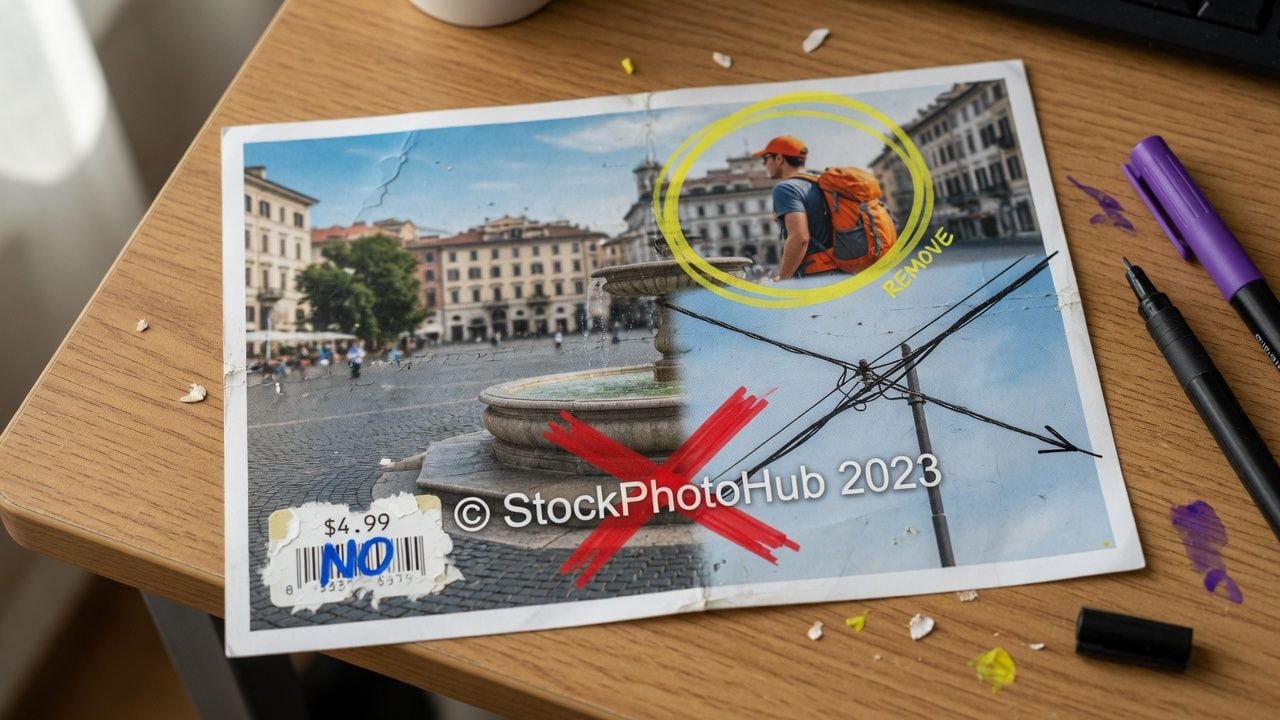
Photobombers, watermarks, stickers, price tags, power lines, and stray text all respond to the same brushstroke. The AI studies the surrounding scene, rebuilds the space behind whatever you marked, and blends the patched area softly into the original background.

Erases More Than Objects

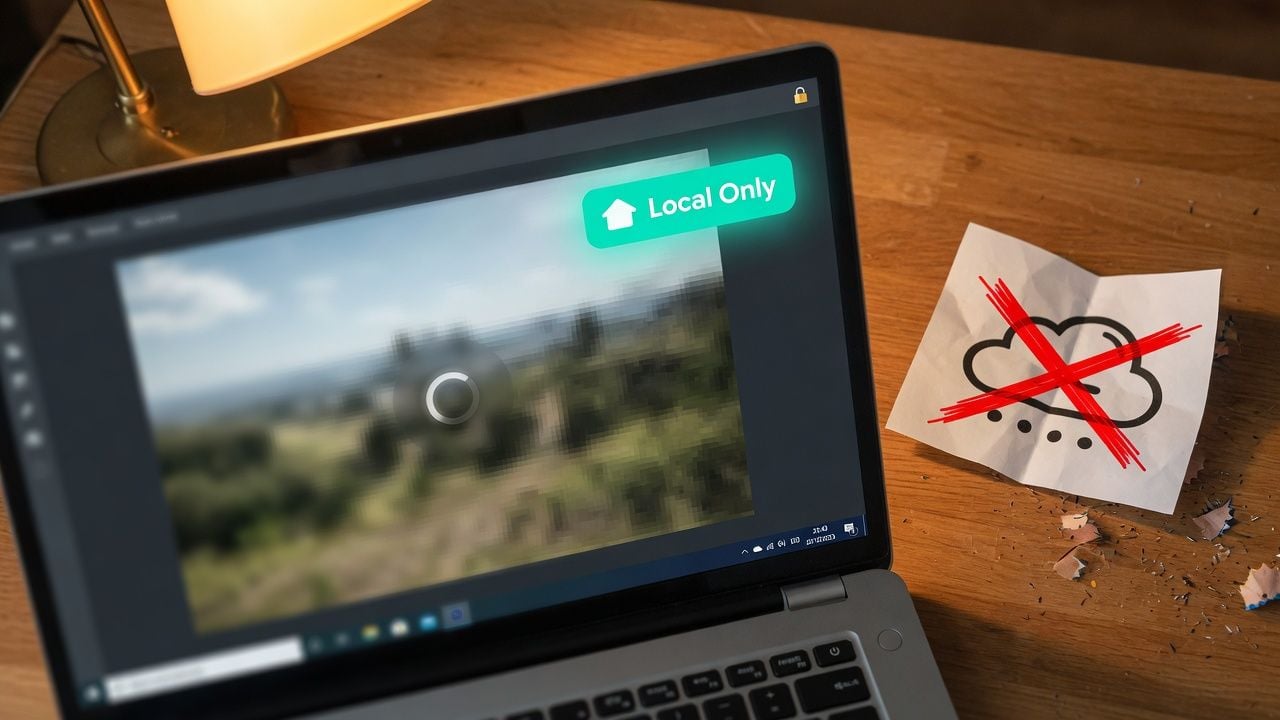
Nothing Gets Uploaded

This free ai image eraser runs inside your browser, so your photo never touches a server. Family pictures, client work, and private screenshots stay on your device from the moment you pick a file to the moment you download the result. Privacy here is not a policy, it is how the tool is built.

Nothing Gets Uploaded

Unlimited Free Erasing

Erase one photo or a hundred with this ai image eraser free no sign up tool. There is no daily allowance to count, no credit balance to top up, and no file size ceiling to squeeze under. Every feature on this page works the same way on your first visit and your hundredth.

Unlimited Free Erasing

Full Image Resolution

Your download comes back at the same width and height you uploaded, whatever that size is. Only the area you marked gets rebuilt, blended softly into the rest of the photo, so the image you keep is the image you took, minus the one thing you wanted gone.

Full Image Resolution

One Free Eraser, Every Kind of Cleanup

From vacation albums to product listings, here is where a quick erase saves the day.

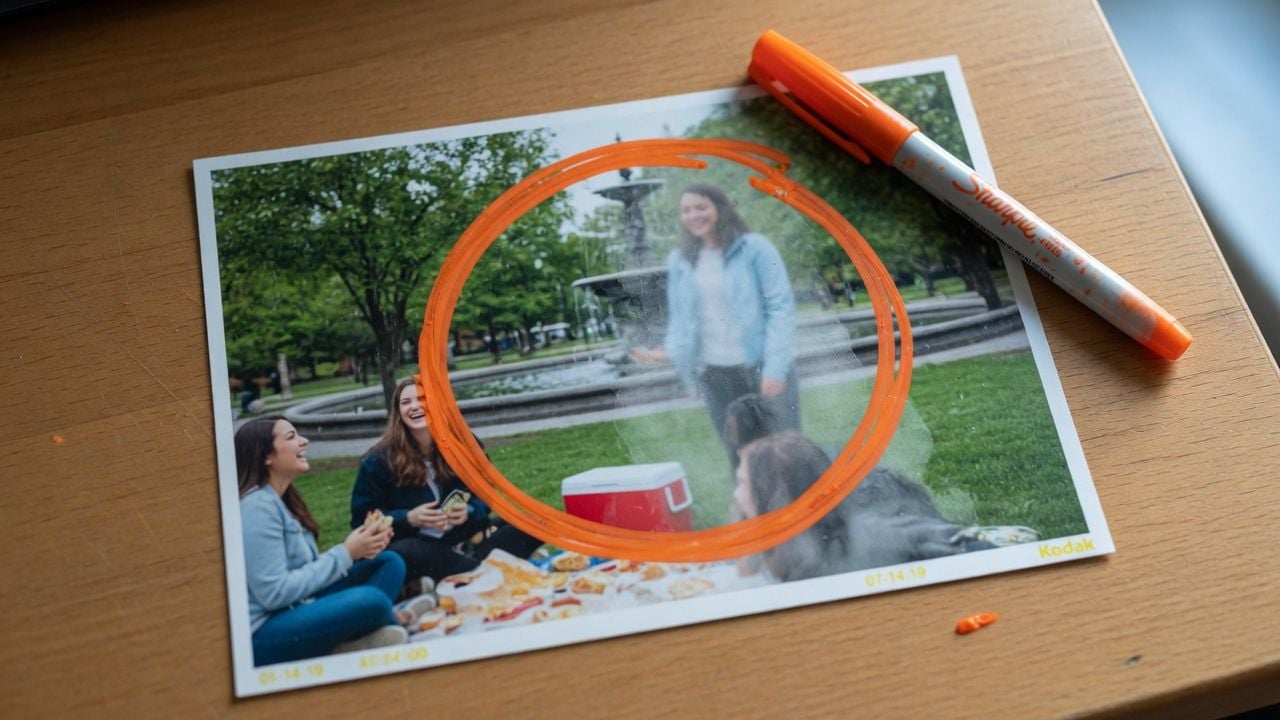
Erase Travel Photobombers
Erase Travel PhotobombersThat perfect shot of the two of you does not need the crowd behind it. Run it through a free ai image eraser and walk away with a clean memory.
Cleaner Product Images
Cleaner Product ImagesSellers run listing shots through an ai image eraser free of charge to clear price tags, cords, and tabletop clutter before anything goes live, so buyers see the product and nothing else.
Erase Watermarks and Text
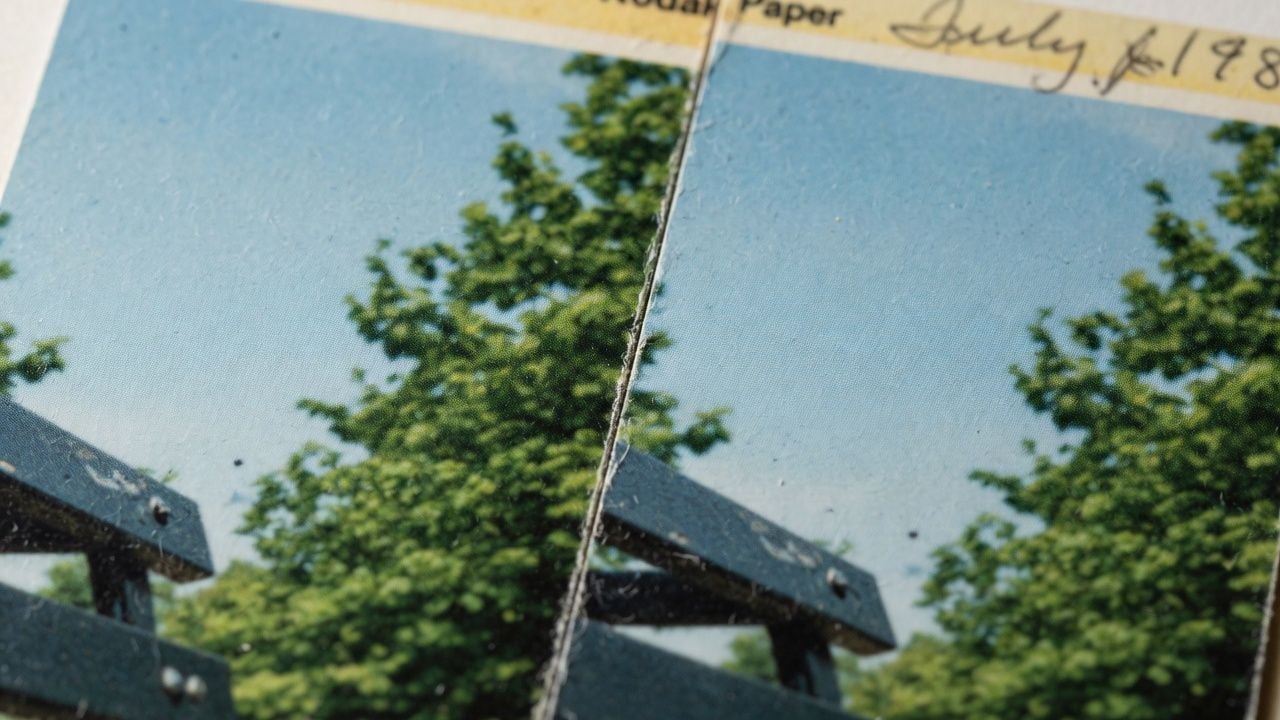
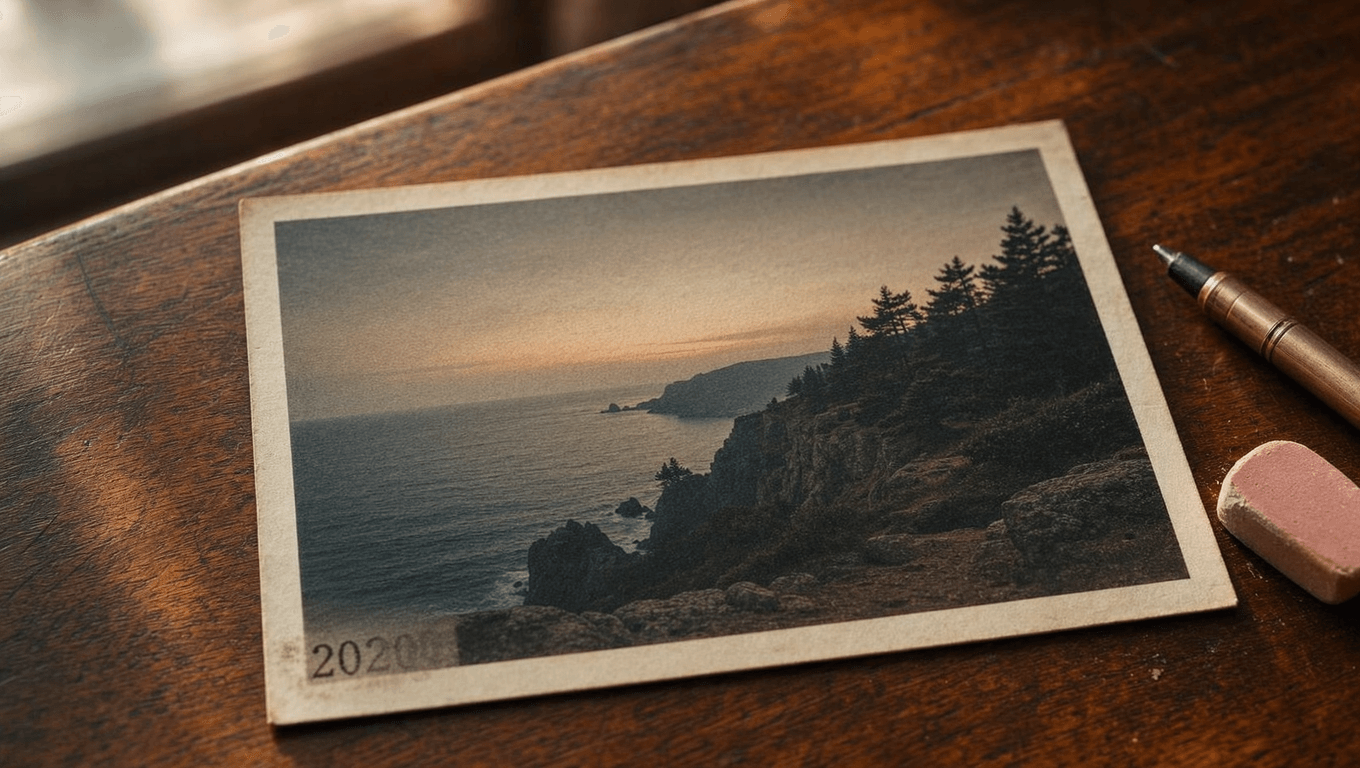
Erase Watermarks and TextOld date stamps, sticker leftovers, and text overlays on your own photos wipe away in one pass, leaving the original scene whole again.
Social Media Ready
Social Media ReadyCreators tidy up the frame before posting, erasing bins, wires, and background clutter that pull attention away from the subject.
Erase Screenshot Clutter
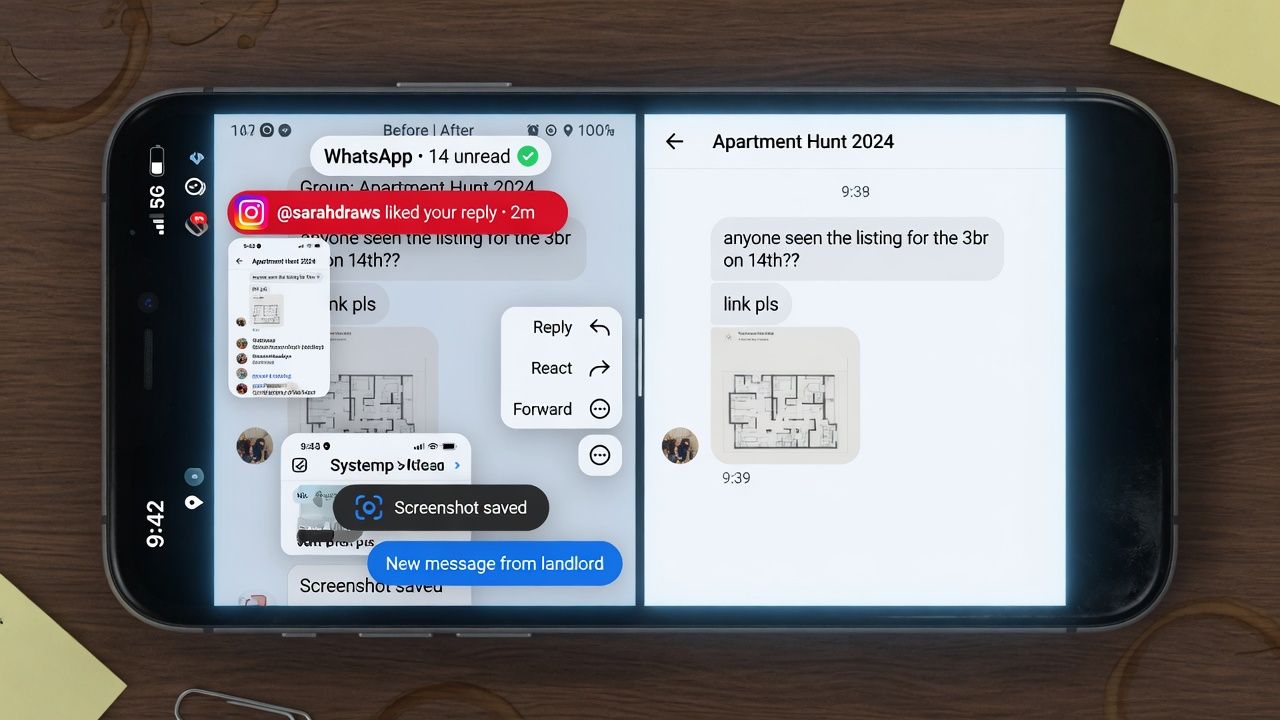
Erase Screenshot ClutterBlot out usernames, notification pop-ups, and interface leftovers before sharing a screenshot with your team or your followers.

How the AI Image Eraser Works in Three Steps

This AI image eraser online free of charge needs no editing experience for any of the three steps below.

  1. STEP-1Add your image

    Click to choose a file, drag one in, or paste a screenshot straight from your clipboard.

  2. STEP-2Brush and erase

    Paint over the object or circle it, then hit erase and let the AI rebuild the background.

  3. STEP-3Download the result

    Save the cleaned image as a PNG at the full resolution of your original.

Small Habits That Improve Every Erase

Pick up these six habits and every erase comes out cleaner.

Include the ShadowInclude the Shadow

Brush over an object's shadow along with the object itself, so the AI clears both and the ground reads naturally.

Leave a Small MarginLeave a Small Margin

Extend your stroke slightly past the object's edge; a little breathing room helps the fill blend into the background.

Circle Big ShapesCircle Big Shapes

Draw a loose loop around bulky items instead of coloring them in; the inside fills automatically.

Match Brush to ObjectMatch Brush to Object

Slide the brush size down for wires and lettering and up for larger objects, keeping your selection tight.

Erase All at OnceErase All at Once

You can brush several unwanted items in the same pass and the eraser clears them all together.

Run a Second EraseRun a Second Erase

For an extra polished finish, drop your downloaded result back into this ai image eraser free tool as a new image and erase any remaining spot again.

Recommended Related Tools

Continue creating with more free AtlasCloud tools.

View all free AI Tools

What Users Say

Feedback from people who reach for this image eraser for very different reasons.

I photograph secondhand china on my kitchen table, and there is always a stray spoon or price sticker in the frame. I circle it, it disappears, and the listing photo looks deliberate. My shop pictures have never been this consistent.

Marisol VegaVintage Shop Owner

Half my Santorini gallery had strangers in it. I pasted each shot in, brushed over the crowds, and rebuilt my post with clean frames. Readers keep asking how I found the streets so empty. I just smile.

Daniel OkaforTravel Blogger

Listing photos need to close, not distract. Bins, cords, and yard signs come out before anything goes on the portal, and the rooms present exactly as buyers will see them at the showing. This is part of my prep checklist now.

Priya RamanReal Estate Agent

Clients send screenshots full of notification bubbles and half their desktop. I paste, brush, download, done, and nothing sensitive ever leaves my laptop, which makes the compliance folks happy too. It quietly became the most used tab in my browser.

Jules BernardFreelance Social Media Manager

I am digitizing seventy years of family albums, and some scans carry ink stamps or tape marks. Erasing them without sending Grandma's photos to some server matters to me. The originals stay in this house, even the digital ones.

Margaret WhitfieldFamily Archivist

What sold me was the download: same dimensions in and out, no watermark in the corner, and the untouched parts of the frame stay just as clean as the source file. This ai image eraser free tool is my go to for quick client proofs before retouching.

Tomas Novakhotography Studio Assistant

Why Choose Us

Built for both creative speed and dependable delivery.

PERFORMANCE & FLEXIBILITY
  • Low Latency

    Fast, responsive workflows for daily creation.

  • Unified Experience

    One visual language across different AI tools.

  • Transparent Controls

    The exact parameters stay visible and predictable.

ENTERPRISE & SCALE
  • Creator-ready workflows

    Examples and upload flows fit real production work.

  • Reliable platform

    AtlasCloud infrastructure supports every cloud run.

  • Security & compliance

    Clear boundaries for local and cloud processing.

Relative Articles

Cheapest API provider for Seedance 2, Kling, and WanATLAS CLOUD
Cheapest API provider for Seedance 2, Kling, and WanJune 17, 2026
Best API provider for Nano Banana 2 and GPT Image 2ATLAS CLOUD
Best API provider for Nano Banana 2 and GPT Image 2June 17, 2026
Which platforms let me access the newest AI models like Wan 2.7 or Qwen Image 2.0 without a waitlist?ATLAS CLOUD
Which platforms let me access the newest AI models like Wan 2.7 or Qwen Image 2.0 without a waitlist?July 14, 2026
Vozo Still Swaps Faces in Video. You Just Have to Find the Tool FirstATLAS CLOUD
Vozo Still Swaps Faces in Video. You Just Have to Find the Tool FirstJuly 30, 2026
Is Hailuo AI Video Generator Worth It? My Honest Review and TestingATLAS CLOUD
Is Hailuo AI Video Generator Worth It? My Honest Review and TestingJuly 1, 2026
Seedream 5.0 Pro vs Midjourney V8.1: Where Each One Actually WinsATLAS CLOUD
Seedream 5.0 Pro vs Midjourney V8.1: Where Each One Actually WinsJuly 13, 2026

FAQ

1. What is a free AI image eraser?

A free AI image eraser is a tool that removes unwanted things from a picture and fills the empty space with matching background, at no cost. You mark the object with a brush, and the AI studies the surrounding scene to rebuild what sits behind it. This one runs entirely in your web browser.

2. Is this image eraser really free?

Yes. You can use the AI image eraser free of charge, with no credits, no daily limits, and no metering on how much you erase. Everything on this page works without payment.

3. Is this an AI image eraser free no sign up tool?

Yes. No account is needed at any point, so you can open the page, add a photo, and erase without any email gate before you download the result.

4. Are my images uploaded to a server?

No. The AI model runs inside your browser, so the photo never leaves your device. That also makes it a safe choice for private pictures like family shots or work documents.

5. Can I remove people, text, or watermarks from a photo?

Yes, the same brush handles all of them. Paint over a passerby, a date stamp, or a watermark on your own photo, and the AI rebuilds the background behind it.

6. Will erasing lower my photo's quality?

The download keeps the same resolution as your original. Only the area you mark gets repainted, and the AI blends the edge softly into the rest of the scene so the fix does not stand out.

7. Is this an AI image erase and replace free tool?

Not quite. This tool erases an object and fills the space with matching background rather than inserting new content. If you want to swap something out for a brand new element, generative editing on Atlas Cloud handles erase and replace workflows.

8. Can I use the results commercially?

Yes. The tool is built on a model whose license permits commercial use, and your download carries no watermark. Just make sure you hold the rights to the photo you are editing.