Seedance 2.5 Now Live — First on Atlas Cloud

Free AI Image Upscaler Online

Increase image resolution 2x on your own device, free. The AI rebuilds edges and texture right inside your browser, which makes it useful for anyone holding a small avatar, an old thumbnail, or a tight crop that needs to hold up at a larger size.

Image Upscaler cover
Image tool

Image Upscaler by Atlas Cloud

Swin2SR ×2 · WebGPU / WASMlocal/image-upscaler

2× upscale images locally in your browser—sharper details, files never leave your device

Input

Images processed locally in browserAssets aren't uploaded to OSS or processed by AtlasCloud backend.

Upload the image to upscale; clear JPG, PNG, or WebP recommended.

Current local Swin2SR model outputs at fixed 2× resolution.

PNG avoids detail loss from recompression.

Free · No charge

Output

Idle
Results will appear here

Complete the required fields on the left, then click "Run free".

Images processed locally in browserSwin2SR ×2 · WebGPU / WASM

Browser downloads and caches model weights on first run; actual speed depends on device performance and network conditions.

See What the Image Upscaler Rebuilds

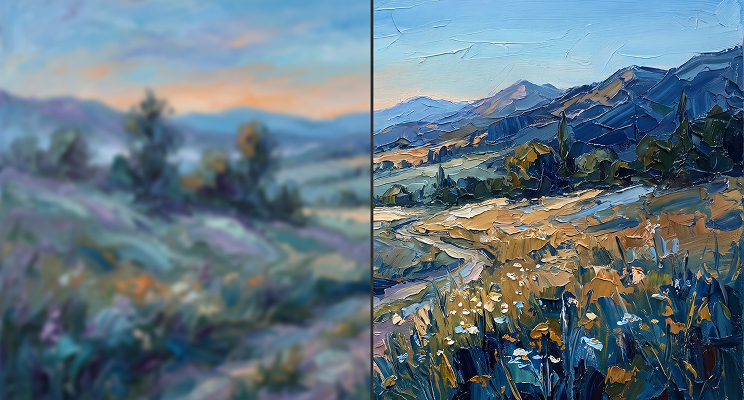
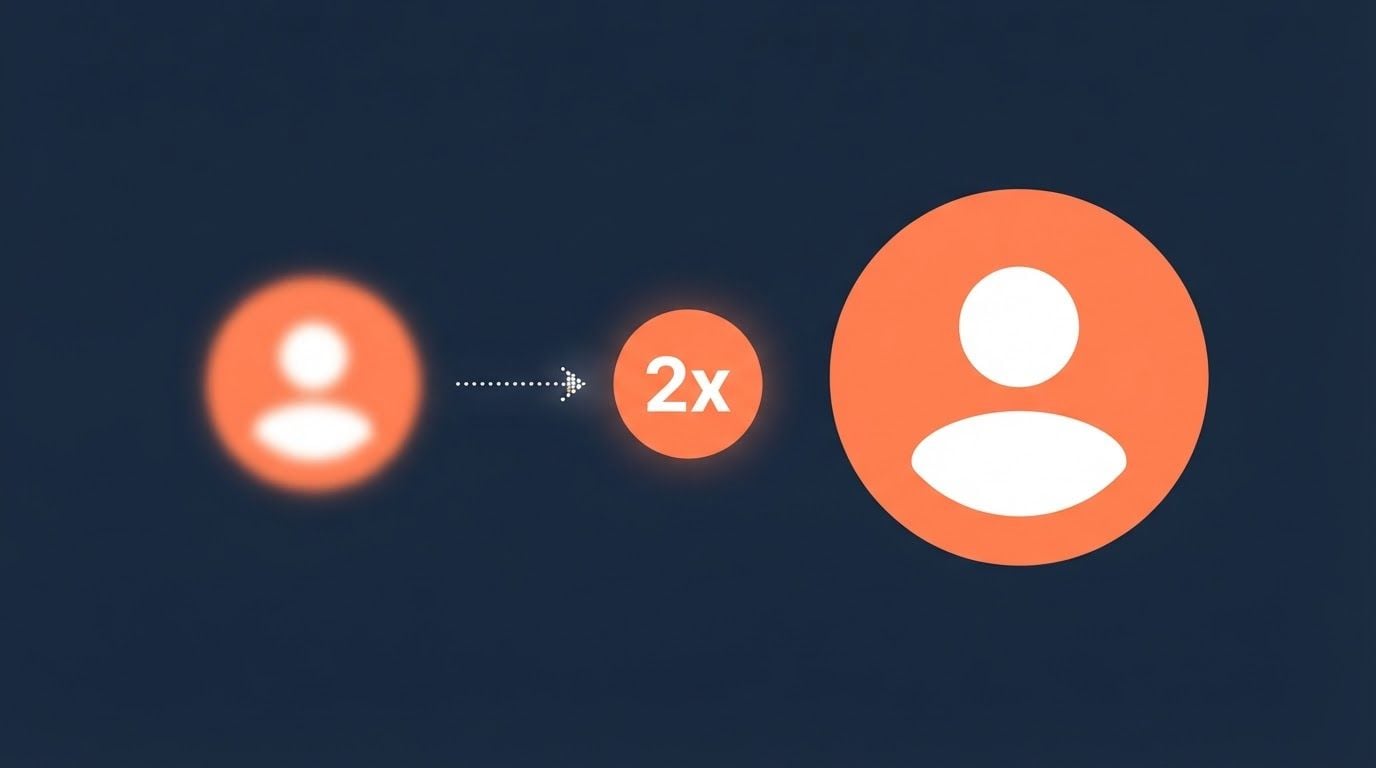
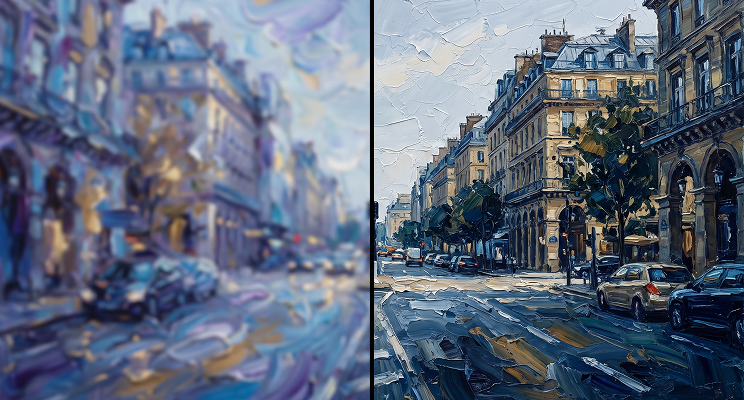
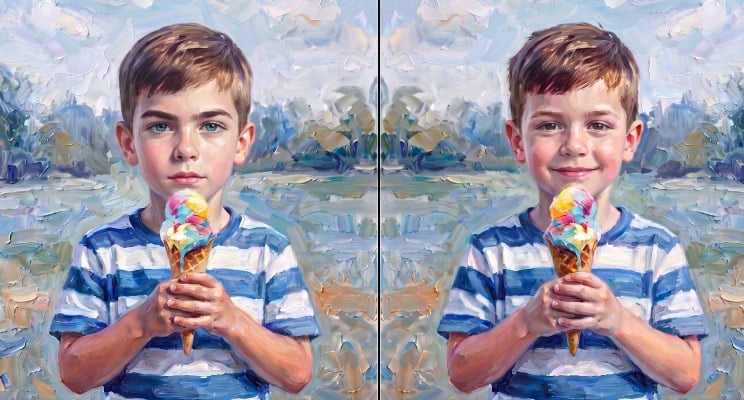
Both panes below start from the same small source picture. On the right, an AI upscale has rebuilt its edges and textures at twice the size, all of it computed inside your own browser.

Before
After

What This AI Image Upscaler Is Built For

This tool makes a narrow set of promises, all of them following from a small source and a model that runs on your own hardware.

Small Image Upscaling

This tool feeds the model a maximum long edge of 384 pixels, which caps the output at 768. Anything larger gets scaled down before processing, so a big photo comes back no bigger than that. Small sources are where the 2x is real, and the cap is what keeps the browser from running out of memory.

Small Image Upscaling

True 2x Detai

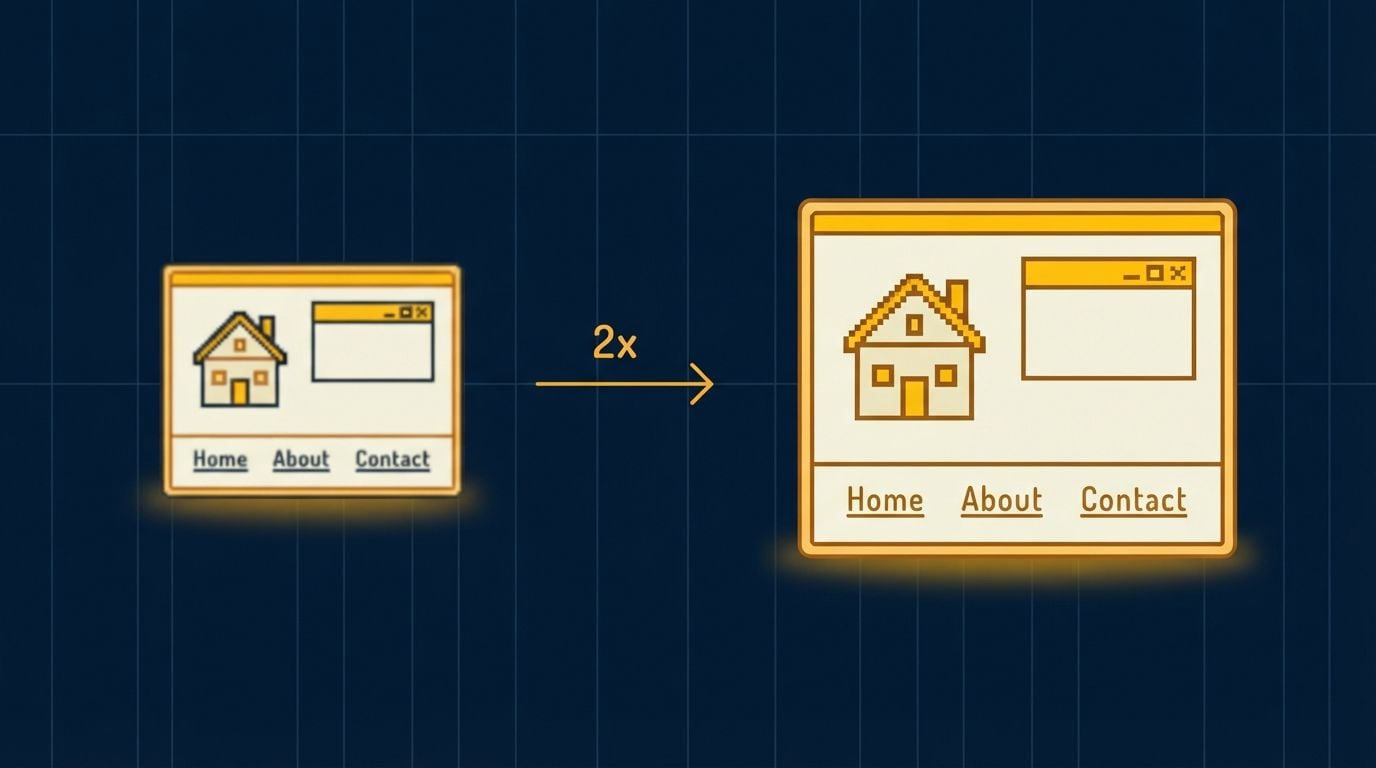
Swin2SR, a transformer based super resolution model, predicts the pixels a larger version would contain. It reconstructs edges and texture rather than spreading existing pixels thinner, which is why a 300 pixel avatar comes out at 600 looking rendered at that size instead of blown up to it.

True 2x Detai

Upscaling Without Uploads

Your image never uploads. The model downloads into your browser once and runs there through WebGPU, so the file stays on your device from the moment you drop it in until you save the result. There is no server queue, no storage policy to read, nothing to delete afterward.

Upscaling Without Uploads

Unlimited Free Upscales

Running on your own hardware means each pass costs nothing to serve, so there is no reason to meter you. Run one image or fifty in a row, one after another, without a daily cap, a credit balance, or a paywall appearing partway through.

Unlimited Free Upscales

No Watermarks

What downloads is a full resolution PNG and nothing else. No corner logo, no reduced quality export held back for paying users, no gate in front of the save button. First result and every result after belongs to you.

No Watermarks

Where Image Upscaling Actually Pays Off

What these have in common is a source that was small before you ever opened it, not a photo you shrank by accident.

Avatar Upscaling
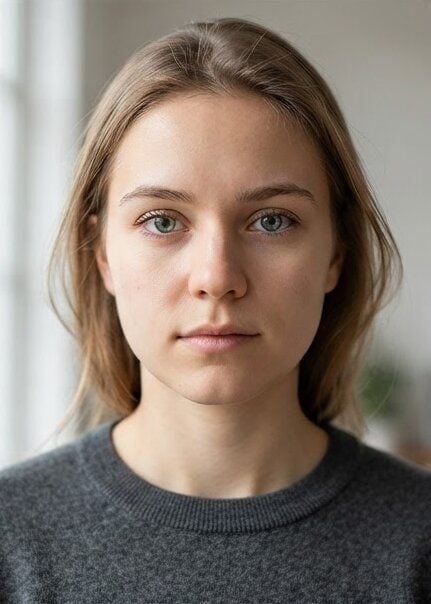
Avatar UpscalingProfile pictures are small by platform design, often 128 or 256 pixels. Doubling one gives you something that survives a larger display slot or a print sheet without turning into a blur.
Thumbnail Upscaling
Thumbnail UpscalingImages saved off sites and forums from the 2000s tend to sit in the 200 to 400 pixel range because that was the standard then. This is the size class the tool was built for.
Upscale Tight Crops
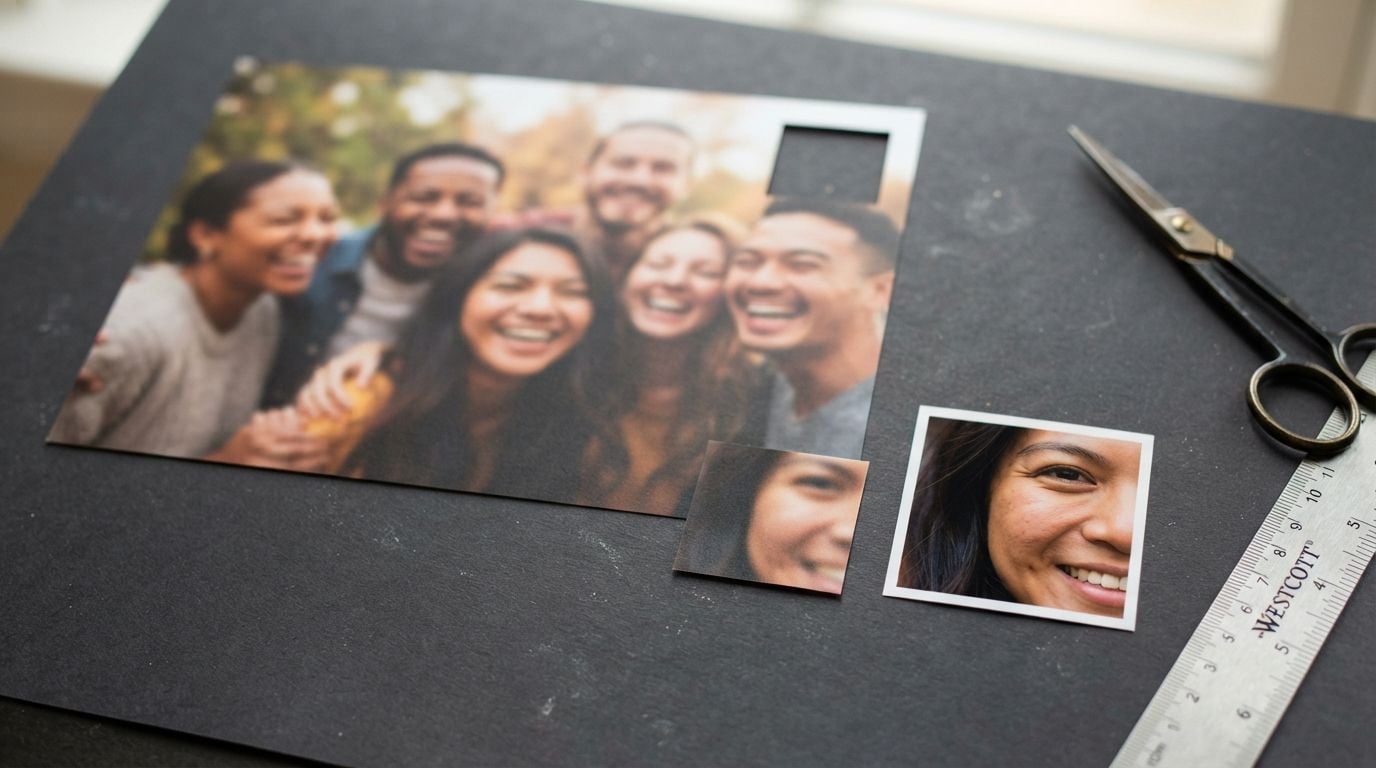
Upscale Tight CropsCrop a face, a sign, or a small object out of a bigger photo and the crop itself lands small. A 2x pass on that crop holds detail together better than enlarging it in an image editor.
Pictures In Handouts
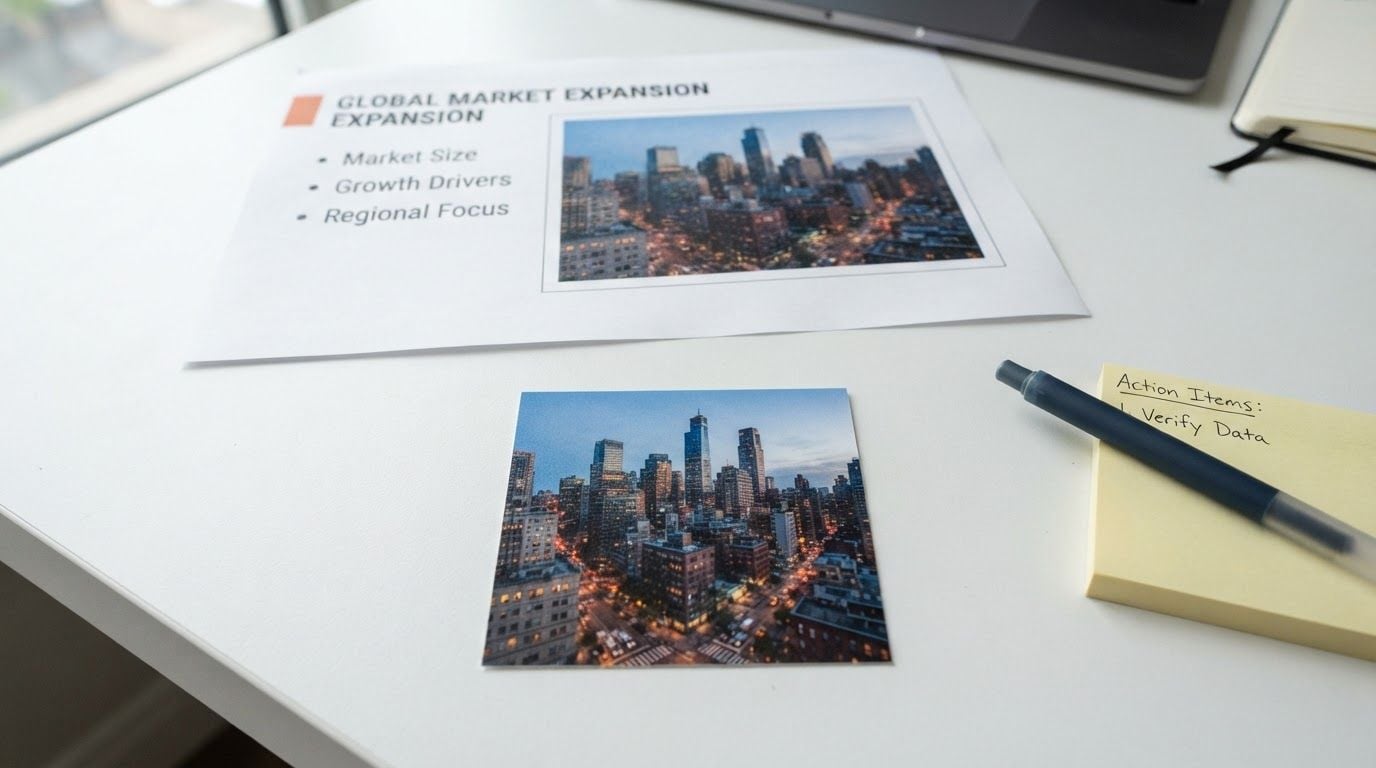
Pictures In HandoutsPictures extracted from slide decks, Word files, and PDFs have usually been downsampled to a few hundred pixels by the software that stored them. Recovering some of that detail makes them reusable.
Try Before Scaling Up
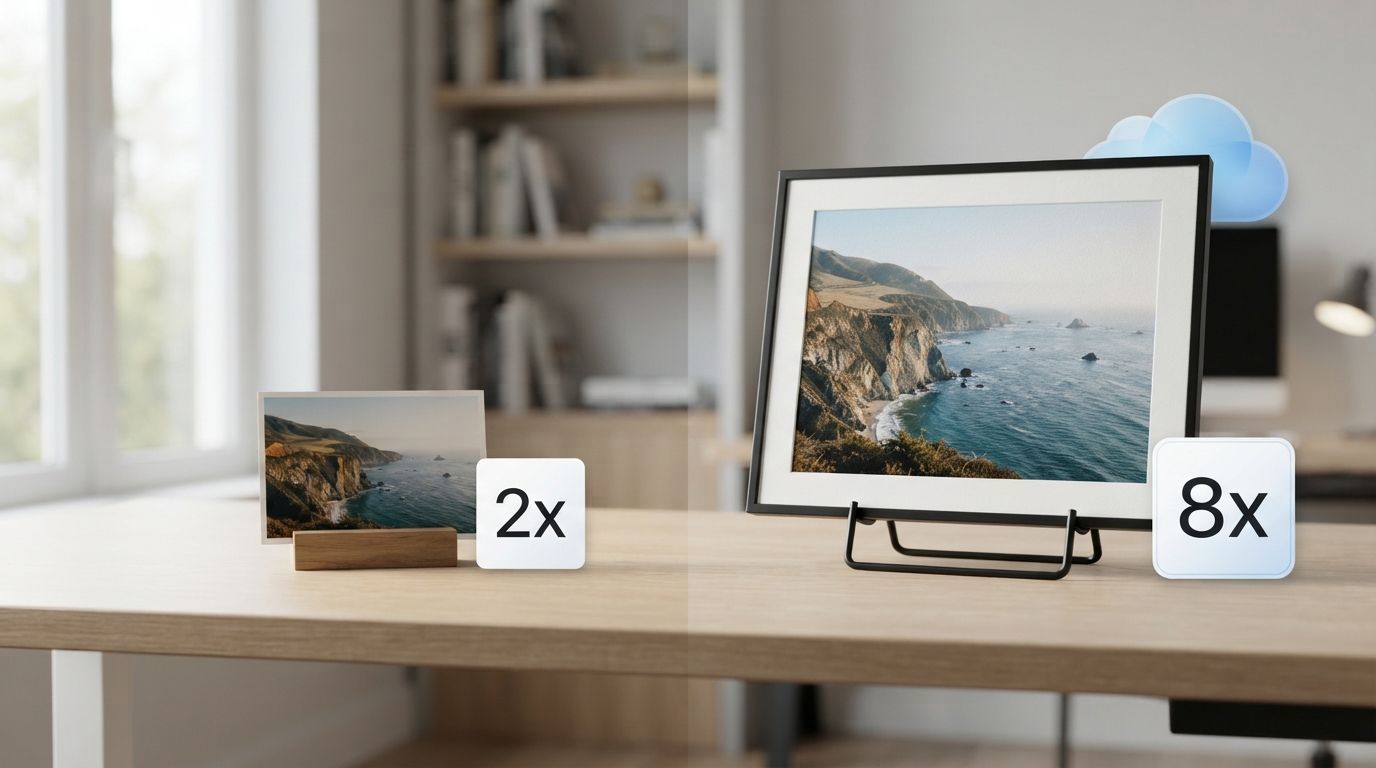
Try Before Scaling UpTest how AI super resolution treats your kind of image at no cost, then move to the cloud version when you need larger inputs, 4x and 8x factors, batches, or video.

Upscale An Image In Three Steps

Drop a picture in, wait a moment, save the result. The whole run happens on this one page.

  1. STEP-1Add your image

    Click, drag and drop, or paste with Ctrl+V. Any format your browser can open works.

  2. STEP-2Run the 2x upscale

    About 60 seconds. For the first run, you need to download about 54MB of the model first, then cache it in the browser and open it in seconds.

  3. STEP-3Compare and save

    Check the original against the result side by side, then download the PNG.

Get More From Every Upscale

The model does the reconstruction, but what you hand it decides how much detail comes back.

Crop To The SubjectCrop To The Subject

Trim the empty margins first so the whole pixel budget goes into the part you care about.

Feed It Small FilesFeed It Small Files

Pictures with a short side under a few hundred pixels gain the most, which is exactly what this upscaler was tuned for.

Use The OriginalUse The Original

Reach for the file straight from the camera or the download folder rather than a screenshot of it, and the upscaler has cleaner information to build on.

Keep One SubjectKeep One Subject

A single clear subject reconstructs better than a busy scene, so pick the frame with the least going on.

Paste It InPaste It In

Copy any picture and press Ctrl and V anywhere on the page to load it, no saving to disk first.

Try The SampleTry The Sample

Hit the sample button to watch a full run on a prepared picture before committing your own.

Recommended Related Tools

Continue creating with more free AtlasCloud tools.

View all free AI Tools

People Who Work With Small Files

Six people whose source pictures are small by default, on what the upscaler gave them back.

My forum avatar was a 200 pixel file from 2009 and every enlarger I tried turned it to mush. This one gave me a clean 400 that actually looks intentional. It took one drop and one click.

Colin AshworthCommunity Moderator

I crop faces out of group shots constantly, and those crops come out tiny. Running them through this before placing them holds the detail together better than my editor does. Local processing also keeps client material off other people's servers.

Naomi BergstromPhoto Retoucher

The cap on input size threw me at first, then I read why it exists and it made sense. For the small reference images I work with daily it is exactly right, and it never asks me to sign in.

Terrence WuIllustrator

Every image I pull out of an old slide deck has been squashed to a few hundred pixels by PowerPoint. This gets enough of it back that I can reuse the graphic instead of hunting for the original file.

Ines MorettiInstructional Designer

What convinced me was watching the network tab stay quiet. The model loads once and then the image genuinely never leaves the browser, which is rare enough in this category that I checked twice.

Aaron DelgadoFrontend Developer

I tried it on a handful of thumbnails, liked what came back, and moved the big batch to the paid version. Free version told me what I needed to know before I spent anything.

Sofia KarlsenMarketplace Seller

Why Choose Us

Built for both creative speed and dependable delivery.

PERFORMANCE & FLEXIBILITY
  • Low Latency

    Fast, responsive workflows for daily creation.

  • Unified Experience

    One visual language across different AI tools.

  • Transparent Controls

    The exact parameters stay visible and predictable.

ENTERPRISE & SCALE
  • Creator-ready workflows

    Examples and upload flows fit real production work.

  • Reliable platform

    AtlasCloud infrastructure supports every cloud run.

  • Security & compliance

    Clear boundaries for local and cloud processing.

Relative Articles

MiniMax H3 Credits Per Video: One 15-Second 2K Clip Eats 15% of Your Monthly PlanATLAS CLOUD
MiniMax H3 Credits Per Video: One 15-Second 2K Clip Eats 15% of Your Monthly PlanAugust 3, 2026
Cheapest API provider for Seedance 2, Kling, and WanATLAS CLOUD
Cheapest API provider for Seedance 2, Kling, and WanJune 17, 2026
what-ai-api-supports-text-to-video-image-to-video-video-to-video-and-audio-to-video-workflowsATLAS CLOUD
What AI API Supports Text-to-Video, Image-to-Video, Video-to-Video, and Audio-to-Video Workflows?June 11, 2026
What platform helps developers choose the best model for each AI task automatically?ATLAS CLOUD
What platform helps developers choose the best model for each AI task automatically?June 17, 2026
Hailuo AI vs Kling AI Which Video Generator Wins for Your WorkflowATLAS CLOUD
Hailuo AI vs Kling AI Which Video Generator Wins for Your WorkflowJuly 14, 2026
What are the best low-cost image generation API alternatives to Runware or Segmind?ATLAS CLOUD
What are the best low-cost image generation API alternatives to Runware or Segmind?July 21, 2026

Questions About This Free AI Image Upscaler

1. What is an AI image upscaler?

An AI image upscaler raises a picture's resolution by predicting the pixels a larger version would contain. Instead of stretching the image until it blurs, the model reads patterns in the picture and reconstructs edges and texture at the new size. This free AI image upscaler does that at 2x, entirely in your browser.

2. What size images work best?

Sources with a long edge of 384 pixels or less, which come out at up to 768. Larger images are scaled down to that limit before processing, so a 2000 pixel photo returns at roughly 768 rather than 4000. The limit keeps browser memory use safe, and it is why this tool suits small sources.

3. Is it really free and unlimited?

Yes. The model runs on your own device rather than on rented cloud GPUs, so a pass costs nothing to serve and there is nothing to meter. No daily cap, no credits, no account.

4. What is the best free AI image upscaler?

That depends less on rankings than on the size of what you are feeding it. If your source is a small picture, a local tool like this one gives you a real 2x rebuild without uploading anything or paying per image, and the best free AI image upscaler for that job is whichever one runs on your own hardware. For very large photos headed to print, a cloud upscaler with a higher size ceiling will serve you better.

5. Why does the first upscale take longer?

The first run includes a one time download of the 54MB Swin2SR model. Your browser caches it, so later runs skip the download entirely. Speed after that depends on whether your browser supports WebGPU, with a slower CPU path as the fallback.

6. Does it add a watermark?

No. You get a full resolution PNG with nothing added, on the first result and every one after.

7. Can I do 4x, batch, or video upscaling?

Not in this free browser tool, which handles one image at 2x. Larger inputs, higher factors, batch runs, and video super resolution are on the cloud version, where the work happens on server GPUs instead of your laptop.

8. Can I use the upscaled images commercially?

The Swin2SR model weights permit commercial use, and this tool adds no watermark or license claim to your output.