A quick way to upscale video for free, made for short clips such as gaming captures, old family videos, or social exports that could use a sharper 2x pass before you post them again.
Video tool
Video Upscaler by Atlas Cloud
local/video-upscaler
Frame-by-frame 2× upscaling for short videos, processed locally in browser (preview quality)
Input
Video processed locally in browserAssets aren't uploaded to OSS or processed by AtlasCloud backend.
Upload a video under 8 seconds; local mode enhances frame-by-frame and outputs WebM.
Higher FPS increases local processing time.
Process only the first specified duration.
Smaller edges process faster; result is still upscaled 2×.
Output
Idle
Results will appear here
Complete the required fields on the left, then click "Run free".
Browser downloads and caches model weights on first run; actual speed depends on device performance and network conditions.
See This Free AI Video Upscaler at Work
Drop in a short clip and try this AI video upscale free of charge, watching the compare view update the moment processing finishes. Every frame comes back twice the size, right there in your browser.
BeforeAfter
What You Get With Every Upscale
Each pass of this video upscaling keeps the same simple mechanics: no account, no upload, and a sharper 2x result waiting on the other side. If you're comparing video enhancer online tools, this one focuses specifically on resolution, not color correction or stabilization.
Instant 2x Upscale
Every frame runs through an AI super-resolution model that doubles its size, sharpening edges and pulling out detail that a simple resize would blur. The whole pass happens the moment you hit upscale, so you can compare the result against your original clip right away.
Faster or Clearer Upscale
Every clip runs at a setting you choose yourself, lean toward faster when you want the result quickly, or toward clearer when a scene has fine text or detail worth holding onto. Switch between the two any time, right from the same screen where you start the upscale.
100% Browser Based
Your clip is decoded, upscaled, and re-encoded on your own device using WebGPU, without ever leaving your browser tab. There is no upload step and no server queue, so what you record stays exactly where you left it while the AI does its work.
Free With No Limits
There is no account to create and no card to enter. This is an ai upscaler app free video creators can come back to as many times as they like, with no cap on how many clips you run through it.
No Watermark, Ever
Nothing gets stamped across your download or tucked into a corner of the frame. What you upload is what shapes the final look, not a logo layered on top, so the clip is ready to post or archive the moment it finishes.
Where This Free Upscaler Fits In
People reach for this free AI video upscaler for all sorts of clips, from footage shot years ago to something rendered by an AI model an hour earlier.
Sharpen Old Phone VideosVideos pulled off an old phone or camcorder often look softer than you remember. A quick 2x pass brings back a bit of the detail before you save the clip somewhere new.
Clean Up Screen RecordingsScreen captures and retro game clips can come out fuzzy, especially around small text. Running them through the upscaler makes the details easier to make out again.
Free Touch-Ups for ClipsA short video heading to a group chat or a quick social post rarely justifies a paid tool. This kind of ai upscaling video online free option covers that last sharpen right before you send it.
Upscale AI-Generated ClipsShort clips out of an AI video generator sometimes come back a little softer than expected. Running the result through this upscaler is a fast way to sharpen it up before you use it anywhere else.
Preview Before You UpgradeTrying the 2x upscale here first is a quick, free way to see what the underlying technology can do before committing a bigger project to a paid plan.
From Upload to Upscale in Three Steps
Three simple steps stand between your clip and a sharper one, the same three steps behind every free AI video upscaler pass on this page.
STEP-1Upload Your Clip
Add a short clip up to 12 seconds or load the built-in sample, then pick your frame rate and clarity setting.
STEP-2Upscale Every Frame
Click upscale and the AI sharpens each frame right in your browser.
STEP-3Compare and Download
Check the result side by side with the original, then download the sharpened WebM file.
Small Adjustments, Sharper Results
A few small choices before you click upscale can make a real difference in what a free AI video upscaler gives back.
Start With a Clear Clip
A source that already looks reasonably sharp gives the AI more real detail to work with, so the 2x result comes out crisper.
Favor Steady Motion
Clips with calm or slow movement upscale more cleanly than fast pans, since each frame gets sharpened on its own.
Use the Original File
The export straight from your phone or capture software carries more real detail for the AI to build on than a copy that has passed through a chat app.
Match Clarity to Detail
For clips full of small text or fine patterns, choosing the clearer setting brings out more of what the original frame holds.
Pick Frame Rate by Motio
Faster action looks smoother at a higher frame rate, while calmer scenes hold up fine at a lower one.
Fill the Frame
A subject that takes up more of the frame gives the AI more pixels to sharpen, so closer shots come back crisper than wide ones.
Recommended Related Tools
Continue creating with more free AtlasCloud tools.
Six people ran their own clips through the upscaler and told us what changed.
I keep this free ai video upscaler open in a tab whenever a client sends me an old clip that needs a bit more punch before it goes into a cut. No install, no upload wait, just a sharper frame back in under a minute.
Priya NairFreelance Video Editor
My capture card footage from years ago always looked a little muddy on stream replays. Running it through this upscaler before I post highlights makes the text and UI elements actually readable again.
Marcus BellRetro Gaming Streamer
We have so many old phone videos of the kids that look worse every year. This let me sharpen a few clips right in the browser without installing anything or sending our family videos anywhere.
Dana WhitfieldHome Video Archivist
Half the clips that come in from our team are shot on whatever phone was closest. A quick pass through this tool before posting gives them just enough polish without a full edit.
Owen TranSocial Media Manager
I pull short screen recordings into my lessons constantly, and small on-screen text used to come out blurry. Upscaling each clip first means students can actually read what I'm pointing at.
Sofia ReyesOnline Course Creator
I tested a clip I'd generated with an AI tool that came back a bit soft, and the sharpen here made a real difference on playback. Simple enough that I didn't need any instructions.
Jalen OrtizMotion Graphics Hobbyist
Why Choose Us
Built for both creative speed and dependable delivery.
PERFORMANCE & FLEXIBILITY
Low Latency
Fast, responsive workflows for daily creation.
Unified Experience
One visual language across different AI tools.
Transparent Controls
The exact parameters stay visible and predictable.
ENTERPRISE & SCALE
Creator-ready workflows
Examples and upload flows fit real production work.
Reliable platform
AtlasCloud infrastructure supports every cloud run.
Security & compliance
Clear boundaries for local and cloud processing.
Relative Articles
ATLAS CLOUD
MiniMax H3 2K vs 768P: I Ran the Same Prompt Twice and Got Two Different FilmsAugust 5, 2026
ATLAS CLOUD
Hailuo AI vs Kling AI Which Video Generator Wins for Your WorkflowJuly 14, 2026
ATLAS CLOUD
PixVerse V3.5, the Update That Cut AI Video to Ten SecondsJuly 27, 2026
ATLAS CLOUD
Seedance 2.5 Camera Control Guide How to Master Cinematic MovementsJuly 21, 2026
ATLAS CLOUD
Why Seedance 2.0 is the Leading Video API for AI-Driven CommerceMarch 10, 2026
FAQ
1. What is a free AI video upscaler?
A free AI video upscaler is a tool that uses a machine learning model to enlarge and sharpen video, adding back detail that a simple resize would leave blurry. This one runs the process directly in your browser, so a short clip goes in and a 2x sharper version comes back out.
2. How to AI upscale video for free?
Open the upscaler, upload a short clip or use the built-in sample, then choose your frame rate and clarity setting before clicking upscale. This free ai video upscaler runs entirely in your browser, so there is nothing to install and nothing to pay for the pass.
3. Does this tool add a watermark to my video?
No. The clip you download comes out exactly as the AI processed it, with nothing stamped across the frame or added in a corner.
4. Is my video uploaded to a server?
No, the entire upscale runs locally in your browser. The only thing downloaded from outside is the AI model itself, which happens once and your browser will typically keep it cached for later runs.
5. What video formats can I upload?
The upscaler accepts common video formats your browser can play directly, so a clip that opens fine in a video tag on your device should work here as well.
6. Is there a limit to how many times I can use it?
No, this free ai video upscaler doesn't cap the number of clips you run through it, and there's no account needed either.
7. Can I use the upscaled video commercially?
In general, you can use the result the same way you were already entitled to use your original footage. The upscaler only sharpens the frame; it does not change who owns the clip or what license covers it.
8. What happens if I need a longer or higher-resolution upscale?
This browser tool is built for short clips at a modest resolution. Atlas Cloud's paid video-upscaling API handles longer footage at up to 1080p or 2K resolution, with 4K planned for a later release.
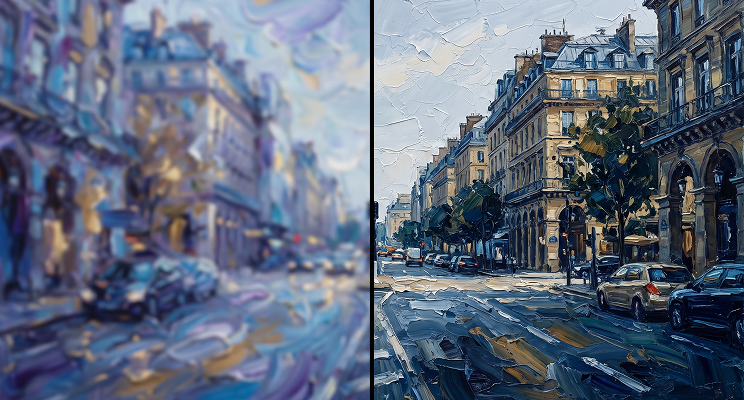
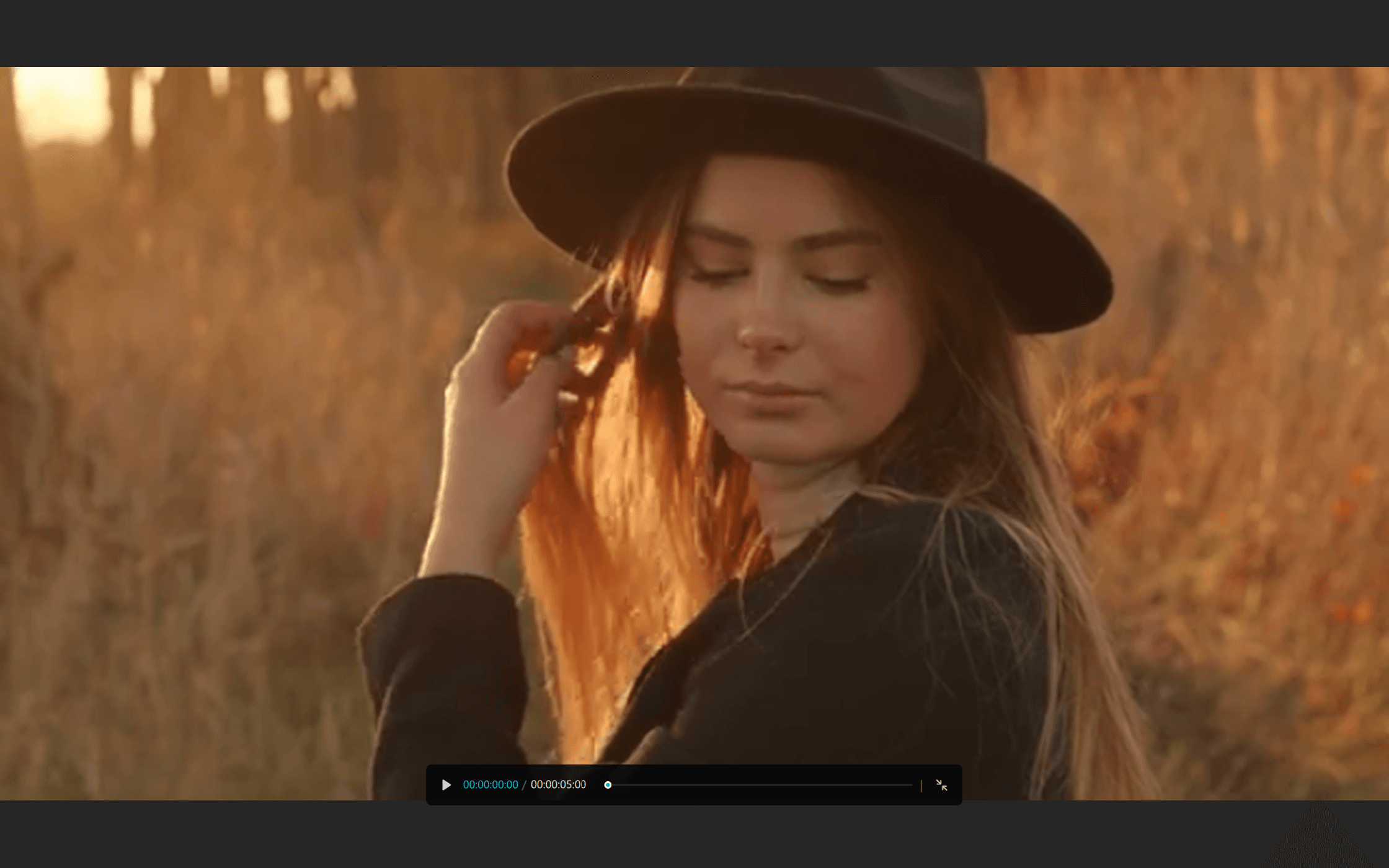
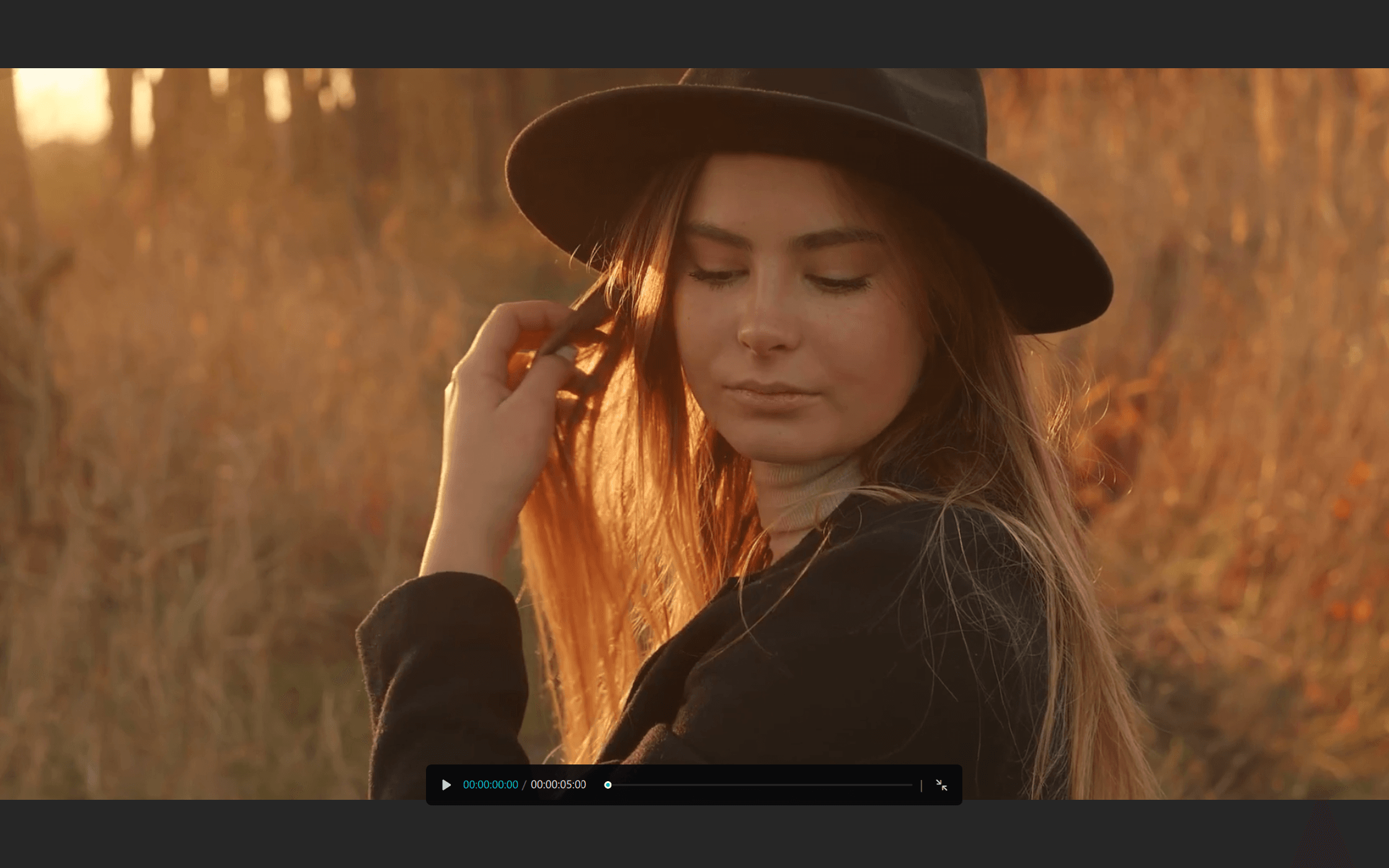
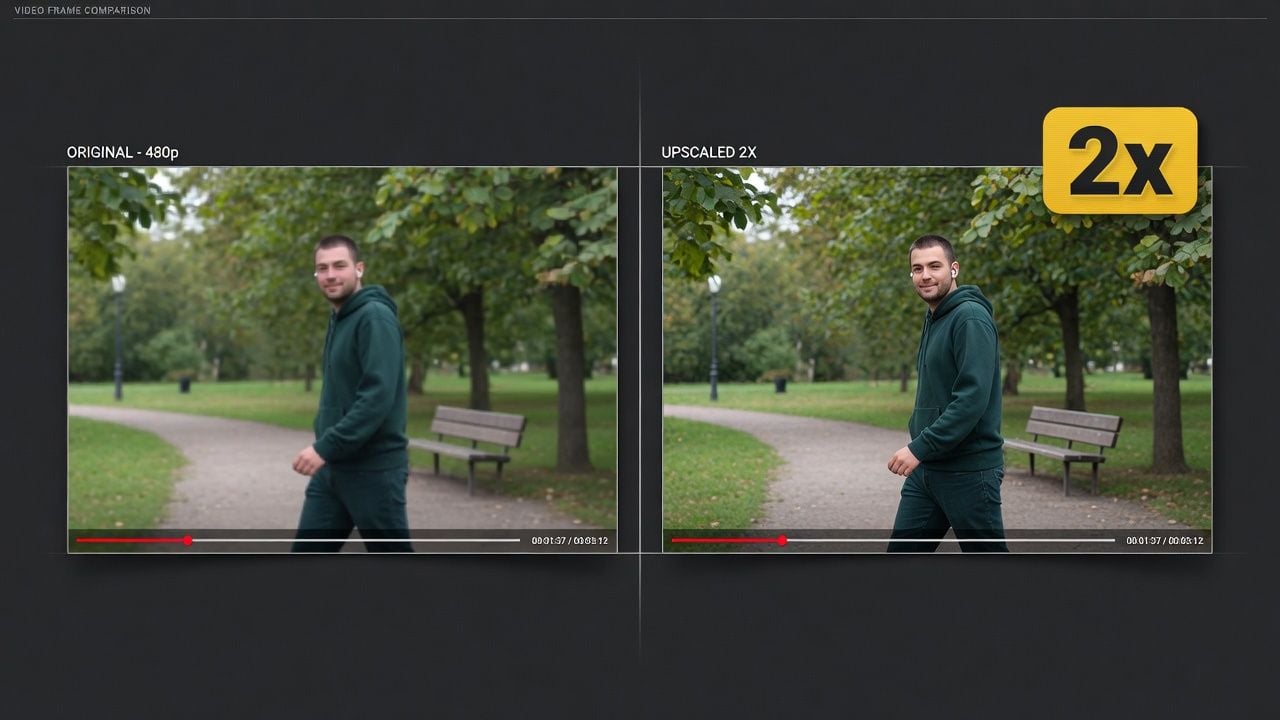
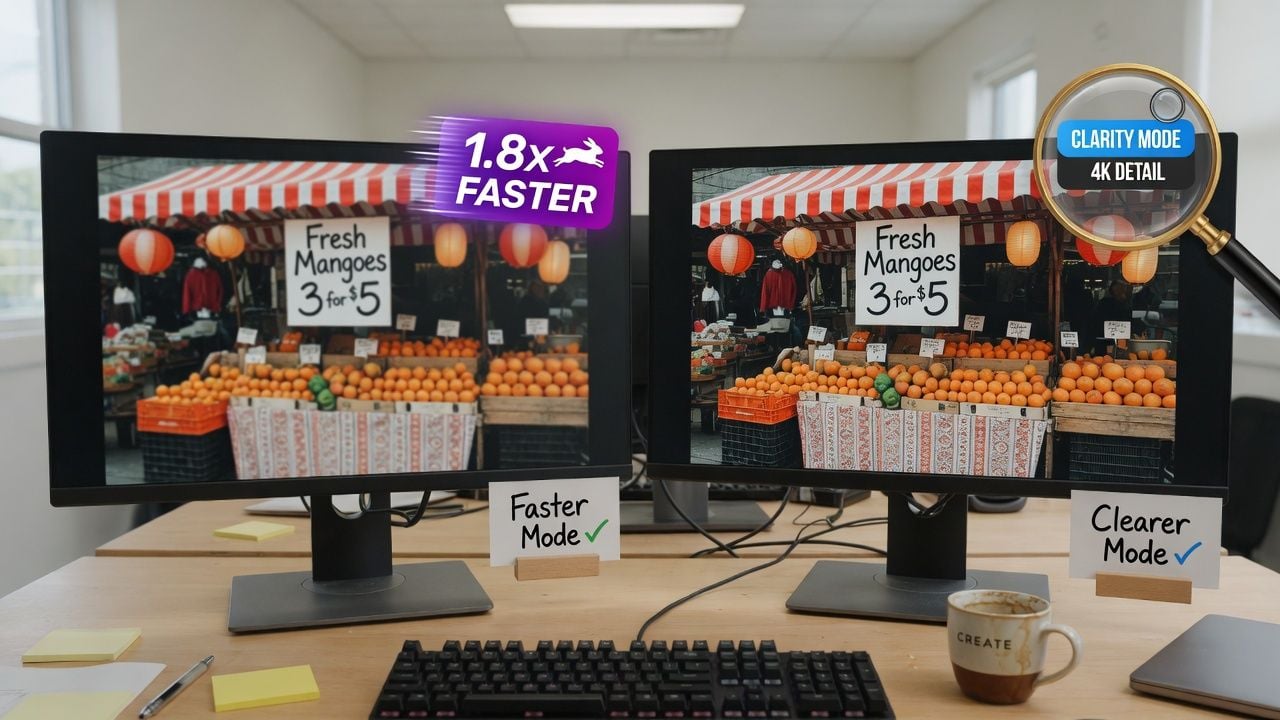
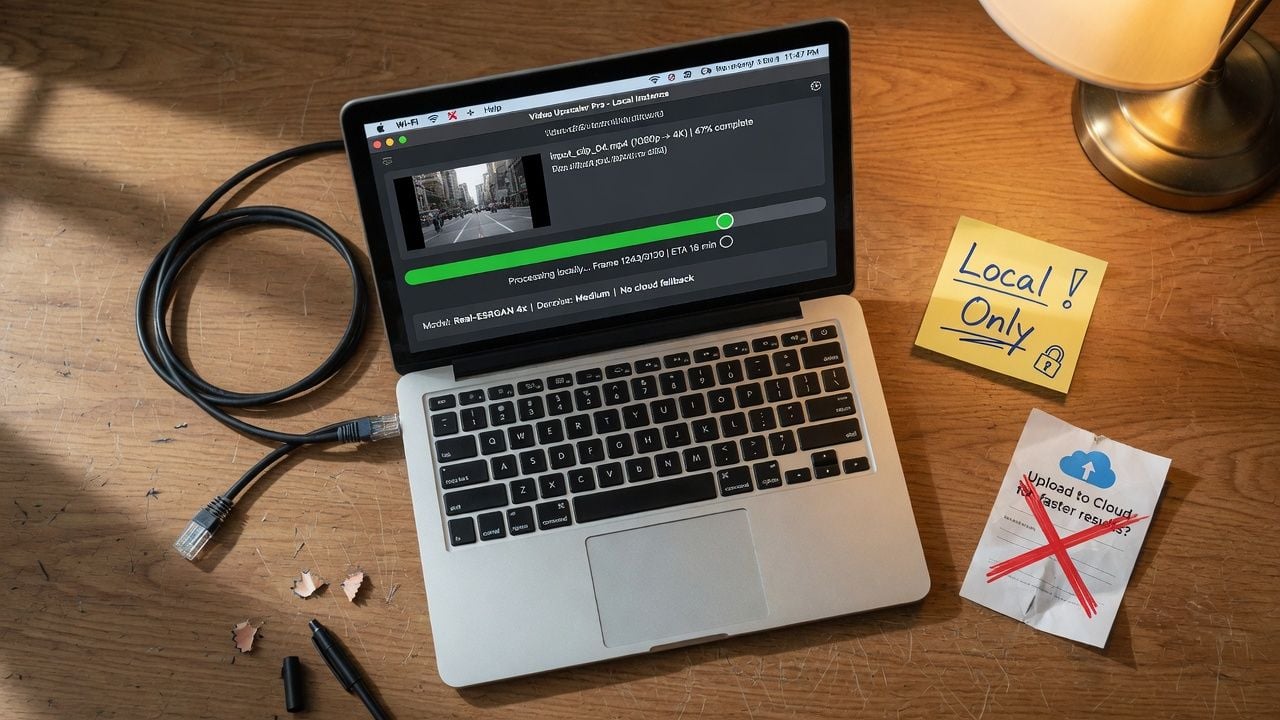
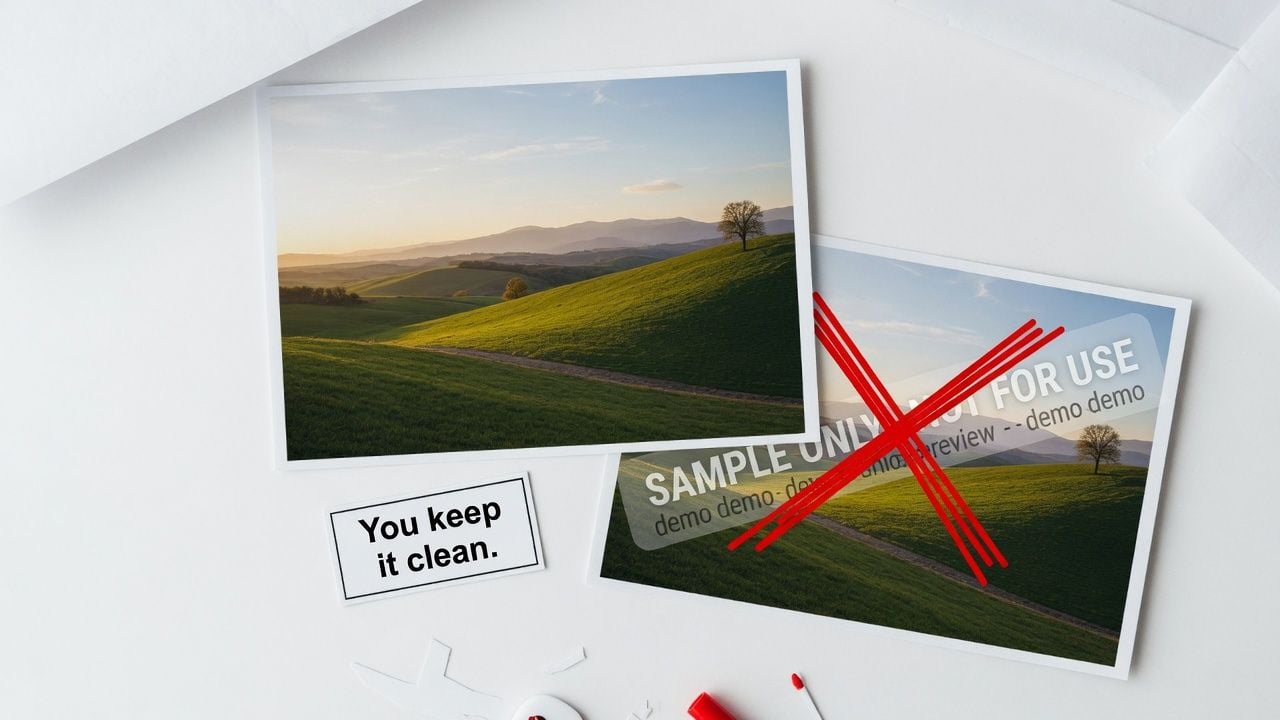
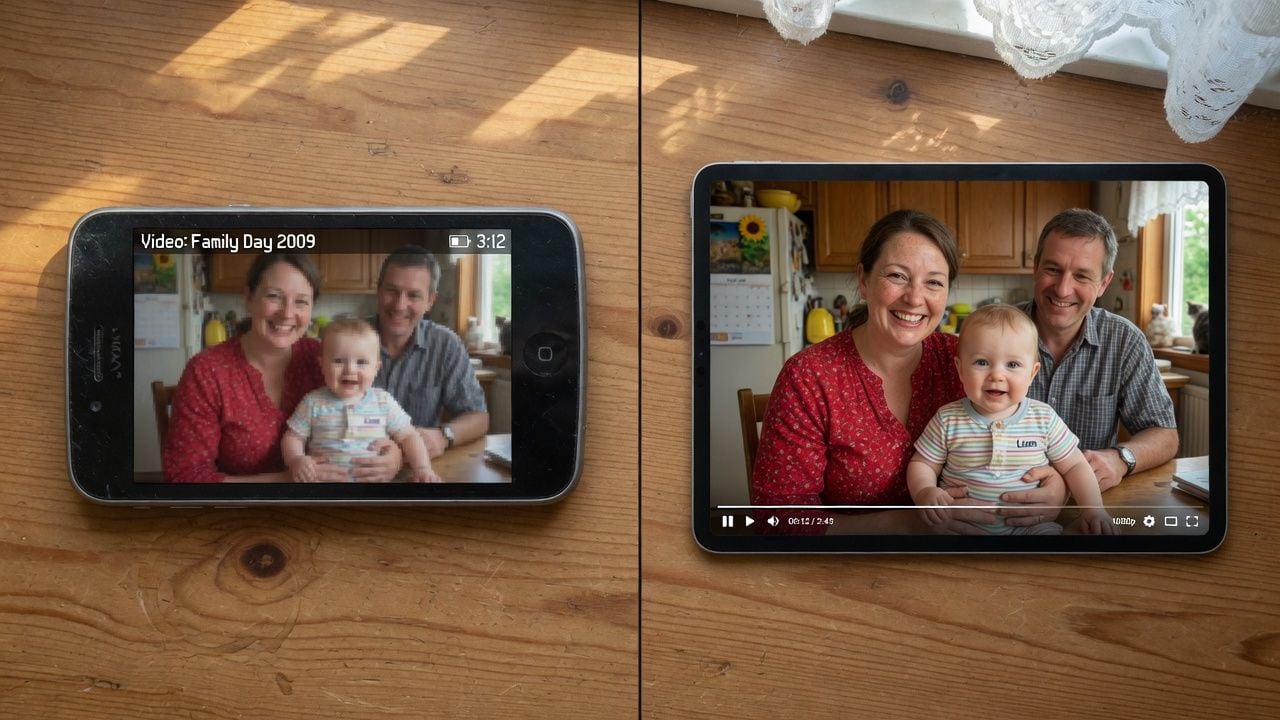
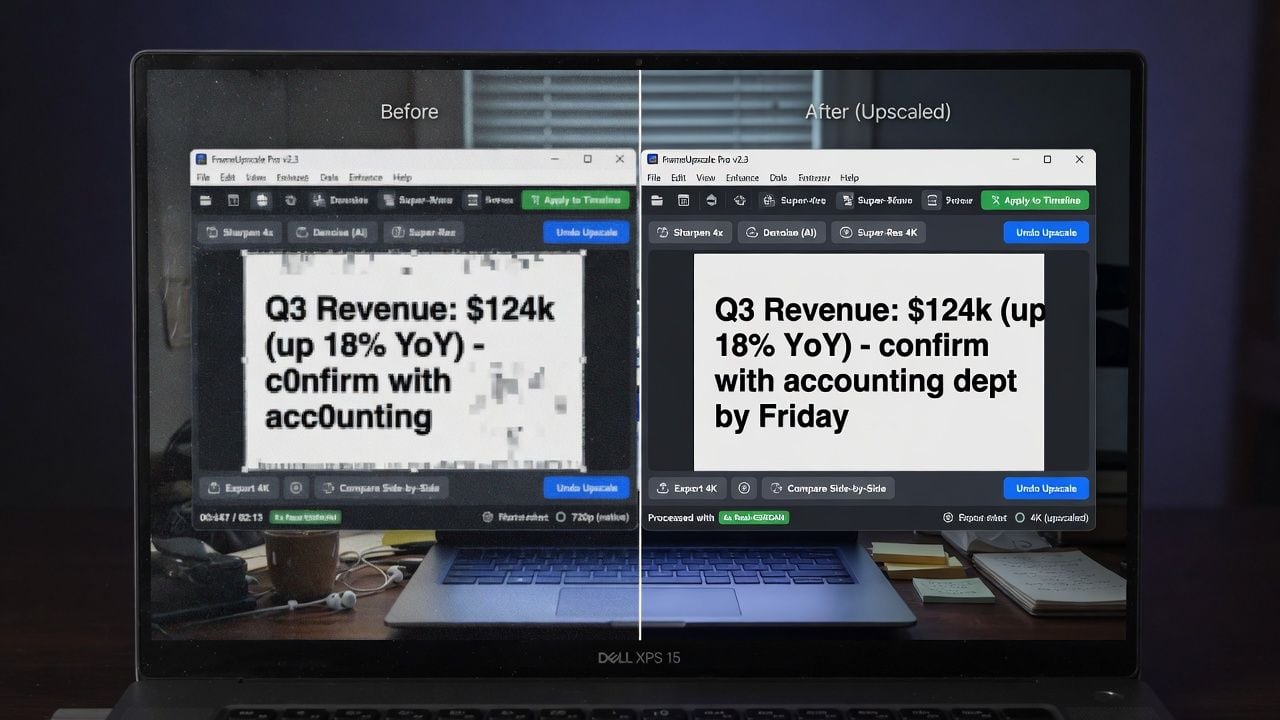
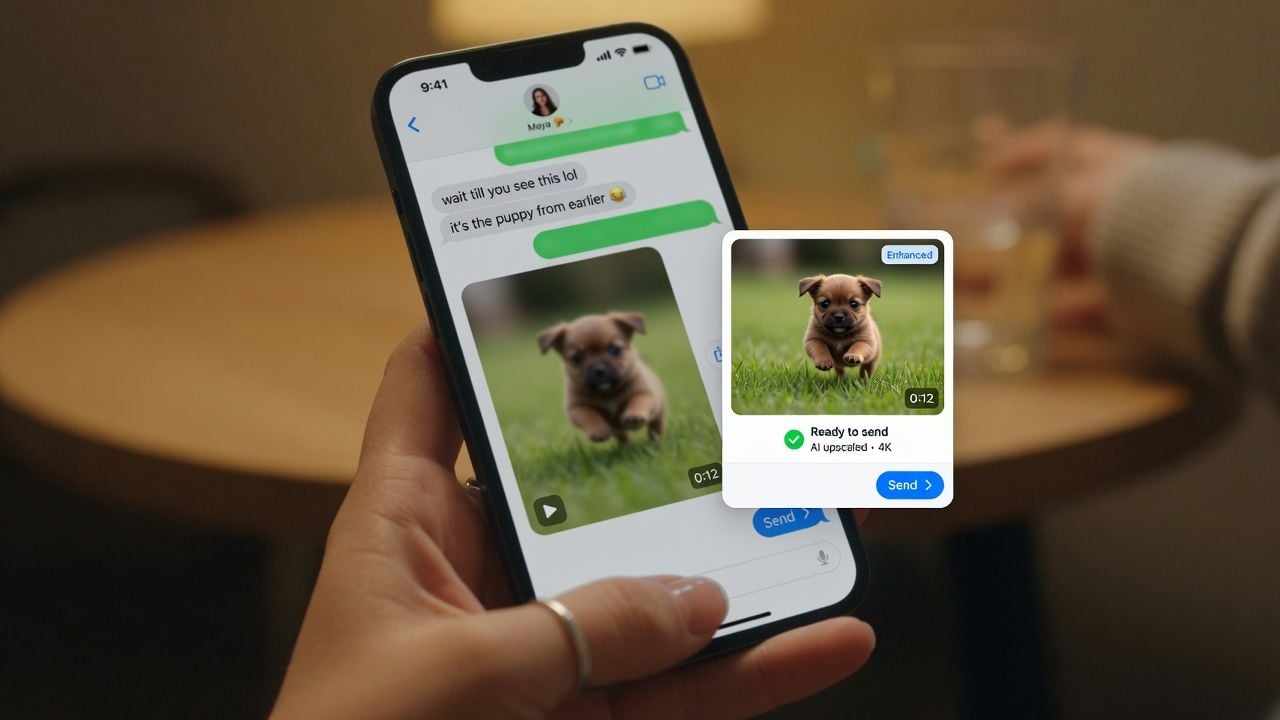
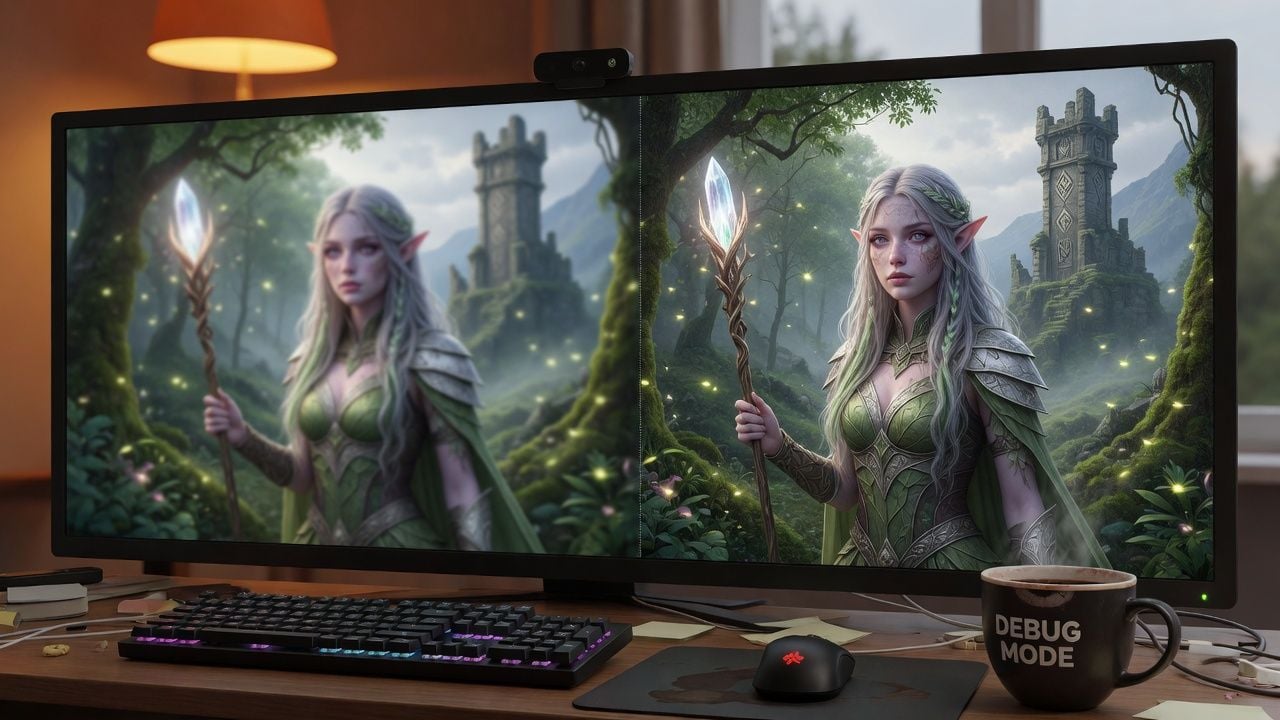
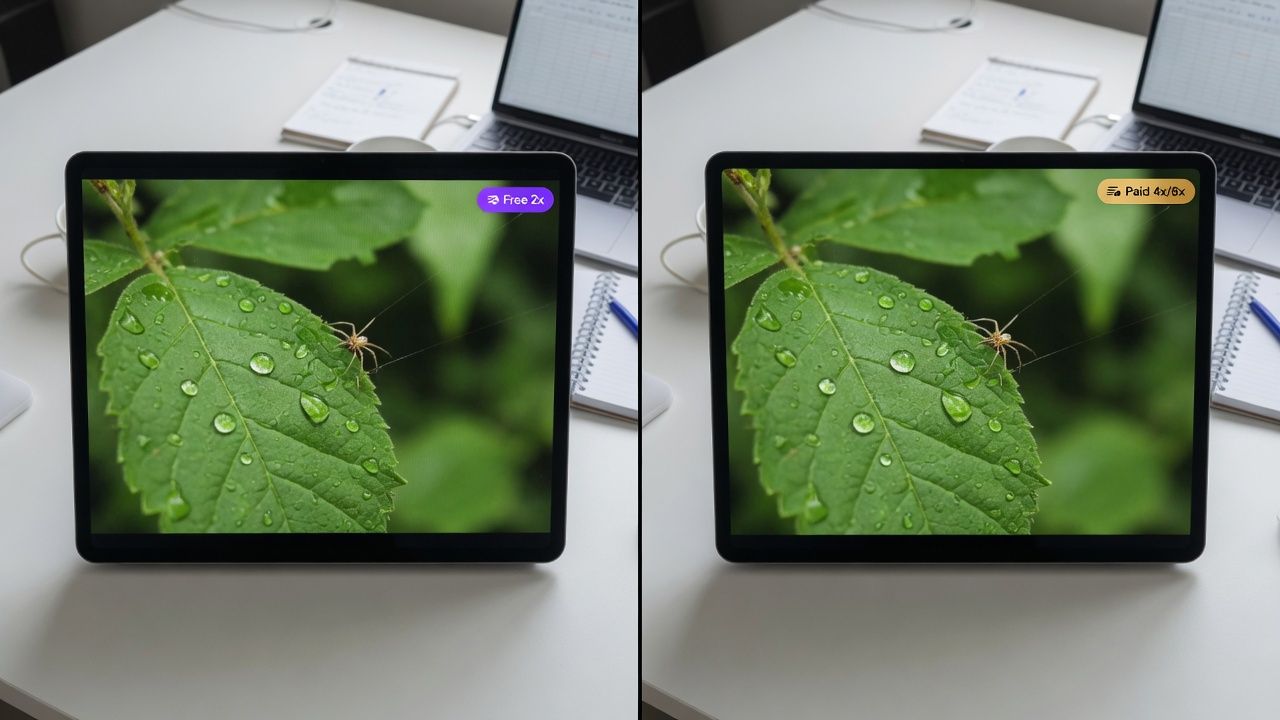






 Image Upscaler
 Image Background Remover
 Object Eraser
 Face Swap · Image