Le 17 juin 2026, Kling AI a déployé une mise à jour de Kling 3.0 Omni, son modèle multimodal de montage vidéo. Ces changements se concentrent sur un objectif précis : modifier des séquences existantes avec plus de fidélité, sur des durées plus longues et en 4K. Si vous utilisez déjà Omni ou que vous l'avez déjà comparé, voici exactement ce qui a changé et pourquoi cela compte pour un travail de montage réel.
Points clés
- La mise à jour de Kling 3.0 Omni a été déployée le 17 juin 2026, avec un accent mis sur le pipeline de montage (Kling AI, juin 2026).
- Trois changements se démarquent : une cohérence renforcée avec le matériau source, une entrée et une sortie de montage allant de 3 à 15 secondes, et la prise en charge du montage 4K en entrée comme en sortie.
- La version originale de Kling 3.0 Omni proposait déjà la génération 4K et 15 secondes en février 2026 ; cette mise à jour affine donc les capacités de montage plutôt que le modèle de base (Kuaishou, 2026).
Quoi de neuf dans Kling 3.0 Omni ?
La mise à jour de Kling 3.0 Omni, publiée le 17 juin 2026, améliore trois aspects : la cohérence, la durée de montage et la résolution de montage (Kling AI, juin 2026). Elle ne remplace pas le modèle. Elle affine la manière dont Omni édite la vidéo, afin que les résultats suivent plus fidèlement la source et conservent leur qualité à une résolution plus élevée et sur une durée plus longue.
Pour être précis sur la portée, le Kling 3.0 Omni original a été lancé le 5 février 2026 avec l'audio natif, la sortie 4K et une génération allant jusqu'à 15 secondes. Les fonctionnalités phares de Kling 3.0 Omni n'apparaissent donc pas de nulle part. Cette mise à jour cible spécifiquement le flux de travail de montage, là où Omni tire son épingle du jeu.
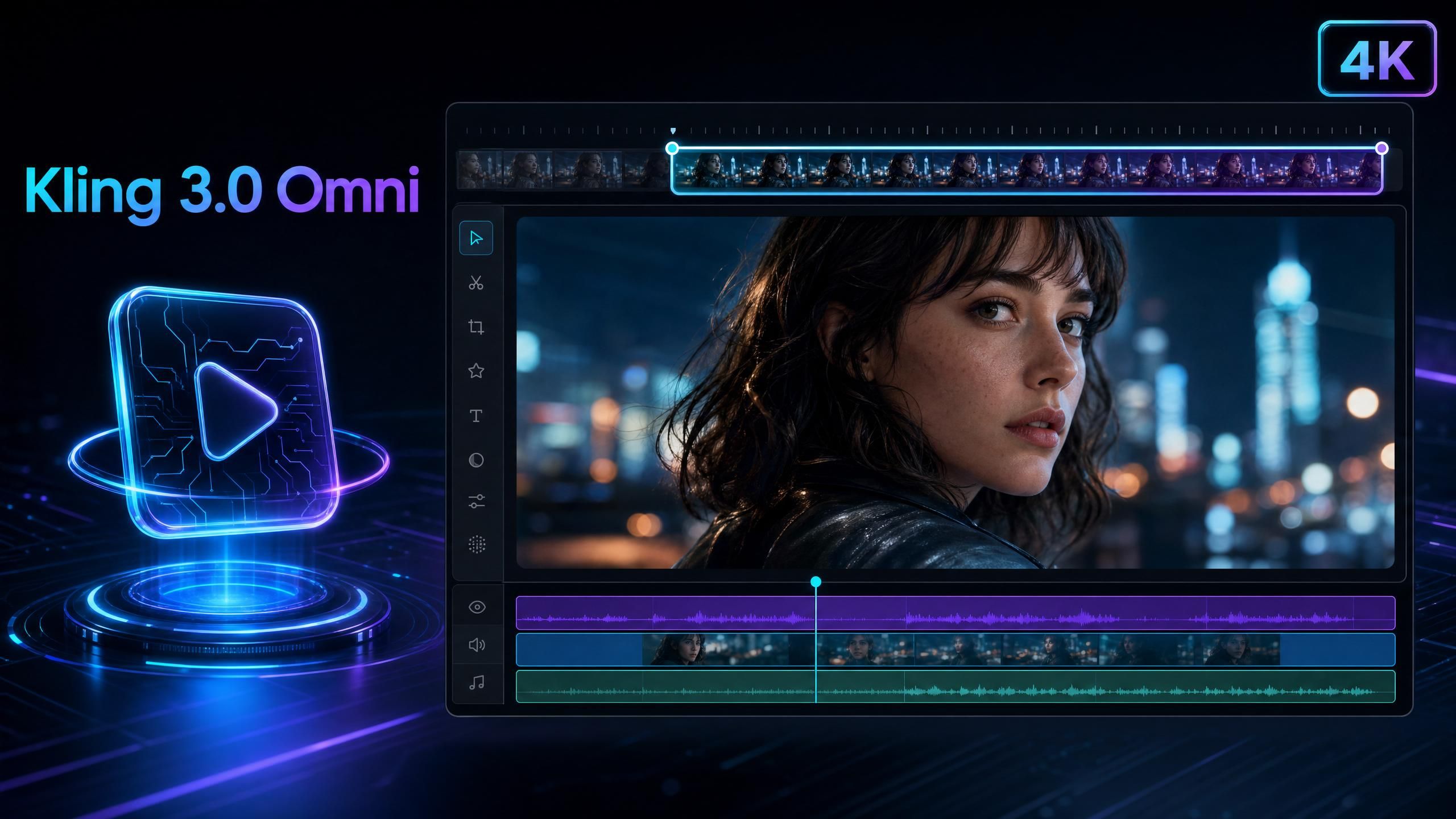
Aperçu de la mise à jour Kling 3.0 Omni
Voici une synthèse de la mise à jour Kling 3.0 Omni. Ces trois changements travaillent de concert : les modifications restent plus fidèles à vos entrées, s'appliquent sur des clips plus longs et sont exportées en 4K. Chacun d'eux élimine une raison courante pour laquelle les monteurs devaient refaire un plan ou réduire la résolution.
| Domaine | Avant | Après la mise à jour de juin 2026 |
|---|---|---|
| Cohérence | Amélioration de la cohérence des personnages | Meilleure compréhension des vidéos et images source |
| Durée de montage | Génération jusqu'à 15 secondes | Entrée et sortie de montage de 3 à 15 secondes |
| Résolution de montage | Sortie de génération 4K | Entrée et sortie de montage 4K |
Une cohérence renforcée pour des montages fidèles
Le changement le plus important concerne la cohérence. Celle de Kling 3.0 Omni s'est améliorée car le modèle comprend désormais plus en profondeur les vidéos et images d'entrée. Ainsi, les modifications restent fidèles à la source et les instructions créatives sont appliquées avec plus de précision (Kling AI, juin 2026). En termes simples, ce que vous fournissez est ce que vous obtenez, avec les modifications demandées.
Pourquoi est-ce plus important qu'un nouvel effet spectaculaire ? Parce que le montage est une question de confiance. Si un modèle s'écarte de votre source à chaque itération, vous passez plus de temps à corriger qu'à créer. Une fidélité accrue à la source est ce qui transforme un éditeur IA, d'un simple jouet en un véritable outil.
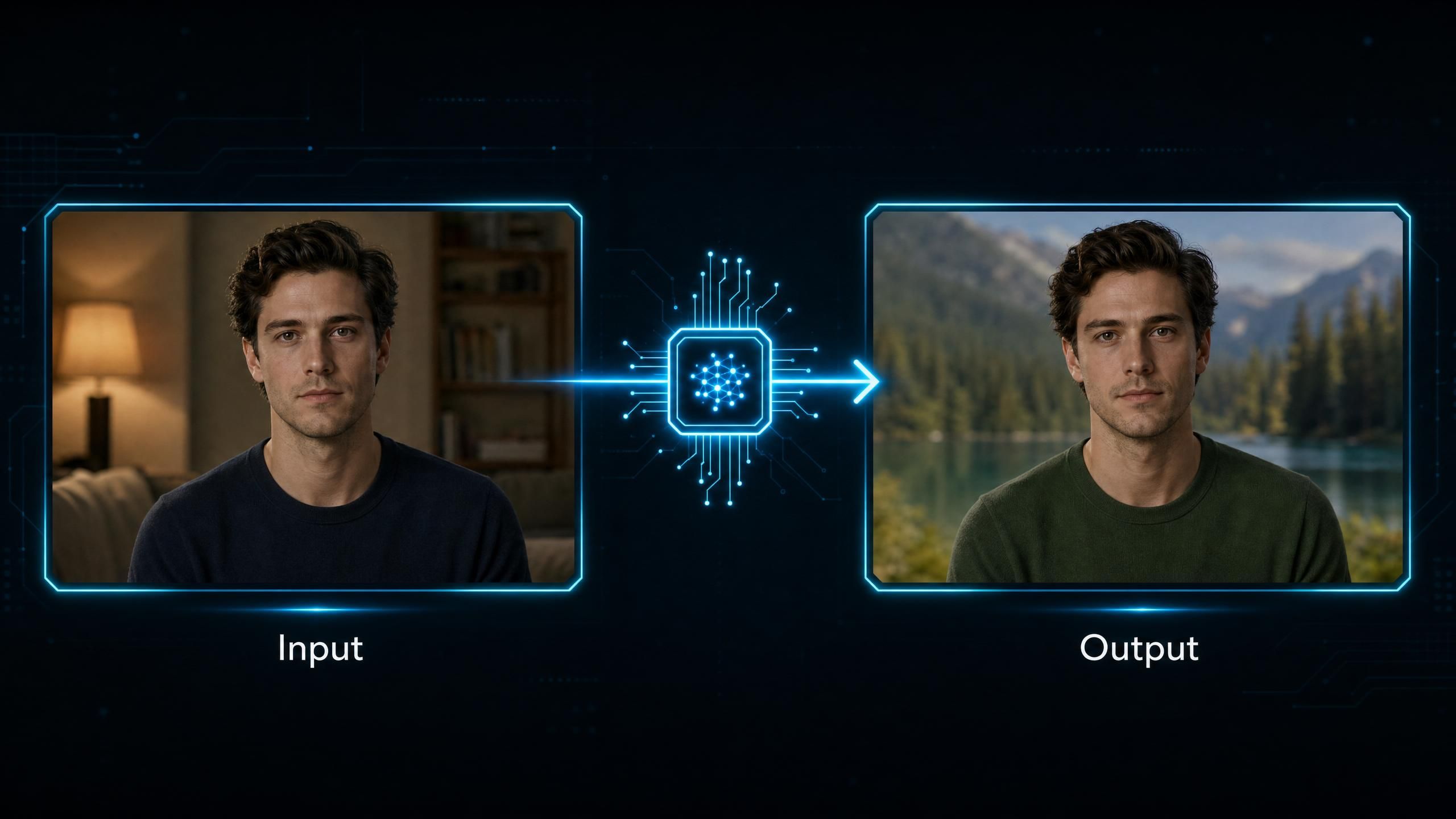
Des montages plus longs : de 3 à 15 secondes
La mise à jour élargit la plage de montage à 3-15 secondes pour les entrées et sorties vidéo (Kling AI, juin 2026). Cela couvre une fenêtre de montage plus complète qu'un simple clip court. Vous pouvez intégrer une source plus longue, effectuer des modifications sur l'ensemble et obtenir un résultat plus long sans avoir à assembler plusieurs passages.
Pour la vidéo courte (short-form), cette plage est idéale. La plupart des clips pour les réseaux sociaux, les formats publicitaires courts et les démonstrations de produits tiennent dans ces 15 secondes ; le pipeline de montage correspond donc désormais au format réel de publication.
Montage 4K sur Kling 3.0 Omni en Ultra HD
La prise en charge 4K de Kling 3.0 Omni s'applique désormais à la fois à l'entrée et à la sortie du montage (Kling AI, juin 2026). Auparavant, la 4K était principalement utilisée côté génération. Vous pouvez désormais importer des séquences 4K pour les monter et obtenir une sortie 4K, ce qui est adapté aux grands écrans, aux appareils haute définition et à la production professionnelle.
Selon la version de Kling de juin 2026, le pipeline de montage accepte et renvoie de la 4K ; vous ne sacrifiez donc plus la résolution pour la capacité de montage. Pour les équipes livrant du contenu destiné à la diffusion ou à des supports haute résolution, cela supprime un véritable goulot d'étranglement.
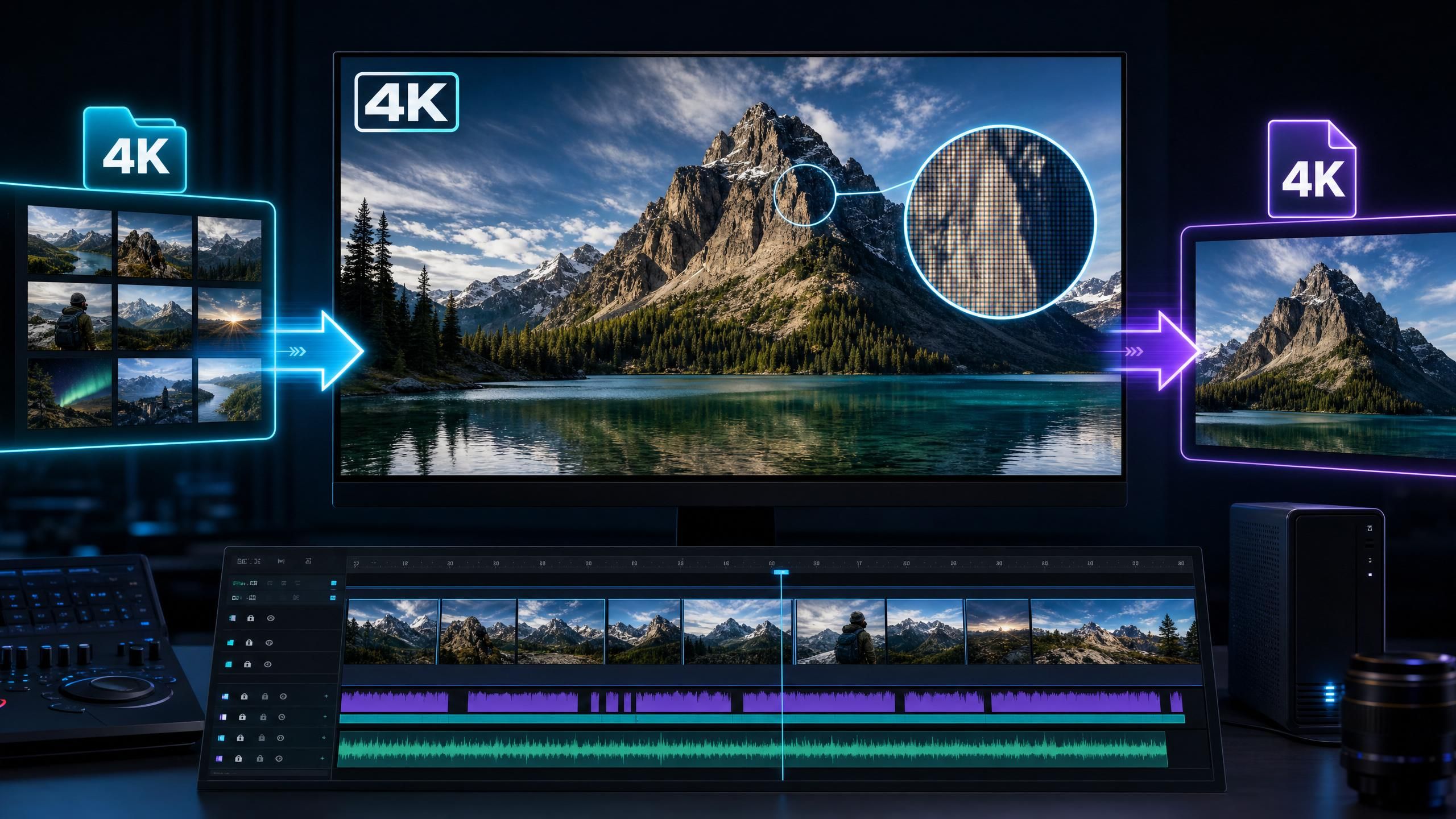
Ce que la mise à jour Kling 3.0 Omni signifie pour le montage vidéo
En résumé, le pipeline de montage vidéo de Kling 3.0 Omni est désormais fidèle, capable de durées plus longues et d'une résolution plus élevée. Cette combinaison modifie le flux de travail. Vous pouvez générer un clip ailleurs, puis l'intégrer dans Omni pour affiner, étendre ou mettre à l'échelle le montage, tout en restant proche de l'aspect original.
L'analyse stratégique est simple. Les modèles de génération rivalisent sur l'effet visuel, mais les modèles de montage gagnent sur la confiance et la résolution. En renforçant la cohérence et en permettant le montage en 4K, cette mise à jour positionne Omni pour des pipelines professionnels, et non plus seulement pour des expériences rapides. Pour en savoir plus sur le modèle complet, notre critique de Kling 3.0 couvre chaque fonctionnalité en détail, et notre guide sur la synchronisation labiale de Kling AI montre comment l'audio s'intègre.
Accéder à Kling 3.0 Omni via l'API d'Atlas Cloud
Vous pouvez utiliser la famille Kling 3.0 via l'API de modèles d'Atlas Cloud dès aujourd'hui, aux côtés de plus de 300 autres modèles vidéo, image, audio et LLM sous un seul compte. Cette intégration unique vous permet de router les tâches de génération et de montage vers le bon modèle Kling sans gérer l'infrastructure ni jongler avec plusieurs fournisseurs.
L'avantage pratique est la rapidité de production. Vous appelez un modèle, attendez le résultat, récupérez une URL, puis testez le pipeline de montage mis à jour sur vos propres séquences. Pour connaître les tarifs actuels de la gamme Kling, consultez la page tarifaire des modèles Kling sur Atlas Cloud.
Foire aux questions
Quand la mise à jour Kling 3.0 Omni a-t-elle été lancée ?
La mise à jour de Kling 3.0 Omni a été lancée le 17 juin 2026. La version originale de Kling 3.0 Omni a été publiée pour la première fois le 5 février 2026, selon l'annonce officielle de Kuaishou ; il s'agit donc d'une mise à jour axée sur le montage pour un modèle existant.
Qu'est-ce qui a changé dans Kling 3.0 Omni ?
Trois éléments ont changé : une meilleure cohérence avec les vidéos et images en entrée, une plage de montage de 3 à 15 secondes pour l'entrée et la sortie, et la prise en charge de la 4K pour l'entrée et la sortie de montage. La mise à jour affine le pipeline de montage plutôt que le modèle de base.
Kling 3.0 Omni prend-il en charge le montage 4K ?
Oui. Après la mise à jour de juin 2026, la prise en charge de la 4K par Kling 3.0 Omni s'applique à l'entrée et à la sortie de montage, et pas seulement à la génération. Cela convient aux écrans larges, aux appareils haute définition et aux travaux de production professionnels.
Quelle est la durée des montages sur Kling 3.0 Omni ?
Le pipeline de montage mis à jour accepte et renvoie entre 3 et 15 secondes de vidéo. Cette plage couvre la plupart des contenus courts, des clips sociaux aux formats publicitaires, en un seul passage.
Puis-je utiliser Kling 3.0 Omni via une API ?
Oui. La famille Kling 3.0 fonctionne via l'API de modèles d'Atlas Cloud, ce qui vous permet d'accéder aux modèles de montage et de génération avec une intégration unique et d'orienter chaque tâche vers le modèle approprié.
Conclusion
La mise à jour de Kling 3.0 Omni est modeste sur le papier, mais significative dans la pratique. Une meilleure cohérence, un montage allant jusqu'à 15 secondes et la gestion de la 4K en entrée/sortie orientent Omni vers des travaux de production sérieux. Il ne s'agit pas de nouveaux effets gadgets, mais d'un outil de montage fiable à haute résolution.
Si votre flux de travail implique l'affinage ou l'extension de séquences, c'est la mise à jour à tester en priorité. Exécutez-la sur vos propres clips via l'API d'Atlas Cloud, observez la fidélité des modifications par rapport à votre source, et laissez les résultats définir la place d'Omni dans vos processus.





