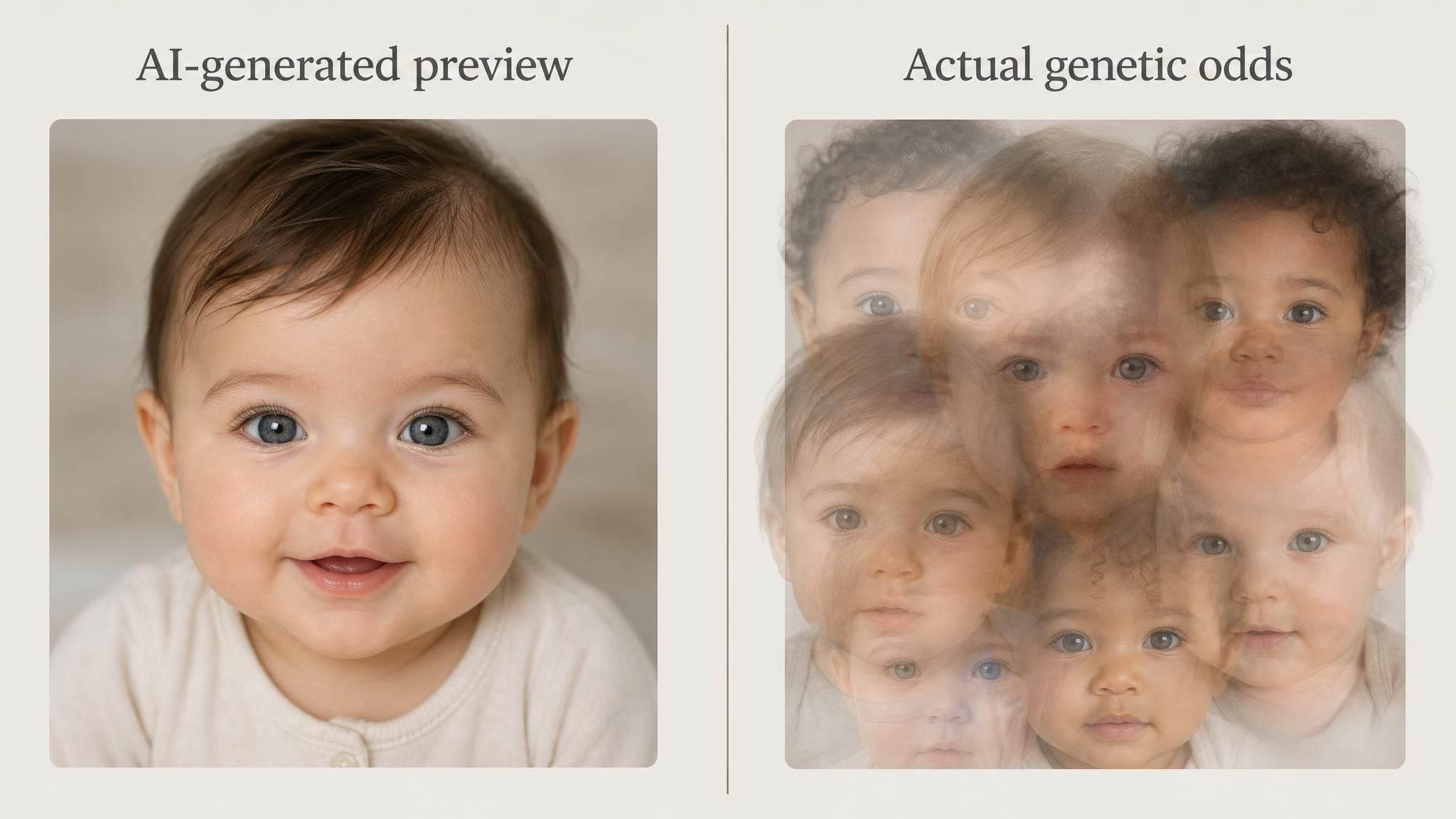
What will my baby look like is decided by more genes than most people expect, and a free AI tool can now sketch out a rough preview of that mix from nothing more than two photos. The tool's own page says the result appears "instantly." The genetics behind it are not nearly that simple.
Key Takeaways
- Sketching what your baby might look like is a multi-gene guessing game, not a "looks just like dad" formula
- Atlas Cloud runs a free AI Baby Face tool that blends one photo of each parent into a single result, first generation at no cost once you're logged into a free account
- The free tool has no dials to turn; if you want to adjust resolution or add a third reference photo, that lives in the Atlas Playground instead
- What you upload matters more than any setting: clear, front-facing, unobstructed photos change the result more than anything else does
- Treat the output as entertainment. Real inheritance, even for a single trait like eye color, is harder to predict than most baby generator pages let on
What Will My Baby Look Like? The Genetic Traits That Decide It
Eye color alone is controlled by at least ten genes, not the single dominant-brown-beats-recessive-blue rule most people were taught in school. MedlinePlus Genetics names OCA2 and HERC2 as the two doing most of the work, with eight smaller contributors layered on top, and notes plainly that "parents with blue eyes can have children with brown eyes." Hair color runs on a similar multi-gene setup built around MC1R.
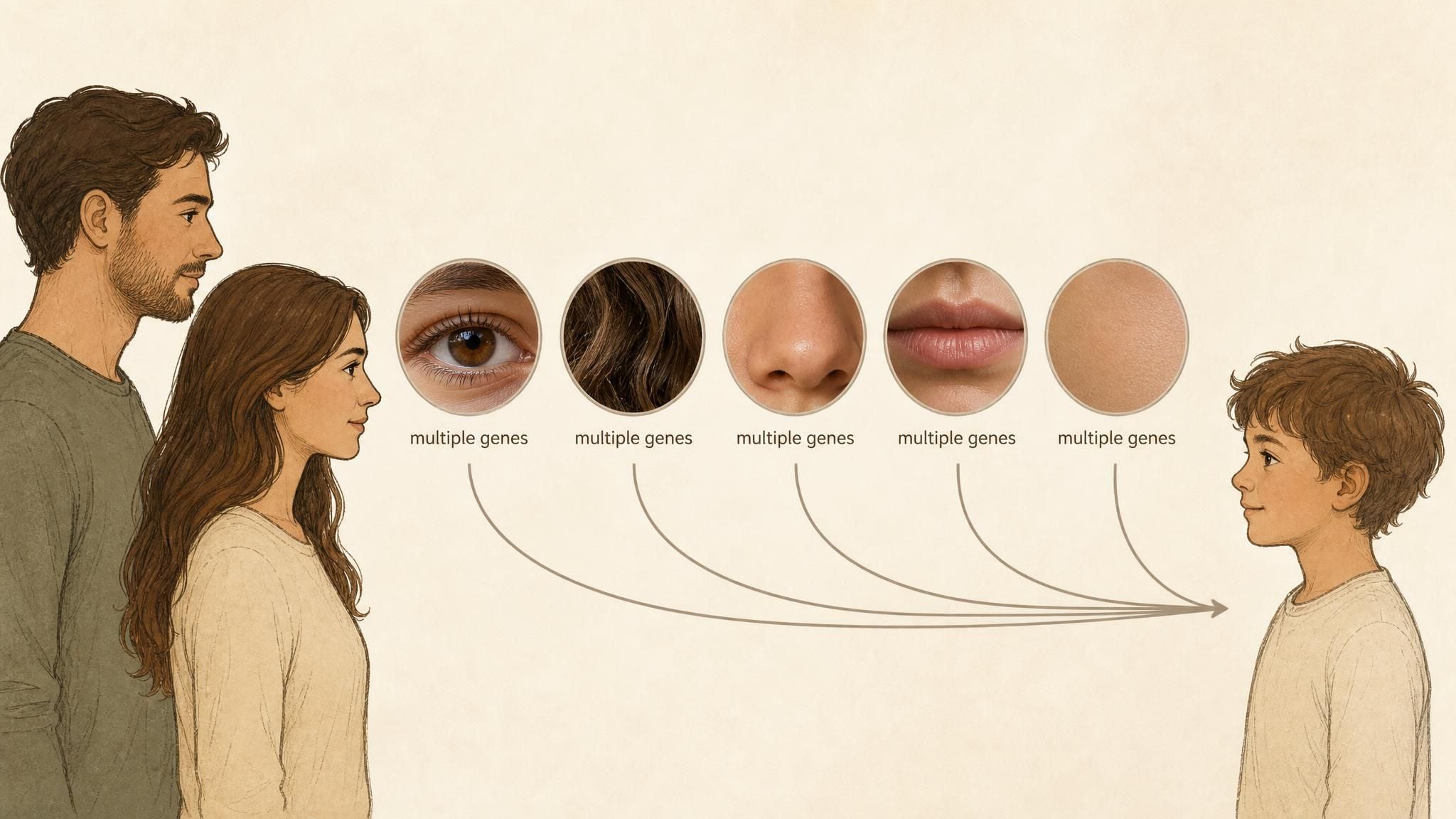
So why can two full siblings look strikingly different? Because eye color, hair color, skin tone, nose shape, and mouth width each inherit somewhat independently, and the same two parents can pass on very different combinations of all five. They're also the same traits the baby face tool in the next section says it reads from your uploaded photos.
See What Your Baby Might Look Like With Atlas Cloud's Free AI Tool
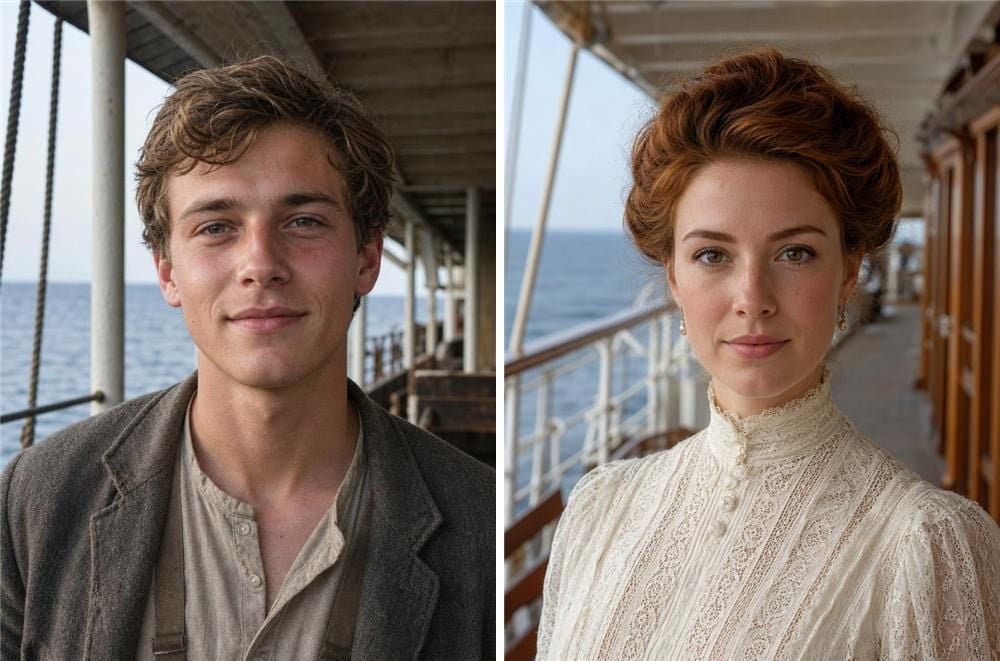
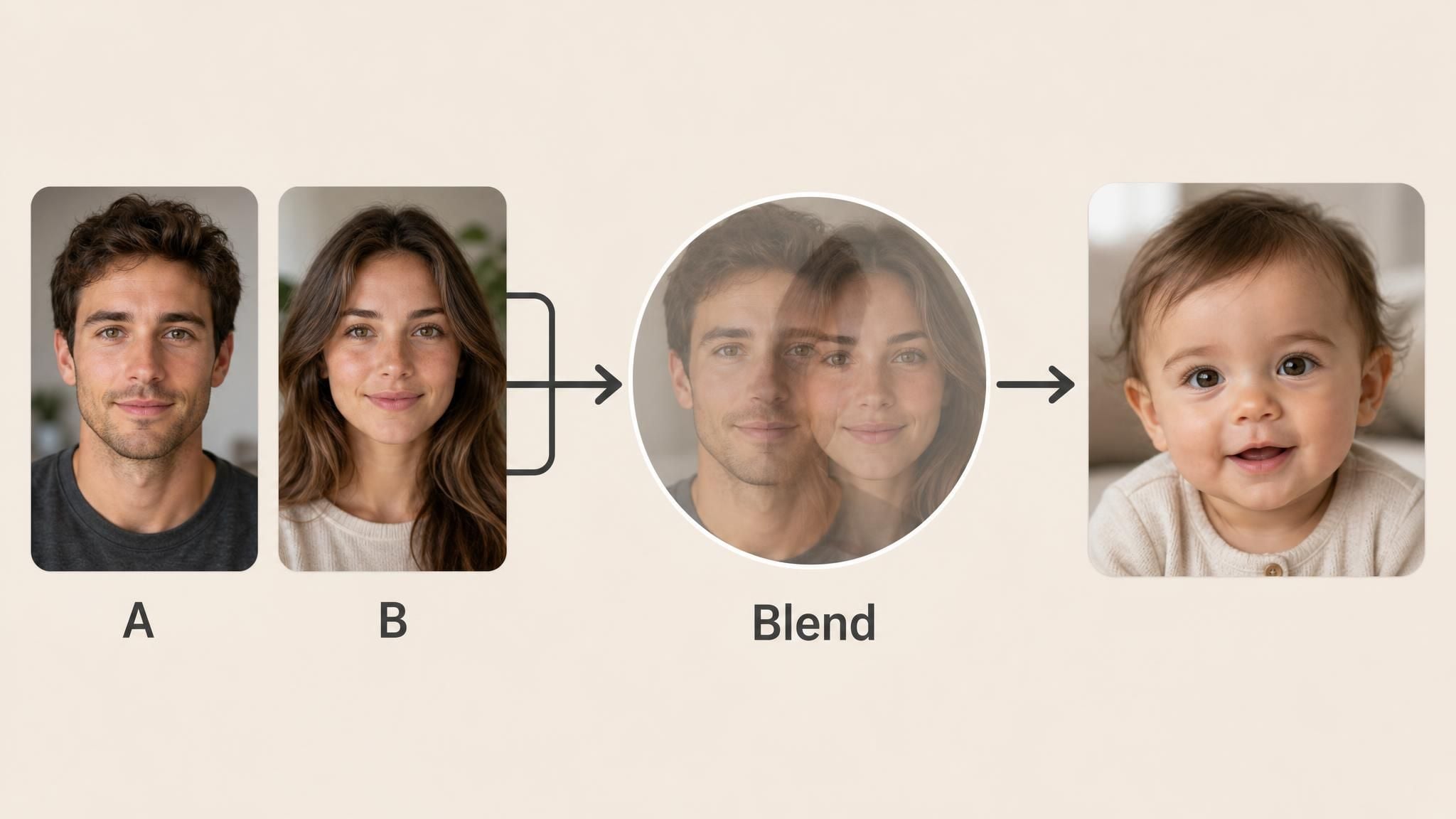
For couples counting down to a due date, or just curious before one exists, Atlas Cloud built a version of this that skips the guesswork entirely. The free AI Baby Face generator asks for exactly two things: "one clear photo of each parent, no extra settings to adjust." Upload both, and the page states the AI "blends both faces automatically and builds the result in the background," reading eye color, nose shape, mouth width, and skin tone from each photo before merging them. We generated two original portraits in the spirit of Titanic's Jack and Rose.
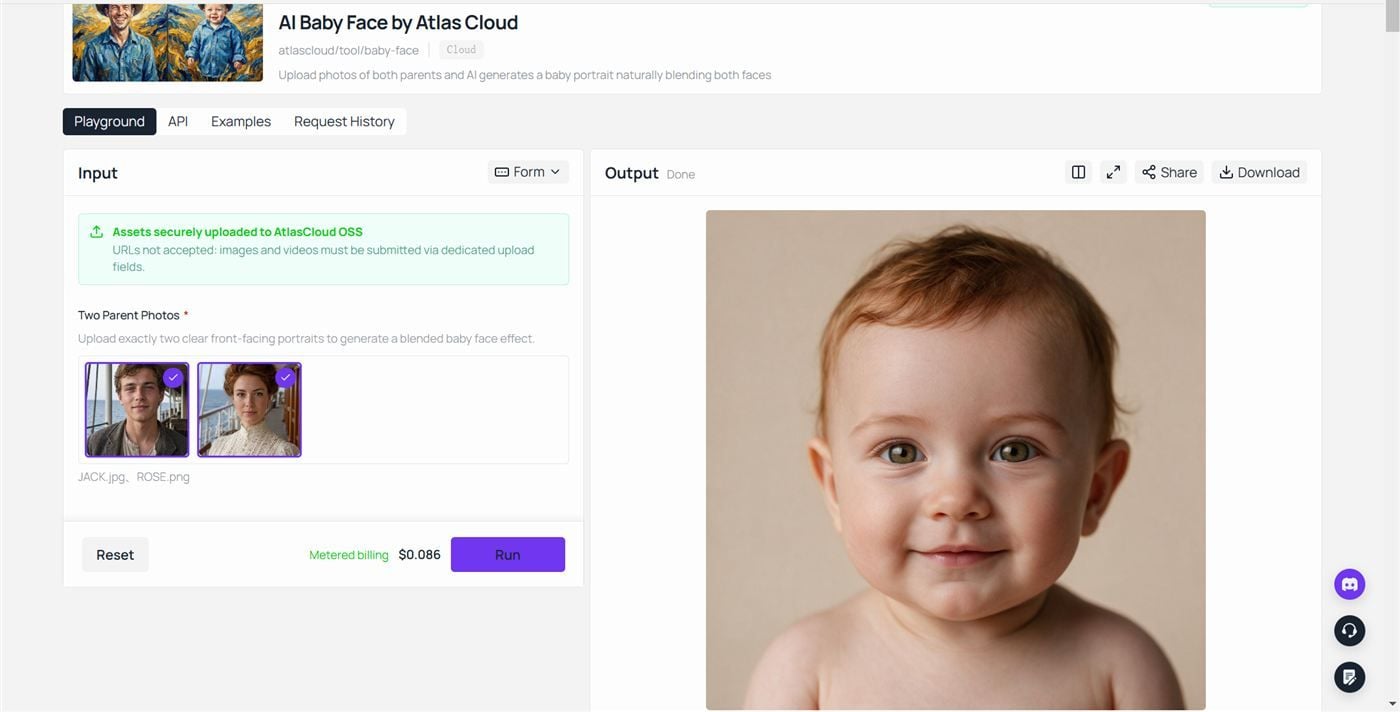
The pair above went in, and the result screen below is what came out. The blended baby kept the first-class passenger's auburn hair and landed the eyes somewhere between the two inputs. One billing note from the run itself: our account was already past its free first generation, so the tool metered this job at $0.086, the price visible next to the Run button.
How the AI Actually Merges Two Faces Into One
Under the hood, this kind of tool is a face-blending problem more than a face-generation one. The model has to hold onto identity cues from both source photos, decide how much of each trait to carry forward, and avoid the uncanny smoothing that makes a blended face look like neither parent.
Two photos in, one face out, sounds simple from the outside. Getting it to look like a plausible person rather than a blur of two people is where most of the engineering effort actually goes.
More Control Over Your Baby Face Generator Result in the Atlas Playground
Everything in the free tool is fixed on purpose. If you want to pick your own resolution, or drop in a third reference photo (a sibling, say, to see how a family resemblance might carry through), that lives in the Atlas Playground instead, running on ByteDance's Seedream v5.0 Pro Edit model, which accepts one to ten reference images per request.
Checked against Atlas Cloud's live pricing endpoint on August 20, 2026, a run at the standard 1.5K resolution tier costs $0.045 with a single reference image, the same job at the 2K tier costs $0.09, and each reference image after the first adds $0.003 at either tier. No discount was active at the time of checking; all figures reflect list price. Atlas Cloud's model prices move over time, so treat these as an August 2026 snapshot rather than a permanent number.
| Resolution tier | Price per run, 1 reference (Aug 20, 2026) |
|---|---|
| 1.5K (up to ~2.36MP) | $0.045 |
| 2K (above ~2.36MP) | $0.09 |
Most free single-purpose baby generators lock you into their one workflow because that's the only thing they were built to do. The gap here isn't a technical one; other image-editing models handle multiple reference photos too. It's that the price is posted in plain dollars per run instead of buried behind a credit system that never quite tells you what one generation actually costs.
That sibling idea is easy to actually test. We reused the two 1912 portraits from earlier as references, plus a third: a five-or-six-year-old "first child" generated with the same text-to-image approach as his parents. All three then went into Seedream v5.0 Pro Edit as references, numbered in upload order (father first, mother second, first child third), with the instruction written the way the model's own documentation phrases edits, by pointing at image numbers:
plaintext1Generate a photorealistic portrait of a second child of this family: a girl around three years old, the younger sibling of the boy in image 3. Blend the facial features of the man in image 1 and the woman in image 2, and keep a clear family resemblance to image 3 without copying his face. Auburn hair, fair skin, a simple 1912 child's dress. Face turned straight to the camera, even soft daylight on the face. Background: the deck of an early 1900s ocean liner, slightly out of focus. An original fictional character, not based on any real child or actor.
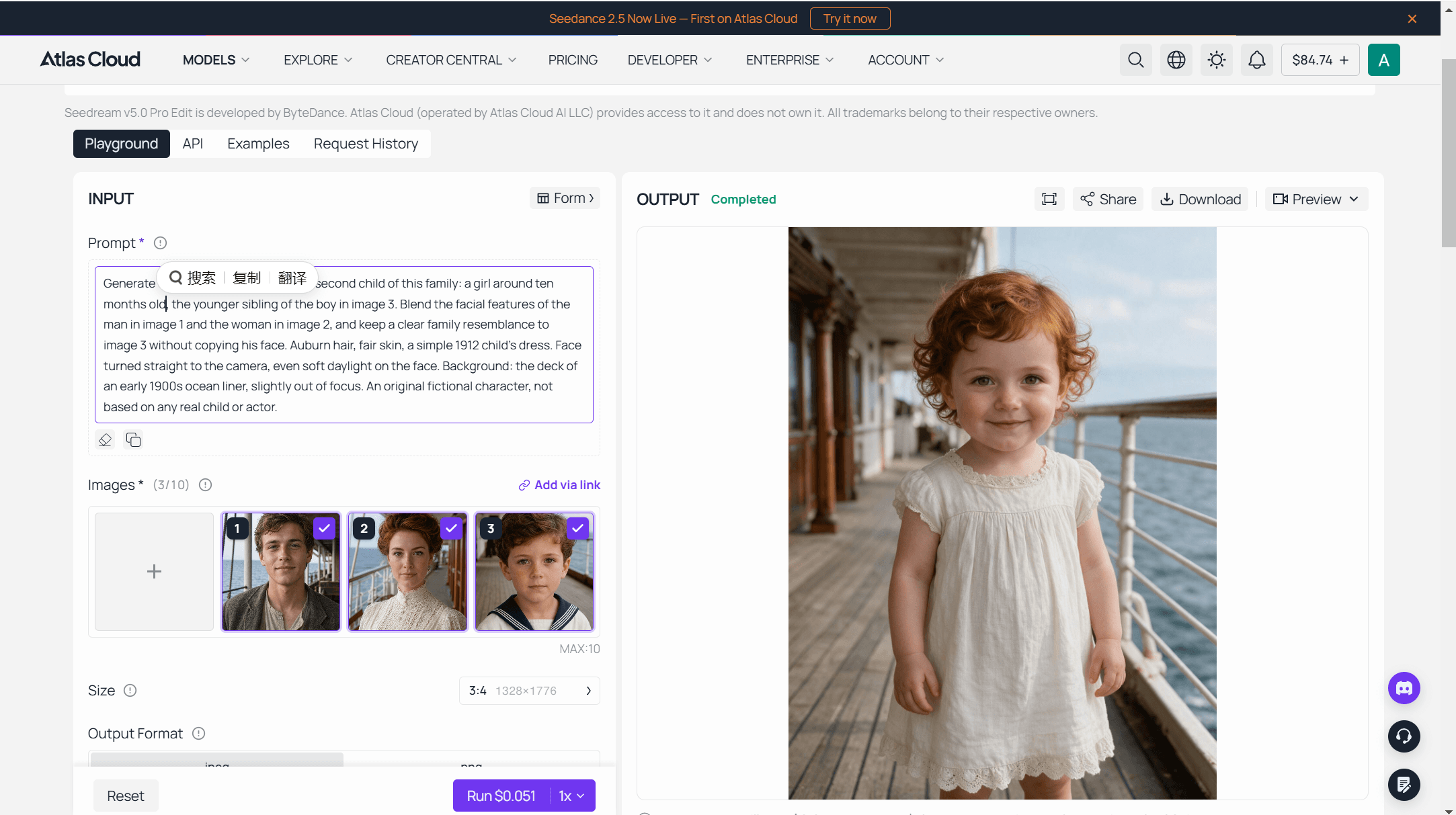
The Run button reading $0.051 is that per-reference math in action, the $0.045 base plus two extra references. The output held up too: a three-year-old girl with the family's auburn curls, hazel eyes, and freckles, close enough to the boy in reference 3 to read as his sister without copying anyone's face outright.
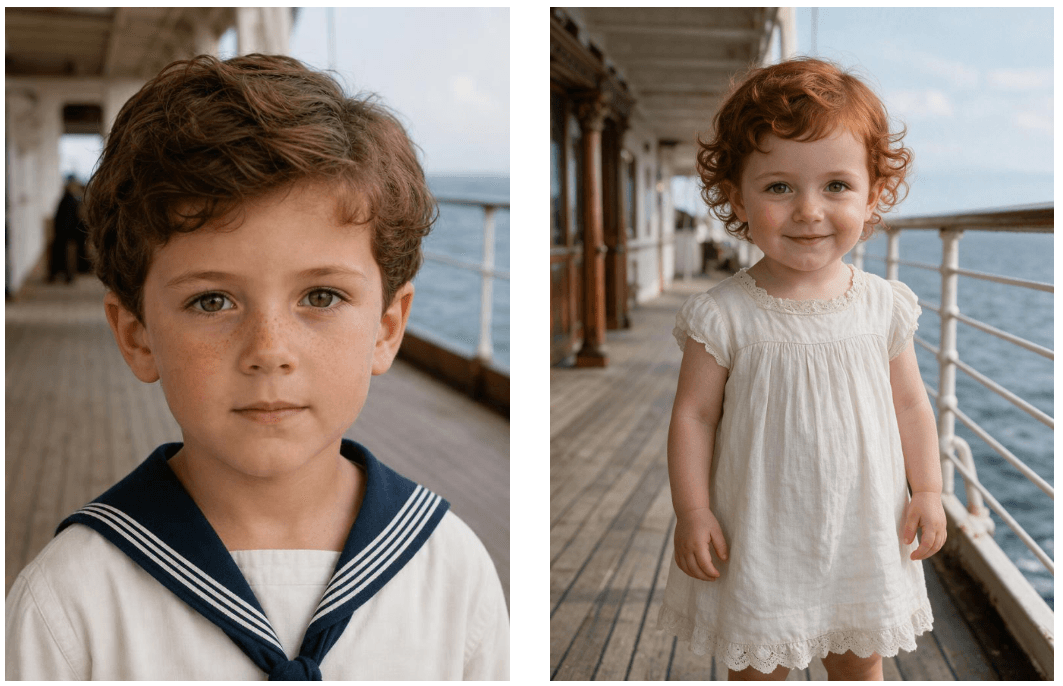
Photo Tips That Change Whether the Result Looks Believable
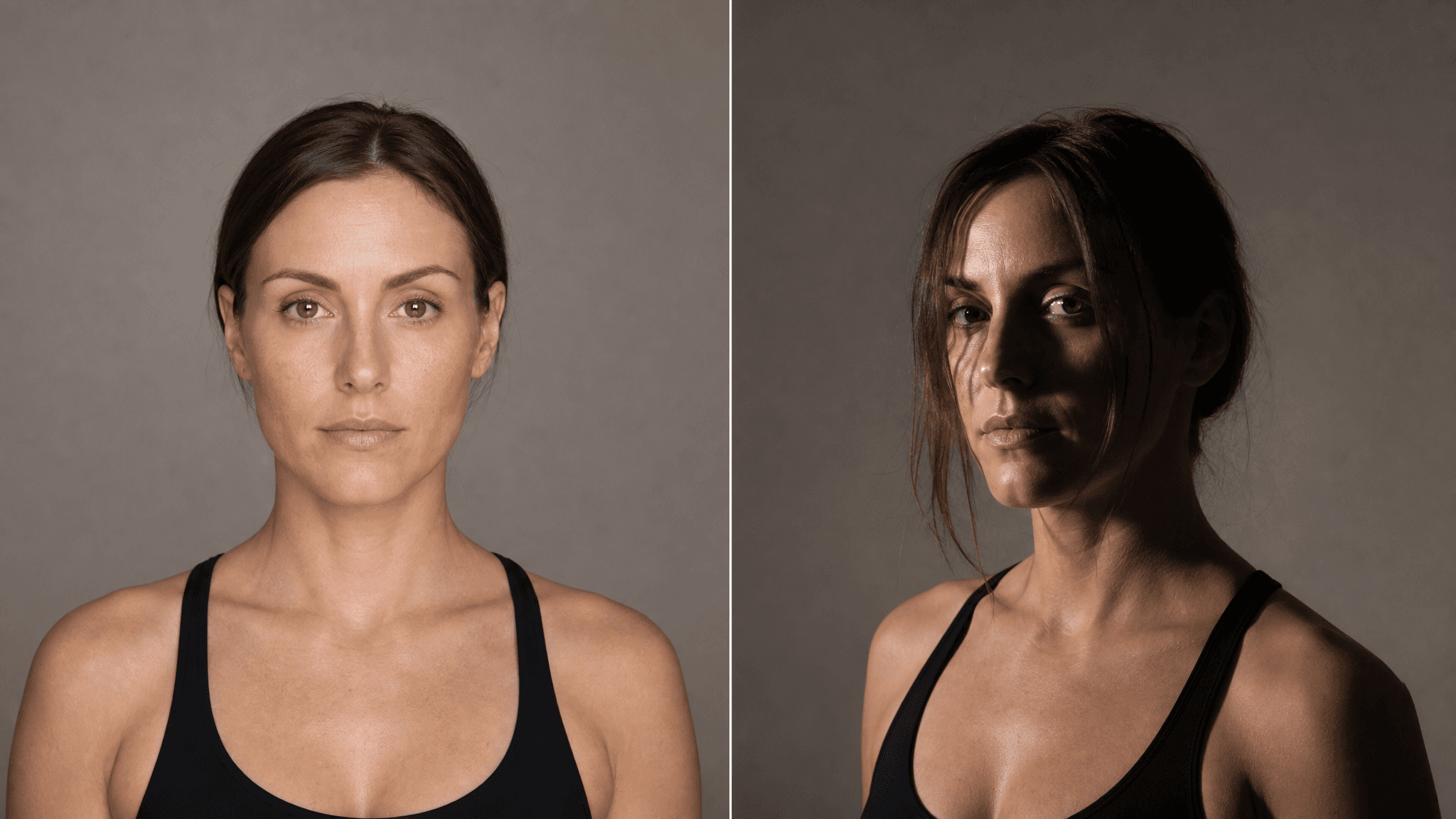
Every trait the tool reads, it reads off the photo you hand it, so a shadow across half a face or a head turned three-quarters away just means less to work with. A few things that actually move the needle:
- Face the camera close to straight-on, not in profile
- Skip sunglasses, heavy filters, or anything covering the hairline or jaw
- Use a photo where the lighting is even, not backlit or lit from one side only
None of this needs a professional photo. AI Selfie to Headshot runs into the same lesson from a different angle: these models rewrite background, lighting, and styling far more readily than they rewrite the face itself, so a clear, unobstructed shot of the face is what actually carries through.
Is It Safe, and How Accurate Is an AI Baby Generator Really?
On privacy, Atlas Cloud's own FAQ for the tool states it plainly: "your photos are only used to generate your baby face result and are not stored or used for any other purpose." That's the kind of line worth checking for on any site before uploading a photo of yourself or a partner, and not every baby generator page states it this clearly.
On accuracy, worth sitting with the eye color example from earlier again: if a trait controlled by roughly ten known genes can still surprise two blue-eyed parents with a brown-eyed child, an AI tool answering "what will my baby look like" from just two photos is working with even less certainty, not more. These tools are a fun preview, not a prediction anyone should hold onto as fact, and they're not a substitute for an actual prenatal or genetic consultation.
Other Free Atlas Tools Worth Trying Before the Big Reveal
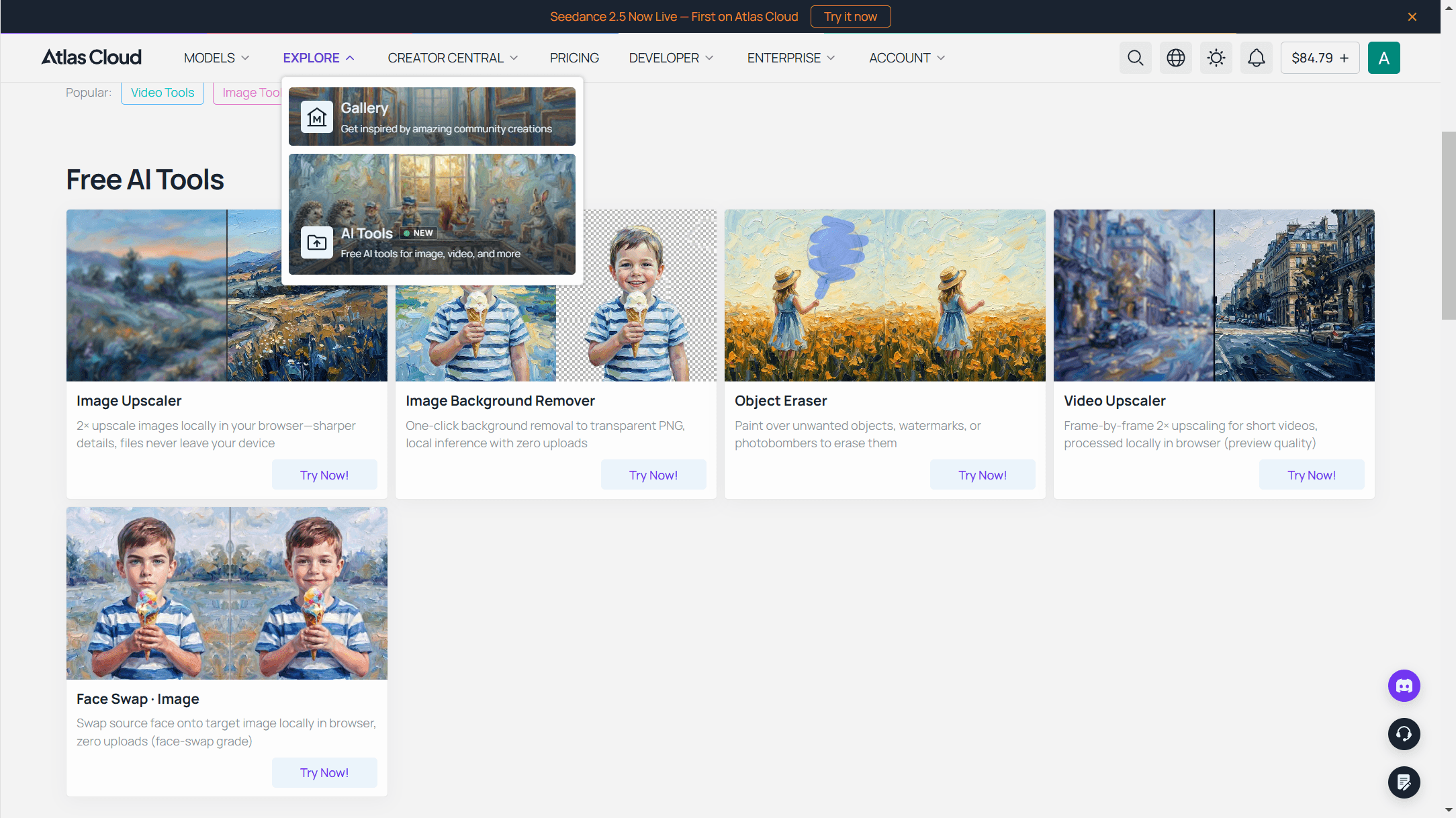
The baby face tool sits inside a wider AI Tools page, Atlas Cloud's full collection of free browser tools, from background removal to hairstyle changes. If a headshot needs updating before the announcement photos go out, Six Free AI Headshot Generators, Ranked by What $0 Hands You breaks down which free tiers actually deliver a usable file versus which just say "free" and stop there.
Frequently Asked Questions
Can AI accurately predict what your baby will actually look like?
No. It renders a plausible blend of two photos, not a genetic simulation. Even single, well-studied traits like eye color involve around ten genes and don't follow simple prediction rules, so a whole-face guess carries far more uncertainty than the smooth output makes it look.
Is the Atlas Cloud AI baby generator free to use?
It's free to start, but not login-free. You need a free Atlas Cloud account to use it at all, the same requirement that applies across the platform's other free tools. Once you're signed in, the first generation doesn't cost anything and never asks for a credit card; runs after that switch to metered billing, and ours metered at $0.086 in August 2026.
What photos give the best baby face generator result?
A clear, front-facing, evenly lit photo of each parent with nothing covering the eyes, hairline, or jaw. The model reads eye color, nose shape, mouth width, and skin tone directly from what you upload, so a clearer photo gives it more to work with.
Can I include more than two photos, like a sibling, in the prediction?
Not in the free tool, which is built around exactly two uploads. The Atlas Playground version of Seedream v5.0 Pro Edit accepts up to ten reference images, which is where adding a third photo would happen instead.
Is it safe to upload photos of yourself and your partner?
Atlas Cloud's stated policy is that uploaded photos go toward generating your result and nothing else, with no storage afterward. If you try a different generator, look for an equally direct statement before uploading a photo of someone else.
How is a baby predictor different from a real genetic test?
A baby predictor blends pixels from two photos. A genetic test reads actual DNA and reports on real, verifiable traits or conditions, not a rendered guess. If you're weighing an actual medical question about what your baby will look like or inherit, that's a conversation for a genetic counselor, not an AI tool.
Conclusion
The honest answer to what will my baby look like is that nobody knows in advance, including the AI. Eye color alone involves ten or more genes and still surprises parents, and a whole face stacks many more of those variables together. What a baby face generator produces is one plausible sketch, built from the traits it can read in two photos.
That is also exactly why it's worth a try. The first result costs nothing, arrives in under a minute, and makes for a better conversation starter than any due-date countdown. If one sketch isn't enough, the Playground route adds sibling references and resolution control for a few cents per run. The delivery room settles what your baby will look like for real; until then, the preview is the fun part.





