Seedance 2.5 Now Live — First on Atlas Cloud

Free AI Baby Face Generator Online

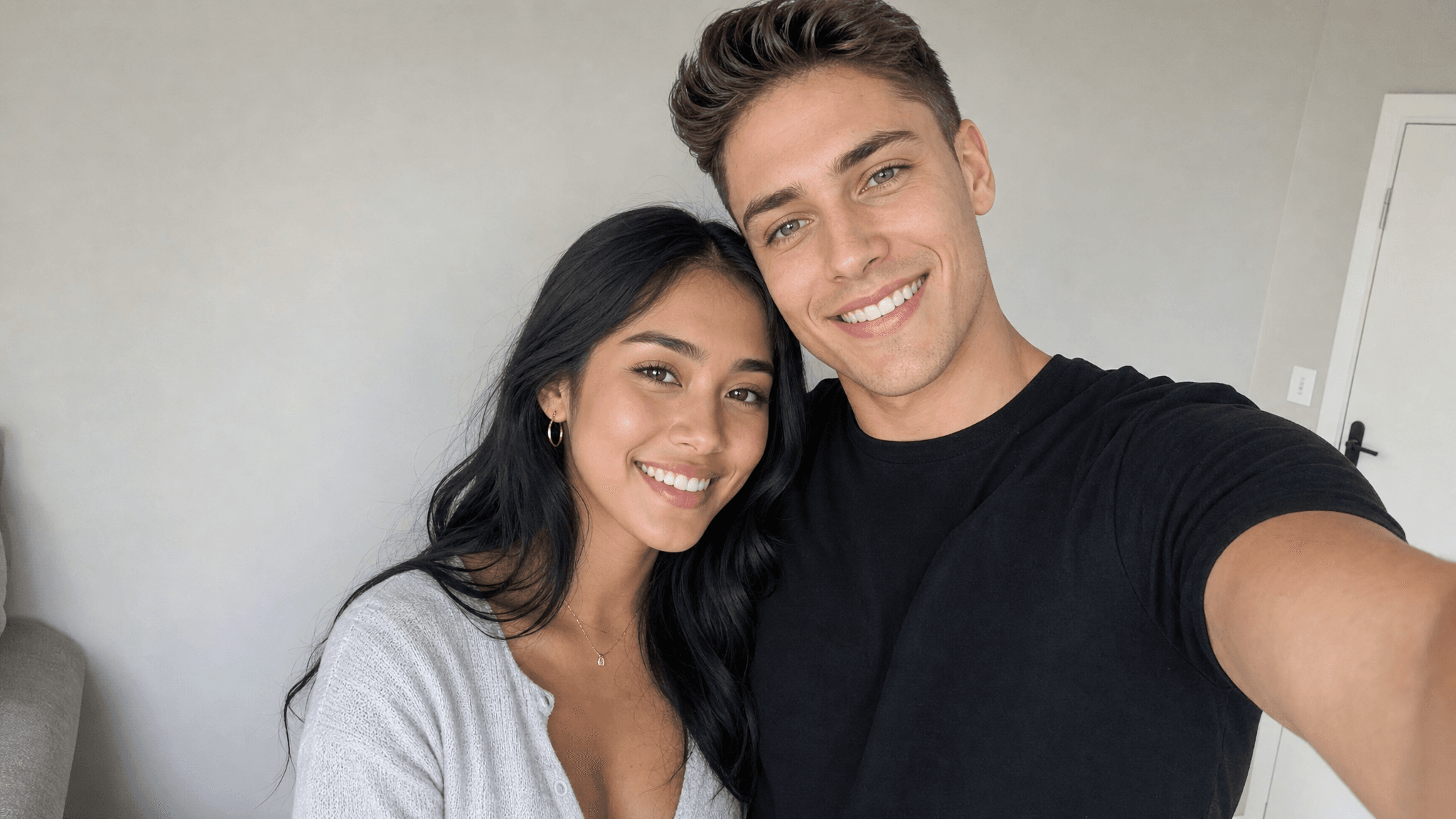
Combine your photo with your partner's using our AI baby generator face maker to see a realistic preview of your future child's face, ideal for couples planning a family, friends having fun, or anyone curious what their baby could look like.

Checking AtlasCloud login status

Confirm your account and current workspace to run free tools.

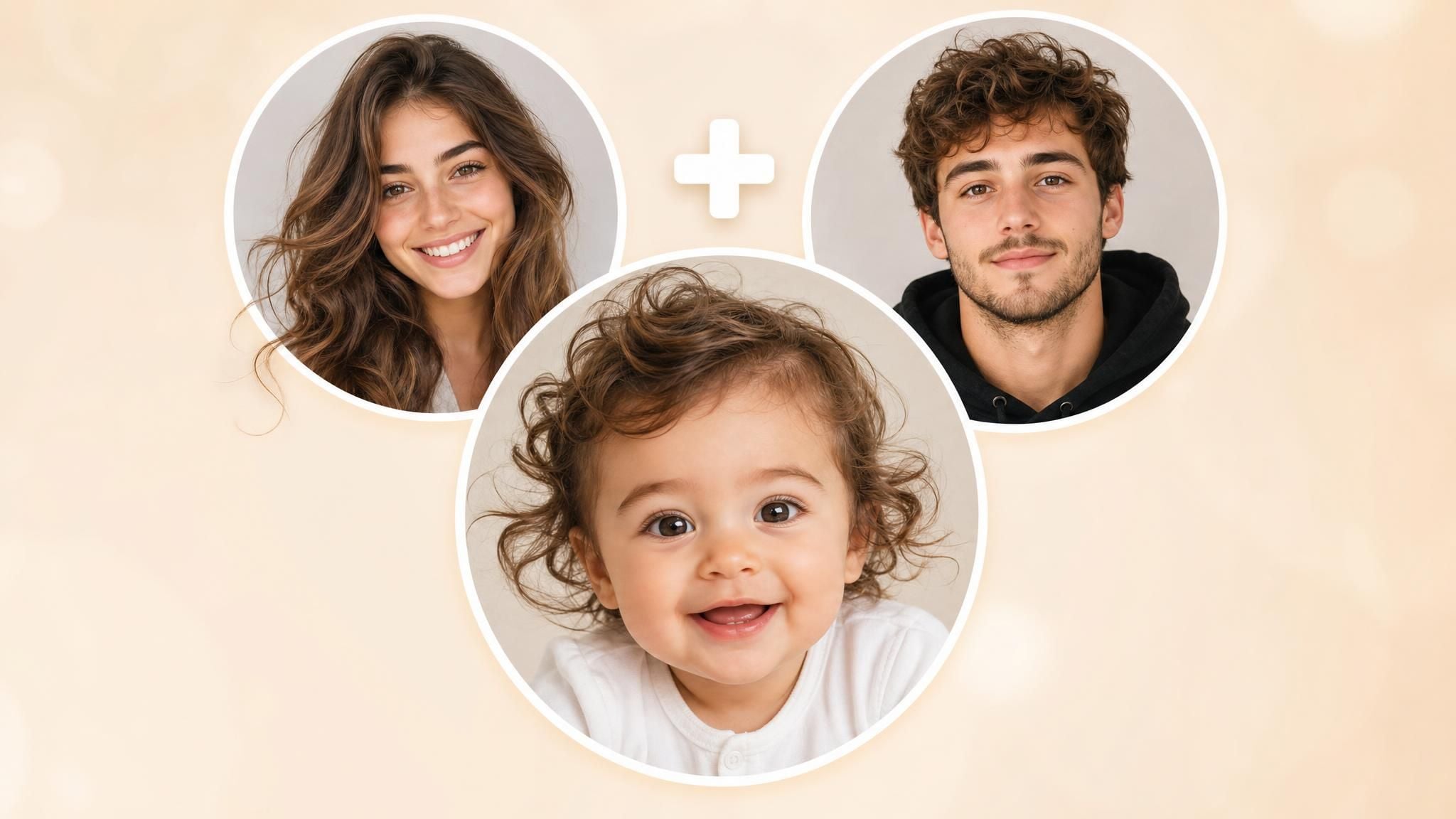
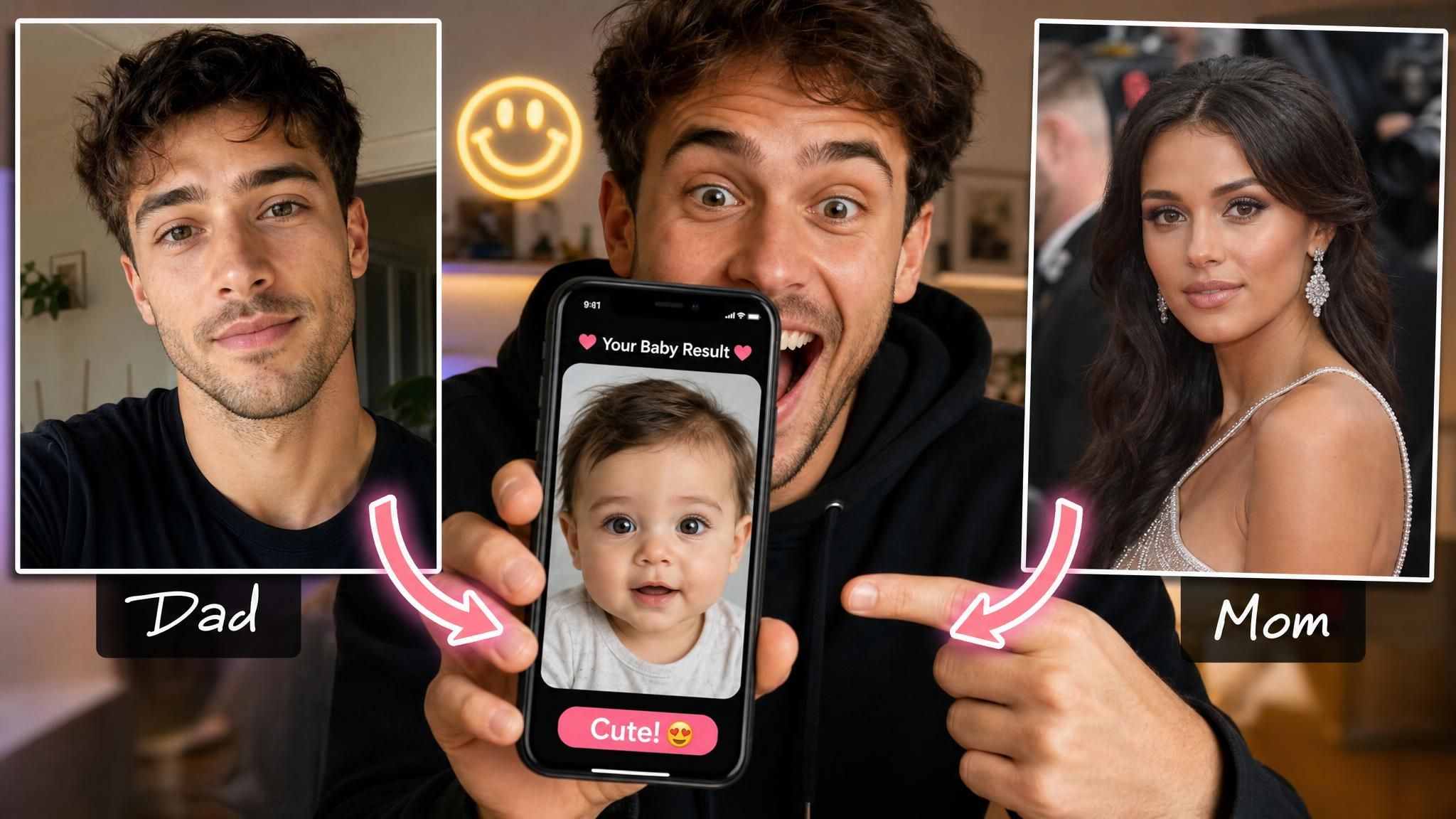
Two Parents, One New Baby Face

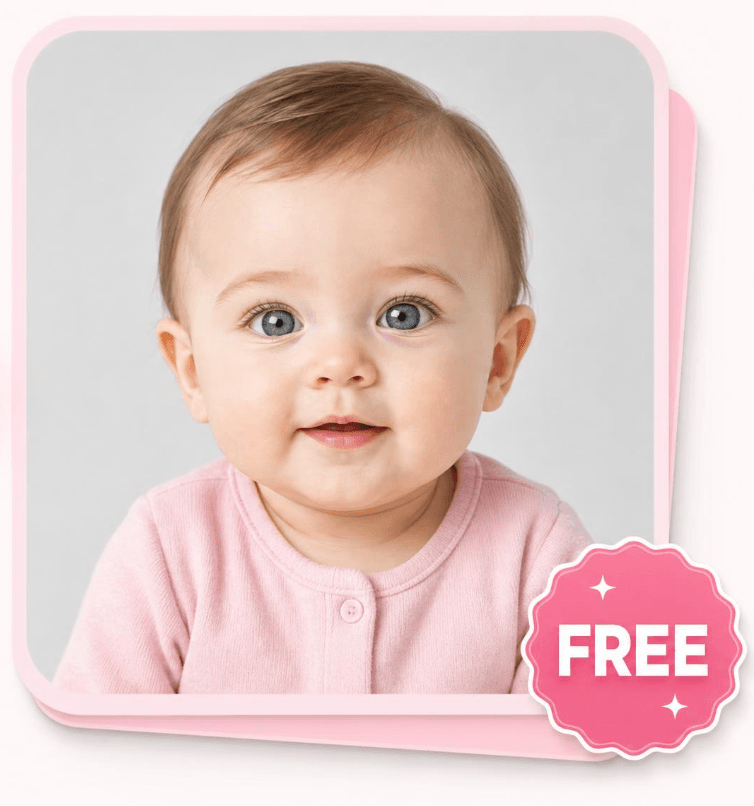
See how two parent photos transform into a brand new baby face, feature by feature, as our AI studies each parent's eyes, nose, and skin tone to shape a realistic new face.

parents photo
Before
baby photo
After

Why This Baby Face Generator Feels Real

From photo upload to finished face, every part of this tool is built to be fast, simple, and true to both parents' features.

AI Face Blending

Upload one clear photo of each parent and the AI gets to work comparing the two faces side by side. It studies eye color, nose shape, mouth width, and skin tone from both parents, then blends those individual traits together to build one new face that did not exist before your two photos met.

AI Face Blending

Results In Seconds

No waiting around for your baby face. Once both photos are uploaded, the AI processes everything in the background and returns a finished image in just a few seconds. There is no queue, no lengthy render, and no need to refresh the page. You get an answer almost as fast as you asked the question.

Results In Seconds

Realistic Baby Face

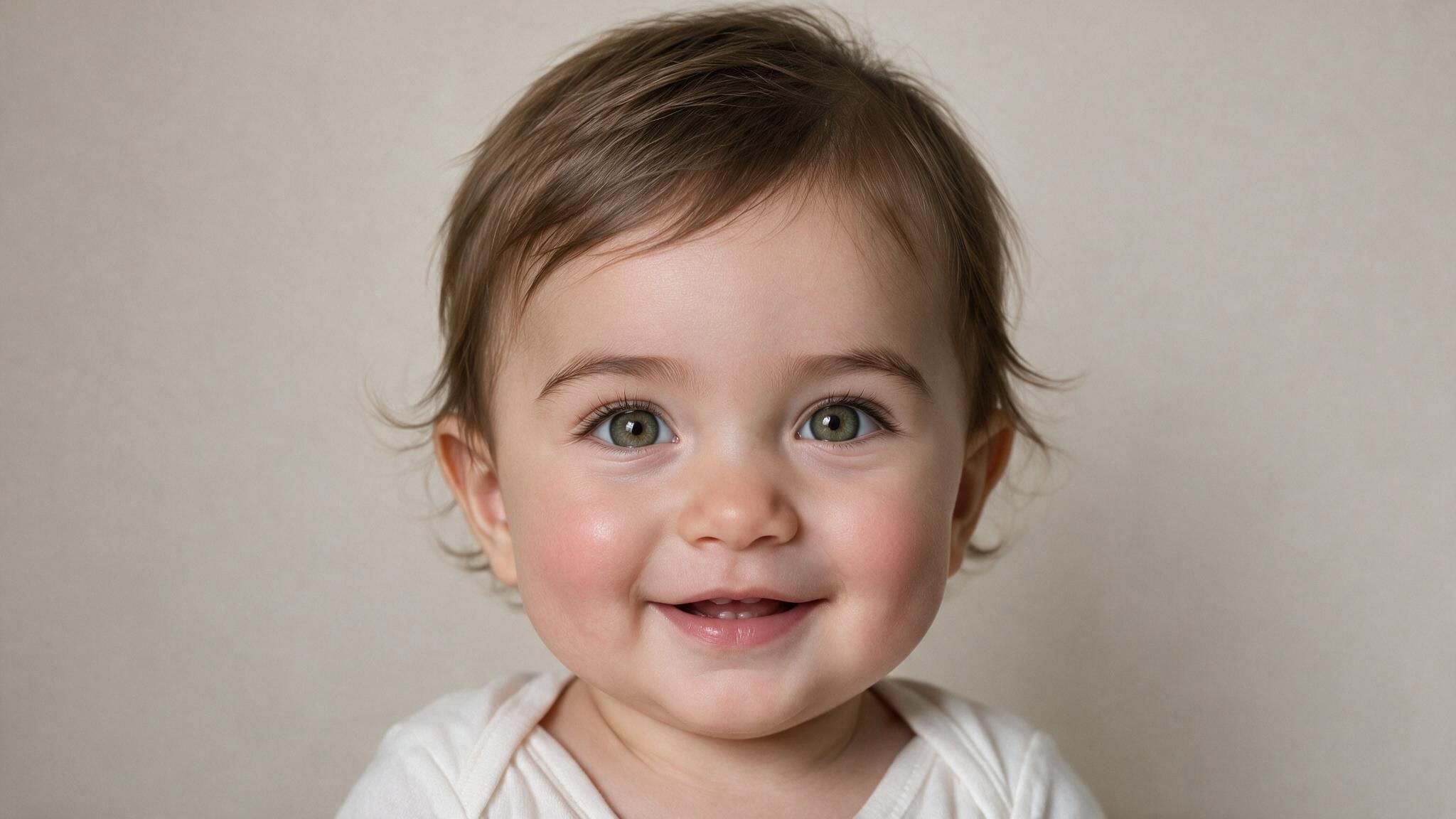
Rather than sketching a rough cartoon outline, this generator aims for something that looks like an actual portrait. Skin texture, proportions, and lighting are rendered so the result resembles a real child rather than a computer-generated mashup. That realism is part of what makes the reveal feel genuinely surprising and fun to share.

Realistic Baby Face

Free To Try

Your first baby face generation does not cost a thing, and you will not be asked for a credit card to get started. Upload your two photos, generate the result, and see exactly what the tool produces before you decide whether you want to come back and try it again later.

Free To Try

Baby Face, Any Photos

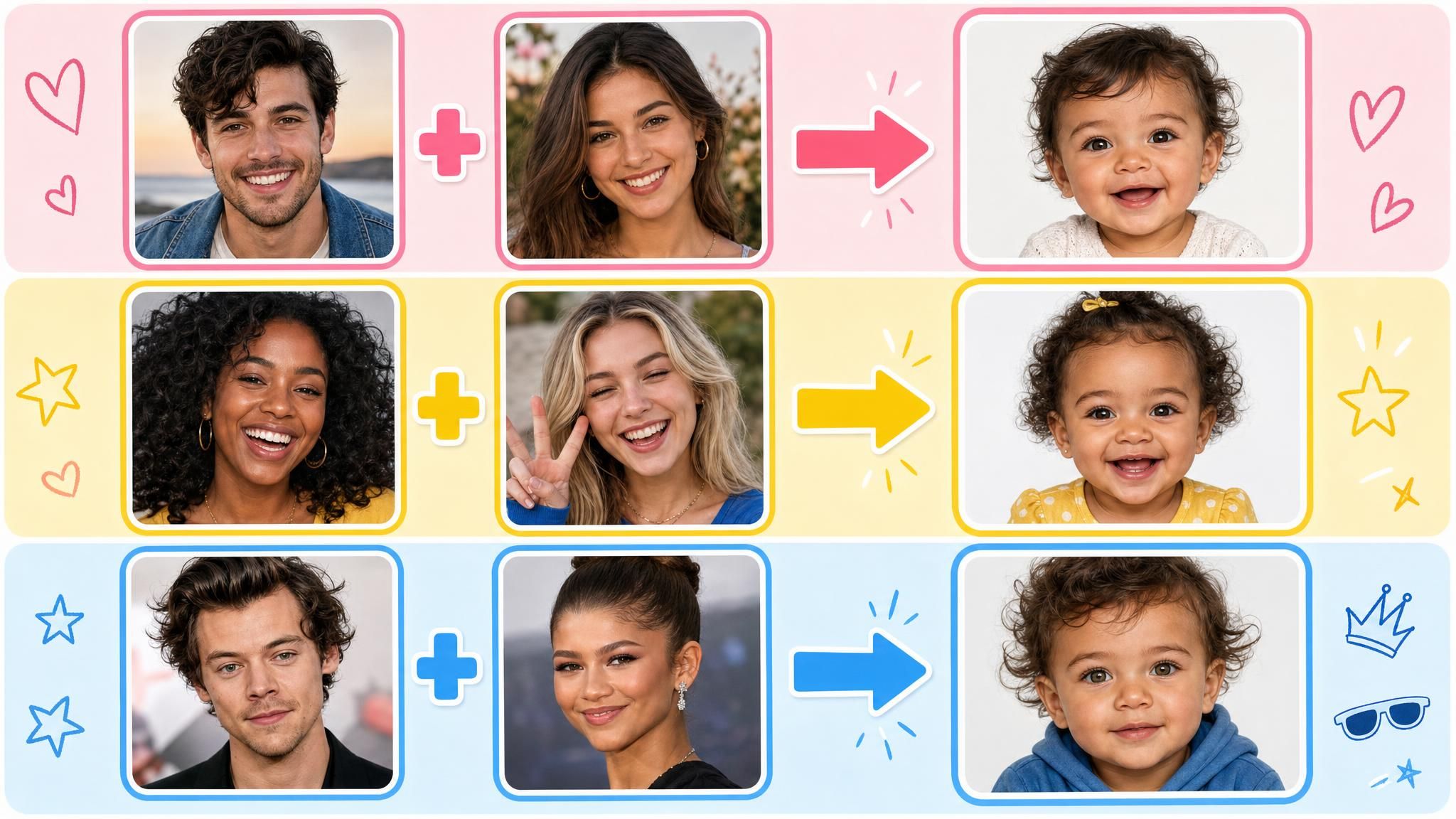
This is not limited to real couples expecting a child. Because the generator only needs two clear face photos, you can pair yourself with a partner, a friend, or even a celebrity crush just for fun. Whatever two photos you upload, the AI treats them the same way and produces a new baby face.

Baby Face, Any Photos

Who Is This Baby Face Generator For

Whether you are expecting a child or just curious for fun, here are the ways people actually use this tool.

Meet Your Future Baby
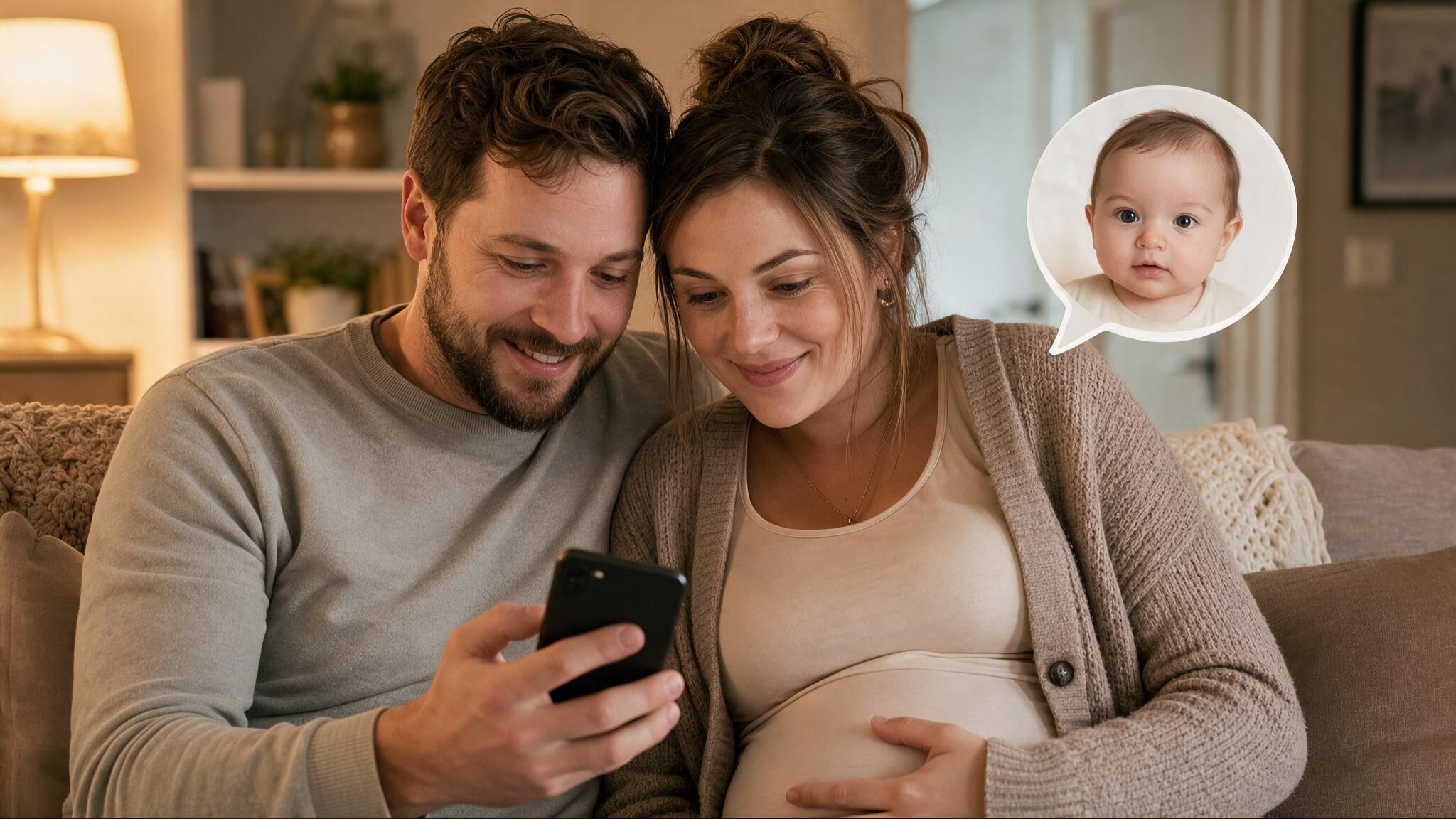
Meet Your Future BabyIf you and your partner are expecting or just planning ahead, upload both of your photos to get an early, playful look at the face your future child might share.
Celebrity Baby Face
Celebrity Baby FaceCurious what your face would look like combined with your favorite celebrity or childhood crush? Upload two public photos and let the AI generate a playful result.
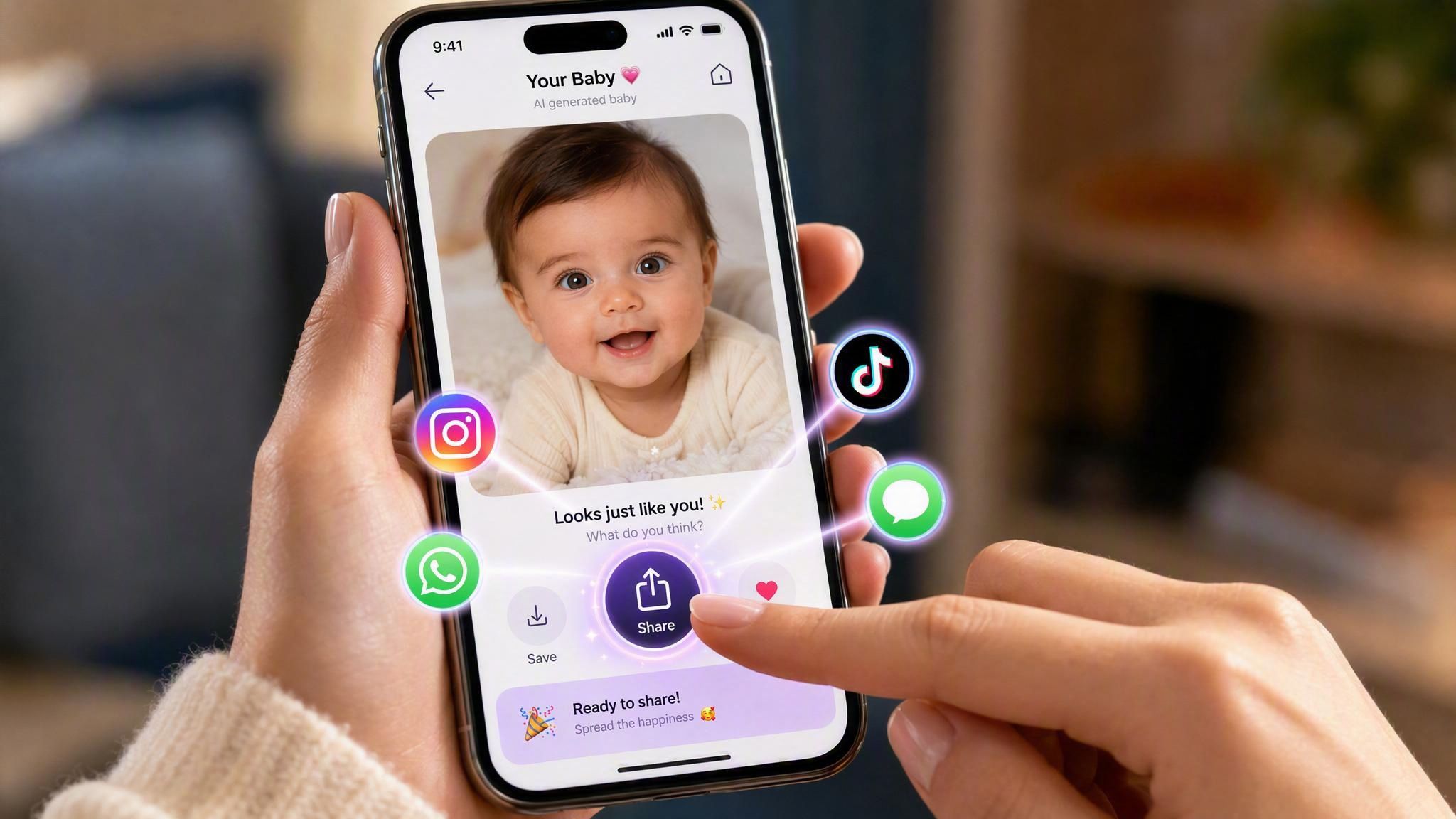
Share baby face photo on Social Platforms
Share on Social PlatformsOnce your baby face is ready, save the image and post it straight to Instagram, TikTok, or your group chat for friends and family to react to.
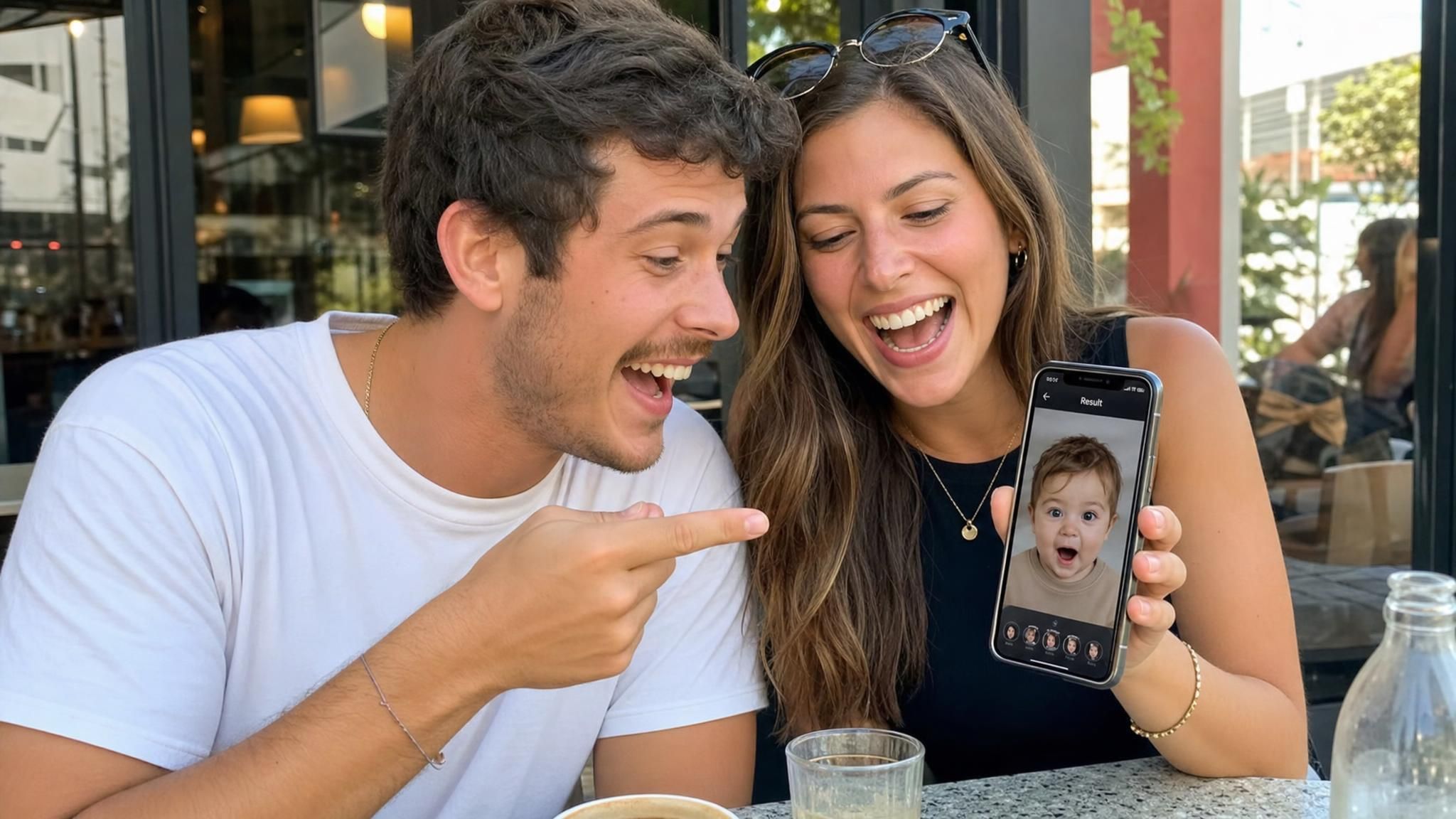
Just For Fun
Just For FunYou don't need to be expecting a baby to try this. Many couples use it purely for fun, just to see what a mix of their two faces might look like.
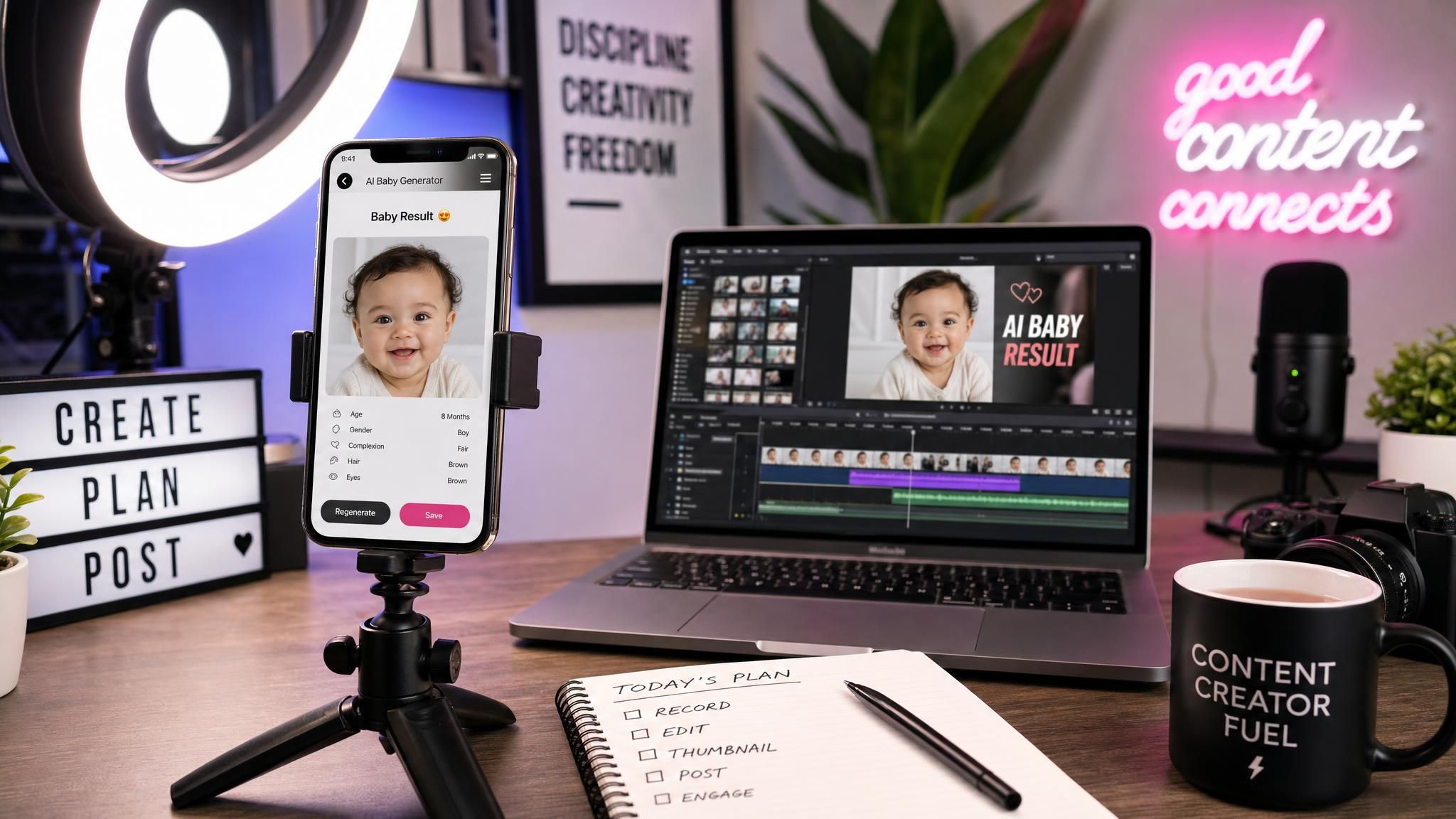
AI Content For Creators
AI Content For CreatorsCreators and meme accounts use this tool to generate quick, shareable baby face content for reaction videos, comment bait, or lighthearted posts across social platforms.

Three Steps To Generate Your Baby Face

No settings to configure, just three quick steps from upload to result.

  1. STEP-1Upload Both Parents' Photos

    Add one clear photo of each parent, no extra settings to adjust.

  2. STEP-2Generate Baby Face

    The AI blends both faces automatically and builds the result in the background.

  3. STEP-3View And Download Your Baby Face

    Your one-image result appears instantly, ready to save or share.

Help The AI Read Both Faces Clearly

A few small adjustments to your photos can make the blended result look sharper and more accurate.

Face The Camera

A straight-on angle lets the AI map both eyes, the nose, and the mouth clearly, instead of guessing at features hidden by an angled or tilted pose.

Skip Sunglasses And Masks

Anything covering the eyes, nose, or mouth blocks the exact features the AI needs to blend, so keep the face fully visible.

Go Easy On Filters

Heavy beauty filters or retouching can smooth away the real facial structure the AI relies on, leading to a less accurate blend.

Choose A Sharp Photo

Blurry or low-resolution images make it harder for the AI to pick up fine details like eye color or nose shape.

One Face, One Photo

Group shots or photos with other people in frame can confuse which face belongs to which parent, so crop to just one person per image.

Keep Quality Consistent

If one parent's photo is sharp and bright while the other is dim or grainy, the blend can end up leaning toward the clearer photo.

Recommended Related Tools

Continue creating with more free AtlasCloud tools.

View all free AI Tools

Real Reactions To Their Baby Face Results

My husband and I uploaded our photos the night we found out we were having a baby, and honestly seeing that little face pop up in seconds gave us chills. It is obviously not exact, but it made the whole thing feel more real for both of us.

Priya Nair

I run a small family channel and needed something quick for a video segment. No sign-up hoops, no messing around with settings, just two photos in and a baby face out in seconds. My viewers loved guessing whose features showed up more in the result.

Marcus Webb

As someone who studies faces for a living, I expected a blurry mash-up. Instead the skin texture and proportions actually held up under a zoomed-in look, which is more than I can say for a lot of similar tools I have tested over the years.

Elena Fischer

I tested a dozen of these generators for a roundup piece and this one had the least friction of the bunch. One upload screen, one result, no upsell popups before you even see your output. Refreshing compared to the usual pattern in this category.

Daniel Okoro

A couple I photographed last year sent me their baby face result as a joke gift, and I could not stop laughing at how much it actually resembled them both. Simple concept, surprisingly convincing execution for something that only took a few seconds.

Sofia Ramirez

My girlfriend and I did this for fun on a random Tuesday night. It took maybe ten seconds total and gave us something to laugh about for the rest of the evening. Free was honestly the deciding factor for even bothering to try it.

Tom Bradley

Why Choose Us

Built for both creative speed and dependable delivery.

PERFORMANCE & FLEXIBILITY
  • Low Latency

    Fast, responsive workflows for daily creation.

  • Unified Experience

    One visual language across different AI tools.

  • Transparent Controls

    The exact parameters stay visible and predictable.

ENTERPRISE & SCALE
  • Creator-ready workflows

    Examples and upload flows fit real production work.

  • Reliable platform

    AtlasCloud infrastructure supports every cloud run.

  • Security & compliance

    Clear boundaries for local and cloud processing.

Relative Articles

GPT Image 2 Prompt Guide: 50+ Prompts for Product Photos, UI Design, and Marketing VisualsATLAS CLOUD
GPT Image 2 Prompt Guide: 50+ Prompts for Product Photos, UI Design, and Marketing VisualsMay 10, 2026
Seedance 2.0 + GPT Image 2 API Tutorial: AI Fight-Scene WorkflowATLAS CLOUD
Seedance 2.0 + GPT Image 2 API Tutorial: AI Fight-Scene WorkflowMay 12, 2026
Beyond the Prompt: 7 Advanced GPT Image 1.5 Tips for Perfect Lighting and CompositionATLAS CLOUD
Beyond the Prompt: 7 Advanced GPT Image 1.5 Tips for Perfect Lighting and CompositionApril 9, 2026
2026 AI Image API Benchmark: GPT Image 2 vs Nano Banana 2/Pro vs Seedream 5.0ATLAS CLOUD
2026 AI Image API Benchmark: GPT Image 2 vs Nano Banana 2/Pro vs Seedream 5.0April 23, 2026
The Ultimate Drama Workflow Skill: GPT Image 2 + Seedance 2.0 Unified with One API KeyATLAS CLOUD
The Ultimate Drama Workflow Skill: GPT Image 2 + Seedance 2.0 Unified with One API KeyApril 24, 2026
which-ai-image-generation-api-supports-models-like-gpt-image-nano-banana-seedream-flux-and-qwen-imageATLAS CLOUD
Which AI image generation API supports models like GPT Image, Nano Banana, Seedream, FLUX, and Qwen-Image?May 31, 2026
No More "AI Gibberish": Mastering Text and Brand Consistency in GPT Image 1.5ATLAS CLOUD
No More "AI Gibberish": Mastering Text and Brand Consistency in GPT Image 1.5April 8, 2026
GPT Image 2 on Atlas Cloud: OpenAI's Cheapest Image APIATLAS CLOUD
GPT Image 2 on Atlas Cloud: OpenAI's Cheapest Image APIMay 10, 2026

FAQ

What is an AI Baby Face Generator?

An AI baby face generator is a tool that analyzes photos of two parents and blends facial features like eye color, nose shape, and skin tone into a single predicted baby face. This particular tool produces one realistic result in just a few seconds from two uploaded photos, meant for fun rather than genetic prediction.

Is this AI Baby Face Generator free to use?

Yes, your first generation is completely free, with no credit card required to try it. After that, you will need to register or add credit to keep generating results.

What types of photos should I upload?

Upload one clear, front-facing photo of each parent, ideally without sunglasses, heavy filters, or other people in the frame. Sharper, well-lit photos help the AI pick up on details like eye color and nose shape more accurately.

Is the result an accurate prediction of my baby's real face?

No, the result is a realistic-looking preview created by blending facial features from both photos, not an actual genetic prediction of your future child. It is designed for fun and curiosity rather than a scientifically accurate forecast.

Are my uploaded photos safe and private?

Your photos are only used to generate your baby face result and are not stored or used for any other purpose. You can upload with confidence knowing your images are not repurposed beyond creating your result.

Why did my generation fail?

Generation issues are usually caused by blurry photos, extreme angles, or faces that are partially covered or hard to detect. Try re-uploading clearer, front-facing photos of each parent to fix the issue.

Can I use the result commercially?

Yes, you are free to use your generated baby face image for commercial purposes as well as personal use. Whether you want to share it on social media, use it in content, or another project, there are no restrictions on how you use your result.