1. What is a free AI aging photo online tool?
It is a web tool that takes one portrait and generates an older version of the same person. This one ages your face naturally while preserving your identity, pose and scene, so the output looks like a real photograph of you taken decades from now.
2. How many years does the AI add to my photo?
The transformation goes decades ahead rather than adding a subtle five years. As the official example shows, a man in his prime comes back as a convincing silver haired senior, wrinkles, gray hair and all.
3. Will the aged photo still look like me?
Keeping you recognizable is the core of the design. The tool ages your features rather than swapping in a stock elderly face, so friends and family still see you in the result.
4. Can I use the AI aging photo online free no sign up?
The free run is tied to your Atlas Cloud account, so a quick sign in comes first. That connection is what keeps your free generation, your request history and your downloads in one place you can return to anytime.
5. Is there an AI aging photo online free app?
Everything runs in the browser, on both phone and desktop, so there is nothing to install. Open the page, upload a selfie and your aged portrait is ready in the same tab
6. How does the free run work?
Every account comes with 1 free generation on this tool. Once it is used, further runs draw on Atlas Cloud credits, so you can keep making aging photos whenever the mood strikes.
7. What resolution does the aged photo come back at?
High resolution is standard, with no watermark added anywhere on the image. A portrait test came back at 1328 by 1776 pixels, detailed enough to print or post as is.
8. Can I age someone else's photo?
Only upload photos you are authorized to use, and get the person's consent before generating their likeness. With permission in hand, any clear front-facing portrait works.


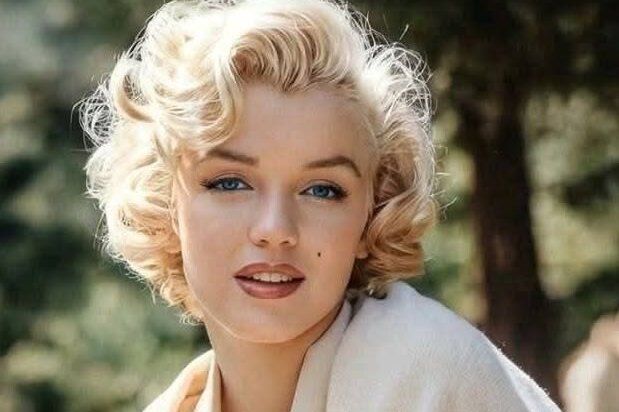
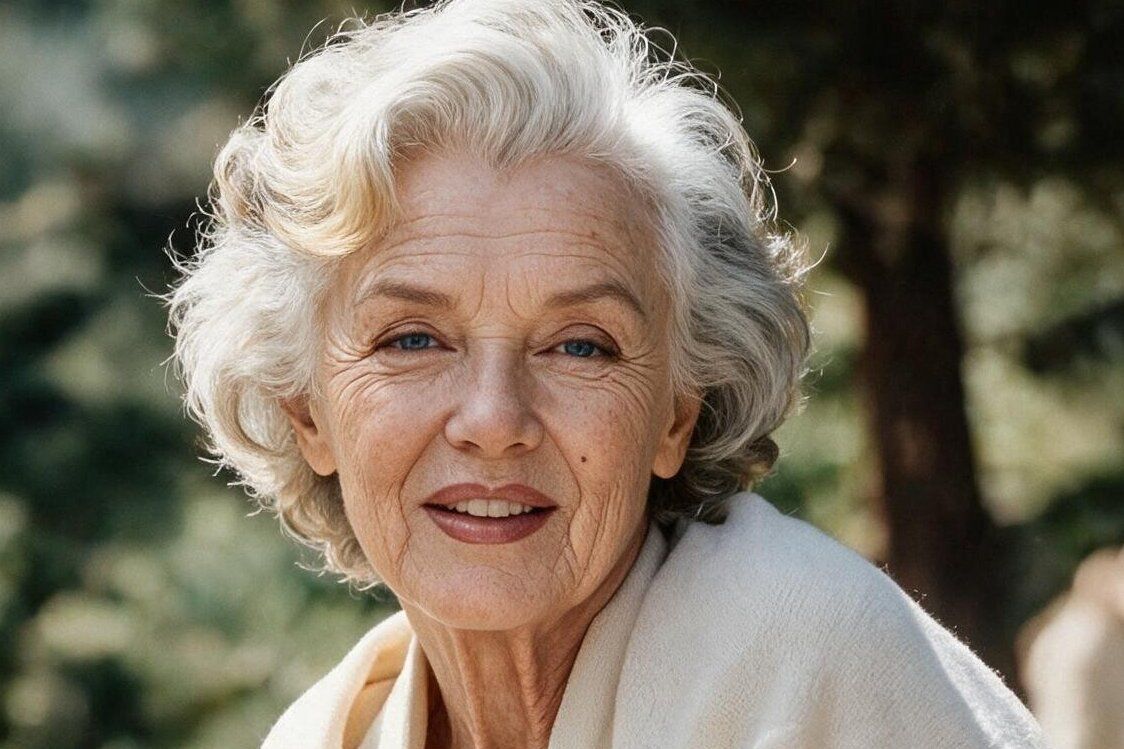
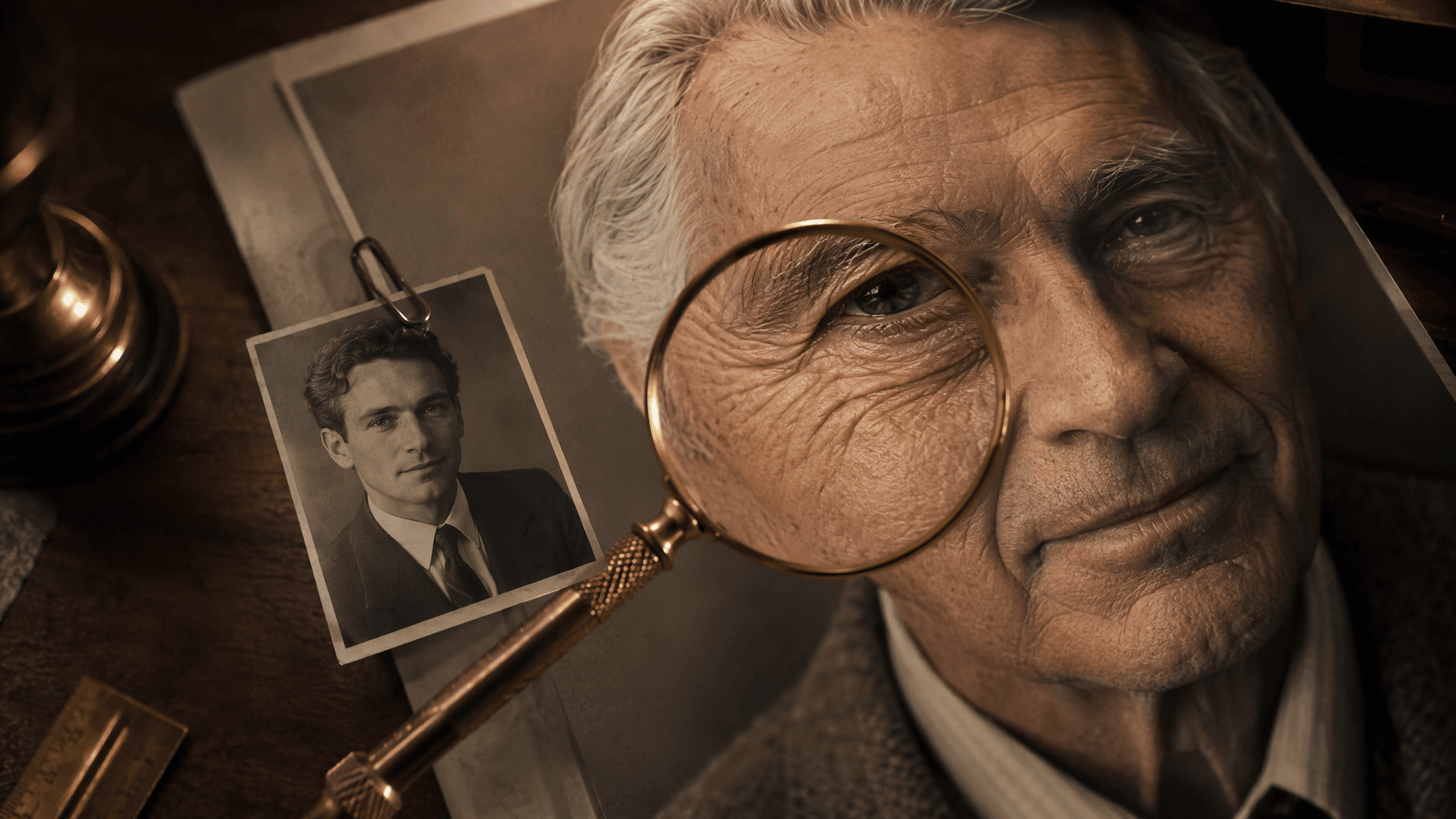
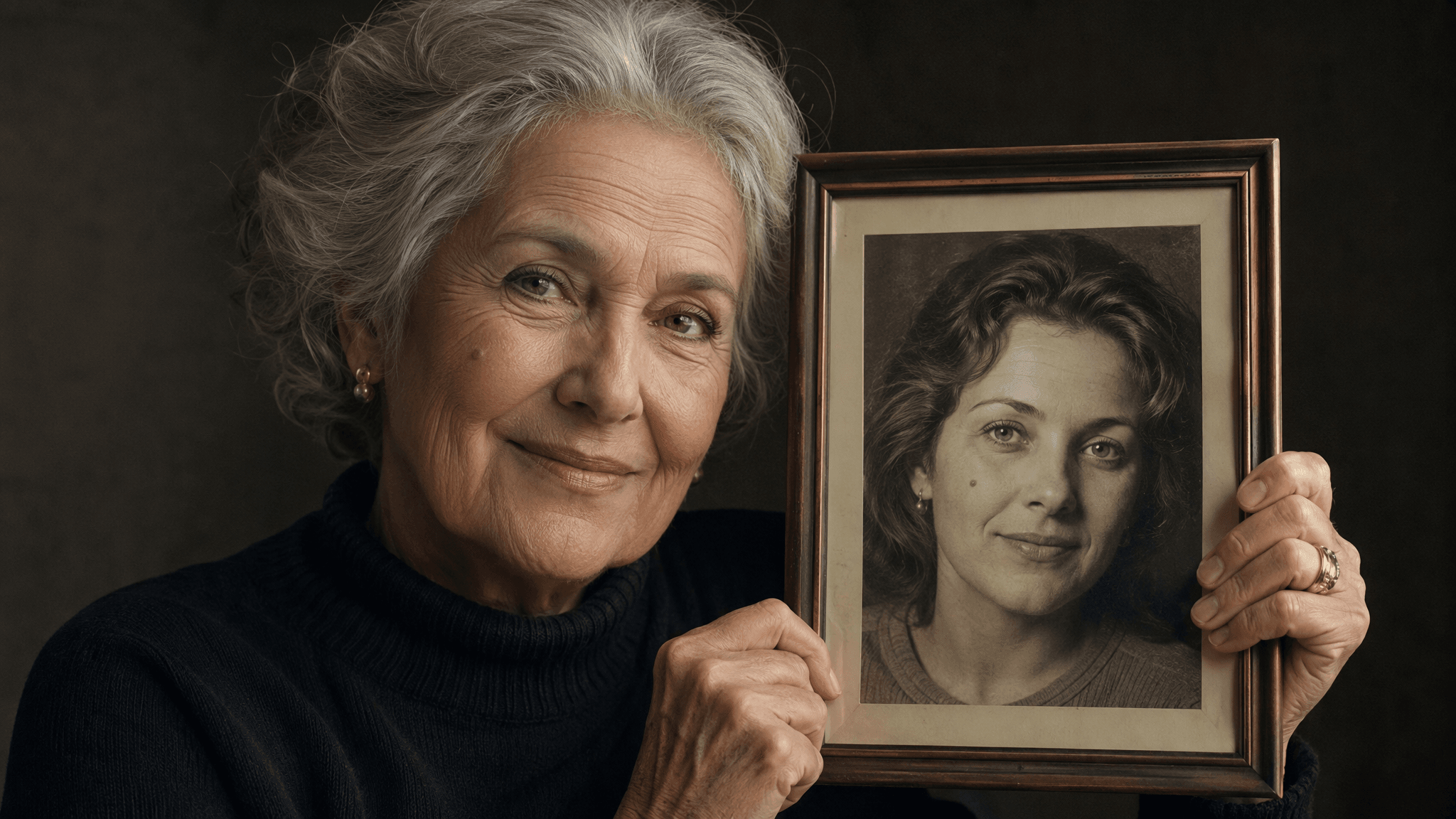
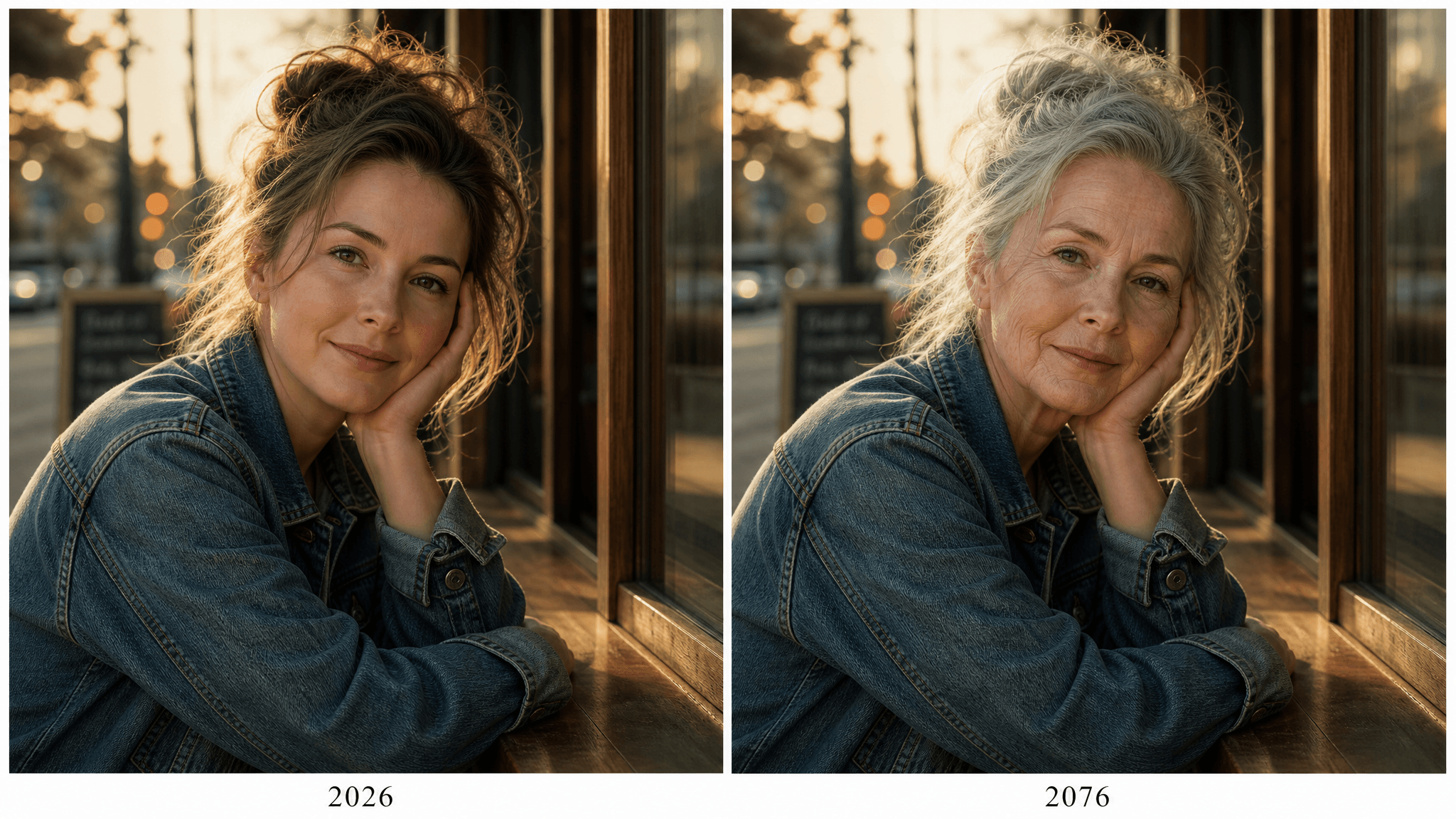
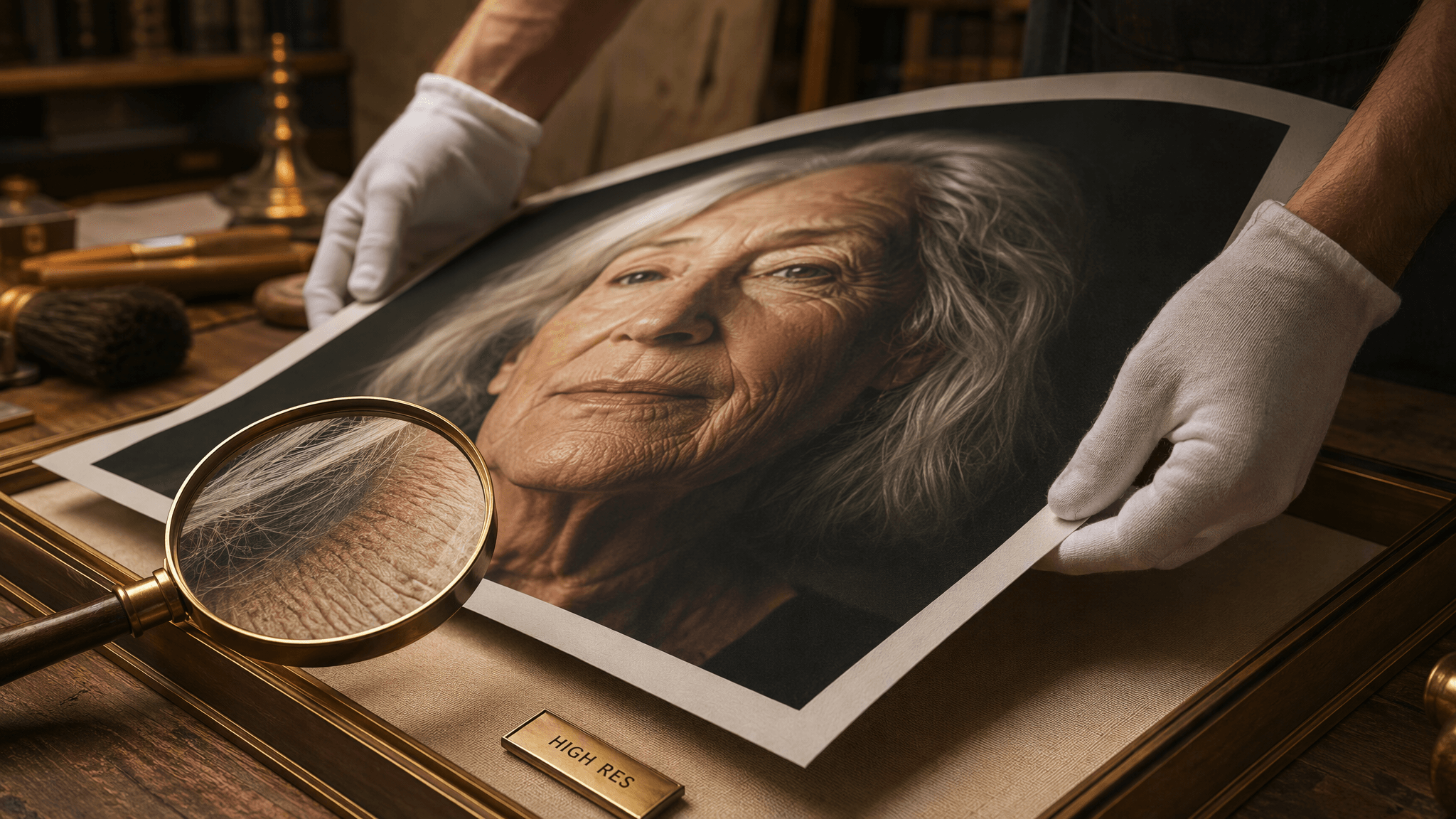


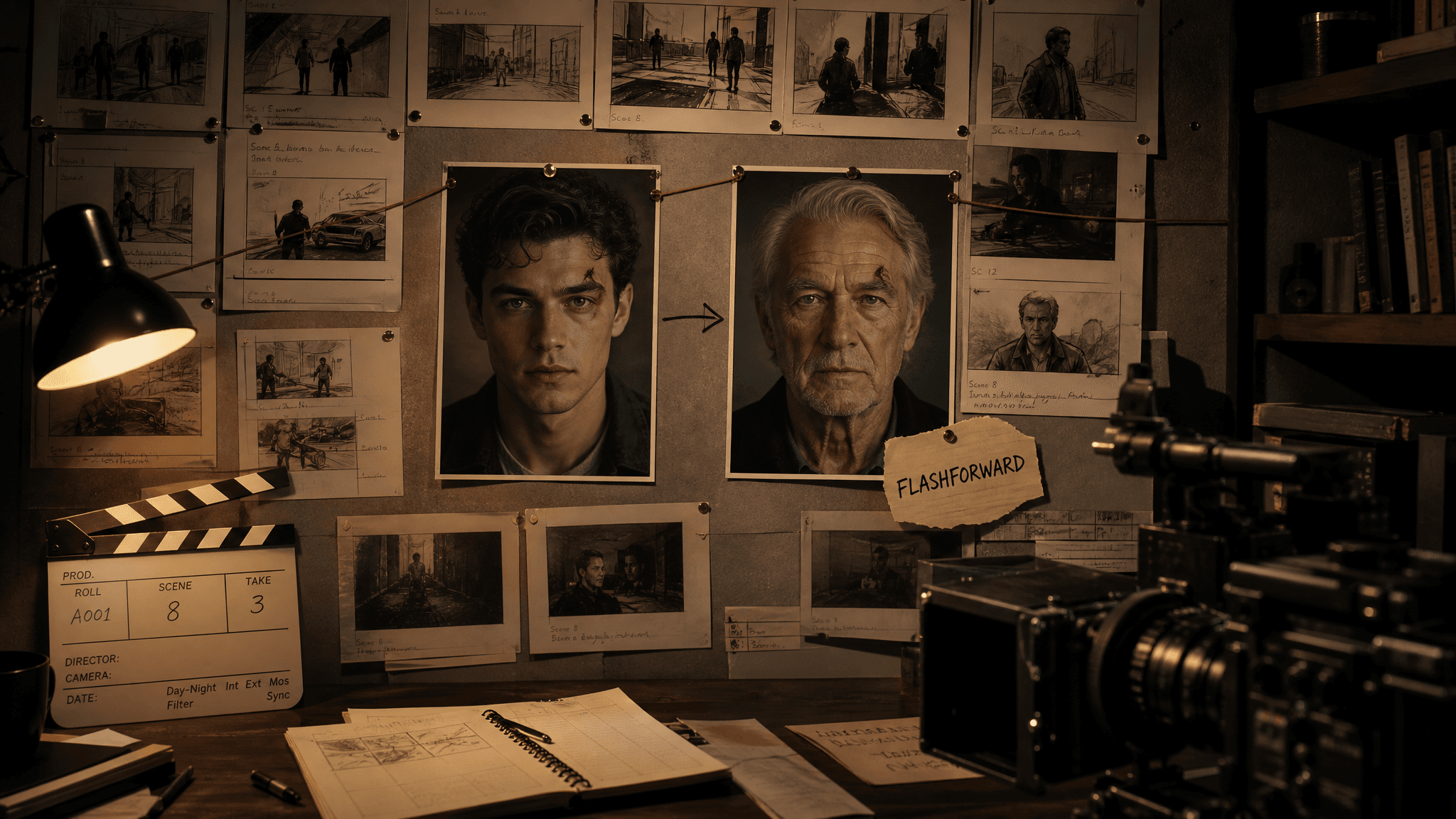






 Image Upscaler
 Image Background Remover
 Object Eraser
 Video Upscaler