Describe Any Hairstyle
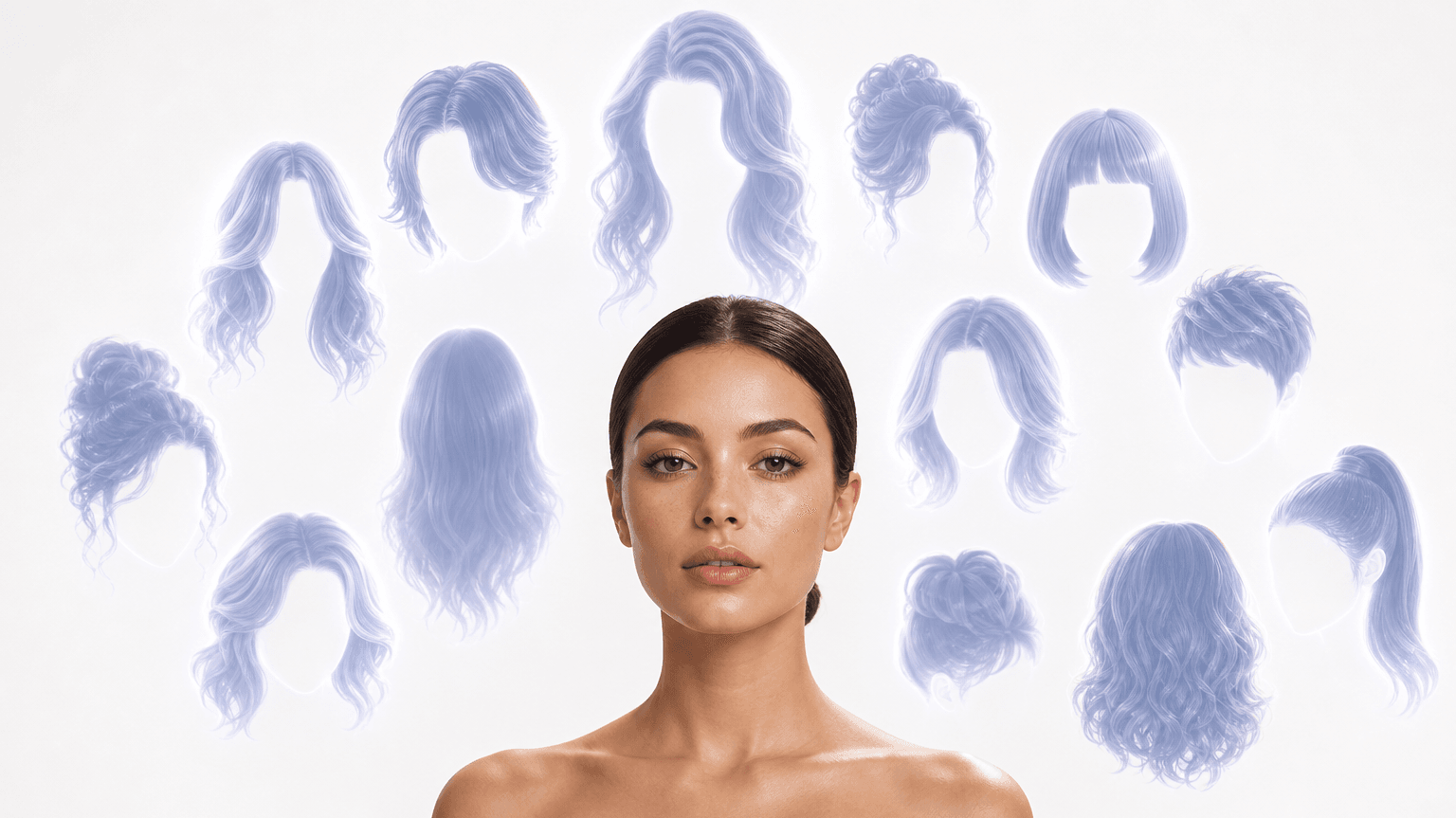
Type what you want in plain words: a blunt collarbone cut, a butterfly cut, honey balayage on long layers. There is no dropdown to scroll and no thumbnail that almost matches. If you can name the look, you can try it.

 Atlas Cloud is now an authorized U.S. reseller of Dreamina Seedance 2.5 and Seedream 5.0 Pro.
Anyone deciding on a new cut can use this AI hairstyle online free tool: upload one selfie, describe the look you have in mind, and see it on your own face before you sit in the chair.
Confirm your account and current workspace to run free tools.
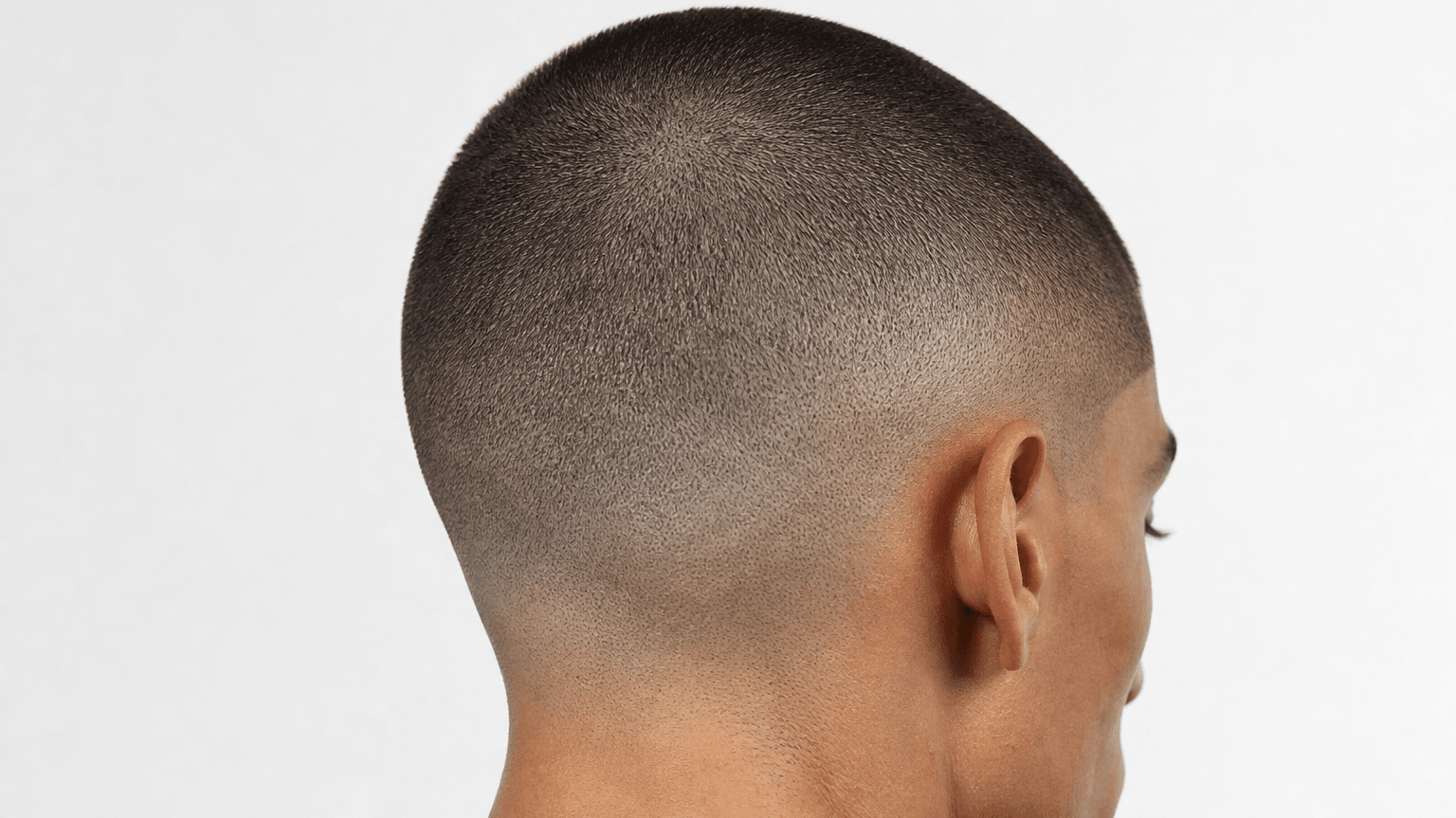
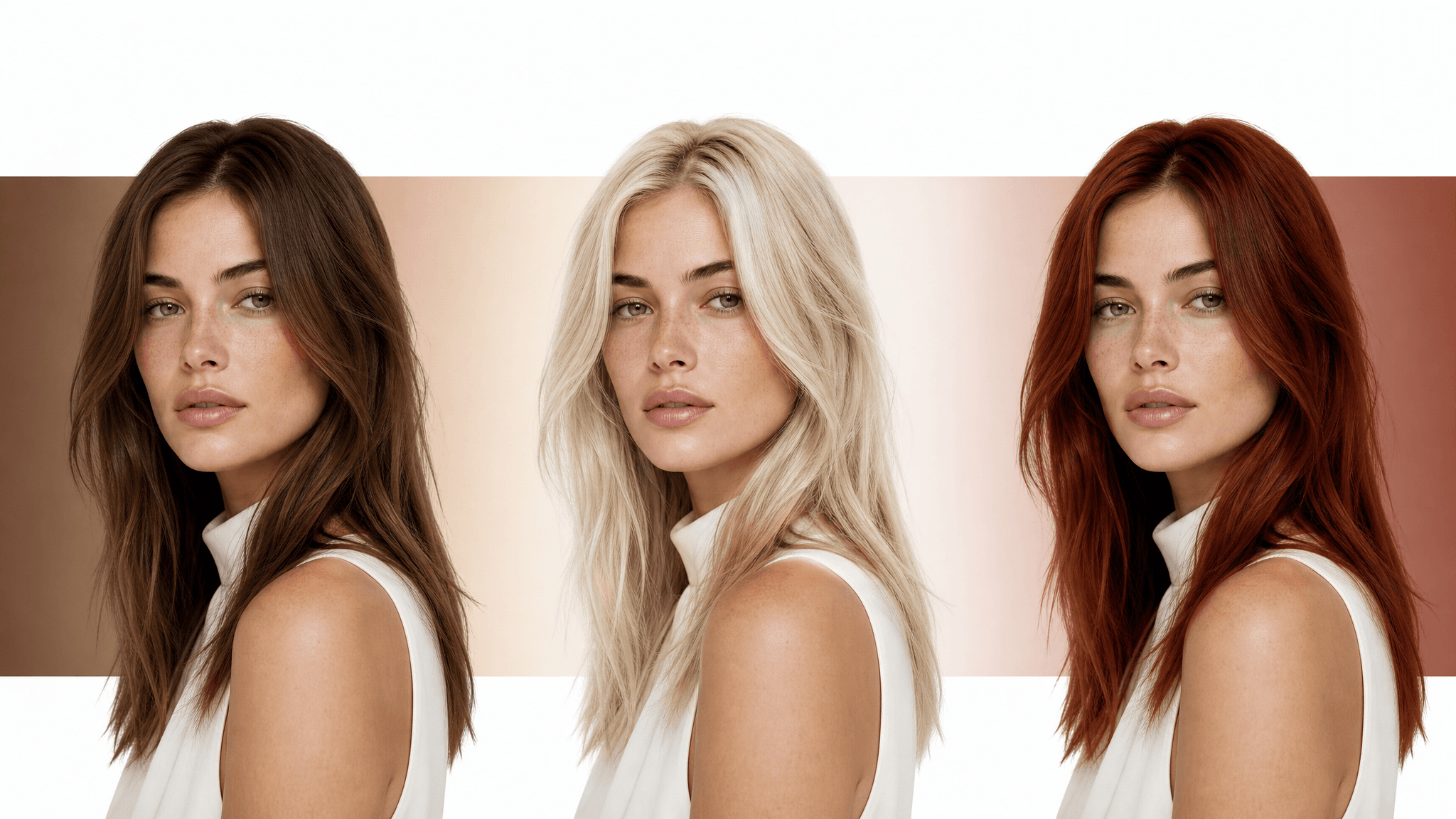
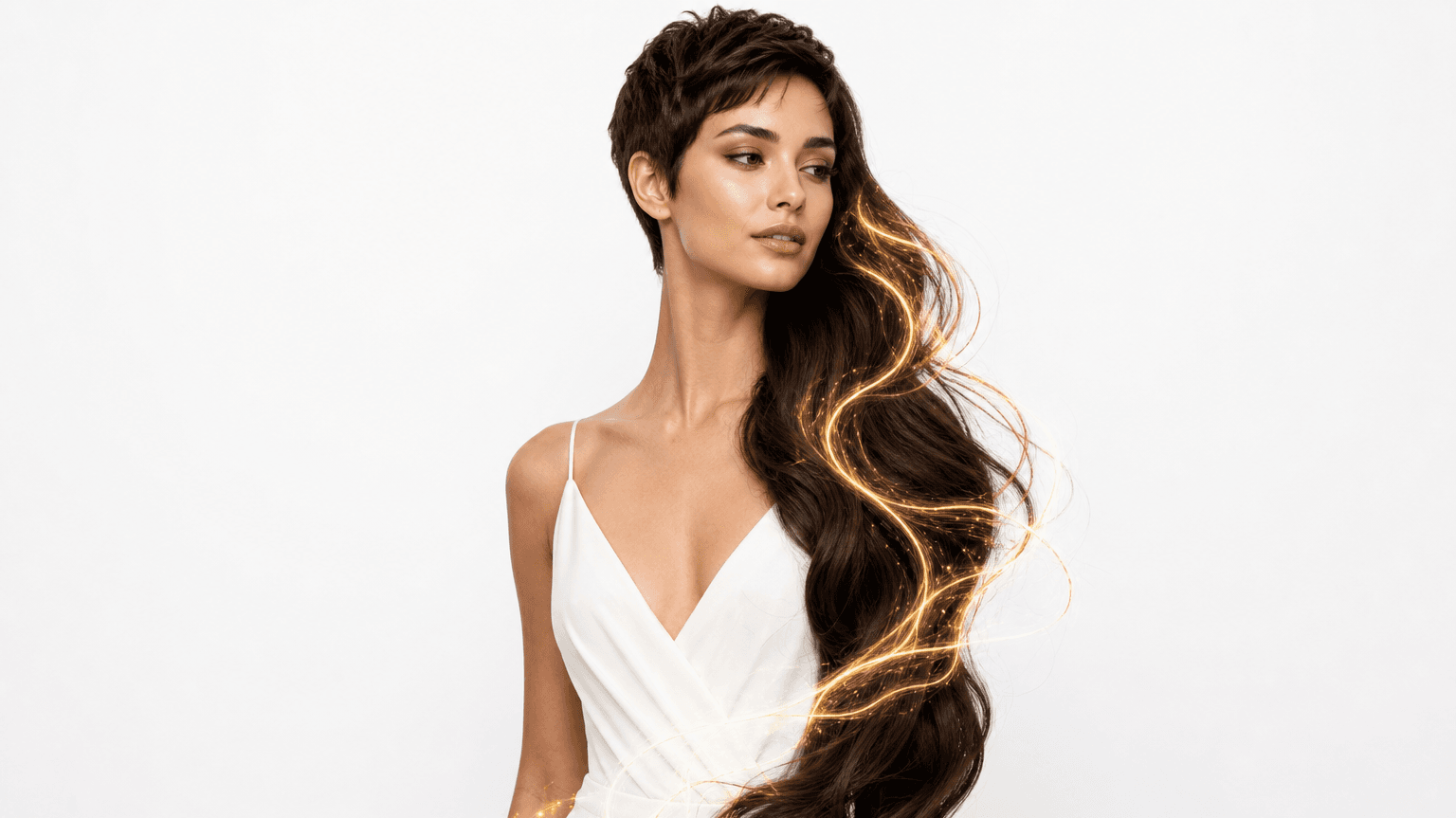
Every pair below started as one ordinary selfie and a single line of typed text. Same person, same angle, same light; the AI hairstyle online free preview moves only the hair between the two frames.
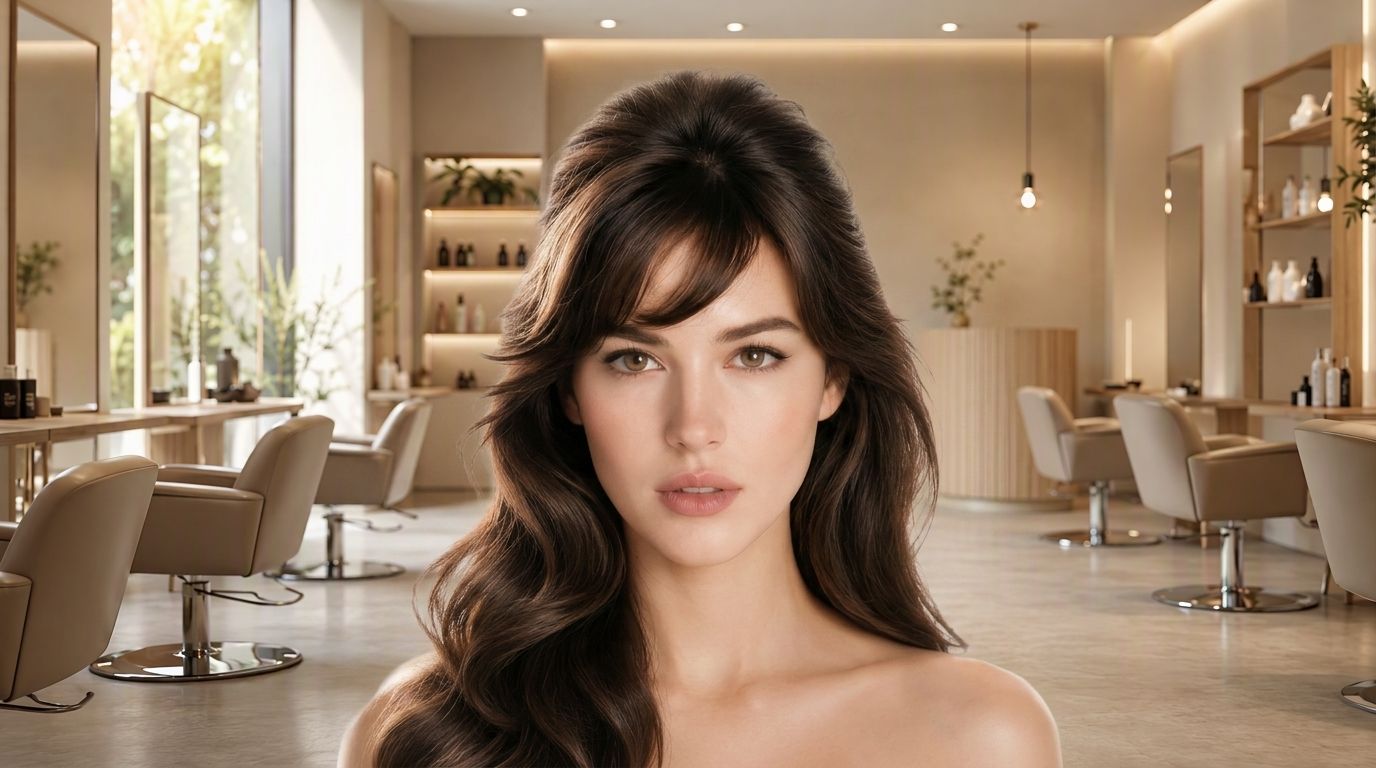
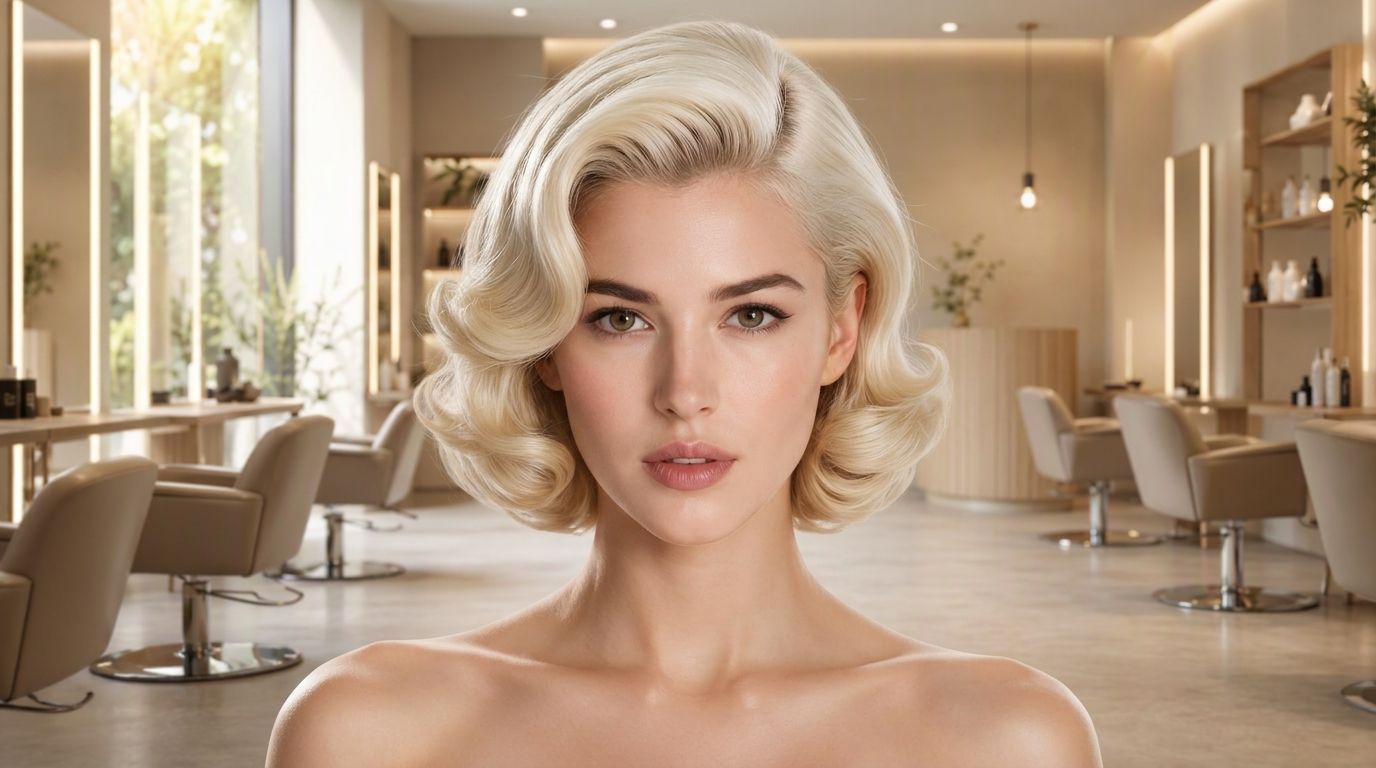
Behind the single upload box sits a free AI hairstyle online tool that starts from your words instead of a fixed menu of thumbnails.
Type what you want in plain words: a blunt collarbone cut, a butterfly cut, honey balayage on long layers. There is no dropdown to scroll and no thumbnail that almost matches. If you can name the look, you can try it.
Not sure it is worth uploading your own photo yet? One button loads a sample portrait and a sample style request, then runs the whole thing for you. You see a finished result before you have committed a single selfie of your own.
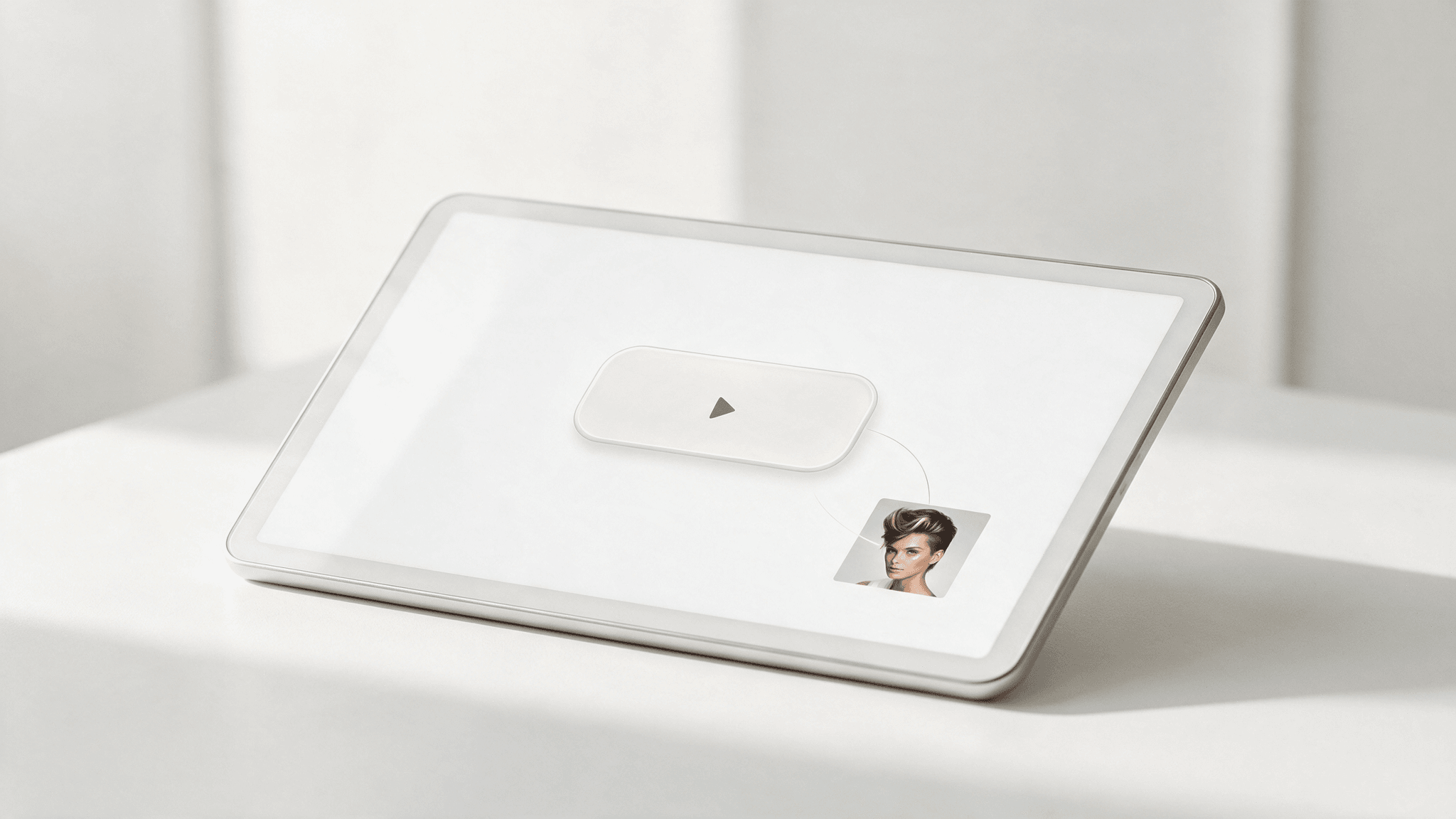
Trying a cut on your own photo only works if it stays your photo. Your face, your skin tone and your expression stay in place, so what comes back reads as you with different hair rather than a stranger who vaguely resembles you.
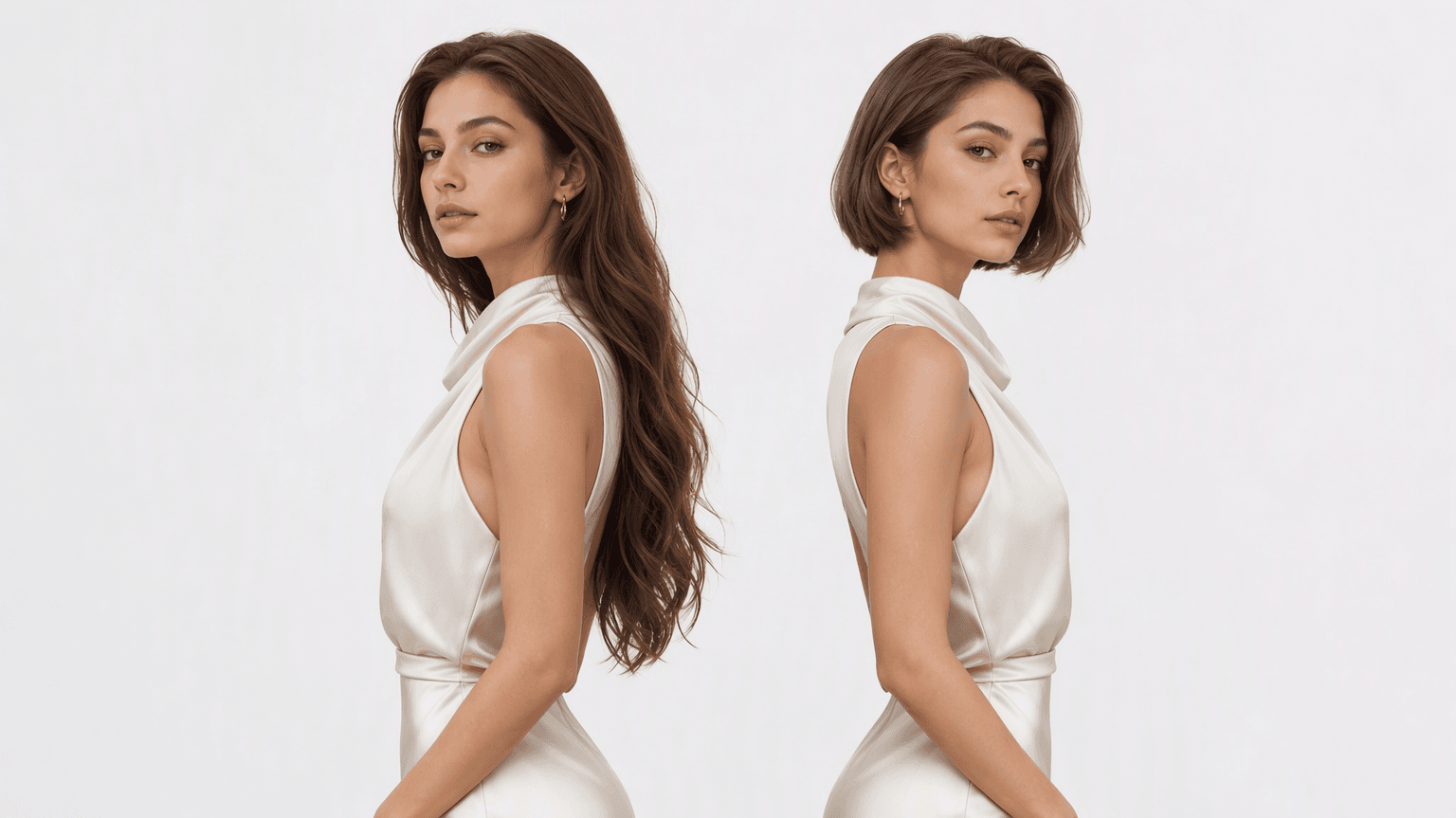
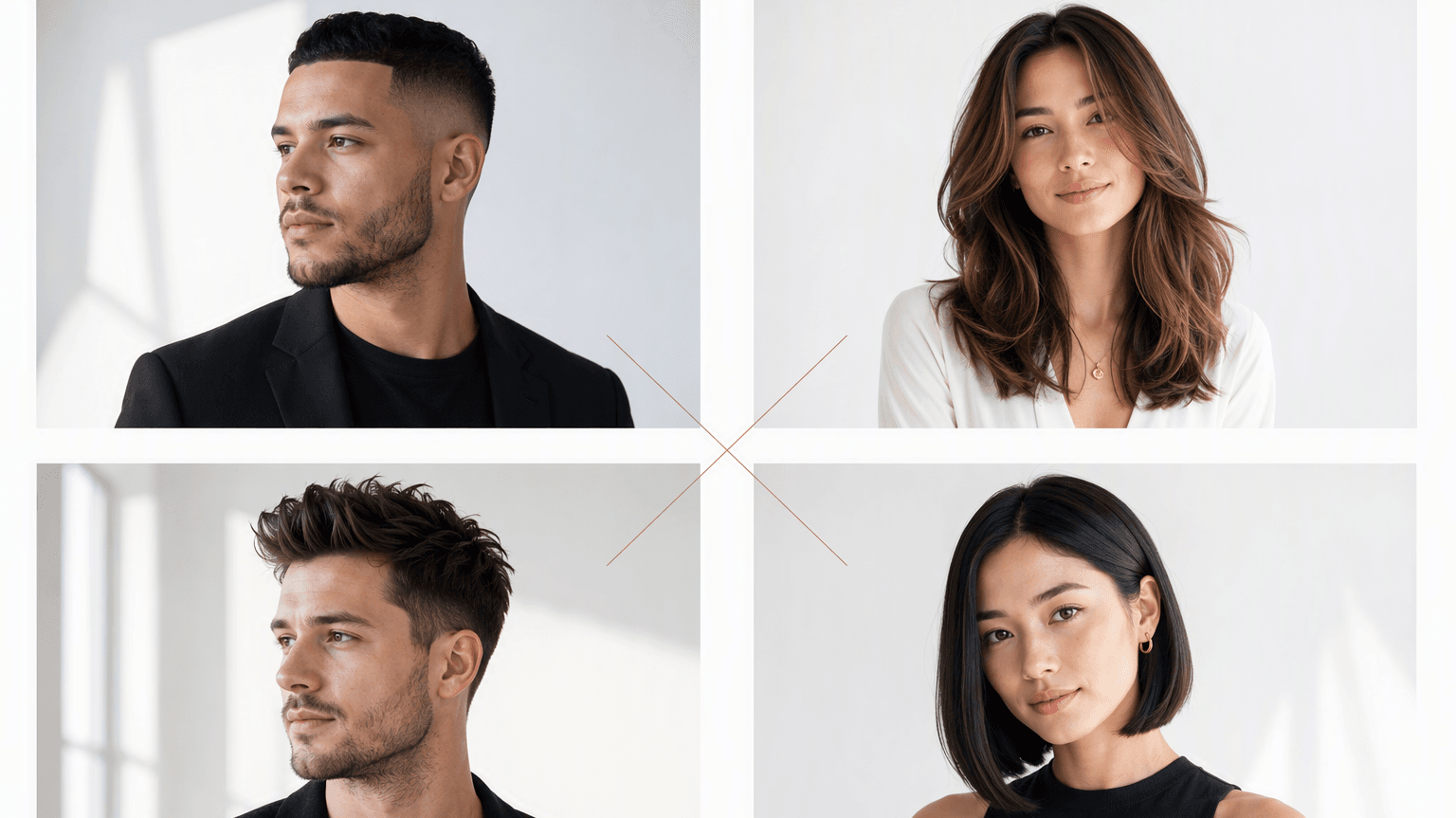
An ivy league, a two block, box braids, a hime cut, a soft shag: the same box takes all of them, because it reads your description rather than sorting you into a men's tab or a women's tab.
The image you save is exactly what the model generated: no corner logo, no diagonal stamp, nothing pasted over your new look. Whatever this free AI hairstyle tool hands back is ready to post as is.
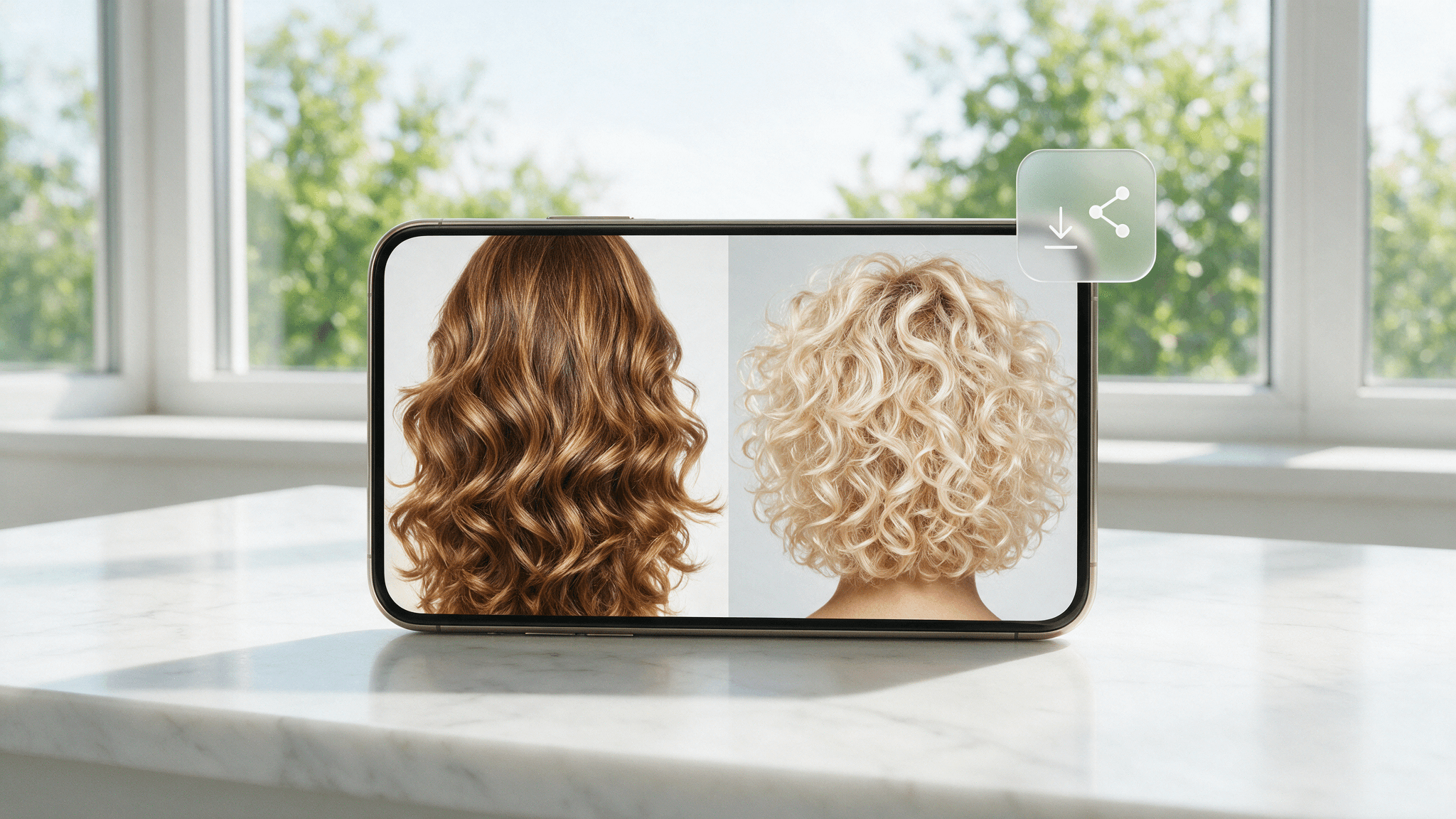
From pre-salon nerves to a quiet profile refresh, these are the decisions people bring to a free online AI hairstyle tool before spending real money on their hair.
No editing skill is required at any point: trying an AI hairstyle online for free here means one upload, one sentence, and one button.
Add a selfie, then type the cut and color you want in the Hair request box. Plain words work best.
One click starts the model. A live counter ticks along while your new hair takes shape.
The preview appears beside your input. Open the full-size result in a new tab and save your favorites from there.
Most of the quality is decided before you press the button, so load the odds in your favor when you try a free AI hairstyle online.
 Face the Camera
Shoot straight on with the lens at eye level, so the model reads your features and proportions without guessing.
 Find Even Light
Daylight from a window works best: soft, even light on both sides of your face gives the cleanest hair edges.
 Show Your Hairline
Skip the cap and brush stray strands off your forehead and ears; a clear boundary lets the new style wrap your face precisely.
 Start Sharp
Pick a crisp photo at least 1280 pixels on its long side. Detail in equals detail out.
 Give the Full Picture
One good line covers length, texture and color at once, the way the sample medium-length layered bob, natural chestnut brown does.
 Name the Style
Anchor your request to a named look such as curtain bangs, a wolf cut or a mullet; named styles carry shapes the model already knows.
Continue creating with more free AtlasCloud tools.
 Image Upscaler2× upscale images locally in your browser—sharper details, files never leave your deviceTry it now !
 Image Background RemoverOne-click background removal to transparent PNG, local inference with zero uploadsTry it now !
 Object EraserPaint over unwanted objects, watermarks, or photobombers to erase themTry it now !
 Video UpscalerFrame-by-frame 2× upscaling for short videos, processed locally in browser (preview quality)Try it now !
Working professionals and first-timers on where the preview fits into real hair decisions.
Half my consultations start on a phone screen now. When a client brings a preview generated on her own face, we skip twenty minutes of guessing and go straight to what the cut needs to work with her hair.
Marisol VegaSalon Stylist
Most preview apps only carry women's styles. I ran a low fade and a textured fringe through this one and both came back looking like actual barbering, not a wig dropped on a photo. My walk-ins ask for exactly what they saw.
Marcus BellBarber
Brides agonize over updos for months. I now send them here a season early: one selfie, a few typed ideas, and the hair debate is settled before we even book the trial appointment. It has become a fixed stop on my planning checklist.
Yuki TanakaWedding Planner
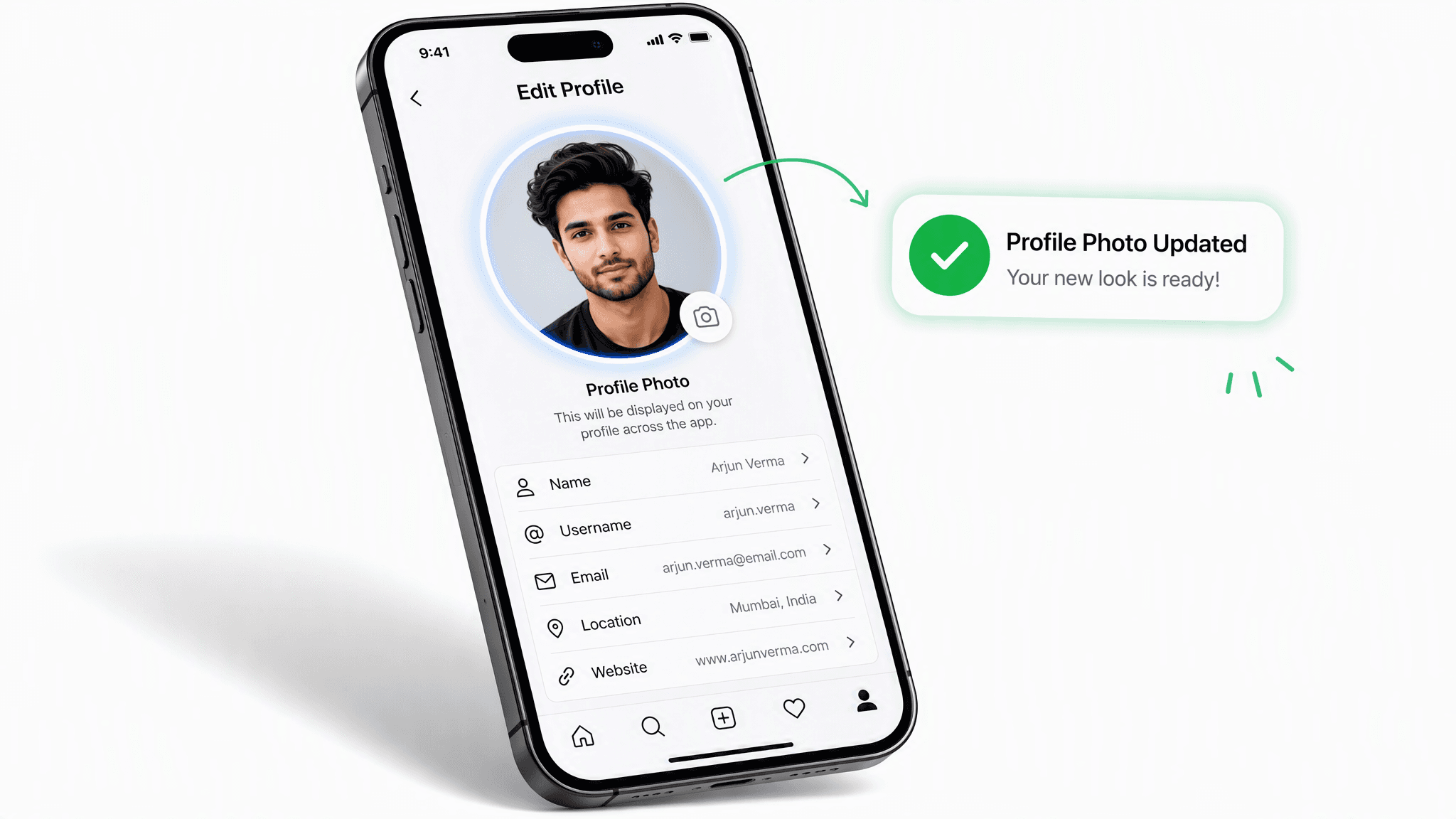
I redo my profile photo the way other people change phone wallpapers. Copper waves one month, a French bob the next. Typing the look and watching it appear on my actual face never stops being fun, and my followers vote on the winners.
Lena HoffmannLifestyle Creator
Searched ai hairstyle online free expecting a paywall at the final click. Instead I uploaded one photo, typed grown-out curls, and got a result that honestly changed my mind about shaving it all off.
Tomás HerreraGraduate Student
We refresh our team page every year and nobody ever likes their photo. I previewed a neater shoulder-length cut before committing to it, and for once the photo on our team page is one I actually chose.
Ingrid SørensenHR Manager
Built for both creative speed and dependable delivery.
Fast, responsive workflows for daily creation.
One visual language across different AI tools.
The exact parameters stay visible and predictable.
Examples and upload flows fit real production work.
AtlasCloud infrastructure supports every cloud run.
Clear boundaries for local and cloud processing.
A free AI hairstyle online tool shows you a different haircut or color on your own photo before you make the change for real. You upload a selfie, type the style you want, and get back the same photo with new hair.
Yes. Your first generation is free, with no payment details asked along the way. Each run takes a single photo and one typed request.
This tool runs on a free Atlas Cloud account, so signing in is part of the flow. One login opens not just the hairstyle tool but every AI tool on the platform.
It does. There is no separate men's or women's mode; the tool simply draws whatever you describe. A pixie cut, a quiff, long twin braids or a pompadour are all one sentence away.
Color belongs in the same request as the cut. Type them together, for example a curly lob in ash blonde, or keep your current cut and name only a new shade.
A sharp, front-facing selfie in even, natural light. The six tips above walk through the full checklist, but lighting and sharpness decide most of the result.
Your result is yours to keep. When you want more previews, topping up your Atlas Cloud account keeps the same tool running at pay-as-you-go pricing.
Your photo is used only to generate your preview and is not retained by this site. Once the result comes back, the upload has done its job.



