Seedance 2.5 Now Live — First on Atlas Cloud

Online AI Letter Writer Free

Describe what you need in a sentence or two, and this free online AI letter writer turns it into a polished, ready-to-send draft. From cover letters and business letters to personal thank-you notes, it works for job seekers, professionals, and anyone facing a blank page.

Checking AtlasCloud login status

Confirm your account and current workspace to run free tools.

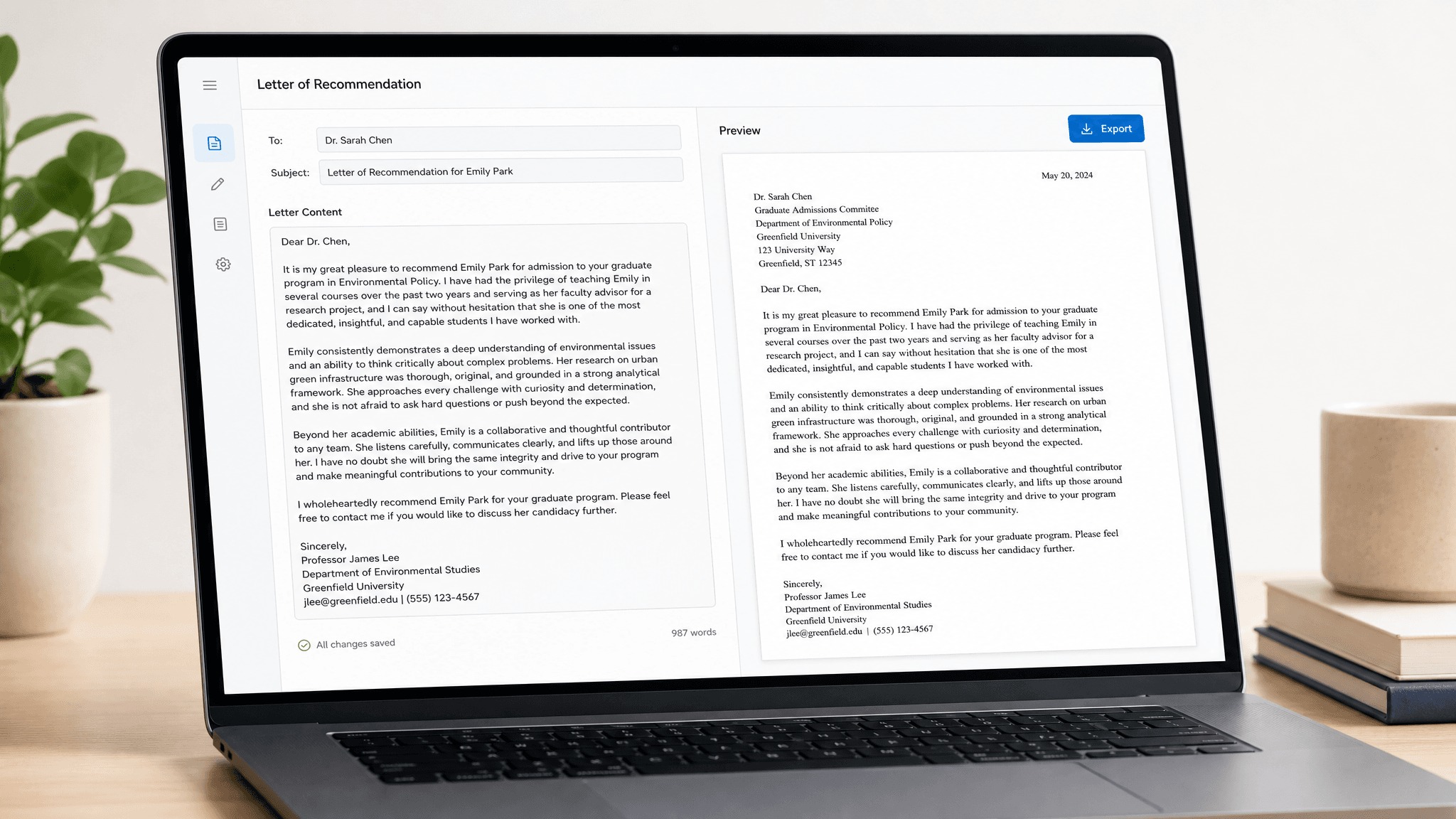
See the Free AI Letter Writer in Action

A short brief about your situation is all it takes. In seconds, the AI letter writer expands it into a free, complete draft, formatted top to bottom and ready to copy and send.

Before
After

Everything the Free AI Letter Writer Handles for You

Here is what the tool does with the few words you give it.

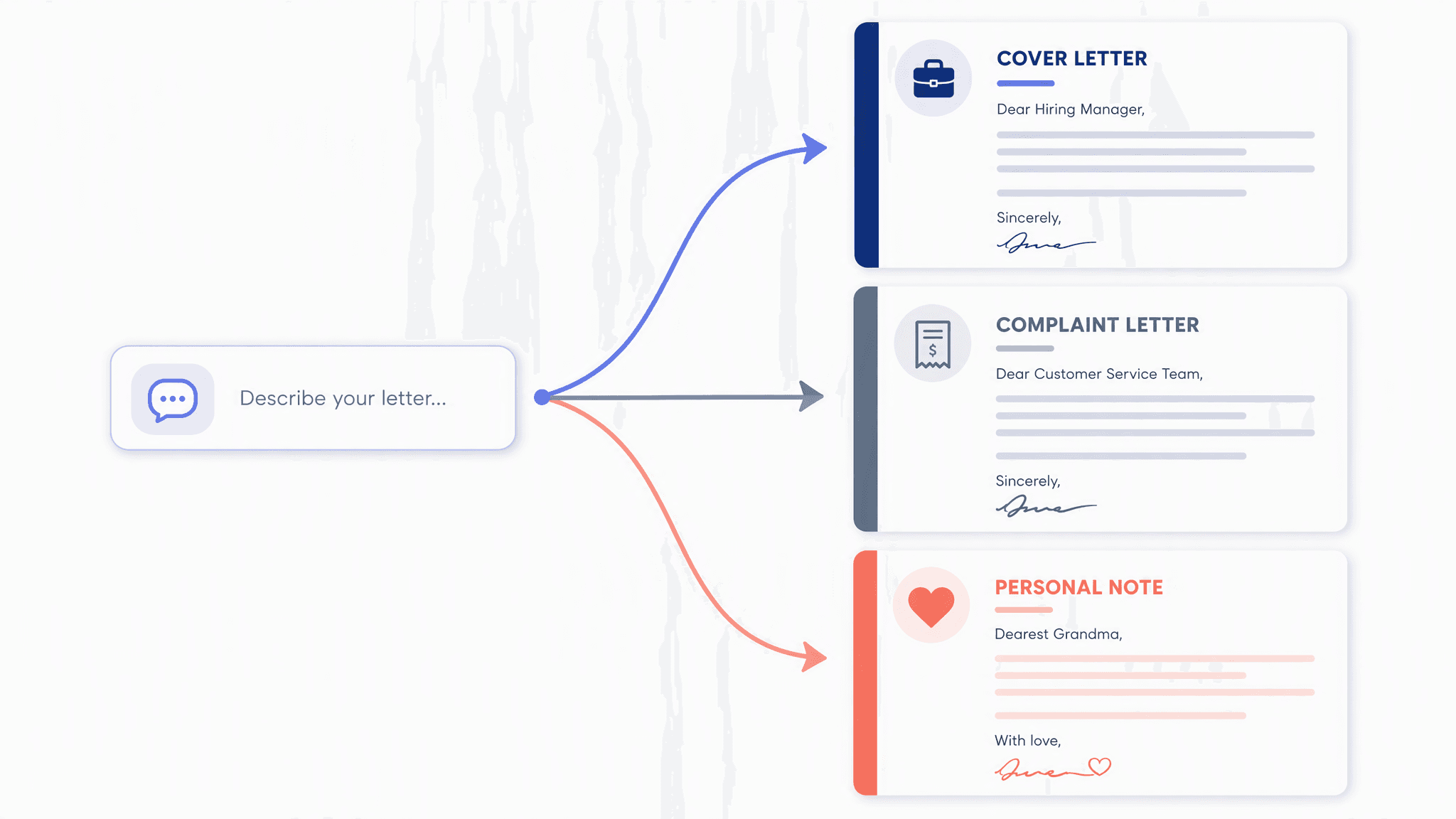
Writes Any Letter

Ask for a cover letter, a complaint letter, or a note to a friend. The AI shapes the content and tone to match the occasion, so a single request covers every kind of letter you write.

Writes Any Letter

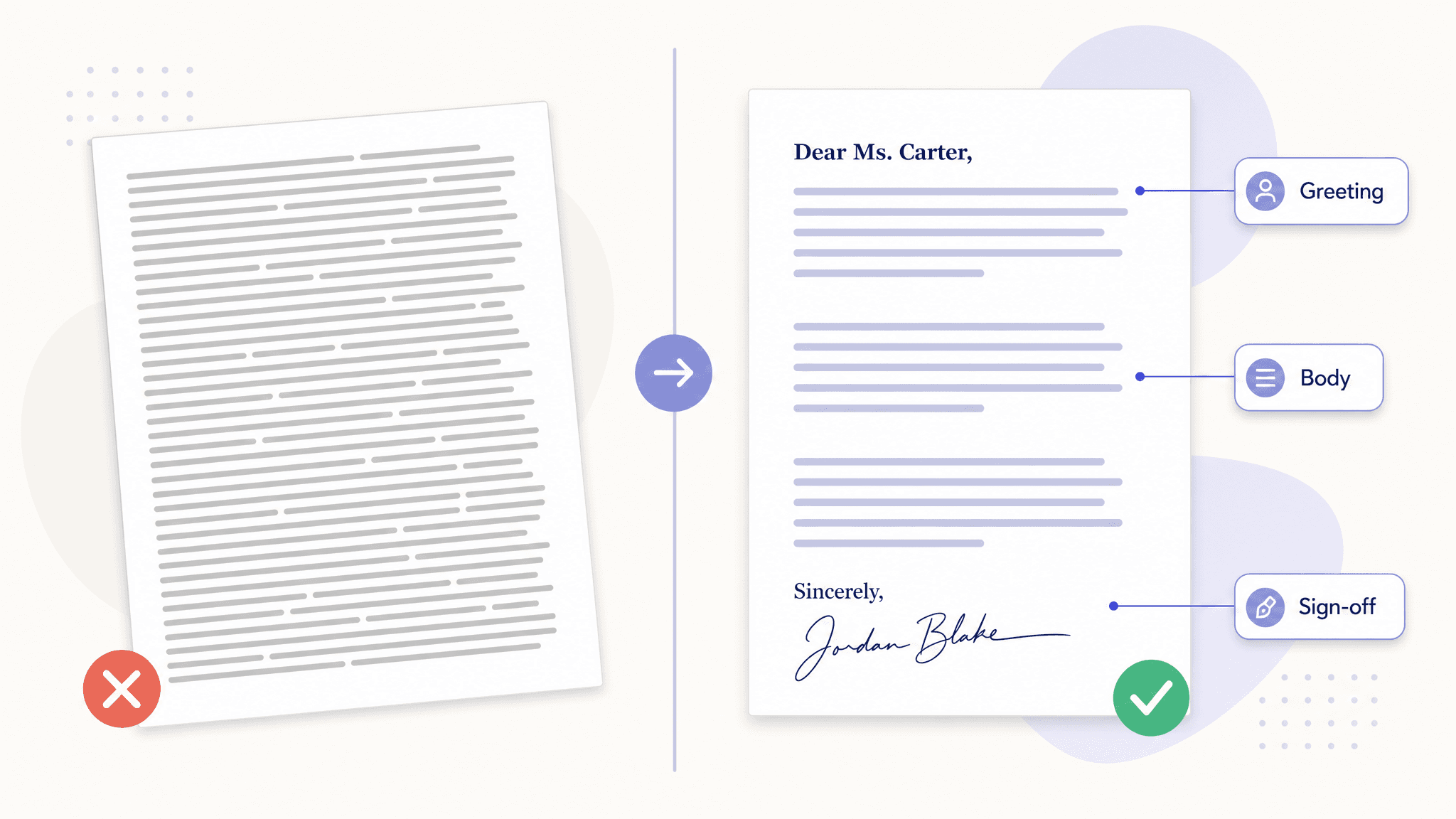
Complete Letter Format

Every draft arrives as a finished letter, not a wall of loose text. You get a proper greeting, clearly structured paragraphs that make your point in order, and a closing with a sign-off line, so the result already looks right before you change a single word.

Complete Letter Format

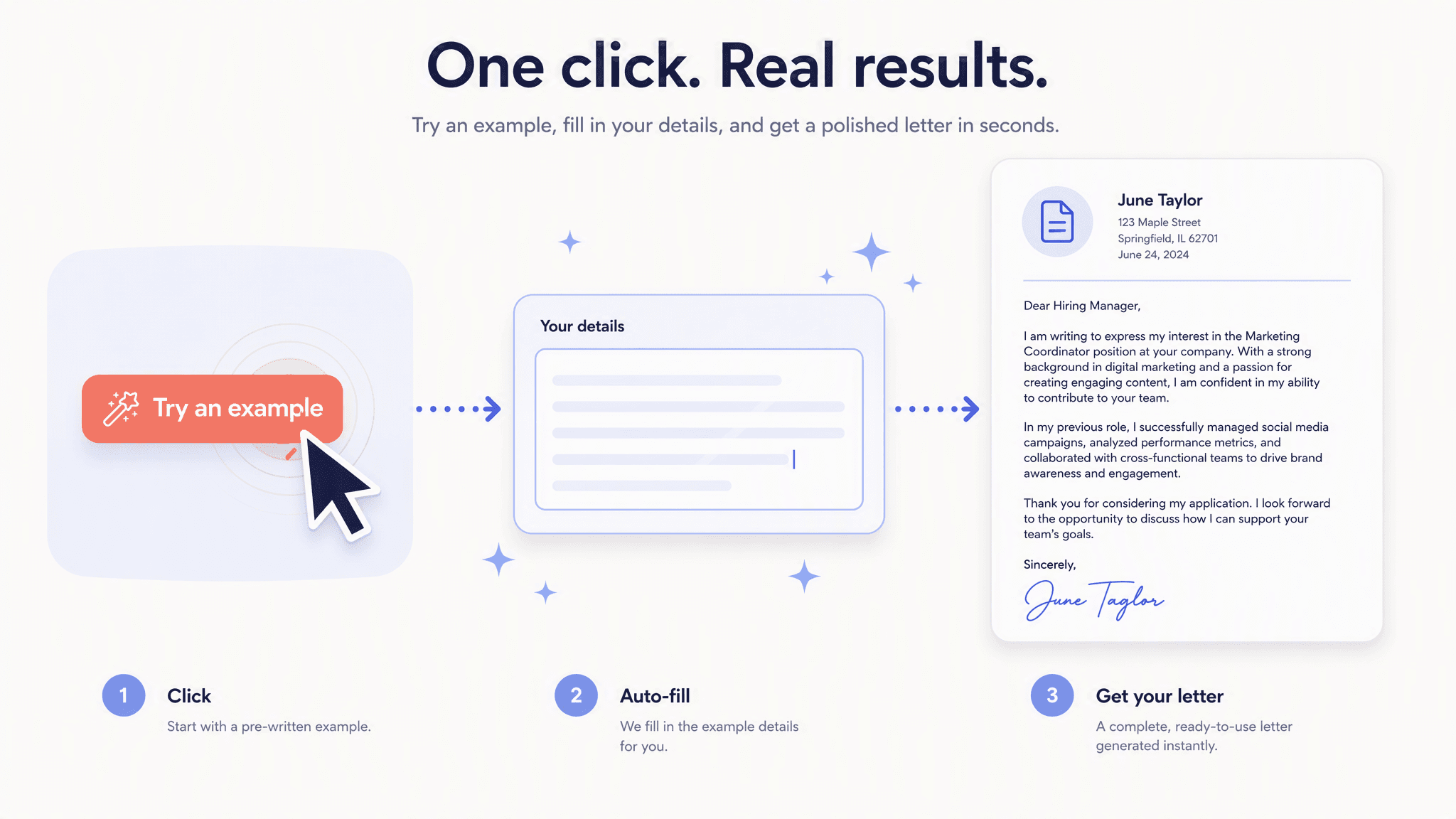
One-Click Example

Not sure how to phrase your brief? Hit Try an example and the tool fills in a sample request, then generates a real letter from it. Watching one example run is the fastest way to learn what a good brief looks like before you write your own.

One-Click Example

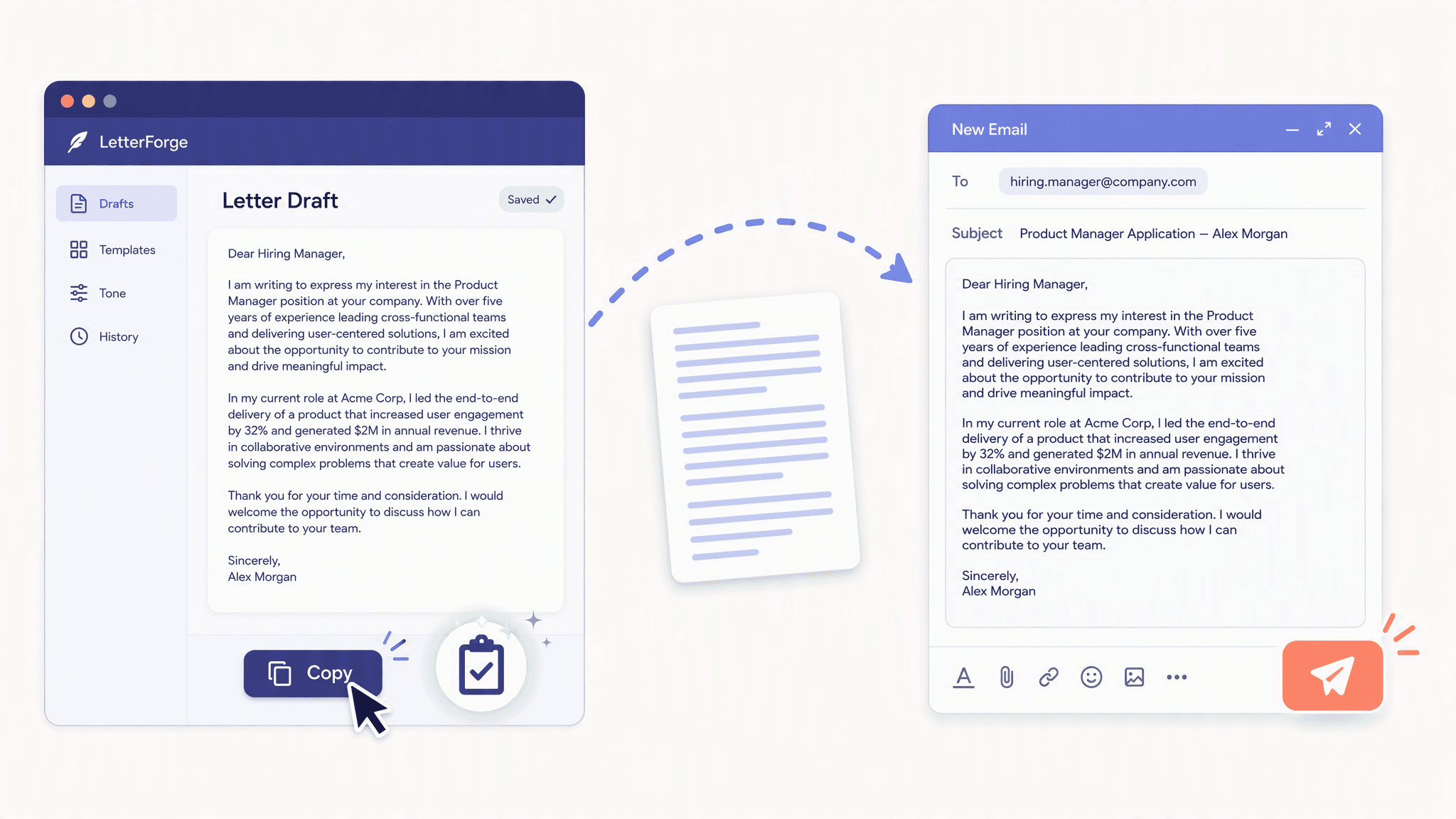
Instant Copy

A single tap on Copy text puts the entire draft on your clipboard. Paste it into an email, a document, or an application form, and it is ready to go. There is no retyping and no fighting with formatting along the way.

Instant Copy

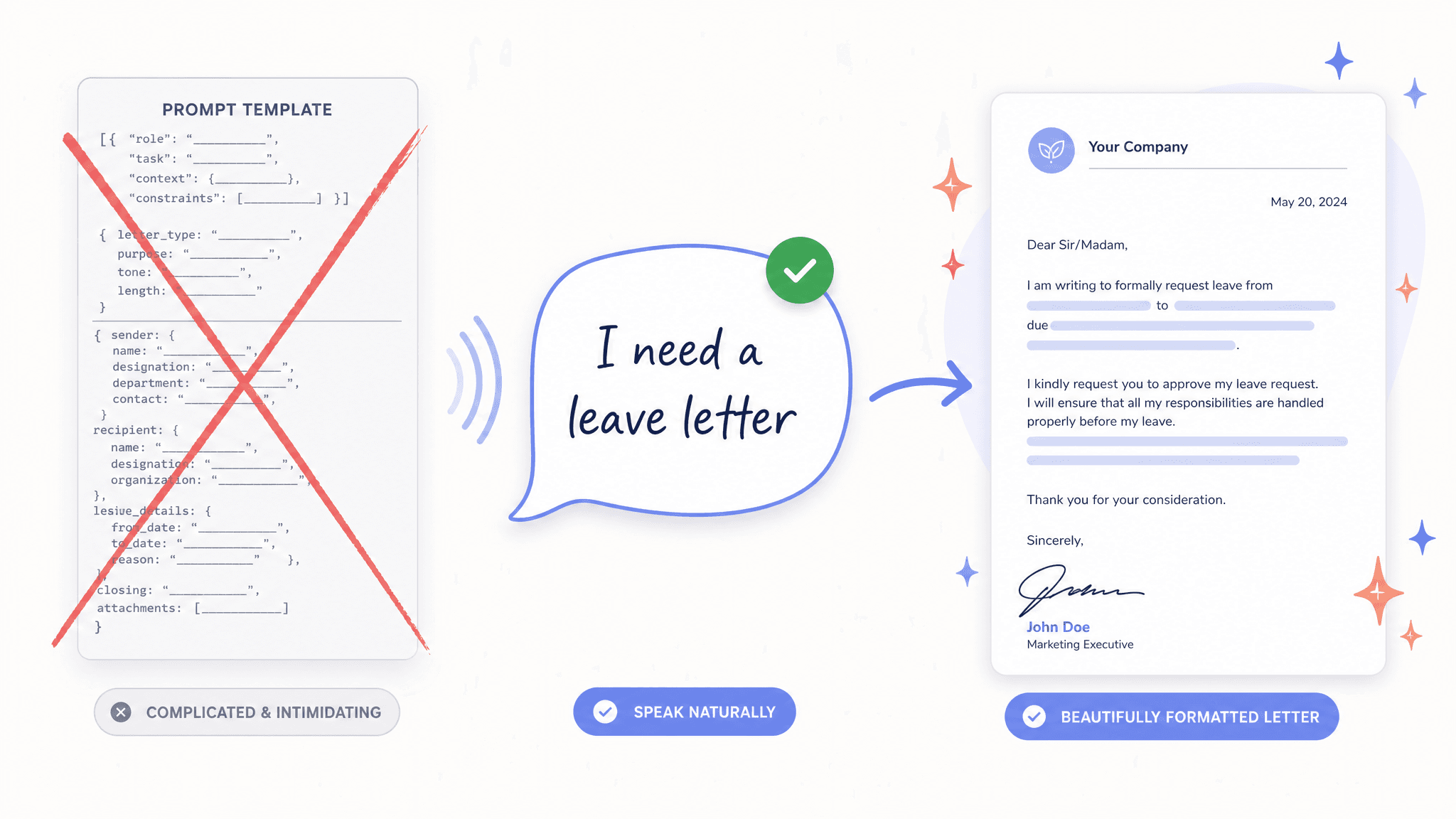
No Prompt Skills Needed

Write your brief the way you would say it out loud. There is no special wording to learn, because turning everyday words into letter form is exactly what this free AI letter writer is for.

No Prompt Skills Needed

The Letters People Actually Ask For

From job hunts to hard conversations, these are the moments when an AI letter writer, free and ready in your browser, earns its keep.

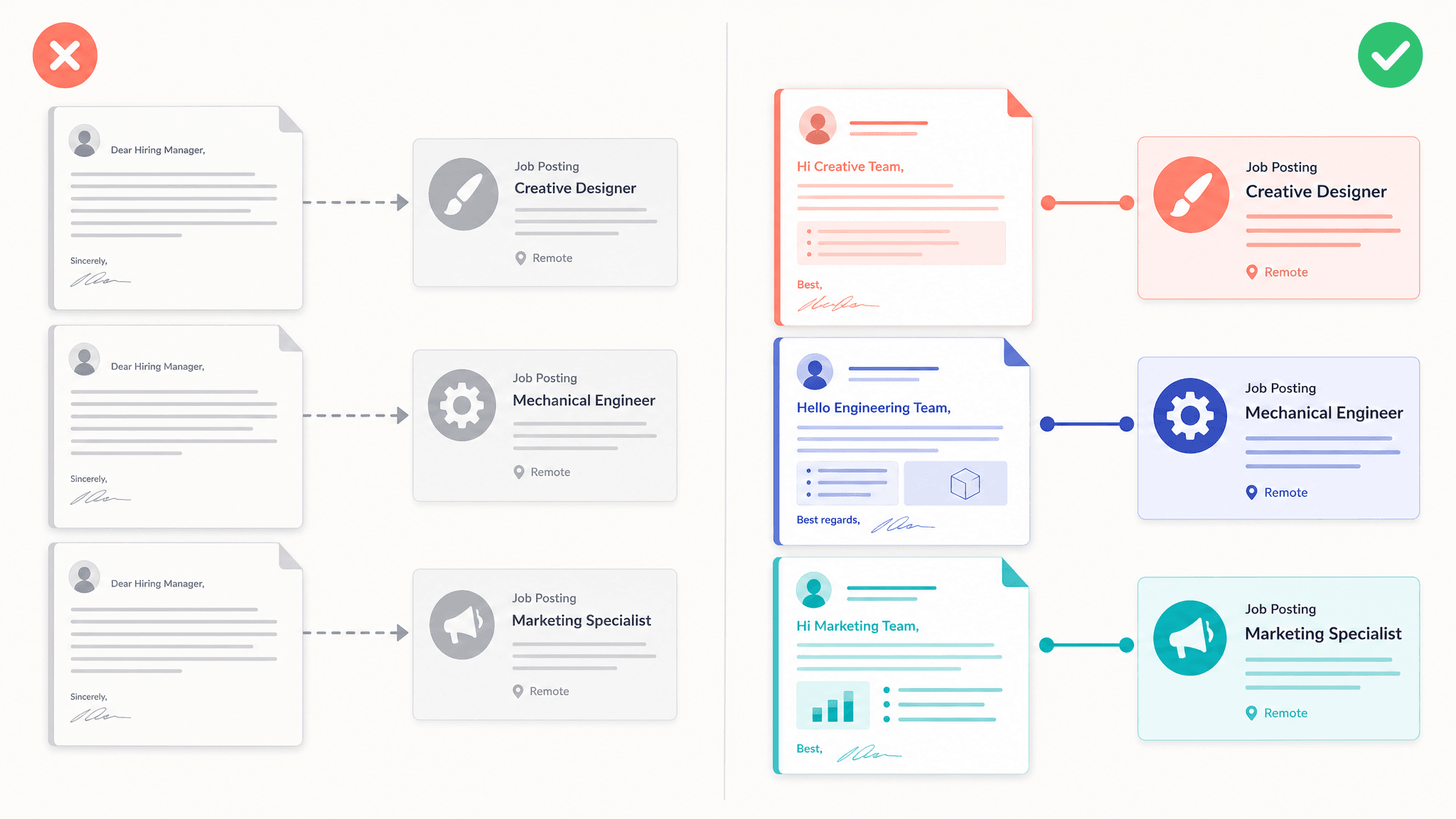
Cover Letters That Fit
Cover Letters That FitApplying for jobs means writing the same letter with different details, again and again. Let the free AI writer draft each cover letter around the role, so every application gets its own letter instead of the same one with the company name swapped.
Resignations and Requests
Resignations and RequestsQuitting gracefully, asking for leave, or pushing a deadline is awkward to phrase on your own. A neutral, professional draft gives you the words without the overthinking.
Complaint Letters
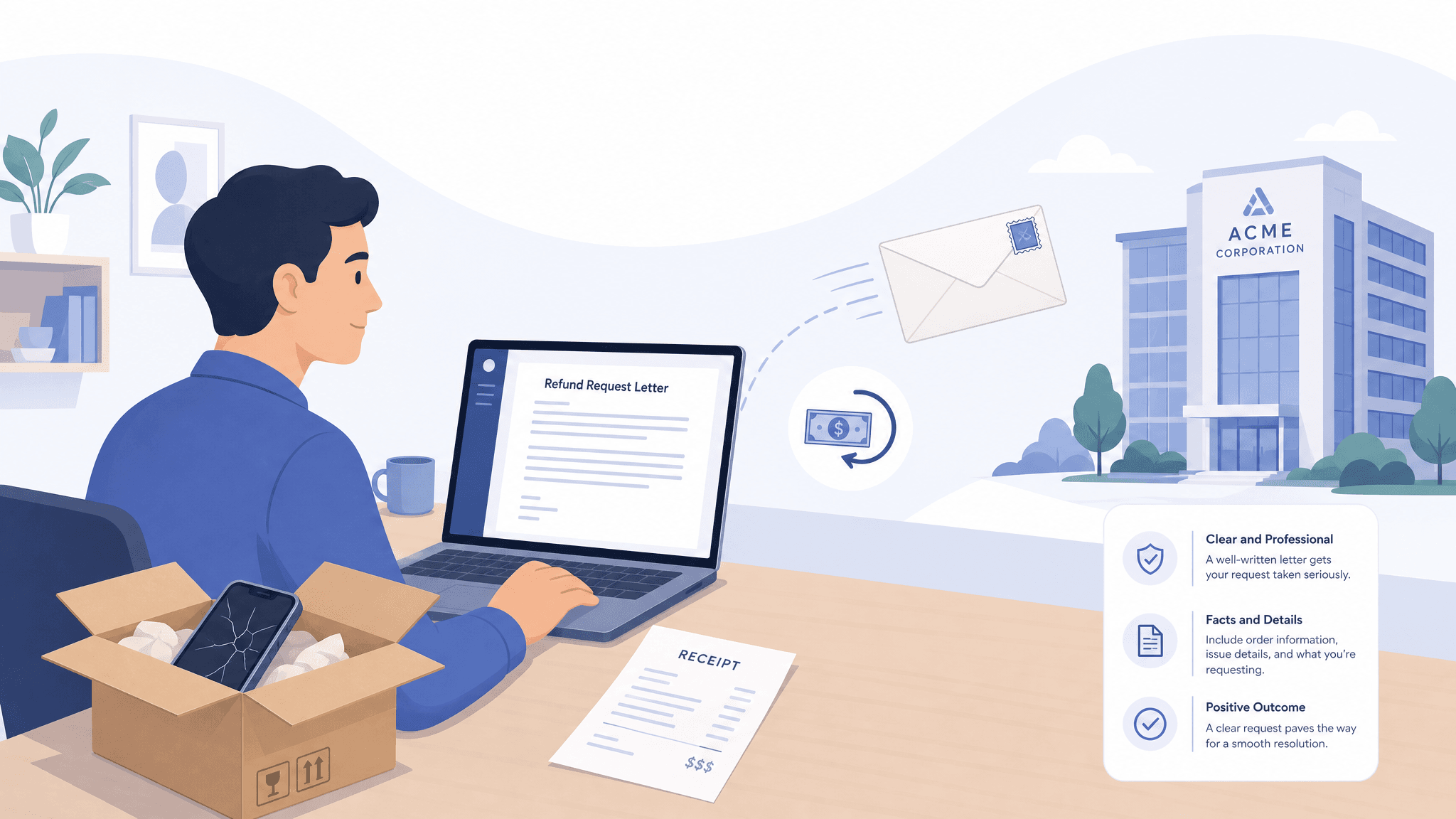
Complaint LettersWhen a refund stalls or a landlord goes quiet, a firm and factual letter gets taken seriously. The draft states what happened and what you expect, civil in tone and clear in message.
Letters to Professors
Letters to ProfessorsStudents lean on it for emails to professors, internship applications, and scholarship letters. Even a last-minute request comes back respectful and to the point.
Personal Notes
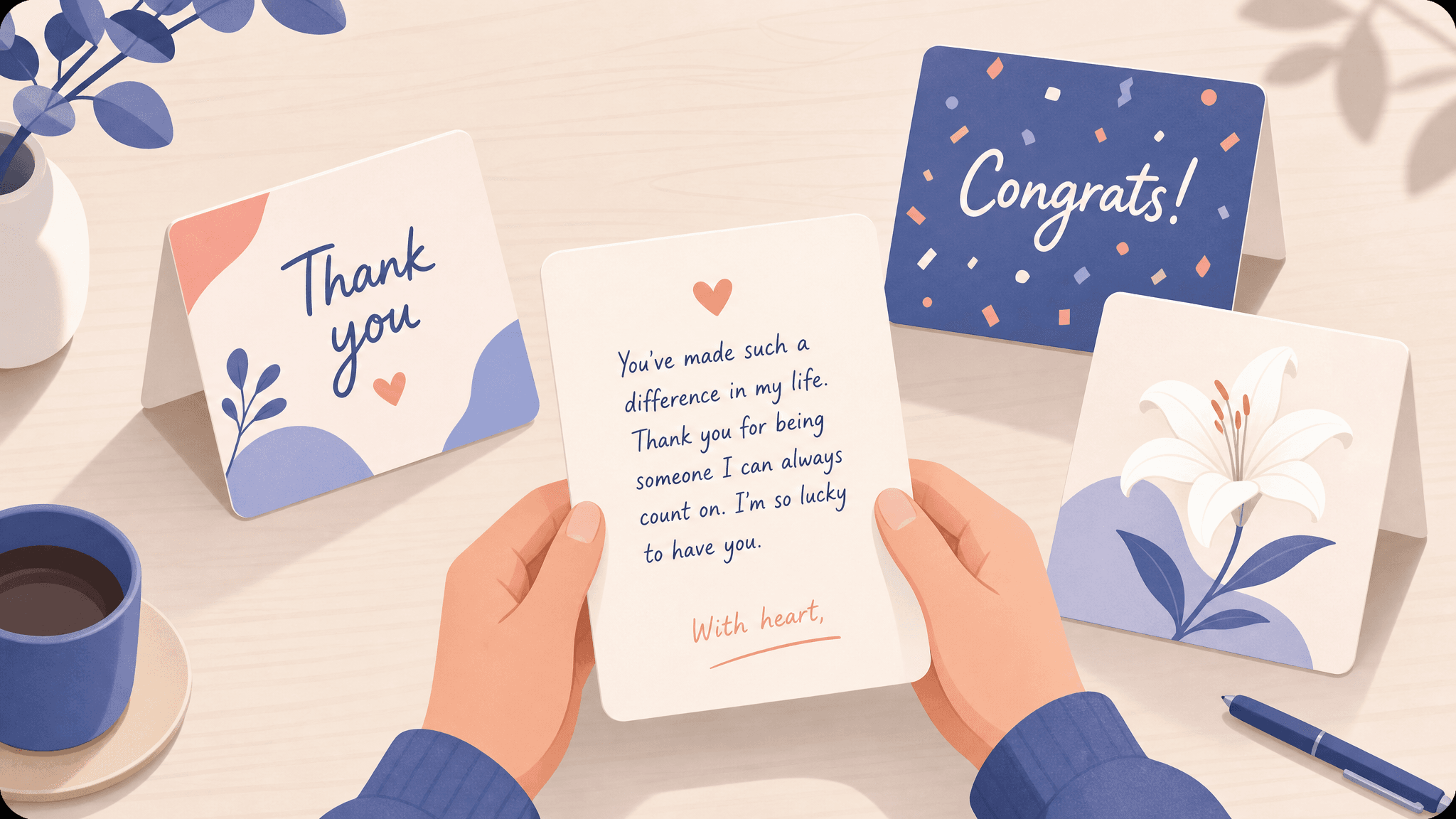
Personal NotesSome words are hard to find, whether it is thanks, congratulations, or condolences. A warm draft gives you a starting point you can make your own before you send it.

How the Free AI Letter Writer Works

Three steps sit between a blank page and a finished draft, and none of them needs a manual.

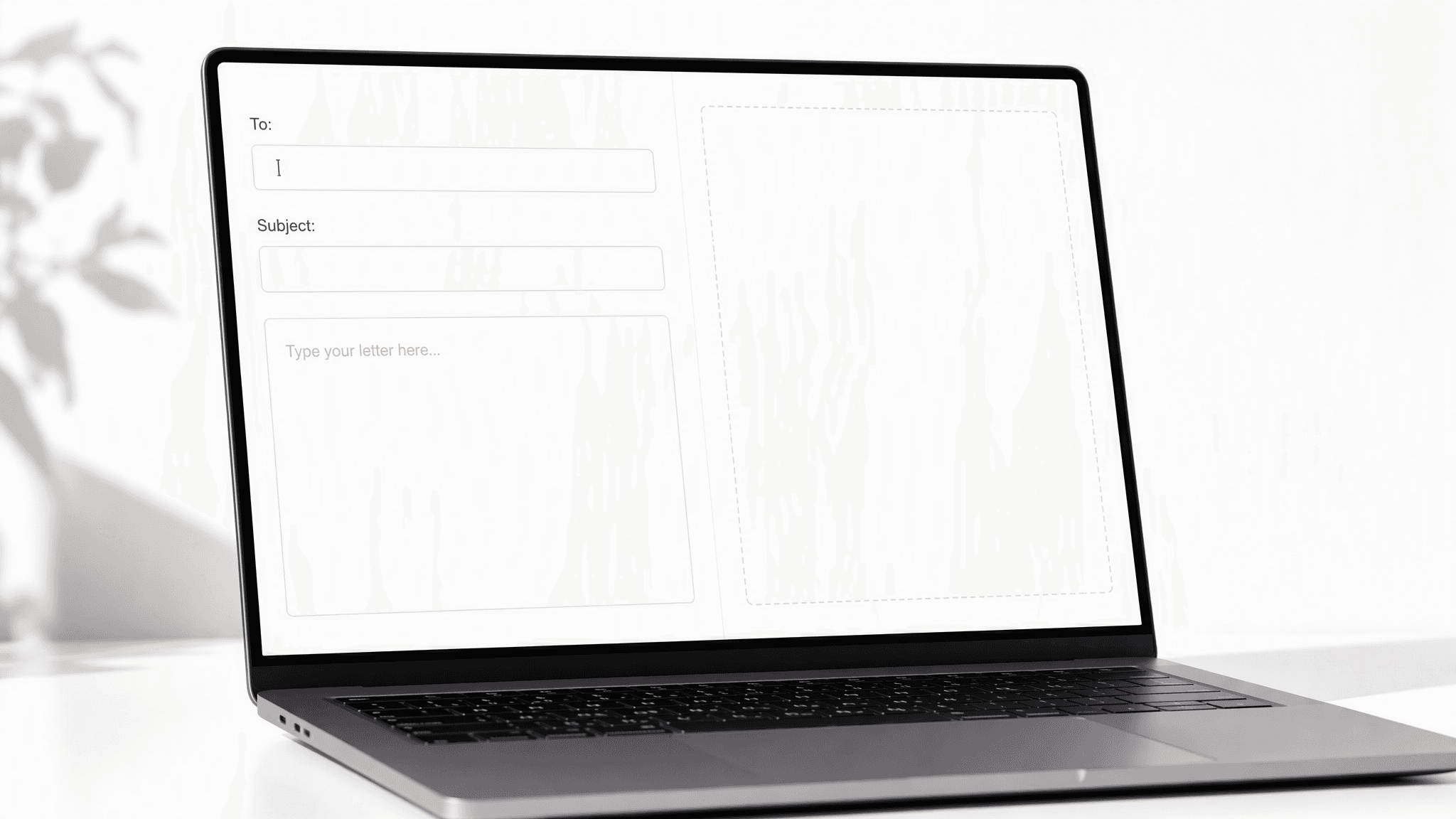
  1. STEP-1Describe Your Letter

    Type who the letter is for, what it needs to say, and any facts that must appear. Or load the one-click example to see a finished brief first.

  2. STEP-2Generate Your Draft

    Click Generate and the AI starts writing. A complete draft is ready in about 30 seconds.

  3. STEP-3Copy and Send

    Tap Copy text when the draft looks right. Paste it into your email or document and send it off.

Six Ways to Get a Better Letter from the AI

Give the AI letter writer a free hand on wording, but be exact about the facts you feed it.

Say Who and WhySay Who and Why

Start your brief with who the letter is for and what you want to happen, since those two facts steer everything else.

Feed It SpecificsFeed It Specifics

ates, names, order numbers, and job titles turn a generic draft into one that reads like you wrote it.

State the ToneState the Tone

Ask for formal, friendly, or apologetic in so many words, and the whole letter follows that register.

Set a LengthSet a Length

A phrase like keep it under 200 words gives you a draft that fits the occasion instead of padding it.

End with an AskEnd with an Ask

Tell the AI what the reader should do next, such as reply by Friday, so the letter closes with direction.

Personalize After CopyingPersonalize After Copying

Swap in one detail only you would know after you paste the draft, because a single personal line makes the whole letter feel handwritten.

Recommended Related Tools

Continue creating with more free AtlasCloud tools.

View all free AI Tools

Early Verdicts on the Free AI Letter Writer

Job seekers, managers, and students share how the drafts held up in real use.

I ask every client to bring a draft cover letter to our first session. The ones who used this free AI letter writer showed up with drafts that needed trimming, not rescuing. That is a better starting point than most people write alone.

Marcus WhitfieldCareer Coach

Payment reminder letters used to sit on my to-do list for days. Now I type two lines about the invoice and get something firm but polite that I can send before my coffee cools.

Priya RaghavanSmall Business Owner

Emailing professors always made me overthink every word. I describe what I need, copy the draft, change a sentence, and send. My extension request got approved the same afternoon, which never happened when I wrote them cold.

Daniel OkaforUniversity Student

What sold me was the example button. One click filled in a sample brief and a finished letter appeared moments later, so I knew exactly what I was getting before I typed a word.

Hannah SorensenOffice Manager

I write follow-up and apology letters more than I would like to admit. The drafts read like proper correspondence every time, so I stopped fussing over format and just fix the details.

Leo MartineauSales Representative

Reference requests and offer letters have a tone that is easy to get wrong. The drafts strike it more reliably than half the templates in our shared drive, and I only ever adjust a line or two.

Grace AdeyemiHR Specialist

Why Choose Us

Built for both creative speed and dependable delivery.

PERFORMANCE & FLEXIBILITY
  • Low Latency

    Fast, responsive workflows for daily creation.

  • Unified Experience

    One visual language across different AI tools.

  • Transparent Controls

    The exact parameters stay visible and predictable.

ENTERPRISE & SCALE
  • Creator-ready workflows

    Examples and upload flows fit real production work.

  • Reliable platform

    AtlasCloud infrastructure supports every cloud run.

  • Security & compliance

    Clear boundaries for local and cloud processing.

Relative Articles

LLM Kimi K2.6 API is live on Atlas Cloud: Long-Horizon Coding Agent Swarm SupportATLAS CLOUD
LLM Kimi K2.6 API is live on Atlas Cloud: Long-Horizon Coding Agent Swarm SupportApril 22, 2026
DeepSeek, Kimi, GLM, MiniMax, Qwen: The Best Open Source Coding LLMs Ranked for 2026ATLAS CLOUD
DeepSeek, Kimi, GLM, MiniMax, Qwen: The Best Open Source Coding LLMs Ranked for 2026May 28, 2026
Kimi K2.6 vs GLM 5.1: Which Open-Source LLM Fits Your Stack?ATLAS CLOUD
Kimi K2.6 vs GLM 5.1: Which Open-Source LLM Fits Your Stack?May 26, 2026
what-api-provider-should-i-use-with-cline-roocode-vs-code-or-cursor-if-i-want-access-to-multiple-llmsATLAS CLOUD
What API provider should I use with Cline, RooCode, VS Code, or Cursor if I want access to multiple LLMs?June 11, 2026
LLM GLM-5.1 is coming soon to Atlas Cloud: Opus 4.6-Level Coding with 8-Hour Autonomous ExecutionATLAS CLOUD
LLM GLM-5.1 is coming soon to Atlas Cloud: Opus 4.6-Level Coding with 8-Hour Autonomous ExecutionApril 7, 2026
What are the best Together AI alternatives for LLM inference and model APIs?ATLAS CLOUD
What are the best Together AI alternatives for LLM inference and model APIs?July 17, 2026

FAQ

1. What is a free AI letter writer?

A free AI letter writer is an online tool that turns a short description of your situation into a complete letter. You type what you need, such as a resignation letter or a thank-you note, and the AI writes the full draft for you.

2. How to write a letter using AI free?

Describe your letter in the brief box, then click Generate and copy the result with one click. The more specific your brief, the more personal the letter reads.

3. How to write a cover letter AI free?

Paste the job title, the company, and two or three highlights from your experience into the brief. The free AI writer shapes a cover letter around exactly those points, so the letter fits that one application instead of reading like a form letter. Copy the draft, give it a final read, and attach it to your application.

4. Is the AI letter writer free?

Yes, you can try it free once you sign in. When you are ready for more letters, adding credits to your Atlas Cloud account keeps the drafts coming, and developers can run the same model through the Atlas Cloud API.

5. Does the free AI letter writer add a watermark?

No. Your letter is delivered as clean plain text with nothing added, so what you copy is exactly what you send.

6. Can I use the letters for real applications and business?

Yes, the drafts are yours to send for personal, academic, and business use. Read each one through and adjust names, dates, and details so the letter says exactly what you mean.