Try AI face swap free in your browser: upload a source face and a target photo, and the tool aligns, color matches, and blends them on your own device. A quick way for meme makers and social creators to put a new face into any portrait.
इमेज टूल
Face Swap · Image by Atlas Cloud
local/face-swap
ब्राउज़र में ही सोर्स चेहरा टारगेट इमेज पर लगाएं, कोई अपलोड नहीं (फेस-स्वैप लेवल)
इनपुट
इमेज केवल ब्राउज़र में लोकल प्रोसेस होती है · पहली बार ~711 MiB मॉडल डाउनलोड होगाडेटा OSS पर अपलोड नहीं होता, AtlasCloud बैकएंड में नहीं जाता।
जिस फेस को टारगेट में लगाना है; साफ़ फ्रंट फेस बेहतर है।
जिसमें फेस बदलना है; एक साफ़ फेस वाली इमेज बेहतर है।
InSwapper फेस और टारगेट फोटो का मिश्रण स्तर।
फेस किनारों का फेदर रेडियस।
आउटपुट
तैयार
जनरेट किया गया परिणाम यहाँ दिखाई देगा
बाएं तरफ़ ज़रूरी फील्ड भरें, फिर "मुफ़्त रन" दबाएं।
ब्राउज़र पहली बार मॉडल वेट डाउनलोड और कैश करेगा; असली स्पीड डिवाइस और नेटवर्क पर निर्भर करती है।
Free AI Face Swap Results, Before and After
A source face and a target photo are all it takes. About 8 seconds later, the free AI face swap hands back a finished PNG with the new face already blended into the scene.
पहलेबाद में
What This Free AI Face Swap Can Do
Automatic where it helps, hands-on where it counts, and private from the first click to the download.
One-Click Face Swap
Upload the face you want to place and the photo that receives it. The tool maps 468 points across both faces, lines up the eyes and mouth, and fits the new face onto the target portrait. Give it one clear face in each photo and it handles the rest.
Blend and Edge Sliders
Two sliders put the finish in your hands. Raise blend strength to bring in more of the source face, or widen edge feathering so the border melts into the scene. Many one-click tools decide these settings for you; here you stay in control.
Automatic Color Matching
Skin tone follows the scene automatically. The tool measures color in both photos and shifts the new face toward the target lighting, so a studio selfie settles naturally into an outdoor portrait without any manual retouching.
Faces Stay on Device
Both pictures are processed right inside your browser tab, and nothing is sent to a server. Close the tab and the photos are gone. Nothing waits in a queue on someone else's computer, and nothing needs deleting afterward.
Unlimited Free Swaps
un as many swaps as you like. There is no account to create, no daily counter, and no watermark stamped on the result. Every free AI face swap ends in a clean PNG that is ready to post.
Everyday Jobs for a Free AI Face Swap
From group chats to content calendars, the same simple swap covers a wide range of everyday moments.
Meme Face SwapsDrop a friend's face onto a classic reaction image and post it while the joke is still fresh. A free AI face swap that runs all day keeps up with the pace of the conversation.
Profile Picture RefreshTest how your face reads on a different style of portrait before you commit to a new avatar across your accounts.
Family Photo SwapsTrade faces between siblings at a birthday dinner or give grandpa the baby's grin. Swapped family photos travel fast in the family thread.
Costume and Theme ShotsSee yourself as the astronaut, the holiday elf, or the poster hero by using any themed portrait as the target.
Thumbnail Face TestsRun as many swaps as you like. There is no account to create, no daily counter, and no watermark stamped on the result. Every free AI face swap ends in a clean PNG that is ready to post.
How to Run a Free AI Face Swap
Three quick moves take you from two photos to a finished swap.
STEP-1Add both photos
Click or drag a clear source face into one box and the target photo into the other. If you just want to try it, one click loads a ready-made sample pair, and two optional sliders set blend strength and edge softness.
STEP-2Run the swap
Press the button and watch the progress bar tick through alignment, color matching, and blending. The whole pass takes about 8 seconds.
STEP-3Download the PNG
The finished image appears beside the originals so you can compare them side by side. One more click saves the PNG to your device.
Six Habits for Cleaner Swaps
Each one takes a few seconds and pays off in the final blend.
Face the camera
Straight-on portraits give the tool the clearest read on both faces, so the fit lands where it should.
Light both photos evenly
Soft, even light on each face keeps skin tones true once the two photos merge.
Show the whole face
Keep hair, hands, and glasses clear of the face so every part of it makes it into the blend.
Start from sharp originals
Camera roll originals carry more detail than screenshots, and that detail shows in the free AI face swap result.
Match pose and expression
A smiling source face fits a smiling target best, and similar head angles keep proportions natural.
Work the sliders
Nudge blend strength higher for a bolder swap, or widen the edge slider until the hairline edge disappears into the photo.
Recommended Related Tools
Continue creating with more free AtlasCloud tools.
Meme admins, hobby photographers, and freelance marketers each found their own reason to come back.
I run three meme pages and burn through edits daily. This is the only free AI face swap I keep pinned. It loads fast, a heavy meme day never hits a limit, and every PNG drops straight into my feed.
Jordan MeeksMeme Page Admin
Our server runs a weekly swap thread and this tool made it painless. Nobody needs an account, the sample pair shows newcomers what to do, and the thread fills with entries within minutes.
Priya NairCommunity Manager
The sliders are what sold me. I can pull the blend back for a subtle composite or push it hard for reference studies, and the color matching saves me a correction pass in my editing software.
Tomás RiveraConcept Artist
I mock up playful campaign visuals for small brands. Swapping a founder's face into themed shots gives me presentable mockups on demand, and the PNG lands in client drafts with no watermark to crop around.
Lena FischerFreelance Social Media Marketer
Family photos never leave my laptop with this one, and that settled it for me. The swaps look natural after a little slider tuning, and I can redo them as many times as I like.
Daniel OkaforHobby Photographer
Chat dared me to put my face on my co-host's photo mid stream, and this thing delivered in like eight seconds. No account popup killing the moment, just instant new emote material.
Maya ChenStreamer
Why Choose Us
Built for both creative speed and dependable delivery.
PERFORMANCE & FLEXIBILITY
Low Latency
Fast, responsive workflows for daily creation.
Unified Experience
One visual language across different AI tools.
Transparent Controls
The exact parameters stay visible and predictable.
ENTERPRISE & SCALE
Creator-ready workflows
Examples and upload flows fit real production work.
Reliable platform
AtlasCloud infrastructure supports every cloud run.
Security & compliance
Clear boundaries for local and cloud processing.
FAQ
1. What is AI face swap?
AI face swap is a technique that places one person's face onto another photo automatically. This tool reads several hundred reference points on each face, then lines the new face up and blends it into the target picture.
2. Is AI face swap free?
Yes. This face swap runs free with no account, no usage cap, and no watermark on the finished image. It stays free because the work happens in your browser instead of on rented servers.
3. Do my photos get uploaded anywhere?
No. The swap is computed by your own device, and the result is drawn straight onto your screen. Your photos stay in the browser tab from start to finish.
4. What formats and sizes does it support?
You can load JPG, PNG, WebP, and other common image formats. Results download as PNG at the size of your target photo, up to 1280 pixels on the longest side.
5. Can I use my free AI face swap images commercially?
Nothing in the tool itself limits how you use the output. Just make sure you have permission to use both photos, especially when another person's face is involved.
6. Can I swap faces in a video?
This page is built for photos. For moving footage, Atlas Cloud runs video face swap in its model library, so you can start with photos here and scale up when you need motion.
7. How do I get the best free AI face swap results?
Use sharp, well-lit, front-facing photos for both slots and keep the whole face visible. From there, small moves on the blend and edge sliders are usually all it takes to make the swap sit naturally.
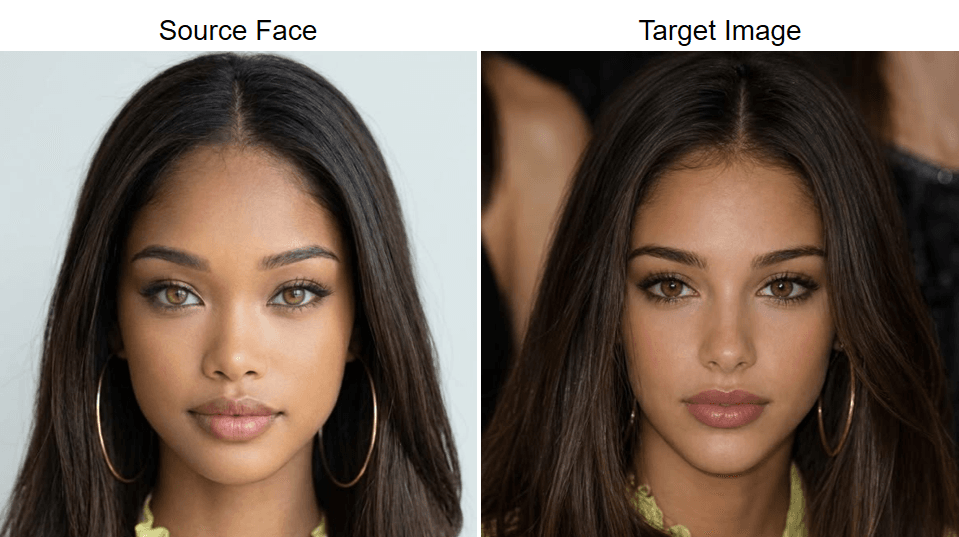
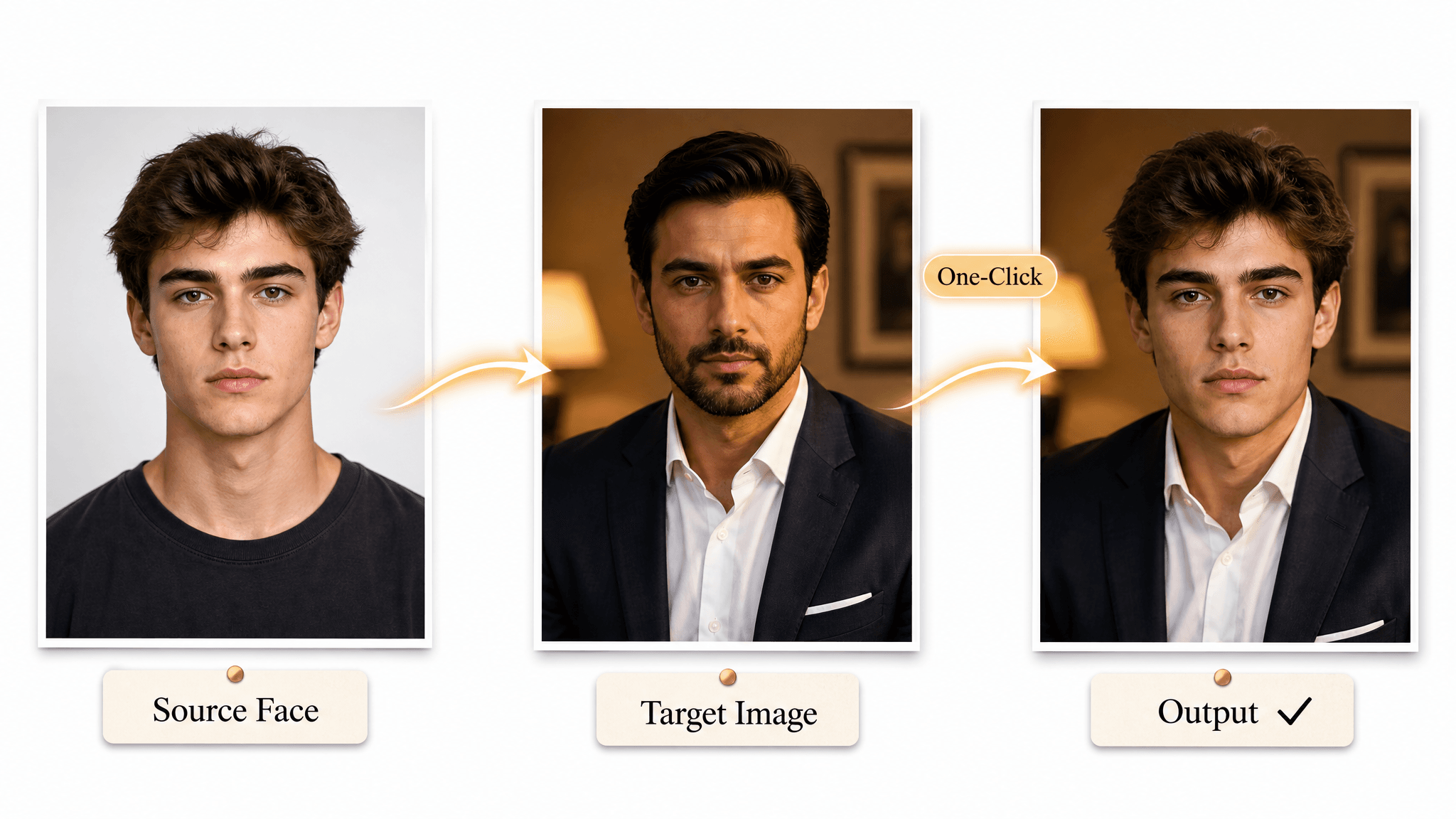
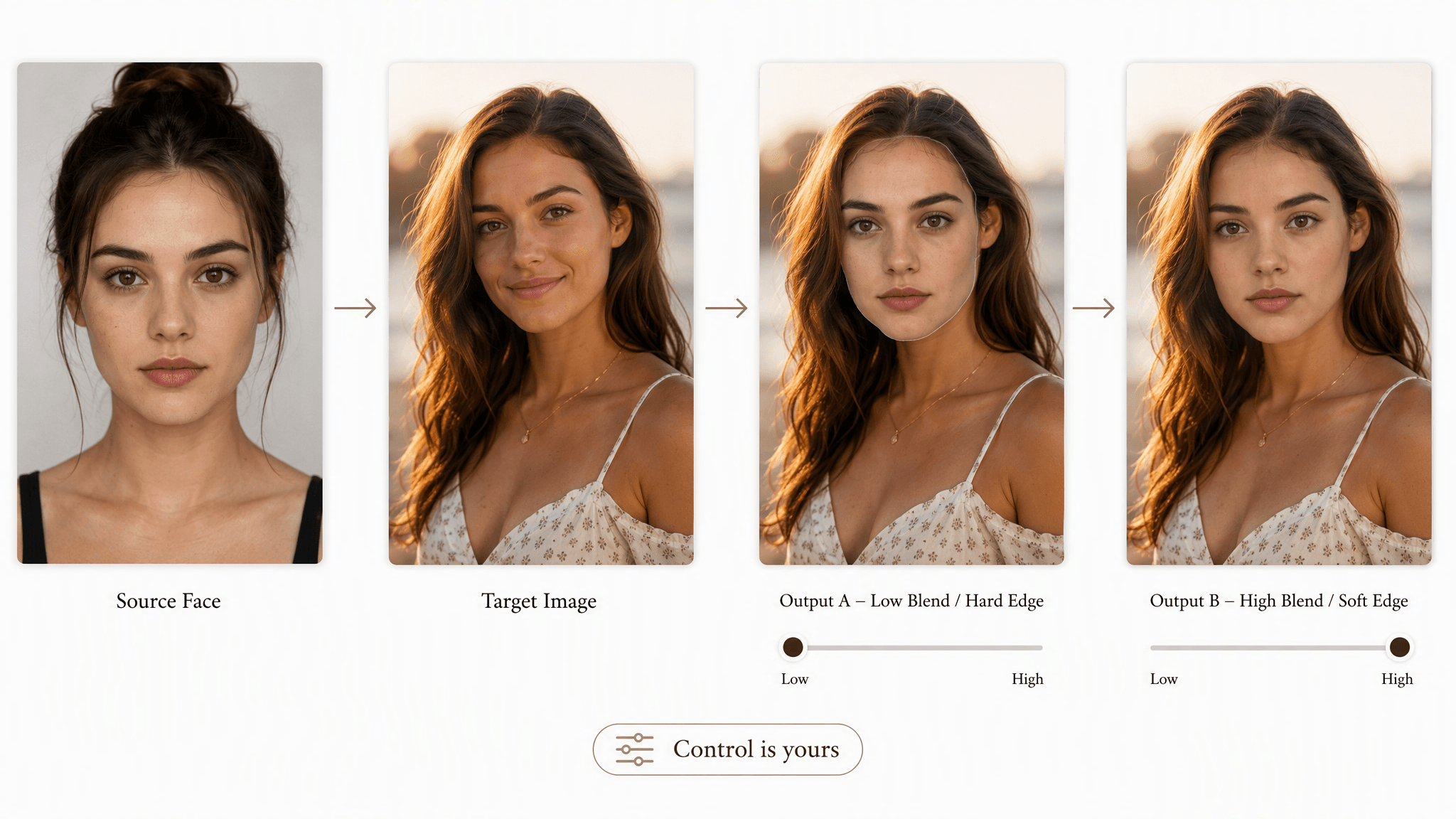
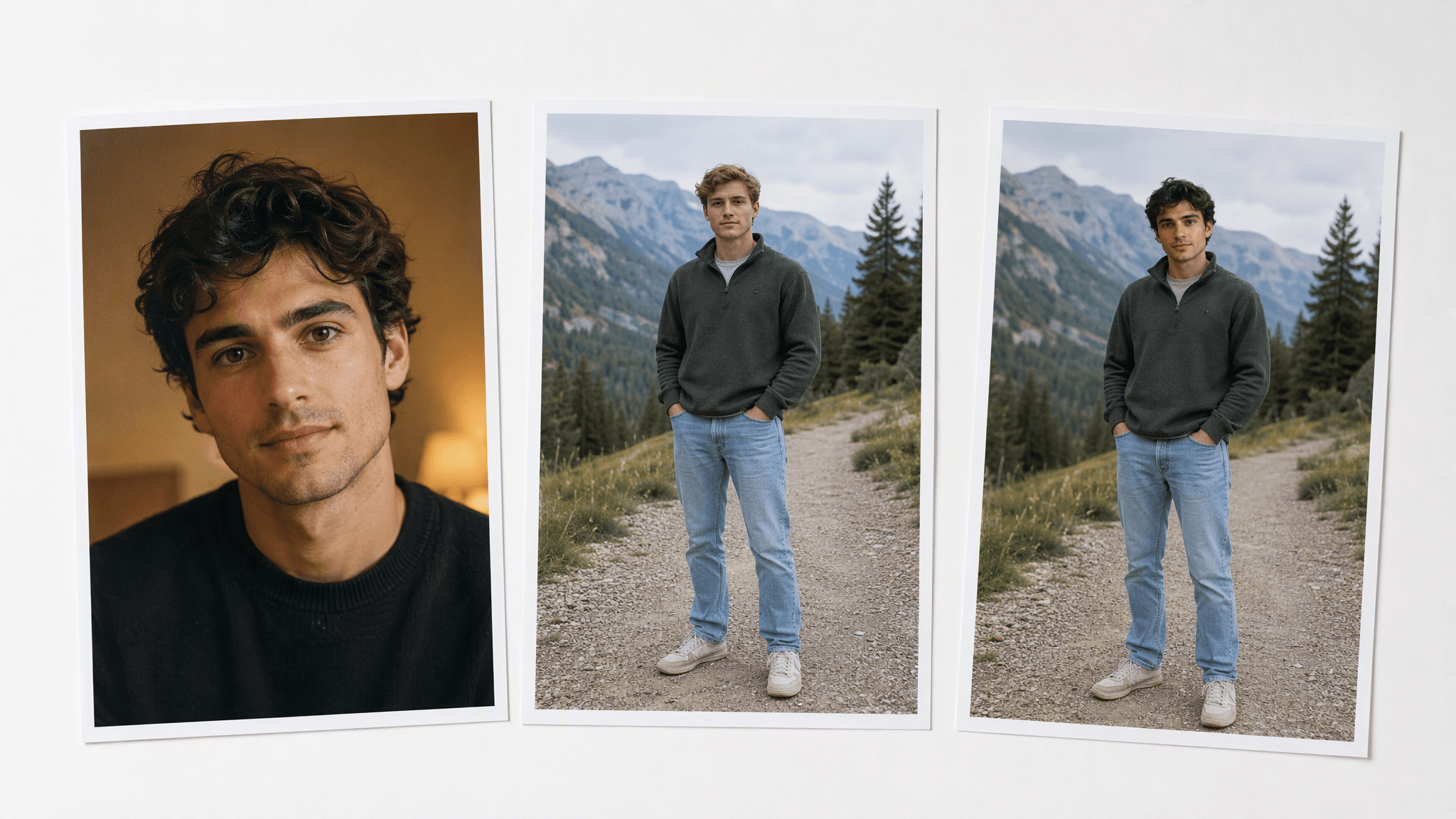
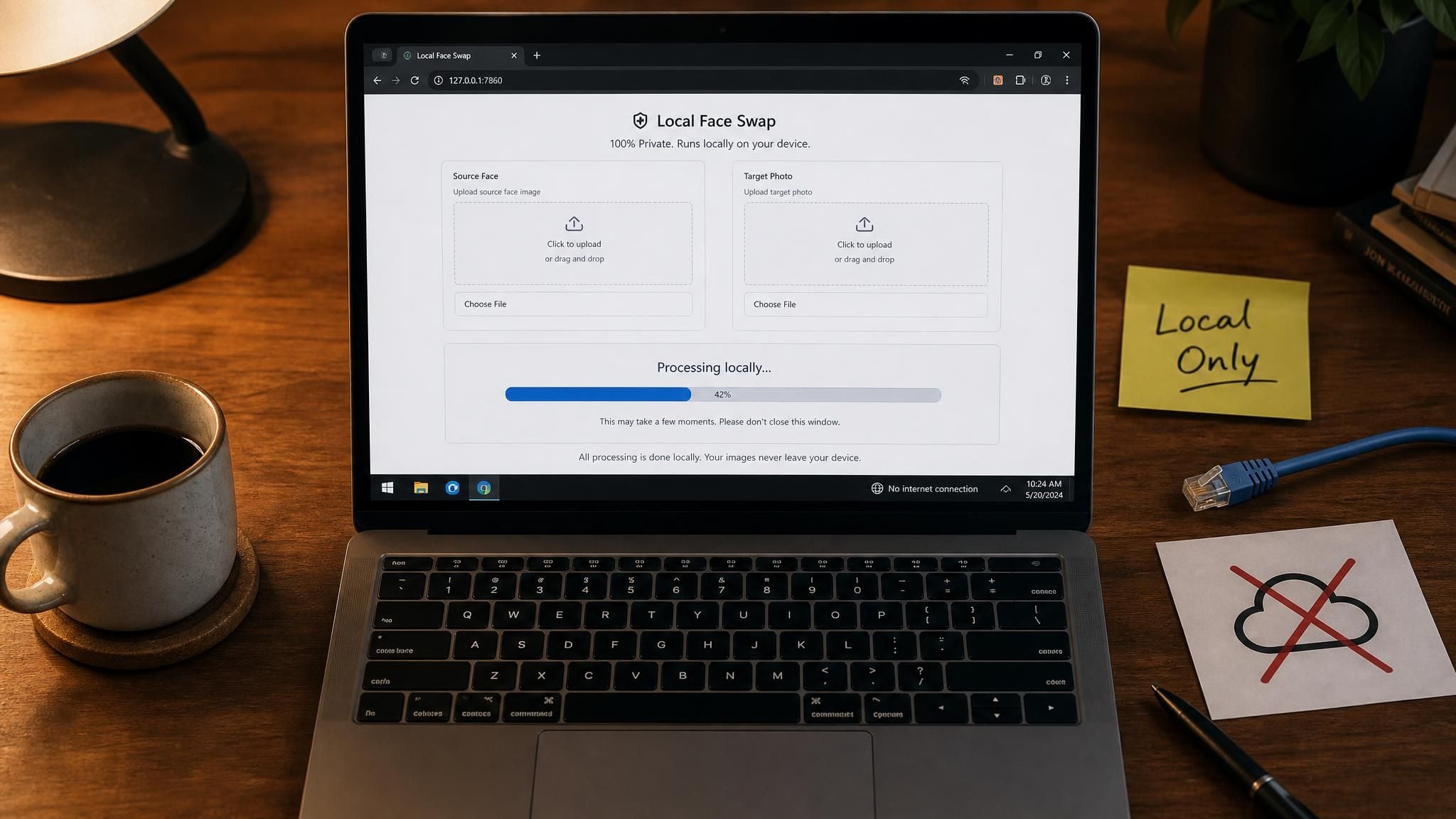
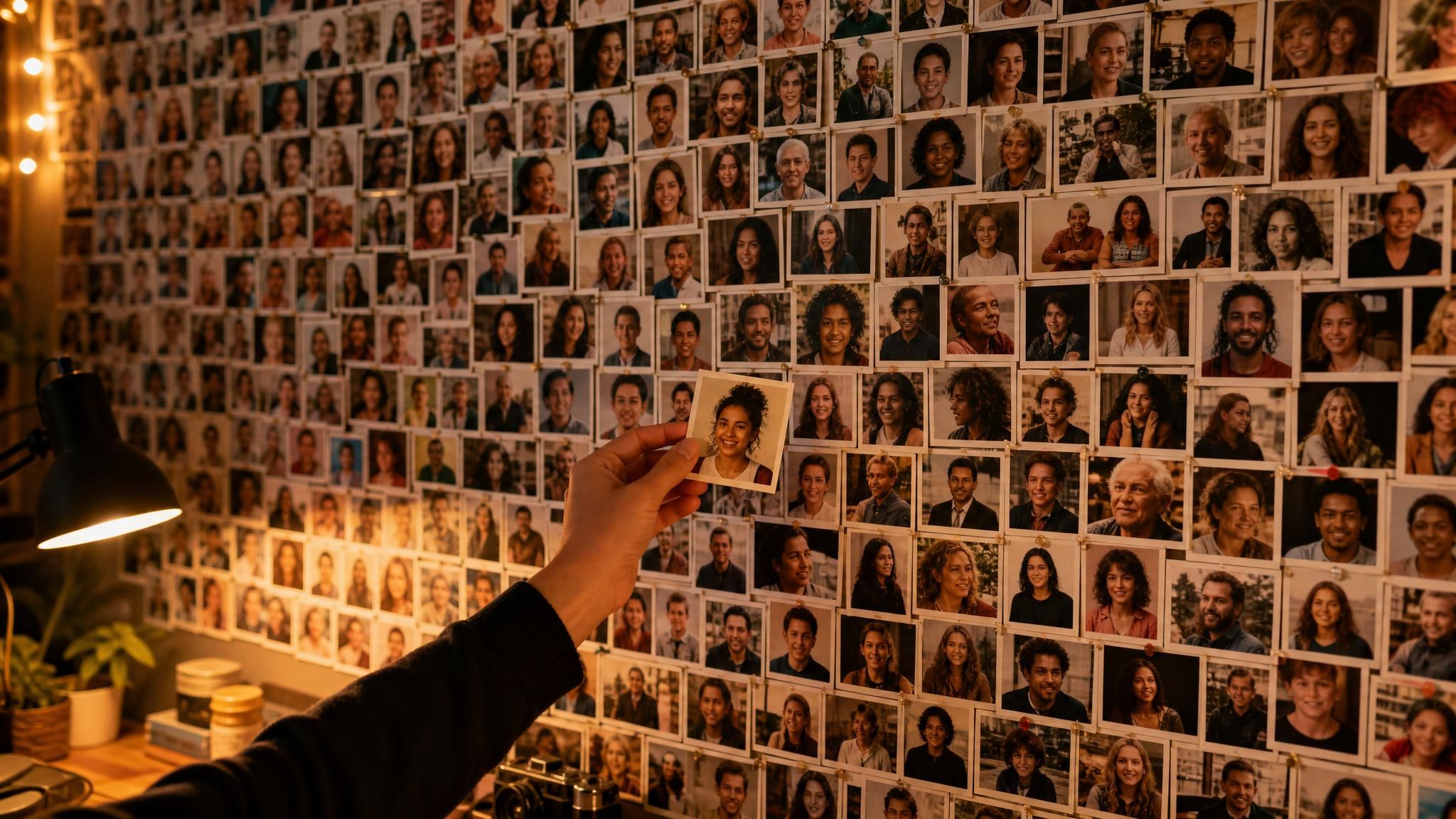
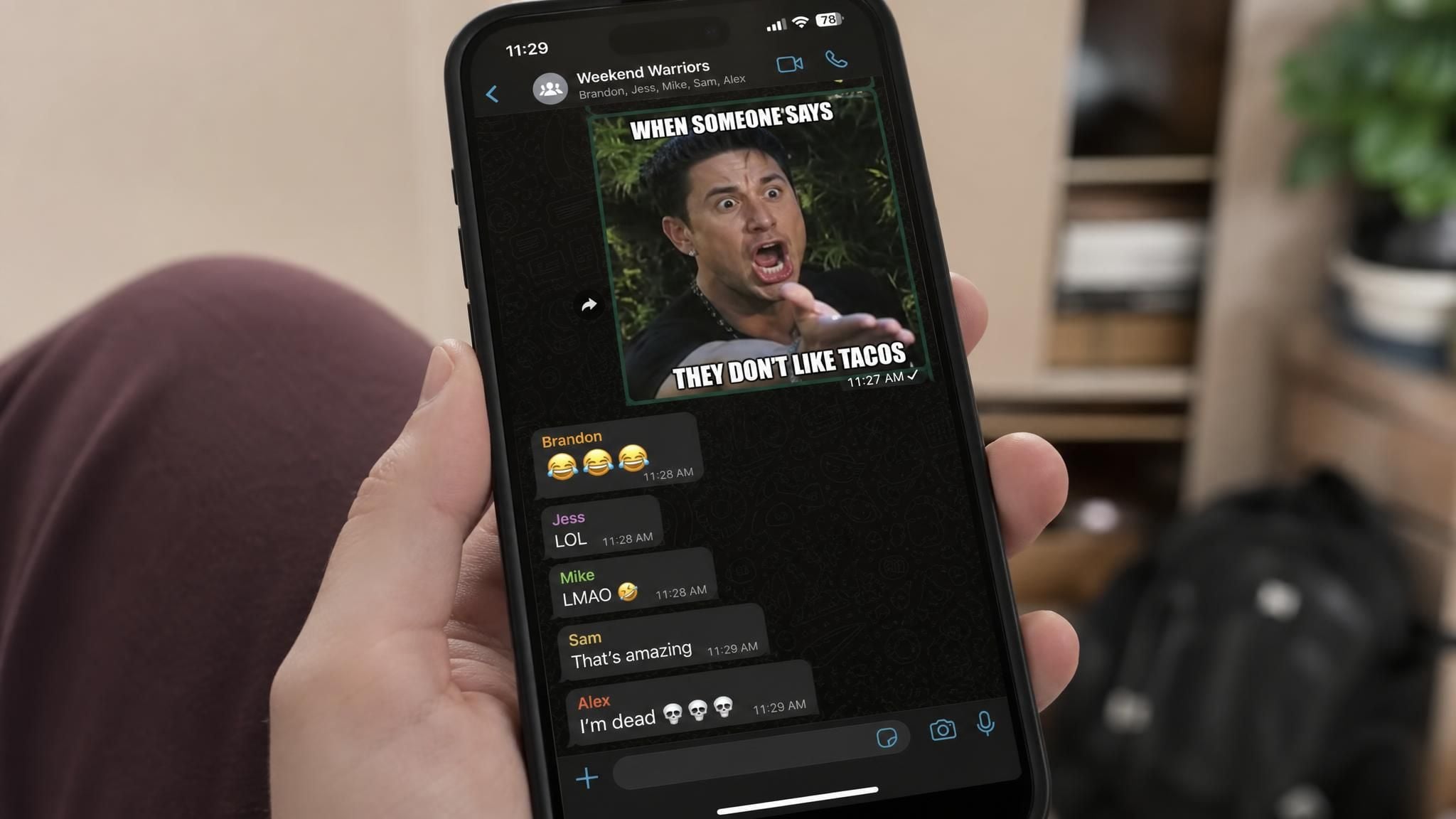
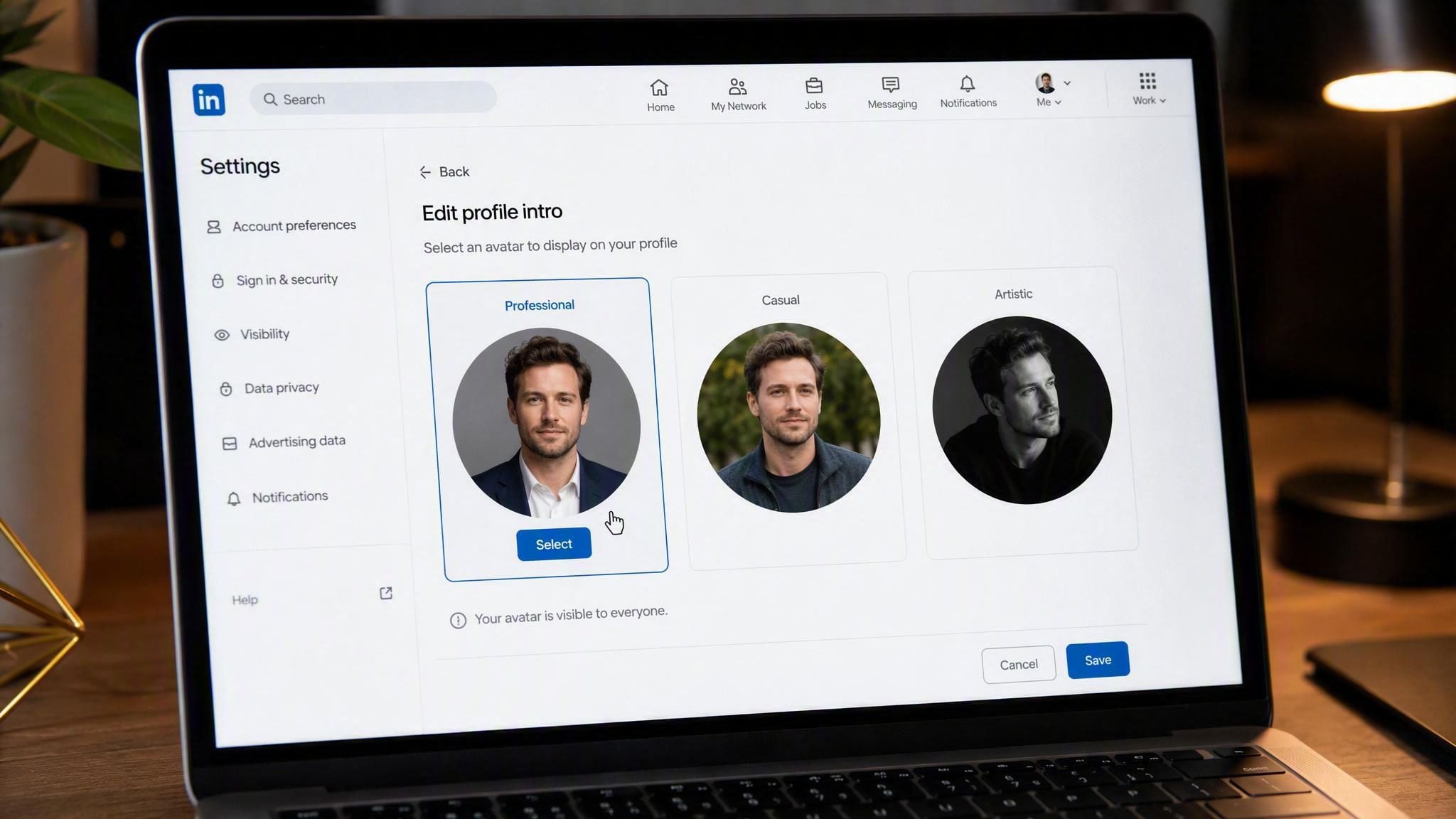
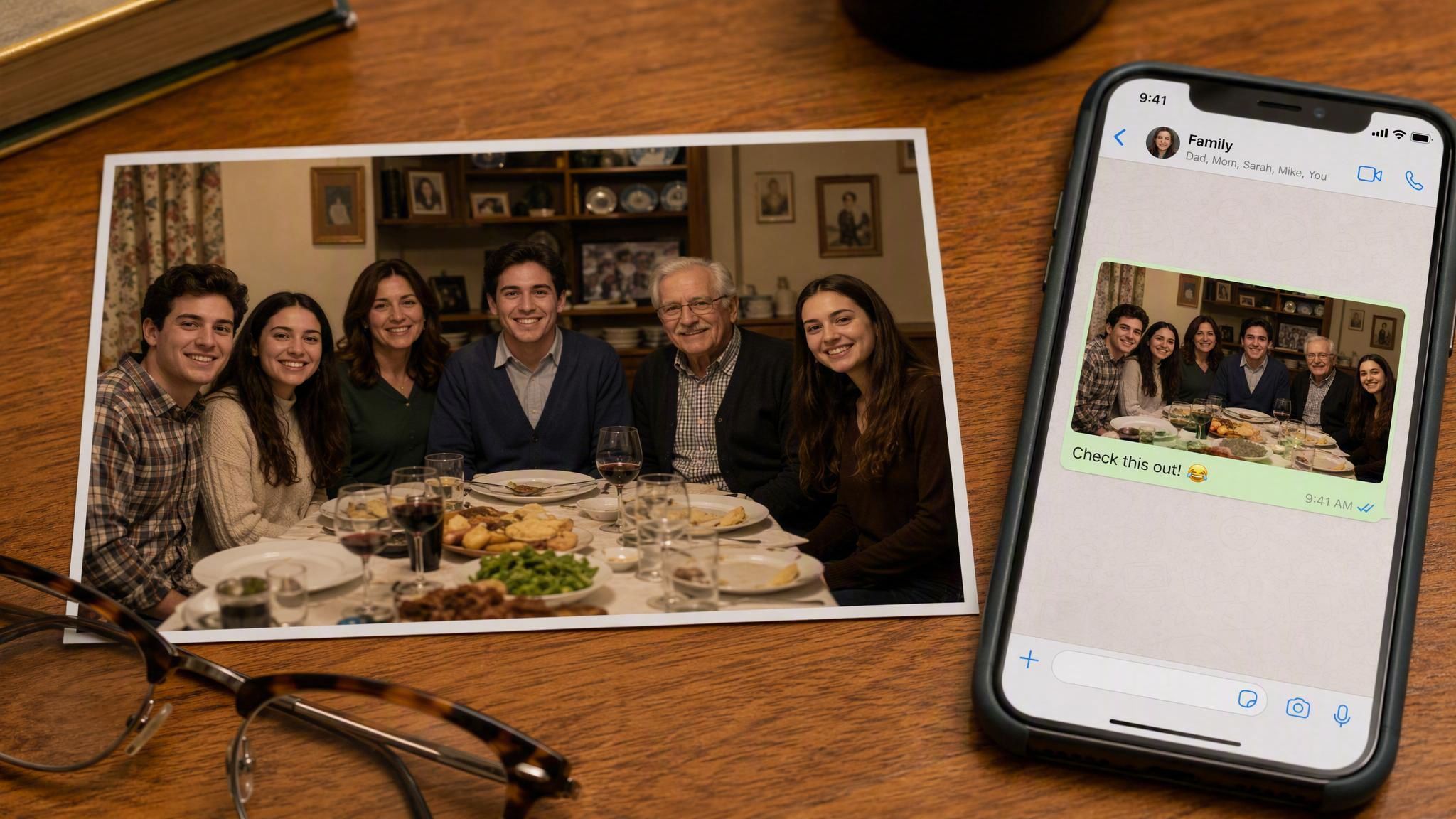
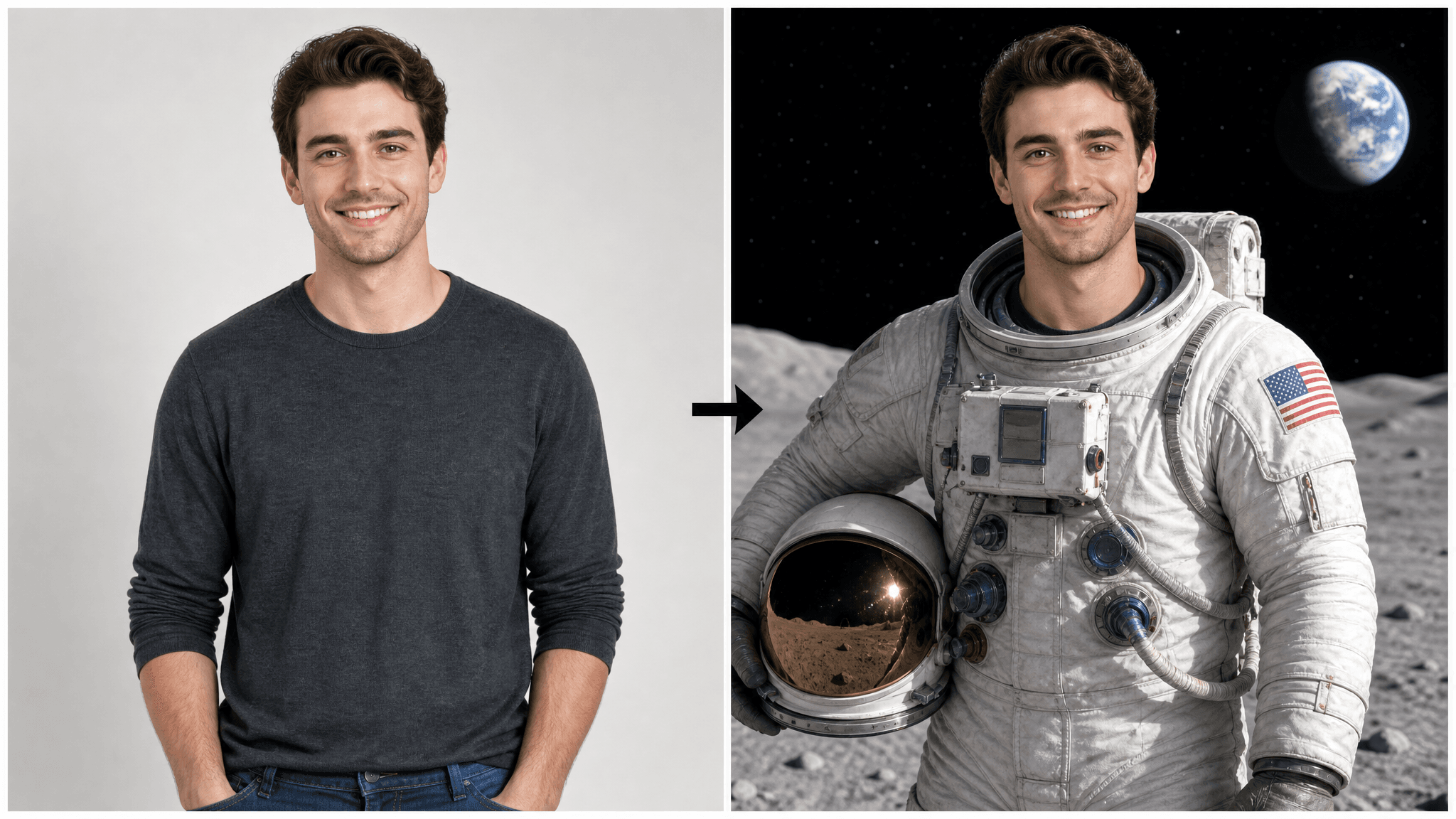
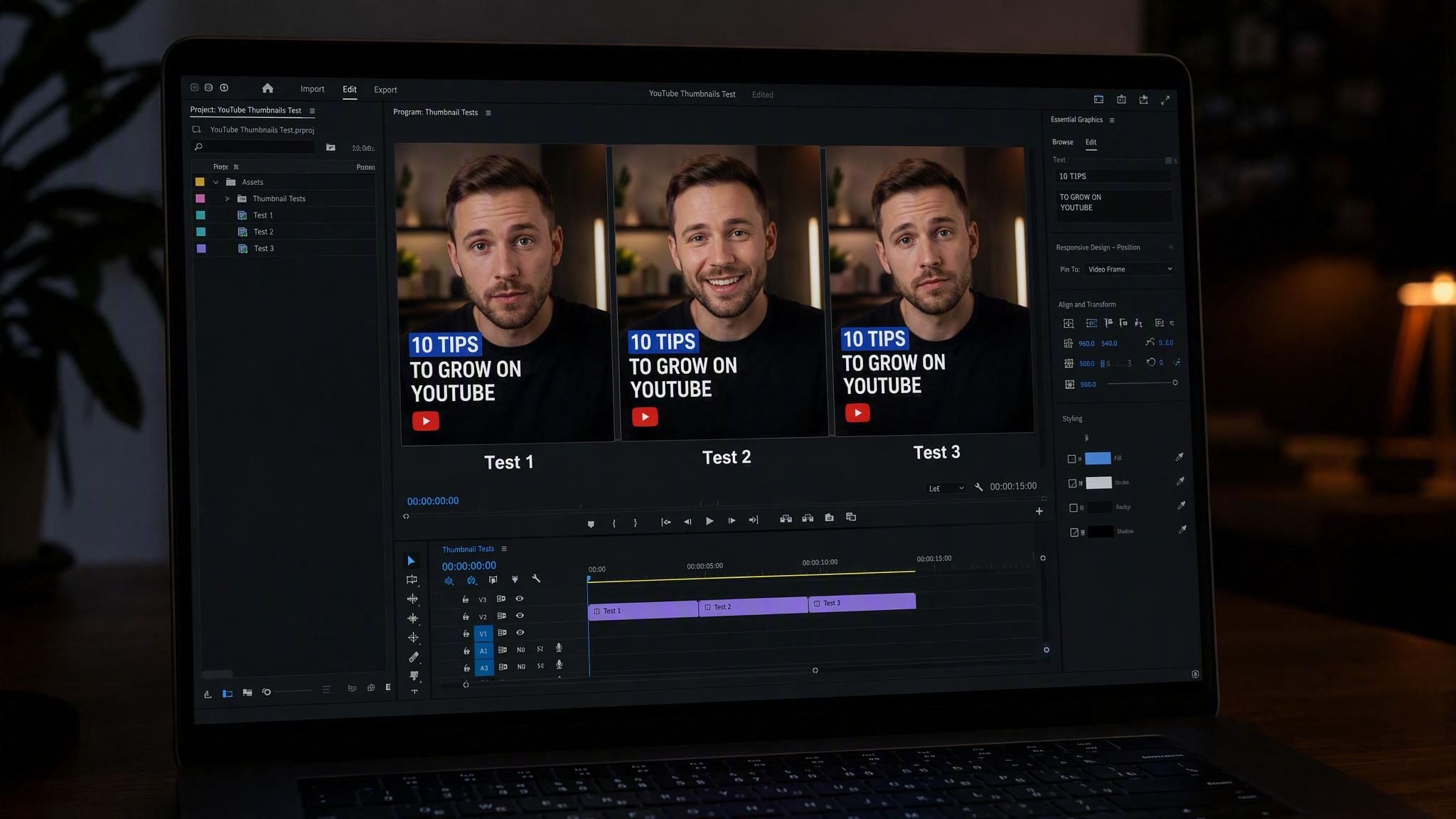






 Image Upscaler
 Image Background Remover
 Object Eraser
 Video Upscaler


