1. What is an AI image upscaler?
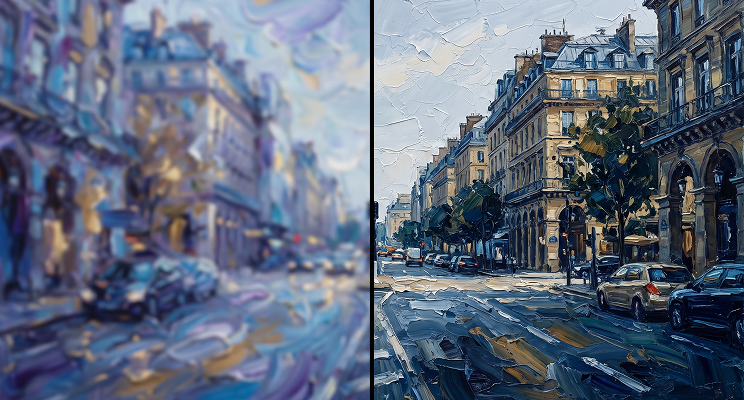
An AI image upscaler, sometimes sold as an image resolution increaser, raises a picture's resolution by predicting the pixels a larger version would contain. Instead of stretching the image until it blurs, the model reads patterns in the picture and reconstructs edges and texture at the new size. This free online image upscaler does that at 2x, entirely in your browser.
2. What size images work best?
Sources with a long edge of 384 pixels or less, which come out at up to 768. Larger images are scaled down to that limit before processing, so a 2000 pixel photo returns at roughly 768 rather than 4000. The limit keeps browser memory use safe, and it is why this tool suits small sources.
3. Is this image upscaler free and unlimited?
Yes. No daily cap, no credits, no account. Run one image or fifty in a row and the save button stays open.
4. Can it upscale JPG and PNG files?
Yes. Drop in a JPG, PNG, or WebP and this photo upscaler returns a PNG, which spares the rebuilt detail a second round of compression. Whether you upscale PNG graphics or upscale JPG photos, the same fixed 2x pass applies.
5. Why does the first upscale take longer?
The first run includes a one time download of the 54MB Swin2SR model. Your browser caches it, so later runs skip the download entirely. Speed after that depends on whether your browser supports WebGPU, with a slower CPU path as the fallback.
6. Does it add a watermark?
No. You get a full resolution PNG with nothing added, on the first result and every one after.
7. Can I upscale to 4x, run batches, or upscale video?
Not in this free browser tool, which handles one image at 2x. The cloud Image Upscaler takes larger inputs with a scale control from 1.0 to 4.0, one image per request, and a separate Video Upscaler handles video.
8. Can I use the upscaled images commercially?
The Swin2SR model weights permit commercial use, and this tool adds no watermark or license claim to your output.
9. Is an AI image enlarger the same thing as an image upscaler?
Mostly, yes. Image enlarger, photo enlarger and pixel upscaler are all names for a tool that adds pixels so a picture can hold up at a larger size. An image sharpener or photo enhancer is a different job: it adjusts the pixels you already have without adding any. This tool only adds pixels, at a fixed 2x.
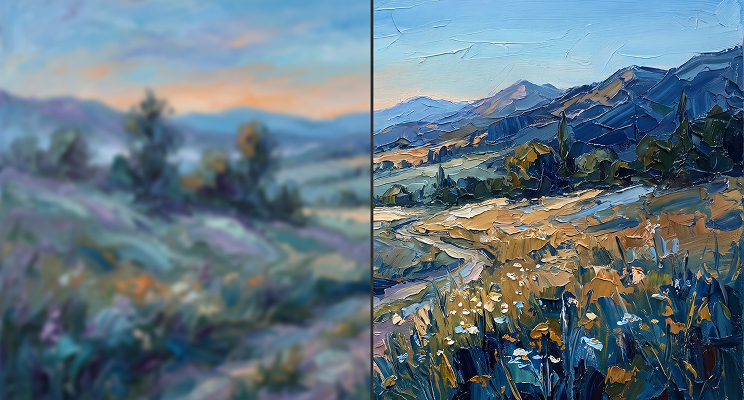

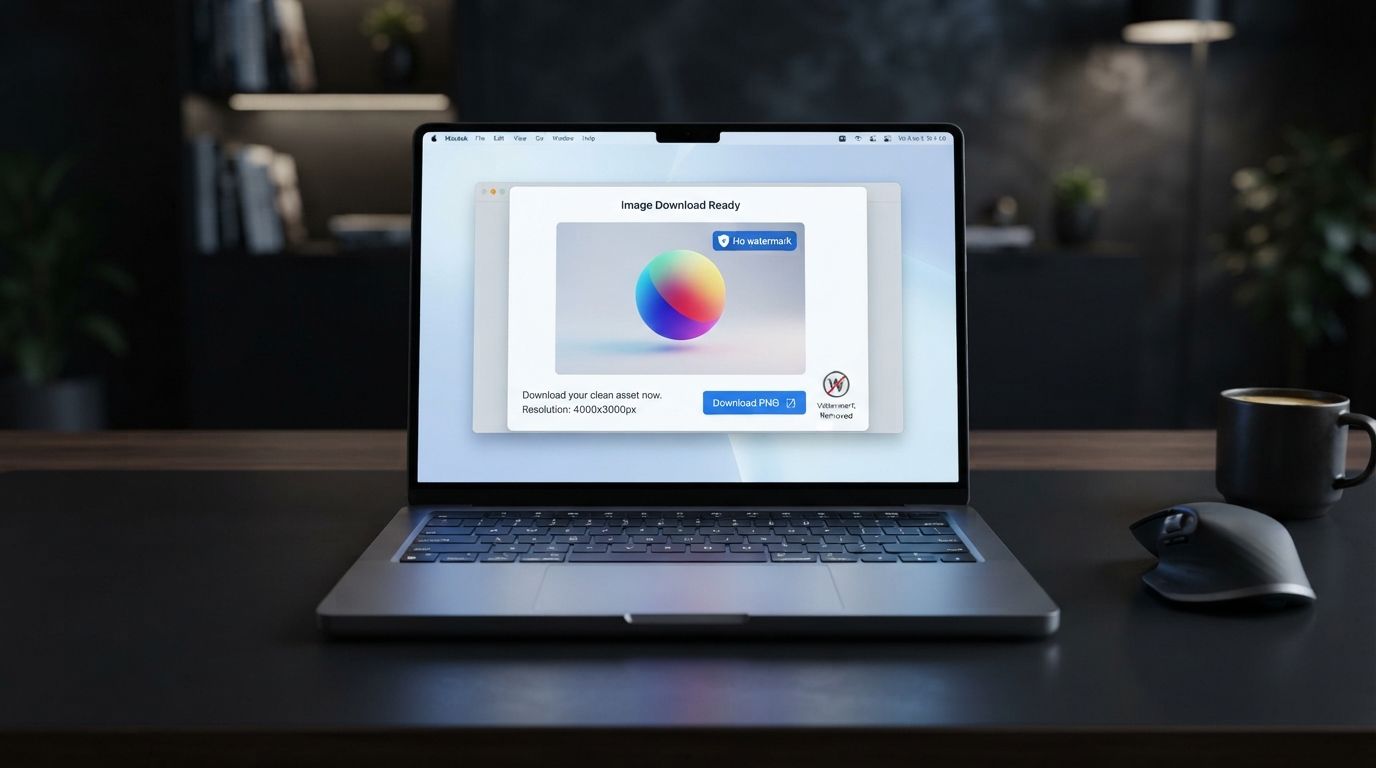
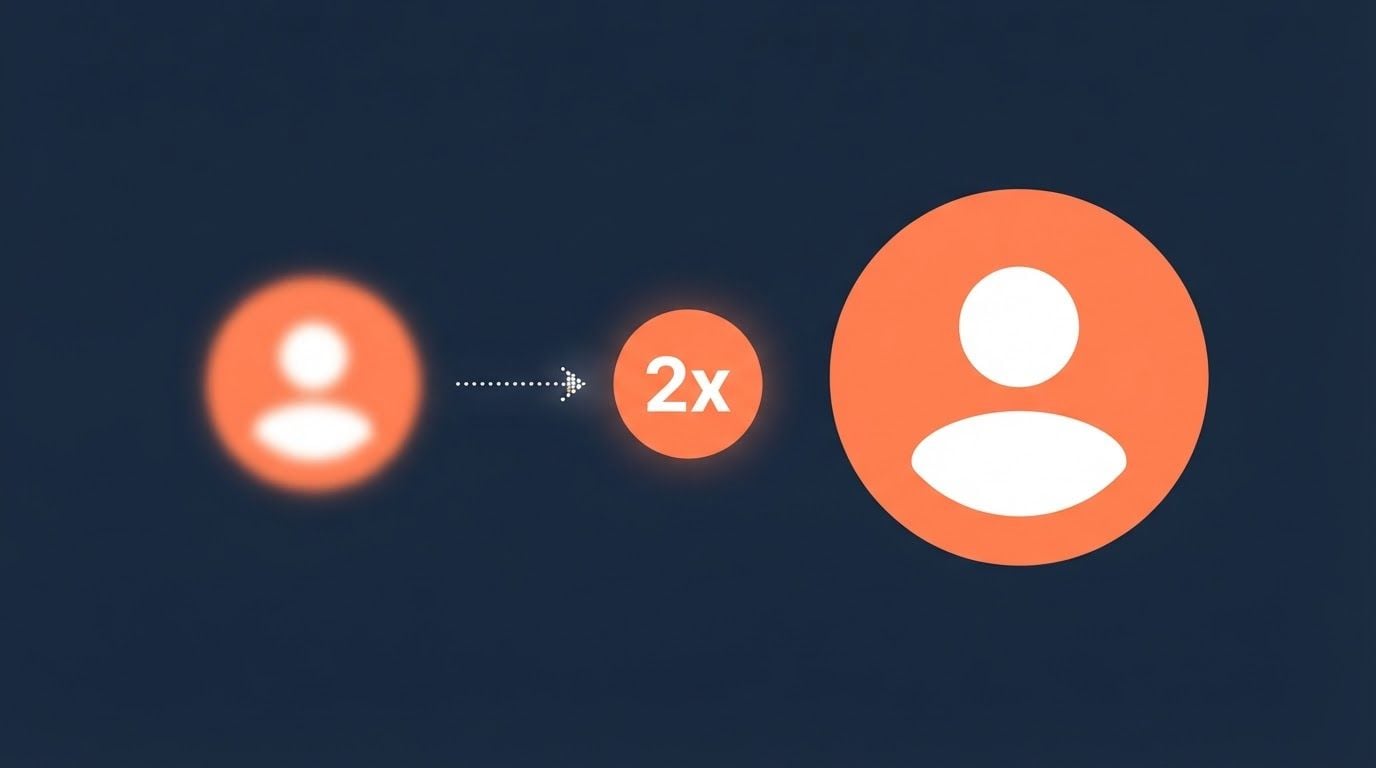
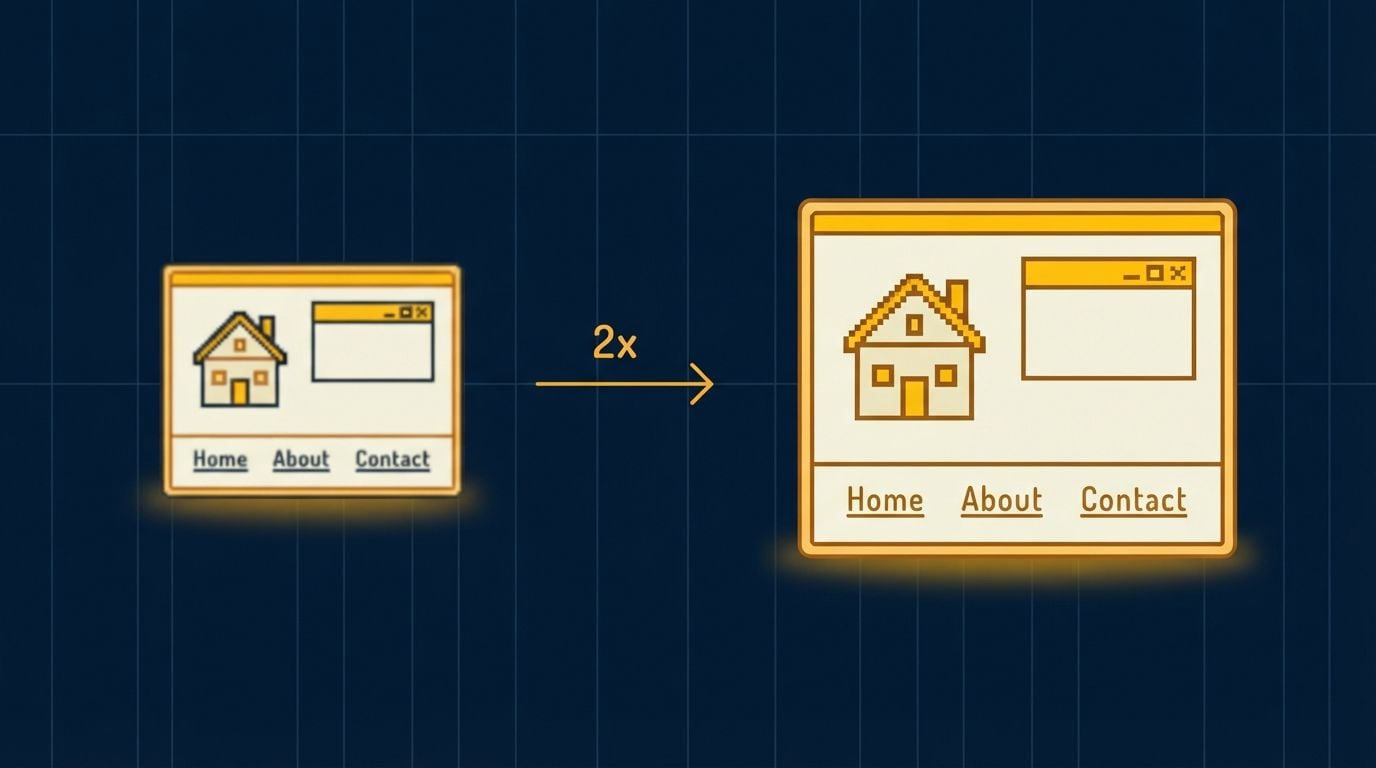
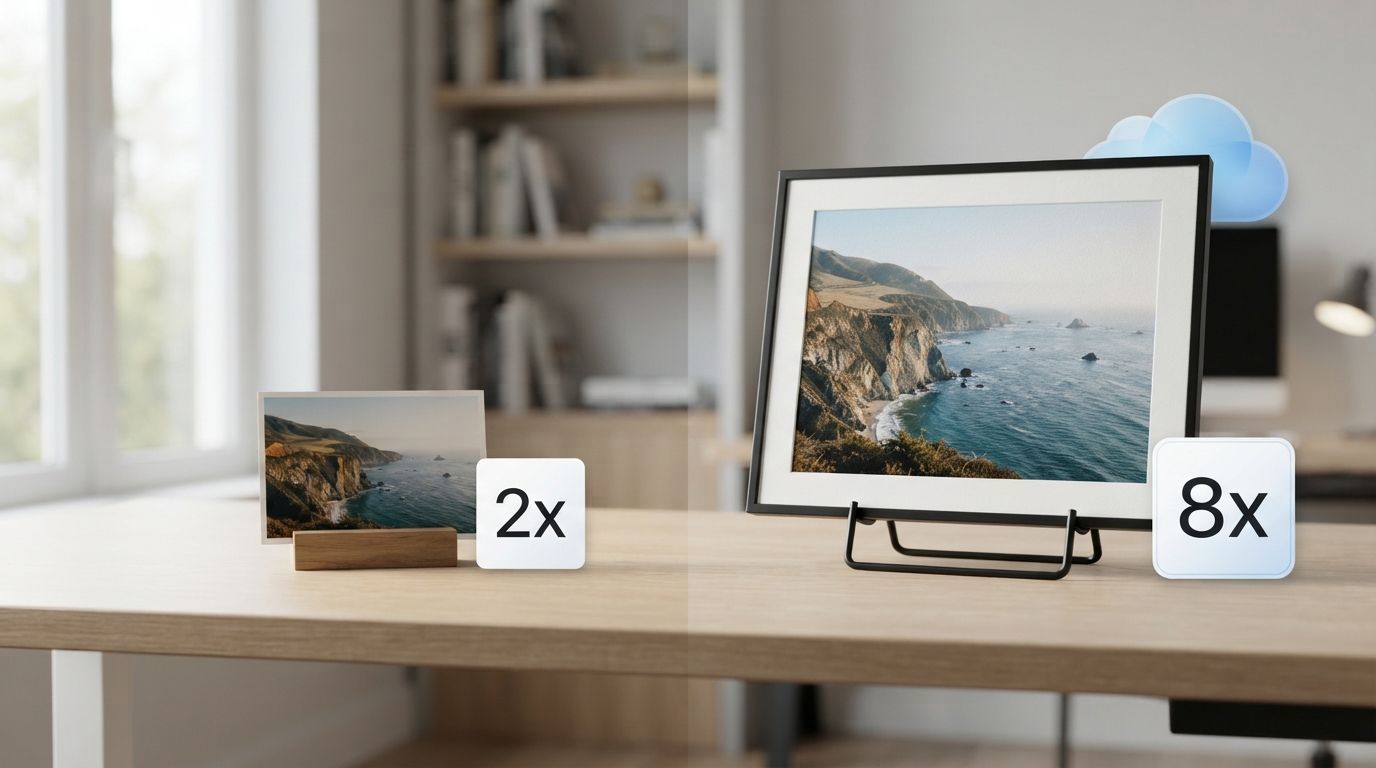






 Image Background Remover
 Object Eraser
 Video Upscaler
 Face Swap · Image


