Turn a proven ad into your own with this free AI reference to ad tool: upload a short reference video, swap in your product or a new presenter, and get a polished remake that keeps the original pacing and energy, built for sellers, marketers, and creators.
AtlasCloud लॉगिन स्थिति की पुष्टि हो रही है
खाते और वर्तमान वर्कस्पेस की पुष्टि के बाद मुफ्त टूल्स चलाएँ।
Free AI Remakes From Any Reference Ad
One short reference video goes in with your product photo and new presenter. Out comes a free AI reference to ad remake that holds the source pacing, cuts, and energy while your product takes over every scene.
पहलेबाद में
What This Free AI Reference to Ad Tool Keeps and Swaps
These are the moves the AI makes on every run, from product swap to final voiceover.
Swap In Your Product
Upload one photo of your product and the AI works it into each moment the original product is held or shown. Shape, colors, materials, packaging, label layout, logos, and printed text all carry over exactly, and a Product Details field lets you name the finishes that matter most.
Presenter Replacement
A single authorized photo recasts the whole video. The new presenter keeps the original head and hand movement, gestures, and expressiveness, and when the original person talks, your presenter talks the same way. Face, hair, and identity come from your photo alone.
Reference Rhythm Cloning
The remake holds the scene, background, lighting, camera framing, camera motion, cuts, and pacing of the source video. What made the original ad watchable stays intact from the first frame to the last, so your product inherits a structure that has already proven itself.
Fresh Ad Voiceover
Leave the script field blank and the AI writes new sales dialogue from your product info. Flip on voiceover replacement and it speaks the lines in a voice you pick from the list, then syncs the delivery to the presenter's lips. Prefer the original audio? Keep it.
Clean Ad Export
Every free reference to ad remake comes out with no watermark and no added on screen text. What you get is a clean final cut, ready to post or to run as paid media.
Five Jobs a Free AI Reference to Ad Run Handles
Sellers, agencies, and creators reach for this tool at very specific moments like these.
Validate a New ProductBefore you book a shoot for a new SKU, drop it into an ad format that already converts. One run shows how the product reads on camera and in motion.
Refresh Tired Ad CreativeWhen a winning ad starts to fade, feed the same reference back through a free reference-to-ad pass with a new product or presenter in frame. The structure stays, the creative feels new.
Ad Variants Per SKUKeep one reference video as the master format and run each product in your lineup through it, one SKU at a time.
Affiliate Product AdsShoppable creators drop each offer they promote into a high performing demo format, straight from a product photo.
Localize the PresenterSwap in a presenter who looks and feels right for each market you sell into, and ship regional versions of the same winning ad.
From Reference Video to Finished Ad in Three Steps
A full free AI reference-to-ad run needs one short video, one photo, and one click.
STEP-1Upload Your Inputs
Add a reference ad video of 3 to 10 seconds under 60MB, then a product photo, a presenter photo, or both. Optional fields take product details, a new script, and a voice choice.
STEP-2Generate the Skit
One click starts the run and the AI rebuilds the ad scene by scene. Generation takes about 3 minutes.
STEP-3Download and Share
Preview the finished ad in the result panel, then download it or share it with a link.
Six Ways to Sharpen Your Free AI Reference-to-Ad Remake
Small choices in what you upload carry through every scene of the finished ad.
Pick Clean Product Moments
Choose a reference where the product appears in clear, steady close ups, so the swap has a well lit target in every scene.
Light the Label
Shoot your product photo straight on in even light with the label facing camera, and the printed text stays sharp in the remake.
Front Facing Presenter Photos
Use a sharp, well lit, front facing photo of one person for the presenter slot, and identity holds across every gesture.
Name Must Keep Details
List the finishes that matter in Product Details, like a frosted body or a clear straw lid, and the AI treats them as fixed.
Keep Dialogue Punchy
Write one hook and one benefit when you fill in the script, since a short clip lands best with short lines.
Protect What Works
Tell the Extra Instructions field what to keep, such as the original camera movement or native audio, and the remake honors it.
Recommended Related Tools
Continue creating with more free AtlasCloud tools.
Feedback below comes from teams who fed the tool a reference and a product shot.
We had a serum ad we loved but could never afford to reshoot. I uploaded the clip and one product photo, and the remake kept every cut while our bottle took over the frame. Label text came through readable, which shocked me.
Marisol VegaDTC Brand Founder
I measure everything, so I ran the free reference to ad pass on a proven hook before committing budget. Pacing matched the source almost cut for cut, and the swapped product held its packaging details across three scene changes.
Devon OkaforPerformance Media Buyer
Client wanted their founder on camera instead of the original actor. One authorized headshot did it, same gestures, same energy, and the lip sync followed the new voiceover cleanly. Turnaround that used to take a studio week now fits before lunch.
Priya RaghunathanCreative Agency Producer
I promote kitchen gadgets and I am not on camera, ever. Now I take a demo style clip, drop in each gadget photo, and post a fresh ad per offer. The auto script even writes the sales lines for me.
Jonah WhitfieldAffiliate Content Creator
Catalog of forty SKUs, one winning format. We cycle products through the same reference and every remake keeps the beat that made the original convert. It has become our default first test before any paid shoot.
Ingrid SolbergE-commerce Operations Manager
What sold me was the rhythm. The remake breathes like the reference, same cuts, same energy, but everything on screen is ours. We shipped a regional version with a local presenter while the campaign was still live.
Rafael DomínguezBrand Marketing Lead
Why Choose Us
Built for both creative speed and dependable delivery.
PERFORMANCE & FLEXIBILITY
Low Latency
Fast, responsive workflows for daily creation.
Unified Experience
One visual language across different AI tools.
Transparent Controls
The exact parameters stay visible and predictable.
ENTERPRISE & SCALE
Creator-ready workflows
Examples and upload flows fit real production work.
Reliable platform
AtlasCloud infrastructure supports every cloud run.
Security & compliance
Clear boundaries for local and cloud processing.
FAQ
1. What is a free AI reference to ad tool?
A free AI reference to ad tool takes a short ad video you admire and rebuilds it around your own product. You choose what gets swapped in, your product, your presenter, or both, while everything else about the source stays put.
2. How do I remake a reference ad for free?
Upload a reference ad video of 3 to 10 seconds under 60MB, add a product photo or an authorized presenter photo, and click Run. The first generation on this tool is free, and the finished remake appears in the result panel ready to download.
3. Can I replace both the product and the presenter in one run?
Yes. Upload both a product photo and a presenter photo and the AI swaps them in the same pass. The presenter keeps the original gestures and expressions while the product keeps its exact shape, colors, and label.
4. Does the remake keep the original video's pacing and structure?
It does. The remake follows the reference shot for shot: framing, cuts, lighting, and rhythm hold steady while only the elements you swap change. That is what keeps the finished ad feeling like the video you picked as the model.
5. Can the AI write the script and the voiceover?
Yes. Leave the New Script field blank and it writes sales dialogue from your product details. Switch on voiceover replacement and it speaks the lines in a voice you choose, synced to the presenter's lips; leave it off and the remake keeps the original audio track.
6. Does the exported video have a watermark?
No. The remake exports without a watermark, and the AI adds no captions or overlay text of its own. Printed text on your product's label stays crisp and legible in the frame.
7. What happens after my free AI reference to ad run?
Your first run on this tool is free. After that you can top up your Atlas Cloud balance to keep generating, or open the API docs from the tool page if you want to build the same workflow into your own product.
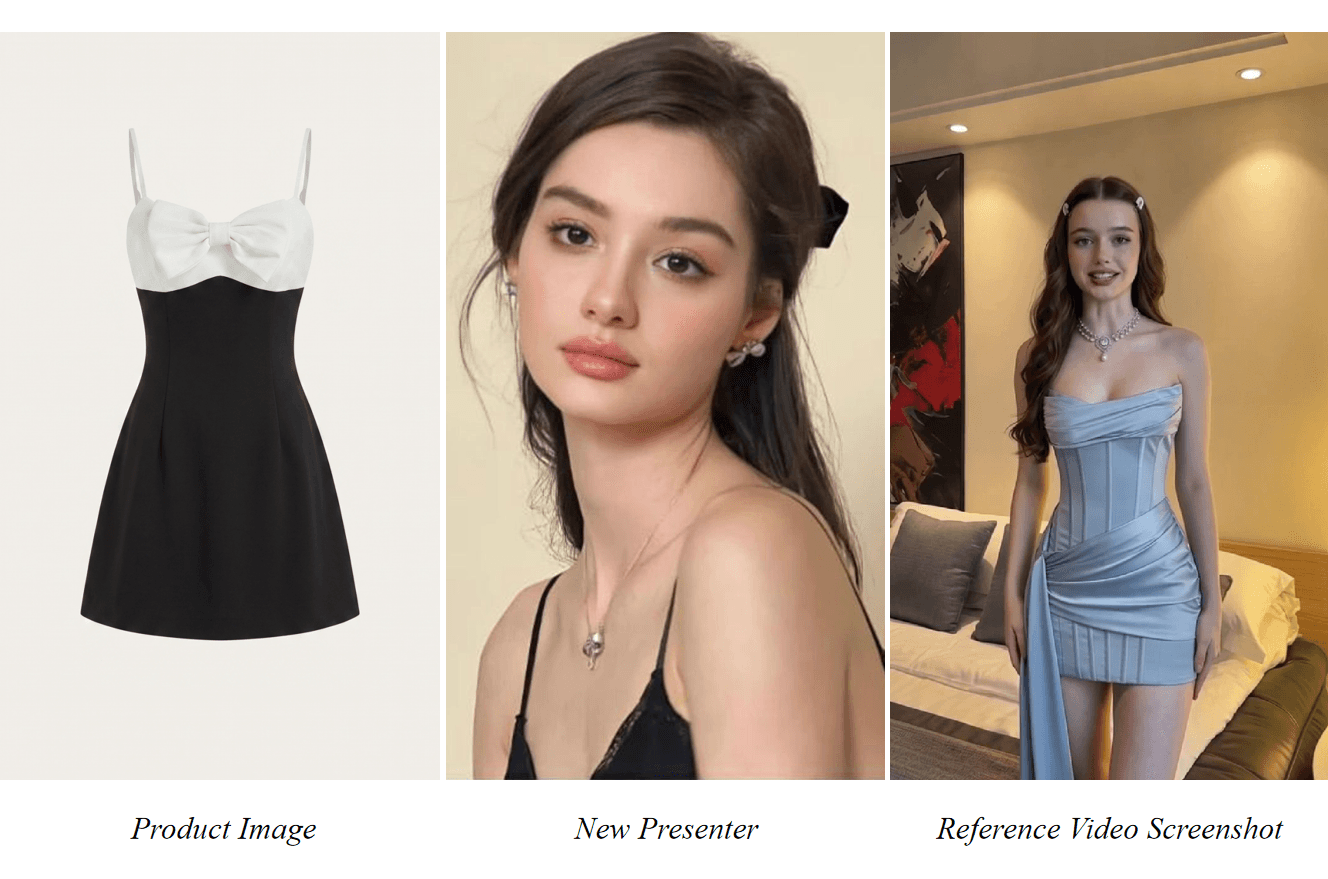
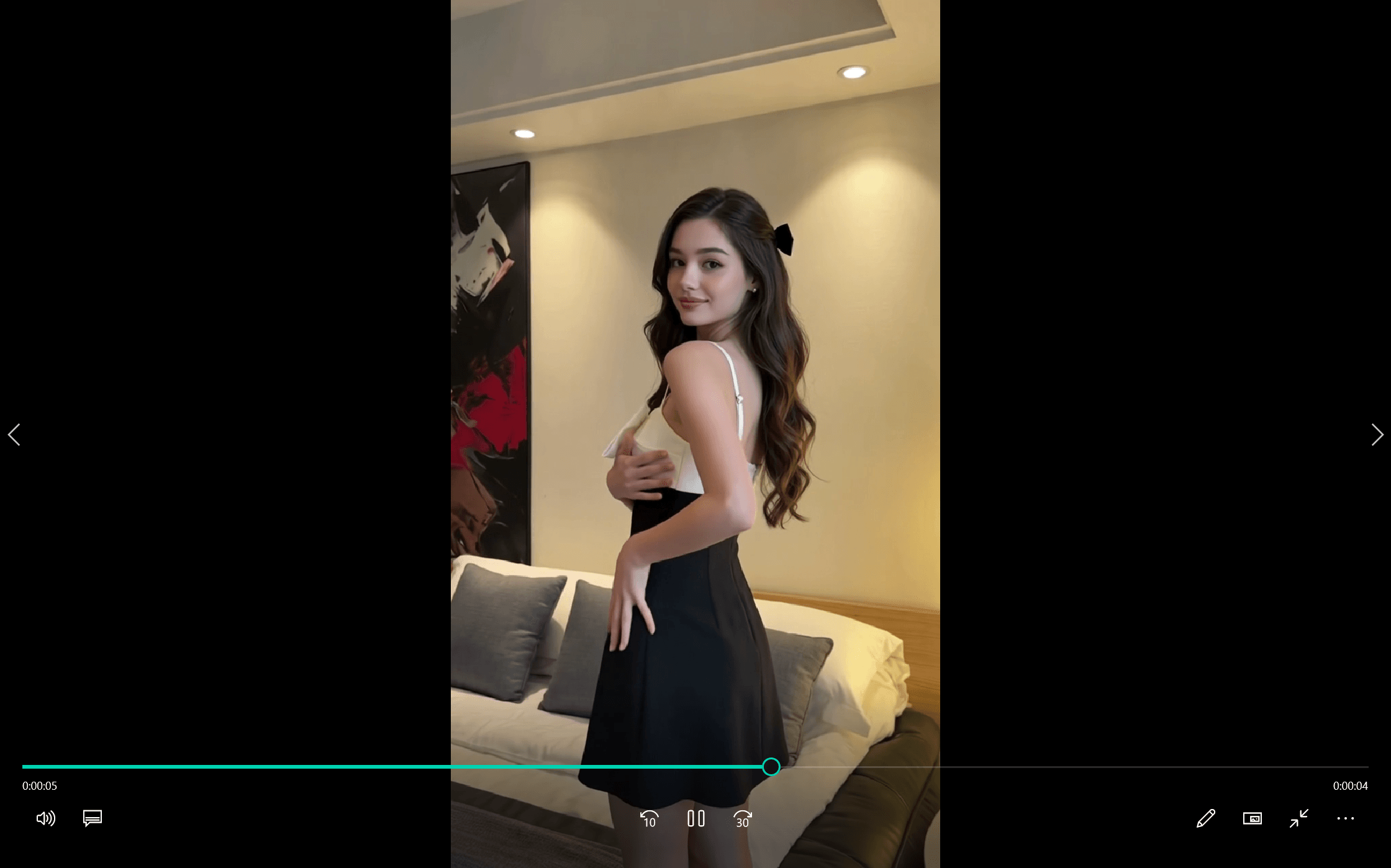
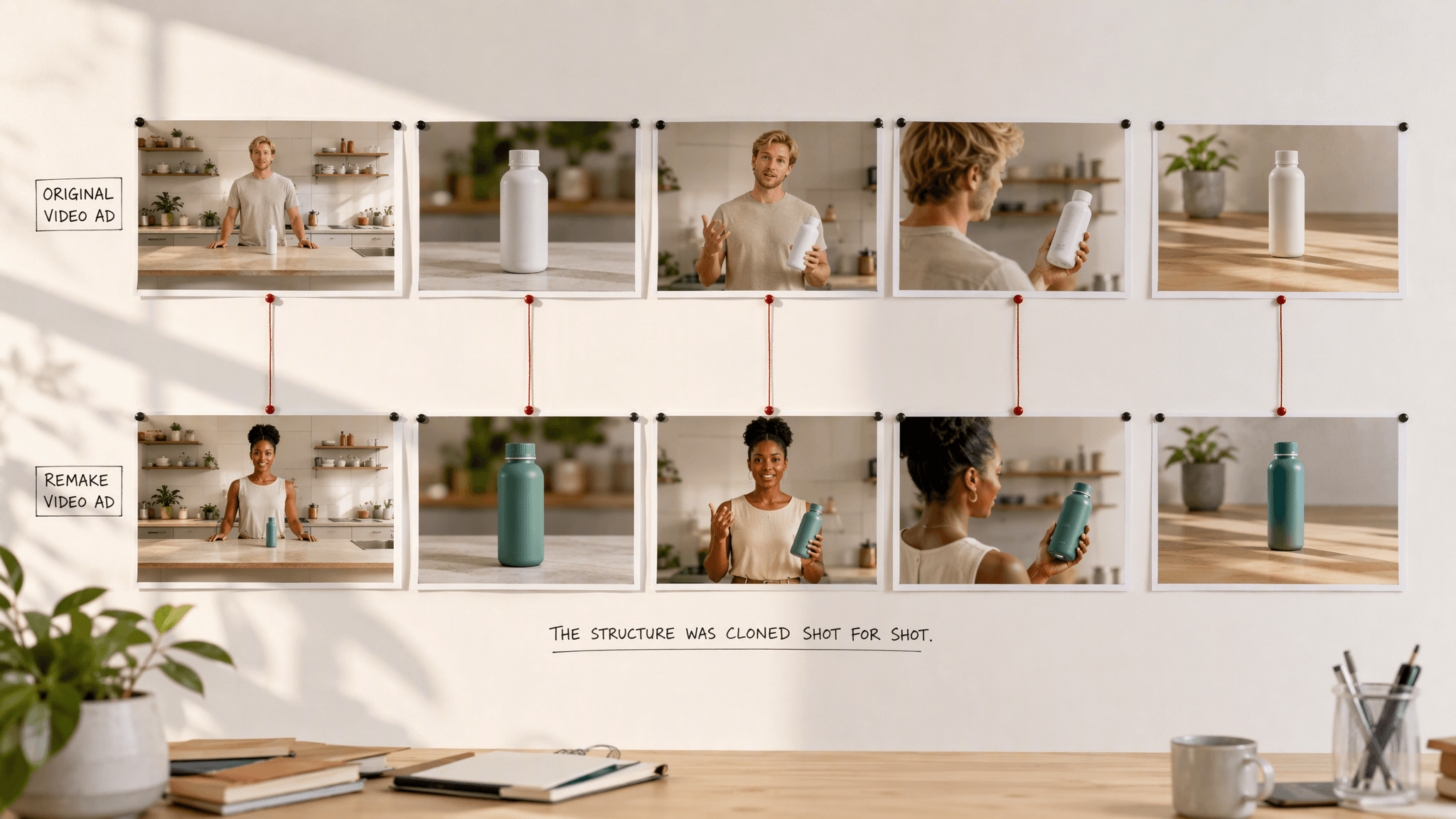
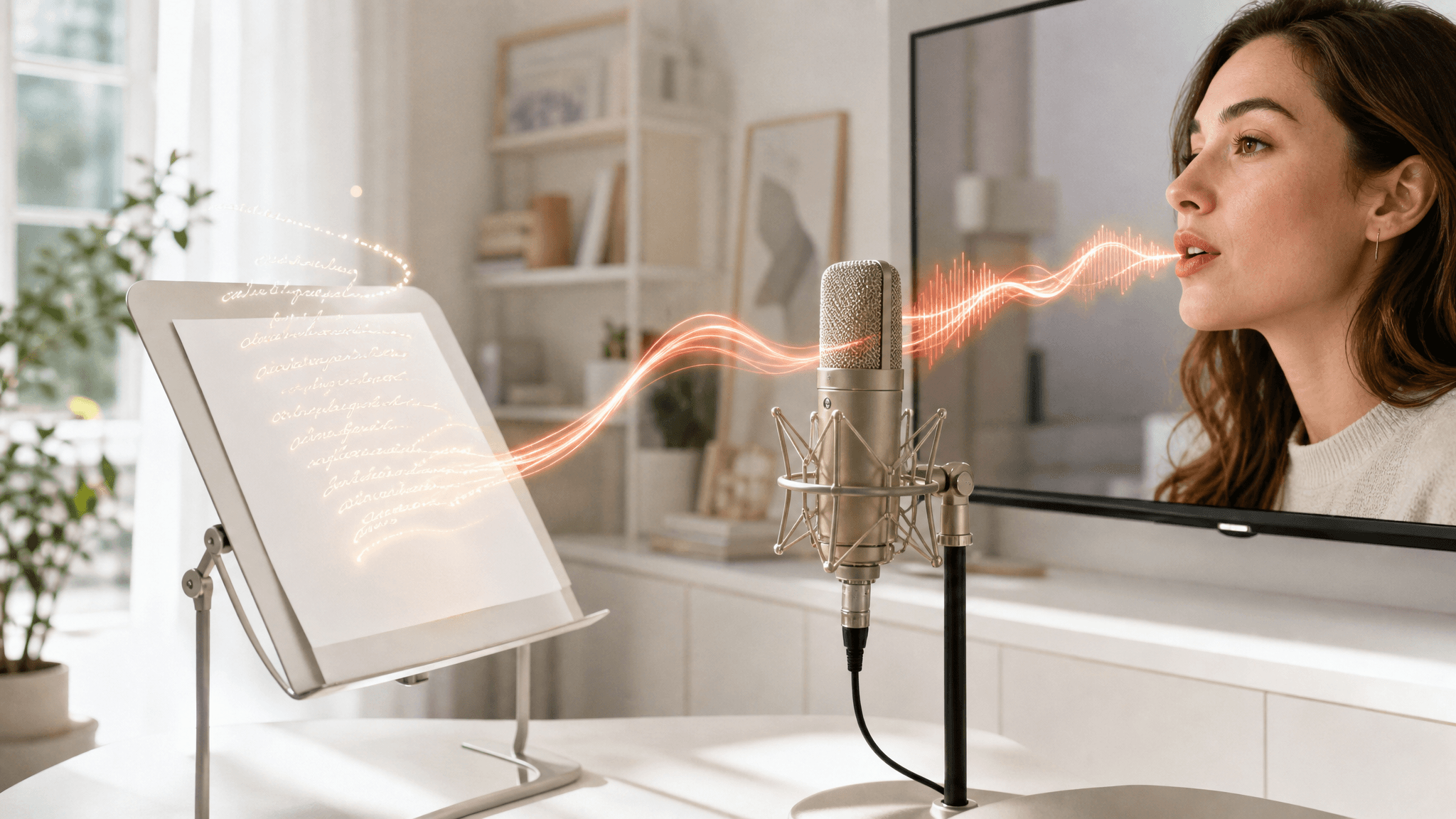
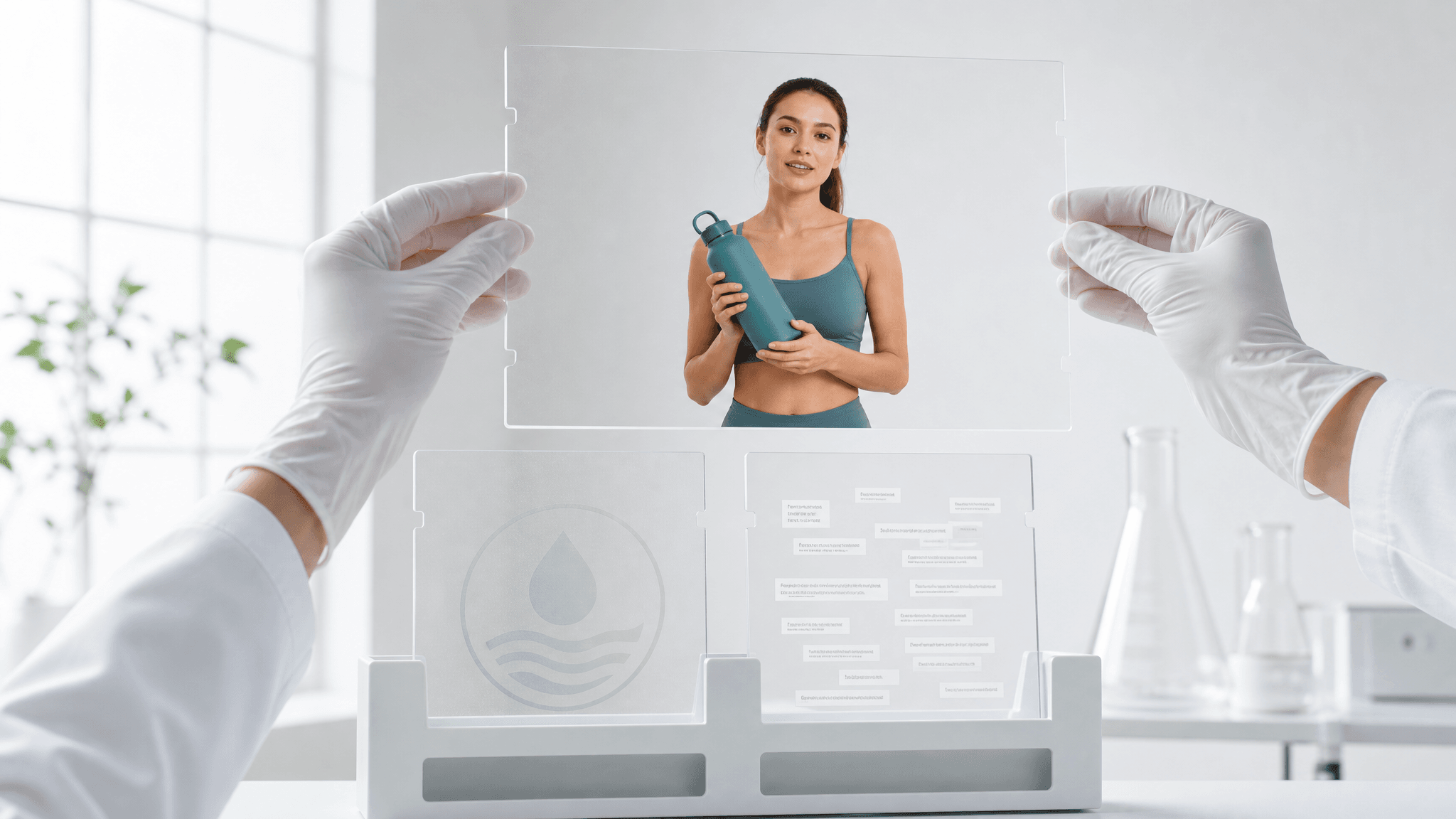
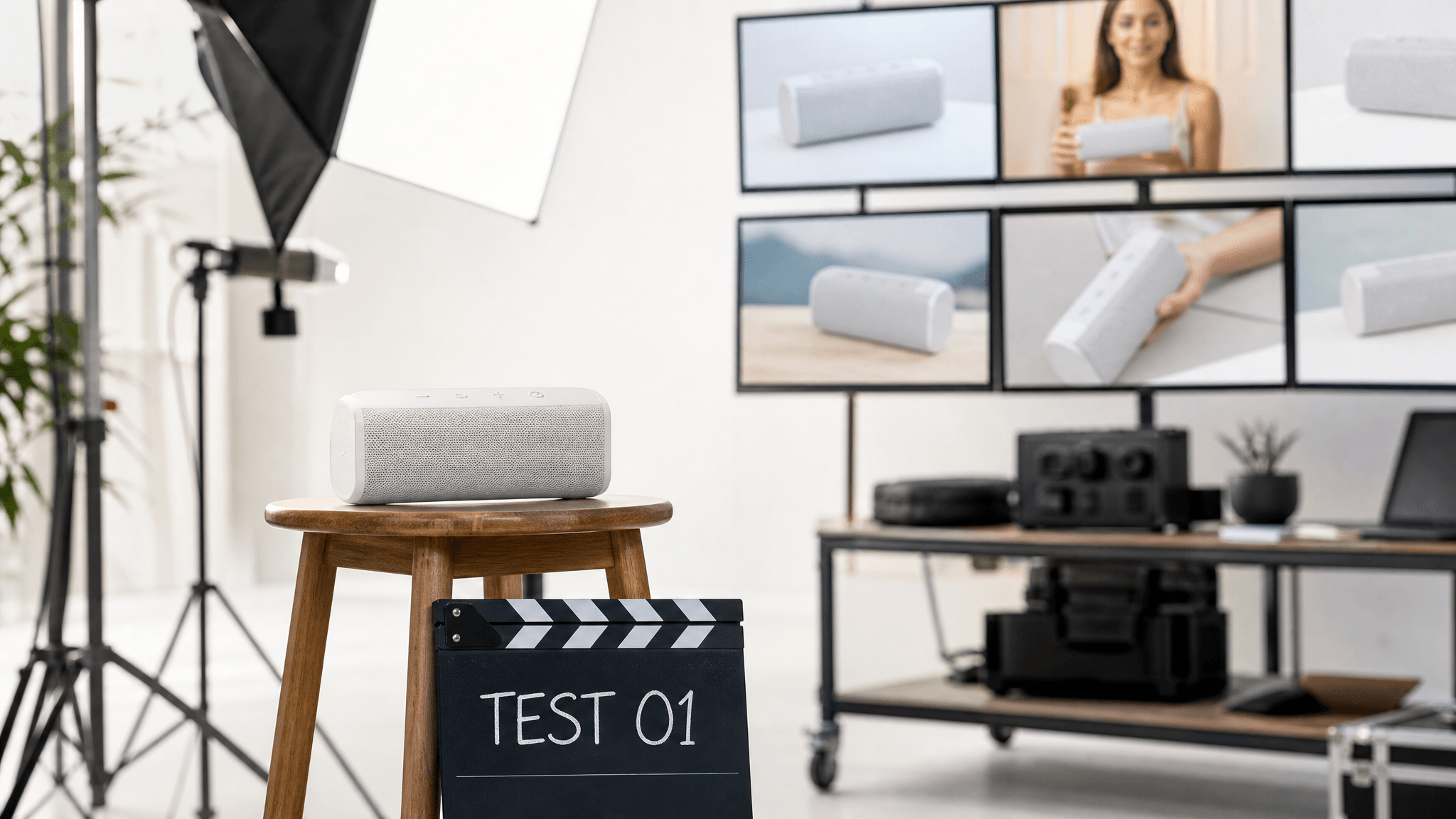
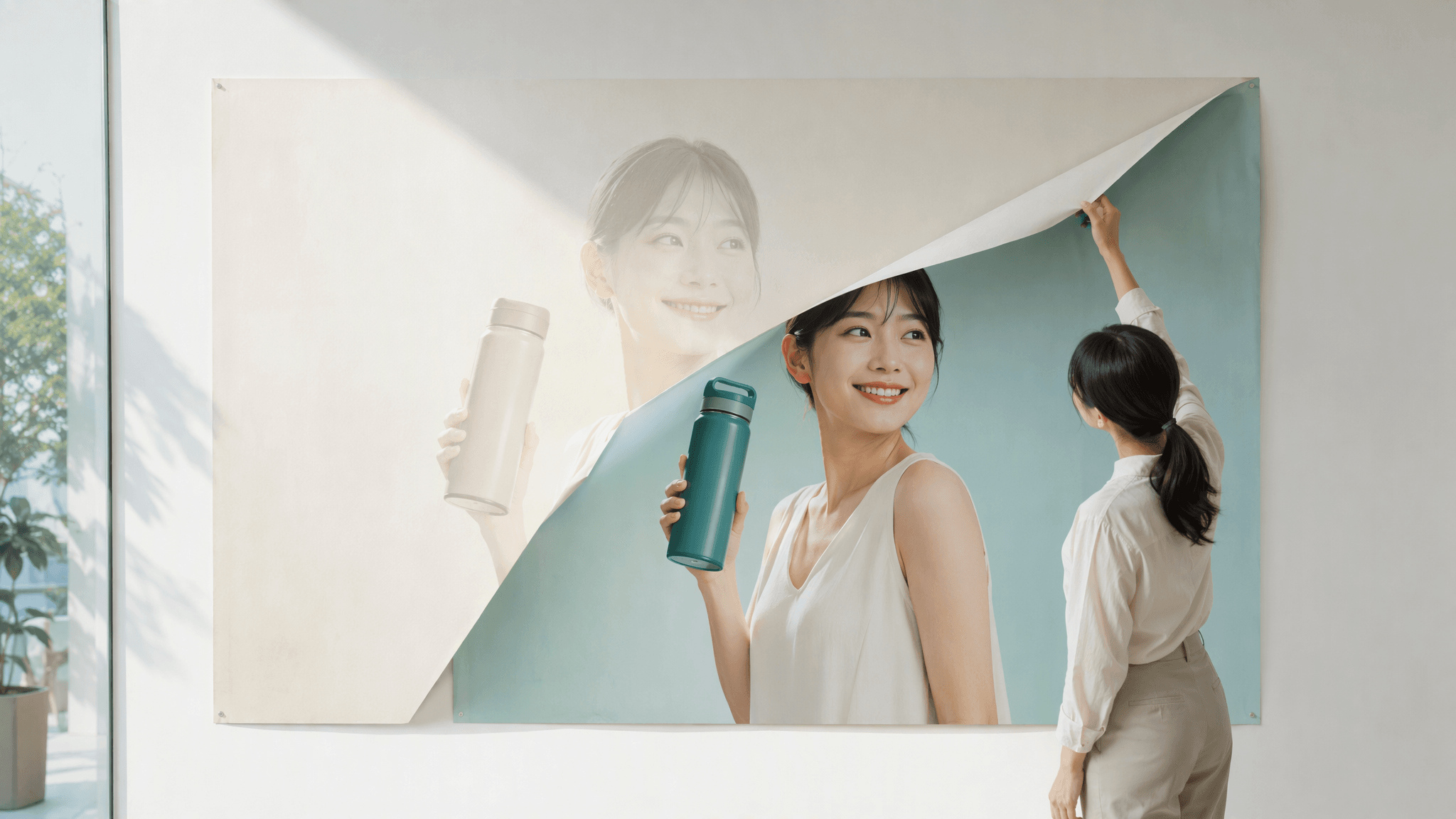
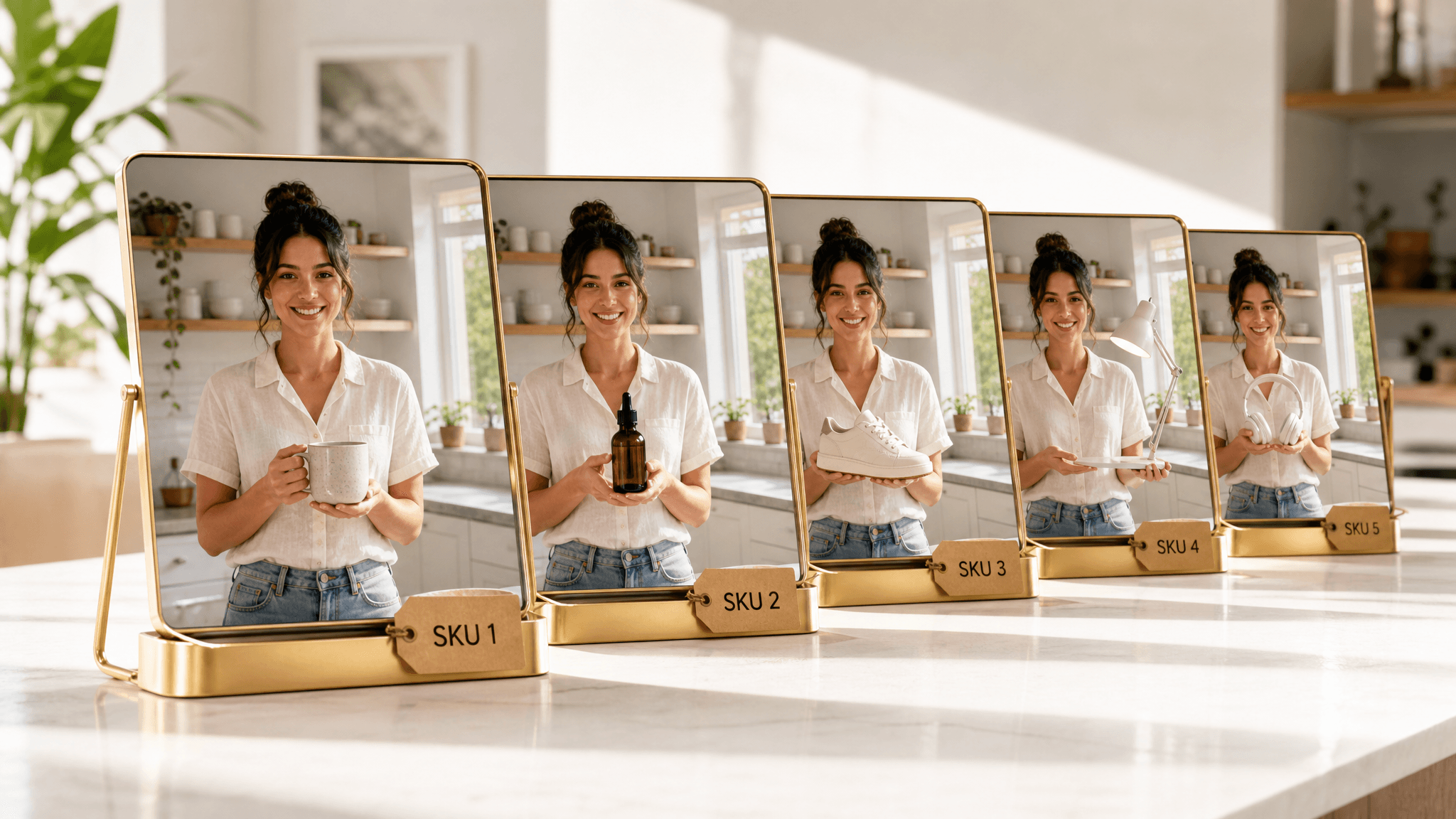
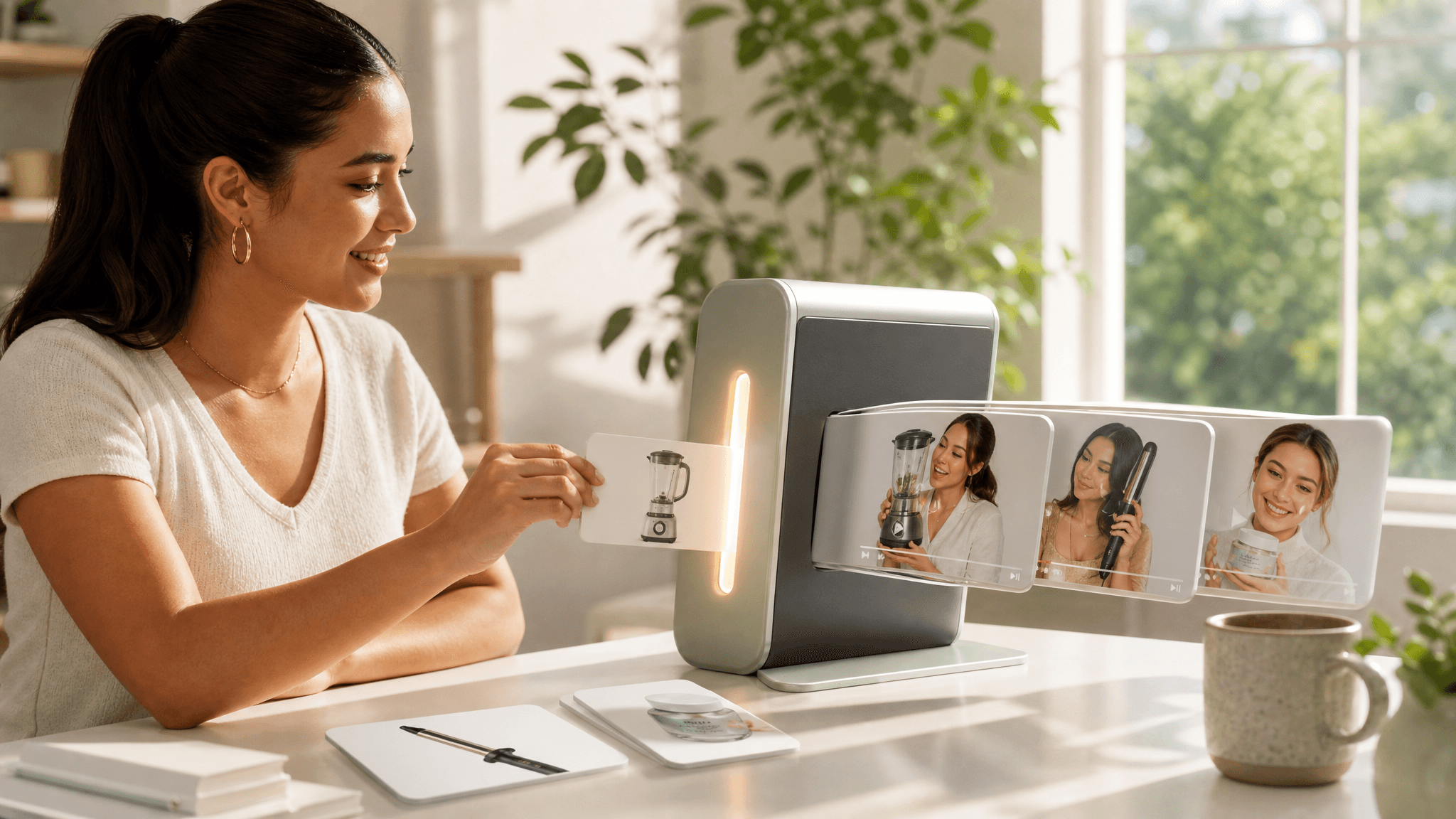
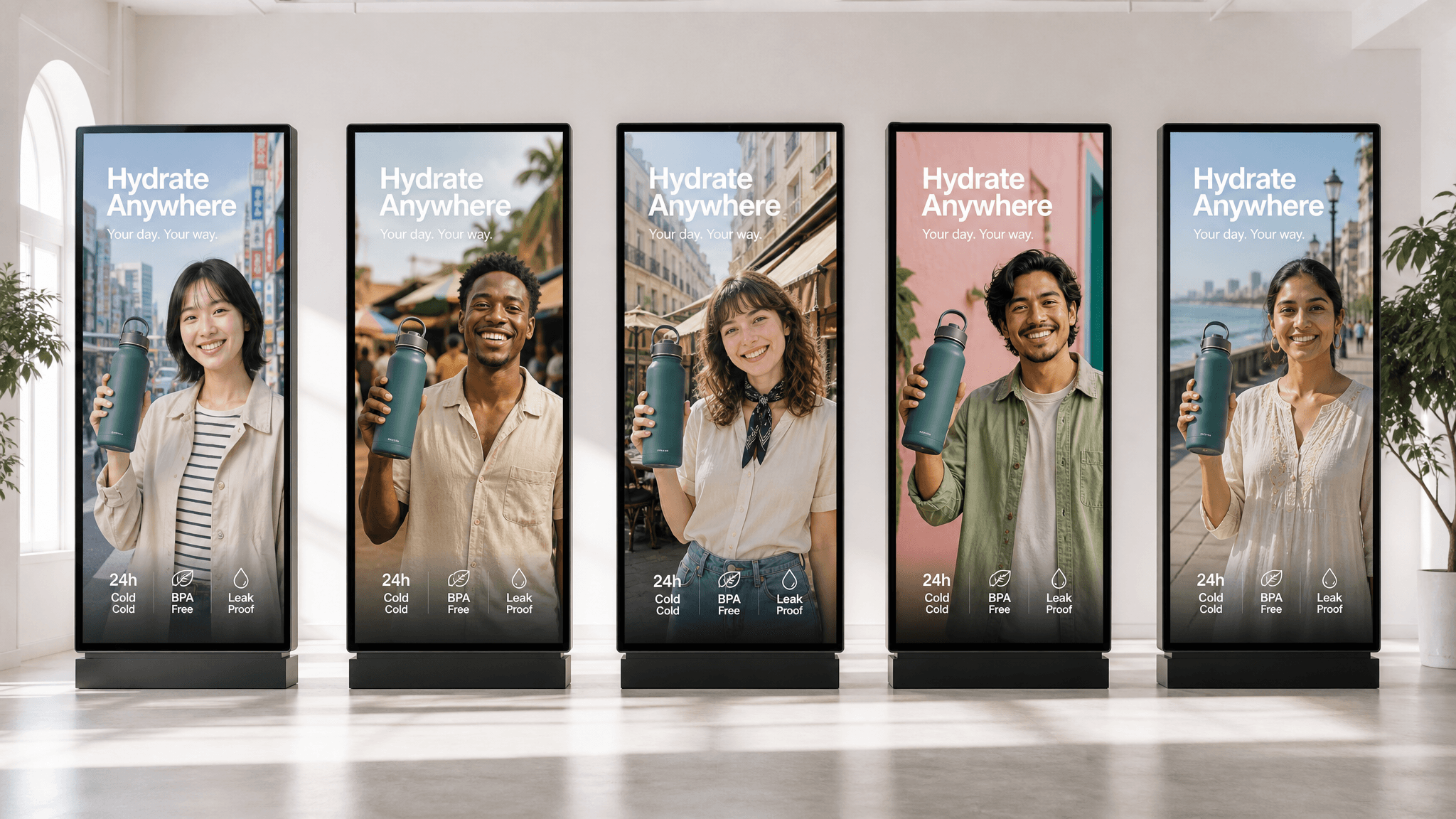






 Image Upscaler
 Image Background Remover
 Object Eraser
 Video Upscaler


