
 Atlas Cloud is now an authorized U.S. reseller of Dreamina Seedance 2.5 and Seedream 5.0 Pro.Atlas Cloud is now an authorized U.S. reseller of Dreamina Seedance 2.5 and Seedream 5.0 Pro.

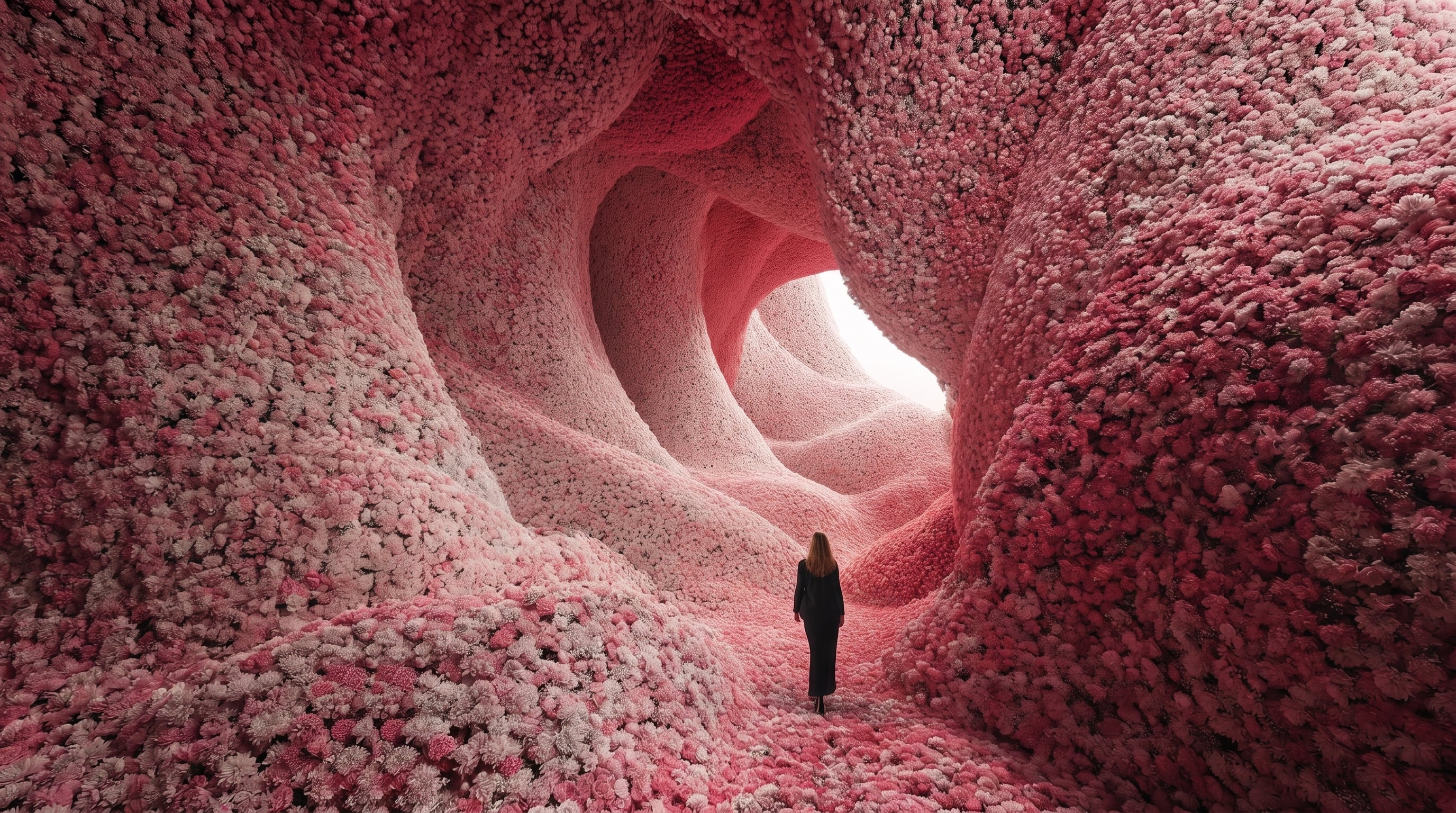
Vidu Q3 is Vidu's model family for polished video generation and visual storytelling. Its Pro, Turbo, Q3, and Q3-Mix options produce smooth motion, rich detail, multiple visual styles, intelligent camera switching, and fluid scene transitions. Access the family through Atlas Cloud with one OpenAI-compatible key, transparent pay-as-you-go pricing, reliable uptime, and Day-0 availability. Start building today.
Vidu Q3 is developed by ShengShu Technology. Atlas Cloud (operated by Atlas Cloud AI LLC) provides access to it and does not own it. All trademarks belong to their respective owners.
Atlas Cloud provides you with the latest industry-leading creative models.
Compare input modes, visual strengths, audio support, and production uses across the Vidu Q3 family.
| Modality | Description |
|---|---|
| Vidu Q3 Mix API (Reference to Video) | Combine 1 to 4 reference images into a video that keeps subjects consistent across scenes. Intelligent scene transitions, smooth dynamic effects, audio support, and output up to 1080p suit character stories and product sequences. |
| Vidu Q3 API (Reference to Video) | Built for multi reference production, this endpoint converts 1 to 4 images into video while preserving subject consistency. Intelligent camera switching improves continuity across camera positions, with audio support and output up to 1080p for multi angle narratives. |
| Vidu Q3 Pro API (Start and End to Video) | Turn static imagery and a motion description into a smoothly animated video with cinematic visual quality. Audio support and output up to 1080p make this endpoint suitable for polished transitions, branded motion assets, and visual storytelling. |
| Vidu Q3 Turbo API (Image to Video) | Animate a reference image by describing the motion you want, then receive a detailed video with smooth movement. With audio support and resolutions up to 1080p, it fits rapid social clips, product motion, and concept previews. |
| Vidu Q3 Turbo API (Start and End to Video) | Use static imagery and a motion description to shape a smooth video sequence with cinematic quality. Output up to 1080p with audio support makes this Turbo endpoint practical for transition studies and short visual narratives. |
| Vidu Q3 Turbo API (Text to Video) | Starting from a text description, Vidu Q3 Turbo generates detailed video in multiple visual styles. Smooth motion, audio support, and resolutions up to 1080p support fast storyboarding, campaign concepts, and social content. |
| Vidu Q3 Pro API (Image to Video) | For image driven projects, upload a reference image and specify the desired motion to create a high quality video. Its smooth animation, cinematic quality, audio support, and output up to 1080p suit polished product visuals and character shots. |
| Vidu Q3 Pro API (Text to Video) | Describe the scene in text and let Vidu Q3 Pro produce a high quality video with rich detail. Multiple style support, smooth motion, audio support, and resolutions up to 1080p serve cinematic concepts, advertising, and narrative production. |
Vidu Q3 unifies text, image, start-end, and multi-reference video generation, pairing four motion levels with optional audio, background music, outputs up to 16 seconds at 1080p, and transparent pay-as-you-go access through Atlas Cloud.
Vidu Q3 Reference-to-Video accepts one to four reference images and keeps subjects consistent across the generated clip. The standard route adds intelligent camera switching for stronger continuity across viewpoints. Choose Q3 Mix when the project needs smooth dynamic effects and intelligent scene transitions. With output up to 1080p, this workflow fits character-led stories, product sequences, and recurring branded subjects.
Start from a written prompt, a single image, a pair of opening and closing frames, or up to four references. Pro and Turbo endpoints cover text-to-video, image-to-video, and start-end generation, while Q3 and Q3 Mix handle reference-driven scenes. Text routes also offer general and anime output styles. The family turns different source assets into smooth, detailed video through one integration. It suits pipelines that need several creative entry points without changing providers.
Build clips from one to sixteen seconds on Pro, Turbo, and Q3 Mix endpoints, while the standard reference route supports three to sixteen seconds. Native options reach 1080p, with five aspect ratios available for reference and text workflows. That range gives a scene enough time for setup, motion, and payoff. Use it for complete social beats, short narrative shots, and polished product moments.
Generate visuals and audio in the same request with optional audio controls across the Vidu Q3 family. Pro and Turbo endpoints also expose background music as a separate setting, so sound can match the intended pacing without another generation service. Turn either control off when silent footage is preferable. This is especially useful for atmospheric scenes, energetic action, and ready-to-edit social clips.
Set movement amplitude to auto, small, medium, or large to shape how strongly subjects move within the frame. Start-end endpoints pair that control with defined opening and closing images, creating smooth animation between two visual states. Reference models add intelligent switching or scene transitions where the chosen variant supports them. Seed input supports controlled iteration. The result is more deliberate pacing for transformations, action sequences, and cinematic transitions.
Access eight Vidu Q3 endpoints through Atlas Cloud with transparent pay-as-you-go pricing and one unified API. Standard rates begin at $0.04 per second for Turbo, $0.05 for Pro and Q3 Reference-to-Video, and $0.125 for Q3 Mix Reference-to-Video. Select the workflow and tier that fit each shot instead of adopting separate integrations. This setup supports economical iteration from concept tests through production assets.
See how Vidu Q3 and two comparable video models interpret identical prompts across fast live action and stylized fantasy scenes.
An 8–10 second micro-film titled “Shadow Transfer at 3 A.M.”: a lone violinist in a tailored black coat plays continuously while walking backward through an empty subway car, his face, clothing, violin, and movement remaining perfectly consistent. Open on an extreme macro close-up of the vibrating bow hairs scraping the strings, then whip-pan into a lateral tracking shot across the window reflections; each passing amber tunnel light transforms only his cast shadow into a dancer from a different era—first a 1920s tap dancer executing crisp heel-toe steps, then a 1940s tango dancer sweeping through a dramatic pivot, then an 1980s robotic dancer popping sharply—each transformation occurring seamlessly on the beat while the real violinist never changes. Transition into a single fluid steadicam push down the full length of the cold-cyan carriage as he continues playing and moving against the train’s direction. At the climax, the train takes a violent curve, overhead straps swing naturally, and his open violin case slides rapidly away; he plants one foot against a vertical grab pole, spins around it without breaking the melody, lands, and catches the case with his heel. Finish with a sudden rapid dolly-out through the connecting doors: the violinist exits into the next car, but all three temporally distinct shadows remain behind in the final carriage, performing a synchronized tap–tango–robot fusion as the doors close. High-contrast color noir fused with animated hand-drawn charcoal overlays, expressive charcoal strokes blooming and smearing during each shadow metamorphosis, cold teal metal interiors, rhythmic amber strobing tunnel lights, deep blacks, wet reflective glass, logically accurate reflections, shadows, parallax, contact points, and train physics. Fast, elegant, continuous motion with no slow motion or empty filler. Audio: urgent solo violin locked to wheel clatter, tap strikes, tango accents, robotic percussion, rail squeal during the curve, and a final door chime exactly on the cut. No screens, interfaces, dashboards, progress bars, charts, captions, subtitles, logos, watermarks, or explanatory text; no character duplication, identity drift, costume changes, malformed hands, broken violin geometry, impossible reflections, detached shadows, flicker, jump cuts, or camera discontinuity. 16:9 aspect ratio
Generated with Vidu Q3-Pro Text-to-Video on Atlas Cloud
Generated with Seedance 2.5 Text-to-Video on Atlas Cloud
Generated with Vidu Q3-Turbo Text-to-Video on Atlas Cloud
A single continuous 8–10 second action sequence inside a century-old letterpress workshop on a storm-lashed night: an ink-stained female typesetter forcefully drives the massive iron printing press as a lead-type tray jumps its rail and tilts, unleashing thousands of individual metal letters like black dominoes surging down a long wooden composing table. Begin with an extreme macro shot inside the meshing, oil-slick gears, then rapidly dolly-zoom backward into a canted overhead view as the press shudders and the type wave erupts. She leaps onto a sliding paper roll and rides it along the table, crouching to realign one crucial letter block with her fingertips, then twists fluidly beneath a violently swinging press lever without breaking momentum. Drop to a table-level low-angle tracking shot racing beside the cascading letters: dense, physically accurate rigid-body collisions, spinning and bouncing type blocks, buckling paper, splashing ink, synchronized gears and linkages. At the instant of impression, whip-pan to the fresh print as the illustrated squid suddenly swells out of the wet black ink, glossy tentacles rising from the paper and curling around the scattered letters, sweeping them back into the tray. Finish with a fast orbiting camera move that freezes on the breathless typesetter and the living paper-and-ink creature staring at each other while rain flashes through the windows. High-contrast black-and-white woodcut textures fused with photorealistic cinematic detail, deep carved shadows, only warm brass-yellow lamplight and ultramarine-blue rain illumination retained, dramatic directional lighting, crisp subject continuity, realistic paper creases, viscous ink flow, coherent mechanical motion, no slow motion. Audio: pounding rain, thunder cracks, rhythmic gear clanks, metal type rattling like a rapid snare roll, paper tearing and flapping, a heavy press impact, then a wet supernatural ink ripple and sudden musical sting. No screens, software interfaces, dashboards, progress bars, charts, captions, subtitles, explanatory text, logos, or watermarks. 16:9 aspect ratio.
Generated with Vidu Q3-Pro Text-to-Video on Atlas Cloud
Generated with Seedance 2.5 Text-to-Video on Atlas Cloud
Generated with Vidu Q3-Turbo Text-to-Video on Atlas Cloud
Vidu Q3 turns text, still images, reference sets, and paired keyframes into videos for brand storytelling, product launches, concept development, creator tools, and multi-subject campaigns with optional audio and output up to 1080p.

Recurring characters stay recognizable across multi-camera brand stories when guided by one to four reference images. Vidu Q3 supports campaign series, mascot content, and episodic shorts that need consistent subjects and optional audio.

Static product images gain smooth motion and cinematic quality up to 1080p. Marketing teams can turn approved photography into launch clips, product pages, and retail displays without replacing the original visual anchor.

Set the opening and closing frames, then let Vidu Q3 Pro or Turbo animate the path between them. This workflow fits title sequences, interface transitions, and visual reveals requiring deliberate endpoints.

Starting from a written brief, Vidu Q3 creates styled video with smooth motion, rich detail, and optional audio. Directors and creative teams can visualize pitches, campaign ideas, or scene concepts before production.

When a scene includes several subjects, combine up to four reference images to preserve their identities. The result suits ensemble narratives, collaboration promos, and customer stories that depend on recognizable participants.

Build Vidu Q3 generation into creator tools that accept text or still images and return video with optional audio. Developers can serve content studios, marketing platforms, or automated production pipelines from one model family.
See how each Vidu Q3 endpoint and selected competing video models compare on accepted inputs, maximum resolution, audio generation, and standard pricing per second.
| Model | Input Types | Max Resolution | Audio Generation | Standard Price |
|---|---|---|---|---|
| Vidu Q3-Mix Reference to Video | Text + 1 to 4 reference images | 1080p | √ | $0.125/second |
| Vidu Q3 Reference to Video | Text + 1 to 4 reference images | 1080p | √ | $0.05/second |
| Vidu Q3-Pro Start-end-to-video | Text + start and end images | 1080p | √ | $0.05/second |
| Vidu Q3-Turbo Image-to-video | Text + image | 1080p | √ | $0.04/second |
| Vidu Q3-Turbo Start-end-to-video | Text + start and end images | 1080p | √ | $0.04/second |
| Vidu Q3-Turbo Text-to-video | Text | 1080p | √ | $0.04/second |
| Vidu Q3-Pro Image-to-video | Text + image | 1080p | √ | $0.05/second |
| Vidu Q3-Pro Text-to-video | Text | 1080p | √ | $0.05/second |
| Wan-3.0 Reference-to-video | Text + image, video, audio, file, or webpage references | 1080p | √ | $0.05/second |
| Kling V3.0 Turbo Image-to-Video | Image + optional text | 1080p | √ | $0.112/second |
Get started in minutes — follow these simple steps to integrate and deploy models through Atlas Cloud's platform.
Sign up at atlascloud.ai and complete verification. New users receive free credits to explore the platform and test models.
Combining the advanced Vidu Q3 models with Atlas Cloud's GPU-accelerated platform provides unmatched performance, scalability, and developer experience.
Low Latency:
GPU-optimized inference for real-time reasoning.
Unified API:
Run Vidu Q3, GPT, Gemini, and DeepSeek with one integration.
Transparent Pricing:
Predictable per-token billing with serverless options.
Developer Experience:
SDKs, analytics, fine-tuning tools, and templates.
Reliability:
99.99% uptime, RBAC, and compliance-ready logging.
Security & Compliance:
SOC 2 Type II, HIPAA alignment, data sovereignty in US.
Vidu Q3 is a video generation model family developed by ShengShu Technology. Atlas Cloud provides text-to-video, image-to-video, start-end-to-video, and reference-to-video endpoints. Supported routes generate videos at up to 1080p with optional audio.
Create videos directly from text prompts or animate a single source image with controlled motion. Start and end frame routes generate transitions between two visual states. Reference routes use one to four images to preserve subjects across a new scene.
Choose a route by input type first: text, one image, two boundary frames, or multiple reference images. Turbo has the lowest listed standard rate, while Q3 Reference adds intelligent camera switching and Q3 Mix emphasizes visual quality, scene transitions, and dynamic effects. Review the endpoint schema before implementation because available controls vary.
Create an API key in the Atlas Cloud dashboard and select the endpoint that matches your input workflow. Send a bearer-authenticated POST request to /api/v1/model/generateVideo with the model ID, prompt, and required media fields. Keep the API key on your server and use the returned status and output fields to manage the generation.
Inputs differ by endpoint and may include a text prompt, one source image, start and end images, or one to four reference images. Depending on the route, controls can include duration, resolution, audio generation, background music, aspect ratio, movement amplitude, and seed. Treat the selected endpoint schema as the source of truth.
Yes, the listed Atlas Cloud routes support audio or optional audio generation. Check the chosen schema for the generate_audio control and its default value before submitting production requests.
For Q3 Mix Reference-to-Video, images may be supplied as accessible URLs or Base64 strings in PNG, JPEG, JPG, or WebP format. Each image must be at least 128 by 128 pixels, remain between 1:4 and 4:1 in aspect ratio, and stay within the documented 50 MB limit.
Standard pricing is $0.04 per second for the listed Turbo routes, $0.05 per second for the listed Pro routes and Q3 Reference-to-Video, and $0.125 per second for Q3 Mix Reference-to-Video. Atlas Cloud uses pay-as-you-go billing, so costs follow the selected route and generated duration.
First confirm that the model ID, bearer authentication, required prompt, and media fields match the selected endpoint schema. For reference jobs, provide one to four accessible images that meet the documented format and dimension requirements. If the result misses your intent, refine the prompt or adjust movement amplitude, seed, resolution, and audio settings when the route exposes them.
Seedance 2.5 API is now available on Atlas Cloud! It gives developers ByteDance's newest video model. It generates up to 30 seconds of native video in a single pass from text, a single image, or as many as 50 multimodal references, with synchronized audio and in-frame multilingual text. On Atlas Cloud you reach it through one key, with subject consistency and improved physics keeping long shots coherent. (Update: Seedance 2.5 1080P API Is Available NOW!)

Wan 3.0 API is the next generation of Alibaba's Wan video family, built to push long-form generation, multi-reference control, and audiovisual quality to new heights. Atlas Cloud already hosts Wan 2.7, 2.6, and 2.5, and Wan 3.0 runs on the same unified key with no separate setup. Start building today. Scroll down to the showcase to see what Wan 3.0 can create.
MiniMax H3 is MiniMax's multimodal video family for text, image, and reference guided creation. Across supported routes, it preserves subjects from reference media, offers flexible aspect ratios, and pairs generated sound with visuals through H3 Developer, with output profiles selected by endpoint. Atlas Cloud unifies the family behind one OpenAI-compatible key with transparent pay-as-you-go pricing from the standard rate of $0.038 per second. Start building today.
Seedream 5.0 Pro API gives developers ByteDance's controllable image editing model on Atlas Cloud. It places edits precisely with anchors and coordinates, separates images into editable layers, fuses multiple references, and matches exact colors and materials, with multilingual text at 2K and 3K. On Atlas Cloud you reach it through one key!
Seedance 2.0 is ByteDance’s production video model for precise shot creation. Turn prompts into video, animate a first-frame image with optional last-frame guidance, or shape results with reference media and optional web search. Atlas Cloud brings these workflows into one unified API with transparent pay-as-you-go pricing and one OpenAI-compatible key. Start building today.
The gpt-image-2.5 family from OpenAI gives developers a choice of Flare and Sunburst for production image workflows. Render at arbitrary resolutions up to 3840x2160 and select from five quality tiers, including xhigh and max, to match specific output requirements. Atlas Cloud provides ready-to-use REST inference with no cold starts and standard pricing from $0.004 per generation. Start building today.
The GPT Image 2 API gives developers access to OpenAI's latest image model, the successor to GPT Image 1.5. It generates and edits images with accurate text rendering across Latin and CJK scripts, plus strong composition for posters, mockups, and infographics. On Atlas Cloud you reach it through one unified API alongside 300+ models, with free credits, 99.99% uptime, and no OpenAI organization verification required.
Gemini Omni is Google DeepMind's natively multimodal video family for prompt guided creation and editing. Generate from text, animate still images, or revise existing footage with optional visual references while preserving untouched content. Flexible resolution, aspect ratio, and duration controls support varied production workflows. Atlas Cloud unifies access with transparent pay-as-you-go pricing. Start building today.
Grok Imagine Image is xAI's family for generating polished visuals and revising one or more reference images through natural language instructions. Its standard and quality endpoints cover text to image creation, single image changes, and indexed multi-image composition. Atlas Cloud brings these workflows into one API, with standard generation and editing priced at $0.02 per image. Start building today.
Google's most powerful creative models are all available on Atlas Cloud. Veo 3.1 delivers cinematic video generation, Nano Banana 2 powers high-fidelity image creation, and Gemini brings multimodal intelligence to every workflow. Access the full Google model suite through one API key with Day-0 availability and pay-as-you-go pricing.
The Seedance 2.0 Mini API is the lightest, lowest-cost tier of ByteDance's Seedance video line, built for teams where throughput and unit cost matter more than maximum polish. Use it for batch generation, rapid prototyping, and draft passes, all through one OpenAI-compatible key on Atlas Cloud.
From cinematic video generation to high-fidelity image creation, ByteDance's most powerful models are live on Atlas Cloud. Run Seedance and Seedream at scale with the lowest inference pricing and zero infrastructure overhead.
Guides, tutorials, and product updates to help you get the most out of Atlas Cloud.



