Multiple Professional Headshot Styles
Choose from business formal, smart casual, or a plain studio look, and generate a version suited to LinkedIn, a resume, a company directory, or any platform where a polished first impression matters most.
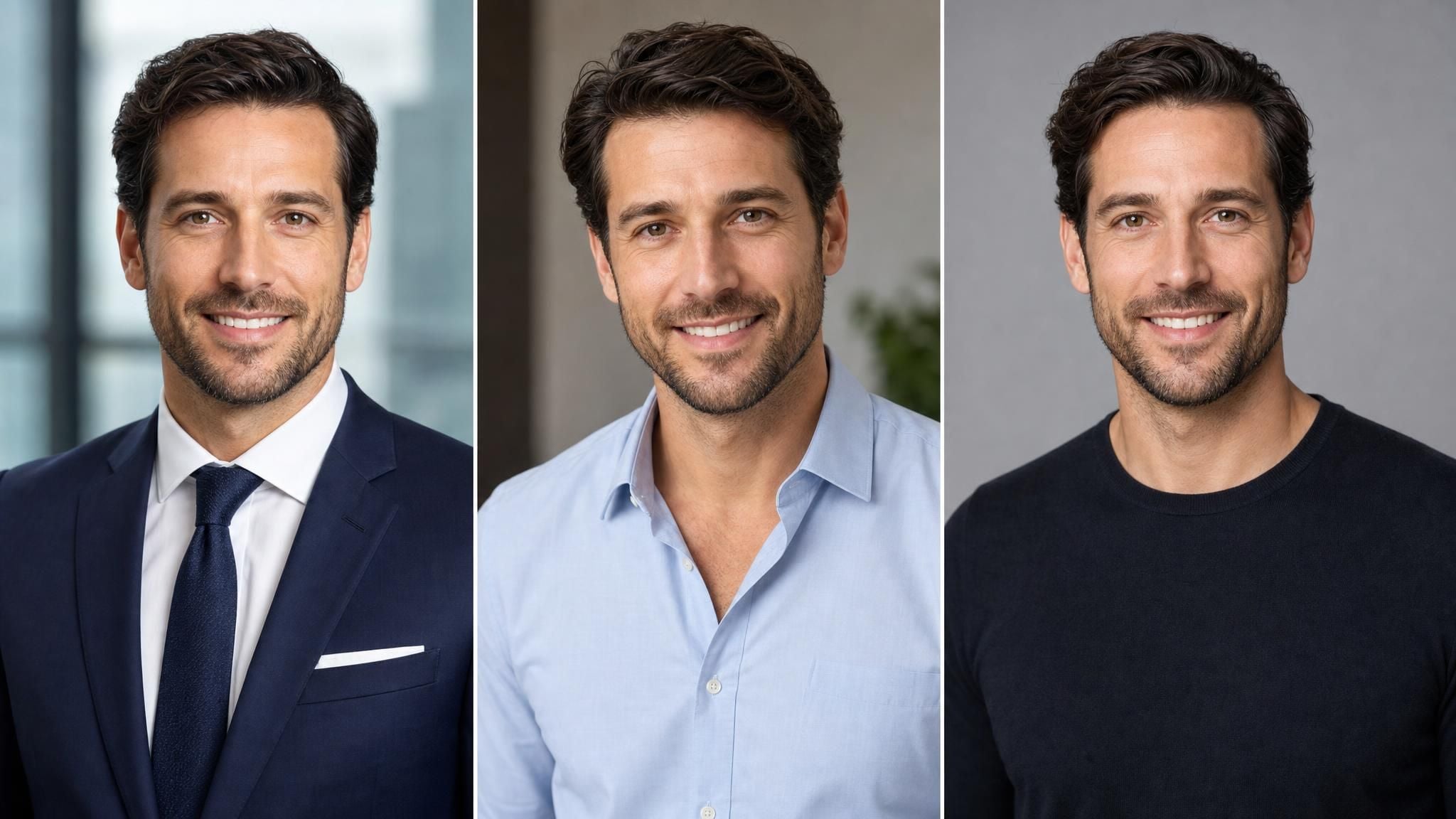
Turn a casual selfie into an AI professional headshot for LinkedIn, hiring managers, and business profiles.
Confirm your account and current workspace to run free tools.
See side-by-side examples of everyday selfies turned into polished, professional headshot results, with sharper detail, better lighting, and a clean studio-style background.
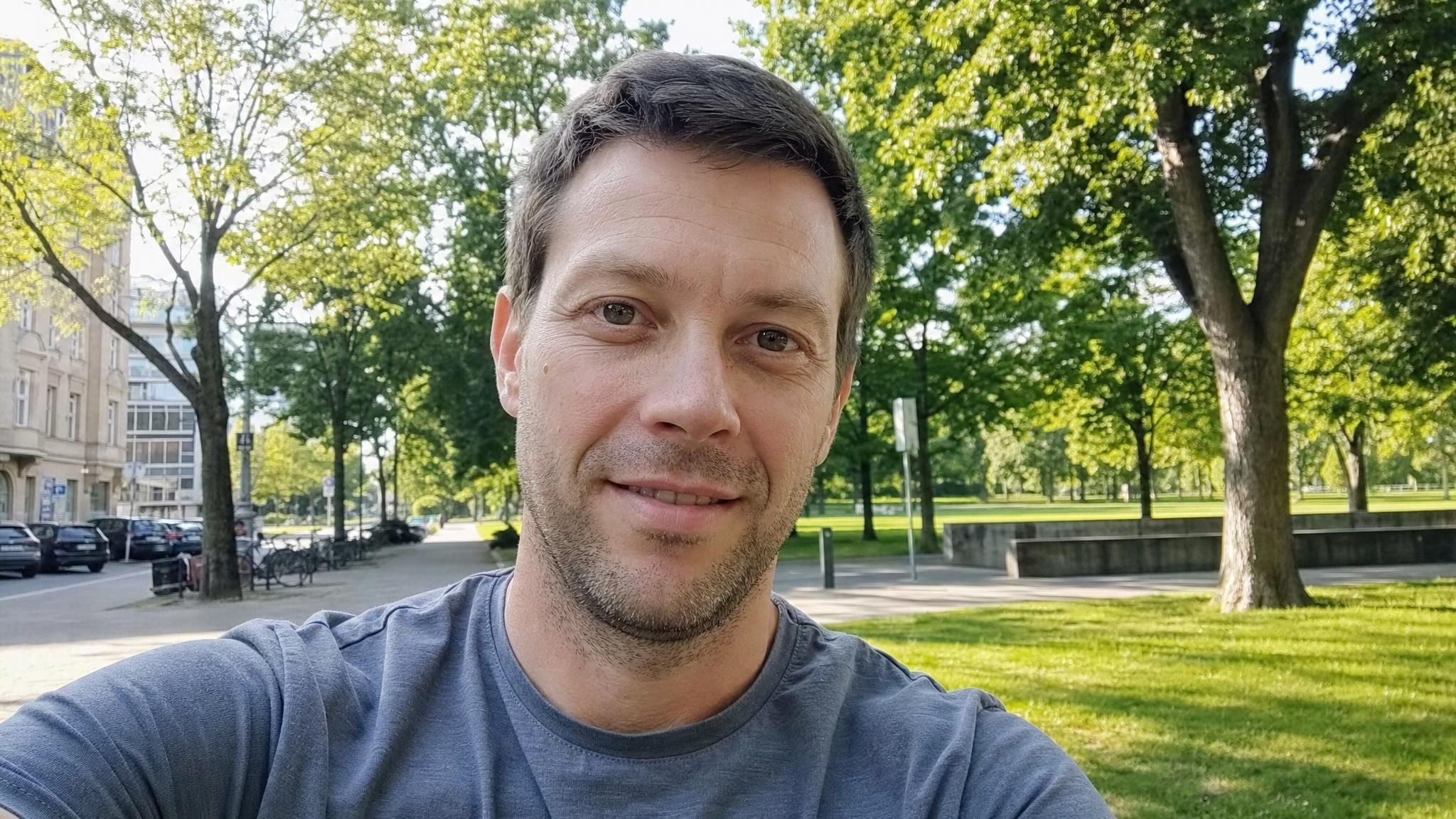
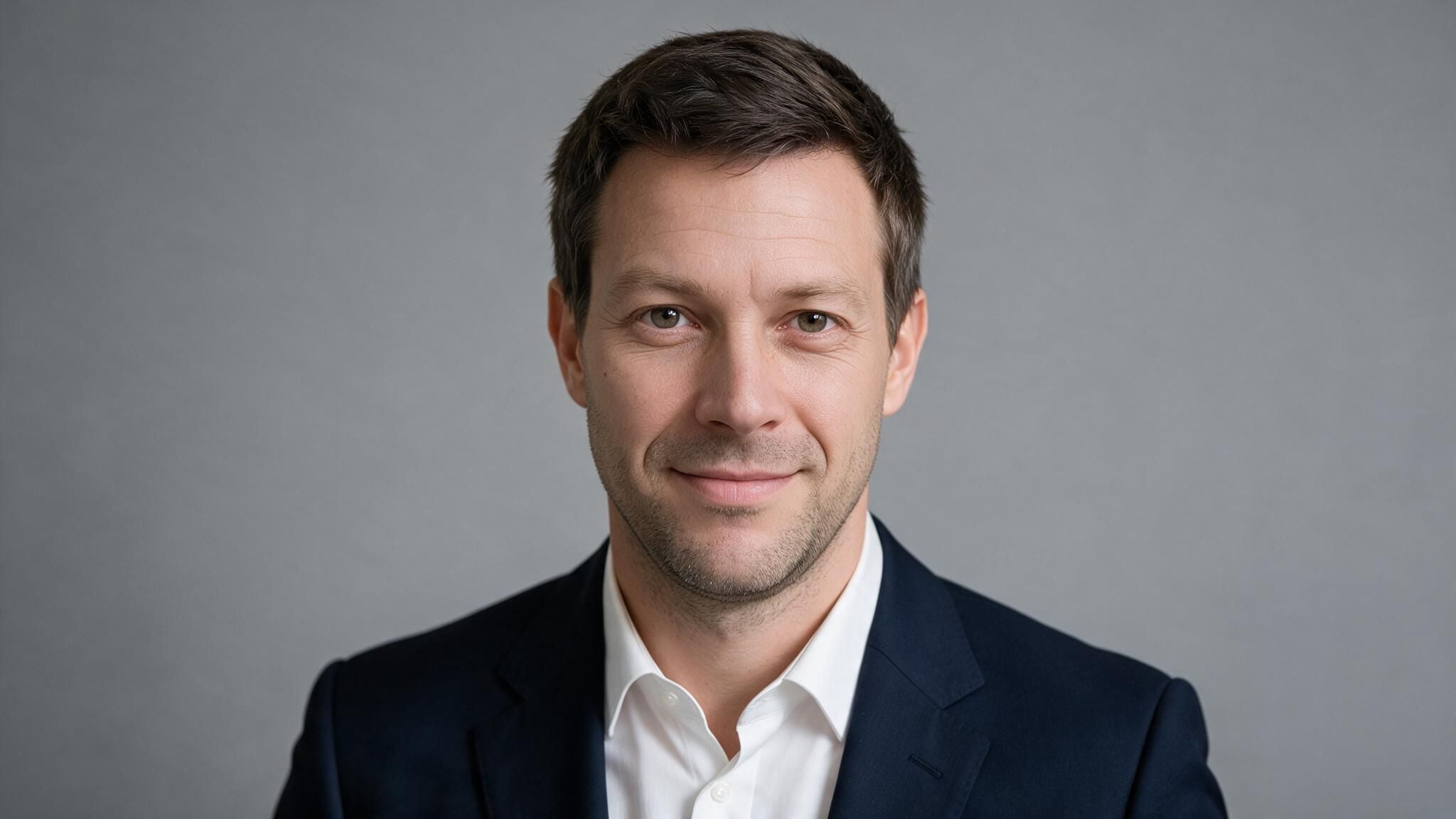
From flattering styling to a quick turnaround, here's what makes this free AI headshot generator online worth trying before you book a professional photographer.
Choose from business formal, smart casual, or a plain studio look, and generate a version suited to LinkedIn, a resume, a company directory, or any platform where a polished first impression matters most.
The model edits your uploaded photo rather than generating an entirely new face, so the final result still looks like you, just polished and camera-ready, with your real features, expression, and identity kept fully intact throughout the process.
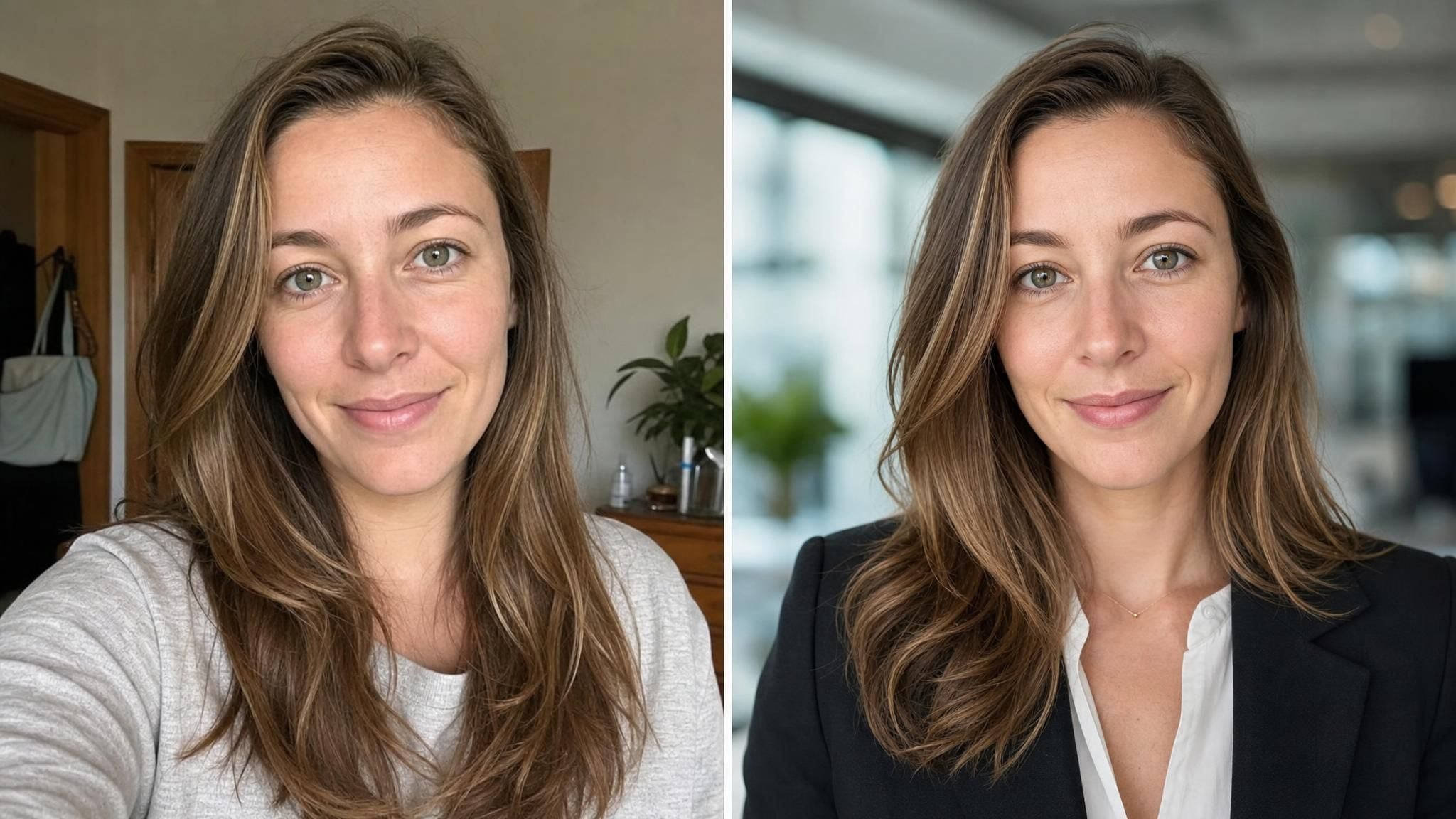
Get your headshot back in seconds, far faster than the days some studio photographers need to deliver a finished shot, so you can update your profile picture the same afternoon you decide you need one.
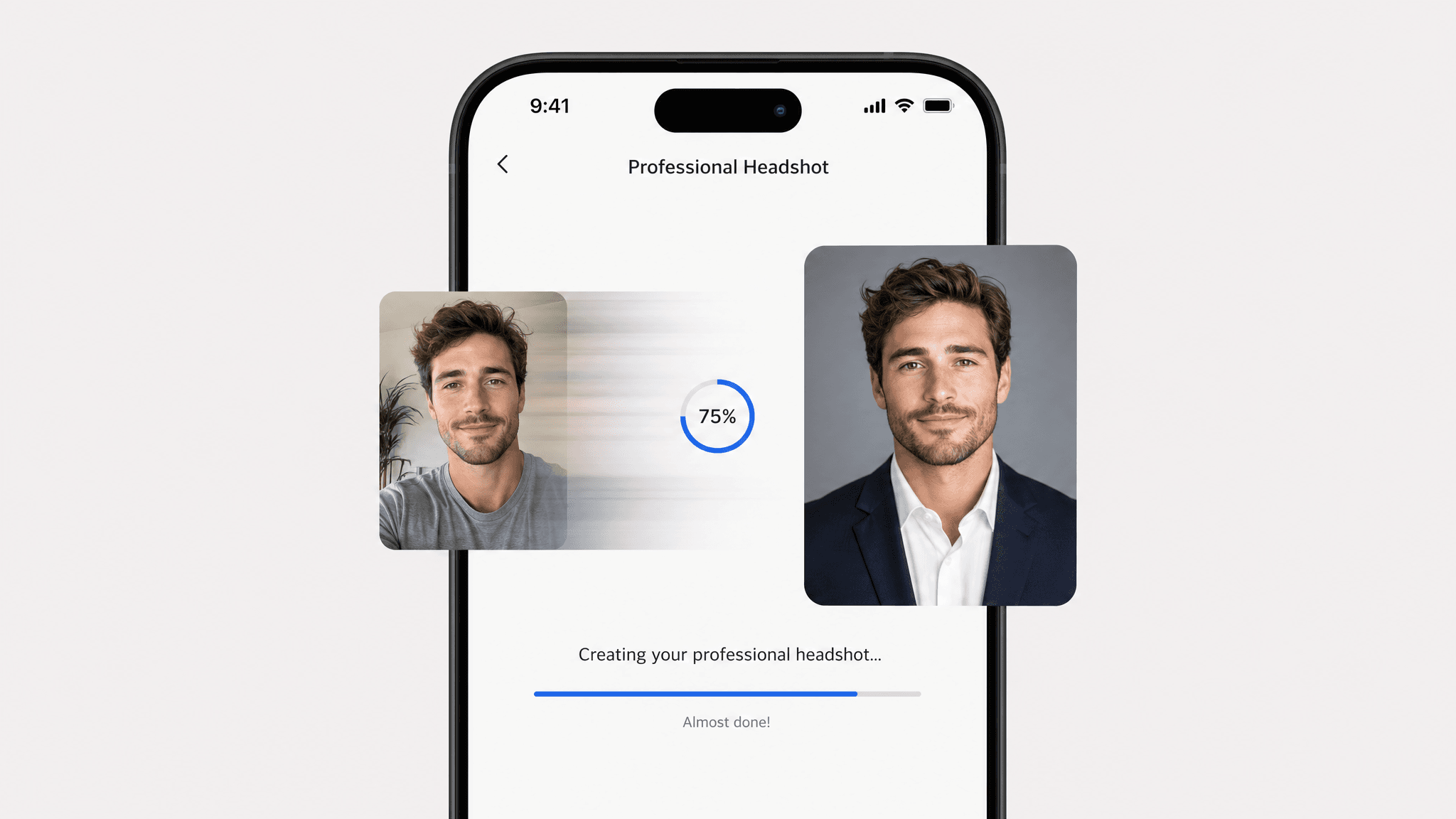
Casual clothing in your selfie gets swapped for business appropriate attire that matches your chosen style, so you don't need to borrow a blazer, iron a shirt, or plan an outfit before you even take the photo.
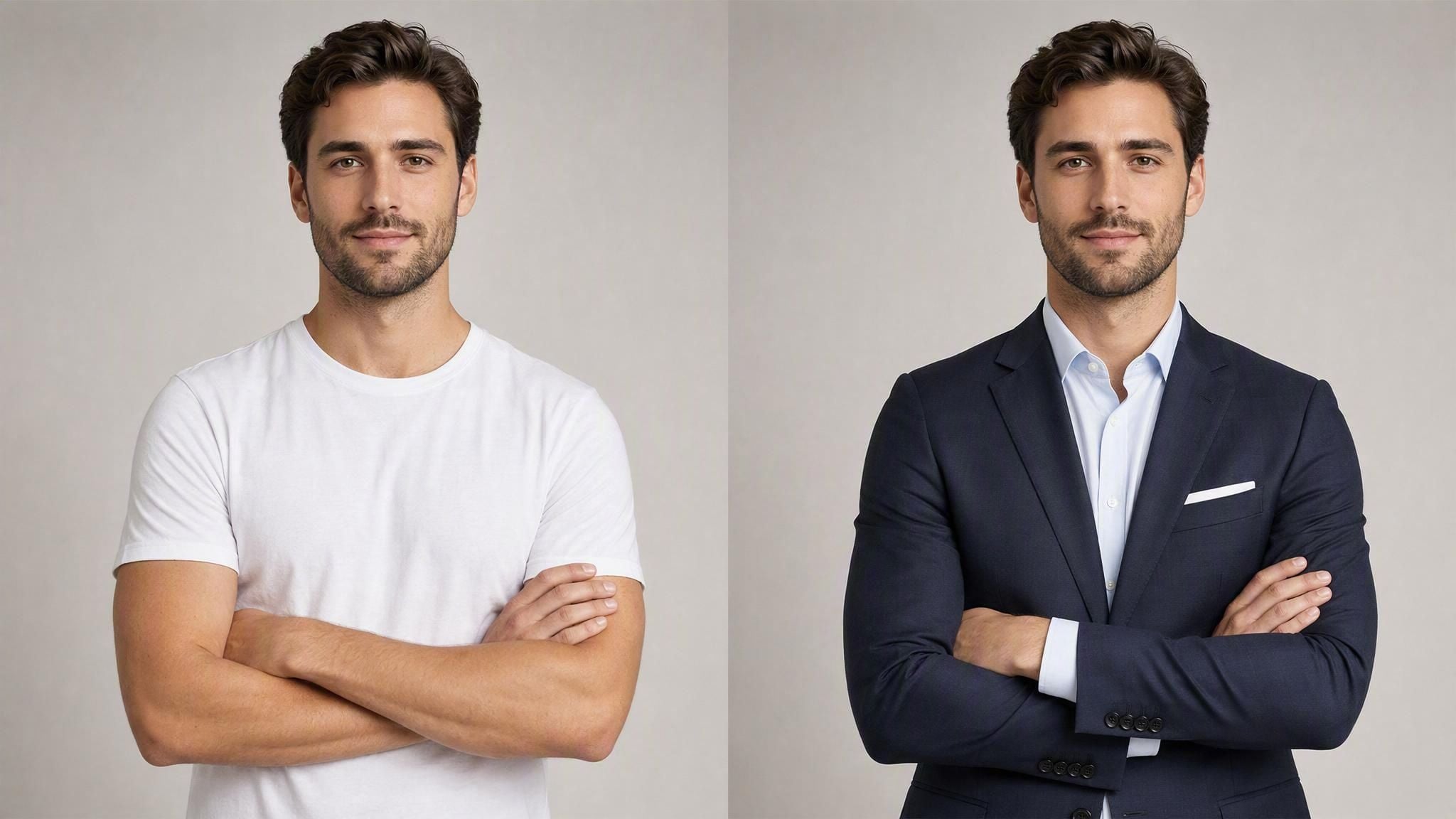
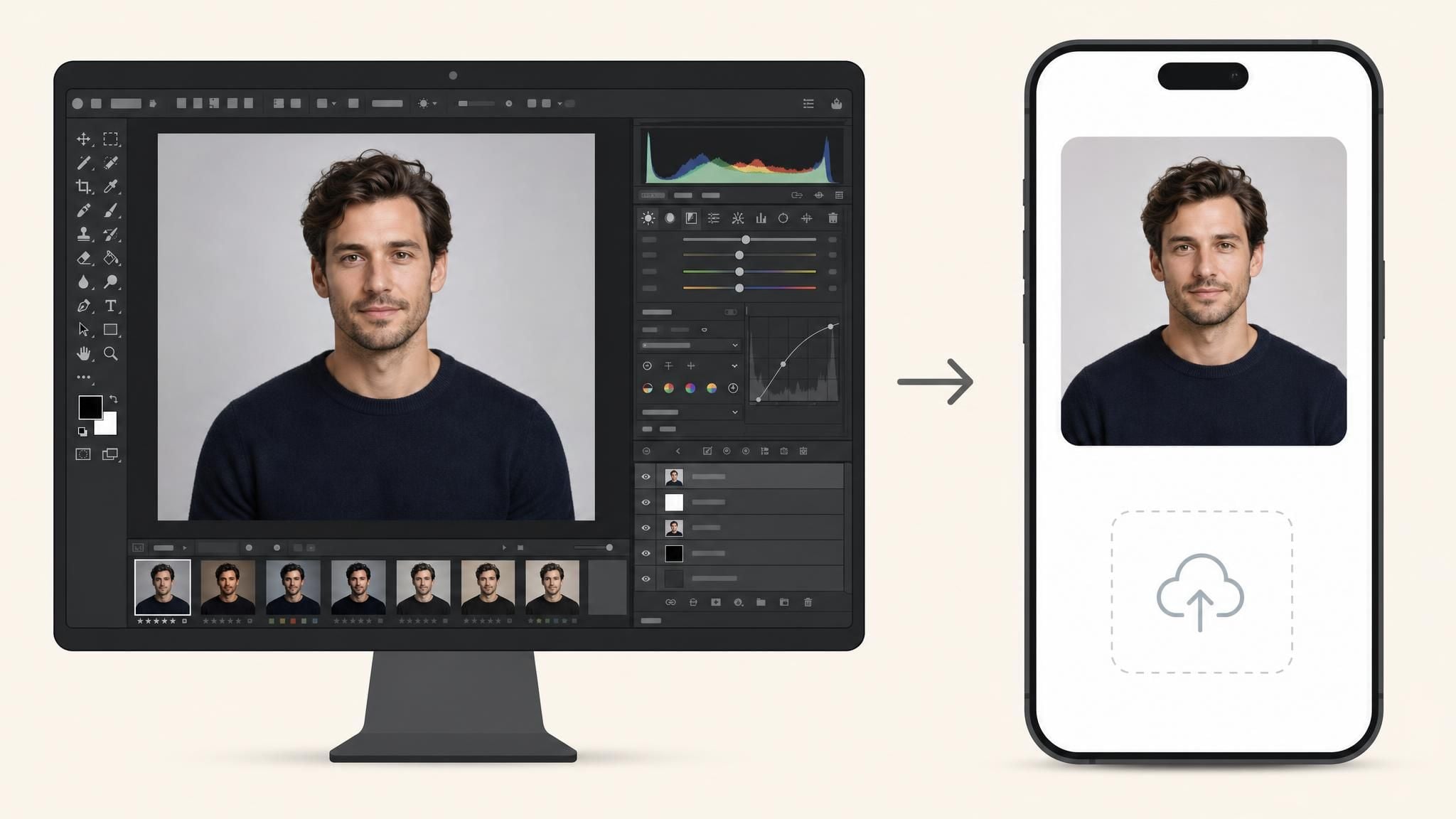
Skip the photo studio, the lighting setup, and the editing software entirely. Upload a selfie, pick a style, and download a headshot that looks like it was shot and retouched by a professional photographer.
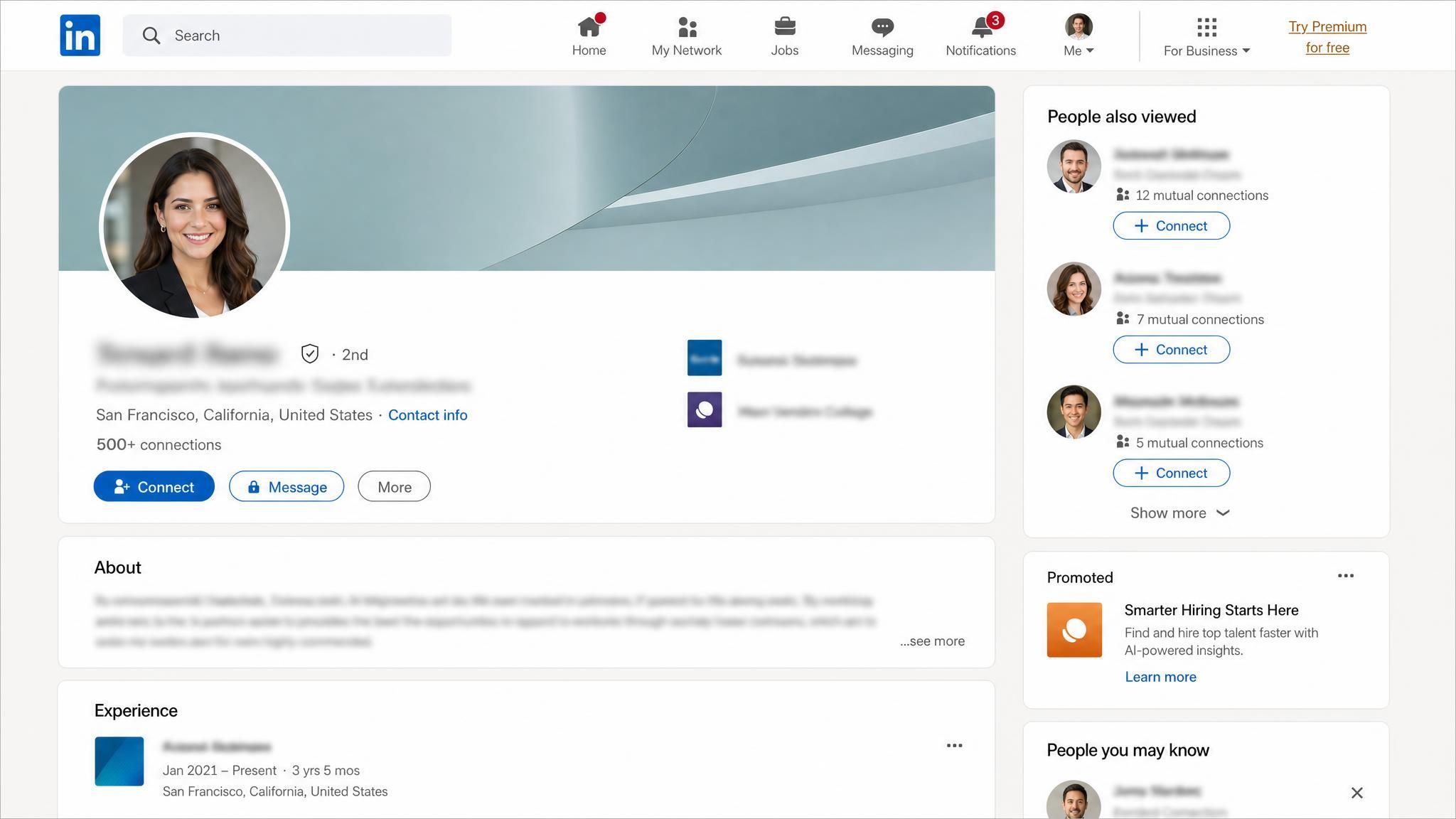
Whether you're job hunting or refreshing your online presence, here are the moments this tool gets used the most.
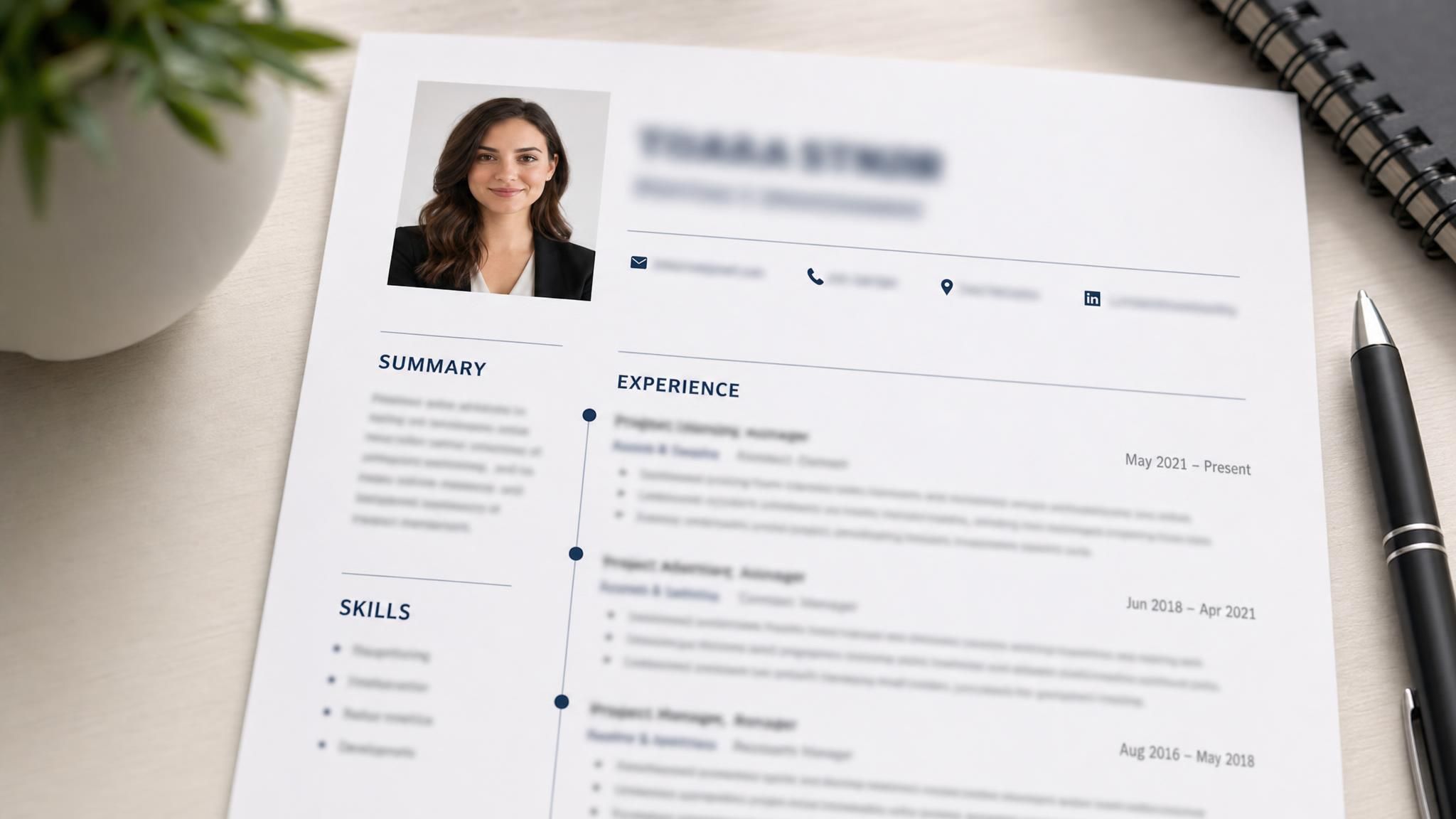
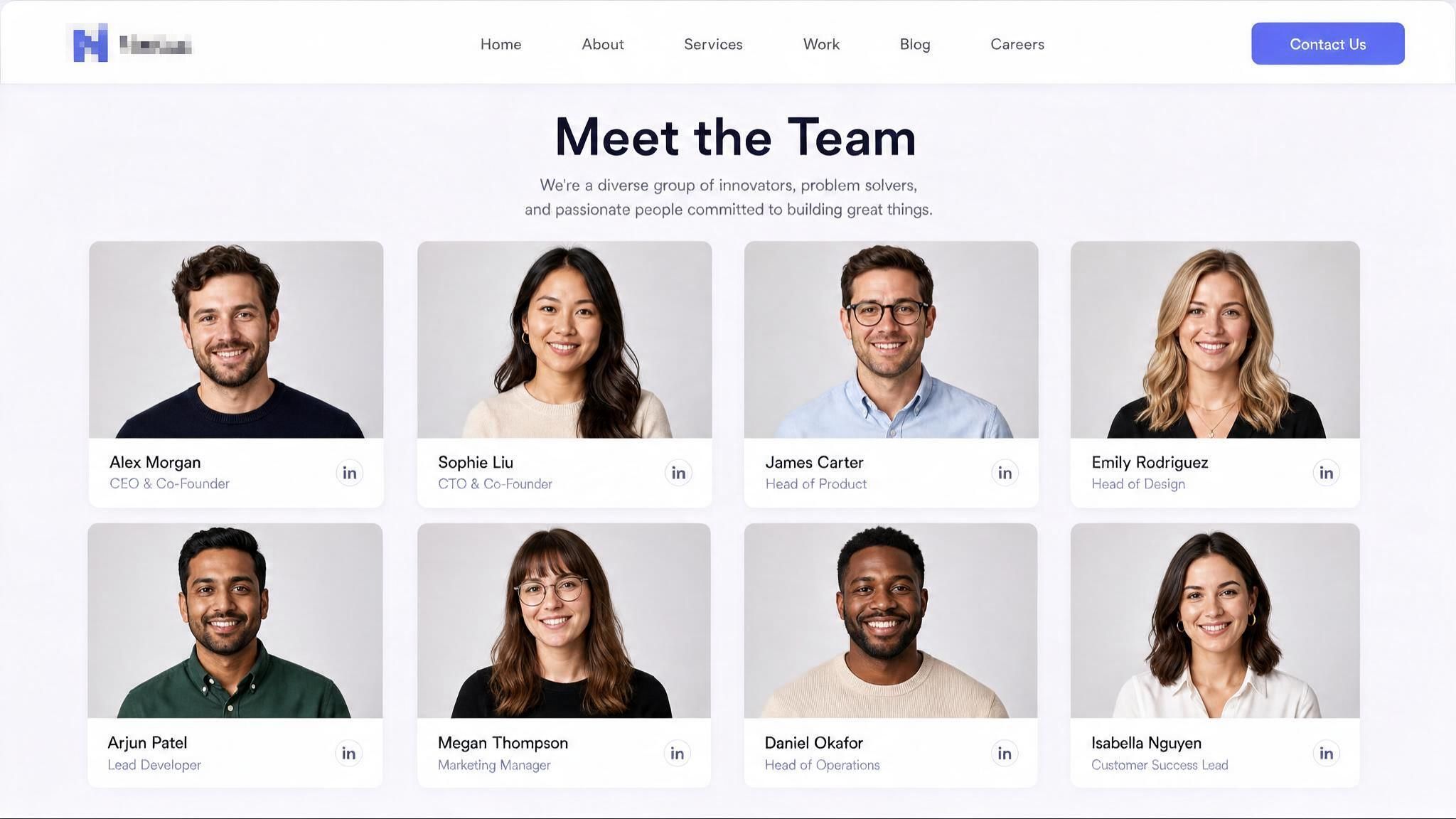
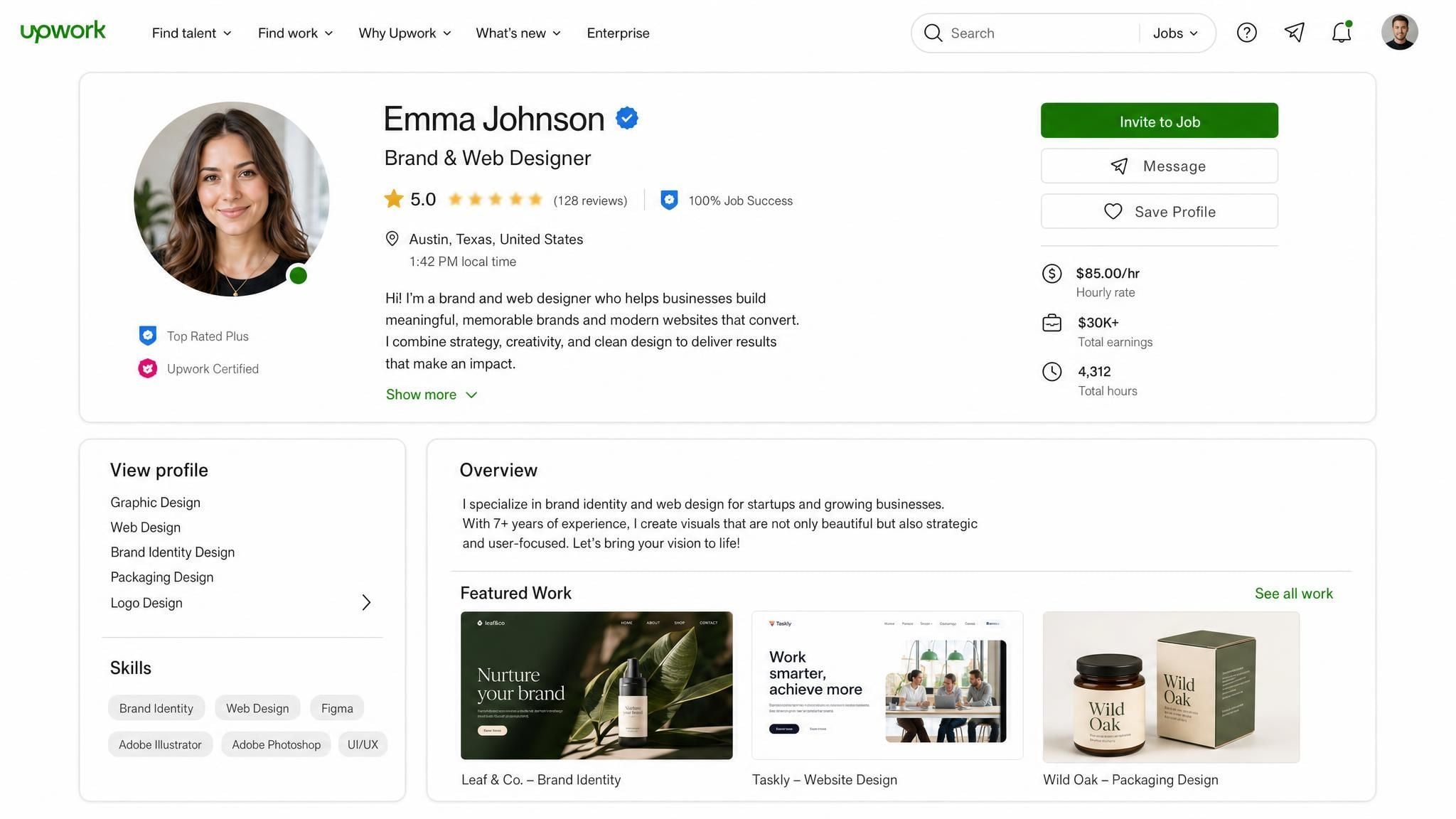
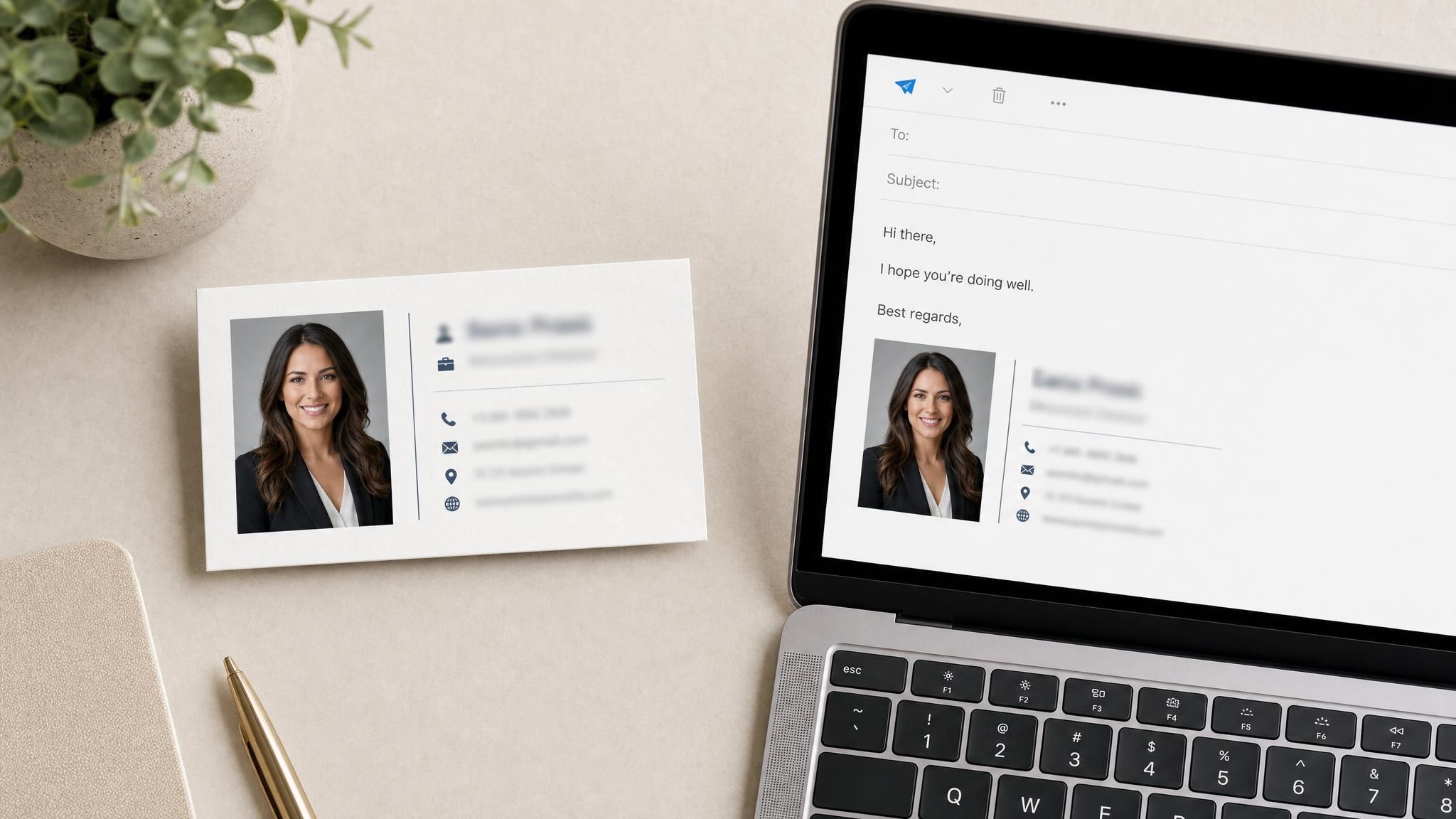
No design software or professional photographer needed, just three simple steps.
Choose a clear, front-facing photo with good lighting, then pick a style: business formal, smart casual, or a plain studio look.
The model updates your background and attire to match your chosen style, and returns your result in seconds.
Save your headshot photo in high resolution.
A few small adjustments to your selfie can make a noticeable difference in the final result.
 Use Natural Light
Face a window or shoot outdoors during the day, and skip overhead lighting or backlighting that casts shadows across your face.
 Face the Camera Directly
A clear, front-facing angle gives the model the most accurate view of your features to work with.
 Keep Your Face Unobstructed
Sunglasses, hats, and hair covering your eyes make it harder for the model to generate an accurate result.
 Upload a High-Resolution Photo
Use the original photo file rather than a screenshot or a heavily compressed copy, since a blurry input leads to a blurry output.
 One Person Per Photo
Group photos can confuse the model about which face to use, so crop or choose a photo with just you in it.
 Keep Your Expression Relaxed
A natural, slightly relaxed expression tends to generate more convincingly than an exaggerated smile or a stiff, posed look.
Continue creating with more free AtlasCloud tools.
 Image Upscaler2× upscale images locally in your browser—sharper details, files never leave your deviceTry it now !
 Image Background RemoverOne-click background removal to transparent PNG, local inference with zero uploadsTry it now !
 Object EraserPaint over unwanted objects, watermarks, or photobombers to erase themTry it now !
 Video UpscalerFrame-by-frame 2× upscaling for short videos, processed locally in browser (preview quality)Try it now !
I needed a professional LinkedIn photo but couldn't afford a photographer on my budget. I uploaded 10 selfies and got back headshots that actually looked like me, just polished. The whole process took under 1 minutes and cost a fraction of a studio session.
Sarah ChenMarketing Coordinator
We rolled this out for our remote team of 80+ employees who needed consistent, professional headshots for the company directory and website. The batch processing saved us weeks of coordinating photographers across time zones, and the output quality was consistent enough that nobody's photo looked out of place next to another.
David OkonkwoTalent Acquisition Lead
As someone who does headshot photography for a living, I was skeptical. I tested it out of curiosity, and while it won't replace a full studio session for high-end corporate clients, the lighting and retouching quality genuinely surprised me. It's a legitimate tool for budget-conscious clients or quick turnarounds.
Priya MalhotraFreelance Photographer
I run a two-person consulting firm and needed headshots for our new website. Hiring a photographer felt like overkill for our size. This got us professional-looking results without the scheduling hassle or the cost — I was back to work in under half an hour.
Marcus WebbOwner, Webb Consulting
I switch up my brand photos often for different platforms and campaigns, so getting fresh professional shots every time is a pain. Being able to generate multiple styles — corporate, casual, creative — from the same set of source photos has been a huge time-saver for my content calendar.
Yuki TanakaIndependent Content Creator
From an evaluation standpoint, what stood out was the API integration — we needed to plug headshot generation into our internal onboarding tool. Documentation was clear, and the output quality held up at scale across a few hundred employee photos without needing manual review on most of them.
Elena VasquezProcurement Manager
Built for both creative speed and dependable delivery.
Fast, responsive workflows for daily creation.
One visual language across different AI tools.
The exact parameters stay visible and predictable.
Examples and upload flows fit real production work.
AtlasCloud infrastructure supports every cloud run.
Clear boundaries for local and cloud processing.
 ATLAS CLOUD
 ATLAS CLOUD
 ATLAS CLOUD
 ATLAS CLOUD
 ATLAS CLOUD
Here's what people usually want to know before uploading their first selfie.
A free ai headshot generator is a tool that turns an ordinary selfie into a polished, professional-looking photo using AI, without hiring a photographer or editor. This one lets you upload a photo, choose a style, and generate a result at no cost.
Yes. You get one full, high-quality free generation with no credit card required. After that, you can top up your balance to keep generating, or use the API directly if you're building this into your own product.
You'll see an option to top up your balance and keep generating headshots, or view the API docs if you want to call the same model directly in your own application. Both paths are available from the same screen.
Yes, the generated headshot is yours to use for LinkedIn, resumes, email signatures, or any other professional profile, with no restrictions on personal career use.
Use a clear, front-facing selfie with good lighting and no sunglasses, hats, or hair covering your face. See the tips above for more detail on getting the best result.
Yes, your free generation includes a full high-resolution download, ready to use for both digital profiles and printed materials.



