Seedance 2.5 Now Live — First on Atlas Cloud

Change Clothes AI Online Free

Describe the outfit you want in a sentence and this free AI clothes changer restyles your photo around it, keeping your face and hair exactly as they are. People use it for outfit inspiration before shopping, for professional profile pictures, and for previewing event looks.

Checking AtlasCloud login status

Confirm your account and current workspace to run free tools.

Change Clothes with AI: From Loungewear to Evening Gown

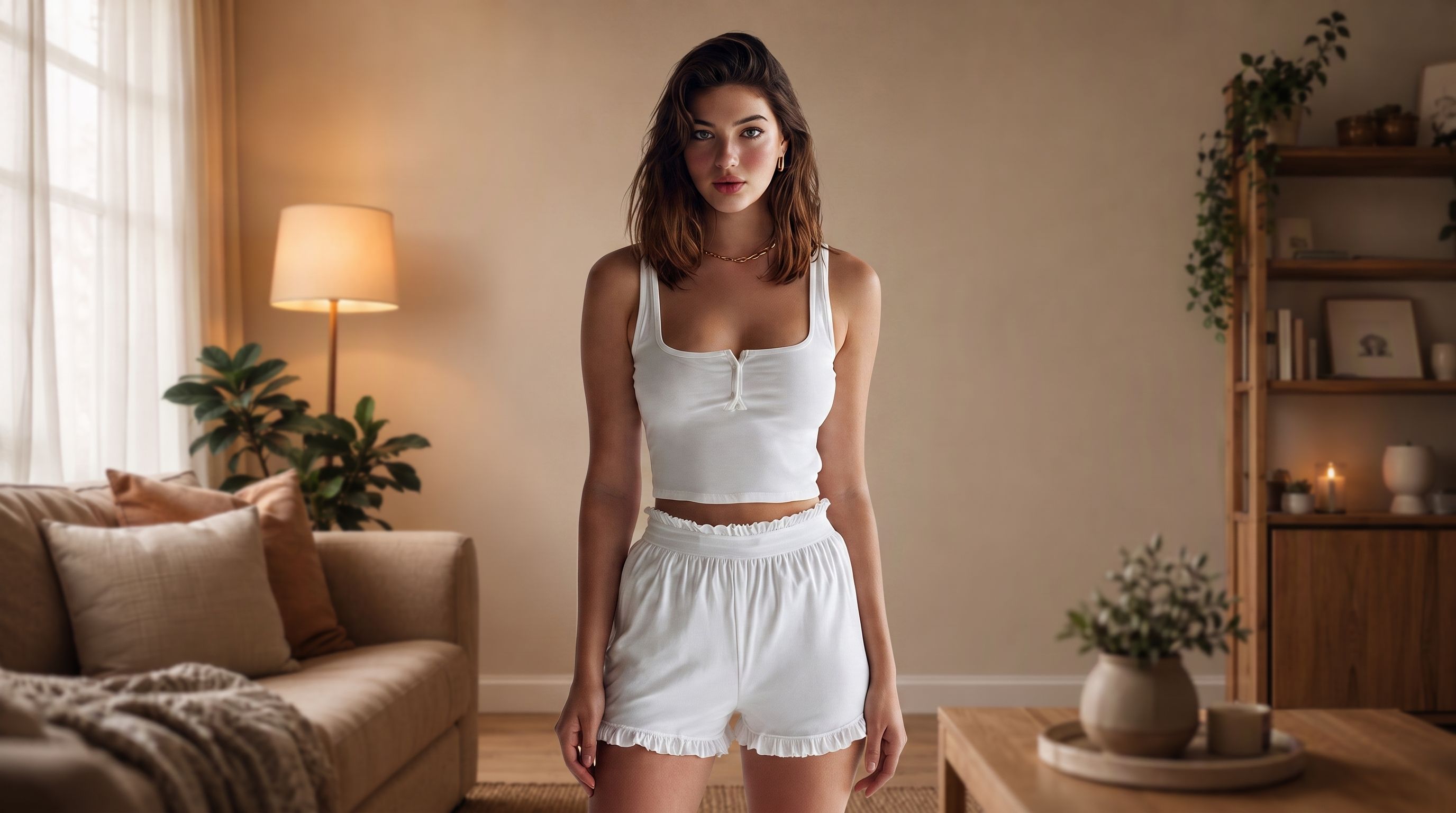
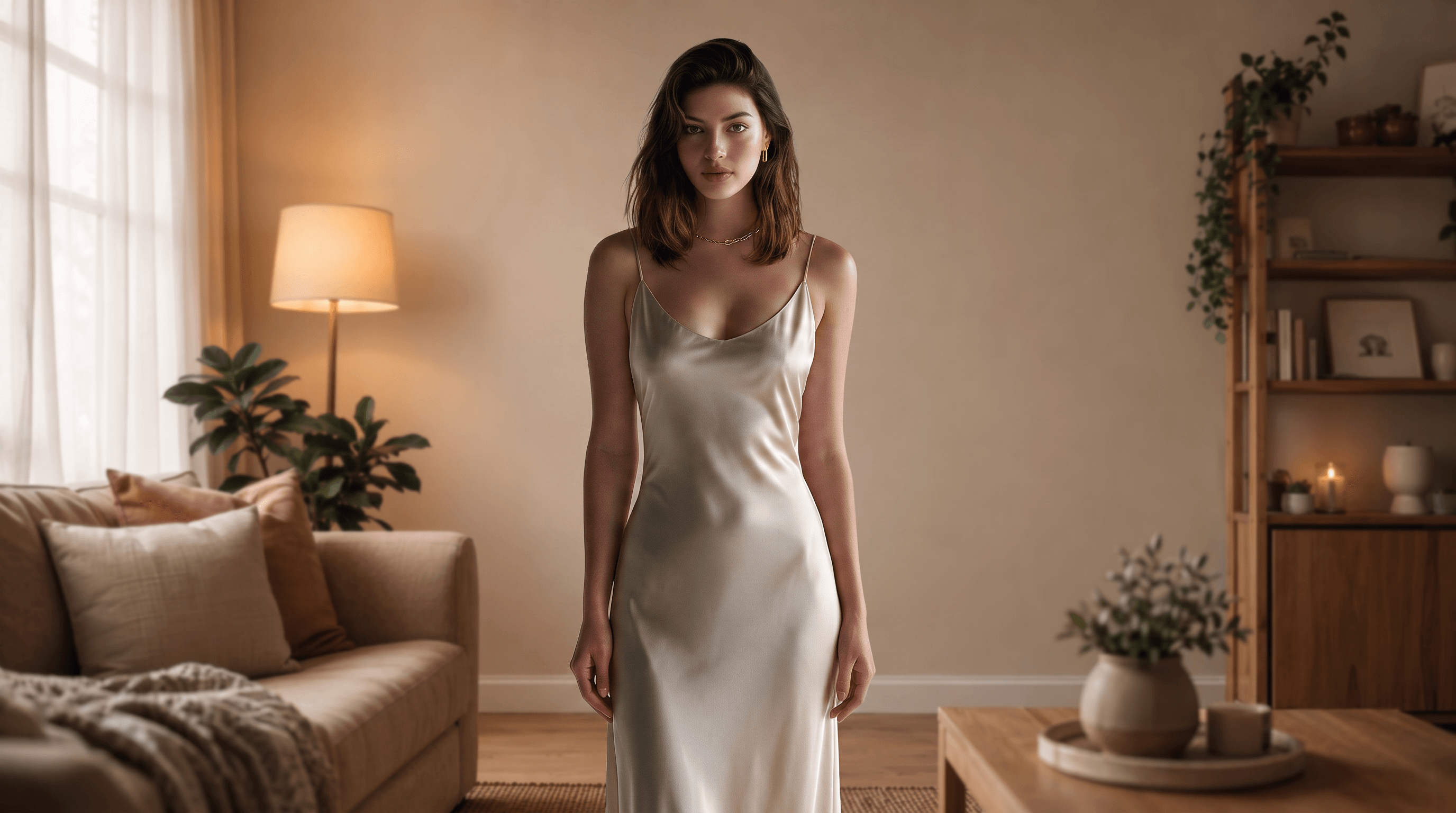
The original was a relaxed loungewear photo taken at home. Ask the change clothes AI for an elegant evening gown and it returns the same person in the same room, dressed for a gala instead of the sofa.

Before
After

What This AI Clothes Changer Does with One Photo

Every feature below is live in the demo right now, from text described outfits to the clean file you download at the end.

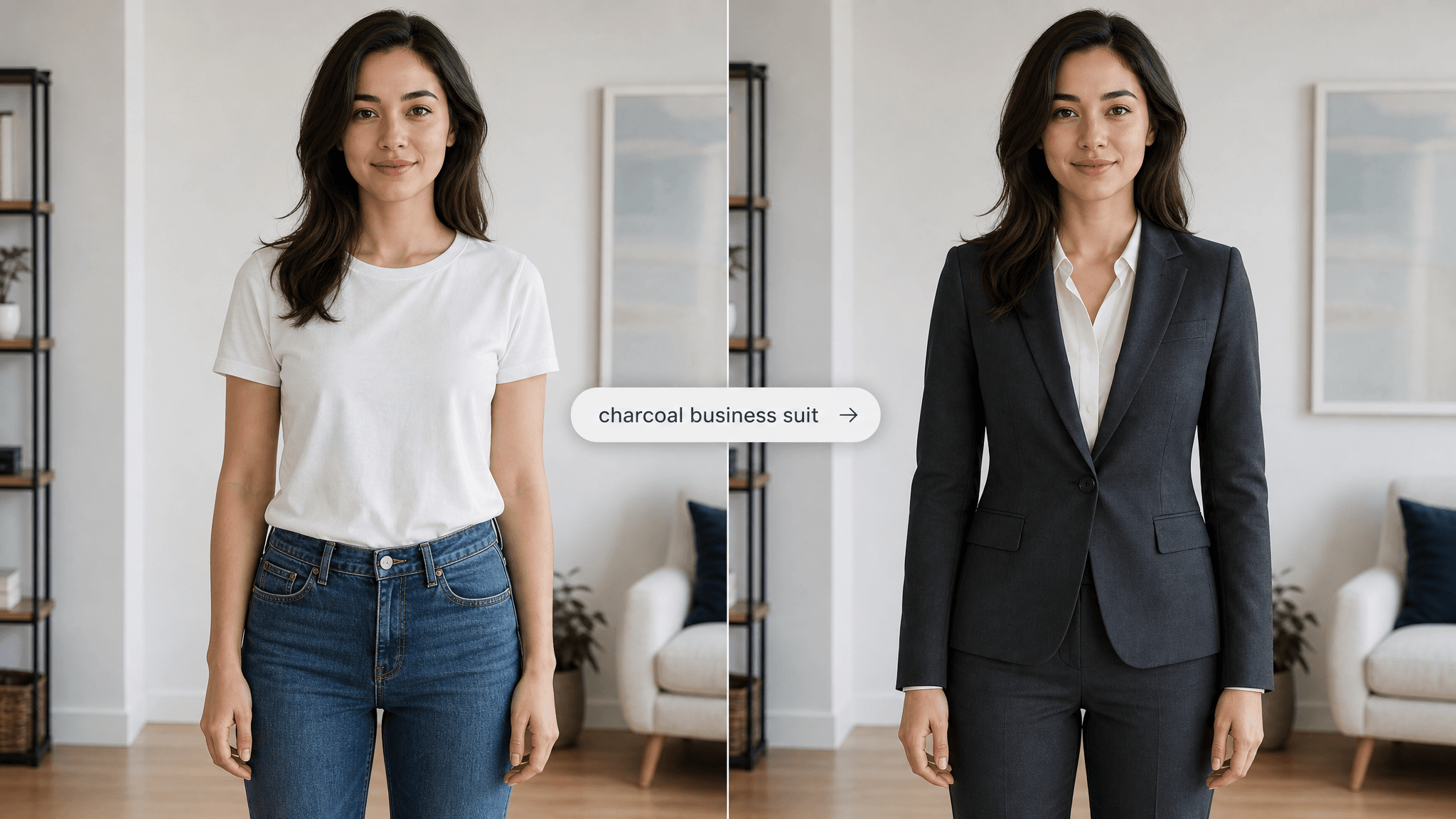
Outfit Swap by Text

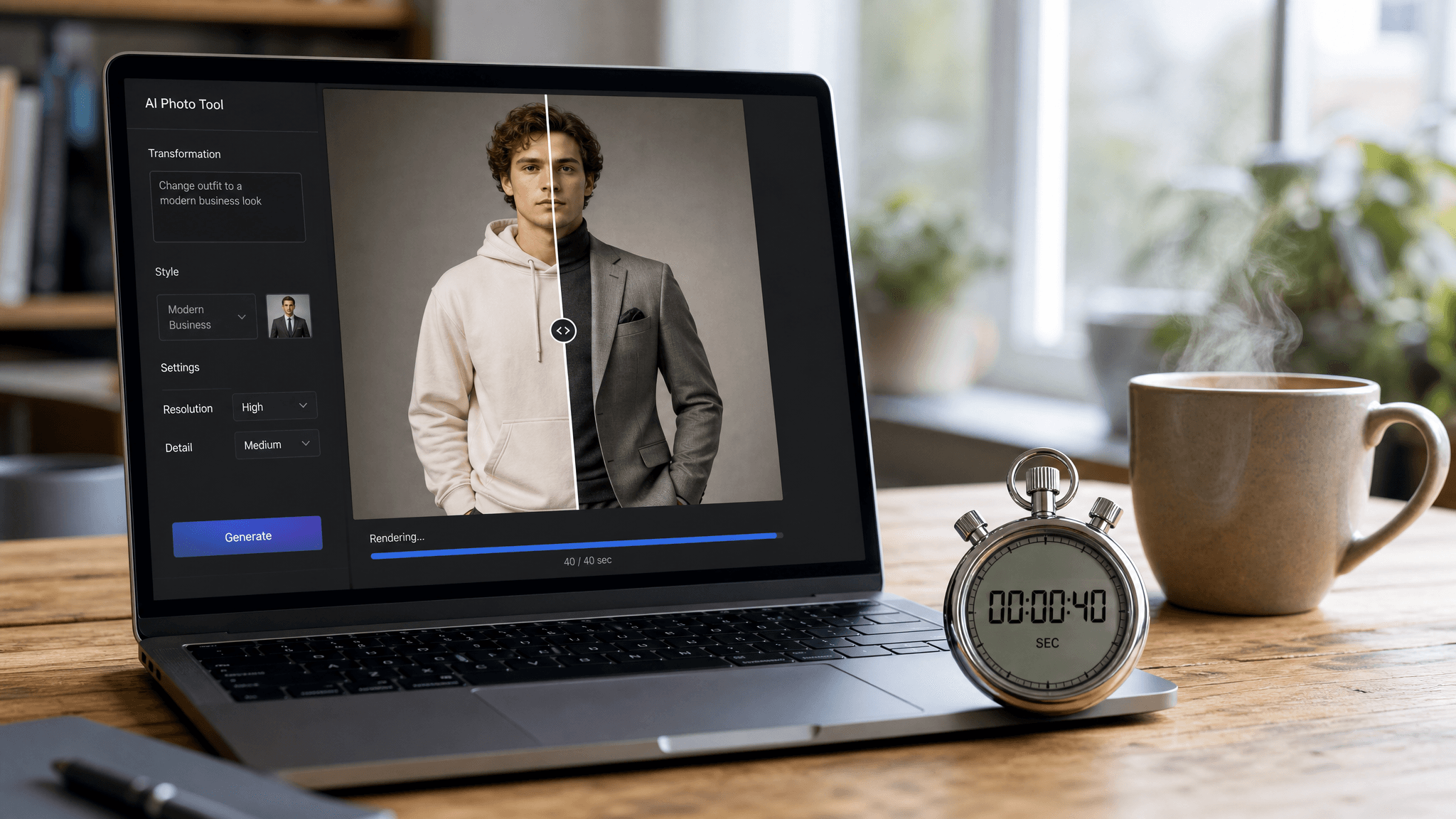
Photorealistic before-and-after split image divided by a thin vertical line. Left half: a young woman standing in a plain white t-shirt and jeans, facing the camera in a bright neutral room. Right half: the exact same woman — identical face, identical hairstyle, identical pose and framing — now wearing a perfectly tailored charcoal business suit. Floating over the center divider, a small rounded UI text chip reading "charcoal business suit" with a subtle arrow pointing toward the right half, indicating the typed words caused the outfit change. Soft natural daylight, realistic fabric texture and shadows, shot like a modern lifestyle tech advertisement, neutral clean color grading, 16:9 widescreen composition, no watermark, no brand logos.

Outfit Swap by Text

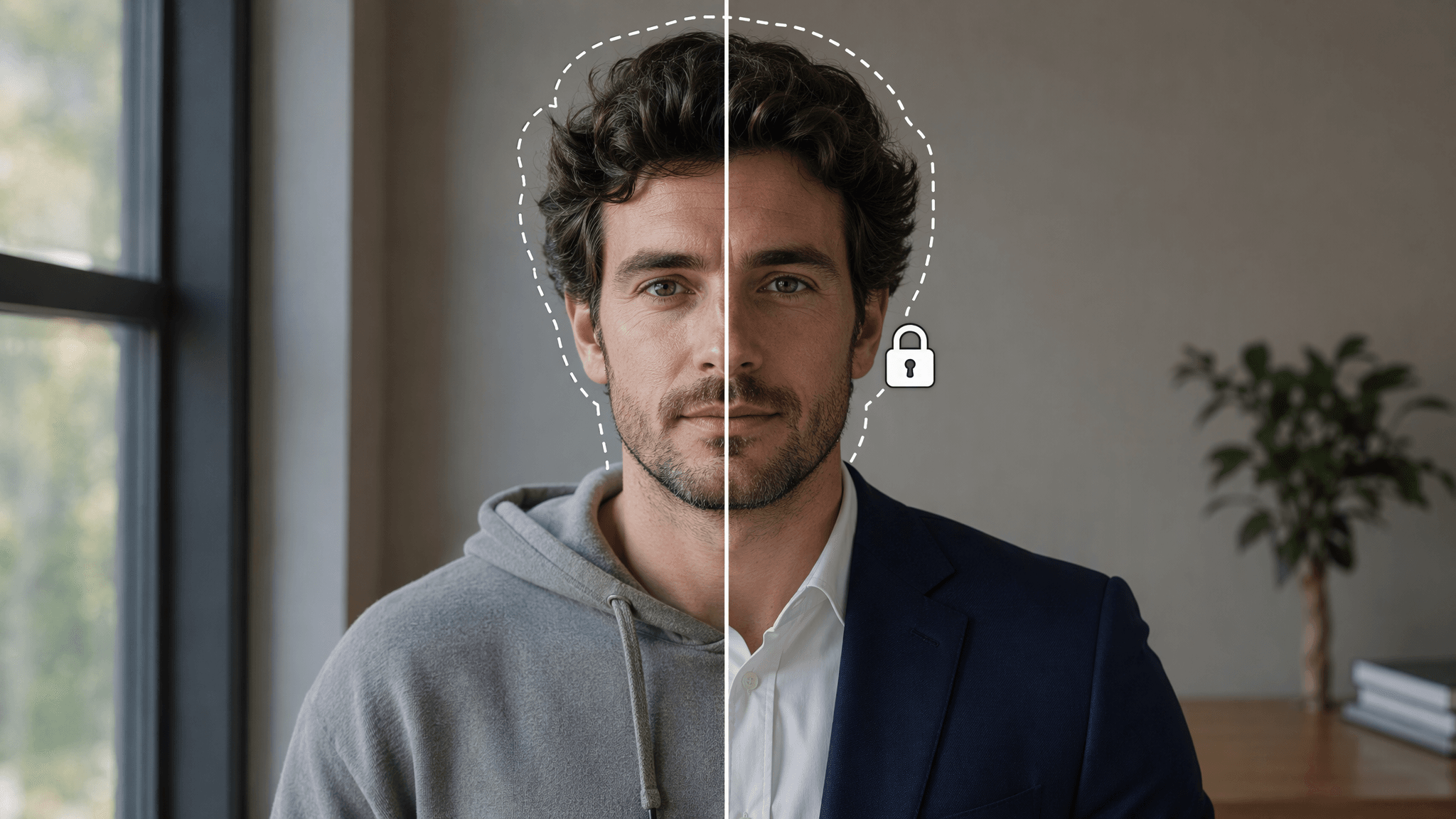
Only the Clothes Change

Your identity survives the swap. The demo leaves your face and hair untouched while it rebuilds the clothing with fabric folds, shadows, and light that match the original scene, so the result reads like a real photo of you rather than a paste up.

Only the Clothes Change

40 Second Turnaround

Pressing Run starts a roughly 40 second render, timed on real runs of the live demo. That pace makes this AI clothes changer quick enough to test a few outfit directions in one sitting, tweaking the description between runs until the style lands where you want it.

40 Second Turnaround

High Resolution Output

Results download at a crisp 1328 by 1776 resolution with no watermark anywhere on the frame. That is enough detail for a profile picture, a social post, or a small print, and the file you save is exactly the image the preview shows.

High Resolution Output

Moments That Call for an Outfit Preview

People reach for an outfit preview right before committing to something, a purchase, a profile update, or a party.

Outfit Inspiration
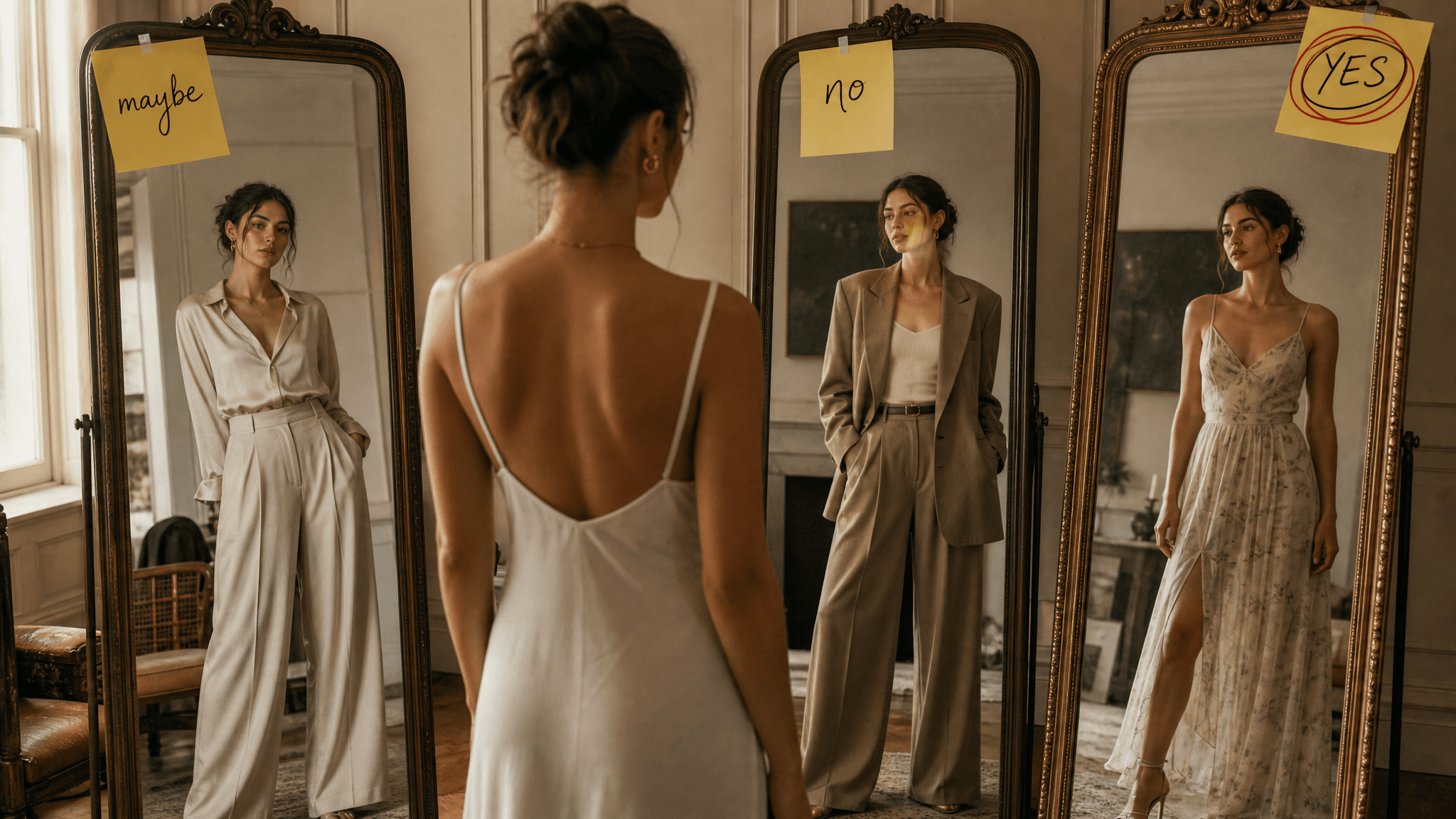
Outfit InspirationTest a style direction before you spend on it. Run the idea through the AI clothes changer free demo and see whether wide leg trousers or that oversized blazer actually suits you.
Job Ready Portraits
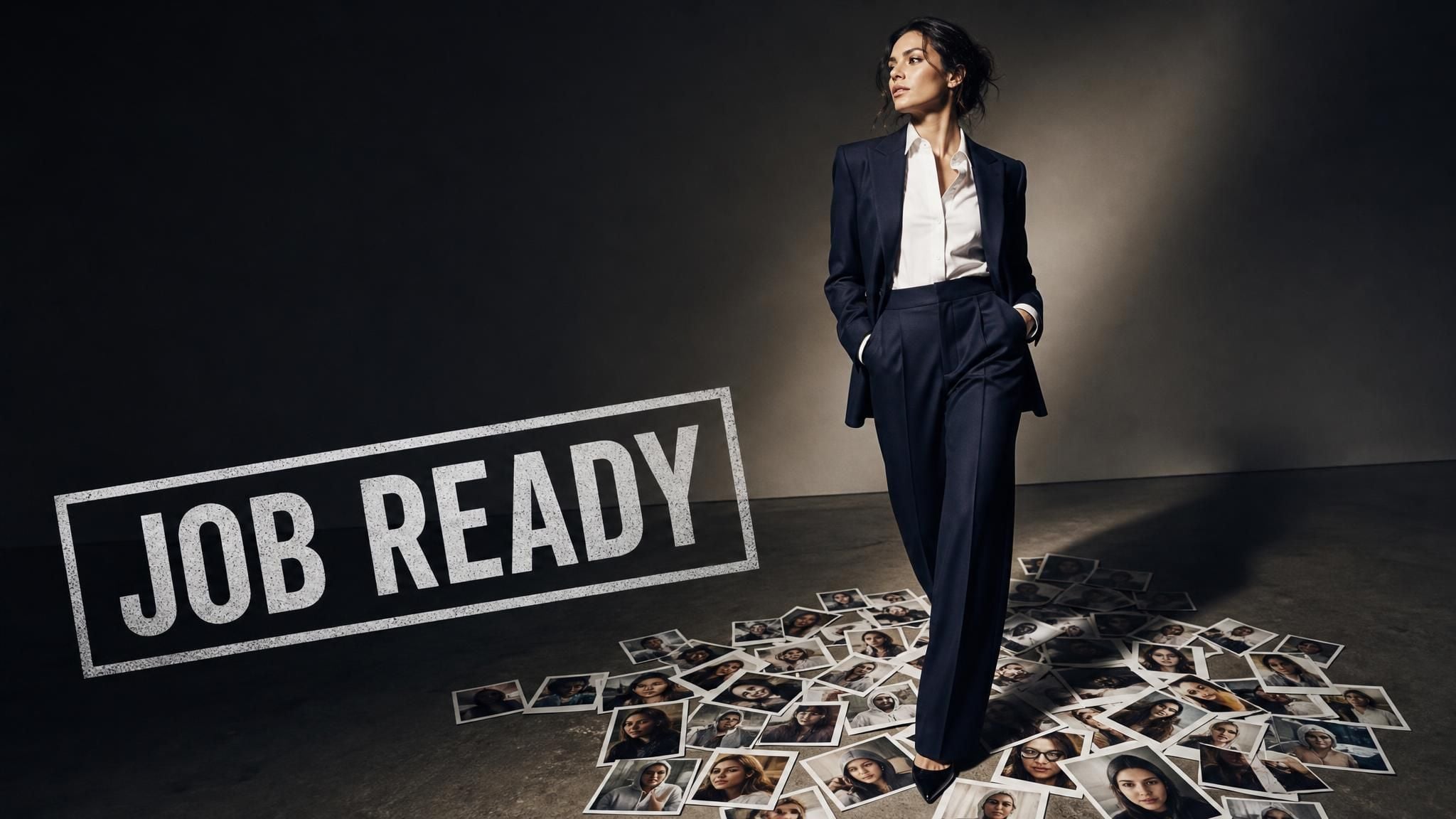
Job Ready PortraitsA casual photo becomes an application ready portrait once the tool dresses it in business attire. The official example does exactly this, turning a lakeside tee shirt shot into a suit portrait.
Event Outfit Previews
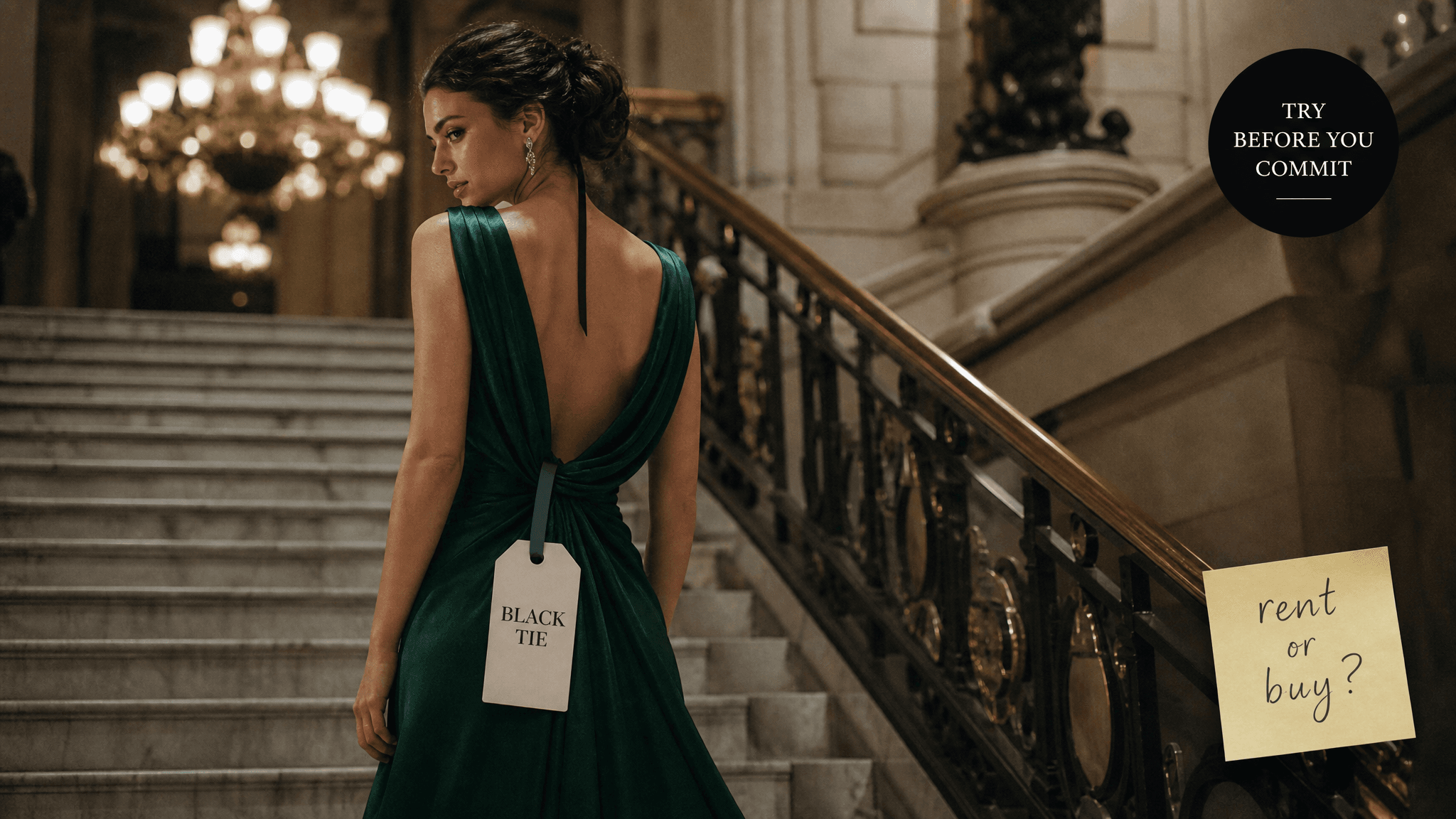
Event Outfit PreviewsWedding guest, gala, holiday dinner: describe the dress code and preview yourself in it before renting or buying anything.
Content Without Costumes
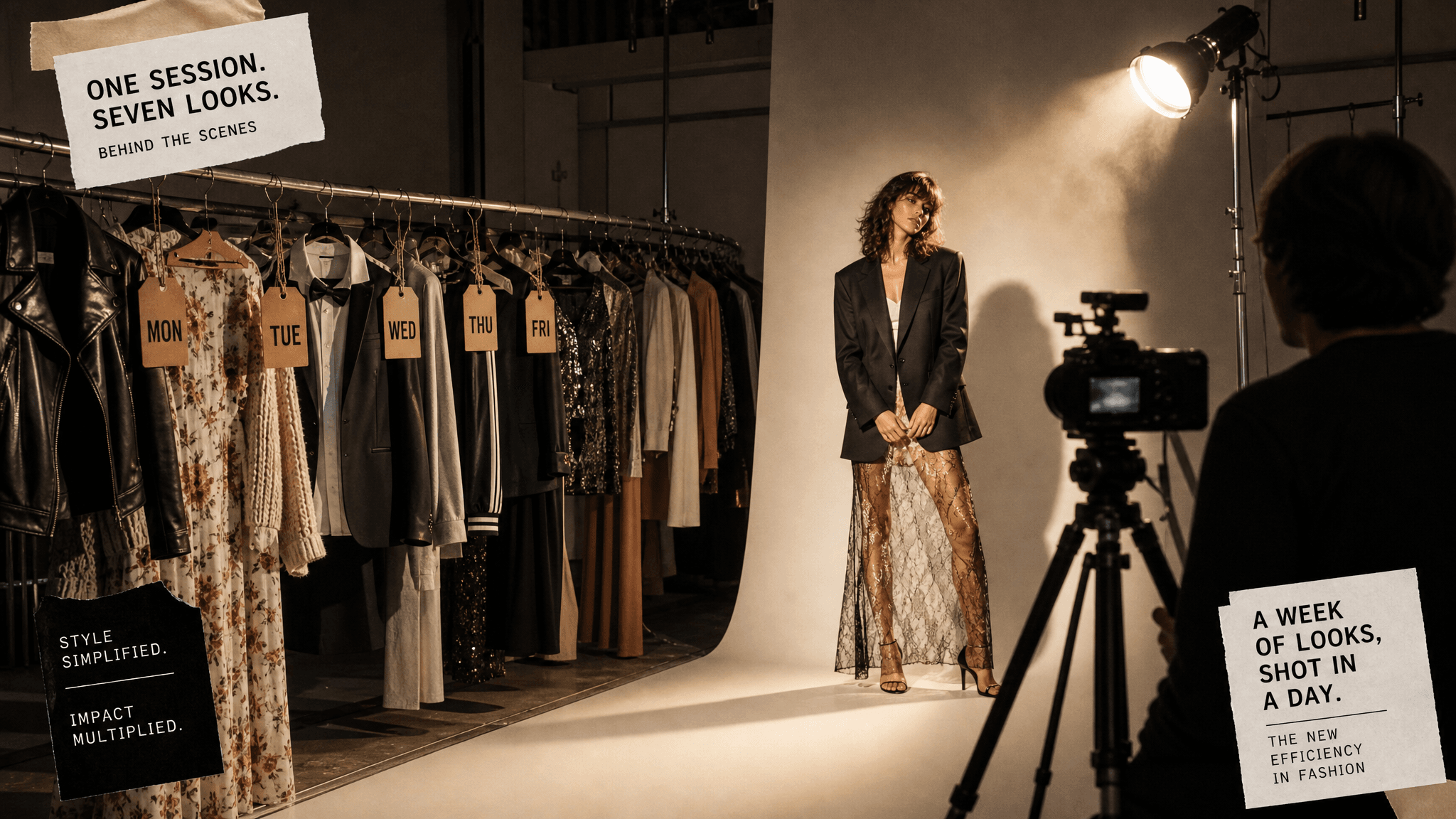
Content Without CostumesCreators shoot one base photo and change clothes with AI between posts, publishing a week of different looks from a single session.
Client Style Boards
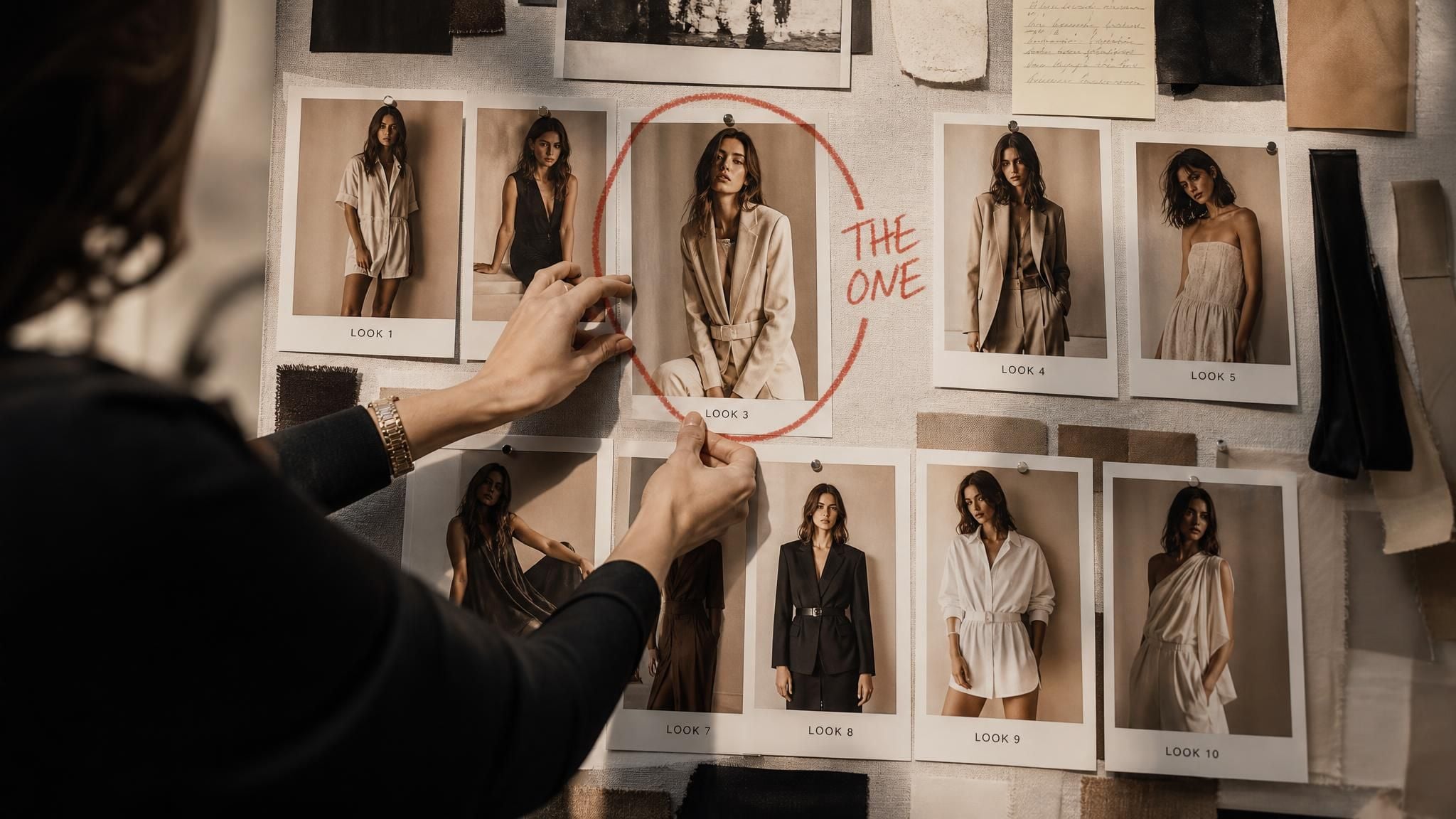
Client Style BoardsStylists drop a client photo in, generate the looks under discussion, and let the before and after slider make the case for them.

Change Clothes Online Free in Three Steps

No editing skills are involved at any point; the whole flow is a photo, a sentence, and one button.

  1. STEP-1Upload Your Photo

    Add a clear full or half body shot, up to 10MB in JPG, PNG, or WebP. Drag the file onto the page or click to browse.

  2. STEP-2Describe and Generate

    Type the complete outfit you want, from fabric to occasion, then press Run Free. The AI changes clothes and lighting together, and your new look renders in about 40 seconds.

  3. STEP-3Compare and Download

    Drag the slider to check the result against your original, then download the clean, watermark-free file or share it straight from the page.

Make Every Free Change Clothes AI Run Count

Small choices in your photo and your wording carry most of the weight here. These six habits get you to a convincing swap faster.

Face the CameraFace the Camera

Front facing photos with even light give the AI the cleanest read on you, which keeps the face in the result true to life.

Clear the FrameClear the Frame

Stand unobstructed, with nothing held in front of your body, so clothing edges have room to render cleanly.

Describe Head to ToeDescribe Head to Toe

Cover the whole outfit in one sentence, not just the jacket, so every visible piece gets styled deliberately.

Name Fabric and ColorName Fabric and Color

A charcoal wool suit lands better than a nice suit; concrete materials and shades give the fabric texture something to build from.

Anchor the OccasionAnchor the Occasion

Add context words like business formal or beach wedding guest, and the styling and fit follow the setting you name.

Start from the ExampleStart from the Example

Load the official sample once to see the prompt shape that works, then swap in your own outfit idea and run it on your photo.

Recommended Related Tools

Continue creating with more free AtlasCloud tools.

View all free AI Tools

How Six Professionals Put It to Work

I build lookbooks for clients who cannot picture themselves in anything new. Typing a sentence and getting them into a camel coat in under a minute changed my consult flow. The drape and shadow work is honestly close to a studio shot.

Marisol VegaPersonal Stylist

Half my candidates only have vacation photos. This free AI clothes changer put one of them in a proper suit with the lake still behind him, and it reads like a planned portrait, not an edit. That saves a photography session every single time.

Devon OkaforCareer Coach

We describe next season's pieces before samples arrive and show regulars how the cuts might sit on them. It is faster than pinning references all afternoon. Customers respond to seeing themselves, not a model, wearing the idea.

Priya RaghunathanBoutique Owner

Shot one photo on Monday, published five different fits by Friday. The slider view makes it easy to catch anything off before posting, and downloads come out clean with no watermark to crop around. My outfit posts finally outrun my actual closet.

Tomasz ZielinskiContent Creator

Dress codes confuse everyone. Now I send clients a preview of themselves in black tie or garden formal and the debate ends there. Forty seconds per look is quick enough to run during a phone call.

Alana WhitfieldWedding Planner

I test tools for a living and expected friction. Upload, one sentence, run, done. The 1328 by 1776 output surprised me most; it is sharp enough for a print portfolio, not just a phone screen.

Jae-won SeoUX Researcher

Why Choose Us

Built for both creative speed and dependable delivery.

PERFORMANCE & FLEXIBILITY
  • Low Latency

    Fast, responsive workflows for daily creation.

  • Unified Experience

    One visual language across different AI tools.

  • Transparent Controls

    The exact parameters stay visible and predictable.

ENTERPRISE & SCALE
  • Creator-ready workflows

    Examples and upload flows fit real production work.

  • Reliable platform

    AtlasCloud infrastructure supports every cloud run.

  • Security & compliance

    Clear boundaries for local and cloud processing.

Related Articles

How Real Creators Prompt Seedream 5.0 Pro, and the Bugs They Keep HittingATLAS CLOUD
How Real Creators Prompt Seedream 5.0 Pro, and the Bugs They Keep HittingJuly 20, 2026
How Seedream 5.0 Pro Makes Portraits That Don't Look AI — and How to Prompt ItATLAS CLOUD
How Seedream 5.0 Pro Makes Portraits That Don't Look AI — and How to Prompt ItJuly 20, 2026
Which Model Understands Design? Seedream 5.0 Pro and GPT Image 2 Face the Same PromptATLAS CLOUD
Which Model Understands Design? Seedream 5.0 Pro and GPT Image 2 Face the Same PromptJuly 11, 2026
What is the best API platform for building an AI design or marketing creative tool?ATLAS CLOUD
What is the best API platform for building an AI design or marketing creative tool?June 17, 2026
Imagen 4 Ultra on Atlas Cloud: Google's Premium AI Image Tiers (2026)ATLAS CLOUD
Imagen 4 Ultra on Atlas Cloud: Google's Premium AI Image Tiers (2026)April 28, 2026

FAQ

1. What is free change clothes AI?

Free change clothes AI refers to tools that swap the outfit in a photo using artificial intelligence, with a free way to try the swap. This page's version works from a text description: you upload a portrait, describe the outfit, and the AI redraws the clothing, not the person.

2. Do I need a photo of the new clothes?

No, the outfit comes entirely from your written description. Instead of sourcing a garment image, you type something like a leather jacket with black jeans, and the AI clothes changer renders that outfit onto the person in your photo.

3. How much does it cost to try?

Your first generation is free, at the same full resolution as any paid run. After that, a balance top up keeps you generating, with top ups starting at $19.

4. Can I use an AI clothes changer online free without login?

A quick sign in with Google, GitHub, or email is what activates your free generation, and it takes a few seconds. It also ties your run to an account, so the result is waiting for you even if you close the tab.

5. Will it change my face or just the outfit?

Just the outfit. Clothing is the only thing redrawn, so your features and hairstyle stay put, and the sample pair above shows the same person and the same lakeside setting on both sides of the swap.

6. What kind of photo should I upload?

Full or half body shots with the person clearly visible give the tool the most to work with; good light helps too. The uploader accepts JPG, PNG, WebP, and other common formats at up to 10MB per file.

7. What do I actually download at the end?

A 1328 by 1776 image with no watermark added at any stage. That size holds up to cropping, so you can pull a square avatar or a vertical story frame out of one result and still keep it sharp.

8. Where can I find my past generations?

Every run is saved to your request history once you are signed in, so you can go back to compare versions or download a result again. You can also delete any entry whenever you want it gone.