Seedance 2.5 Flash पर अब 35% की छूट — 30 नवंबर को समाप्त

Apparel Photoshoot

फ़ाइल यहाँ खींचें, या अपलोड करने के लिए क्लिक करें
सेटिंग्स

आउटपुट

Apparel Photoshoot

AI Clothing Photoshoot Without the Studio Day

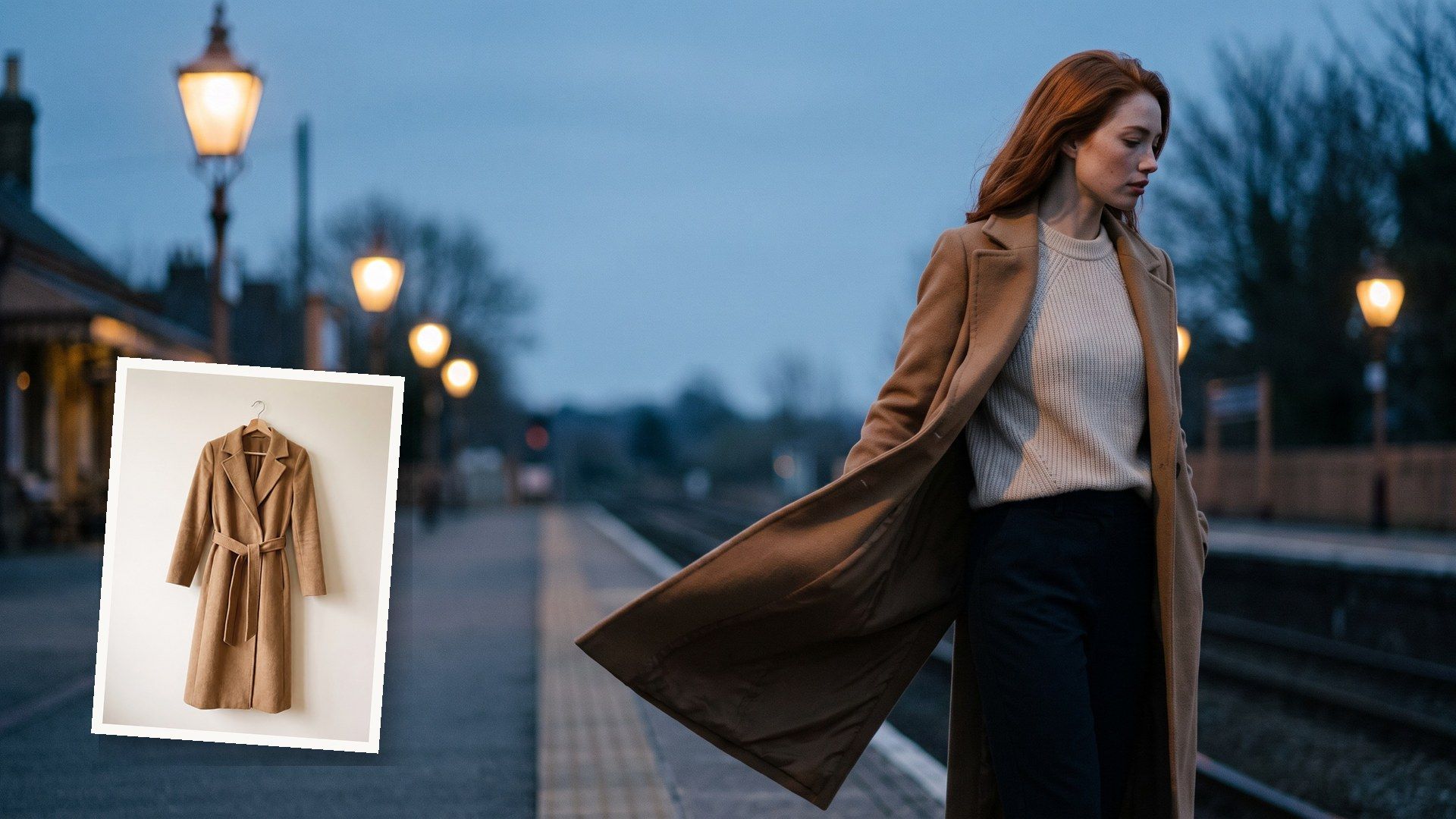
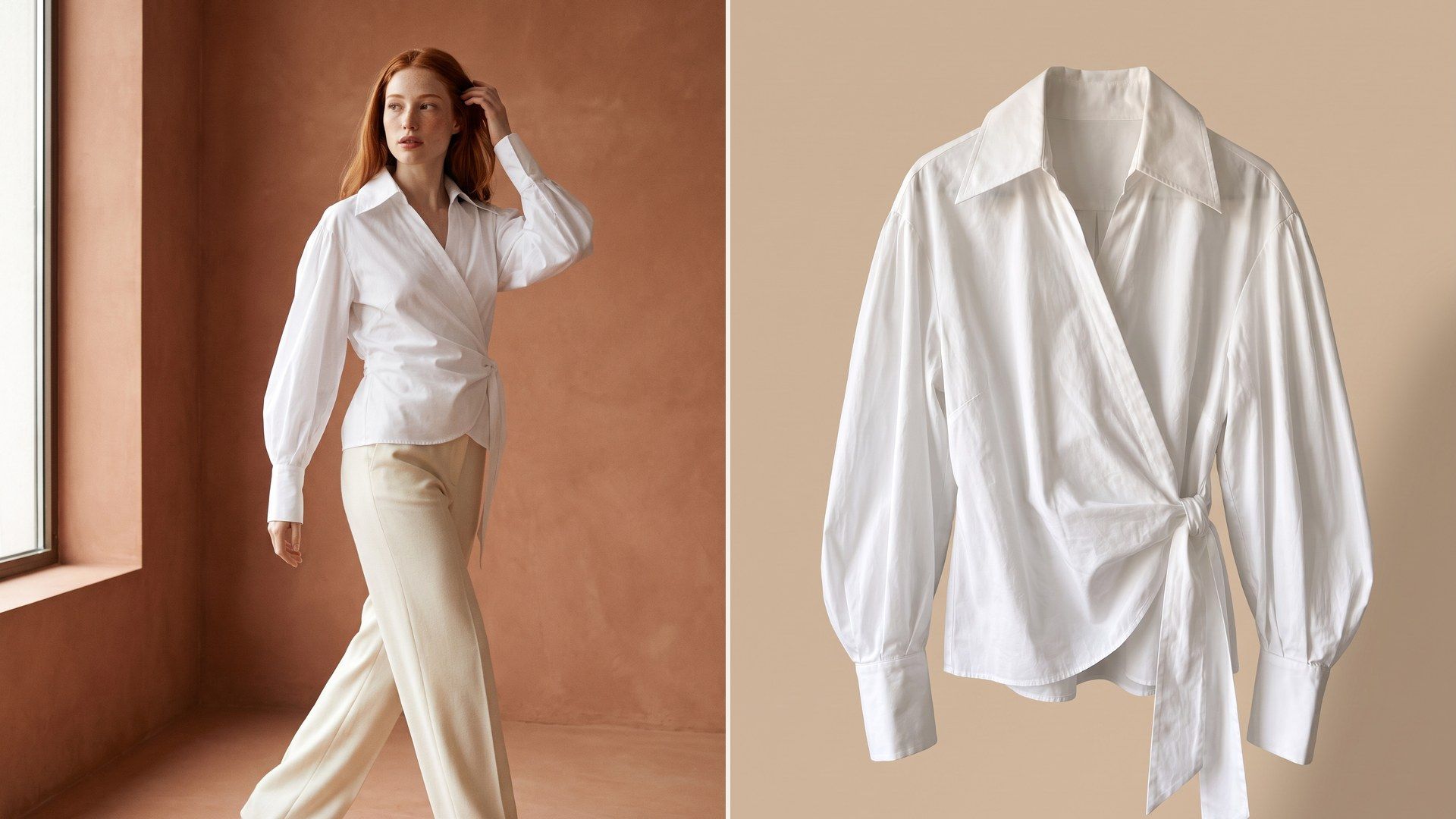
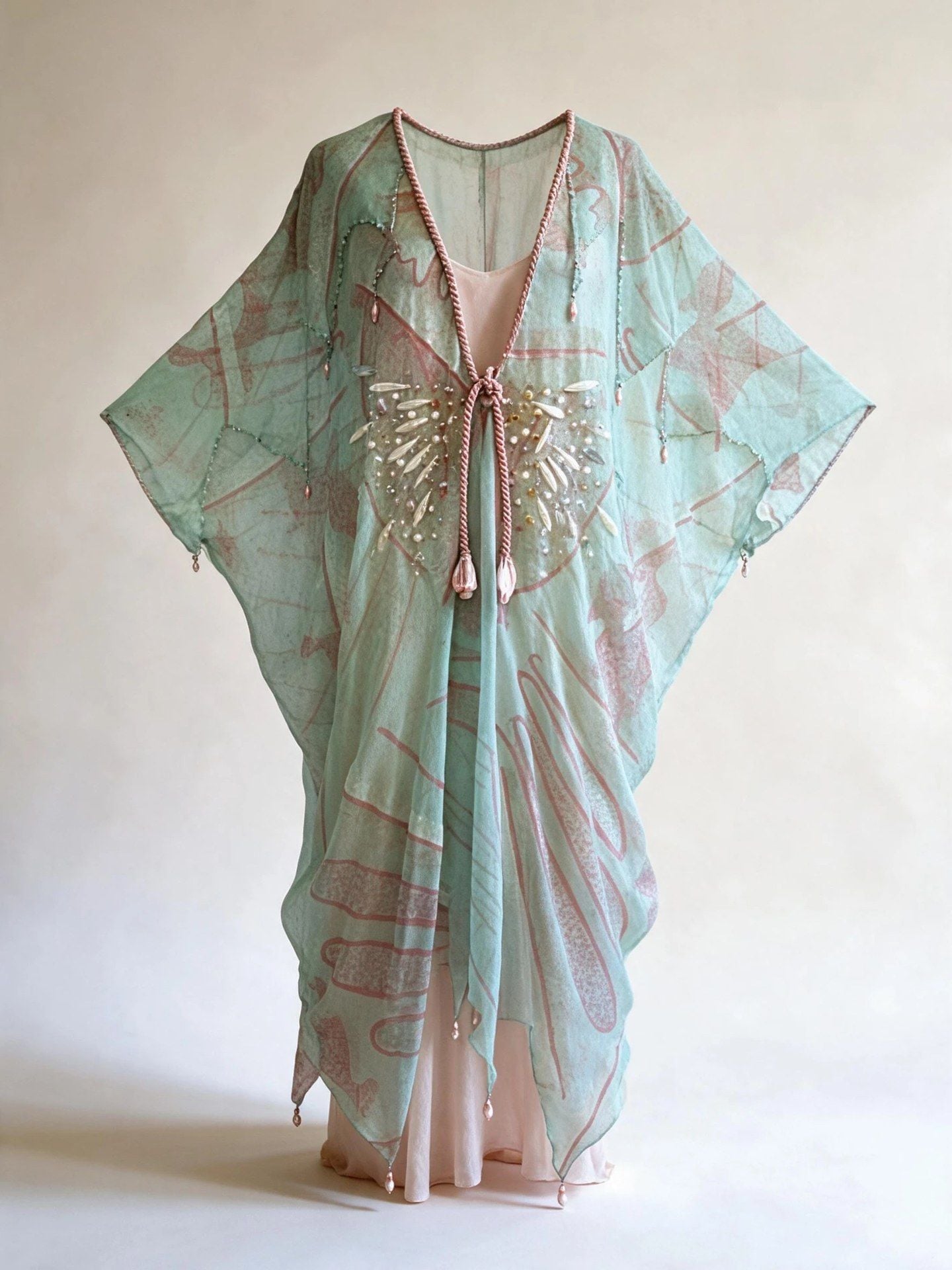
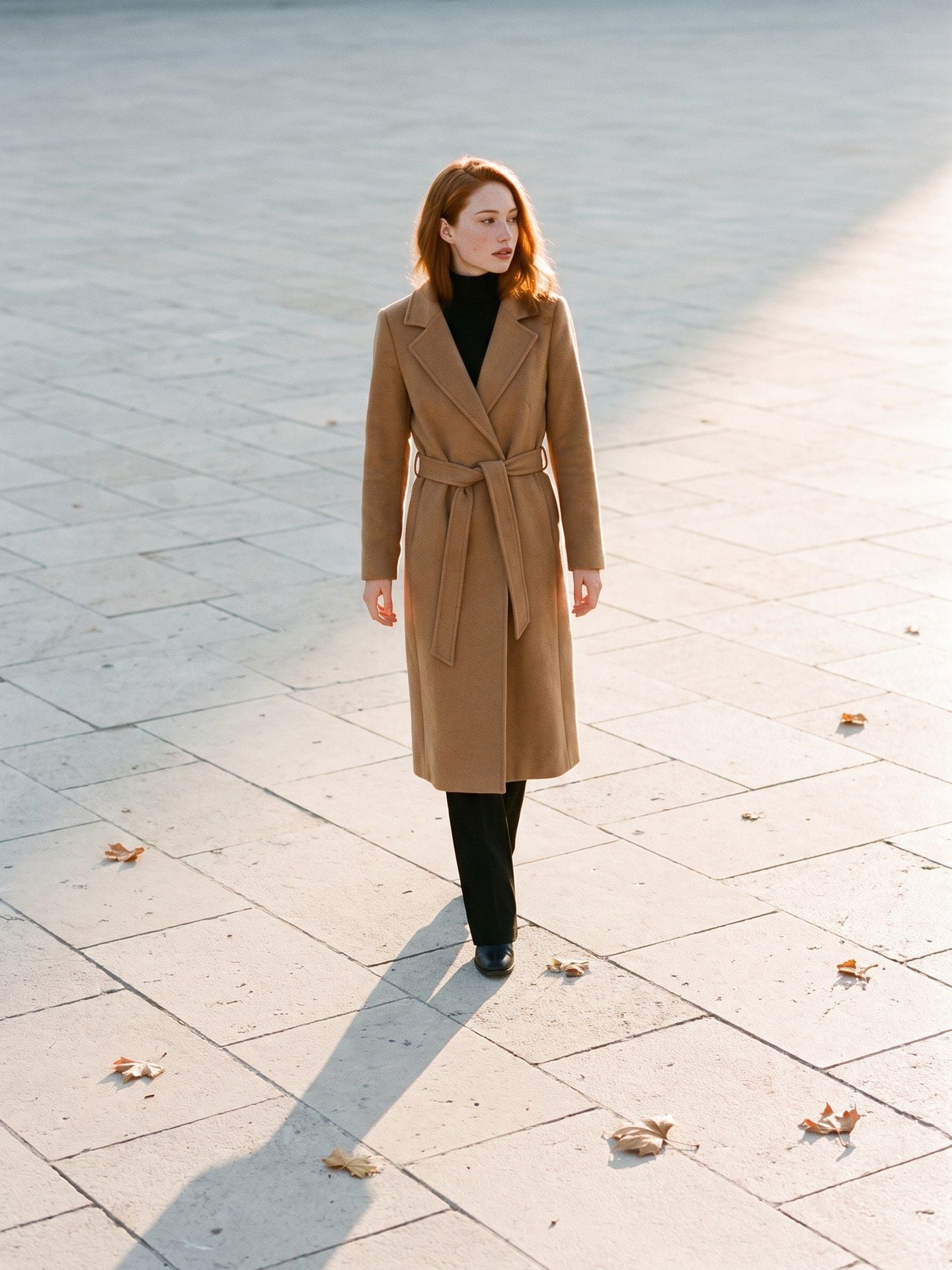
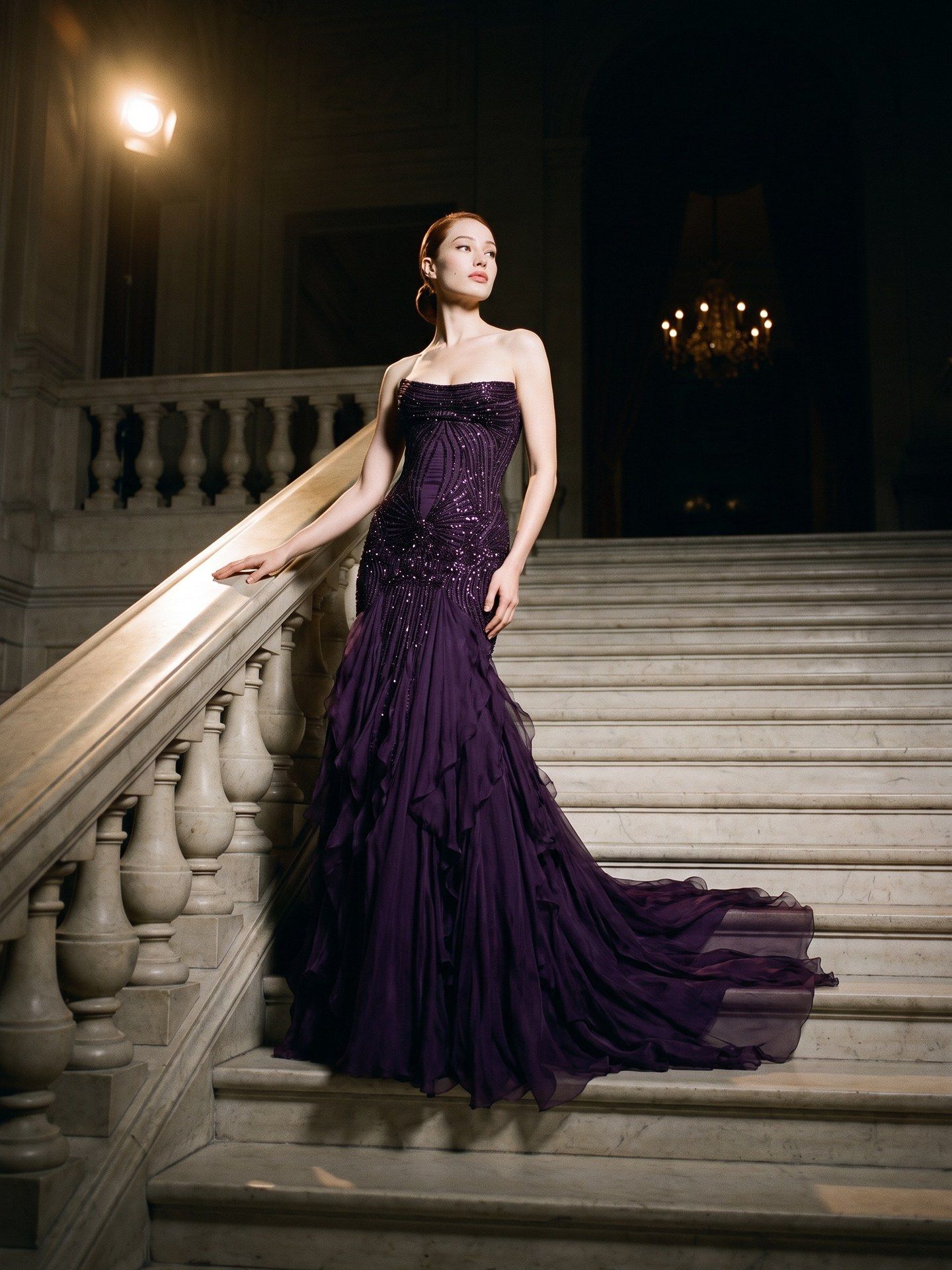
Upload the piece once, laid flat or on a hanger, and switch between an on-model shot and a ghost mannequin shot without uploading it again. Each still renders at the frame and resolution you set.

AI Fashion Product Photography for Every Listing Slot

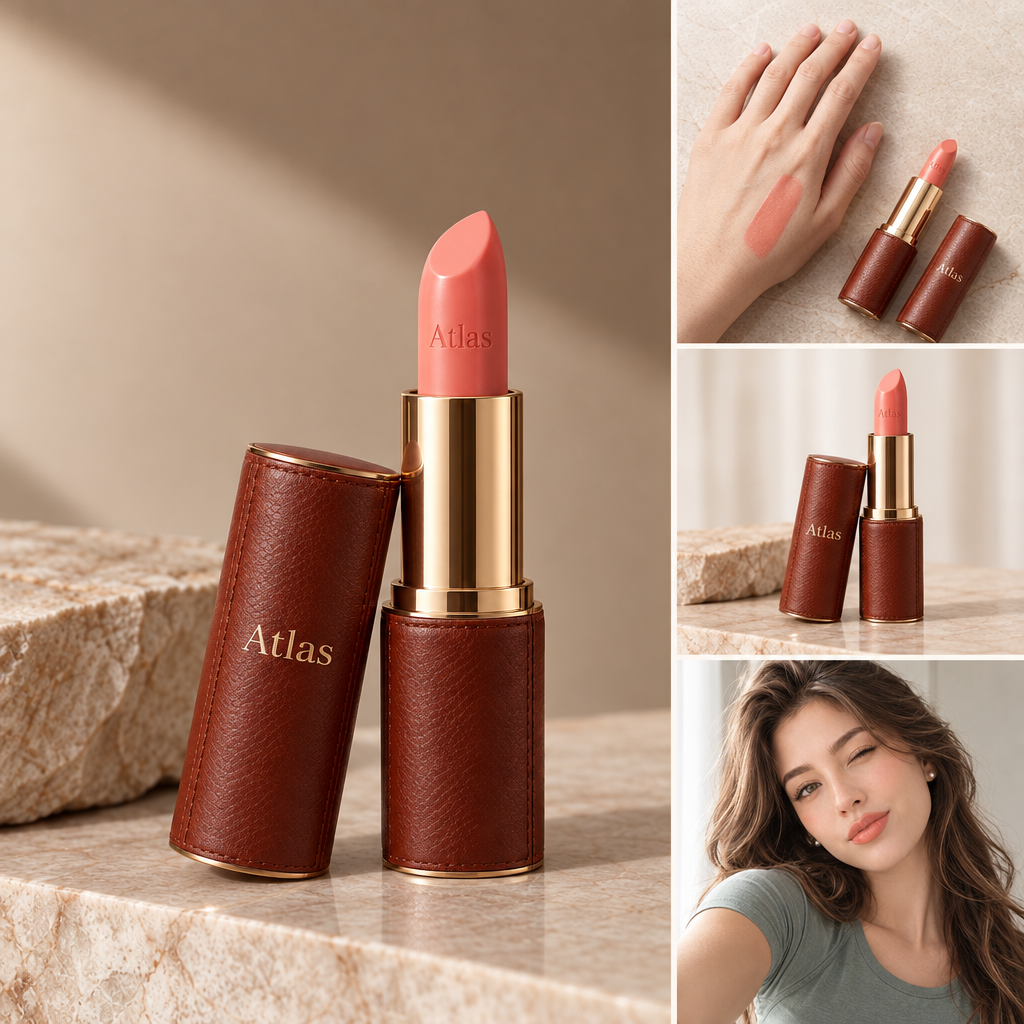
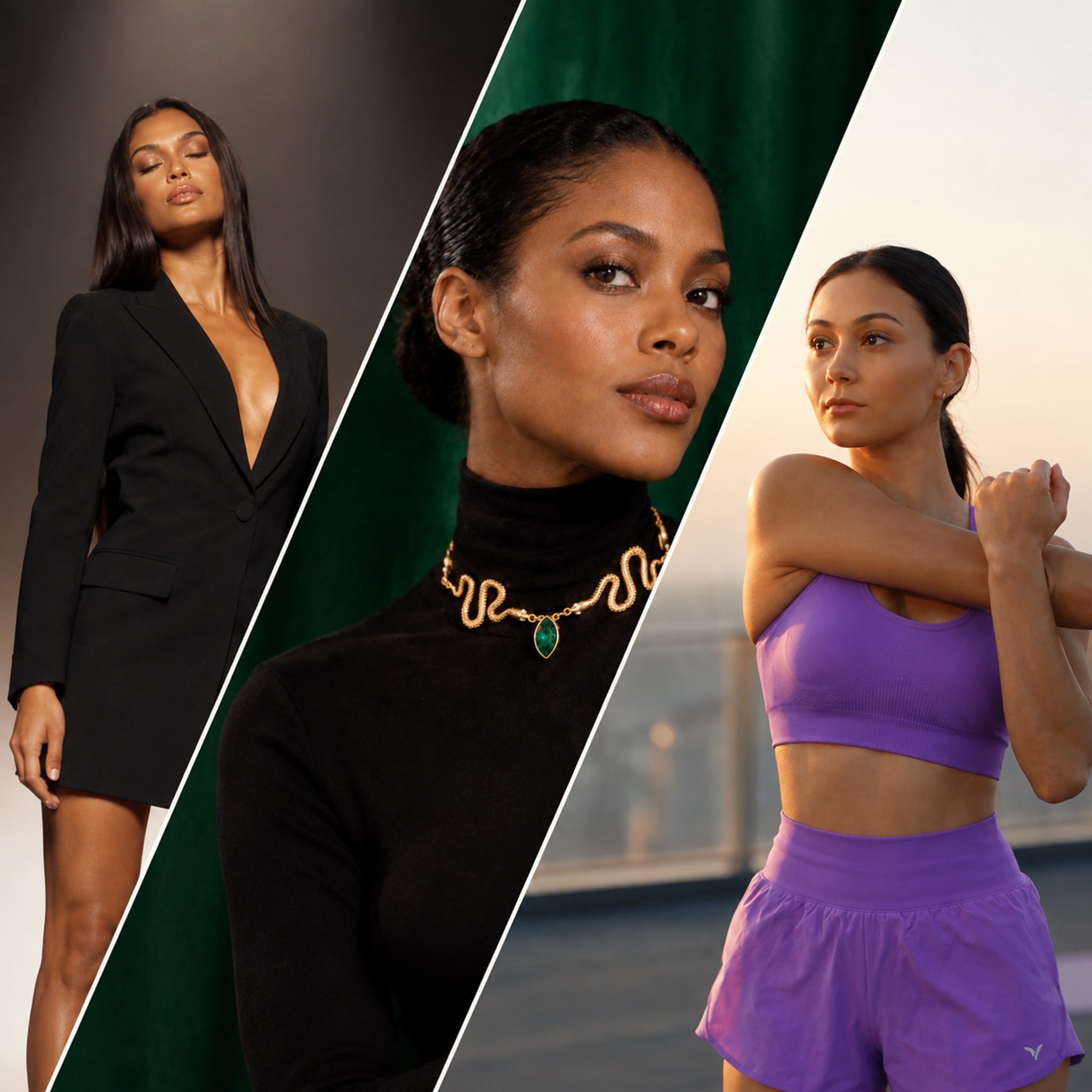
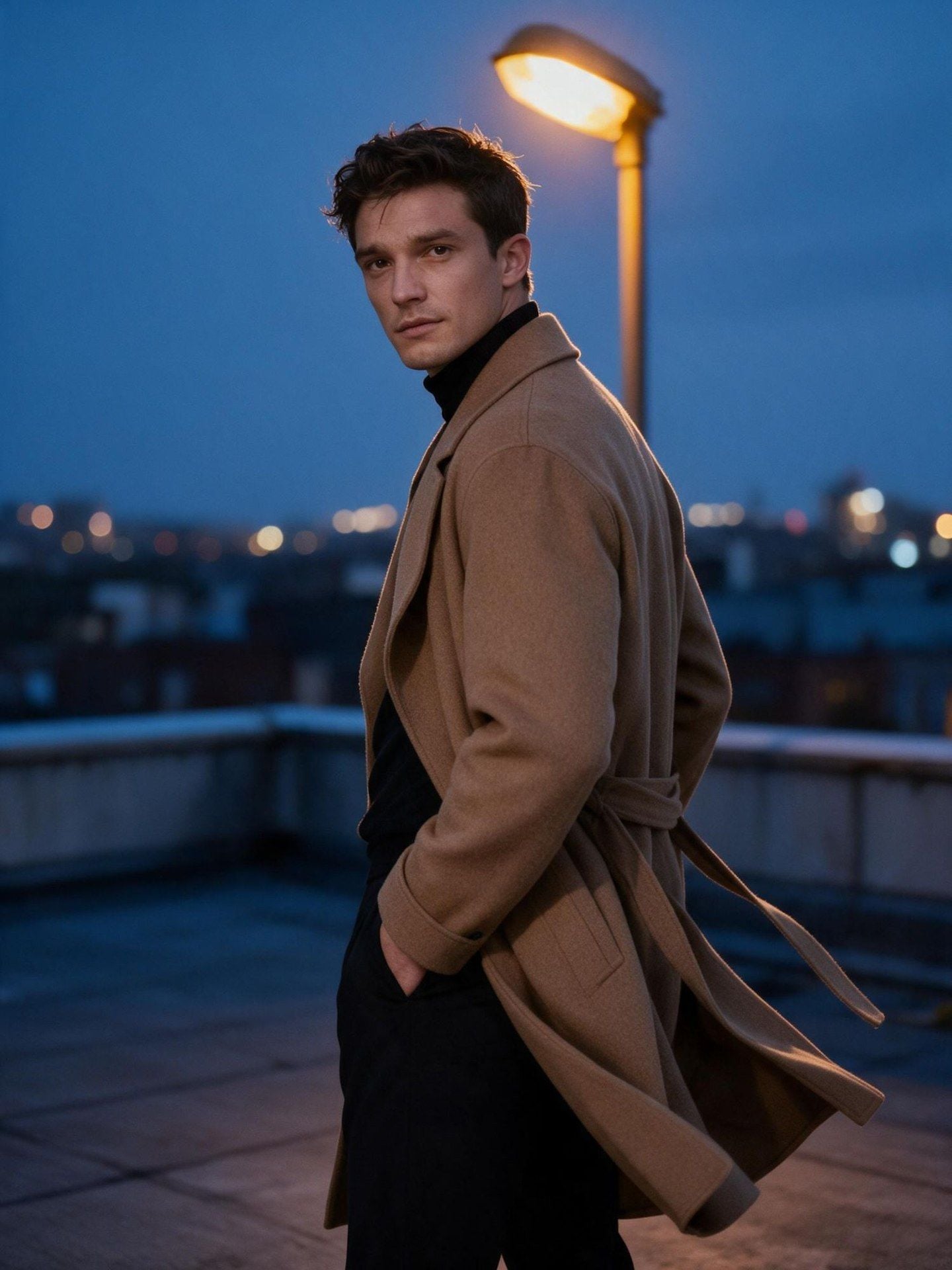
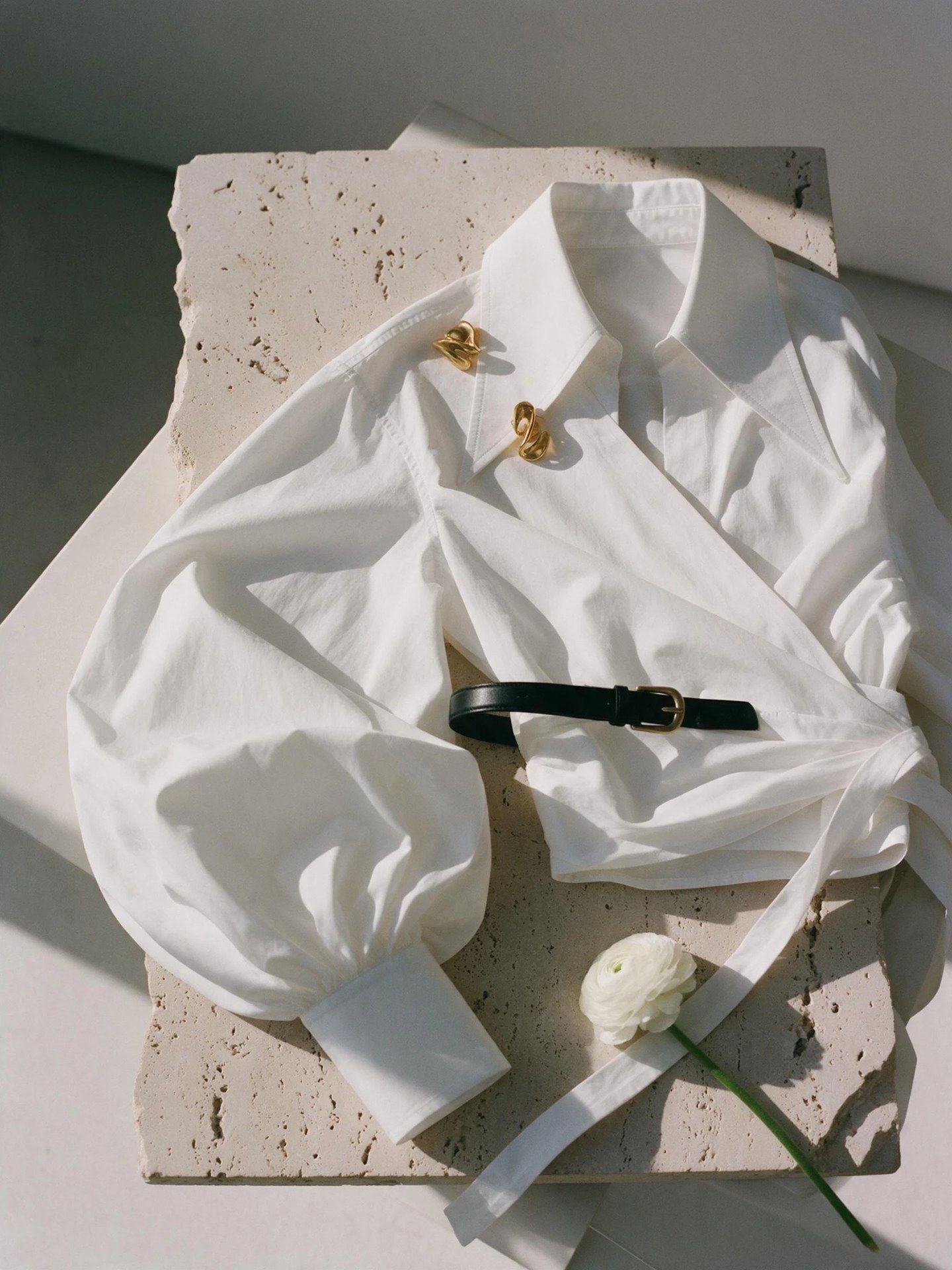
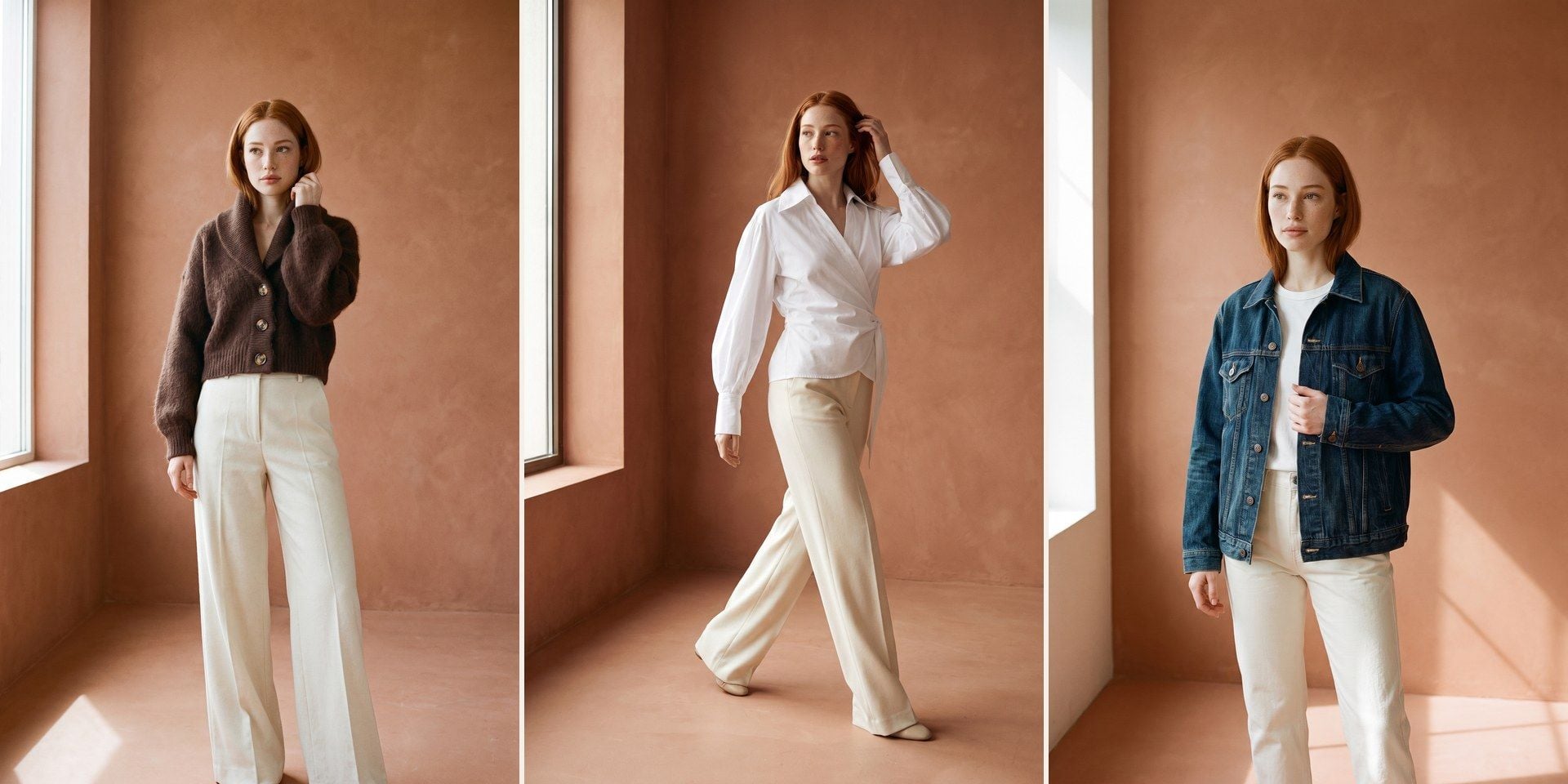
Start from a single garment photo and fill a product page: the outfit worn in a real setting, styled with accessories and shown up close so shoppers can see the texture.

Keep One AI Fashion Model Across the Range

Plenty of model generators only offer a gallery of stock faces, which works until the brand already has a face of its own. Upload a photo of the person you work with and every image in the run is worn by them, and the same photo can go into the next run with the next garment. That one upload is what makes twenty separate runs read as one lookbook.
Ghost Mannequin AI From the Same Upload

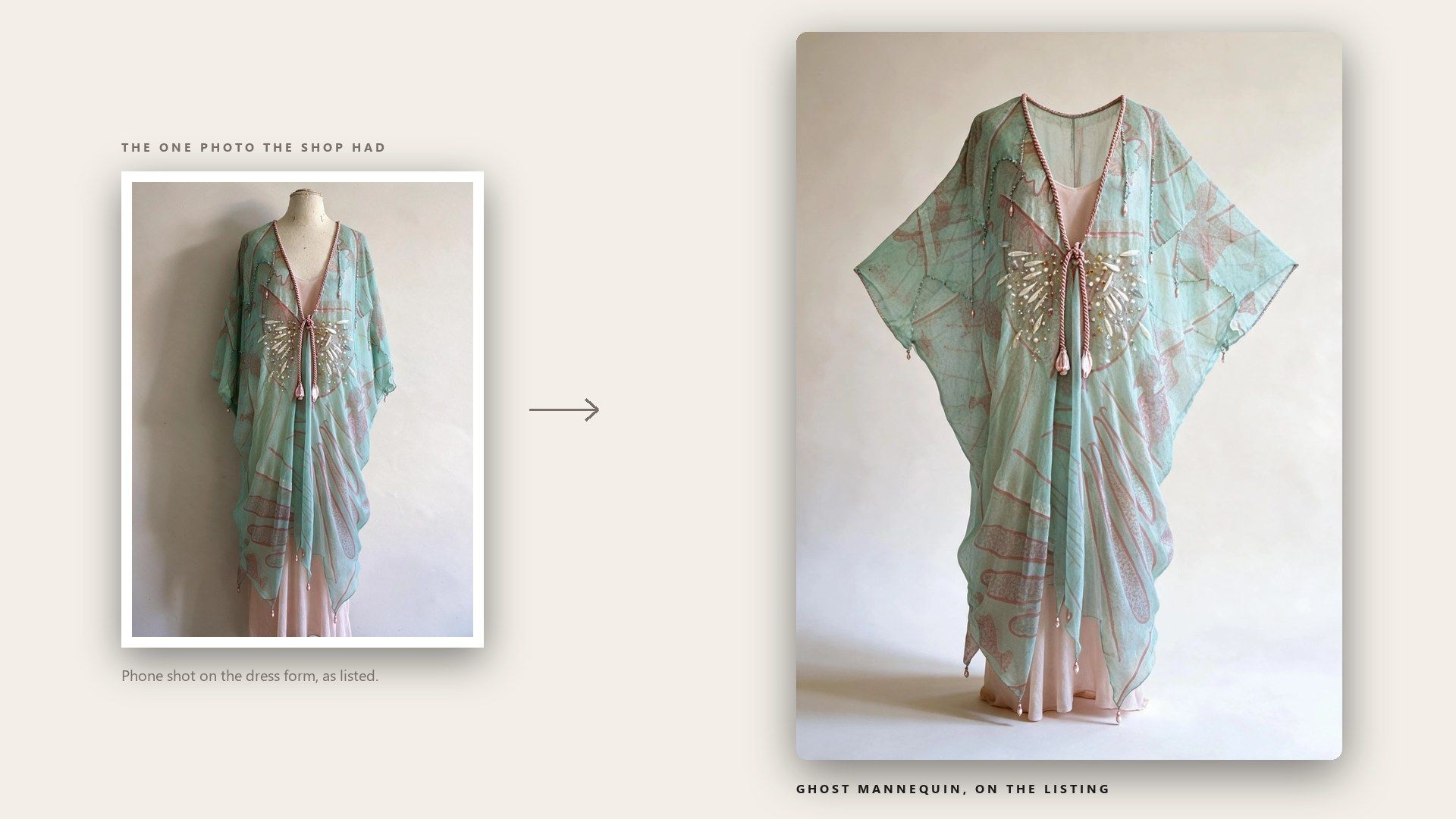
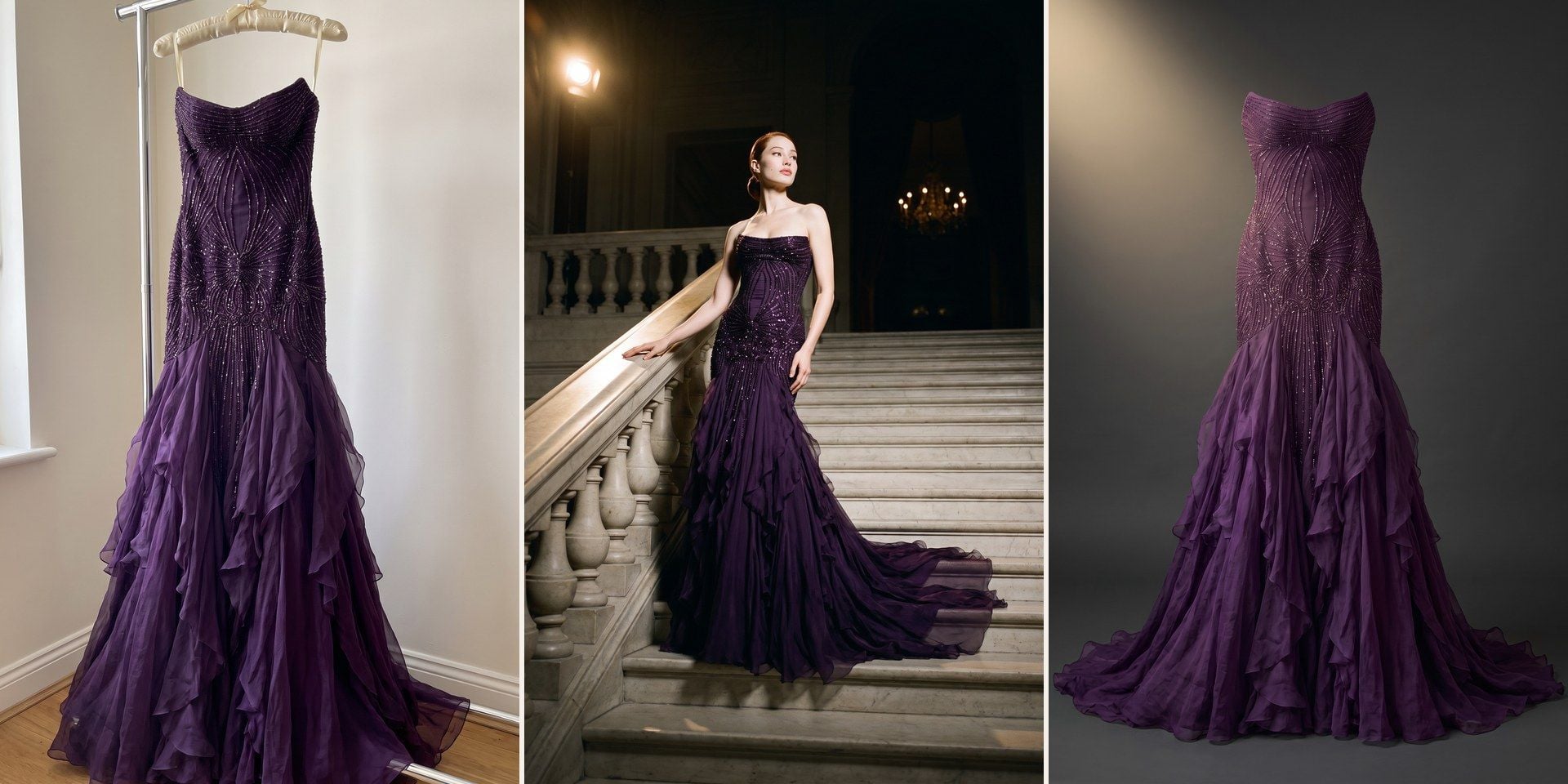
Most AI tools that offer ghost mannequin shots sell them as a product of their own, usually on a separate page with its own upload. Here the effect sits in the same Visual type menu as the on-model shot, so the garment photo you already uploaded covers both, and the category grid and the lookbook come out of one file with no second upload.

Show the Fabric Up Close

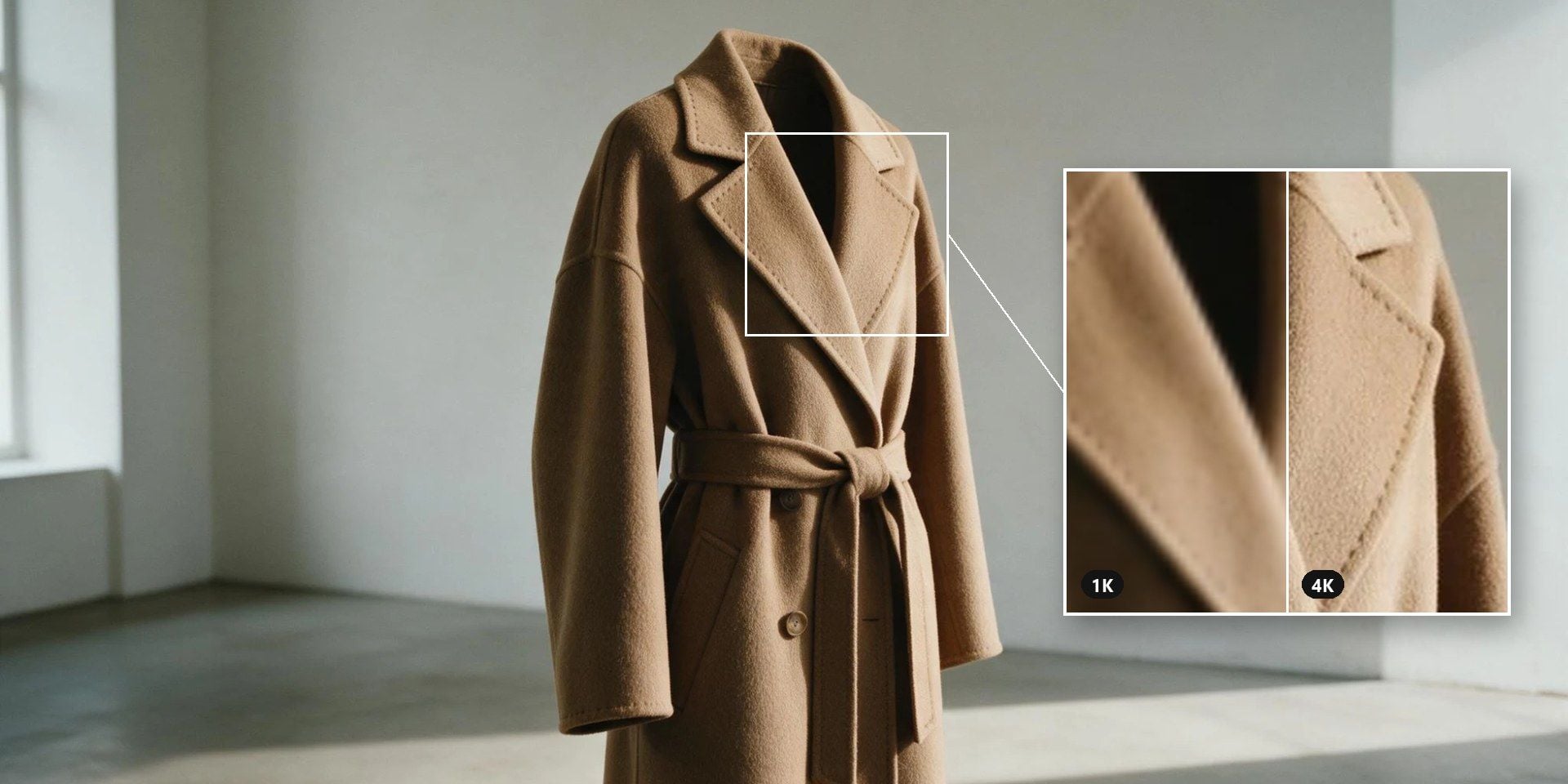
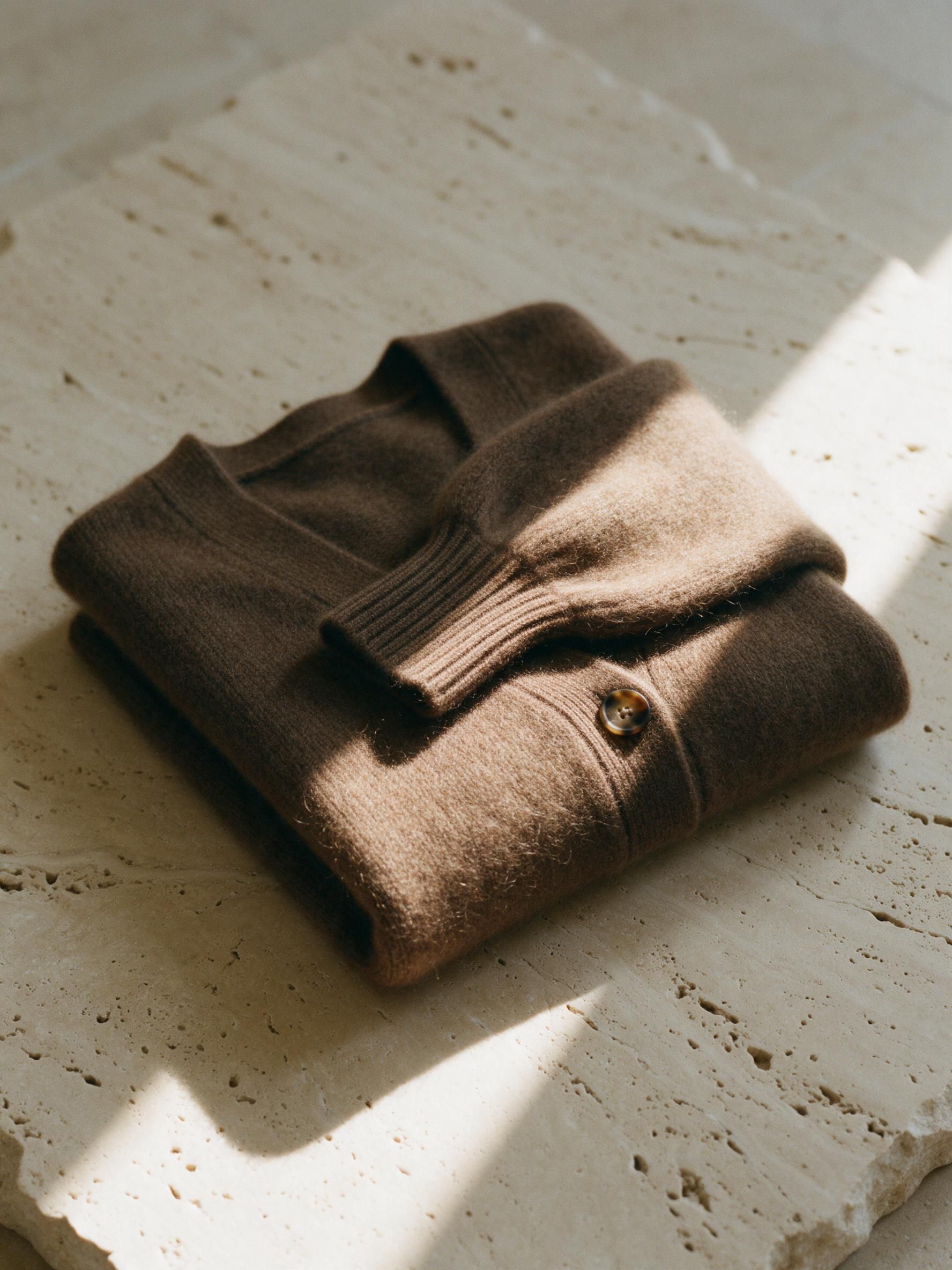
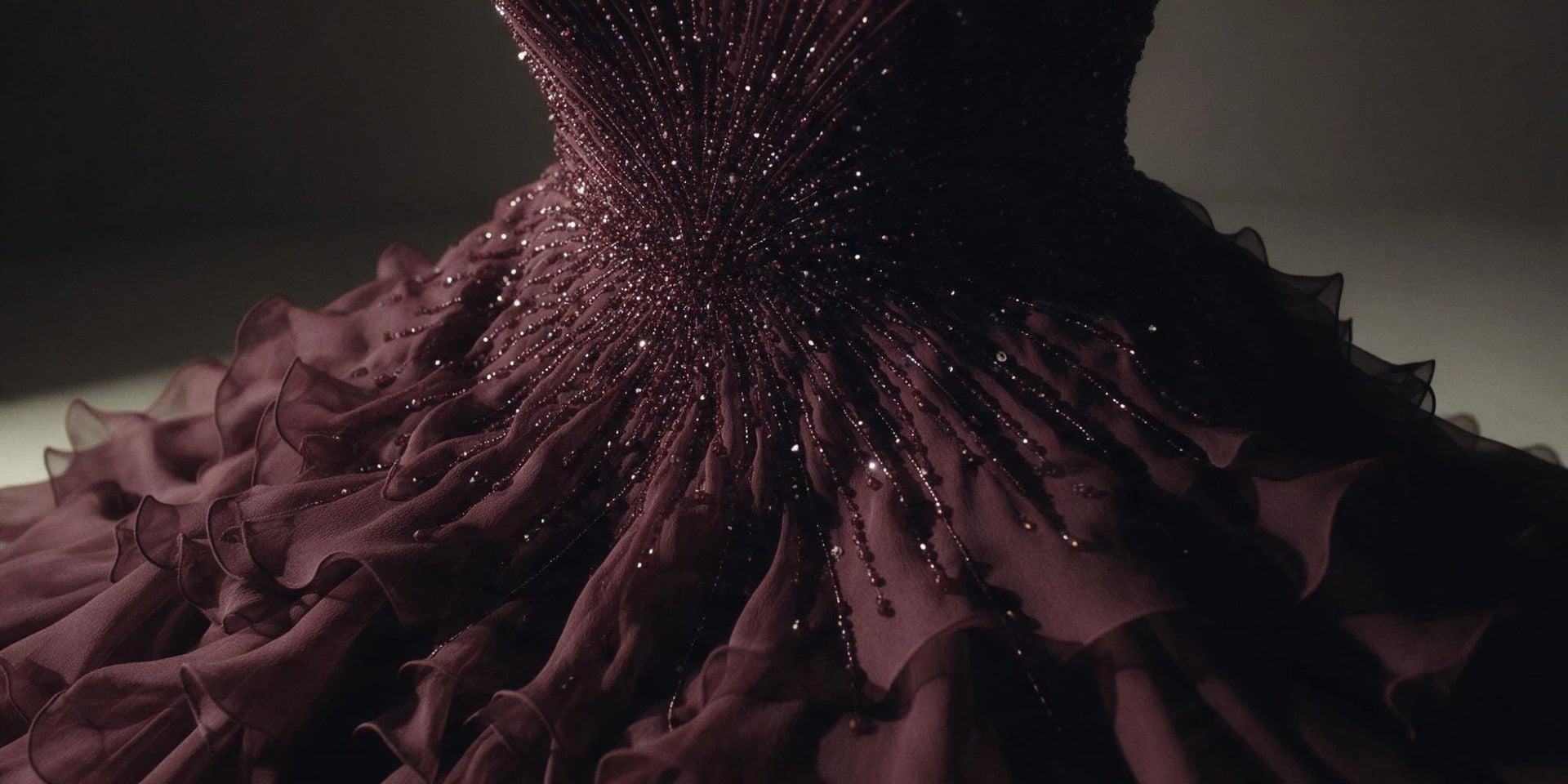
Is the knit ribbed or brushed, and does the seam lie flat? Shoppers zoom in to find out, yet a fabric close-up is rarely offered as an output in its own right. Here Detail is a visual type of its own, framed on the material and the construction, with Flat Lay beside it for a product grid, so the shots under the hero image come from the same upload.

Pick 4K Clothing Photos Without a Plan

Several tools in this category sell resolution as a plan, with 2K on the entry tier and 4K one tier up. Here resolution is a setting on each run rather than a subscription. You pay per image from your balance, so one 4K hero shot for a launch costs one 4K image, and the next run can drop back to 1K for a quick test.

How to Run a Clothing Photoshoot in Three Steps

  1. Upload the Garment

    Upload the garment, laid flat or on a hanger, and add a model photo if a particular face should wear it.

  2. Pick the Shot Type

    Pick the visual type, and add a line about the setting or the pose if you have one in mind.

  3. Set the Frame and Run

    Choose a frame shape and a resolution under Settings, say how many images you want back, and run it.

Who Gets the Most Out of AI Fashion Photography

Pick the tab closest to your work.

A Drop With No Budget for a Model Day

The samples arrived on Tuesday and the launch email goes out on Friday, which leaves no week for casting and a studio. A phone shot of each piece on a hanger is enough to start from, and one model photo used across the drop makes it look like a single shoot rather than a collage.

A Drop With No Budget for a Model Day

One-Off Pieces That Never Get a Second Shot

Every item in a vintage shop is the only one of its kind, so a shoot per garment never pays back. A ghost mannequin shot gives a worn-in jacket its shape back on the listing, and it takes the same few minutes whether the piece sells for twenty dollars or two hundred.

One-Off Pieces That Never Get a Second Shot

Line Sheets Buyers Can Read at a Glance

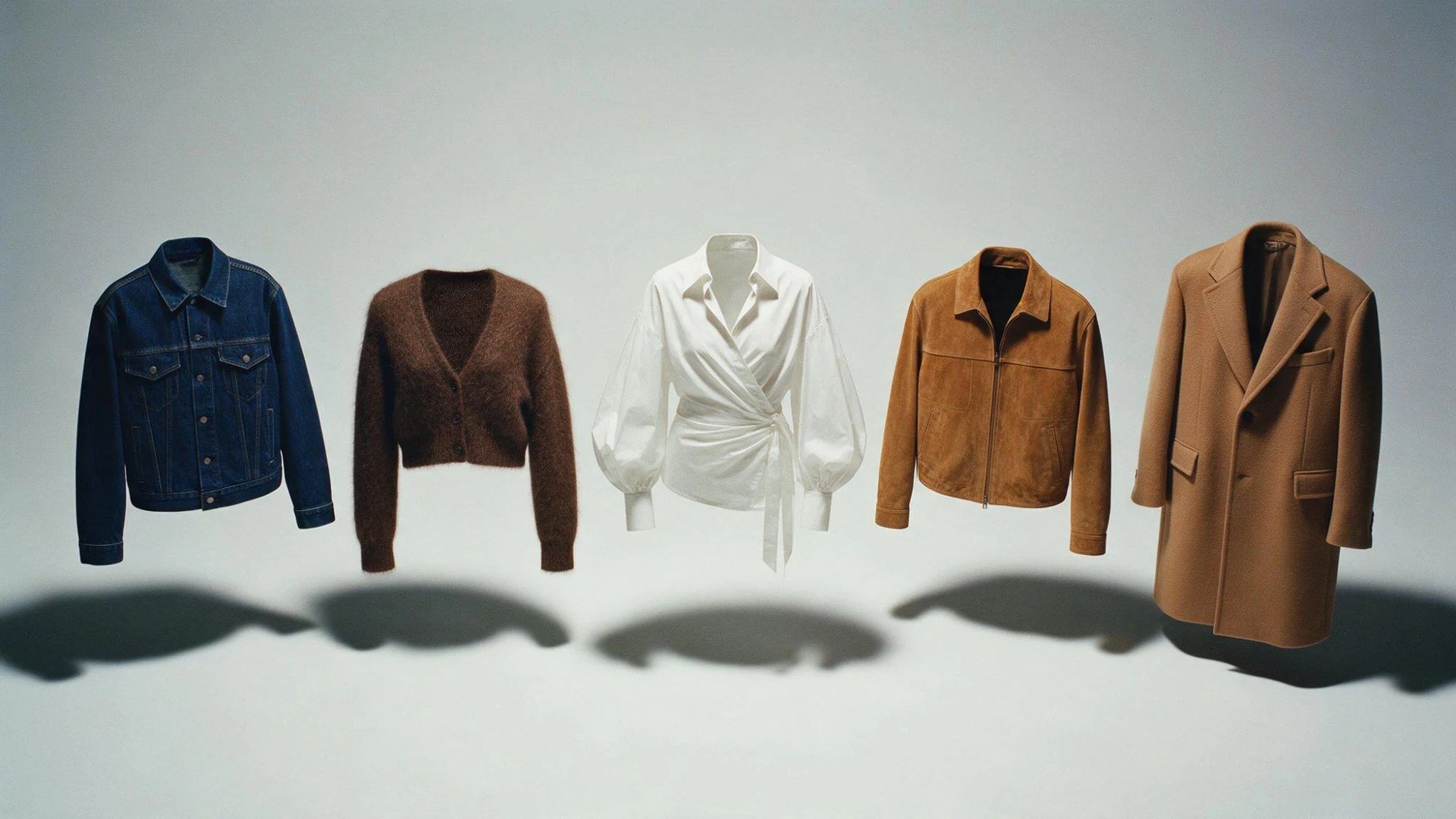
Buyers flicking through a line sheet are comparing shapes, and a mix of hanger shots and odd angles slows them down. Running every style as a ghost mannequin in the same frame gives the sheet one consistent look, with a close-up under each style for the fabric question that always comes next.

Line Sheets Buyers Can Read at a Glance

Selling a Style Before It Is Made in Volume

A pre-order often goes live with one sample in the building, and the listing still has to show the piece worn. Put that sample on a model and on a ghost mannequin from the same upload, and the page is ready before the production run is.

Selling a Style Before It Is Made in Volume

Atlas Cloud के और AI टूल

Frequently Asked Questions

It is a person generated for a fashion photo rather than booked for one. The garment is real and photographed, and only the body wearing it is rendered, which is why the quality of the garment photo matters more than anything you write about the model.

Also called the ghost mannequin effect or an invisible mannequin shot, it shows a garment in the shape it takes when worn, with no body inside it, so the collar opening and the inner back of the neck stay visible. It suits catalogue pages because every piece ends up the same size and angle regardless of who wore it.

The studio way is to shoot the garment on a mannequin, take a second shot of the inside of the neck, then composite the two in Photoshop so the mannequin disappears. Here you pick Ghost Mannequin as the visual type and upload the garment laid flat or on a hanger, so neither a mannequin nor a studio is needed.

Shoot it straight on in soft, even light, such as a window with the sun off it, so the folds do not throw hard shadows and the colour stays true. Keep the whole piece in frame with nothing lying on top of it, and lay it out the way it hangs when worn, sleeves down and straps in place, because the cut is read from that one photo.

Decide first which shots each piece needs, because the hero slot and the category grid rarely want the same image, and each run here produces one visual type. Photograph every piece the same way, then work through the line one shot type at a time, which keeps the frame and the settings identical from piece to piece.

No. With the slot empty, the template invents a model suited to whoever the garment is for. Upload a photo when a particular person matters, such as a face your customers already know from the brand, and use someone who has agreed to appear.

About $0.10 at 1K, $0.14 at 2K and $0.18 at 4K for a single image, whatever the frame shape. Extra images in the same run cost less than the first, because a small part of the price is charged once per run, so four at 1K come to $0.34.

It changes which shots need a booked model more than whether models are needed. The catalogue shot of the fortieth style is the kind of image a generated model handles well, while a campaign built around a known face still starts with that person.

Yes, within Amazon’s image rules (sellercentral.amazon.com/help/hub/reference/external/G1881). For adult clothing, the main image has to show a standing model with no mannequin in view, and children’s close-fitting pieces must lie flat. If the model was invented by AI, Amazon wants the file marked with contains-synthetic-performer in its metadata before upload.

Yes, one call per garment. Send a POST to /api/v1/model/generateImage with the model set to atlascloud/studio/apparel-image and visual_type set to the look you want, then poll /api/v1/model/prediction/{request_id} until the status comes back completed. The count field goes up to four per call, so a style that needs alternatives does not need extra requests. The full parameter list is in the API documentation at atlascloud.ai/docs.

Your Garment Photo Is the Whole Brief.