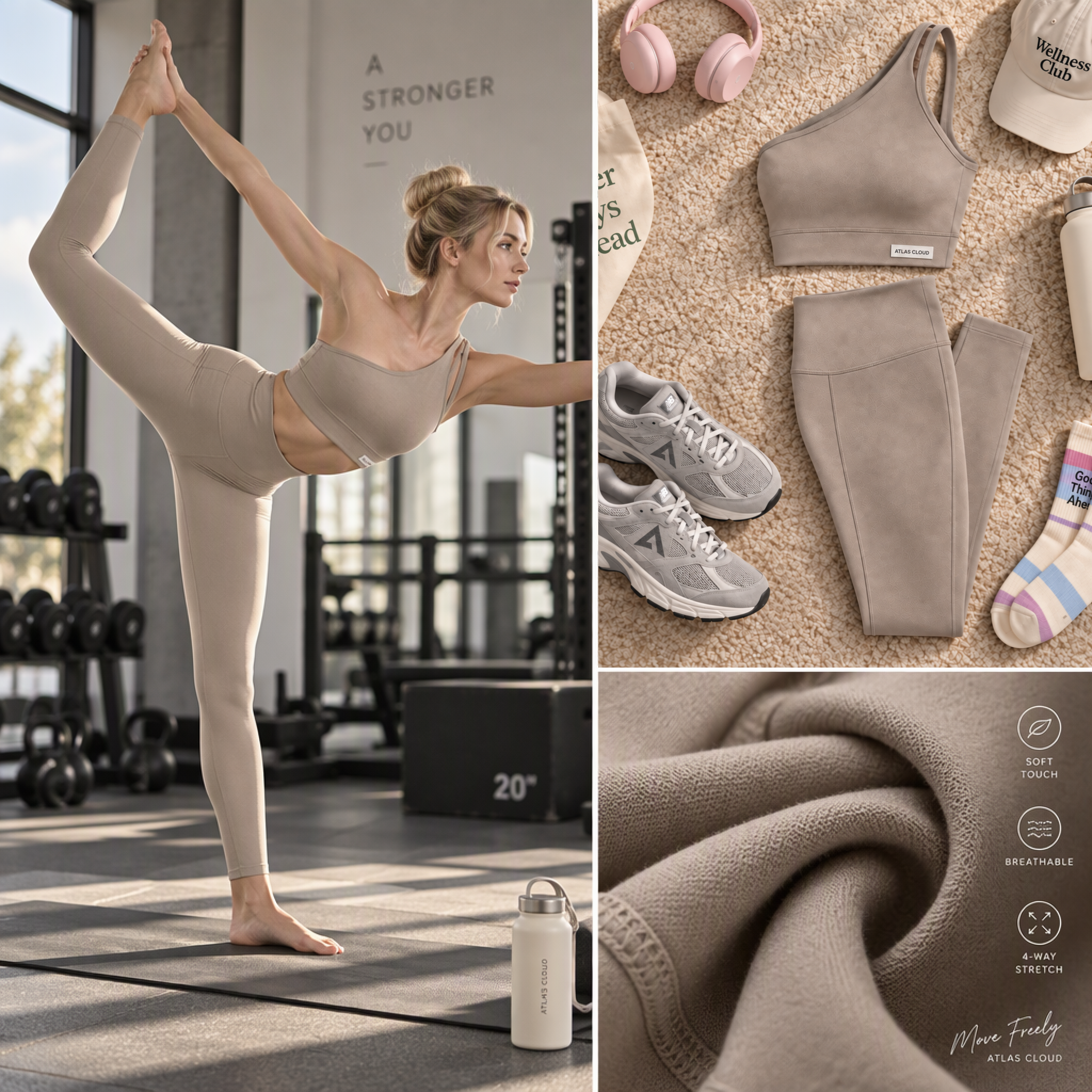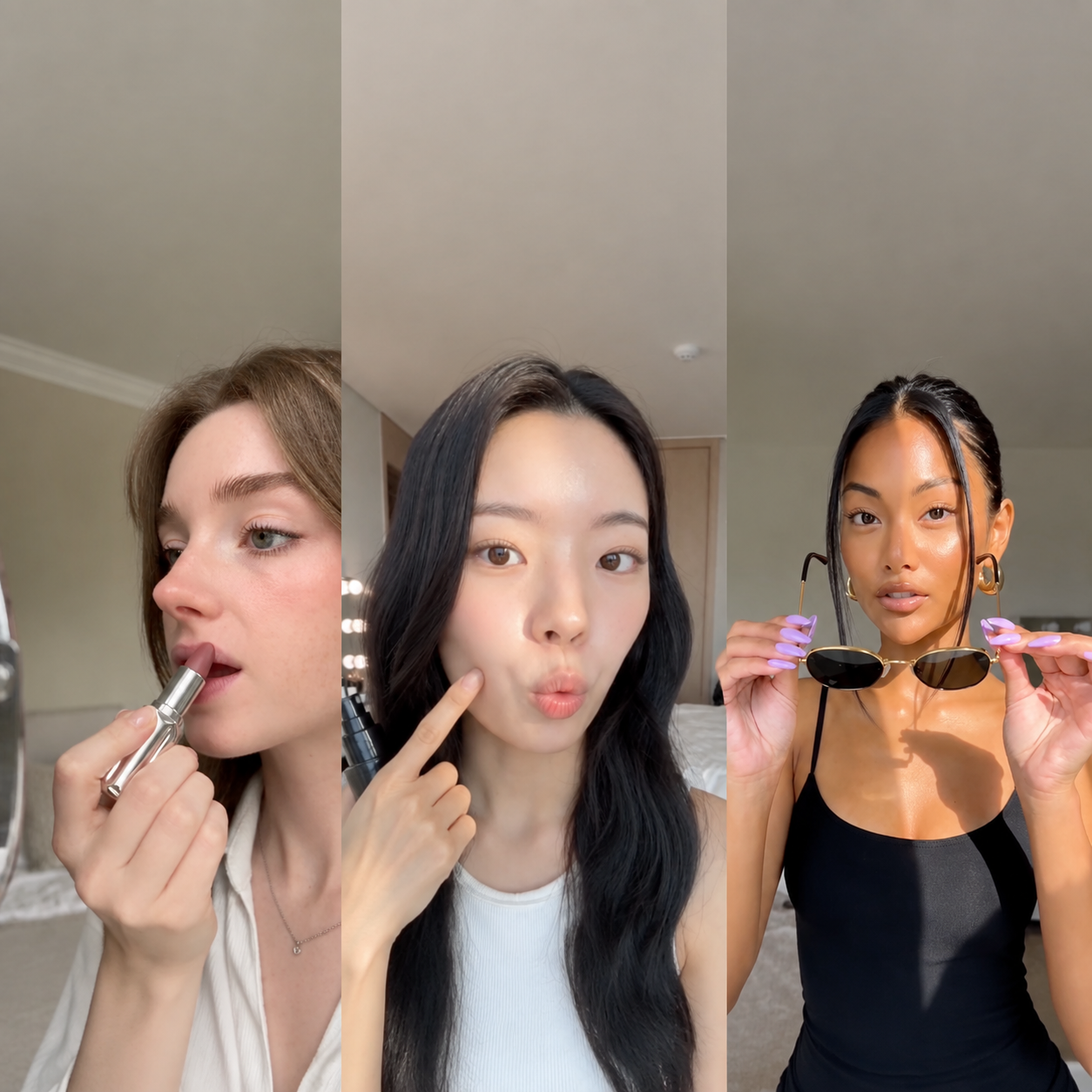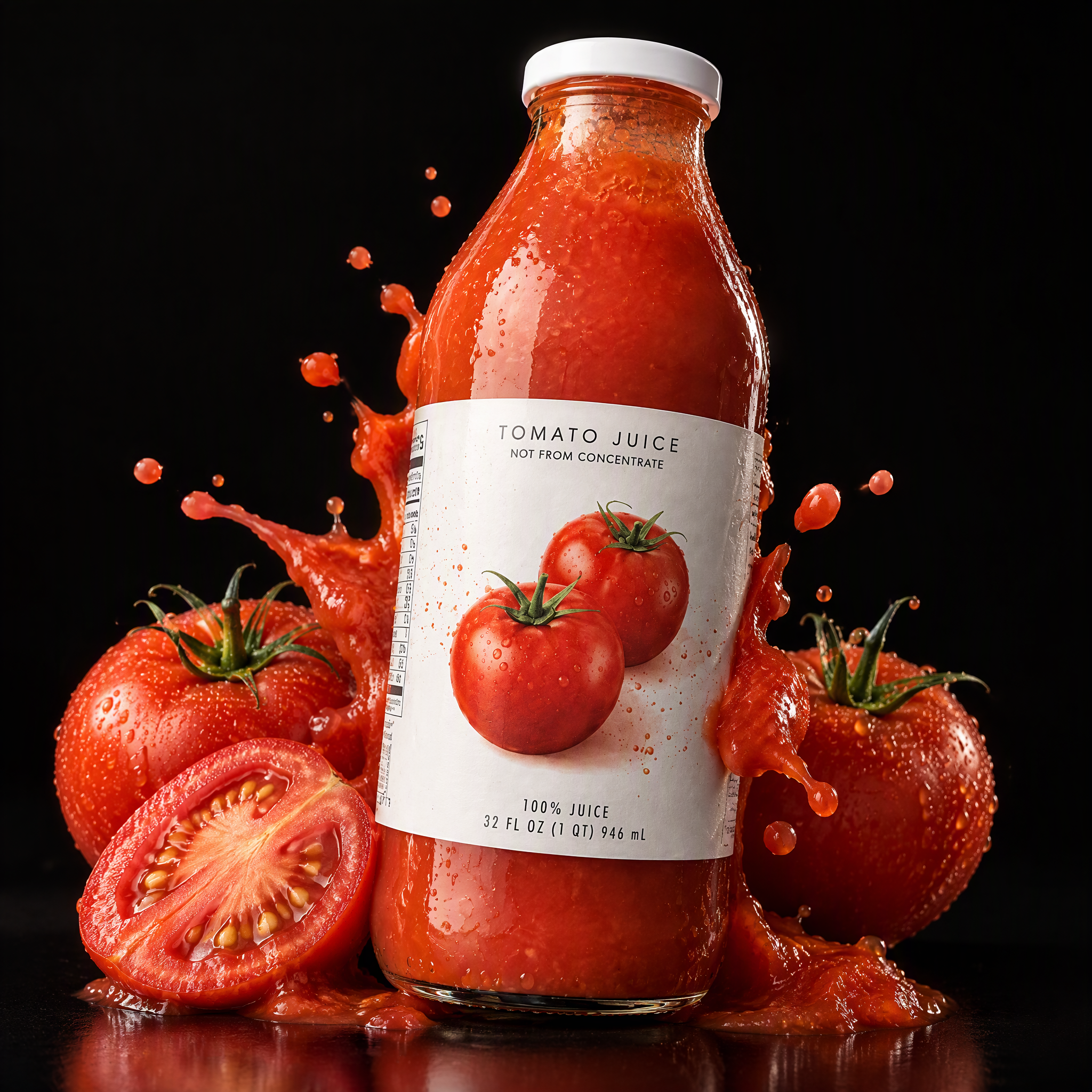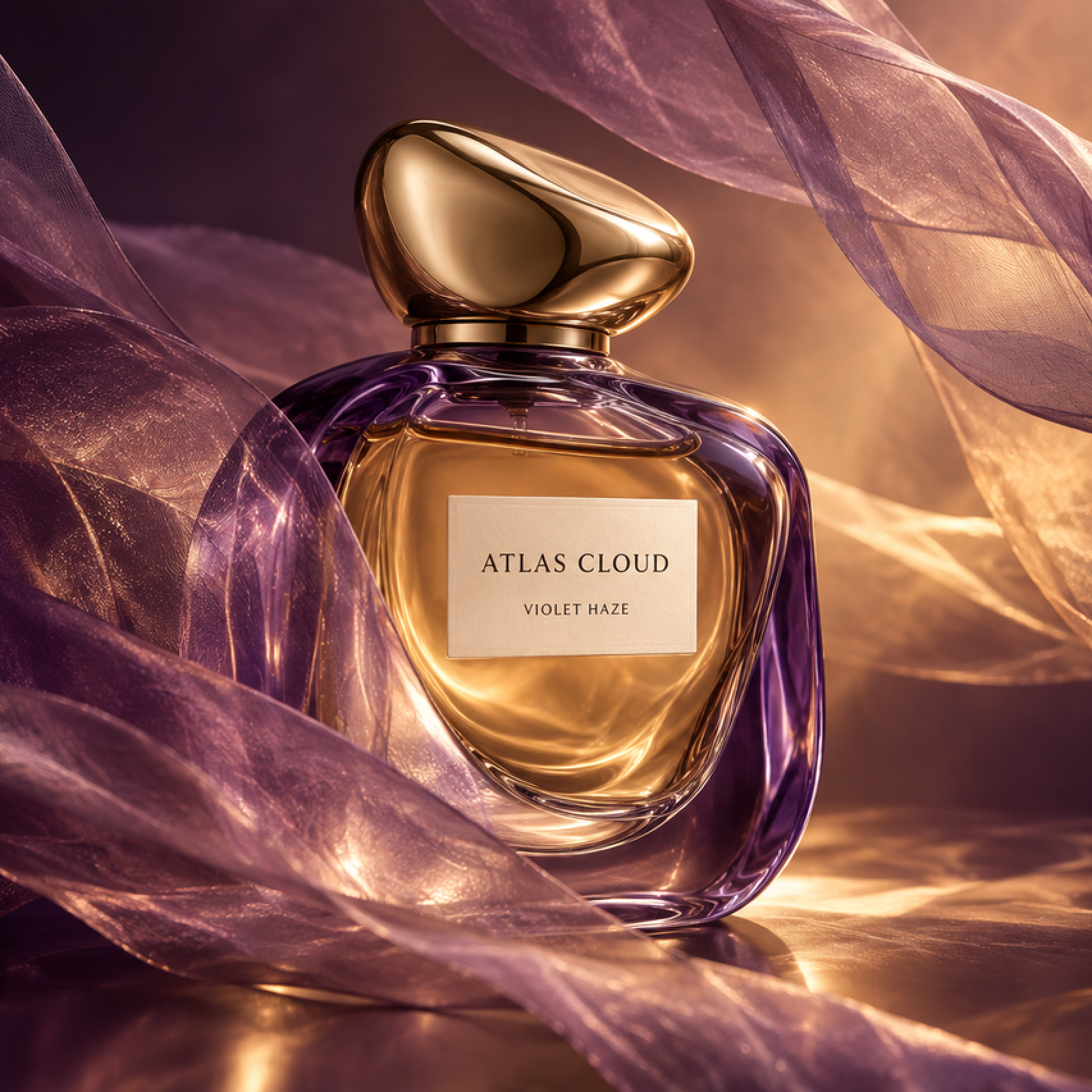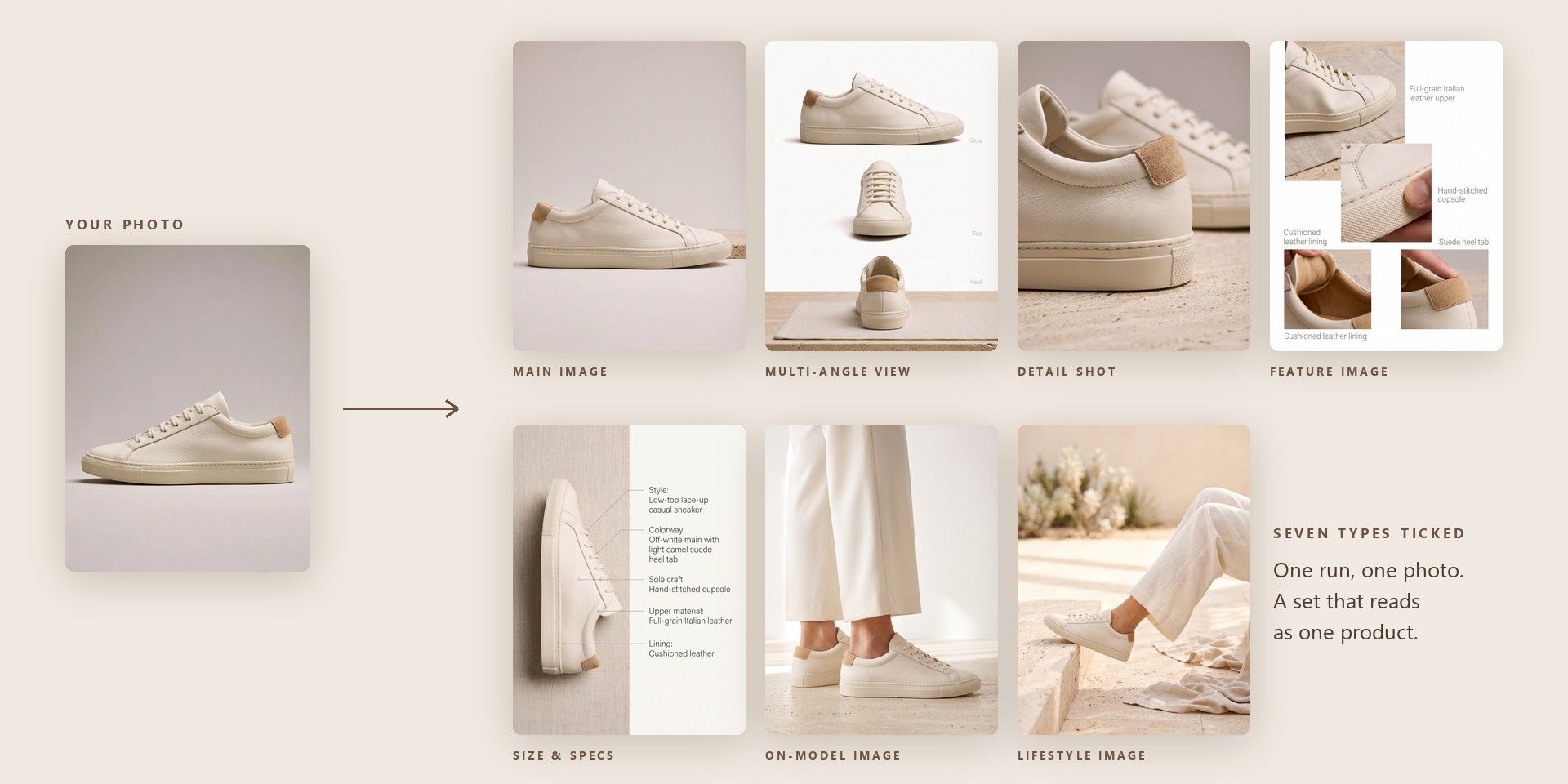
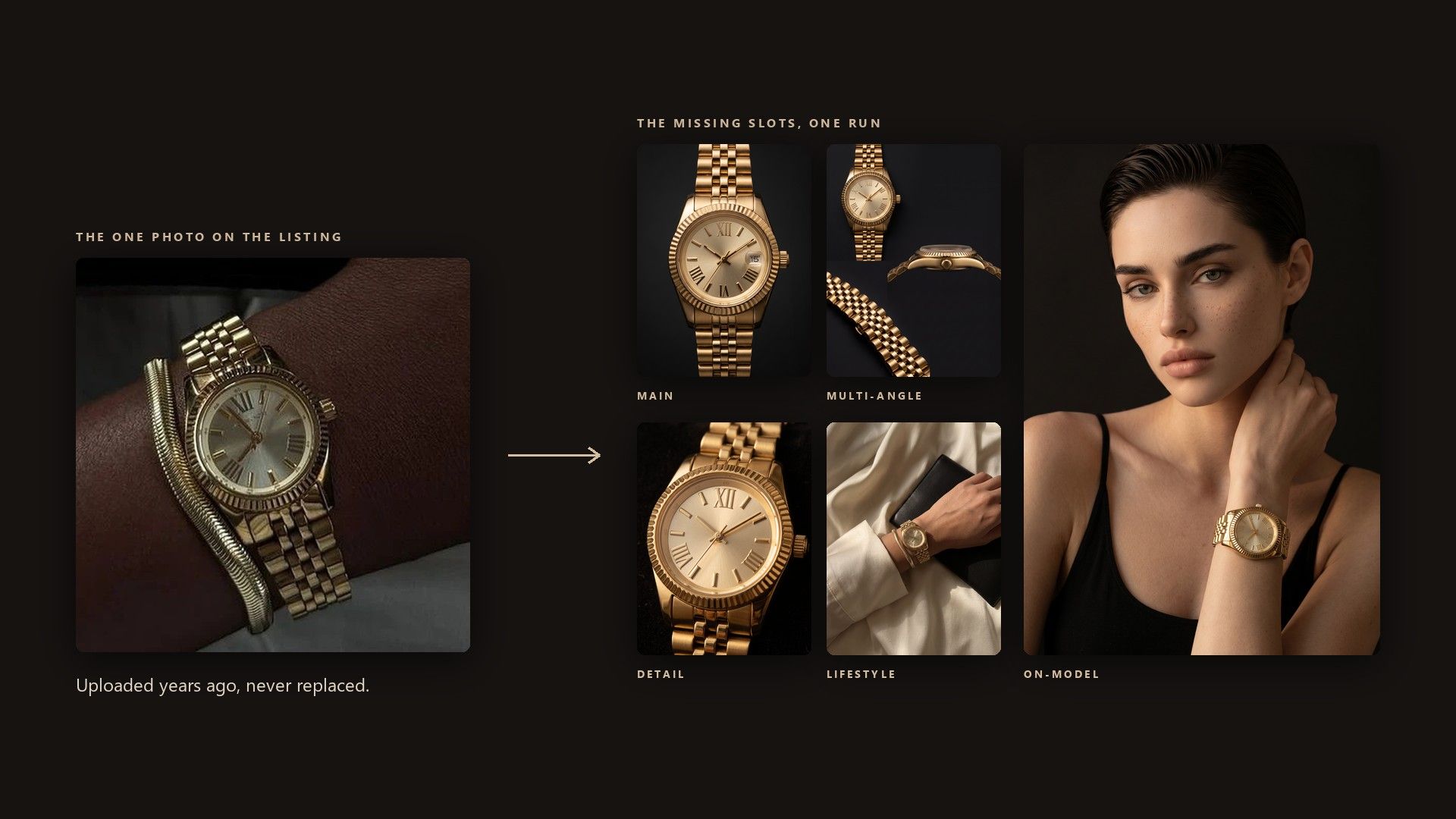
A listing needs a main image and several supporting ones, and most tools make them one type at a time. Tick every slot you need in the Image type menu and each comes back from the same run, so the set arrives together and matches in style.
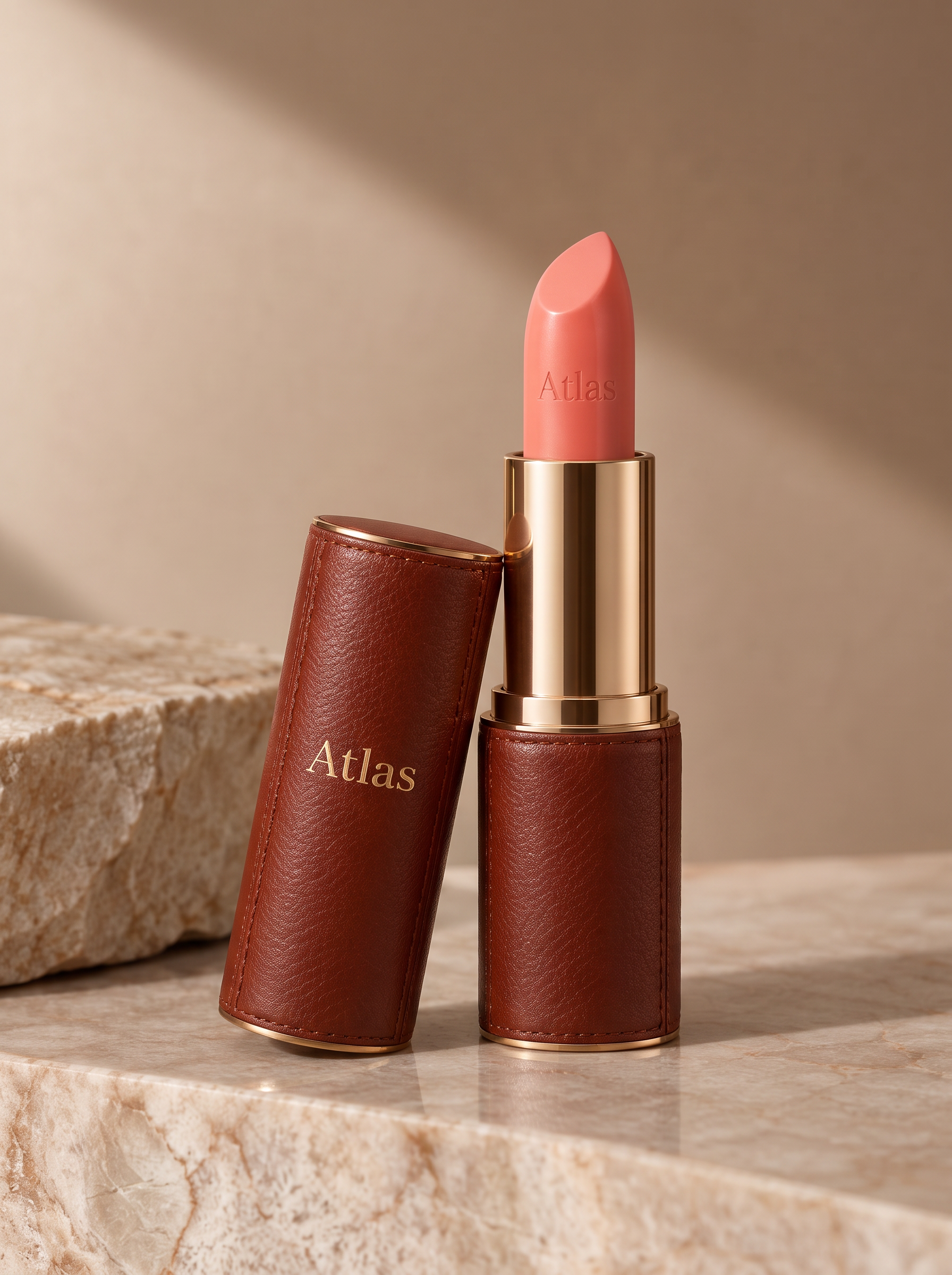
Paste the product page link or upload a product photo, then tick the image types the listing needs. Every ticked type is rendered from the same source, so the set reads as one product.
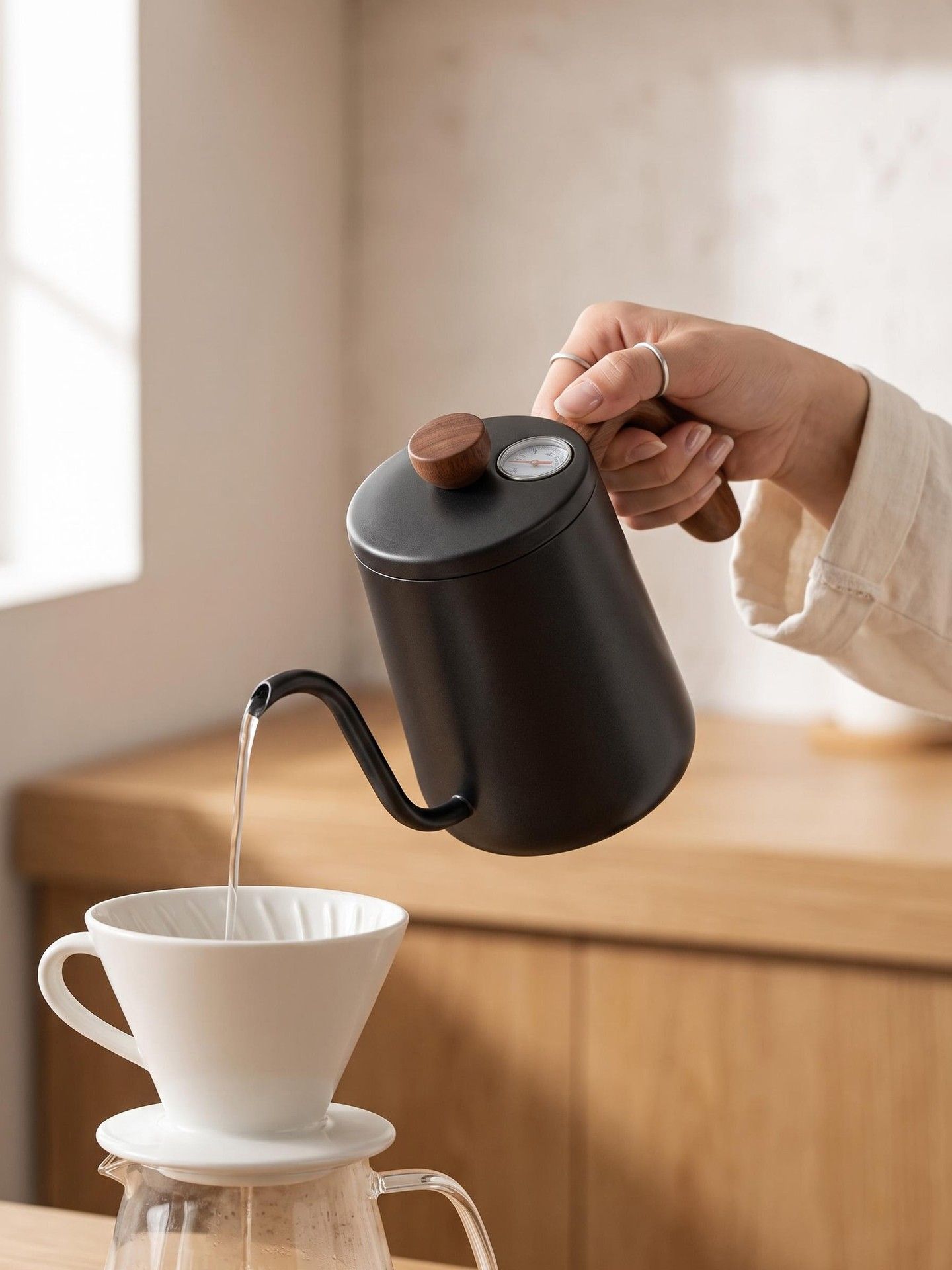

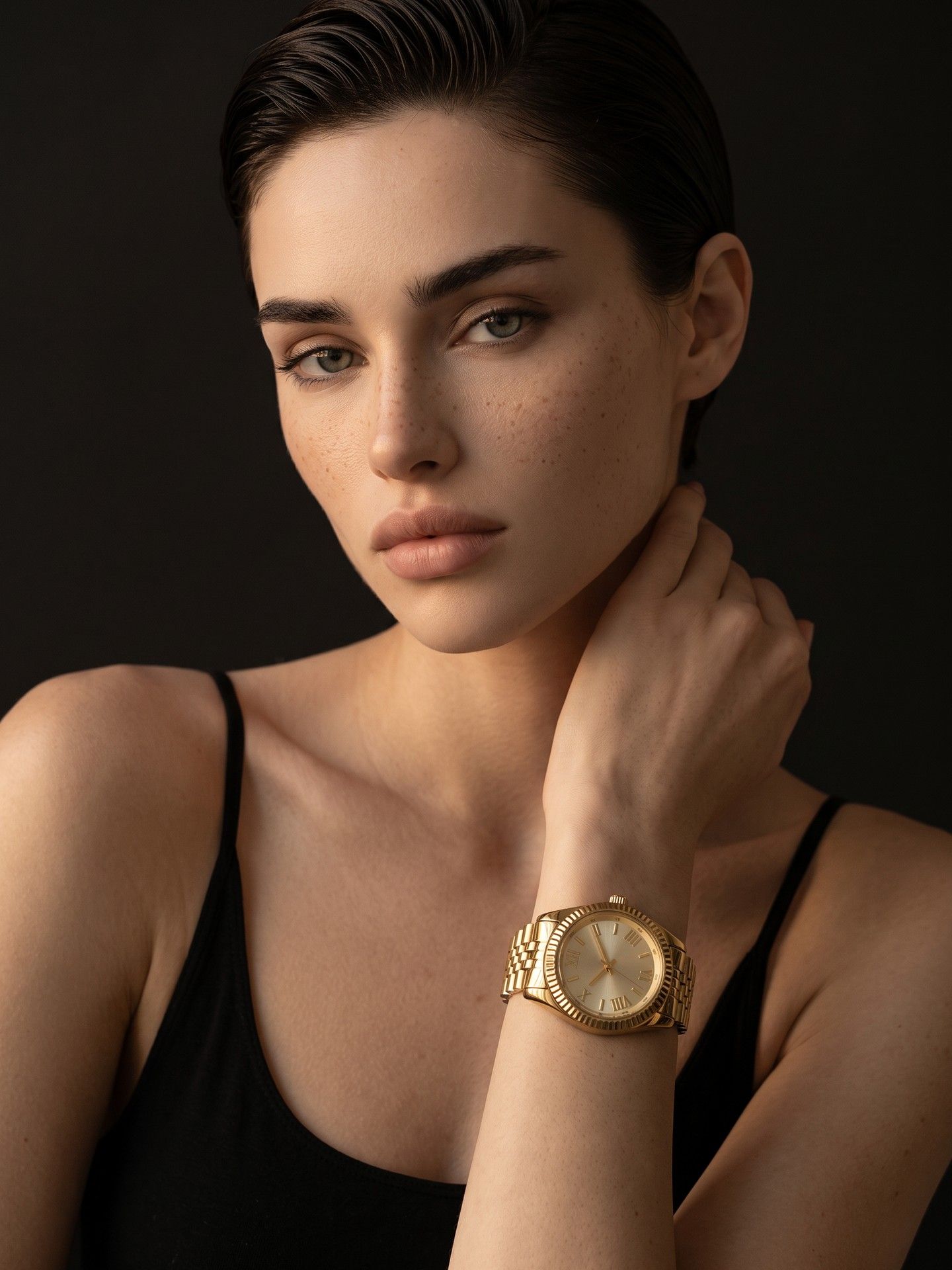
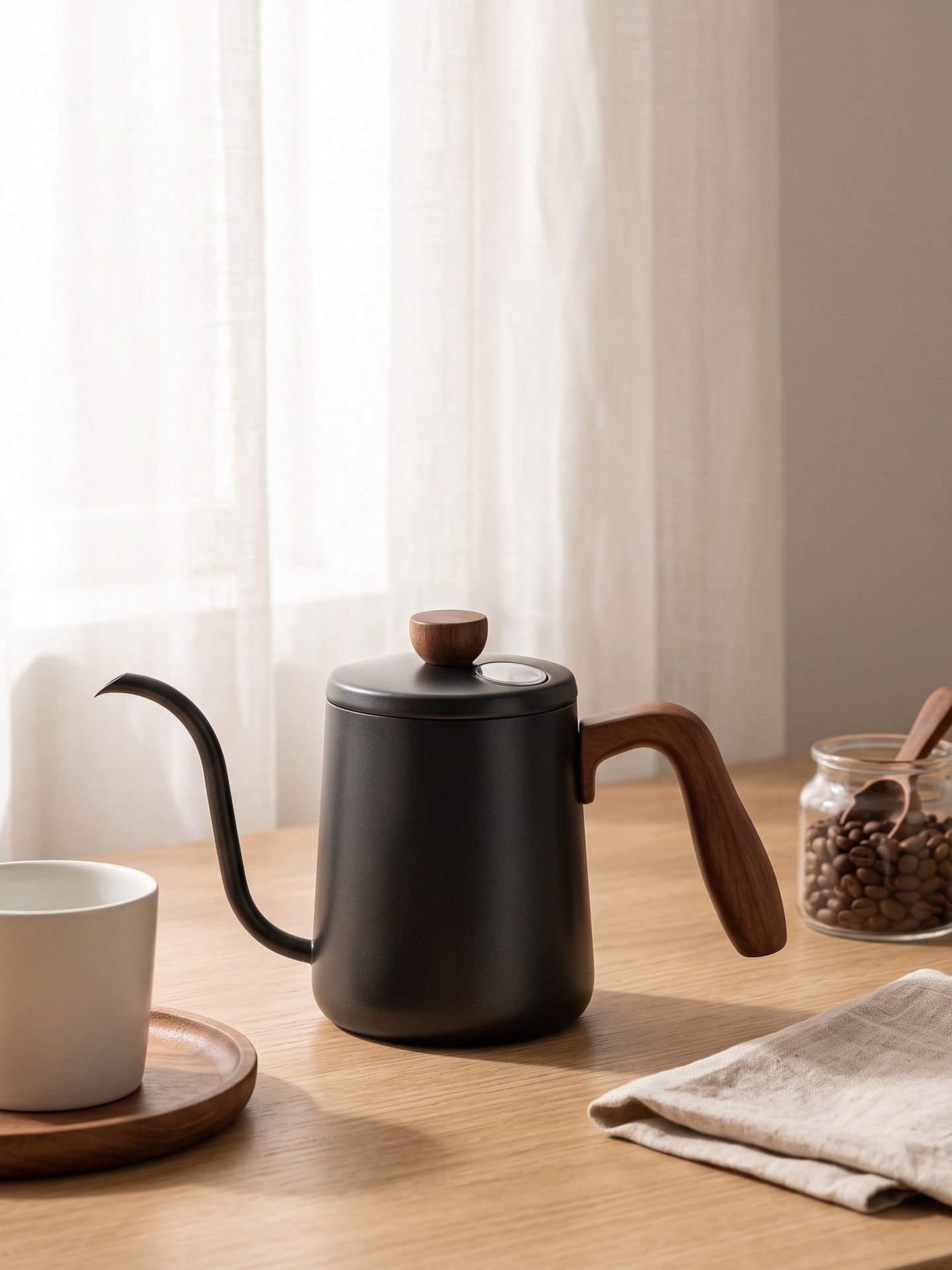

Each section below is one of the reasons Amazon listing images usually take a week, and what happens to it here.
A listing needs a main image and several supporting ones, and most tools make them one type at a time. Tick every slot you need in the Image type menu and each comes back from the same run, so the set arrives together and matches in style.
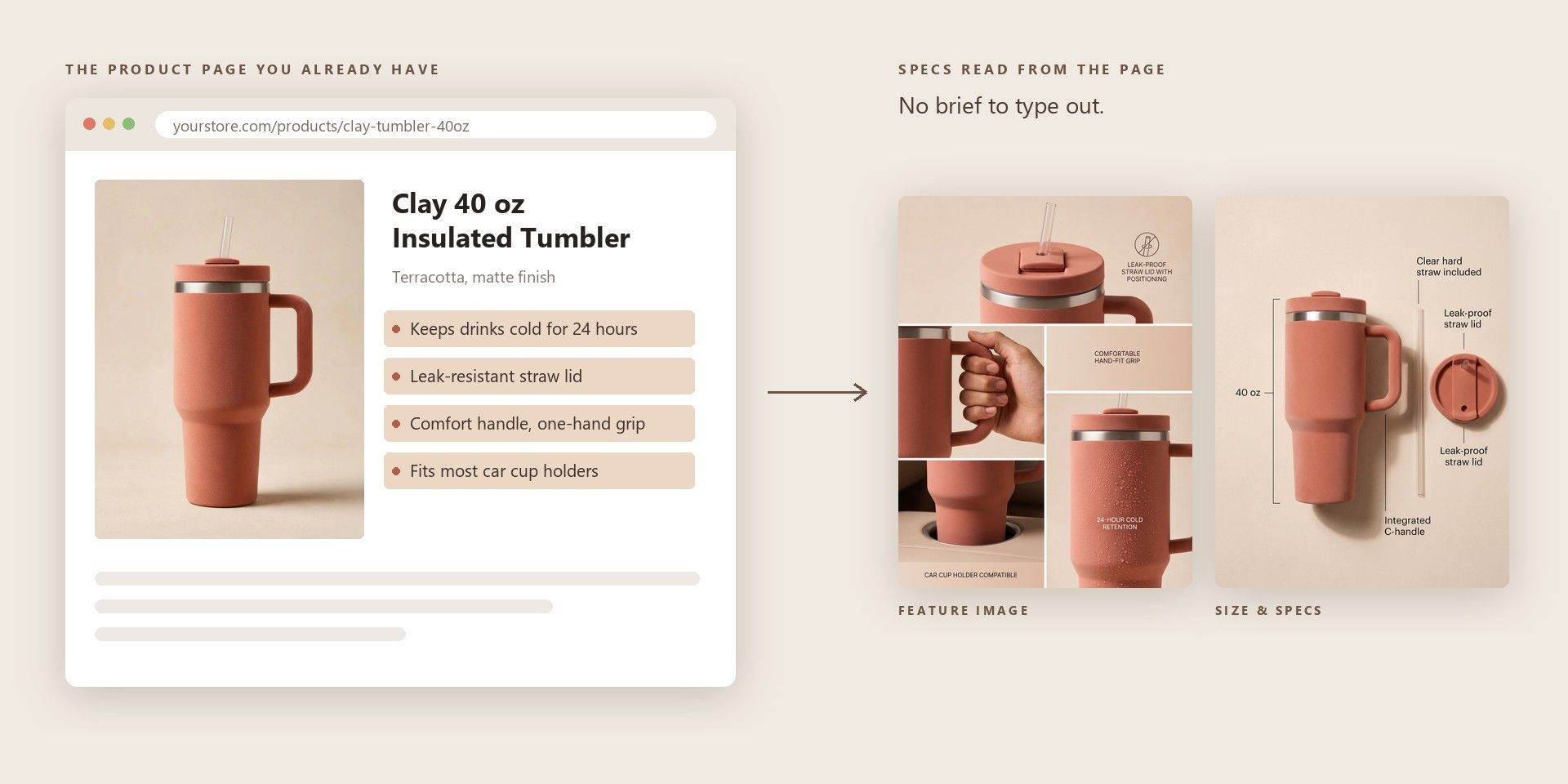
Paste the link to an existing product page and the template reads it for the specs and the selling points, then picks a product photo from the page to work from. Those details go into planning each image, so you do not have to type out a brief the page already contains.
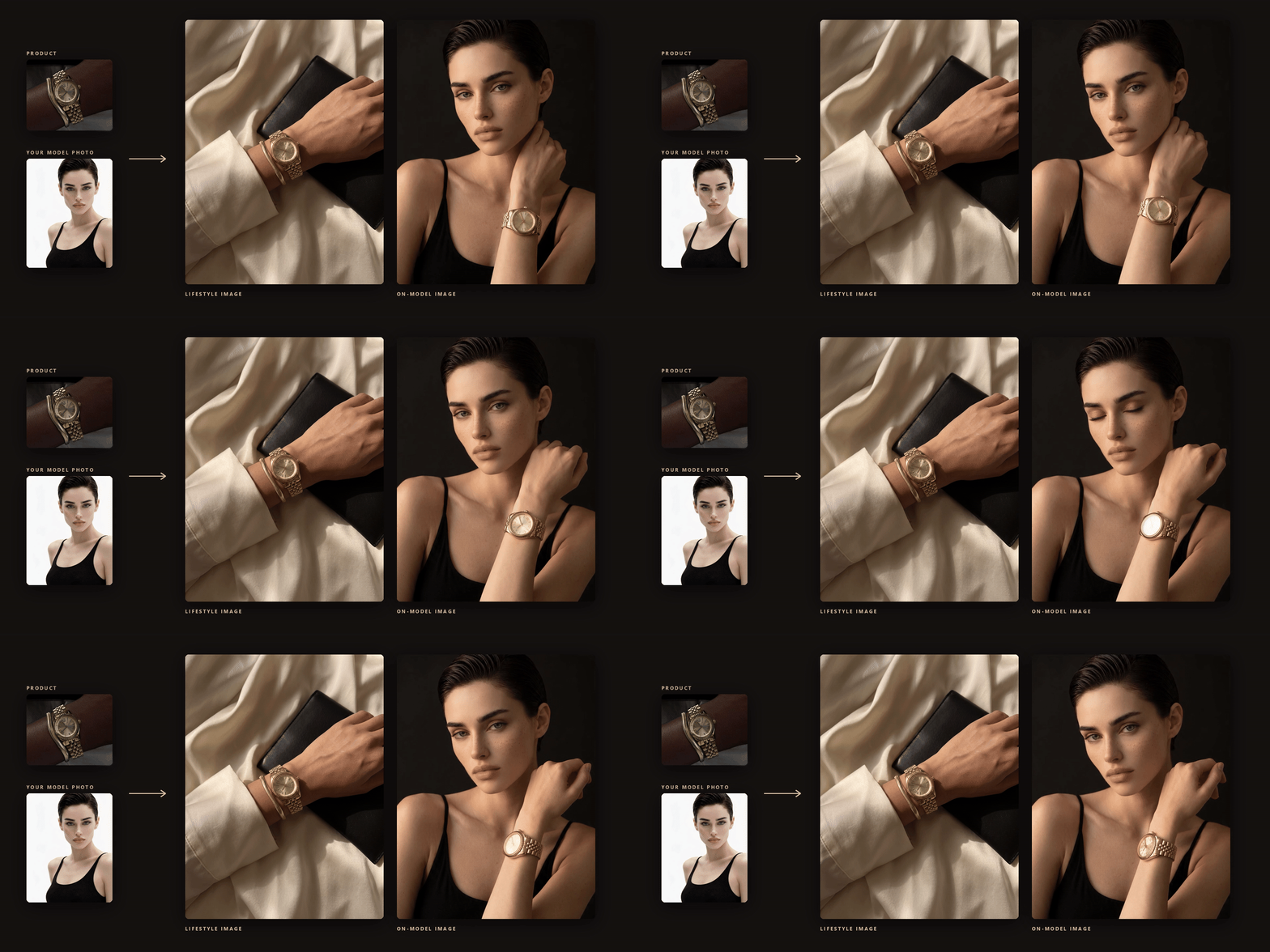
The images that sell a product usually show it in use, and those are the hardest to get without a shoot. Lifestyle Image places the product in a scene. On-model Image puts it on or in the hands of a person, cast for your buyer unless you upload your own model photo.
Paste the product page link, upload a product photo, or do both.
Tick the image types the listing needs. The prompt is optional and is most useful for the style or the audience.
Choose a frame and a resolution in Settings and start the run, which returns one image per ticked type.
Pick the tab closest to your work.
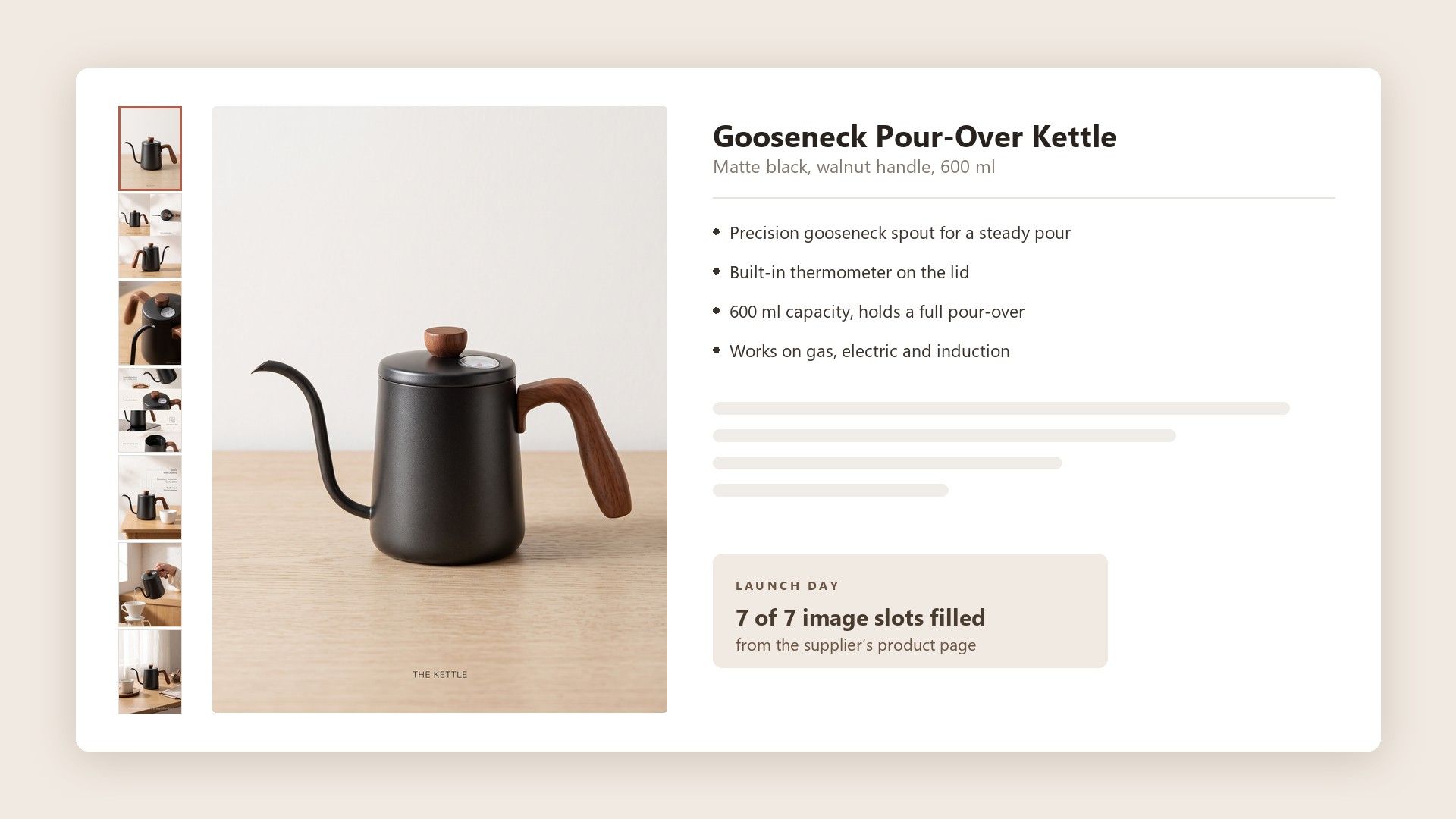
A new ASIN goes live with whatever images exist on the day, and a listing with two photos looks unfinished next to one with seven. Running the supplier’s product page through the template fills the remaining slots from the specs already written there, so the launch does not wait on a studio.
Back catalogues are full of listings that went up years ago with a single image. Refreshing them one at a time never reaches the top of the to-do list, but a run per product that fills only the missing slots is small enough to work through a whole category in a sitting.
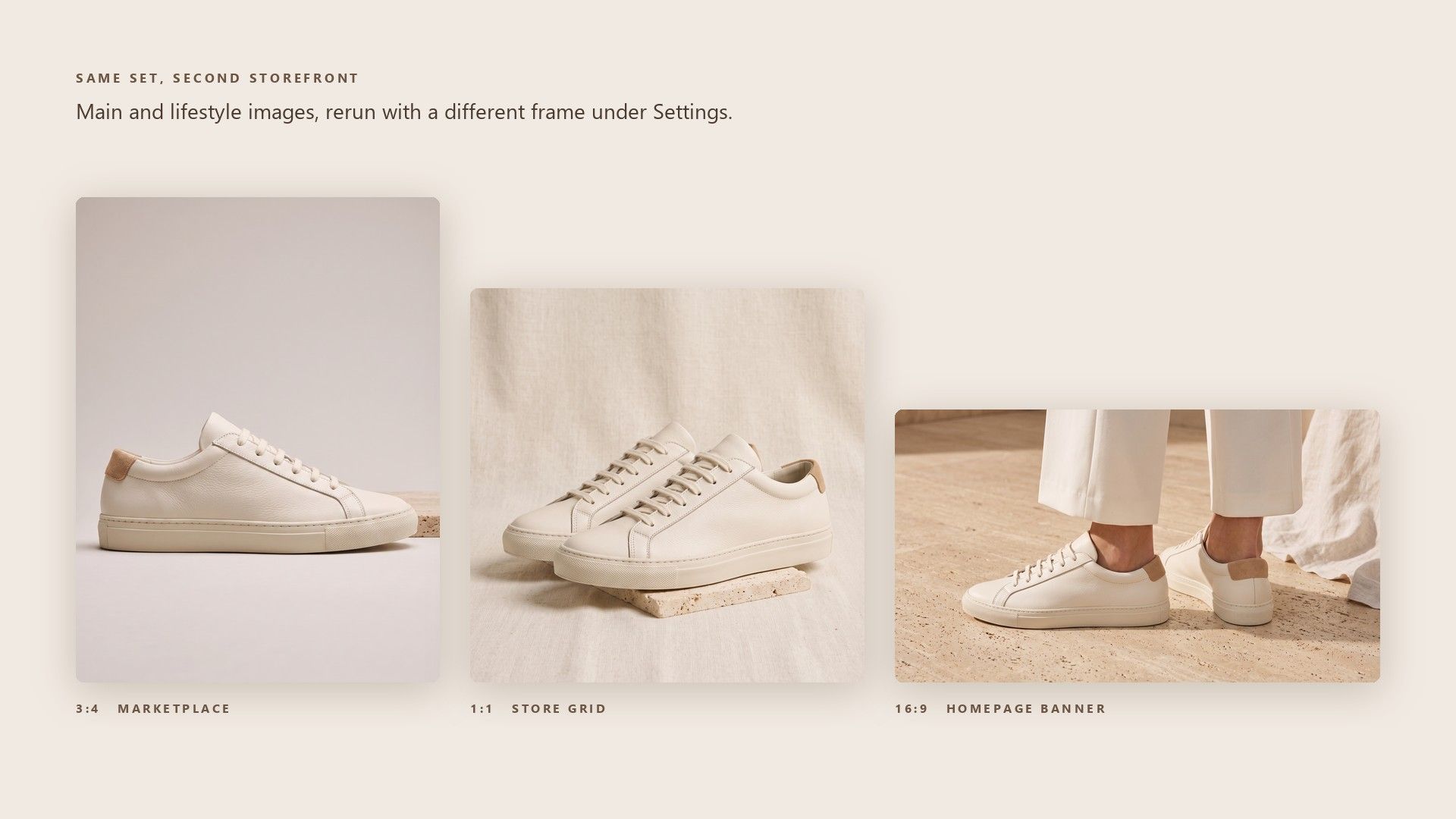
A store on Shopify or Etsy wants the same kinds of images in different shapes. Rerun the set with a different frame under Settings, and the main and lifestyle images come back shaped for the second storefront without any new photography.
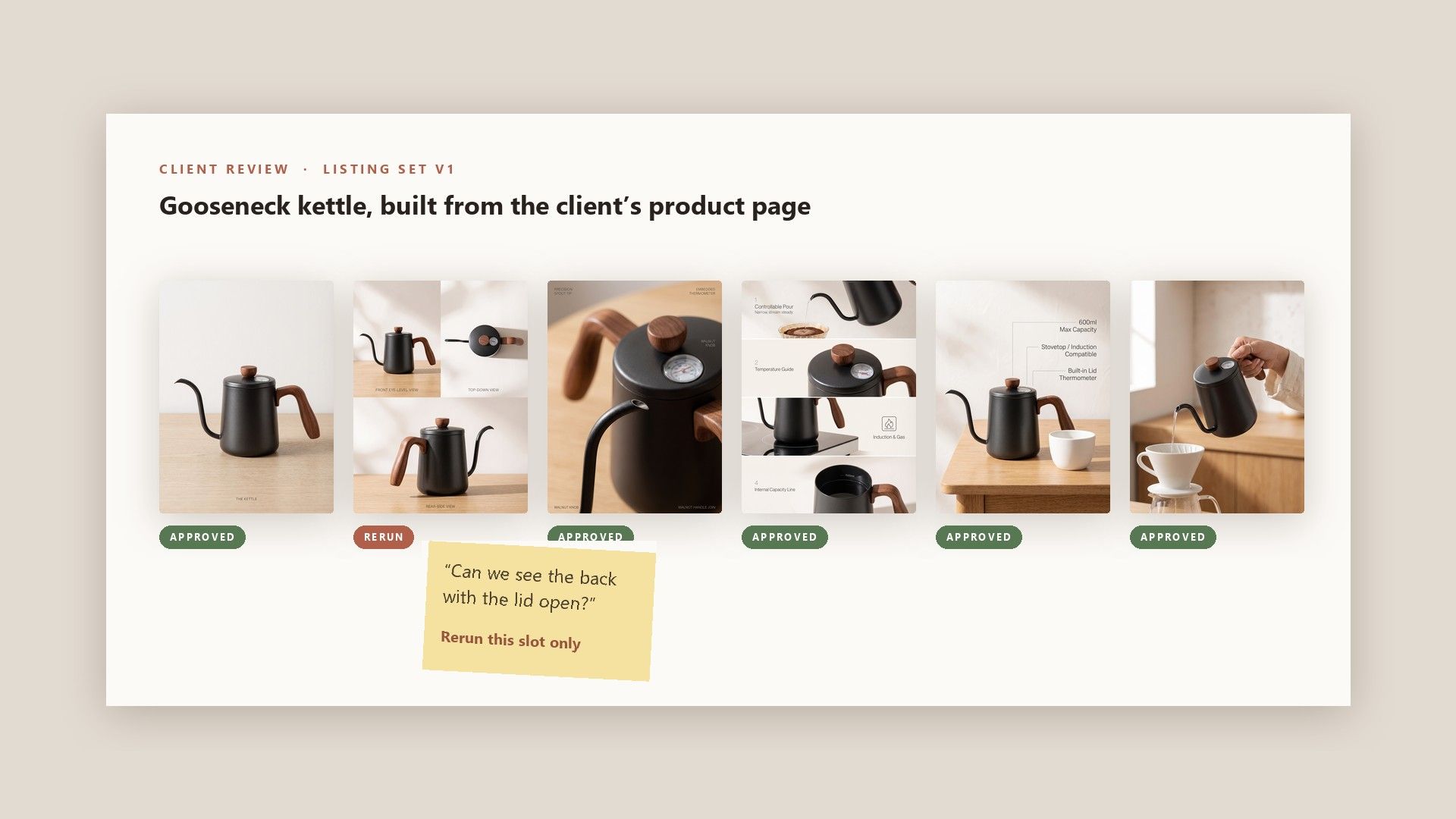
Listing clients judge a proposal on how the images look rather than on a written brief. A set generated from the client’s own product page gives the first review something complete to react to, and any slot they reject is cheap to rerun on its own.
Amazon asks for at least one compliant main image and recommends at least six more, plus one video (sellercentral.amazon.com/help/hub/reference/external/G1881). The main image is the one that shows in search, and the supporting images are where a shopper checks angles, size and the product in use before deciding.
Amazon accepts images from 500 to 10,000 pixels on the longest side, and zoom only switches on from 1,000 pixels up. Even 1K clears that line in the 3:4 frame, at 1,200 pixels on the long side, and 2K or 4K leaves room to crop. JPEG is the recommended format there, and the form saves JPEG as well as PNG.
Plan the set around the questions a shopper asks before buying, such as what the back looks like or what it is like in use, and give each supporting image one of those jobs. Then tick the matching types here, such as Multi-angle View for the back and sides and Lifestyle Image for the product in use.
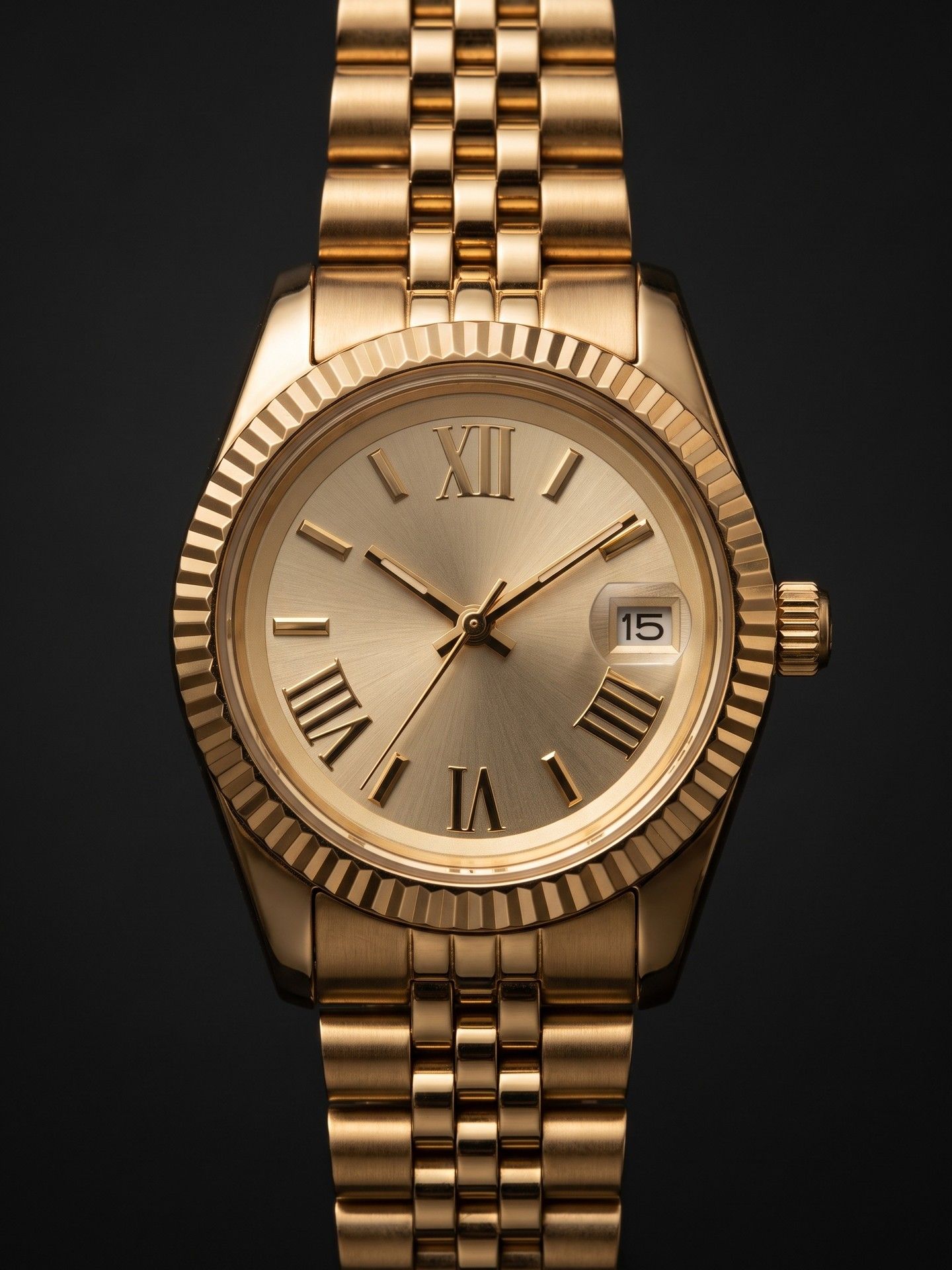
Put the product on a plain, light surface with soft light from one side and a reflector or second lamp opposite, so the edges stay crisp and nothing casts a hard shadow. Keep the whole product in view and shoot the front straight on, since that one photo is what every image in the set is built from.
For the main image, editing is mostly about Amazon’s rules: take the background to pure white, crop so the product fills about 85 percent of the frame, and remove anything that does not ship with it. The supporting images are where edits add information, and those are the ones this template generates from the photo instead.
On Amazon, images are managed through Image manager in Seller Central, one listing at a time. For a bulk upload, each file has to be named with the product identifier, the variant code and the extension, for example B000123456.MAIN.jpg. A new image can take up to 24 hours to appear on the page.
No, a link on its own is enough to start a run. Add your own photo when the pictures on that page are low resolution or show the wrong colour or variant, because every image in the set is built from that one source.
Amazon’s image guide asks that every image accurately represents the product being sold, and it has a specific rule for people. Photorealistic people generated entirely by AI have to be tagged with the keyword contains-synthetic-performer in the XMP dc:subject field, using an IPTC-compatible metadata editor, before upload. Real people retouched with AI tools do not need the tag.
One ticked type costs about $0.10 at 1K, $0.14 at 2K and $0.18 at 4K, whatever the frame shape. Each extra type adds a little less than that, because a small part of the price is charged once per run, so a full seven-type set at 2K comes to about $0.86. It comes out of your balance per run, with no monthly plan to keep up.
Yes. Send a POST to /api/v1/model/generateImage with the model set to atlascloud/studio/listing-image-set, a link or a product_image, and visual_type as a comma-separated list such as Main Image, Detail Shot, Lifestyle Image. Then poll /api/v1/model/prediction/{request_id} until the status comes back completed. The full parameter list is in the API documentation at atlascloud.ai/docs.