Seedance 2.5 Flash рдкрд░ рдЕрдм 35% рдХреА рдЫреВрдЯ тАФ 30 рдирд╡рдВрдмрд░ рдХреЛ рд╕рдорд╛рдкреНрдд

рдлрд╝реВрдб рдФрд░ рдбреНрд░рд┐рдВрдХ рдореЛрд╢рди

рдлрд╝рд╛рдЗрд▓ рдпрд╣рд╛рдБ рдЦреАрдВрдЪреЗрдВ, рдпрд╛ рдЕрдкрд▓реЛрдб рдХрд░рдиреЗ рдХреЗ рд▓рд┐рдП рдХреНрд▓рд┐рдХ рдХрд░реЗрдВ
рдЕрдкрд▓реЛрдб рдХреА рдЧрдИ рдЫрд╡рд┐ рдХрд╛ рд╕рдВрджрд░реНрдн рджреЗрдиреЗ рдХреЗ рд▓рд┐рдП @ рдЯрд╛рдЗрдк рдХрд░реЗрдВред
рд╕реЗрдЯрд┐рдВрдЧреНрд╕
15s
рдСрдбрд┐рдпреЛ рдмрдирд╛рдПрдБ

рдЖрдЙрдЯрдкреБрдЯ

AI Food Video Generator That Picks the Sensory Beats

One photograph of the food or the drink is the whole input, plus a sentence saying what it is. The template decides which movements sell it, and renders a film with sound at the length and shape you choose.

From One Food Shot to an AI Food Video

Food moves, melts and photographs badly, and the film has to exist before any of that happens. The four things below are where that gets handled: the movement, the pack, the sound and the length.

Your AI Food Video Picks Its Own Movement

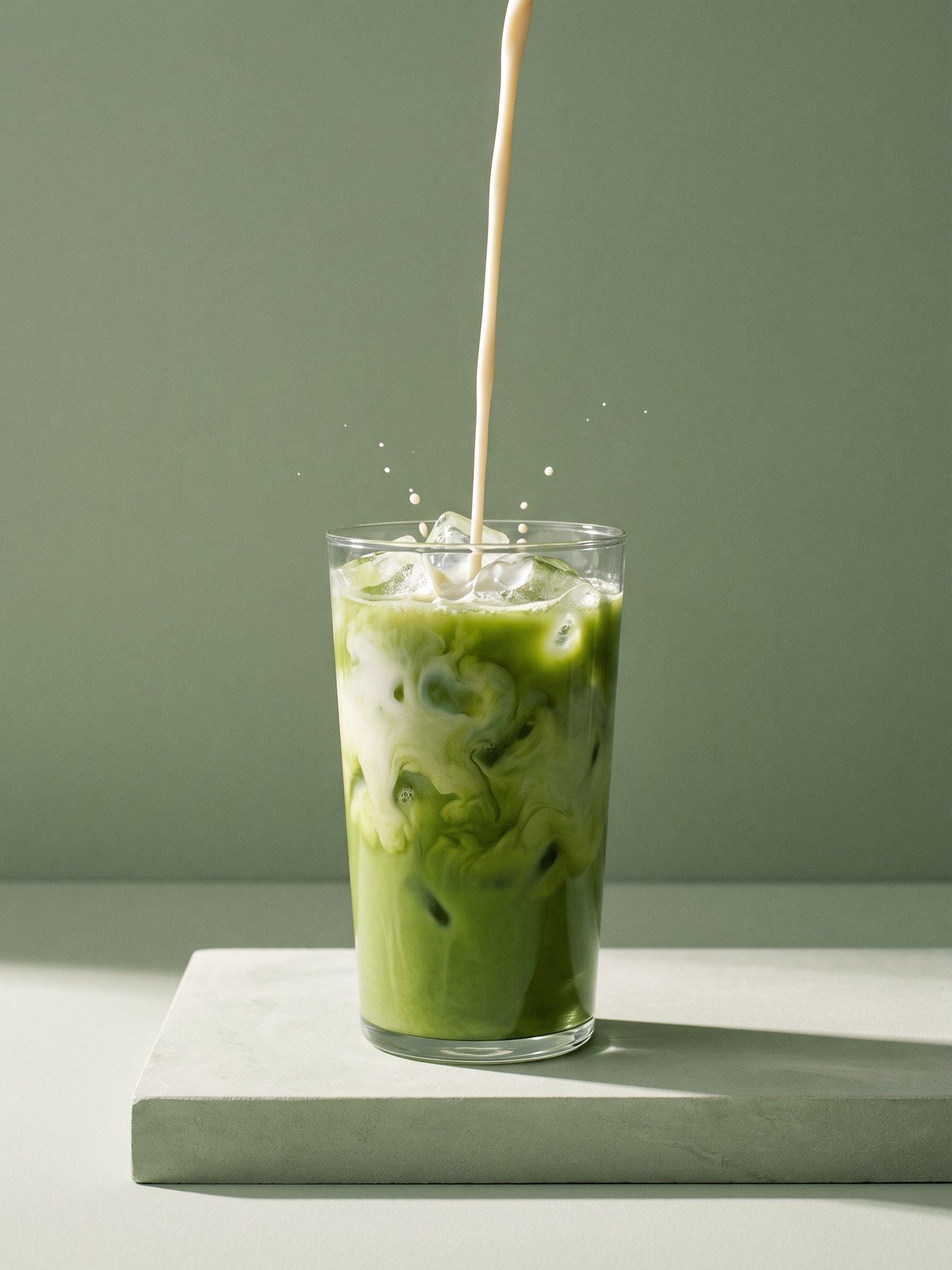
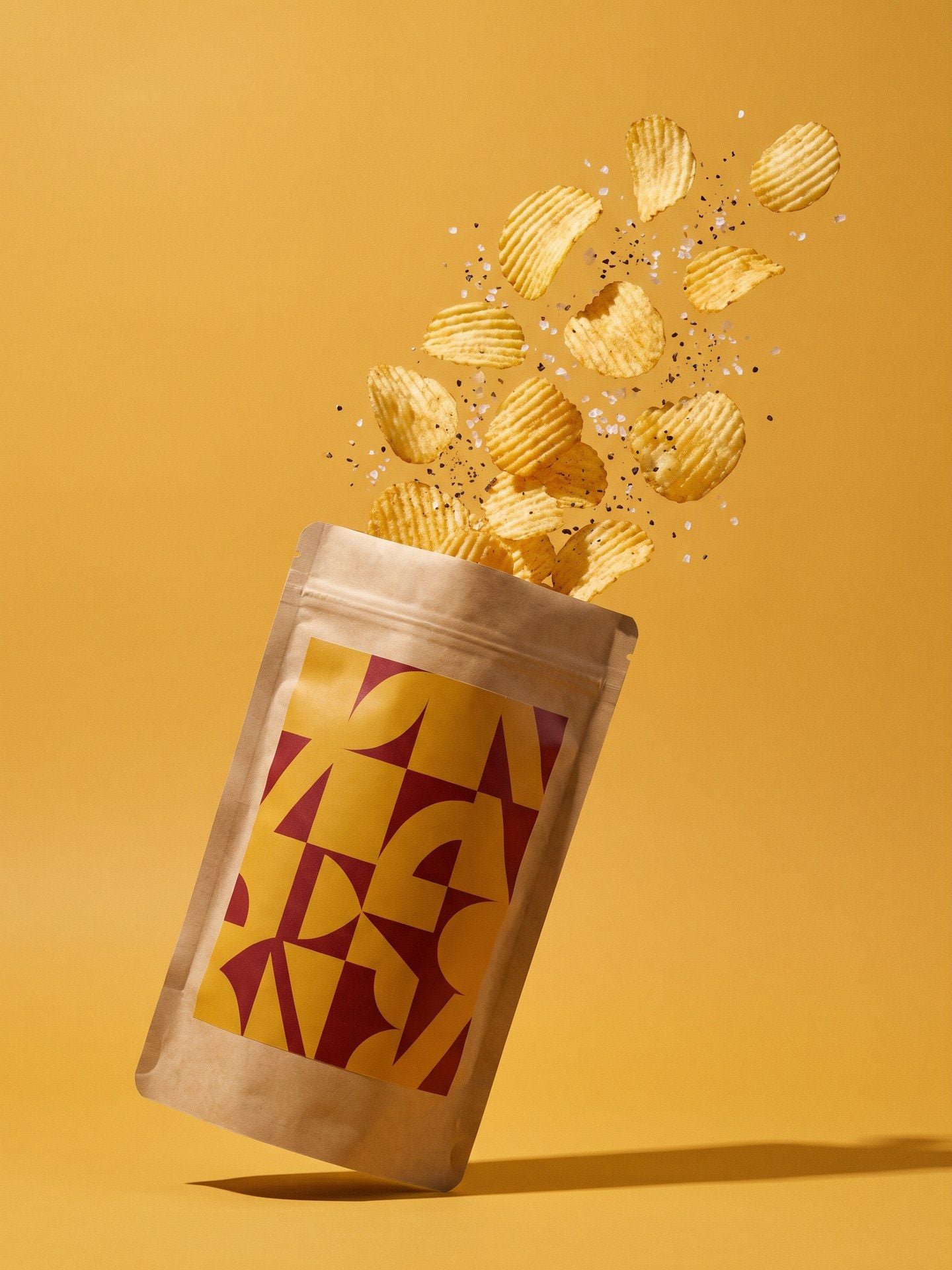
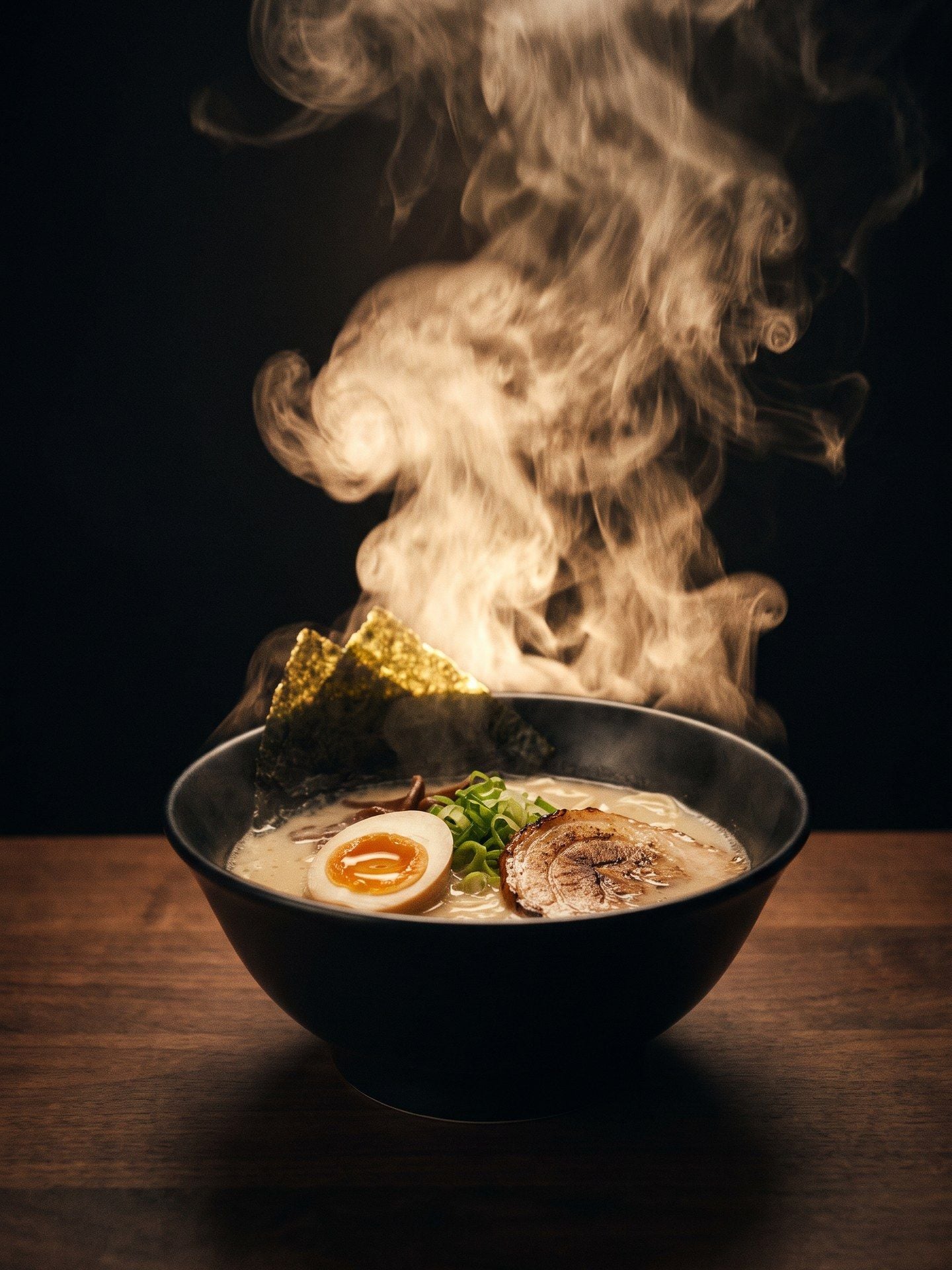
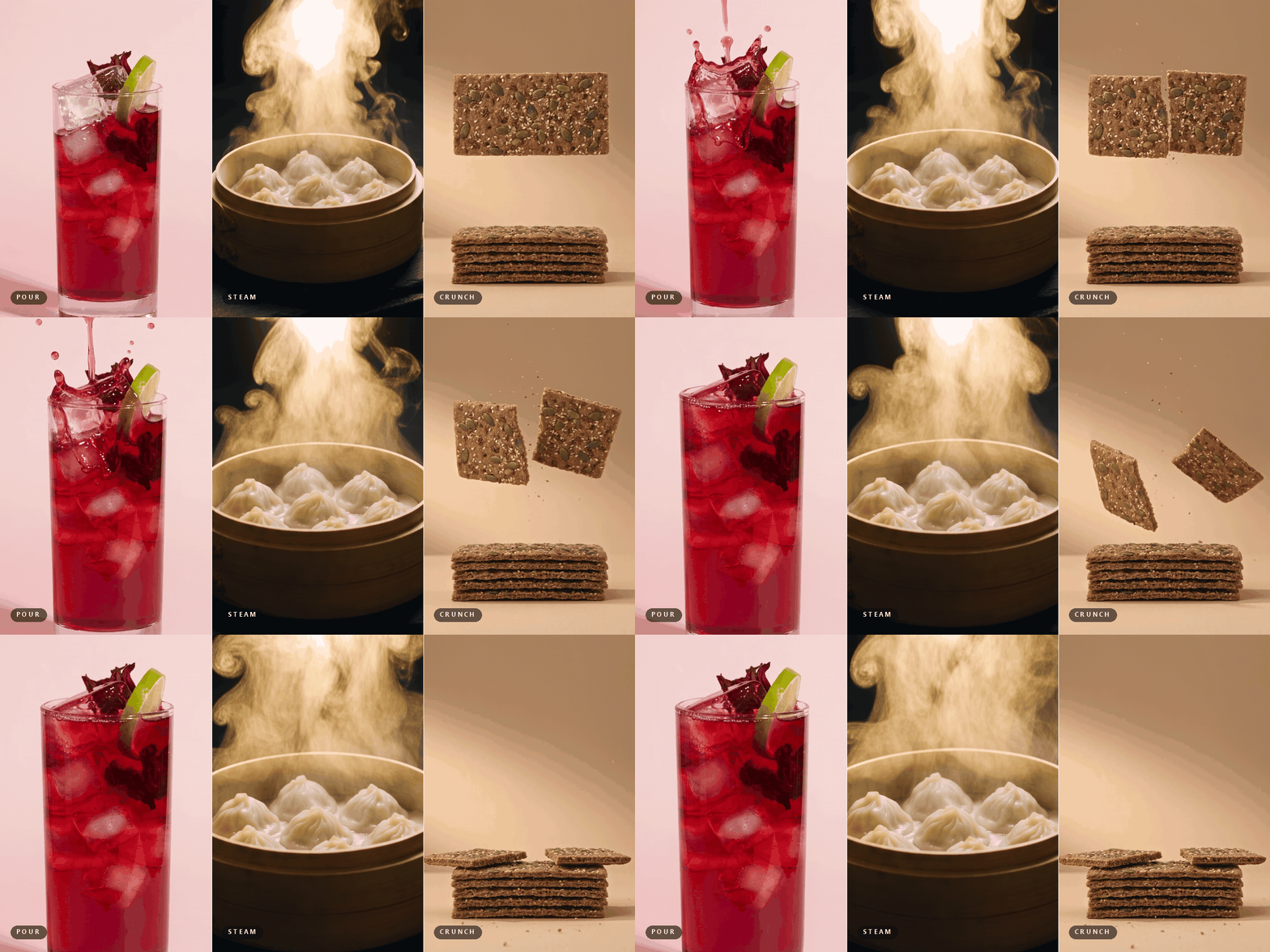
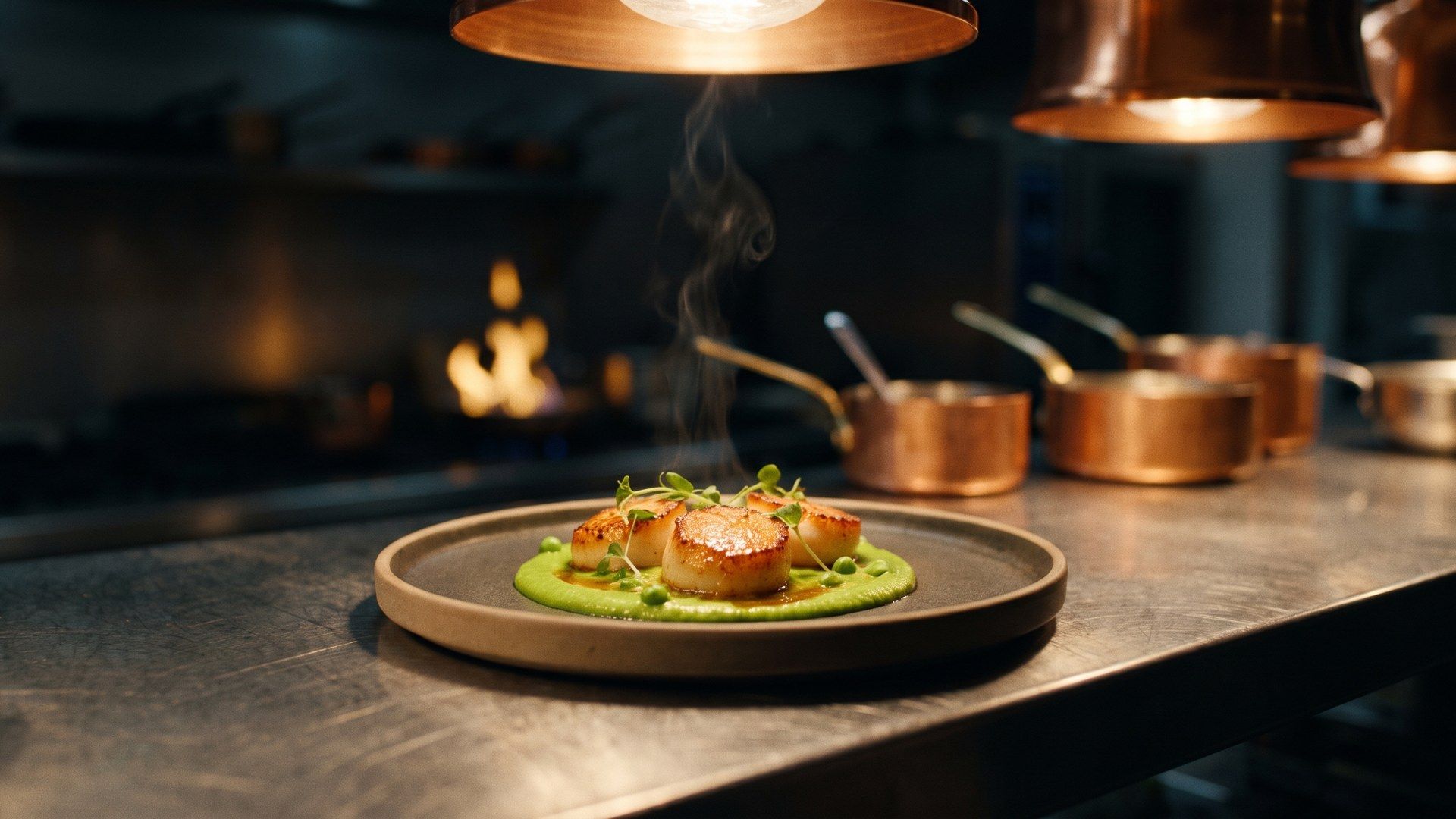
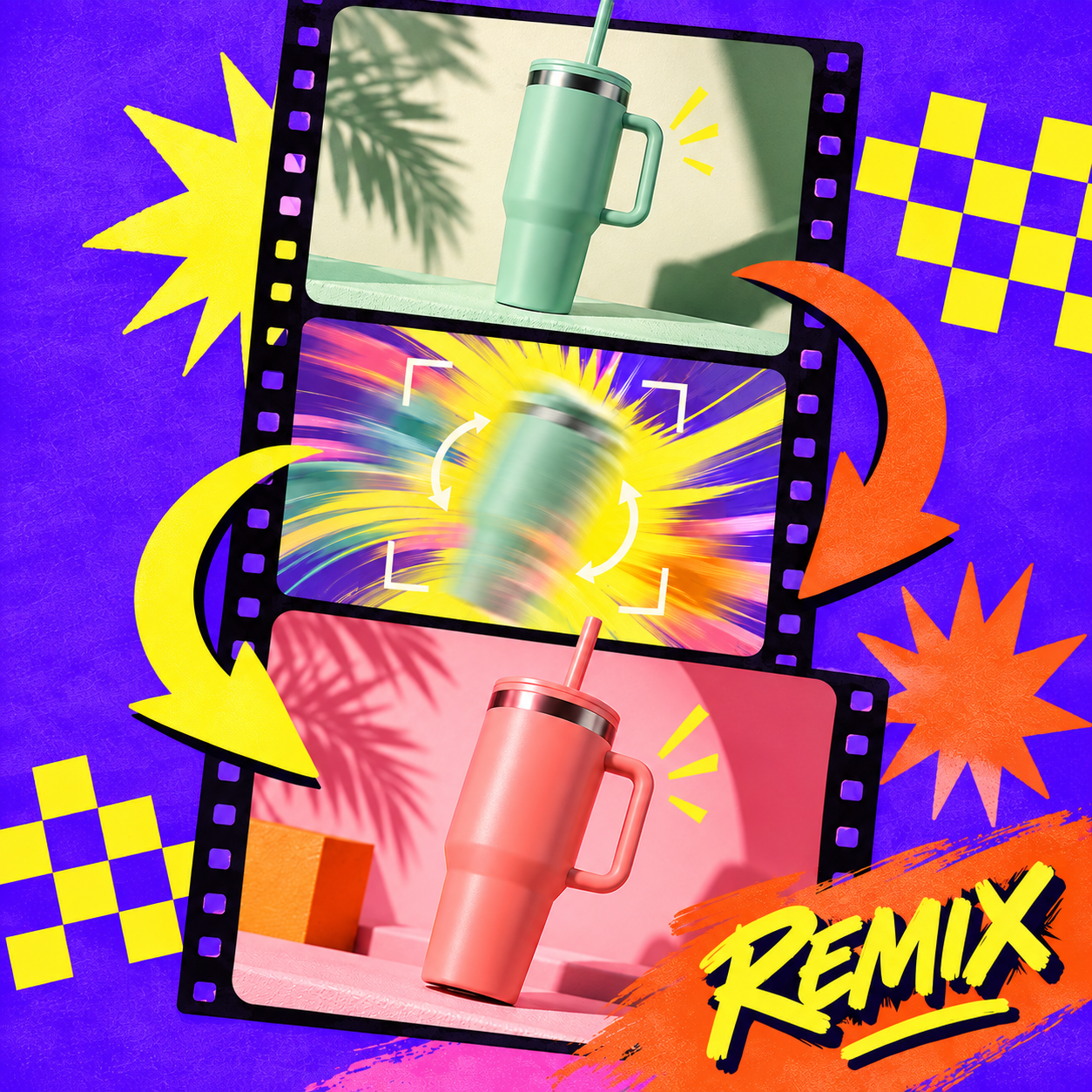
A still of a snack mix and a still of a cold drink need completely different movement, and the tools built for food video hand that decision back to you as a menu of motion presets. This one makes it: a pour for a drink, steam for something hot, a crunch for something dry, all chosen from what you uploaded. You write what the product is, not a shot list.

A Food Video Maker That Keeps the Label Intact

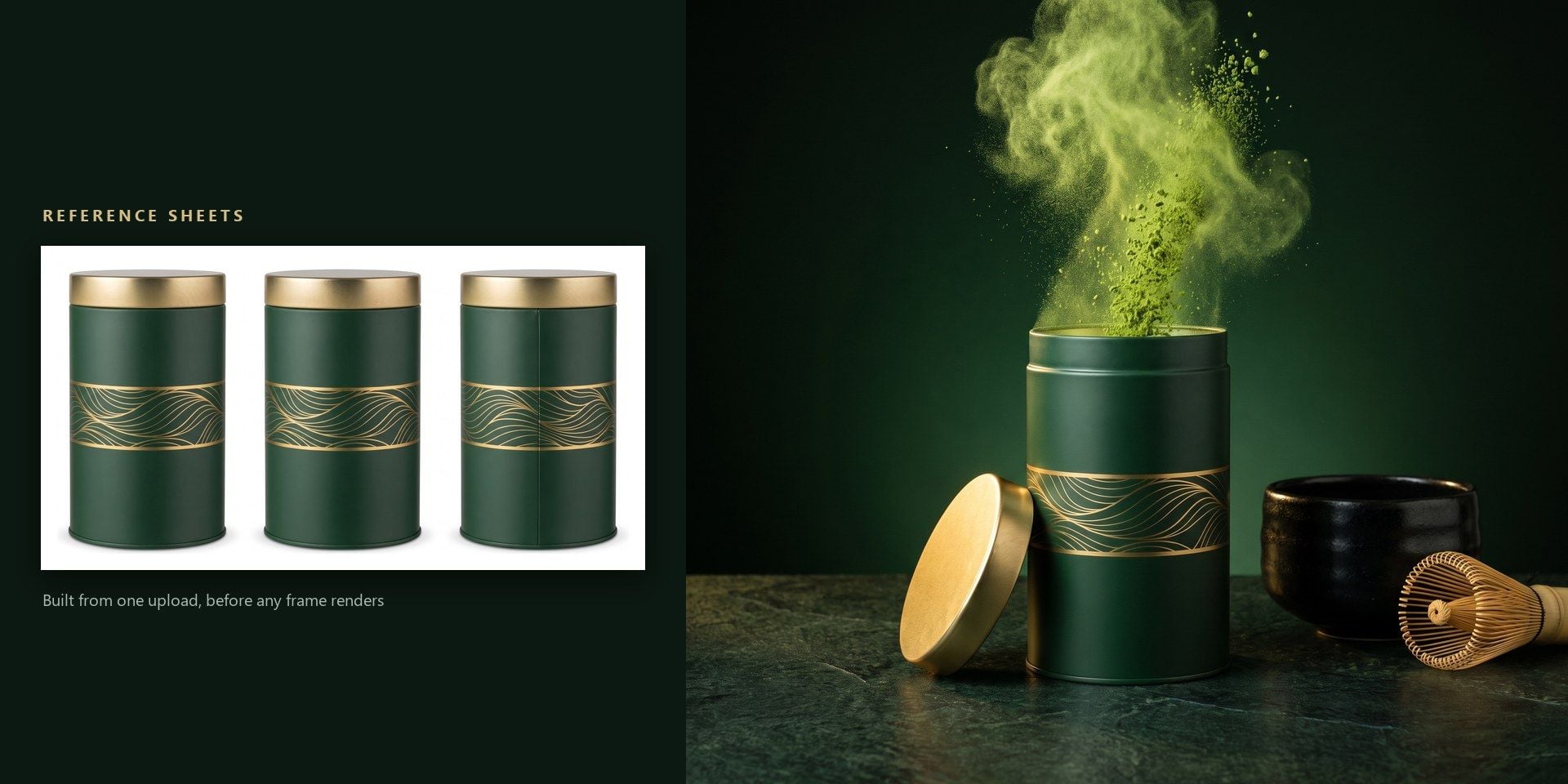
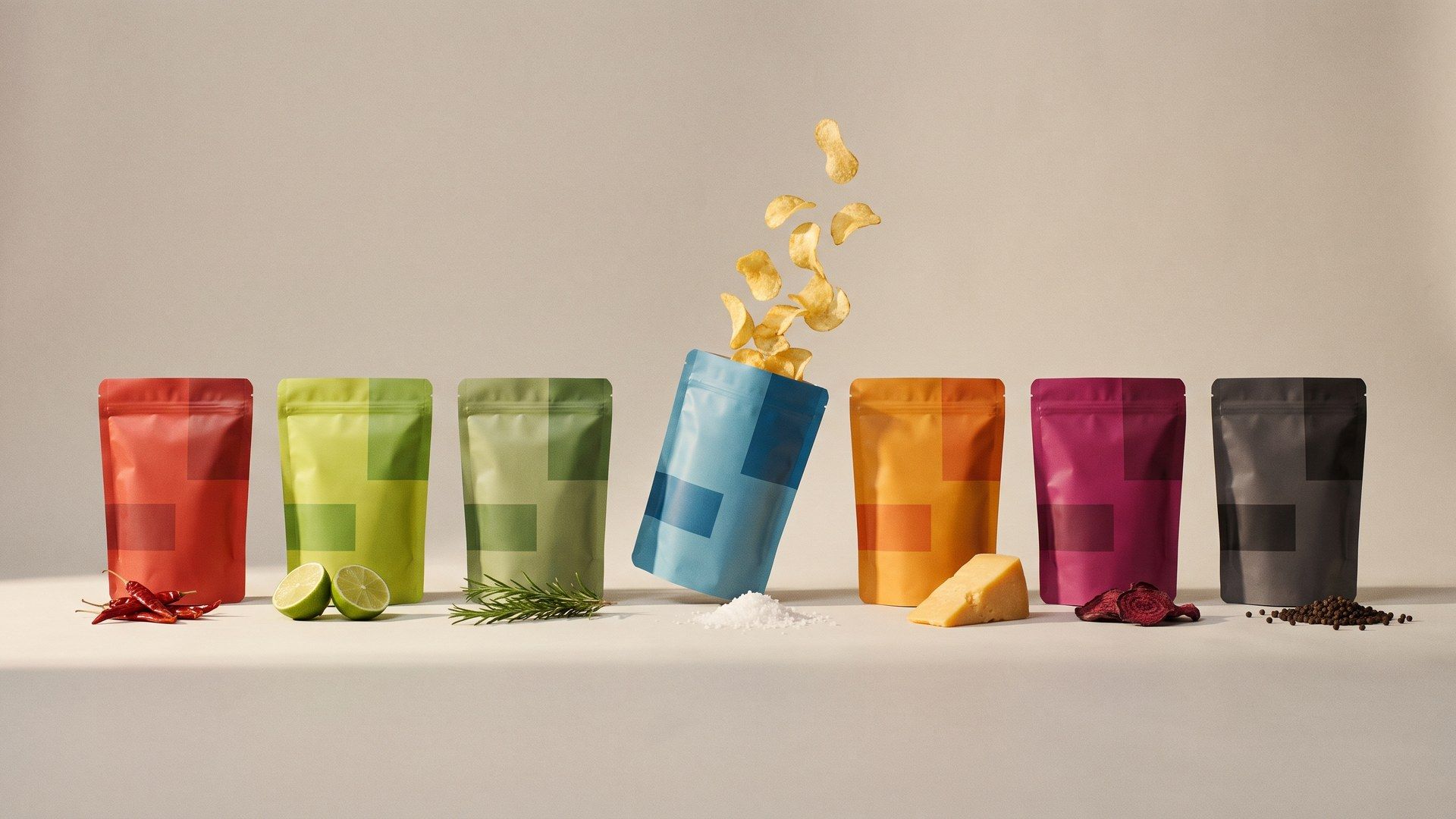
Before a single frame renders, white-background reference sheets are built from your one upload to fix what the pack looks like from each side. You do not supply them and you never see them; they are the step that stops a label drifting between cuts, which is why a sharp photograph of the packaging matters more here than the wording does.

An AI Food Video That Comes With Its Own Sound

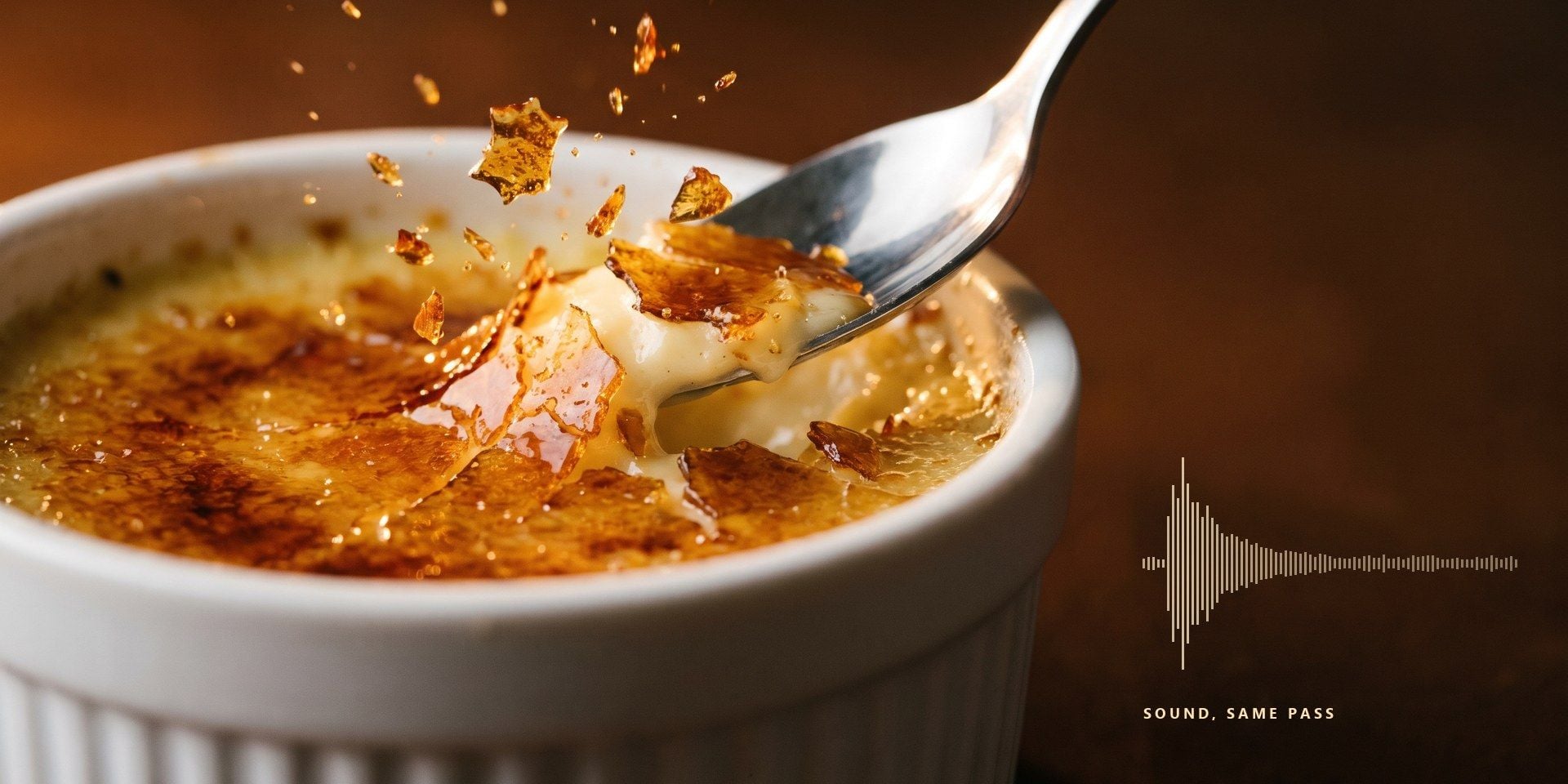
Food is one of the few subjects where the sound is part of the product: the crack of a crust, the fizz as a can is opened. Those land on the motion that produced them, because the sound is generated in the same pass as the picture. Switch it off when your edit already has a track of its own.

Run the Same Dish at Four Seconds or Fifteen

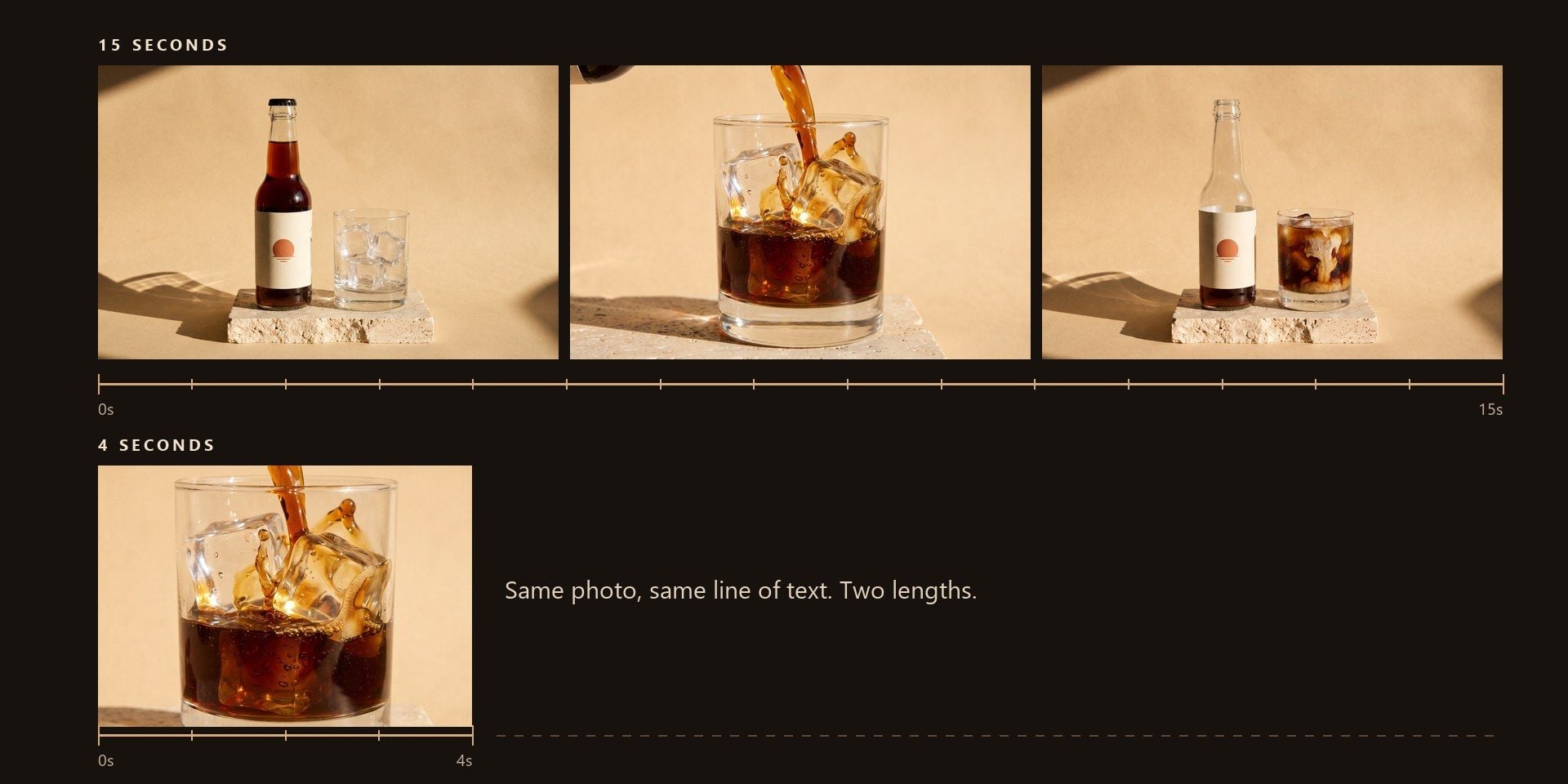
Four seconds is a loop for a story slot, where the only job is to be noticed in a feed. Fifteen leaves room to open on the pack, land the movement and close on the product again. Both come out of the same upload and the same line of text, so the sensible thing is to run the dish twice and keep whichever one the placement wants.

How to Make a Food Video in Three Steps

  1. Upload a Food Photo

    Drop in one photograph, up to 10 MB.

  2. Describe the Product

    One line covering the product and the mood you are after. The movement is chosen from that, so you do not need a shot list.

  3. Pick a Length and Run

    Choose a length, and leave the audio on unless your edit already has its own track.

Where an AI Food Video Fits

Pick the tab closest to your work.

A Menu Item That Needs Motion Tonight

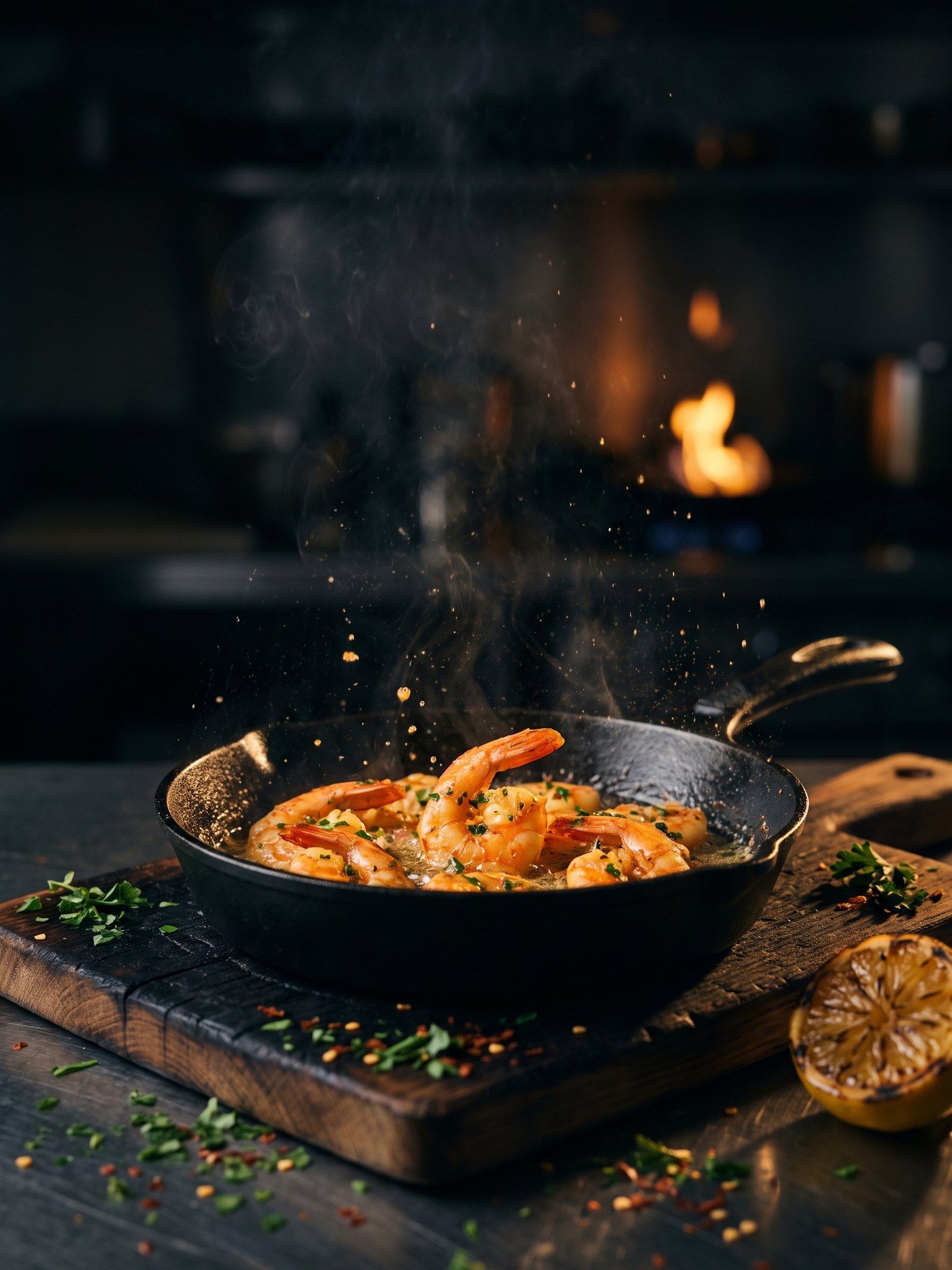
The dish photo already exists somewhere in the camera roll, and the promotion starts tomorrow. One upload gets a short film for the story slot, with no videographer to book and no need to plate the dish again for a camera. Kitchens that change their specials every week can do this for each one.

A Menu Item That Needs Motion Tonight

The Flavours That Missed the Shoot

A shoot day covers the flagship flavour and maybe one more, and the rest of the range stays as packshots until the next budget. Every pack can go through the template on its own, which puts the slower-selling flavours in the feed for the first time. Nothing about the twelfth run is harder than the first.

The Flavours That Missed the Shoot

The Pour Is the Whole Ad

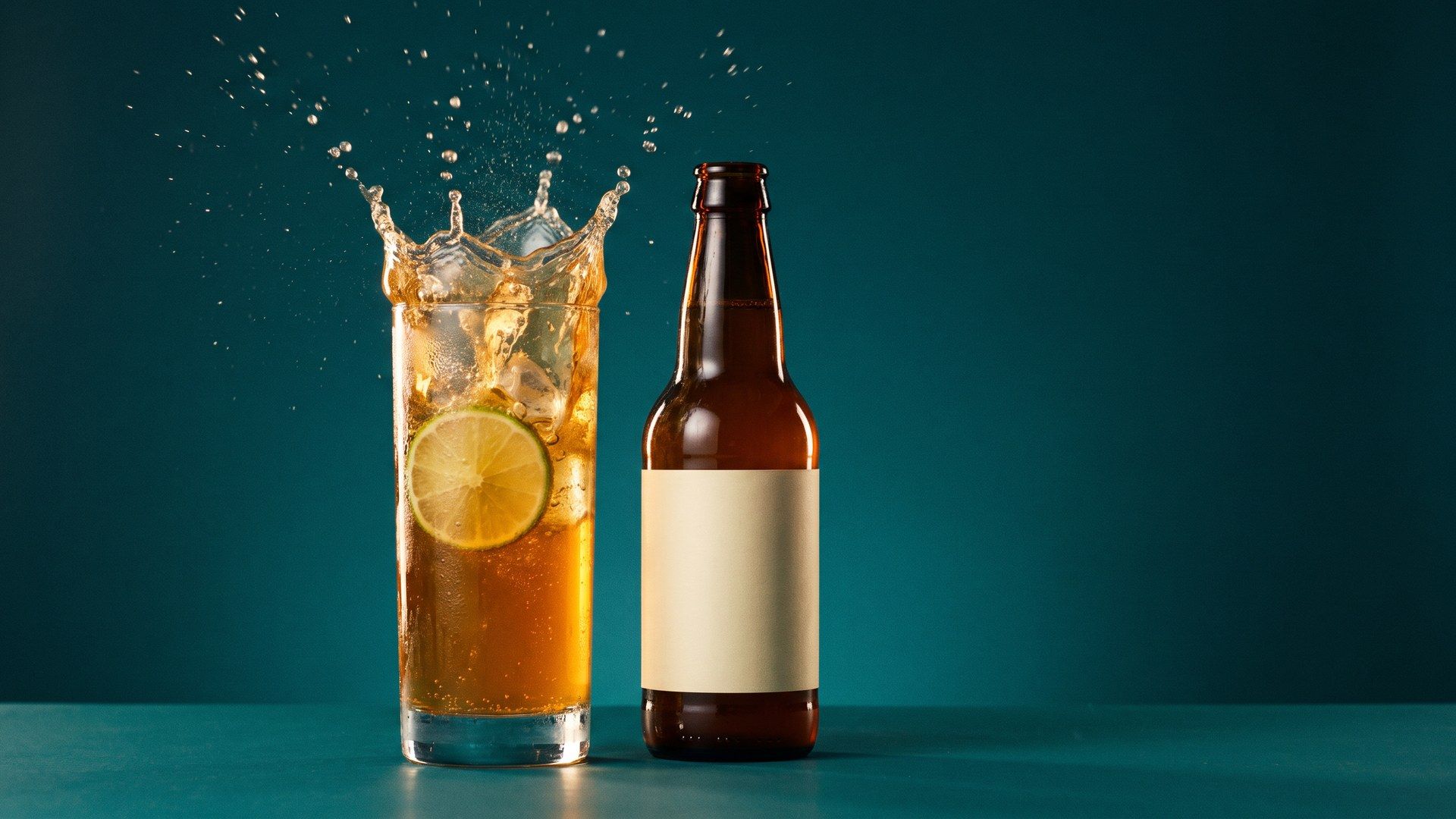
Liquid is the hardest thing to shoot and the easiest thing to sell with, which is why drinks brands spend so much of a shoot day on one pour. The template builds the shot around that moment. A can or a bottle gets it with no rig, no splash tank and no second take while the ice melts.

The Pour Is the Whole Ad

Listings That Move in the Feed

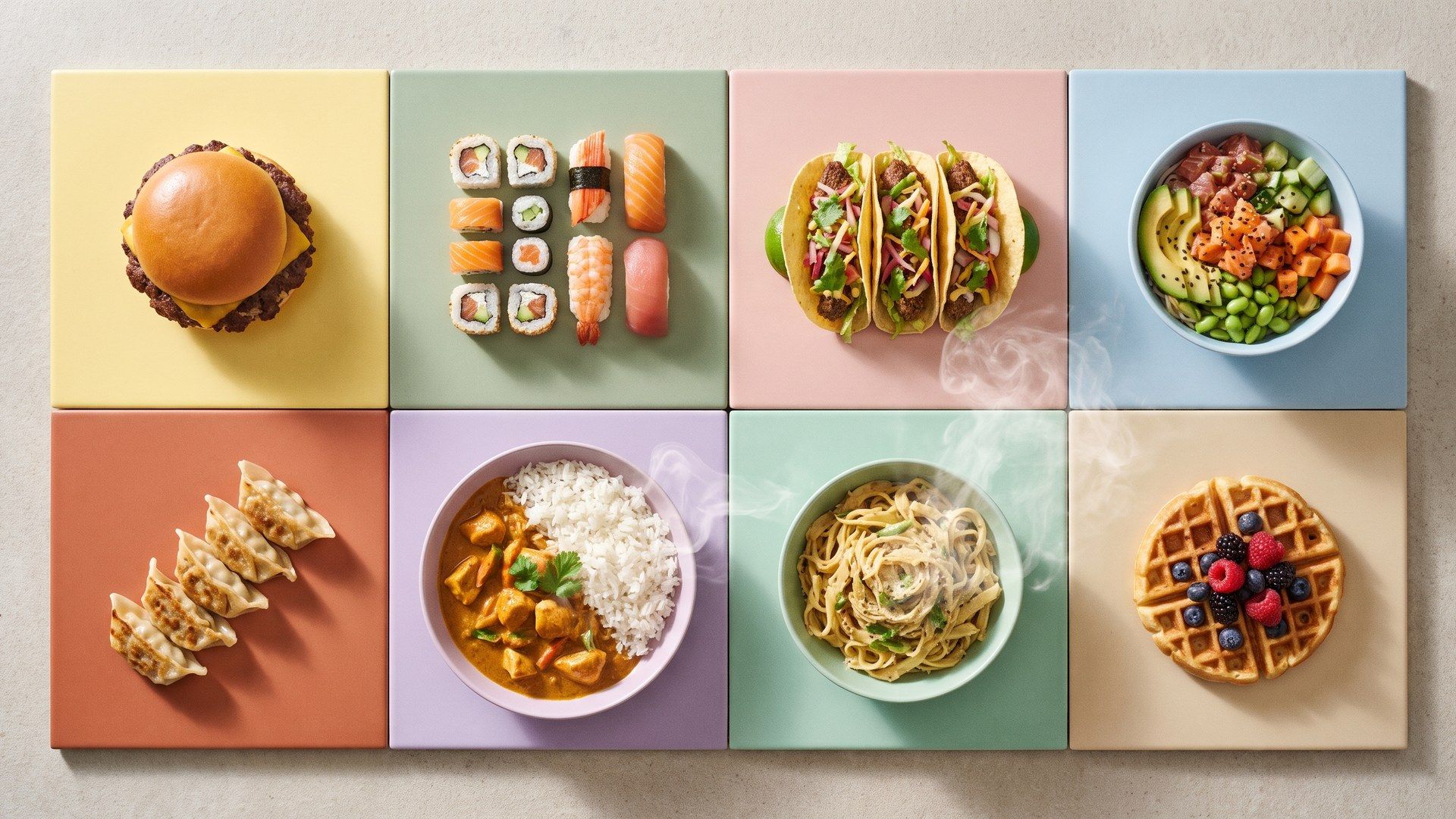
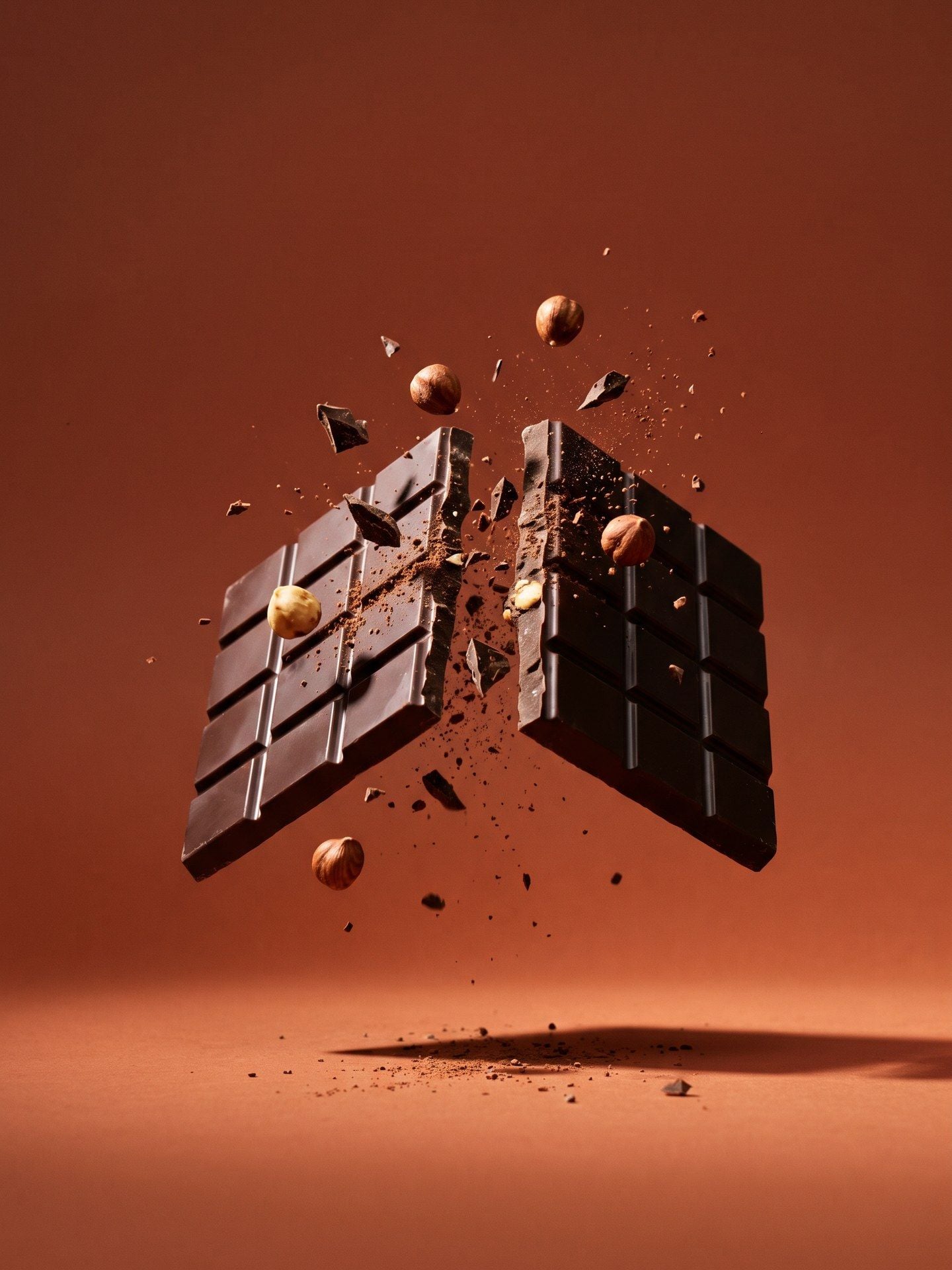
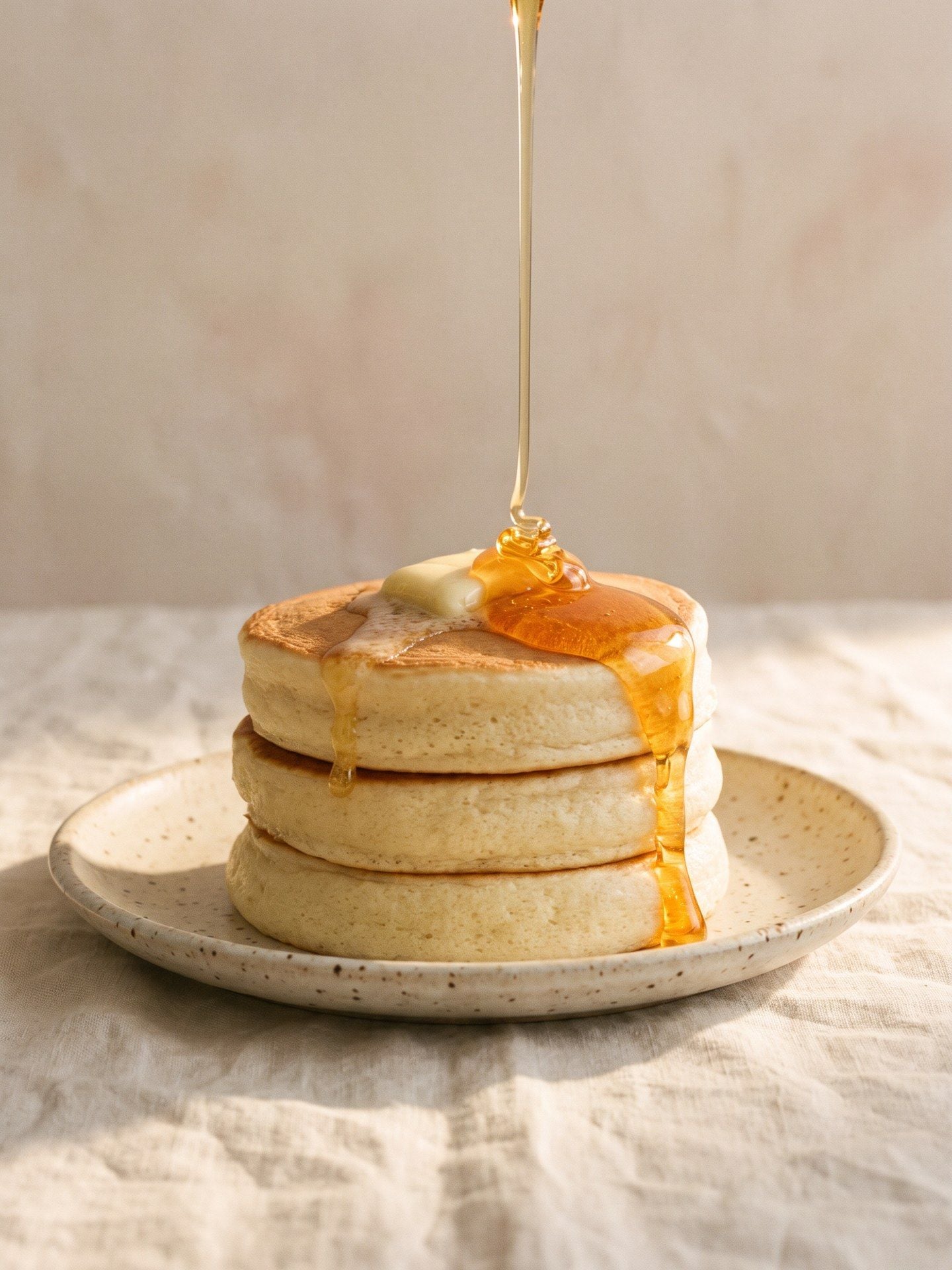
Menu tiles are static almost everywhere, so a listing with motion stands out simply by being the one that moves. A four-second loop per dish, rendered vertical, sits in the same slot a photograph would have taken. Trying it on a single dish is usually enough to settle the argument internally.
Listings That Move in the Feed

Atlas Cloud рдХреЗ рдФрд░ AI рдЯреВрд▓

Frequently Asked Questions

From the photograph, before you have said anything about motion. When it picks a movement that does not suit the product, name the one you want in the prompt: the templateтАЩs own example prompt does exactly that with crunchy pours and falling pieces.

It should: the pack is fixed before any frame renders, so the label does not drift between cuts. Fine print is the exception, here as in any generated video, and no step downstream can recover detail that was soft in the upload.

Any whole number of seconds from 4 to 15, from a quick cut for a feed placement up to the full run for a longer spot.

One clean shot with the packaging facing the camera and the food in focus is what the identity step works from. A busy background makes that step harder, not the render. Anything up to 10 MB is fine, and a phone is fine, as long as the label is legible.

480p, 720p and 1080p are rendered natively. Beyond those there are super-resolution tiers up to 4K, which enlarge a finished render; nothing is rendered natively at that size, and the top two of those cost several times a standard render.

Pricing follows length and resolution. At 720p a 4-second film is about $1.39, 10 seconds about $3.21 and the full 15 seconds about $4.73. Turning the audio off does not reduce it, and a run that fails is not charged.

Set the number of outputs to two and you get two films from the one photograph, each generated on its own, so the movement and the timing can land differently between them. Both are billed. For more than two, run it again.

Seedance 2.5 handles the rendering. The planning that comes before it, reading the packaging and choosing the beats, is what the template adds on top.

The file is an ordinary video ready for any ad platform. Each platform sets its own rules on AI-generated creative and on food claims, so look up the current rules wherever you are running it.

Yes, one call per pack. Send a POST to /api/v1/model/generateVideo with the model set to atlascloud/studio/food-motion, then poll /api/v1/model/prediction/{request_id} until the status comes back completed. The fields are the ones the form uses. Start from the API docs.

Start with the Food Photo You Already Have.