


Seedance 2.5 Flash पर अब 35% की छूट — 30 नवंबर को समाप्त

UGC उत्पाद विज्ञापन

फ़ाइल यहाँ खींचें, या अपलोड करने के लिए क्लिक करें
सेटिंग्स
15s
ऑडियो बनाएँ

आउटपुट

Turn a Presenter Photo and a Product Shot into a UGC Ad

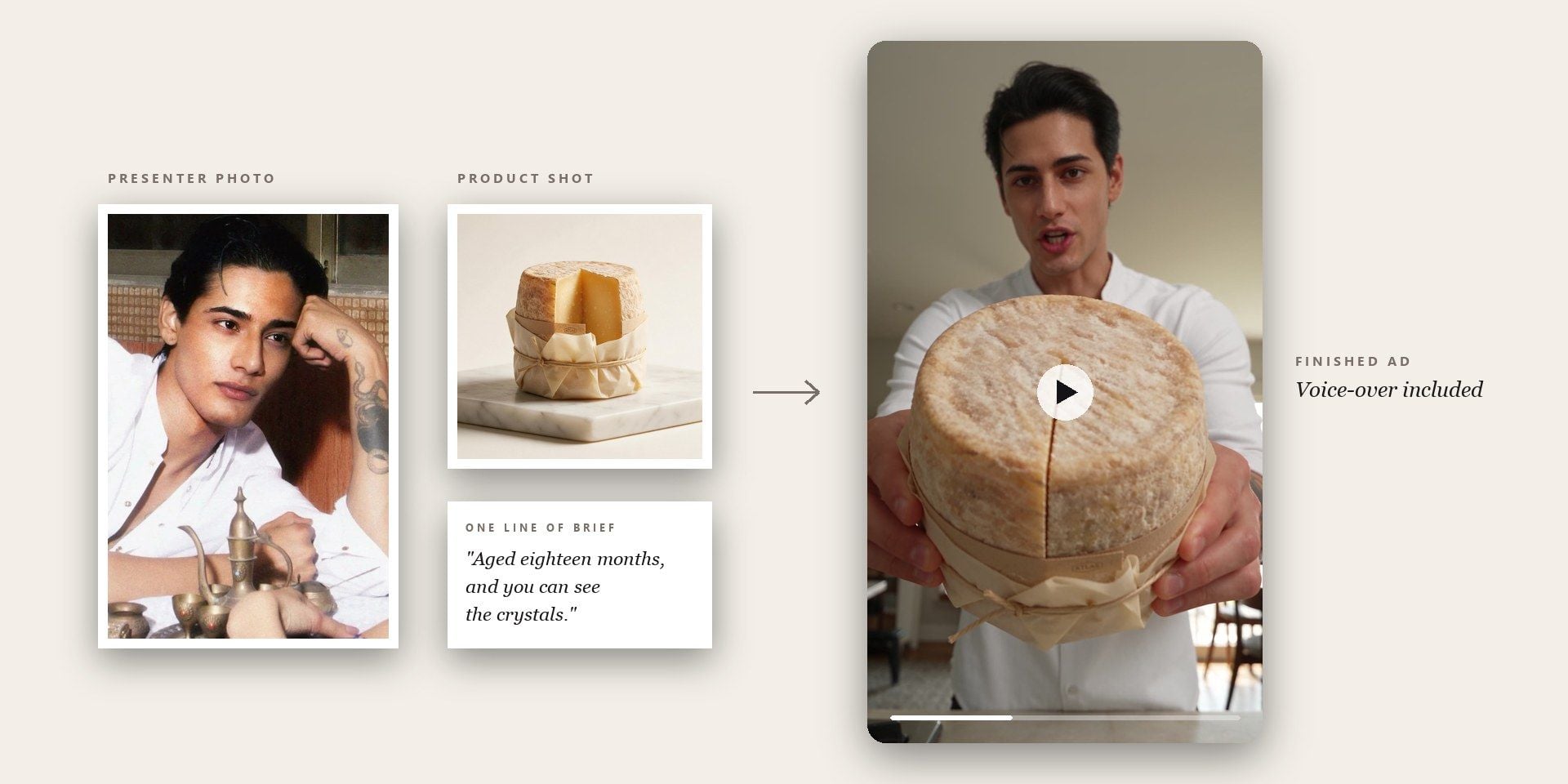
Upload the face and the product, say what the ad should cover, and the template writes the script, renders the delivery in sync with it, and hands back a vertical clip ready to upload.

What an AI UGC Video Generator Replaces

Hiring the face is only the first cost; the script, the recording and the recut are the rest of it. Four of those costs disappear below: the casting, the voice, the format and the frame.

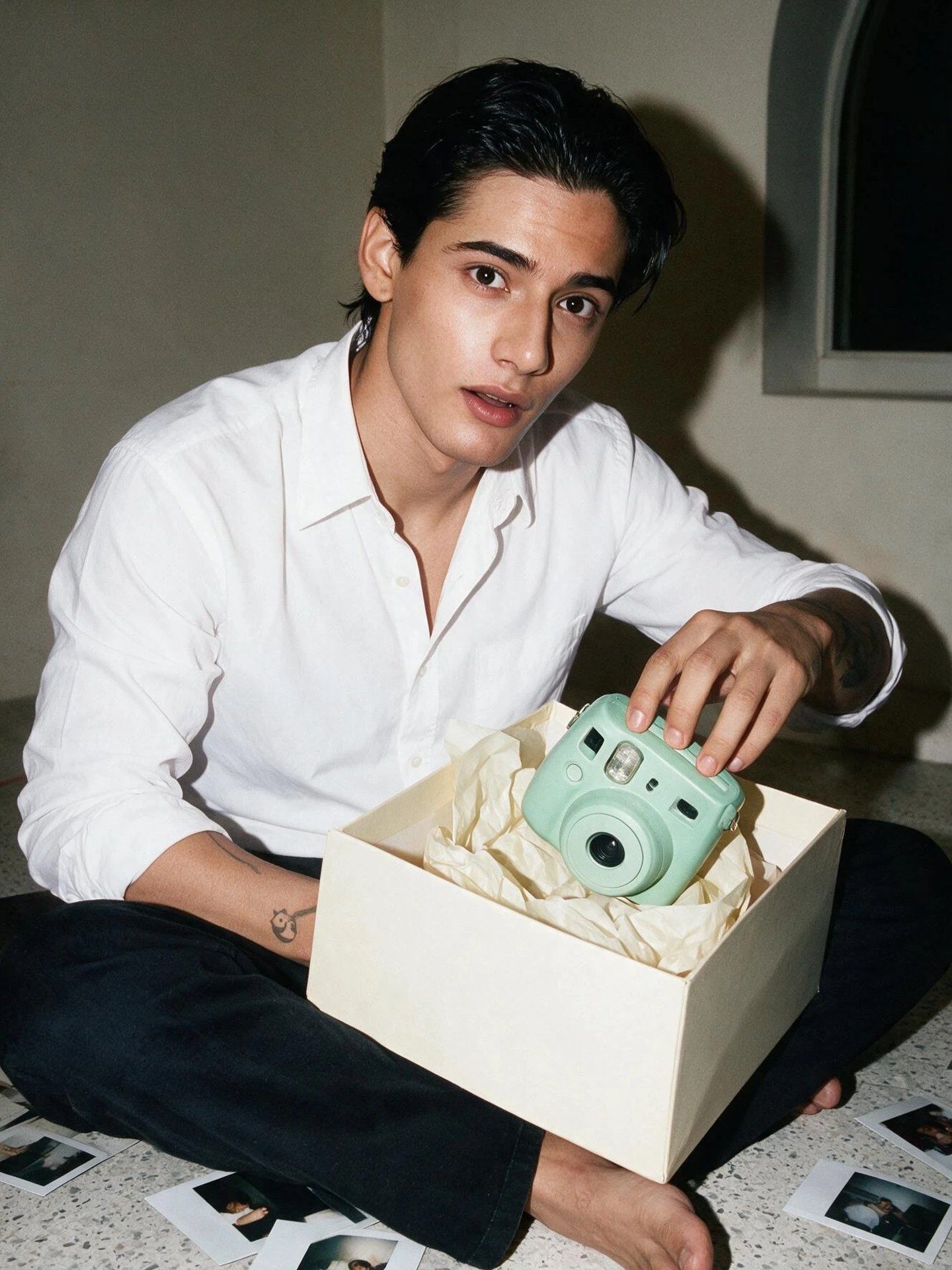
Two Photographs Replace a Creator Booking

Finding a creator, agreeing a fee, waiting for the footage and then discovering the hook does not land is the normal cycle for UGC ads. Here it is two photographs and a line of brief, and the cut comes back finished. Testing a second angle takes minutes, whether you sell serums or phone cases.
An AI Spokesperson Video With the Voice Already On It

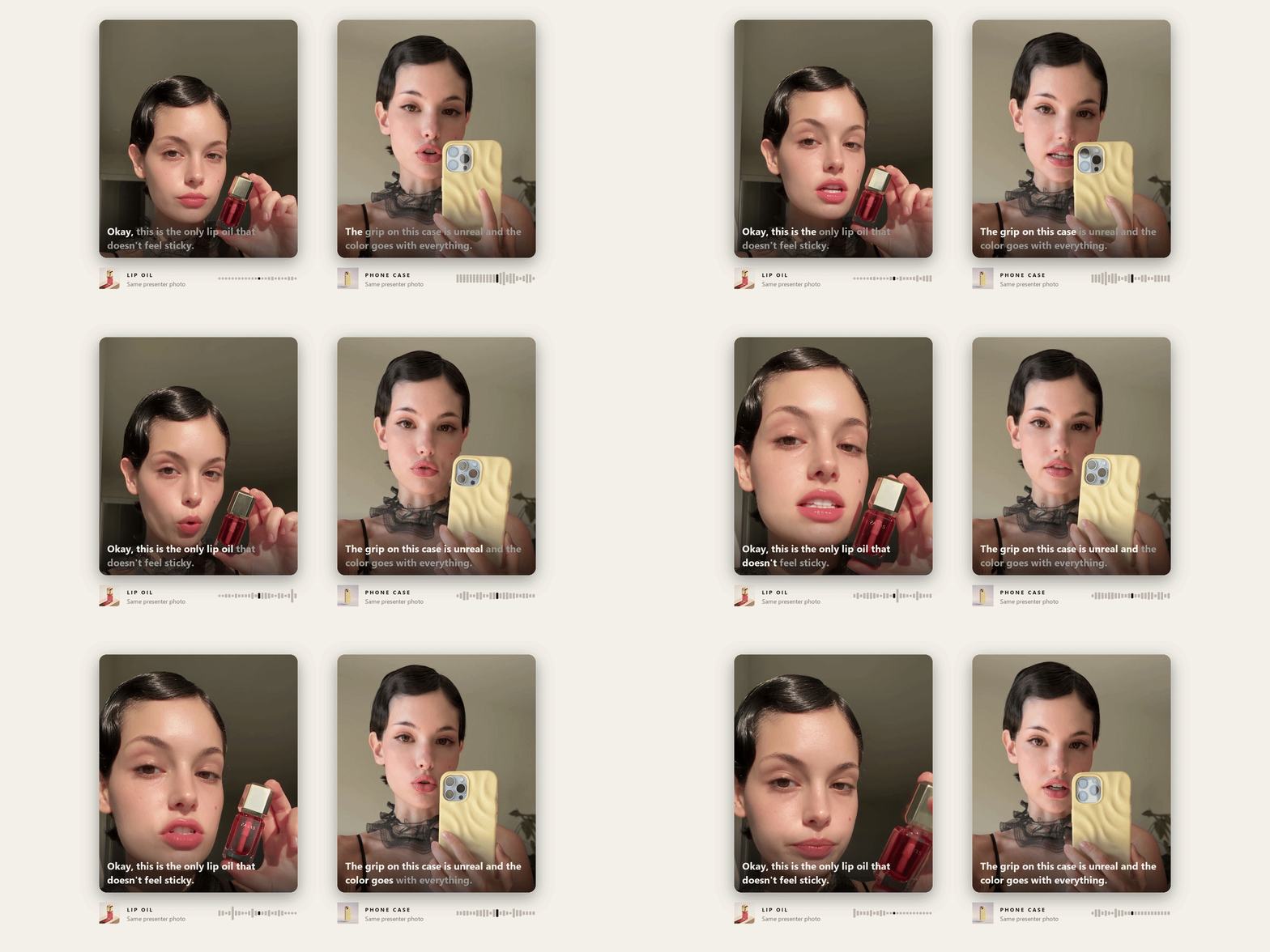
The script, the voice-over and the lip movement are produced together in the same run, so nothing has to be recorded, dubbed or synced afterwards. Upload a photograph of the person you want on camera and that face carries across every ad in the series; leave the slot empty and a presenter is created for you.

Build an AI Unboxing Video by Switching One Field

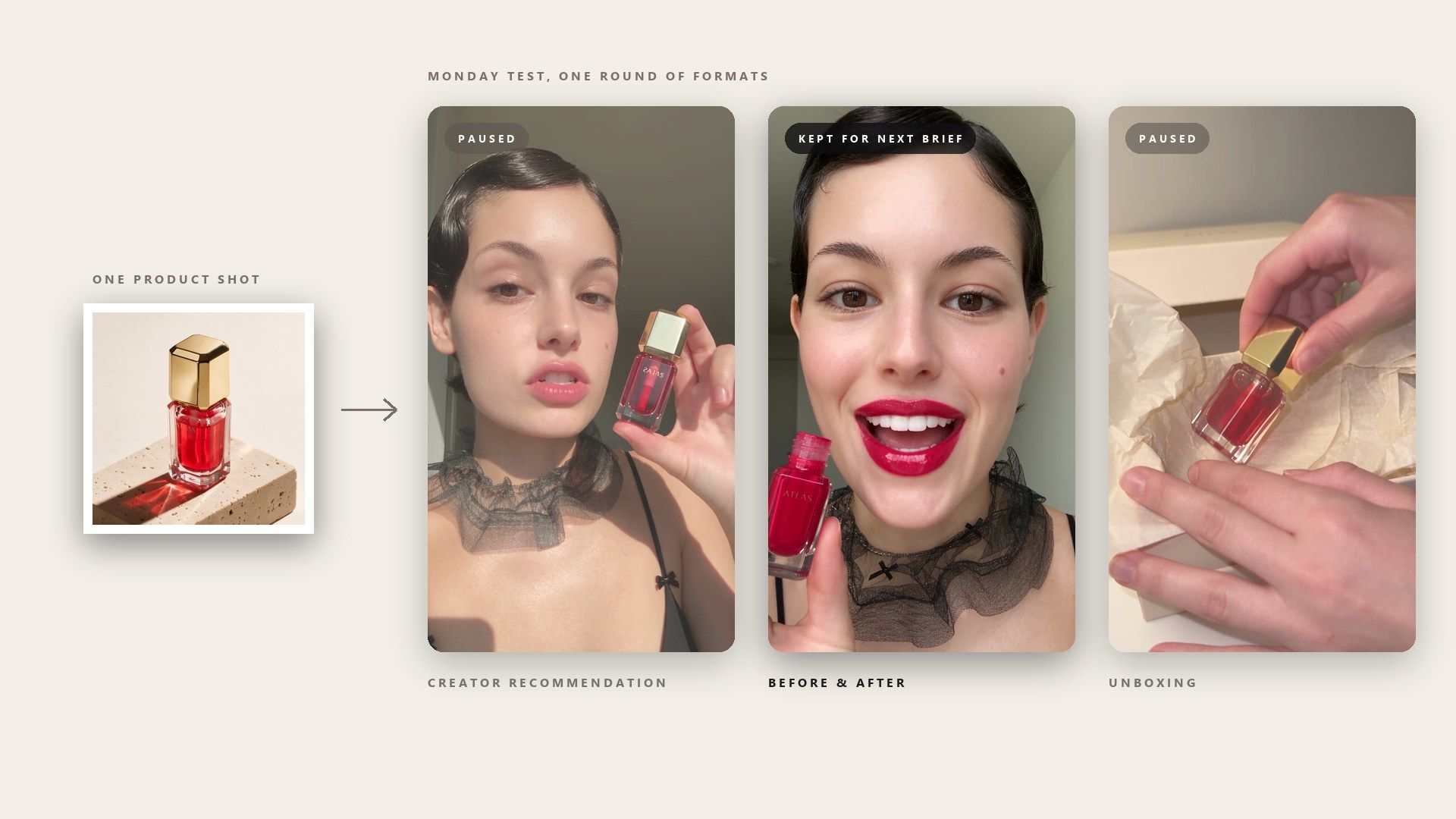
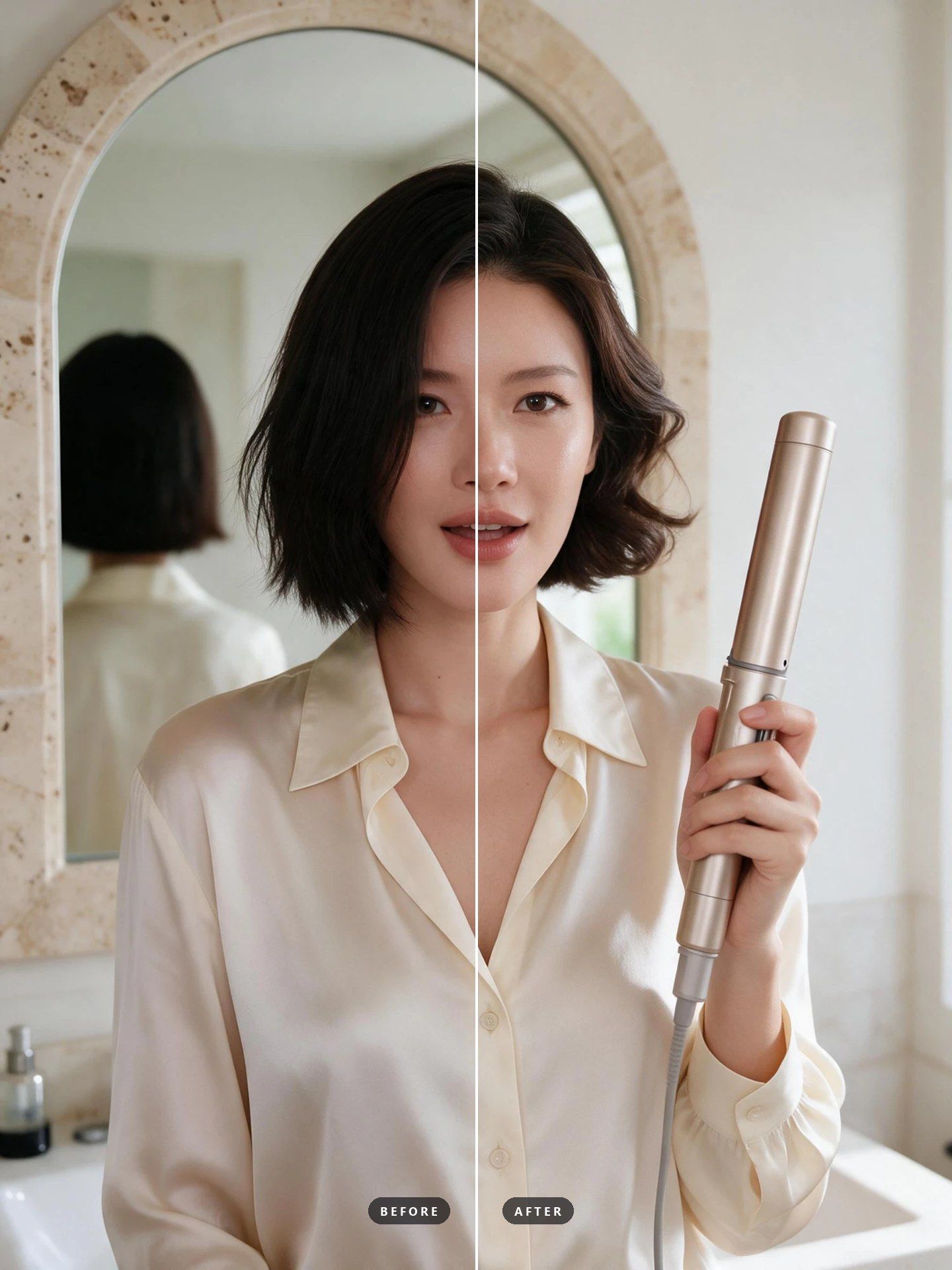
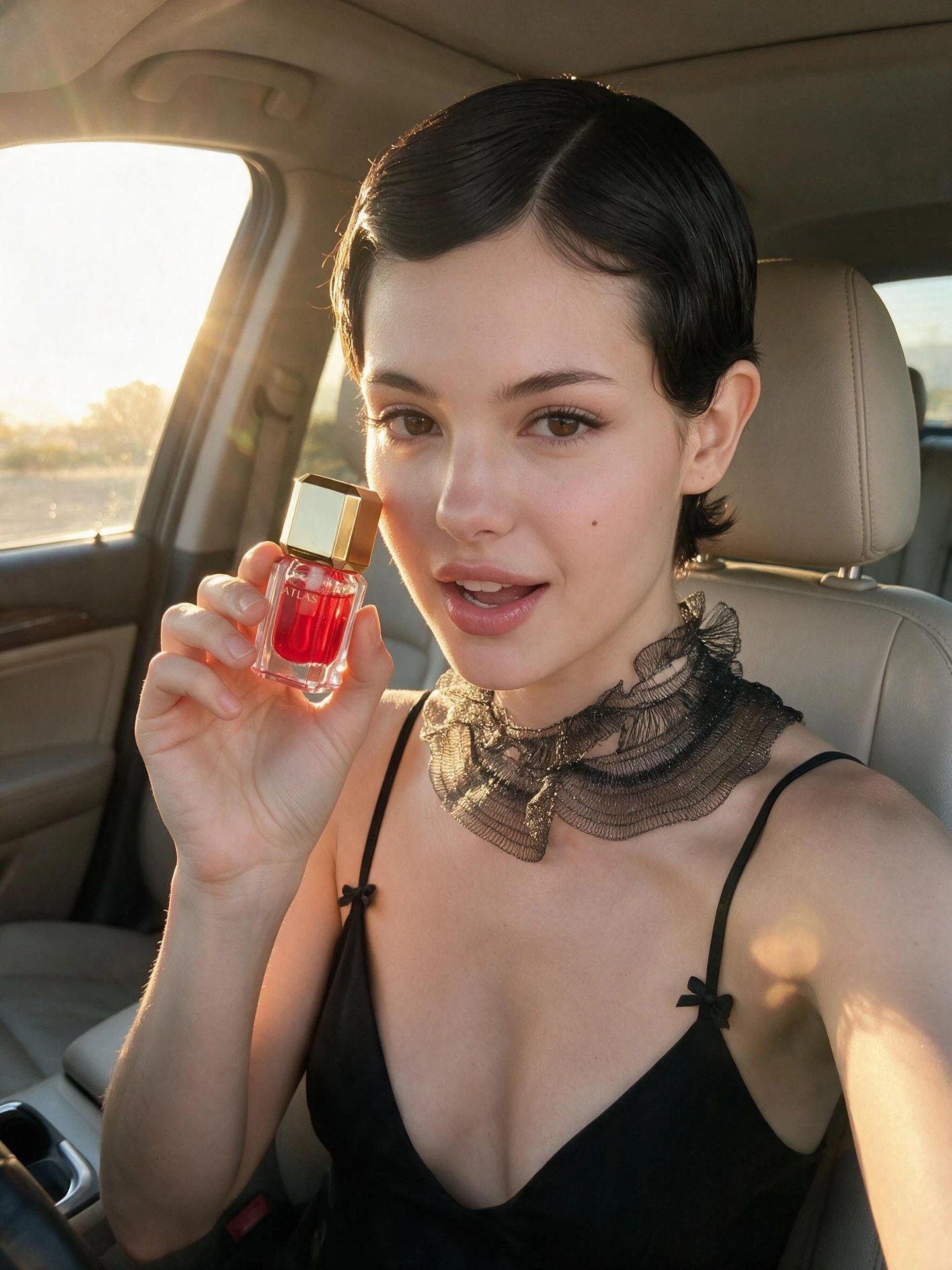
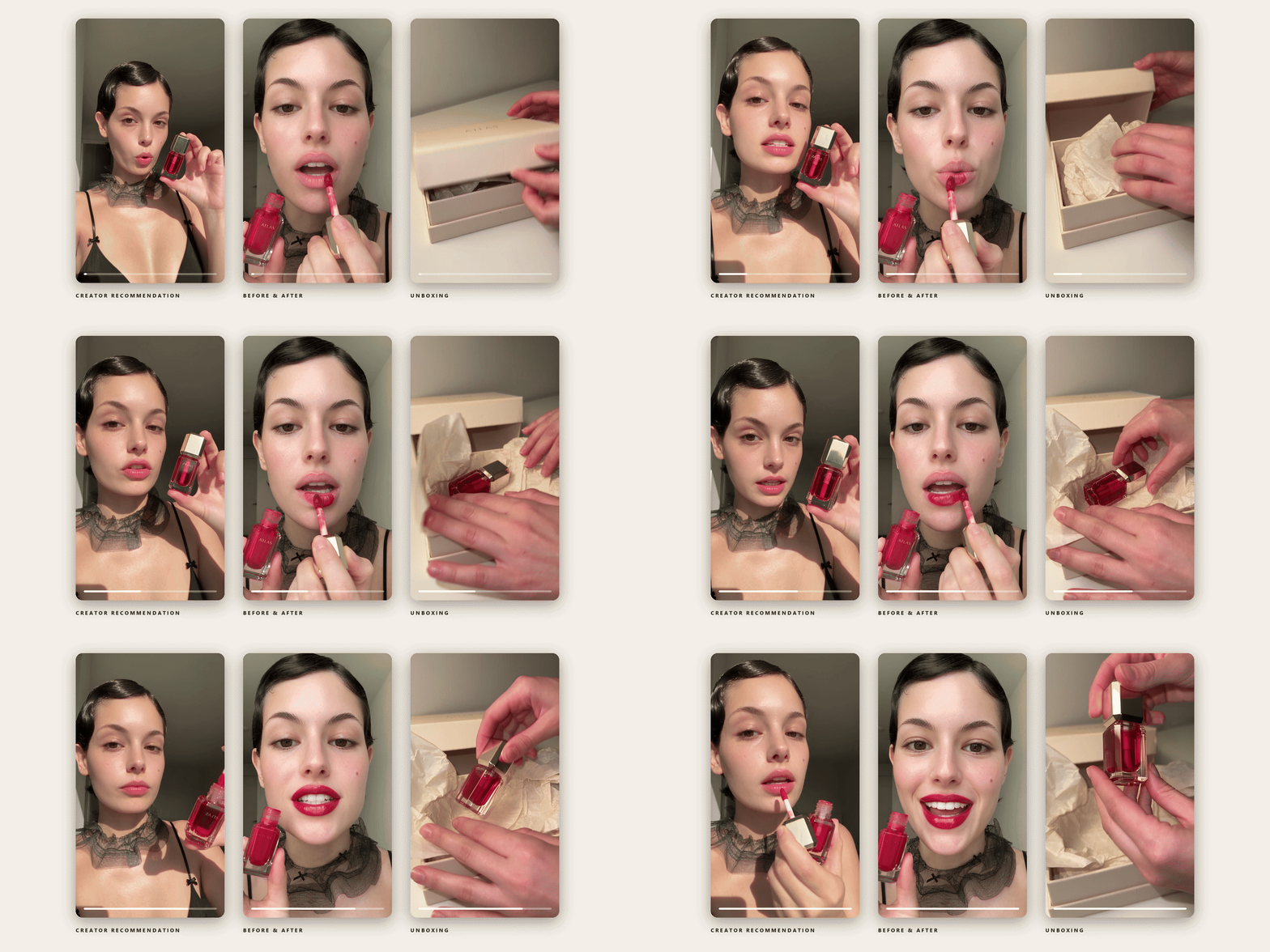
The format is a field in the form, so it never has to be worded carefully in a prompt. A creator recommendation talks the product up to camera. A before and after is built around the change the product makes, which suits anything with a visible result. An unboxing opens the package and reacts, which fits a product whose packaging does some of the selling. Each one restructures the script underneath.

A UGC Video Generator You Can Point at Any Placement

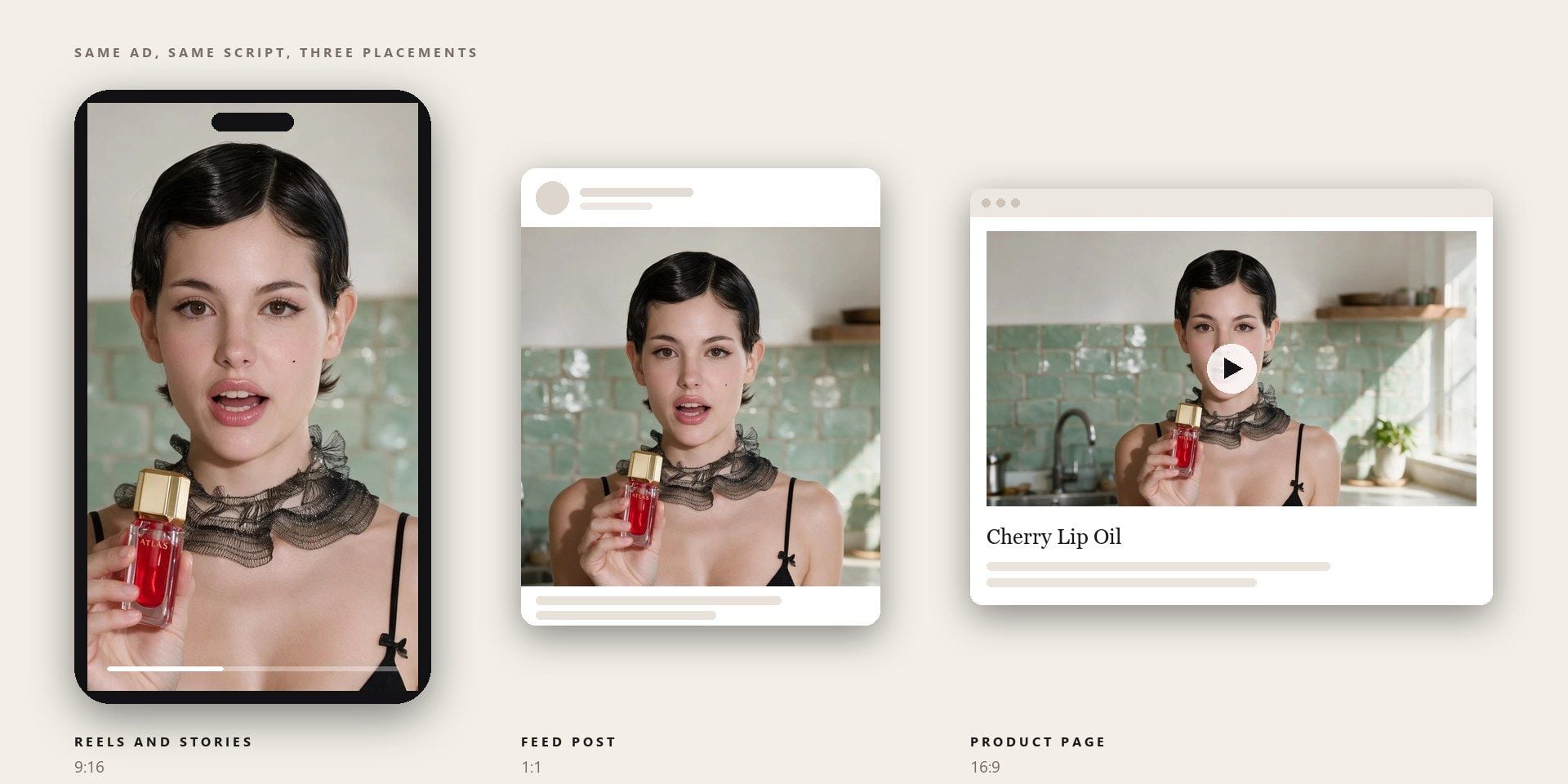
Running the same ad in a Reels slot and on a product page? The frame defaults to 9:16 because that is where this format lives, and the four other shapes are there for the placements that are not vertical. What does not change is the script, so a hook that worked in the feed is the same hook in the square cut.

How to Make a UGC Ad in Three Steps

  1. Upload the Two Photos

    The product shot is required; the presenter photograph is optional.

  2. Choose a Format and Write the Brief

    Choose the ad format, then write the claim you want landed and anything the presenter should physically do, such as spraying the product on a wrist.

  3. Pick a Length and Run

    Pick a length. The voice-over arrives with the file.

Where an AI UGC Video Earns Its Place

Pick the tab closest to your work.

Creative Testing Without a Creator Booking

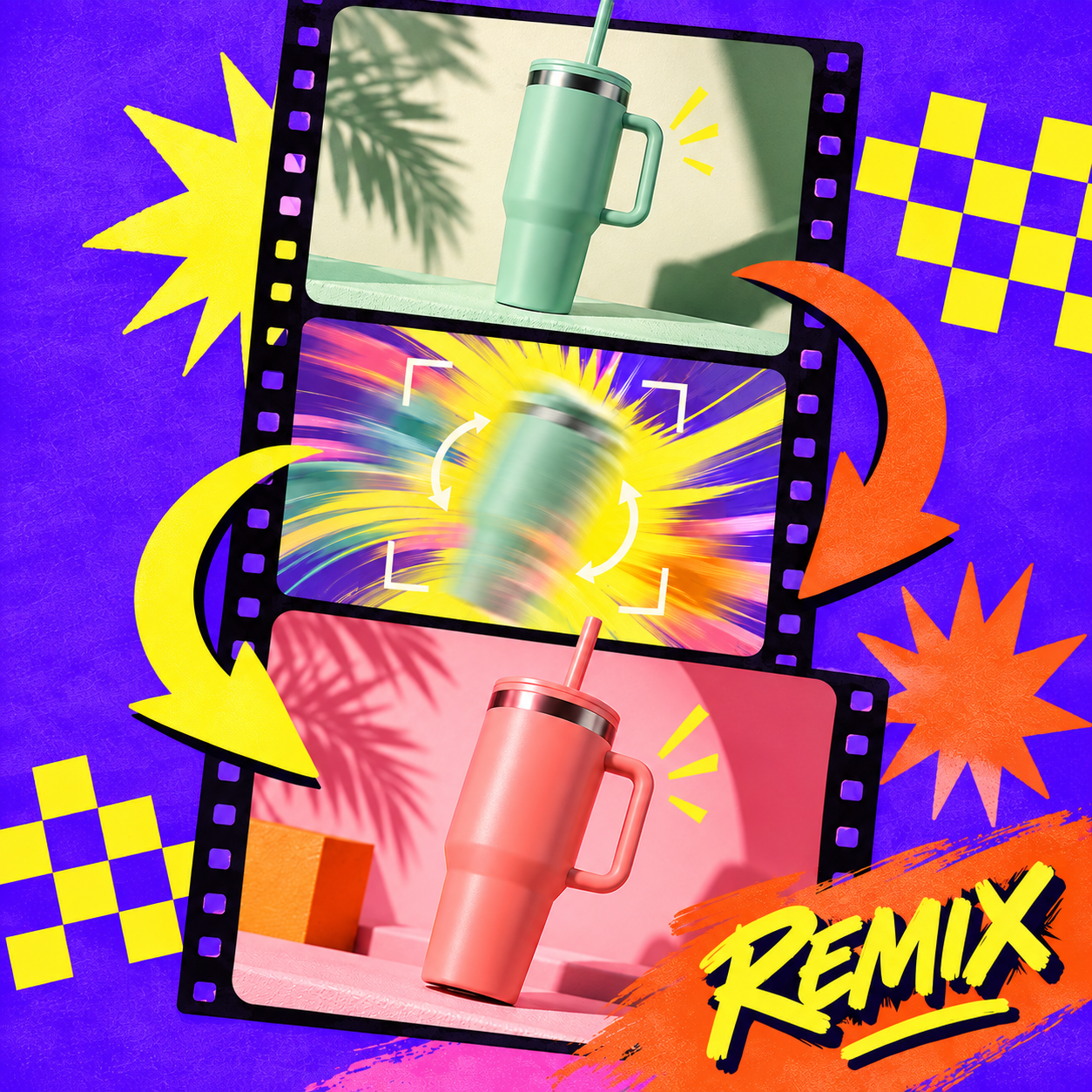
Paid social needs new hooks faster than a creator roster can film them, and the gap widens every week the account stays live. Running the product shot through all three formats gives the media buyer something to test on Monday. Whichever one survives the week becomes the brief for the next batch.

Creative Testing Without a Creator Booking

Three Concepts Before the Pitch

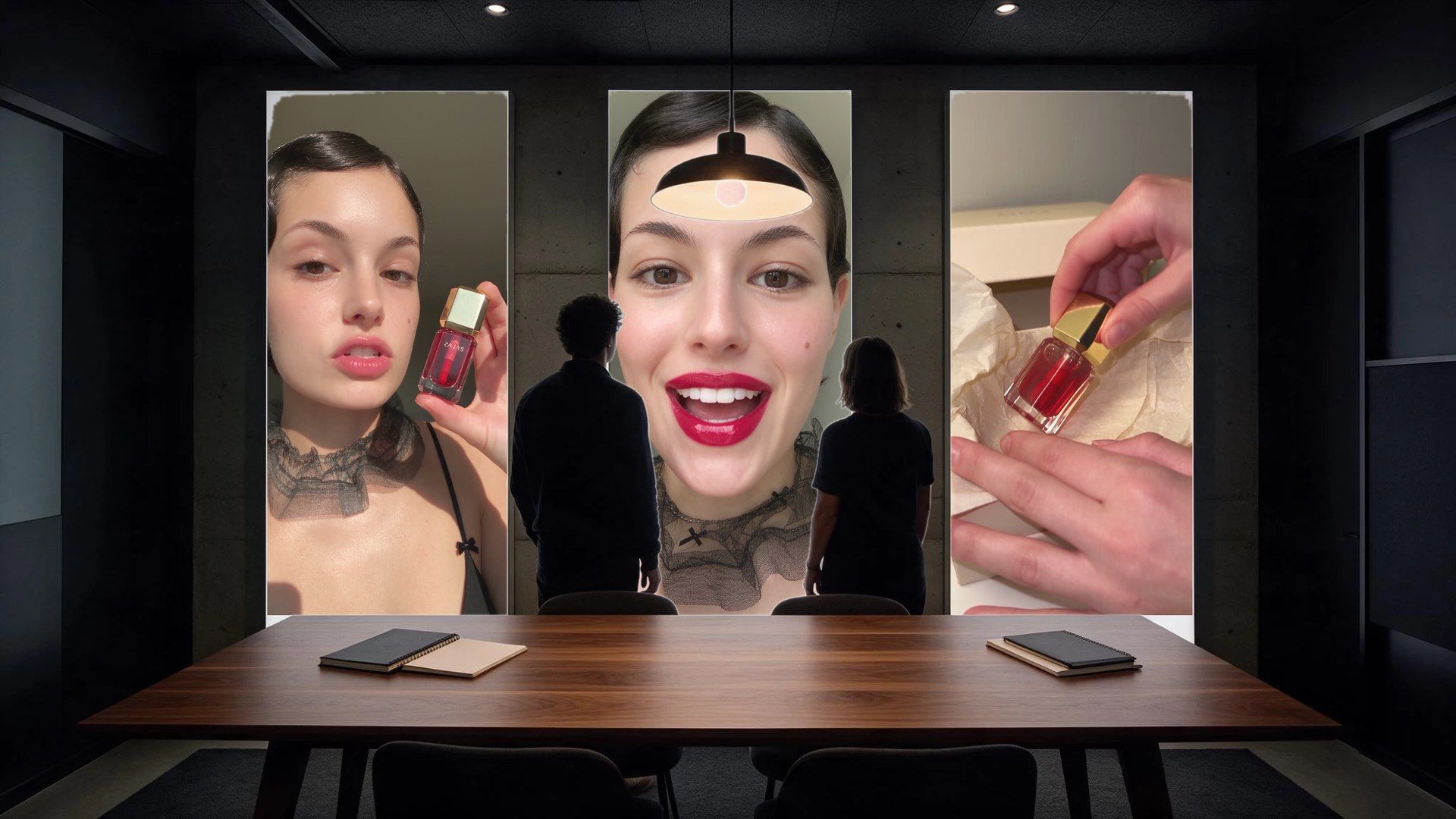
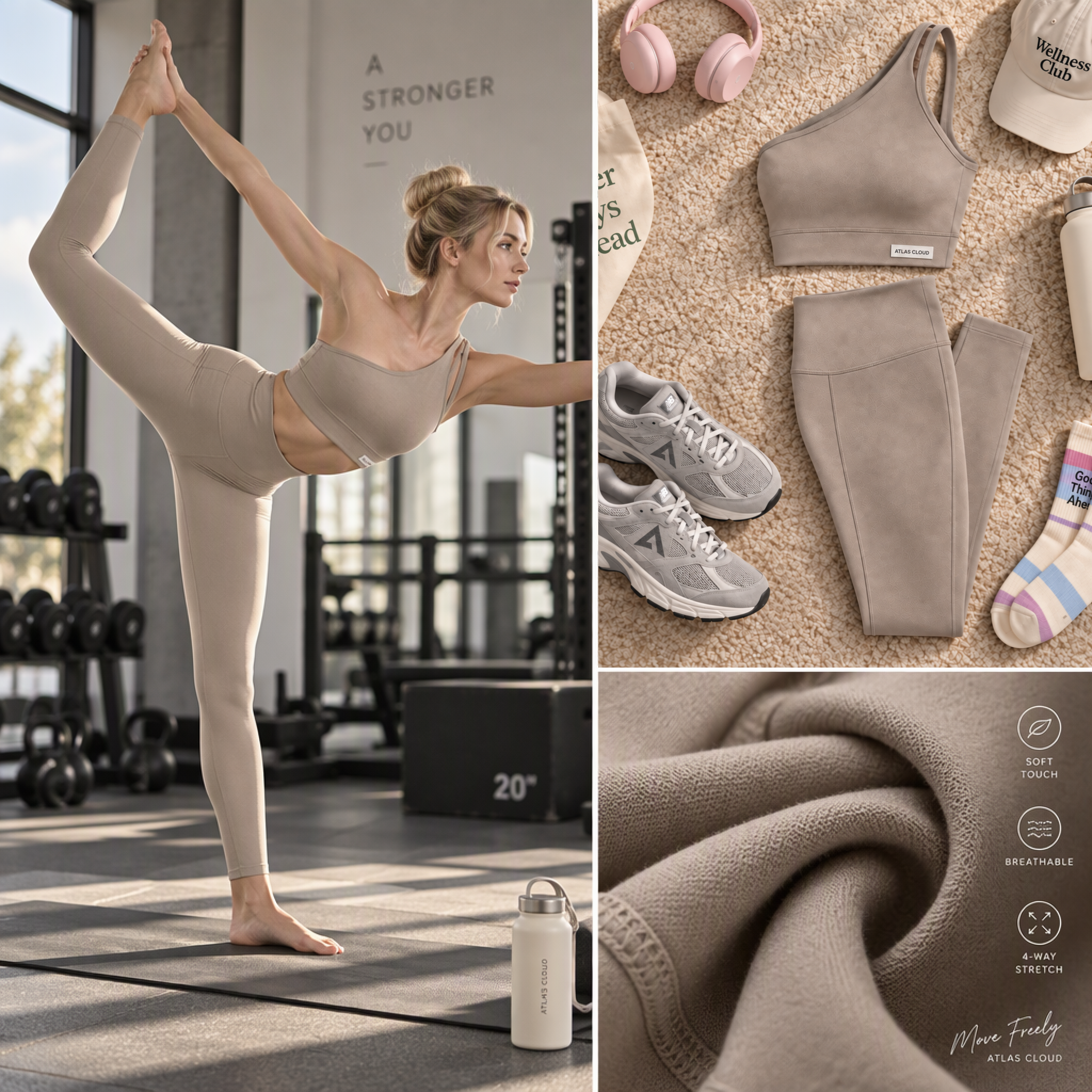
Walking into a review with one cut invites a debate about that cut, line by line. Walking in with three formats of the same product turns the conversation into a choice about direction. The client picks a lane, and the detail work happens afterwards on something everyone has already agreed to.

Three Concepts Before the Pitch

A Face on a Listing That Has None

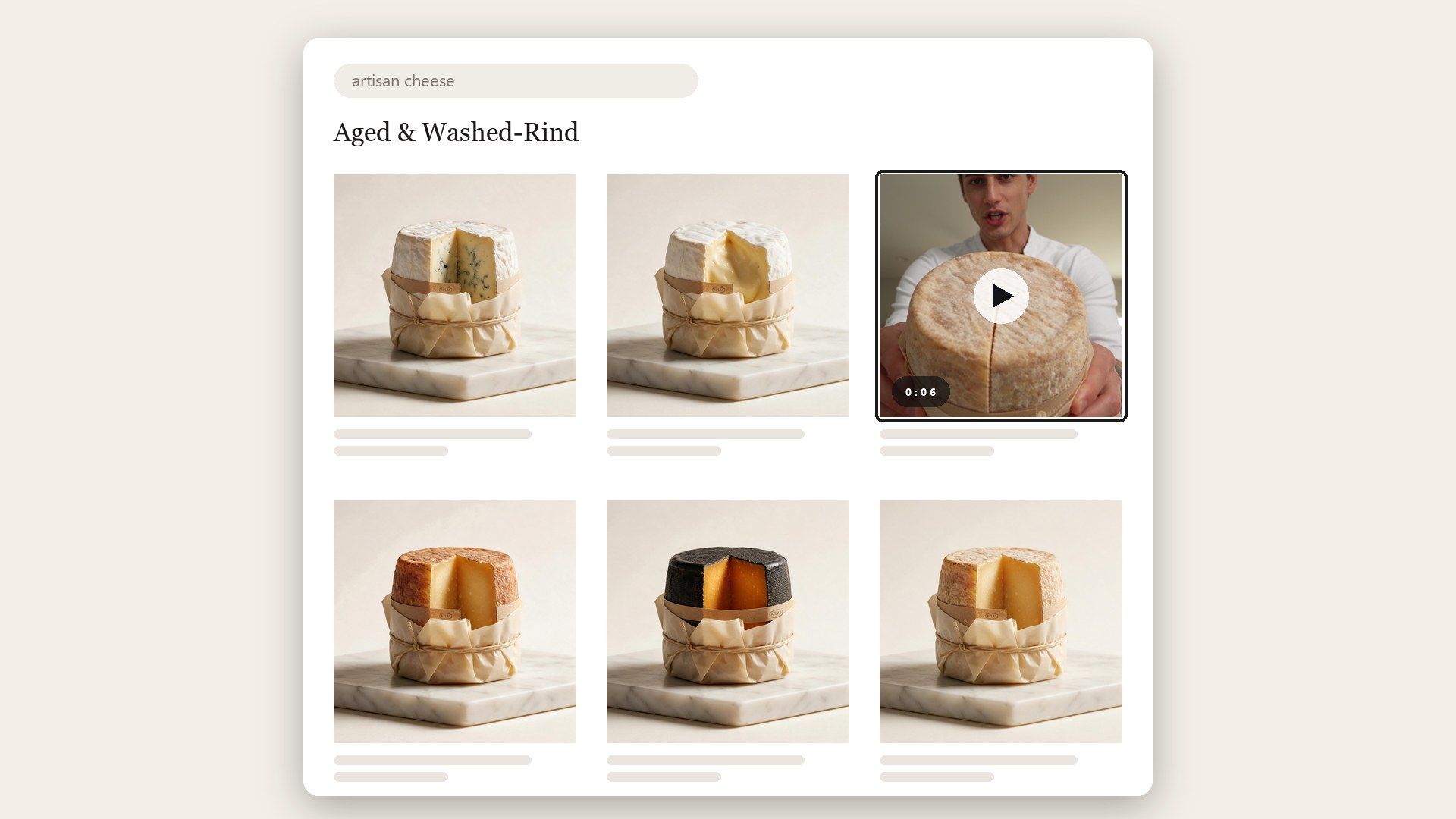
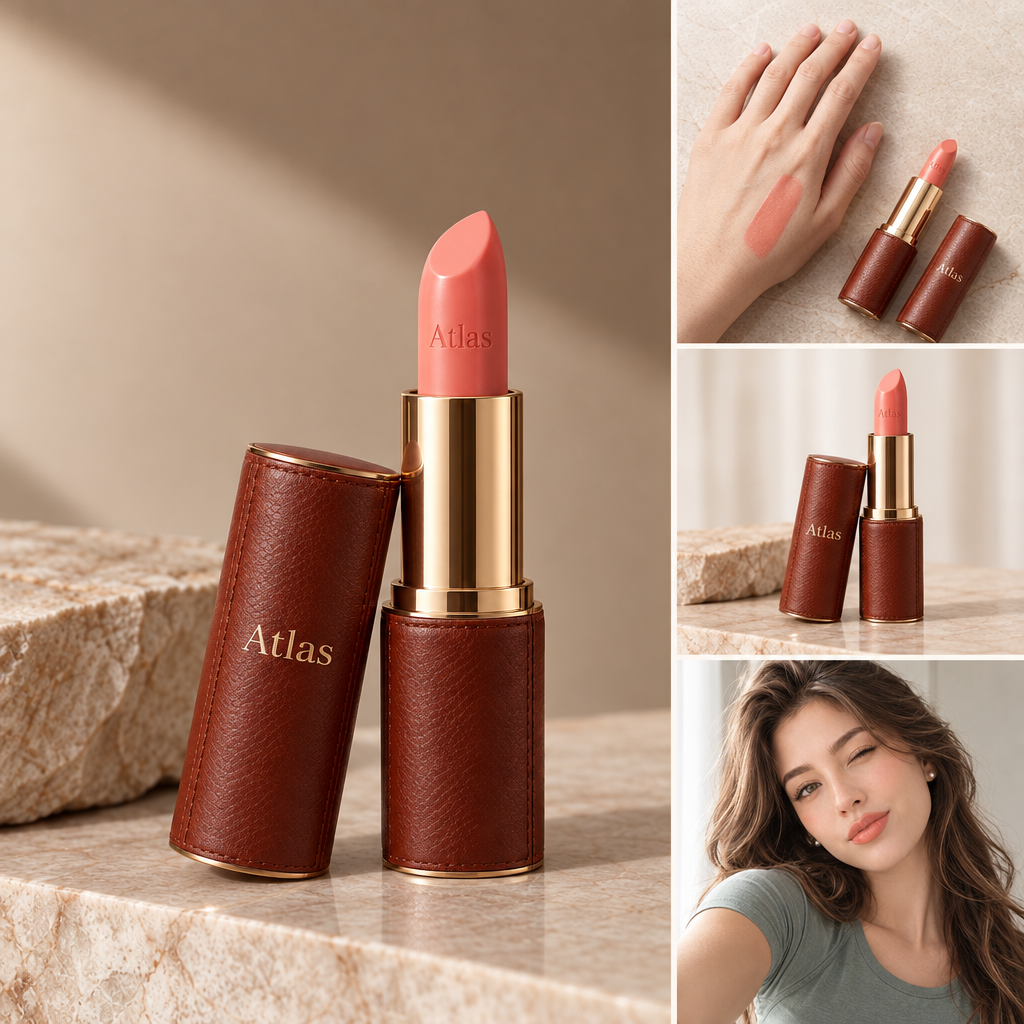
Most listings in a category show the same catalogue photography, often supplied by the same wholesaler. A short clip of someone holding the product and saying what it does is the cheapest way to look unlike the tile beside it. It also answers what a photograph leaves open, which is whether anyone has used the thing.

A Face on a Listing That Has None

Explaining Something You Cannot Photograph

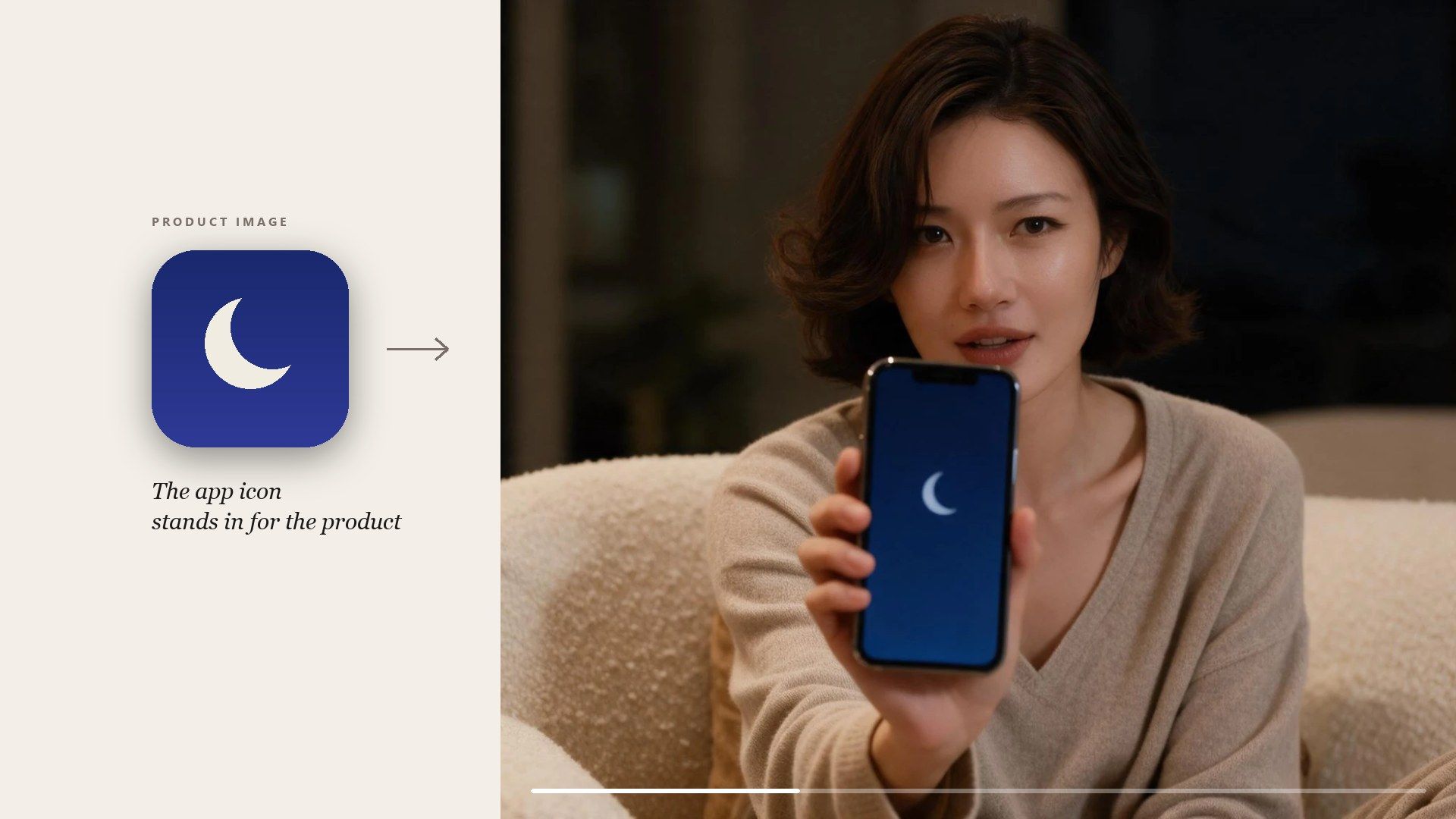
A subscription, an app or an insurance policy has nothing to put on a table and photograph. A presenter talking through the change it makes gives the ad something concrete to show. The product slot still needs a file, so most of these runs use the app icon or a screenshot of the interface.

Explaining Something You Cannot Photograph

Atlas Cloud के और AI टूल

Frequently Asked Questions

The framing and the delivery. A UGC ad is one person talking to camera at arm's length, in a single take, with none of the polish of a commercial. This template is built for that register, which is why the frame starts vertical and the presenter fills it.

One is created for the ad, and it will not be the same person next time, so anything that has to look like a series needs the same photograph uploaded on every run.

Yes, and there is no separate voice or language field to set: the presenter reads whatever the brief says, with the lip movement rendered to match.

Any whole number of seconds from 4 to 15, short enough for a feed ad and long enough to walk through a full recommendation or unboxing.

Pricing follows length and resolution. At 720p a 4-second ad is about $1.42, 10 seconds about $3.24 and the full 15 seconds about $4.75. Nothing is charged for a run that fails.

Two, through the number of outputs field. They are not copies of each other, so the hook and the delivery will not be identical, which is the point when you are testing. Both count as full ads on the bill.

Three native tiers, 480p, 720p and 1080p, and above them a set of super-resolution options that scale a finished render up rather than rendering larger. For a vertical feed ad the native tiers are the ones to use; the 1440p and 4K enlargements cost a multiple of a standard run and are there for placements that genuinely need the pixels.

Platforms set their own rules on synthetic and AI-generated creative, and those rules are revised often. Check the current policy for wherever the ad is running before you publish it.

Yes, through the ad_type field, which takes the same three values as the form. Send a POST to /api/v1/model/generateVideo with the model set to atlascloud/studio/ugc-ad, then poll /api/v1/model/prediction/{request_id} until the status comes back completed. Start from the API docs.

One Product Shot Is Enough to Start.