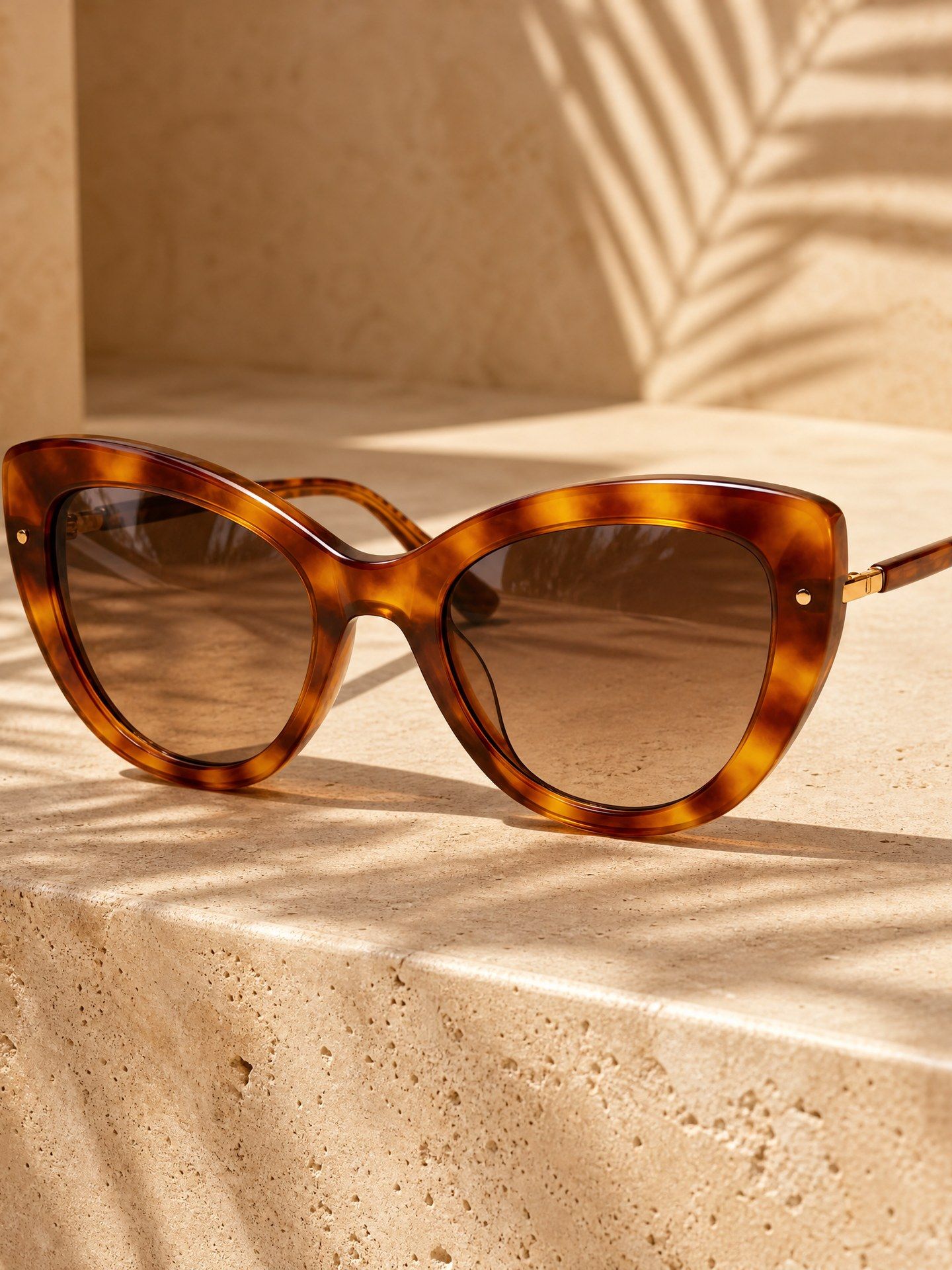
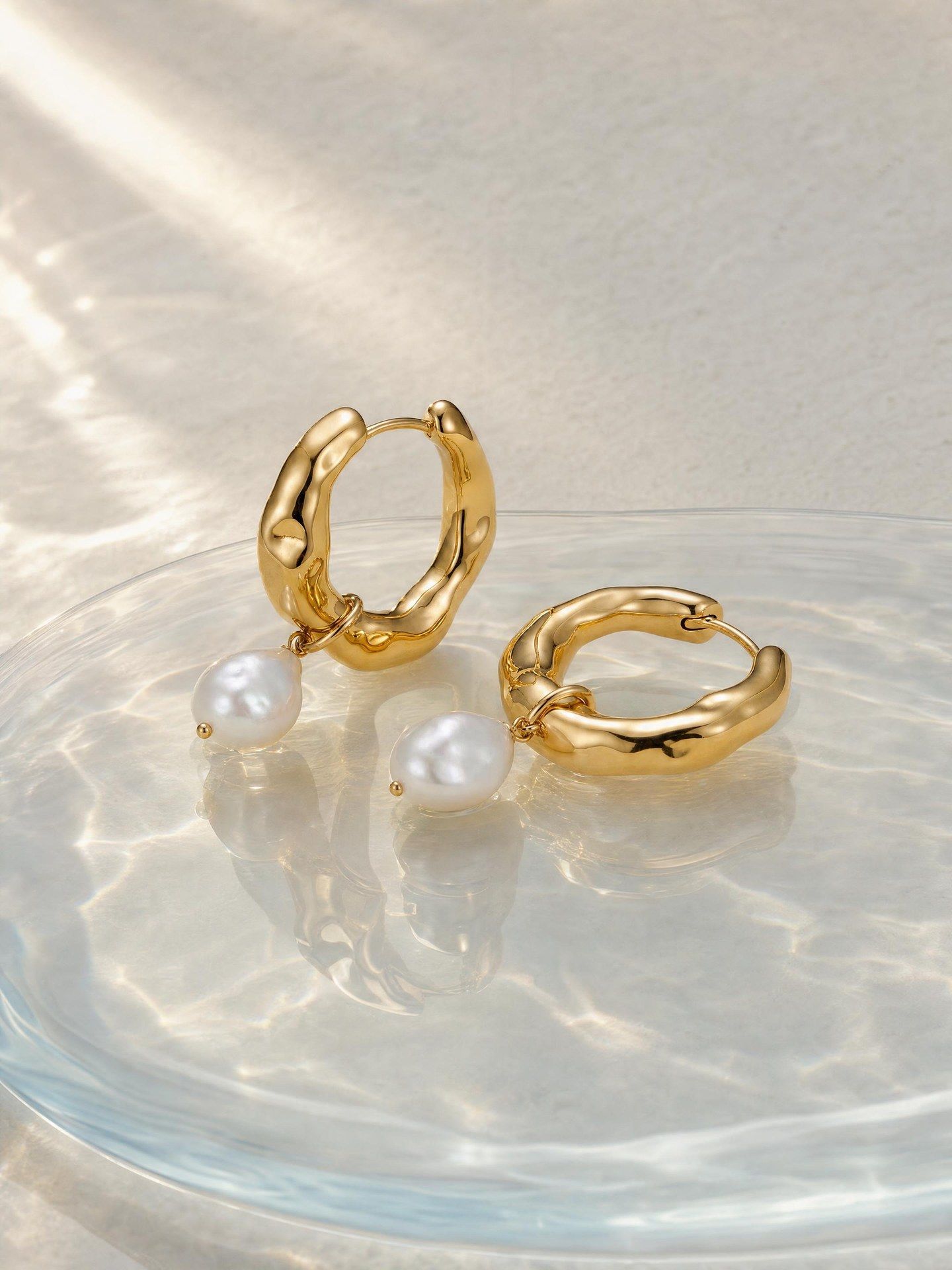
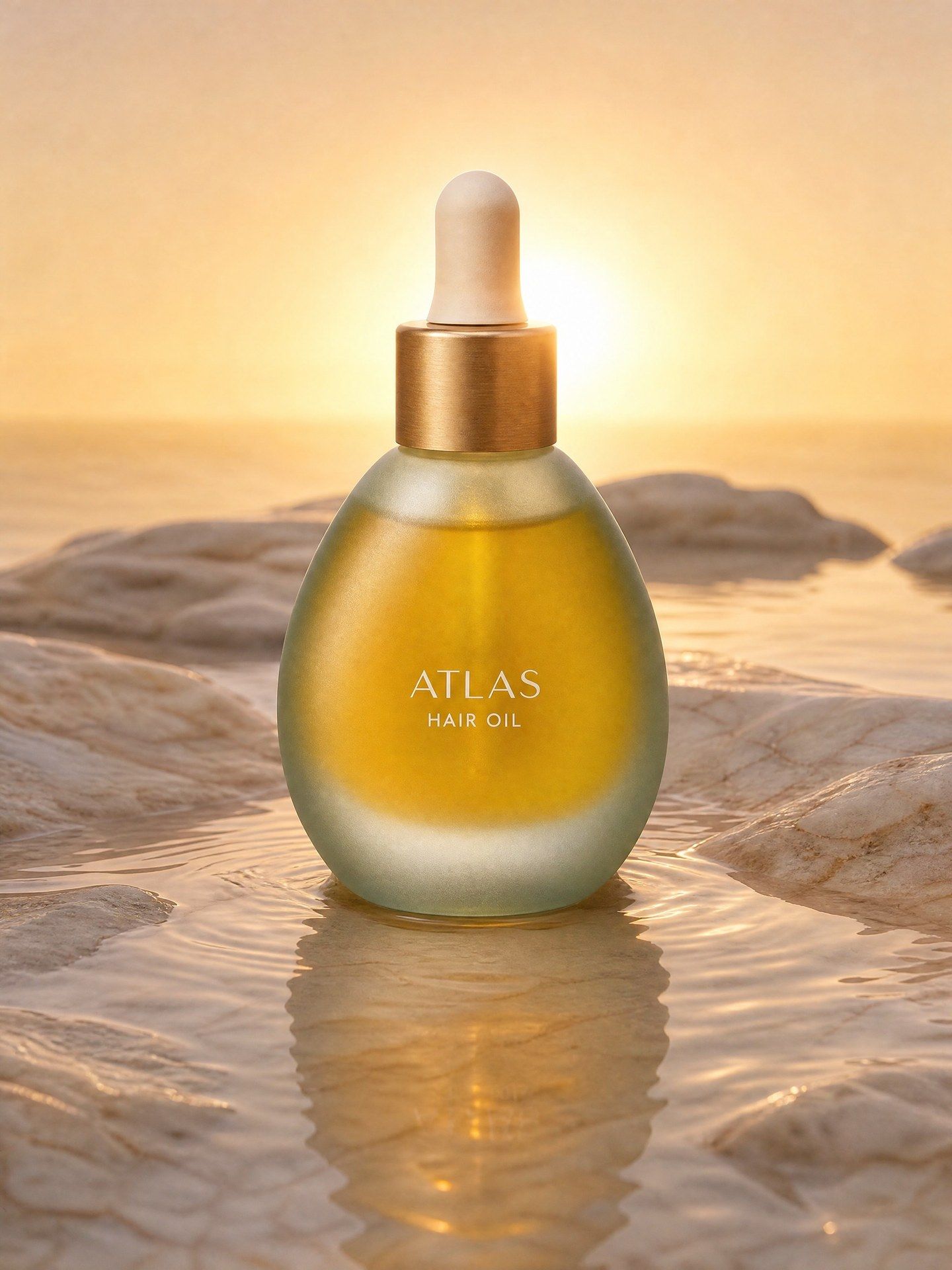
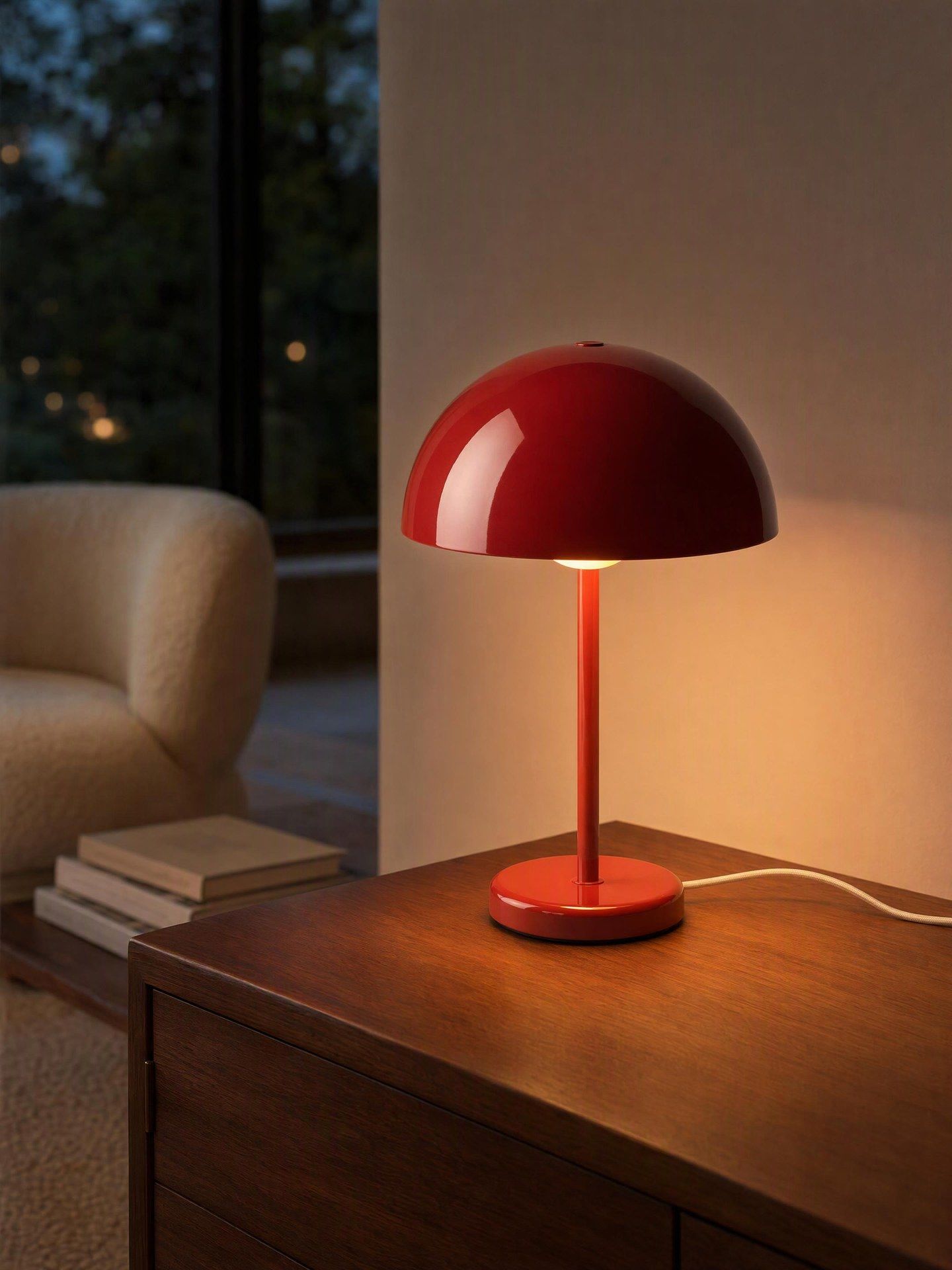
Seedance 2.5 Flash рдкрд░ рдЕрдм 35% рдХреА рдЫреВрдЯ тАФ 30 рдирд╡рдВрдмрд░ рдХреЛ рд╕рдорд╛рдкреНрдд

рдЙрддреНрдкрд╛рдж рд╡рд┐рдЬрд╝реБрдЕрд▓

рдлрд╝рд╛рдЗрд▓ рдпрд╣рд╛рдБ рдЦреАрдВрдЪреЗрдВ, рдпрд╛ рдЕрдкрд▓реЛрдб рдХрд░рдиреЗ рдХреЗ рд▓рд┐рдП рдХреНрд▓рд┐рдХ рдХрд░реЗрдВ

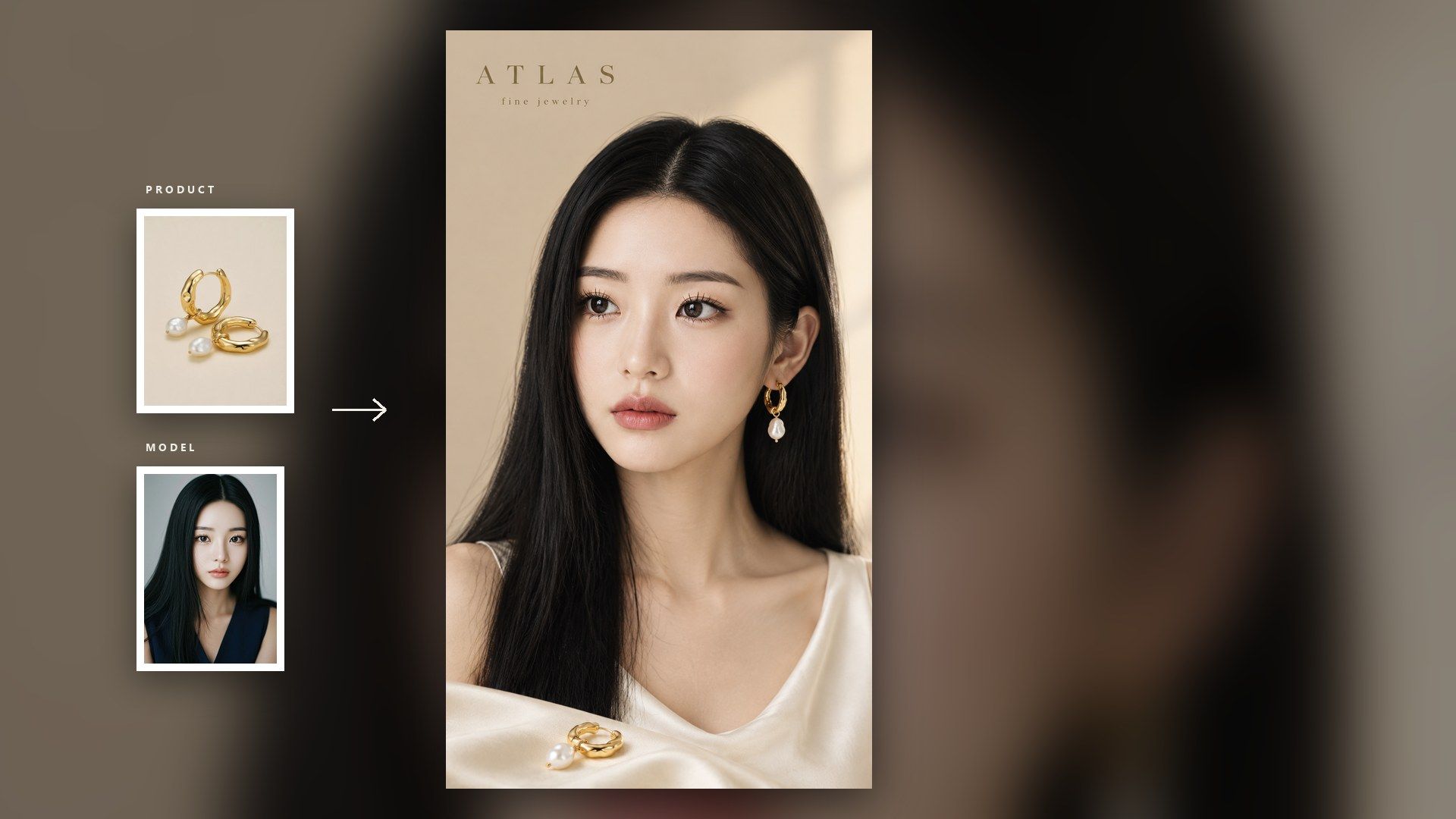
Optional. Without it, any person in the shot is invented by the model.

рд╕реЗрдЯрд┐рдВрдЧреНрд╕

рдЖрдЙрдЯрдкреБрдЯ

рдЙрддреНрдкрд╛рдж рд╡рд┐рдЬрд╝реБрдЕрд▓

AI Product Image Generator That Plans Each Shot Before It Renders

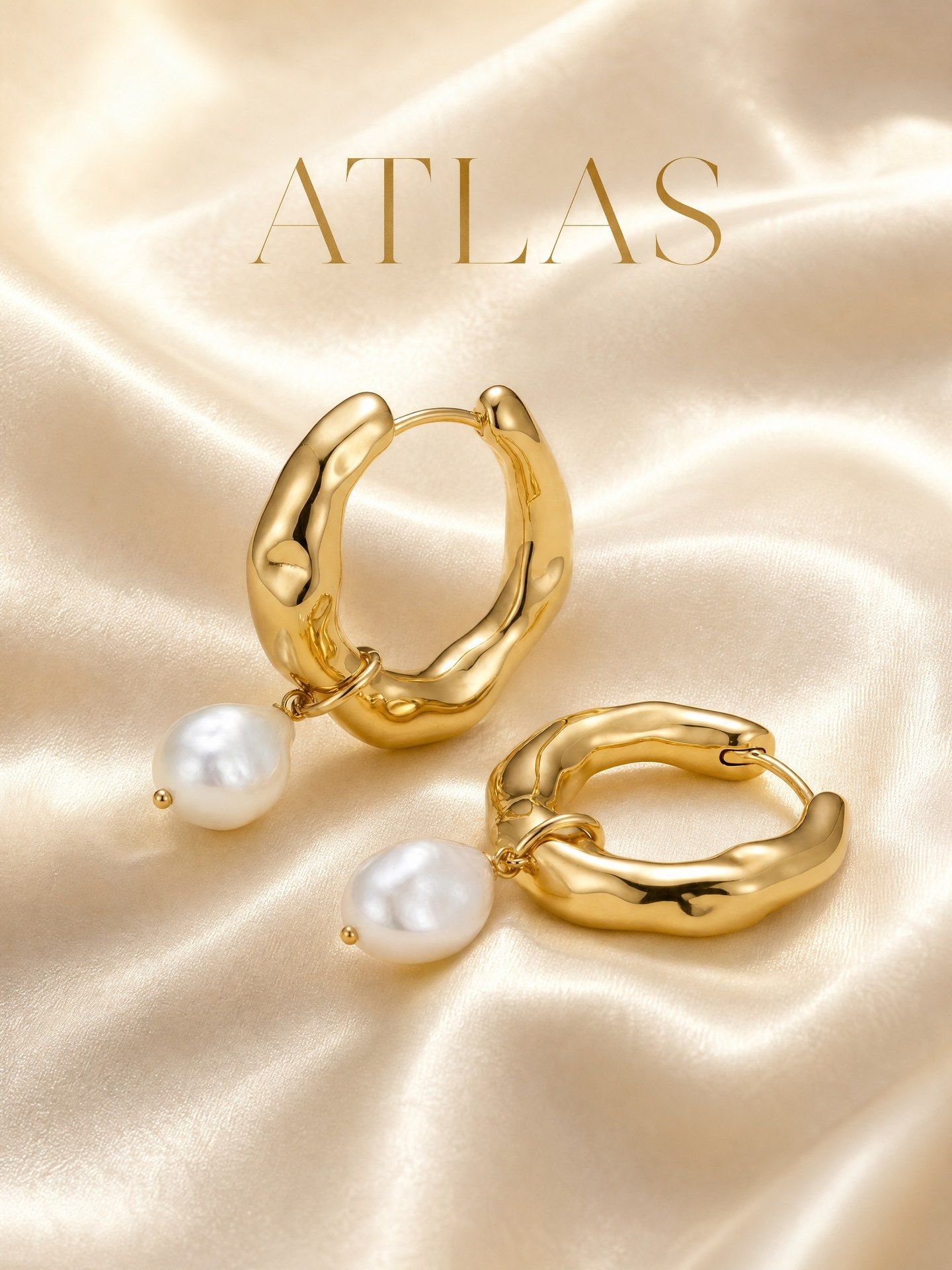
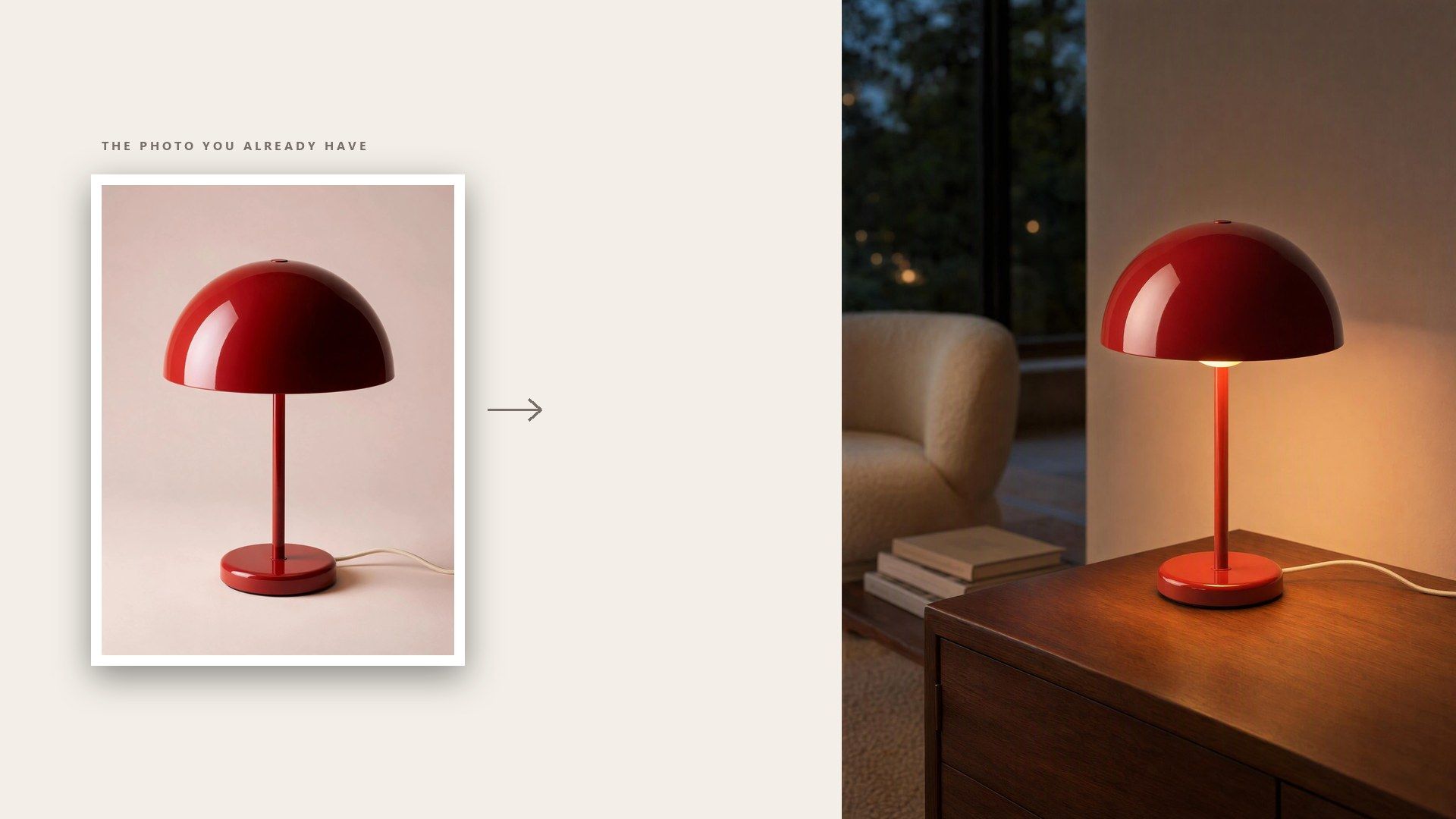
Upload the product shot you already have and write a line about the brand and the look you want. What comes back is a finished frame at the ratio and resolution you picked, ready to download.

From One Product Shot to a Full Set of Product Photos

Everything below is a decision you would otherwise make yourself: how the shot is lit, how many versions to try, where the image ends up, and how to get it done at the scale the catalogue actually is.

Let the Template Settle the Scene and the Light

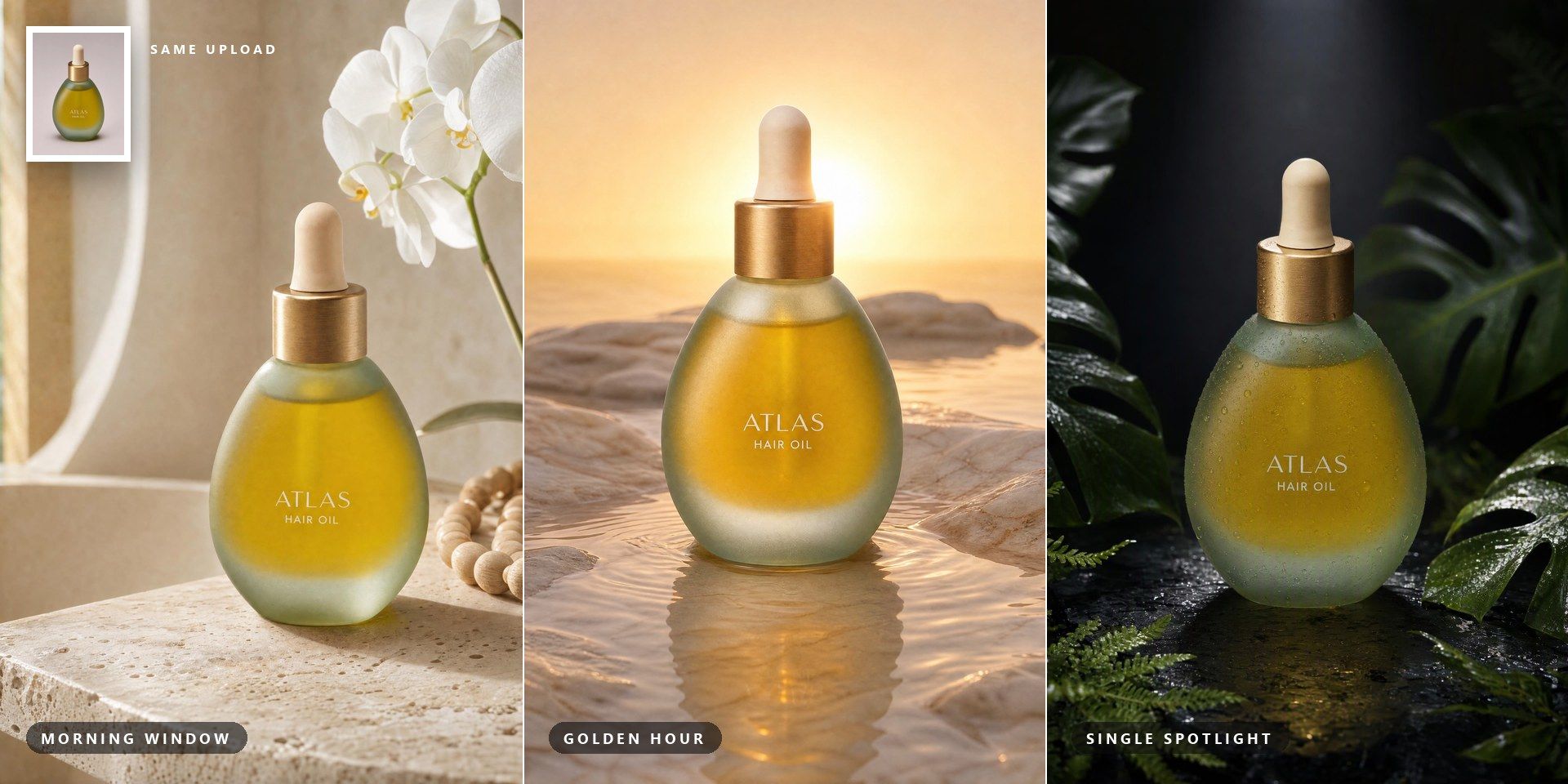
Most tools hand the scene back to you as a prompt box, so you need to know what lighting to ask for. This one settles the scene, the lighting and the composition for each image first, then renders against that decision. You write what the product is and how the brand should feel, whether it is a candle or a bottle of hot sauce; the rest is worked out.

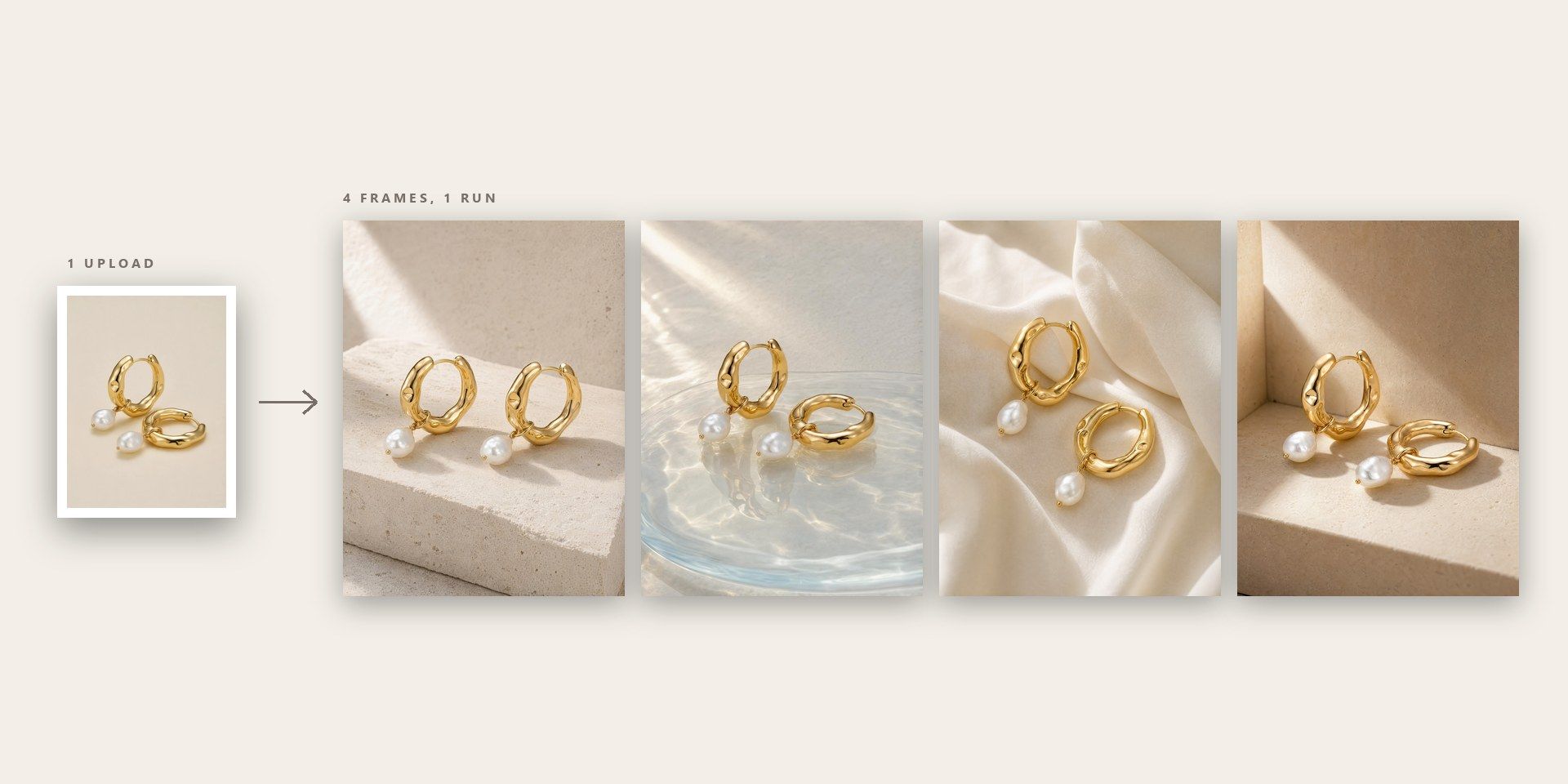
Get Up to Four AI Product Photos From One Upload

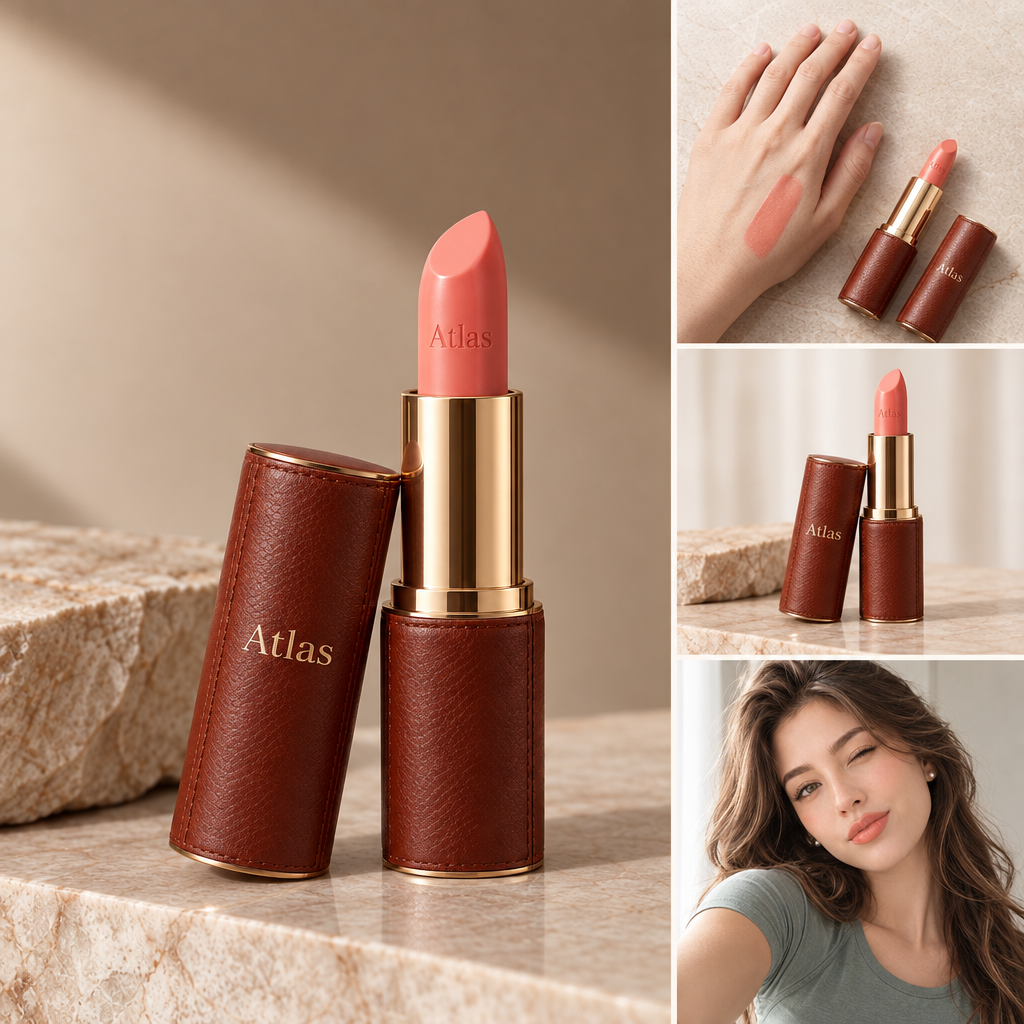
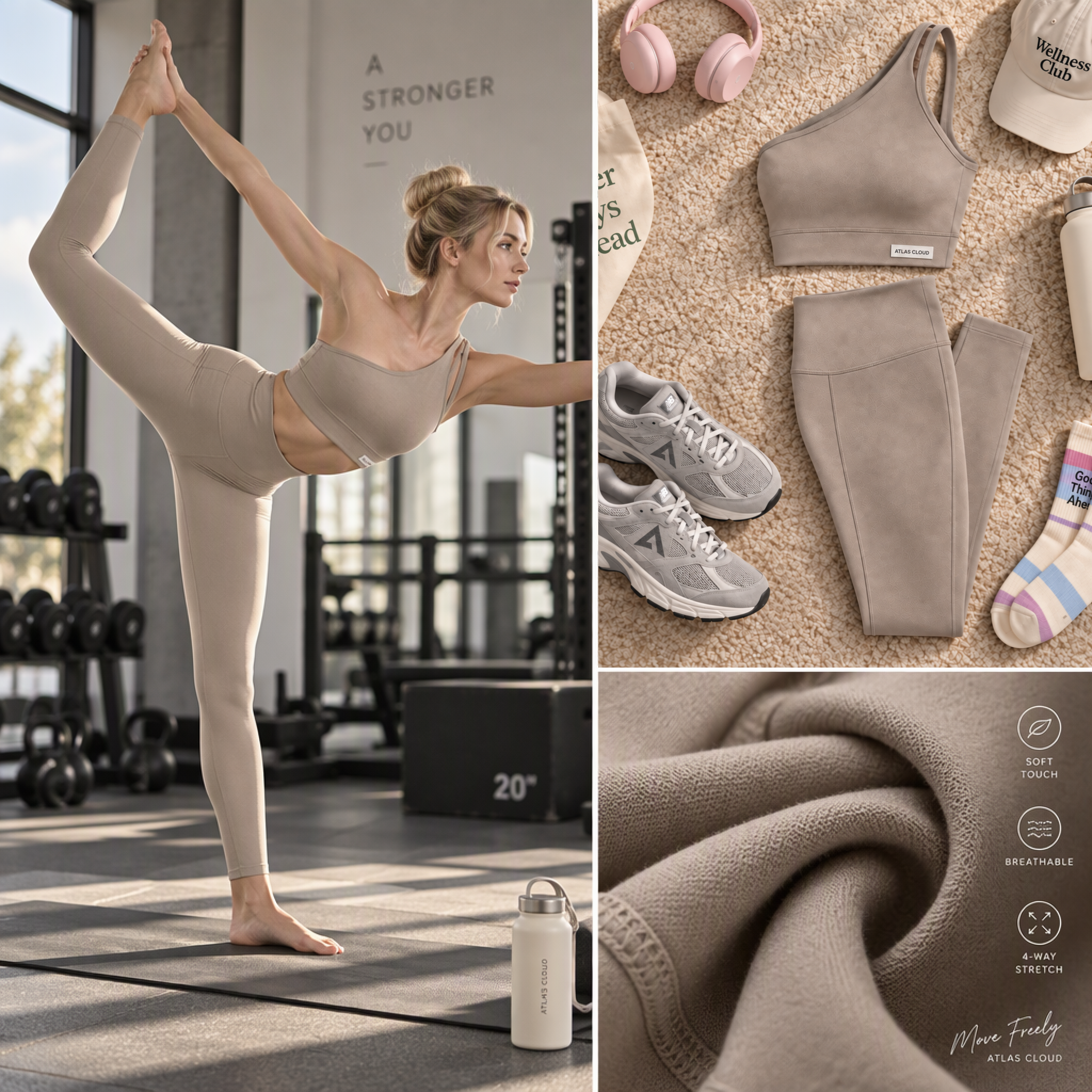
Every frame in a run is worked out on its own, so asking for four gives four takes on the product, each with its own scene. The planning happens once no matter how many you ask for, so the fourth image costs less than the first.

An AI Product Image Generator You Can Call From Your Own Code

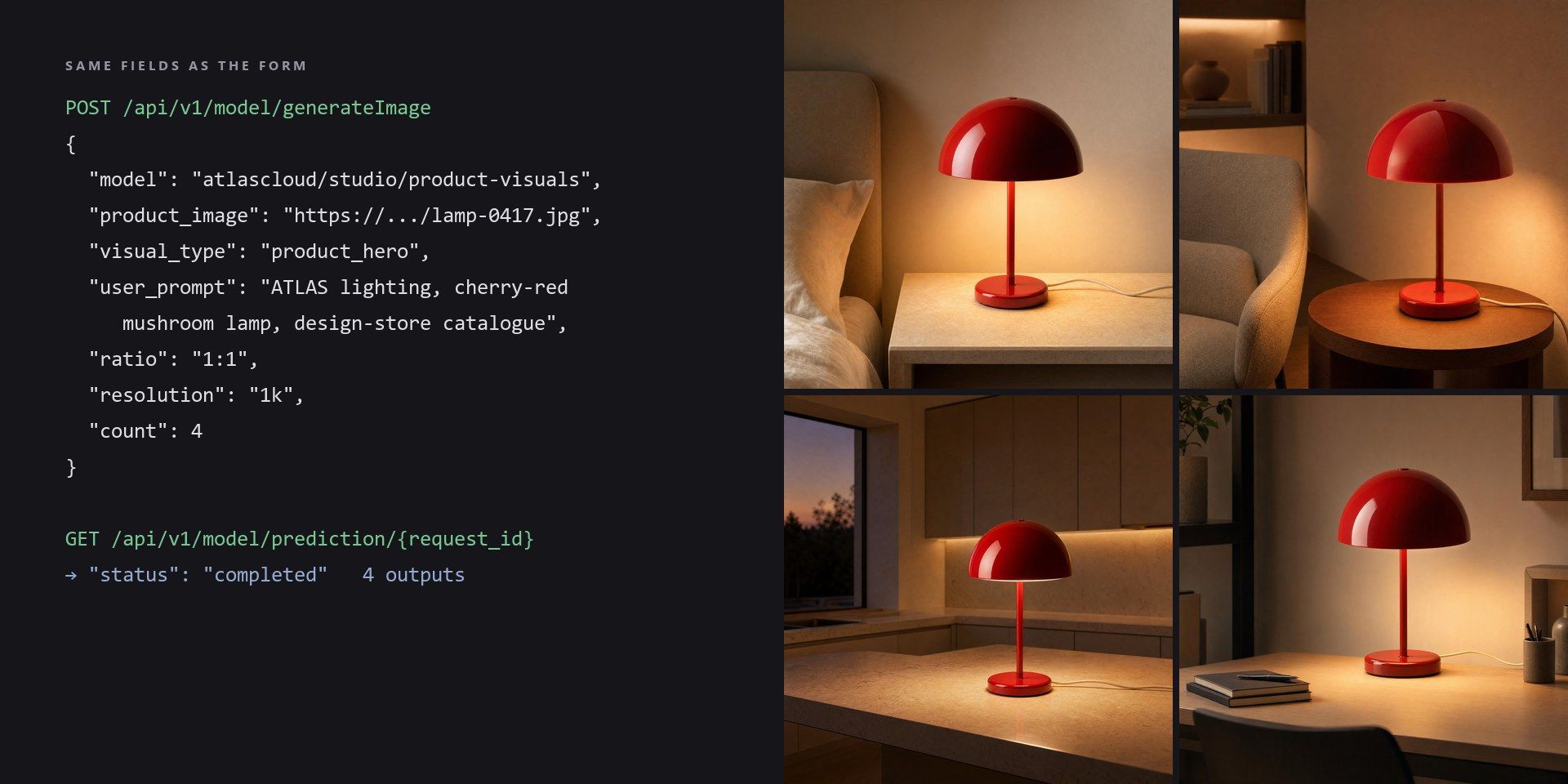
Four images a run suits a listing, not a catalogue of nine hundred. The rest of this category answers that with a bulk-upload screen. The answer here is that the template is itself a model on the Atlas Cloud API, taking the same fields the form does, so whatever you settle by hand is what your code sends afterwards.

An AI Product Photo Generator That Knows Where the Image Will Sit

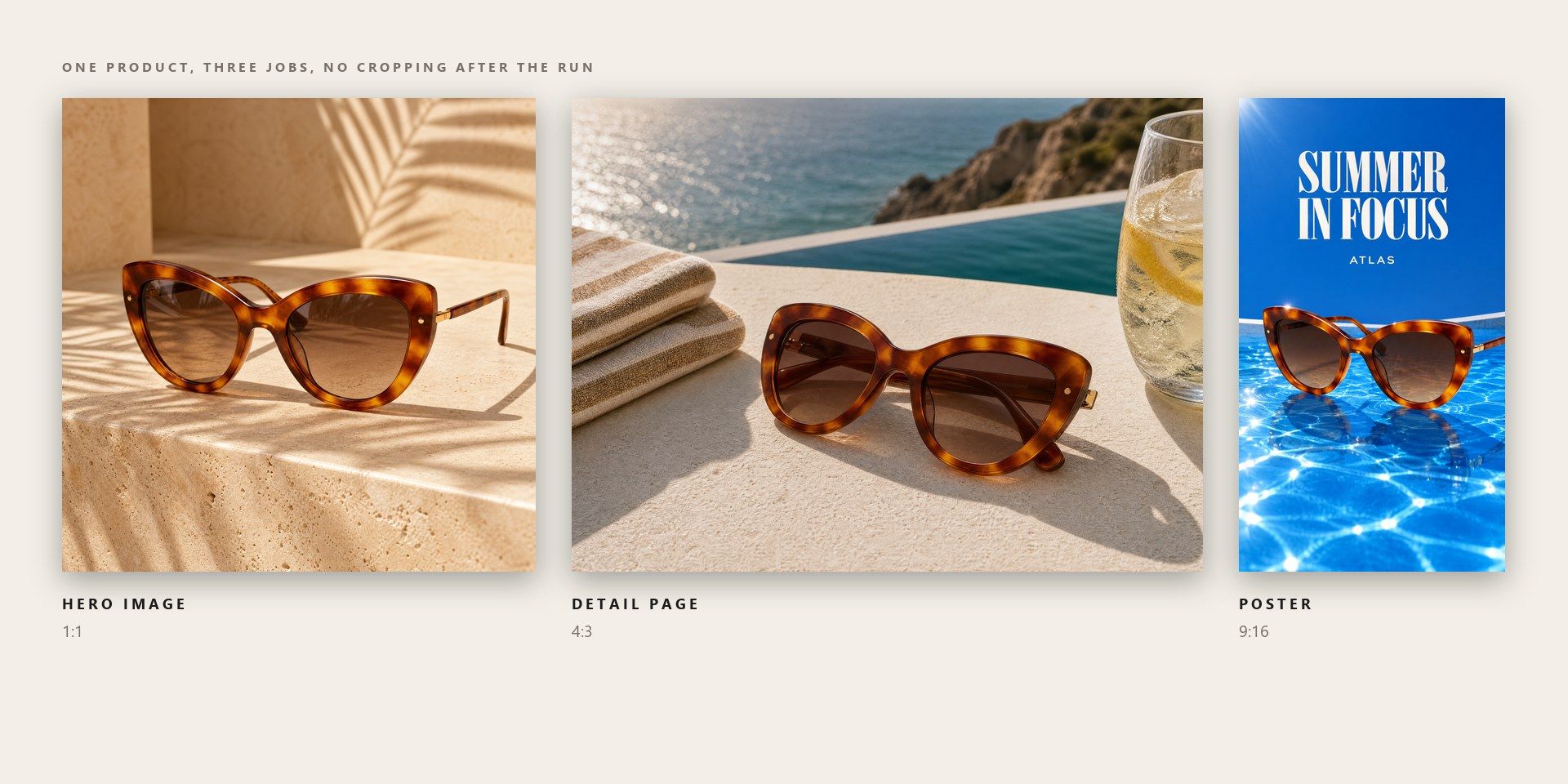
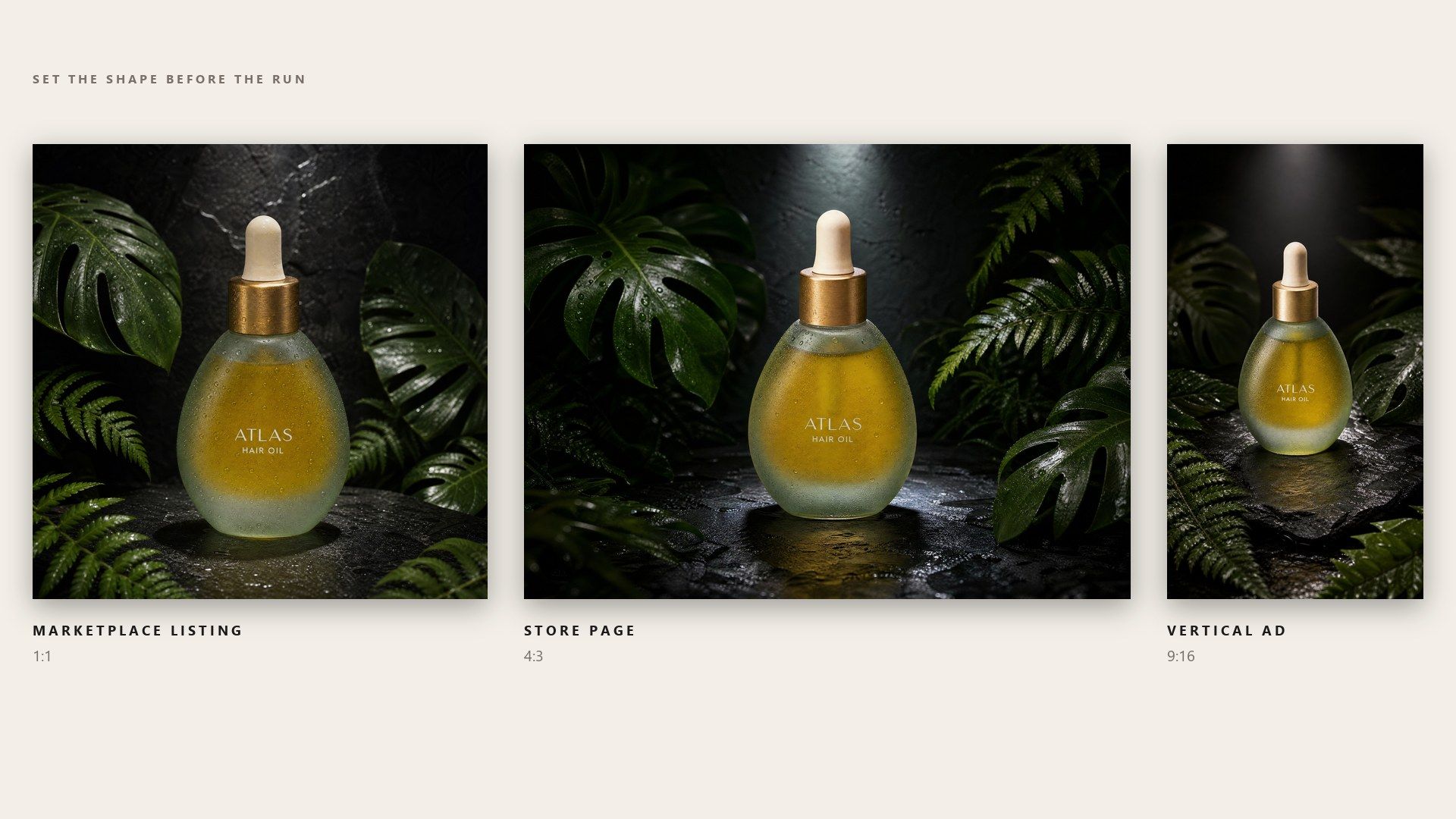
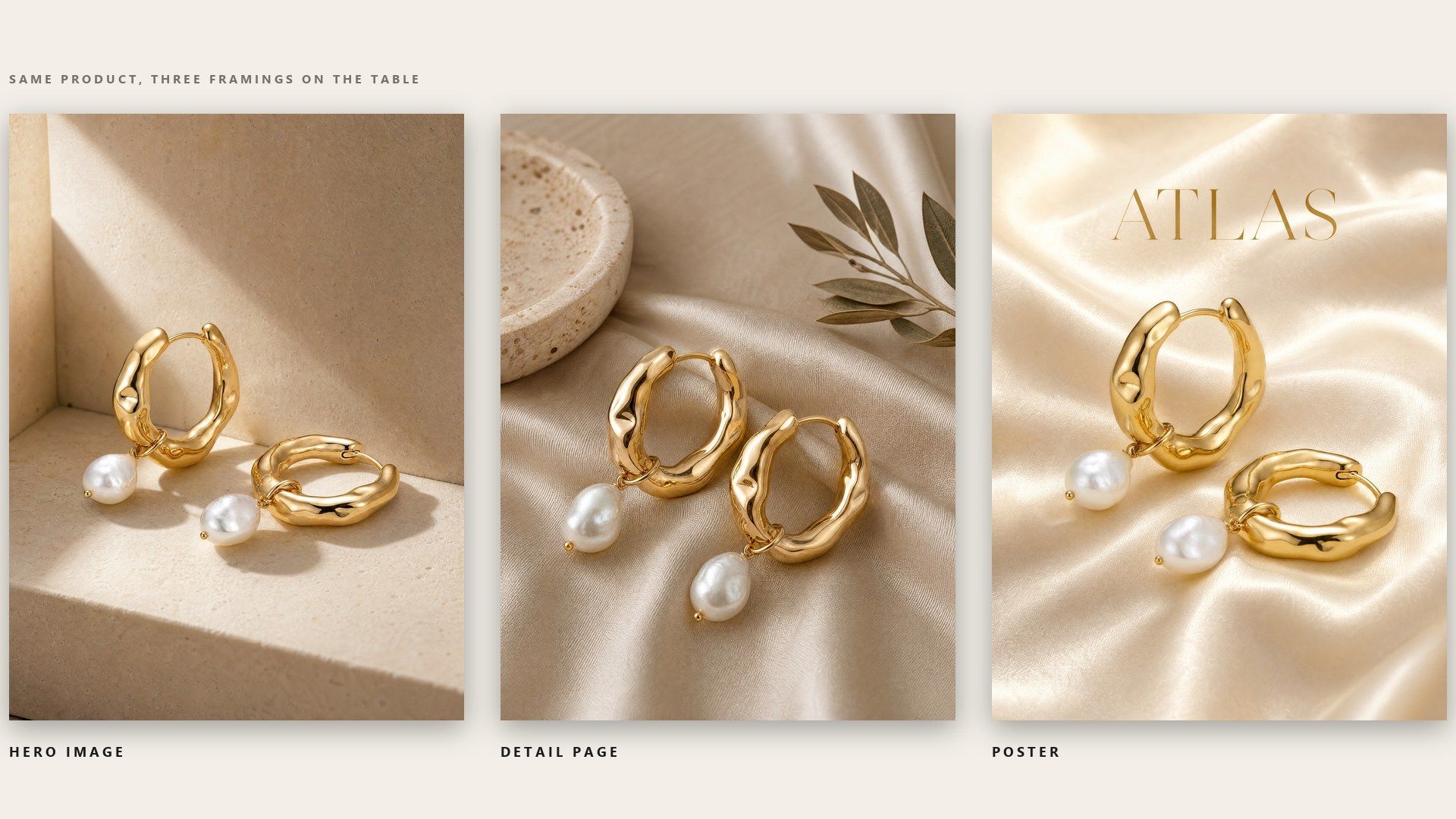
Pick the job and the brief changes underneath: a hero image for the top of a listing, a detail-page still that shows the product in a fuller scene, or a poster with room left for a headline. Set the frame shape before the run and the same product fits an Amazon listing, a Shopify page and a vertical ad without one render being cropped three ways.

How to Generate Product Photos in Three Steps

  1. Upload the Product Shot

    Drop in the photo of the product, and add a model shot if the scene needs a person. Each file can be up to 10 MB.

  2. Write One Line and Pick the Visual Type

    Write a line covering the brand and the style you want, then pick the visual type for this run.

  3. Set the Frame and Run

    Set the ratio, the resolution and the number of frames, then run it.

Where AI Product Photos Do the Most Work

Pick the tab closest to your work.

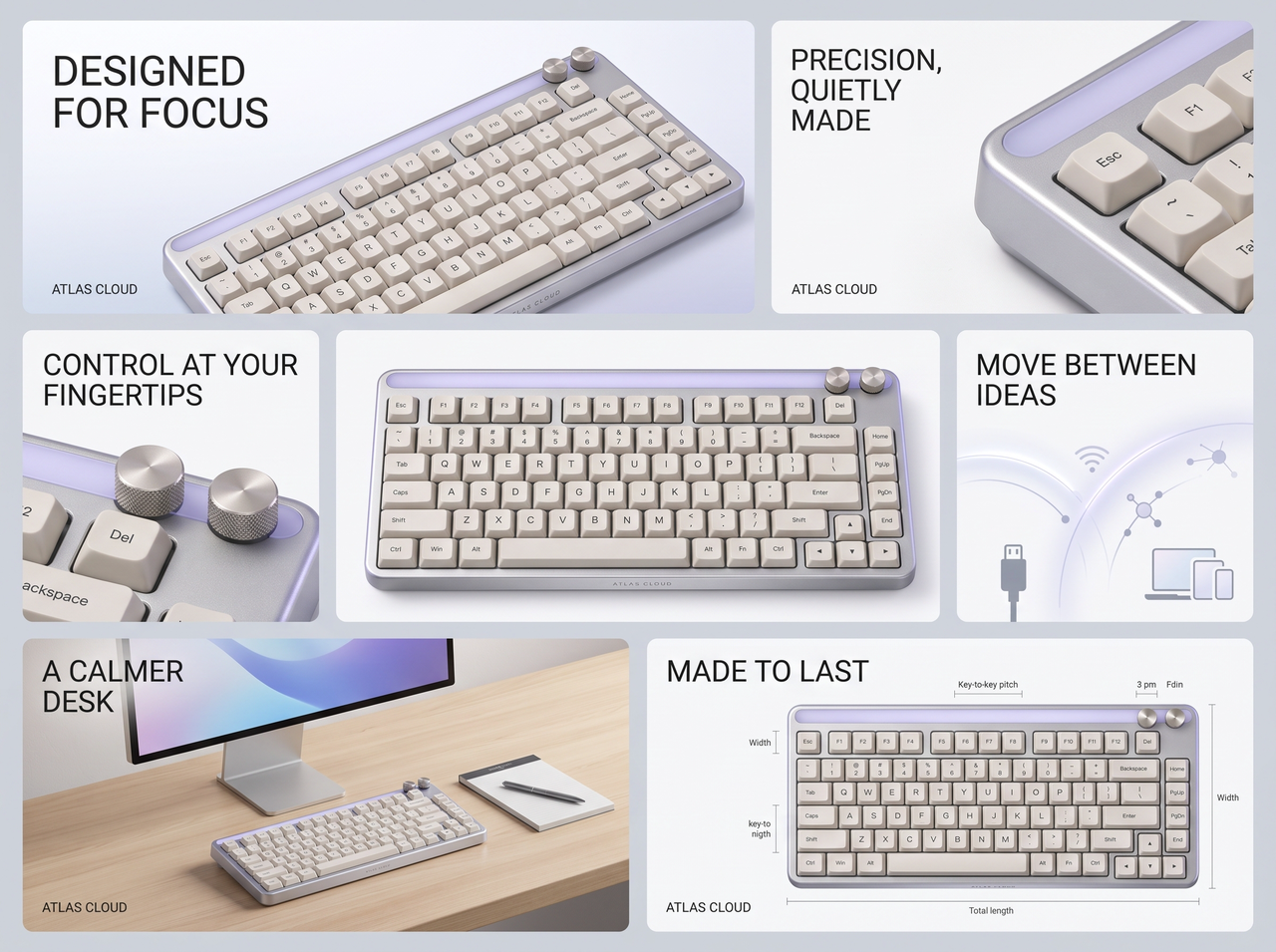
A New SKU That Needs Photos Today

The sample landed this morning, the listing is half written, and the studio has nothing free until next week. A clean phone shot on a plain surface is enough to work from, so the hero image can be finished while the copy is still being drafted. If the first render is wrong, the second one takes another few minutes.

A New SKU That Needs Photos Today

Every Channel Wants a Different Crop

Every marketplace has a shape it accepts and a shape it sends back, and a listing held at review is a listing that is not selling. Amazon, Shopify and Etsy each publish their own requirements, and none of them match. Producing the right shape up front is quicker than finding out at upload and going round again.

Every Channel Wants a Different Crop

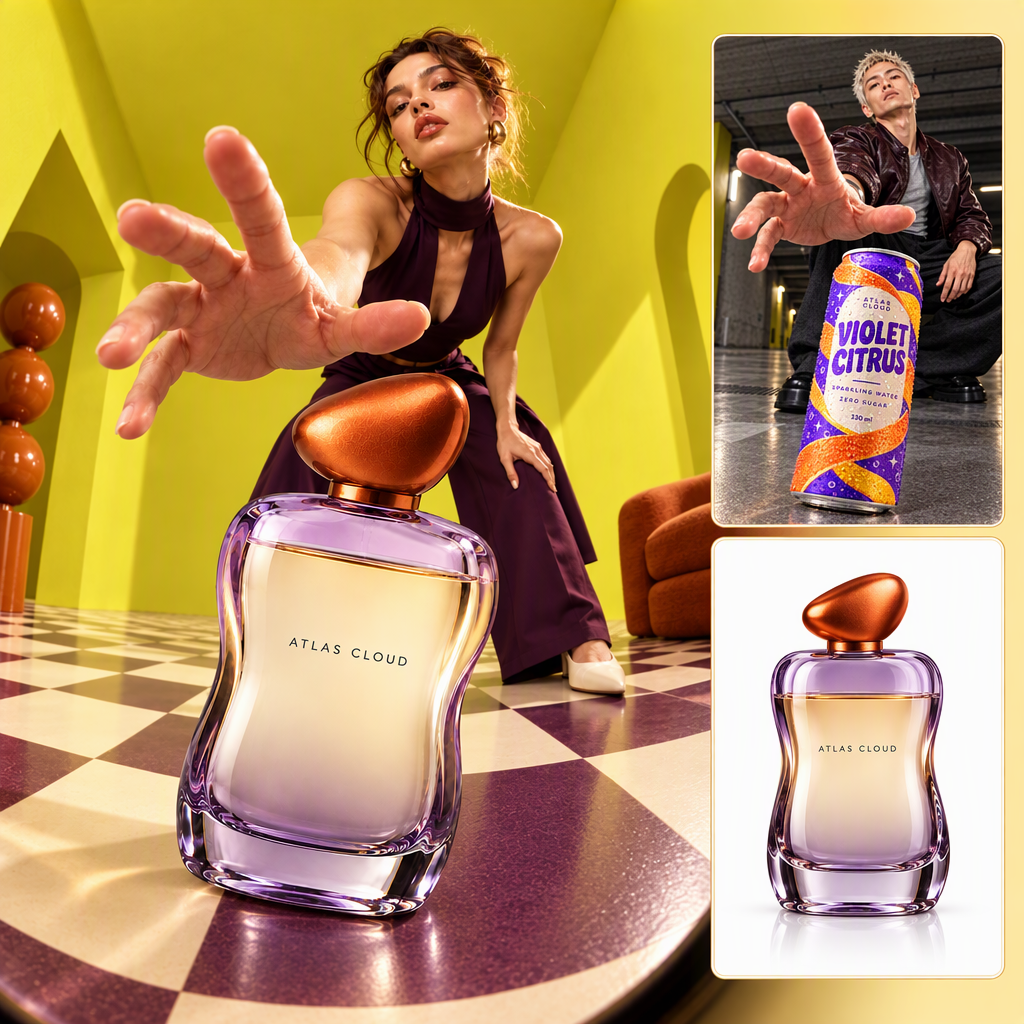
Vertical Frames the Ad Account Can Use

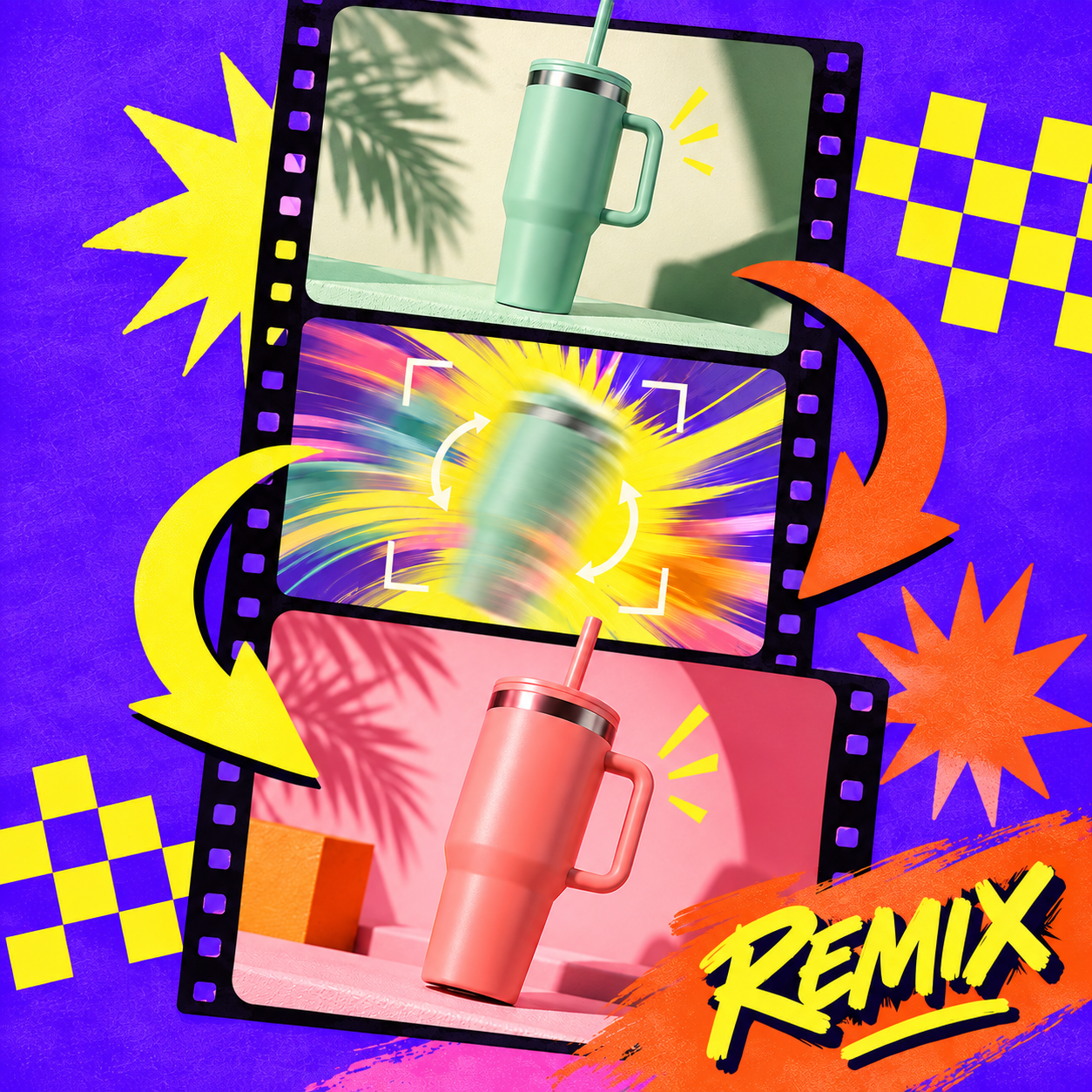
An ad account gets through creative quickly, and the account testing six images a week is rarely the one with the bigger studio budget. It is the one that can produce six. A single product shot covers a feed placement, a story slot and a square unit in the same afternoon, with no reshoot between them.

Vertical Frames the Ad Account Can Use

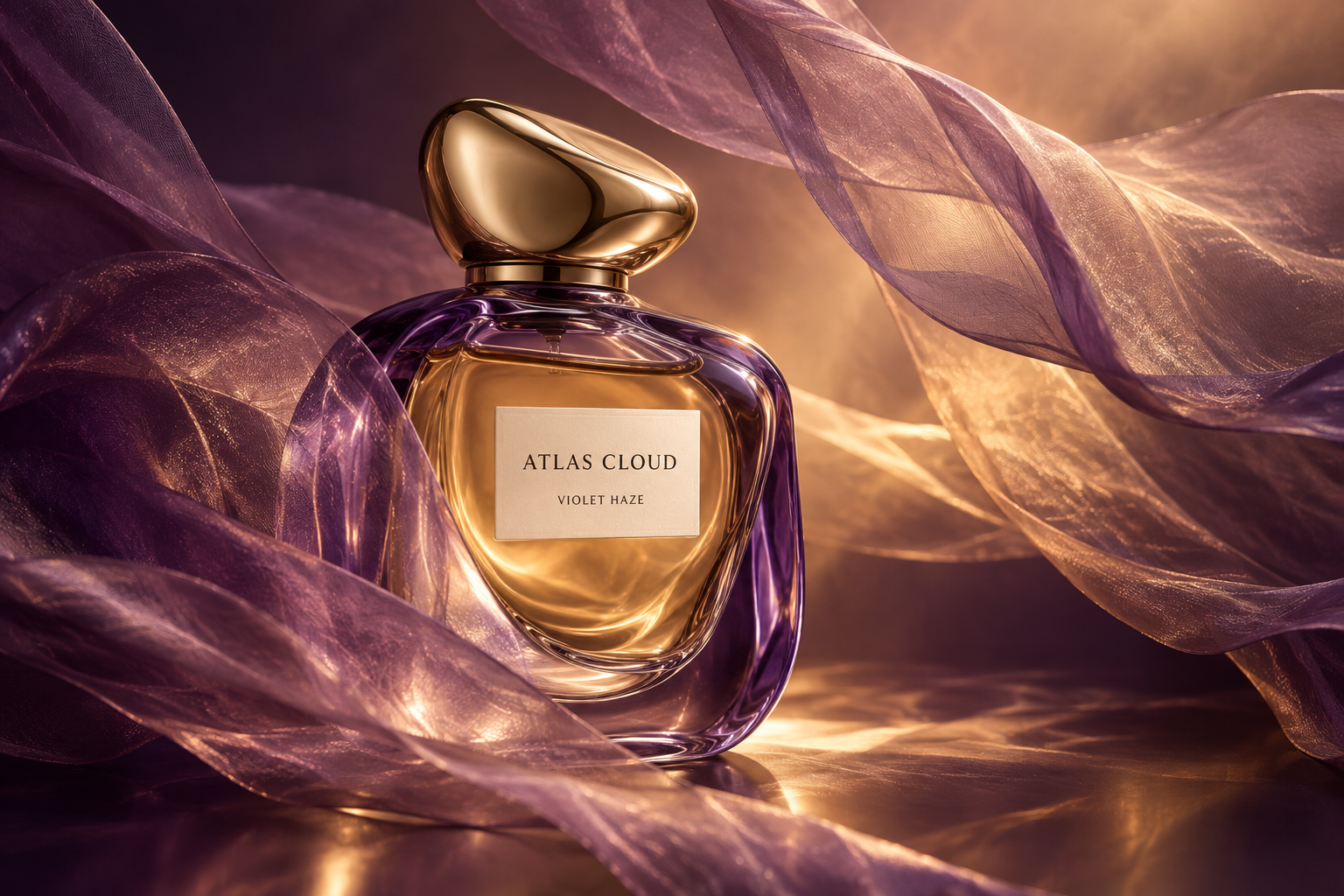
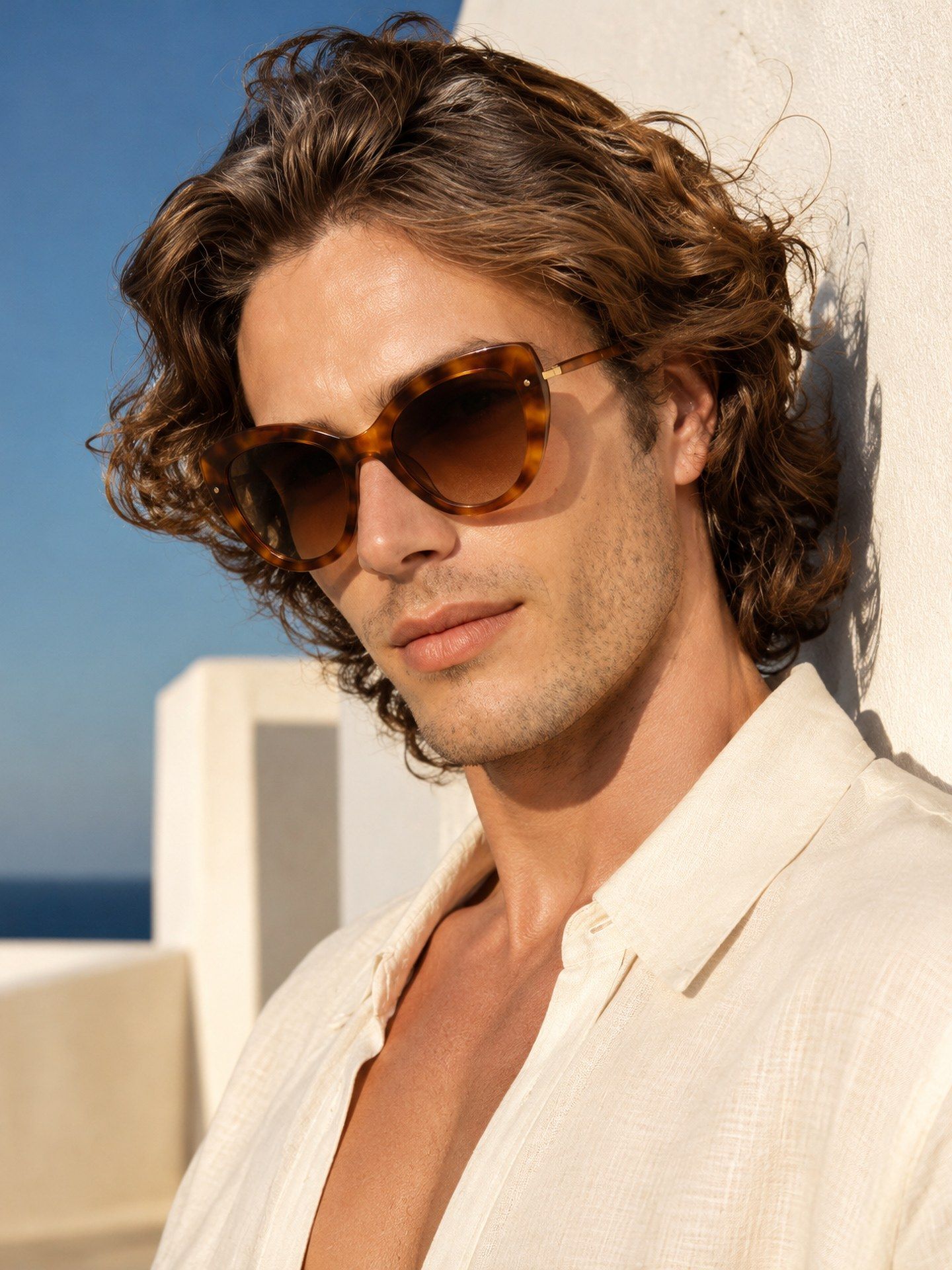
Three Directions Before the Client Call

Run the same product as a hero image, then as a detail-page still, then as a poster, and the review starts with three framings on the table. Clients respond to pictures faster than they respond to descriptions of pictures. If none of the three lands, a rewritten prompt and another run take a few minutes.
Three Directions Before the Client Call

Atlas Cloud рдХреЗ рдФрд░ AI рдЯреВрд▓

Frequently Asked Questions

AI product photography means generating a finished product image from a photo you already have instead of booking a studio. You supply the product shot and a short written brief, the model builds the scene around it, and the frame comes back ready to download.

No. What the template settles is everything around the product: the surface it stands on, the light, the angle of the scene. Where a fine detail matters, such as small type on a label, a sharper and cleaner upload gives the render more to work from.

You pick 1K, 2K or 4K, as either PNG or JPEG, in any of the five frame shapes. What those tiers actually give you depends on the shape: 4:3 and 3:4 have no middle step, and 1:1 stops at 2048 pixels. A single run returns between one and four images.

What you pay depends on the frame shape, the resolution and how many images you ask for. Any image at 1K is about $0.26, and so is a 16:9 or 9:16 image at 2K. A 1:1, 3:4 or 4:3 image at 2K is $0.48, and 4K is $0.48 in every shape. Four images in one run come to $1.86 rather than $1.92, and a run that fails is not charged.

No, the slot is optional and most product runs skip it. Upload one when the brief calls for a specific face, such as a campaign that has to match the model already used elsewhere.

The form starts on the hero image, so leaving the field alone gives you that. Through the API the field is optional, and leaving it out lets the model choose the type from the product itself.

A plain surface, even light and the whole product inside the frame is enough, and a phone is fine. Sharpness matters more than the camera. The one thing no prompt can change afterwards is the angle you shot from, so a frame that needs the product turned has to start from a new photograph.

Three things, in this order: what the product is, what should sit around it, and how it should feel. The example that ships with the template goes: premium hair oil bottle, surrounded by orchids and wooden beads, luxury background, calm and elegant aesthetic. Colour and shape come from the upload, and the shot type is its own field, so neither needs describing.

The marketplace decides, not the file. Each channel sets its own rules on generated imagery, and the requirements for a main image are usually the strictest, so check the current policy wherever you publish before you swap an image in. Commercial use more broadly works the same way: what you may do with a generated image comes from the terms you agreed to and from the platform, so read both rather than assuming.

Yes, one call per product. Send a POST to /api/v1/model/generateImage with the model set to atlascloud/studio/product-visuals, then poll /api/v1/model/prediction/{request_id} until the status comes back completed. Start from the API docs.

Start with the Photo You Already Have.