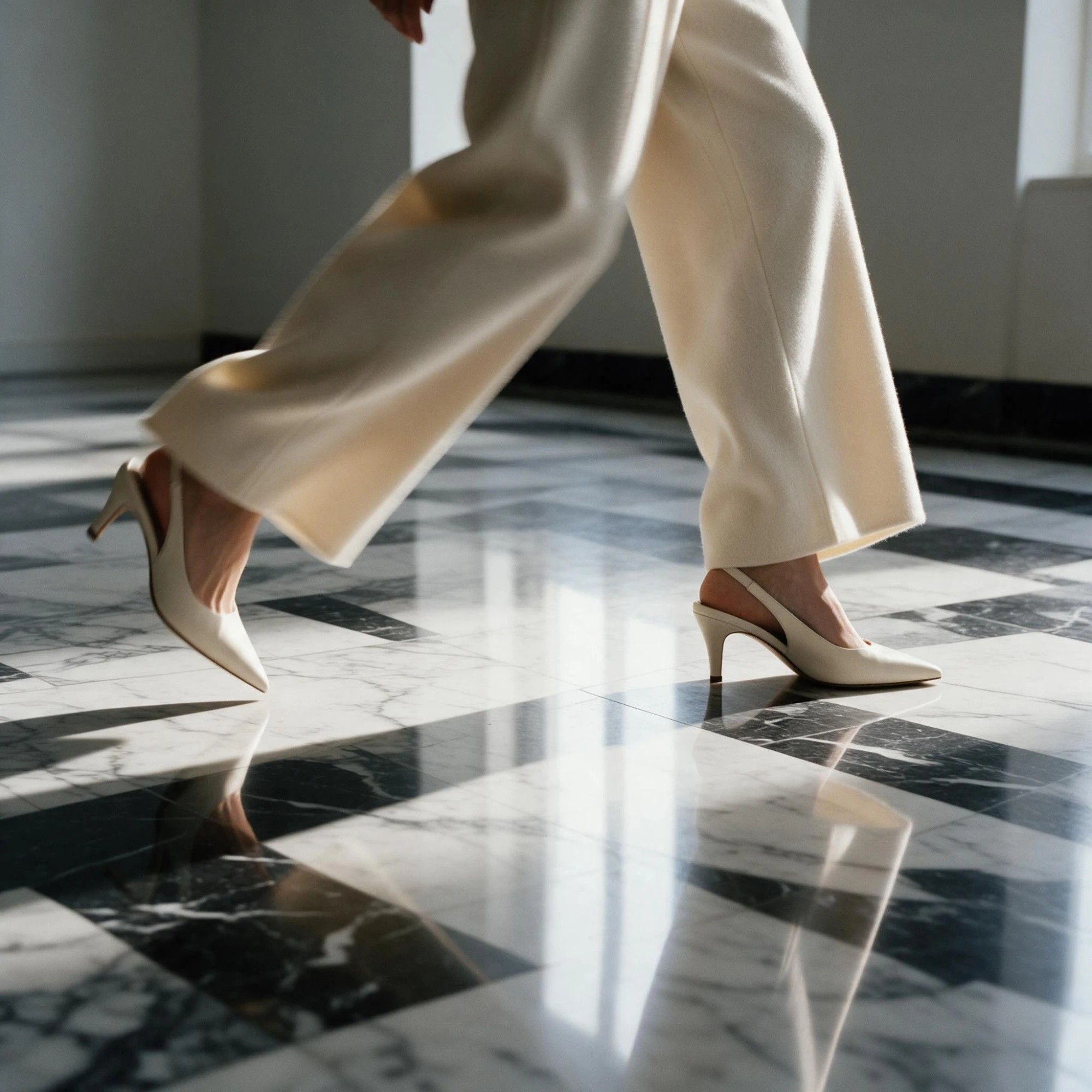
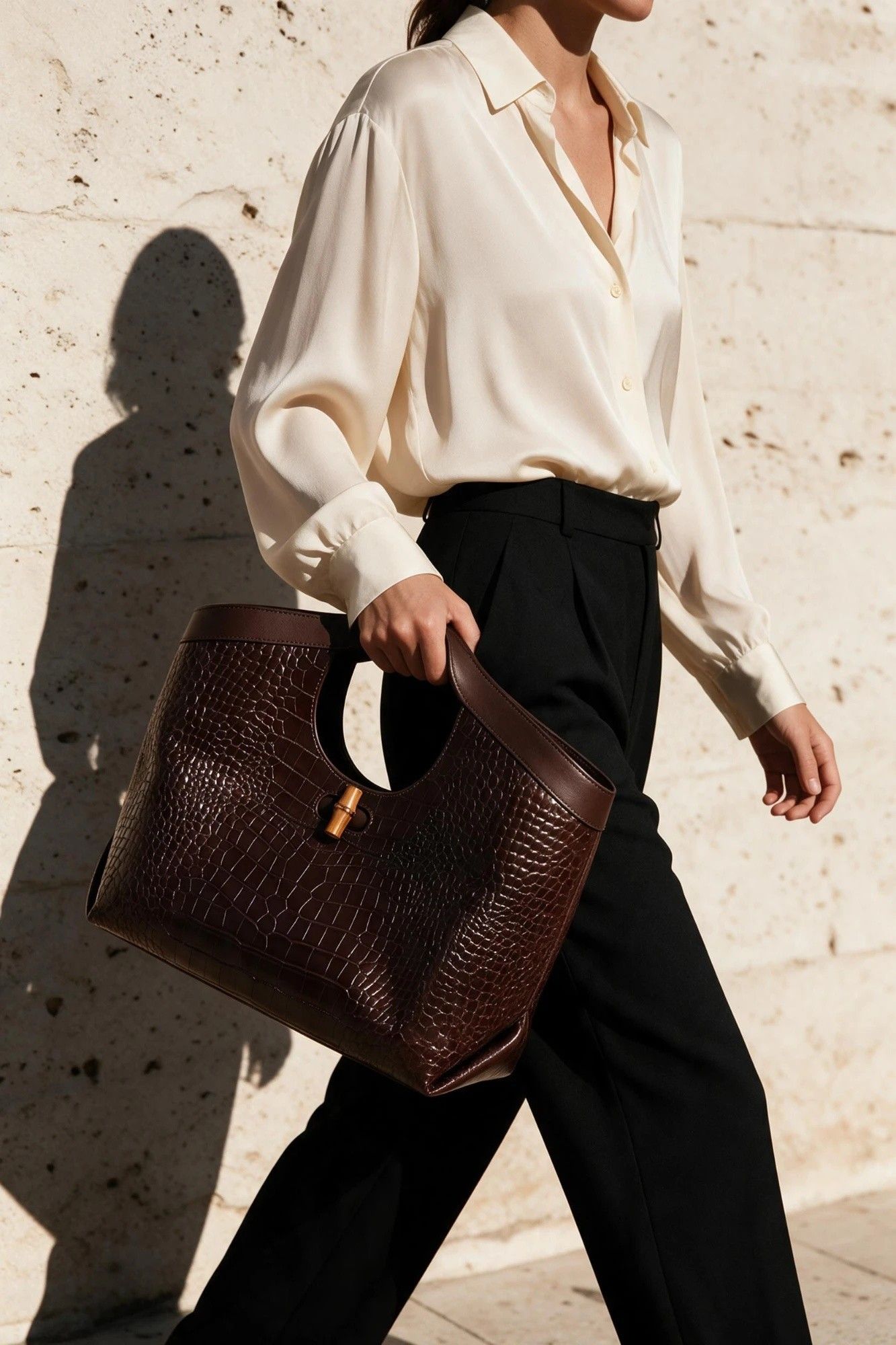
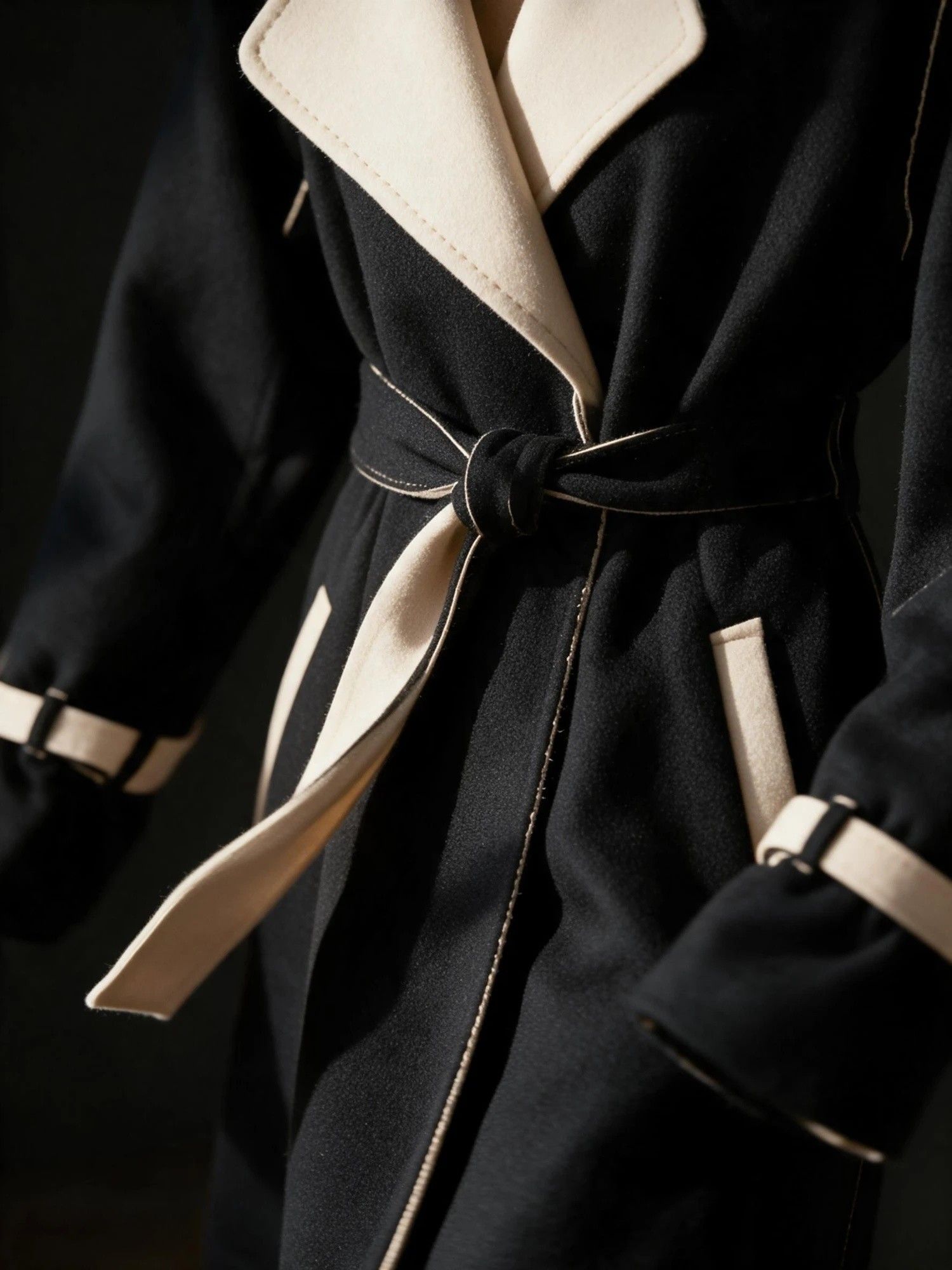
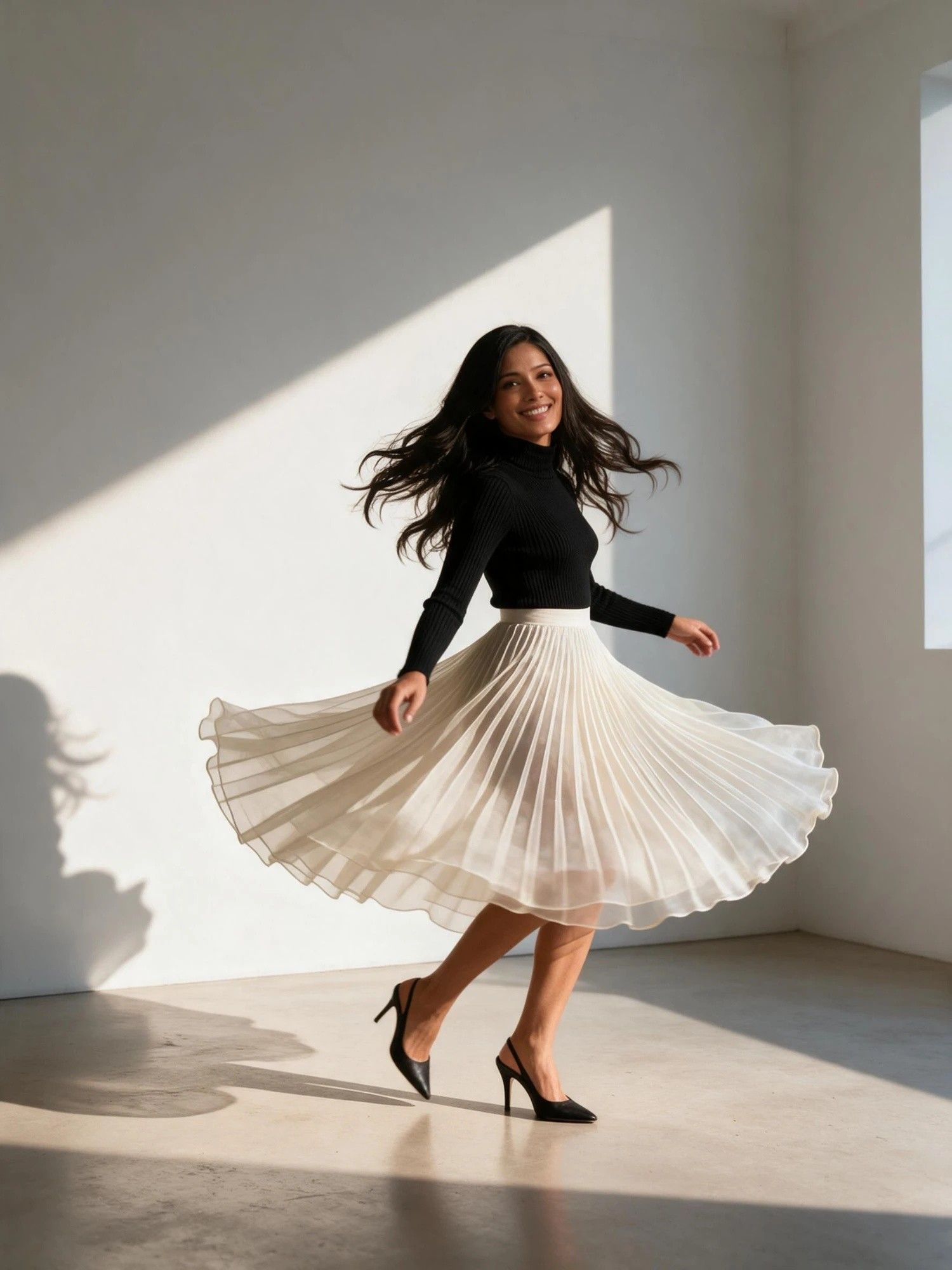
Seedance 2.5 Flash рдкрд░ рдЕрдм 35% рдХреА рдЫреВрдЯ тАФ 30 рдирд╡рдВрдмрд░ рдХреЛ рд╕рдорд╛рдкреНрдд

рд╡рд░реНрдЪреБрдЕрд▓ рдЯреНрд░рд╛рдп-рдСрди

рдлрд╝рд╛рдЗрд▓ рдпрд╣рд╛рдБ рдЦреАрдВрдЪреЗрдВ, рдпрд╛ рдЕрдкрд▓реЛрдб рдХрд░рдиреЗ рдХреЗ рд▓рд┐рдП рдХреНрд▓рд┐рдХ рдХрд░реЗрдВ

Optional, 1 image. Without it a virtual model is designed for your product.

рд╕реЗрдЯрд┐рдВрдЧреНрд╕
8s
рдСрдбрд┐рдпреЛ рдмрдирд╛рдПрдБ

рдЖрдЙрдЯрдкреБрдЯ

AI Virtual Try On Video, Not a Flat Lay That Sits Still

Upload the garment and say who should be wearing it. The template works out how the piece hangs and fastens, settles the fit on a model, and renders the film from there.

What an AI Virtual Try On Video Replaces

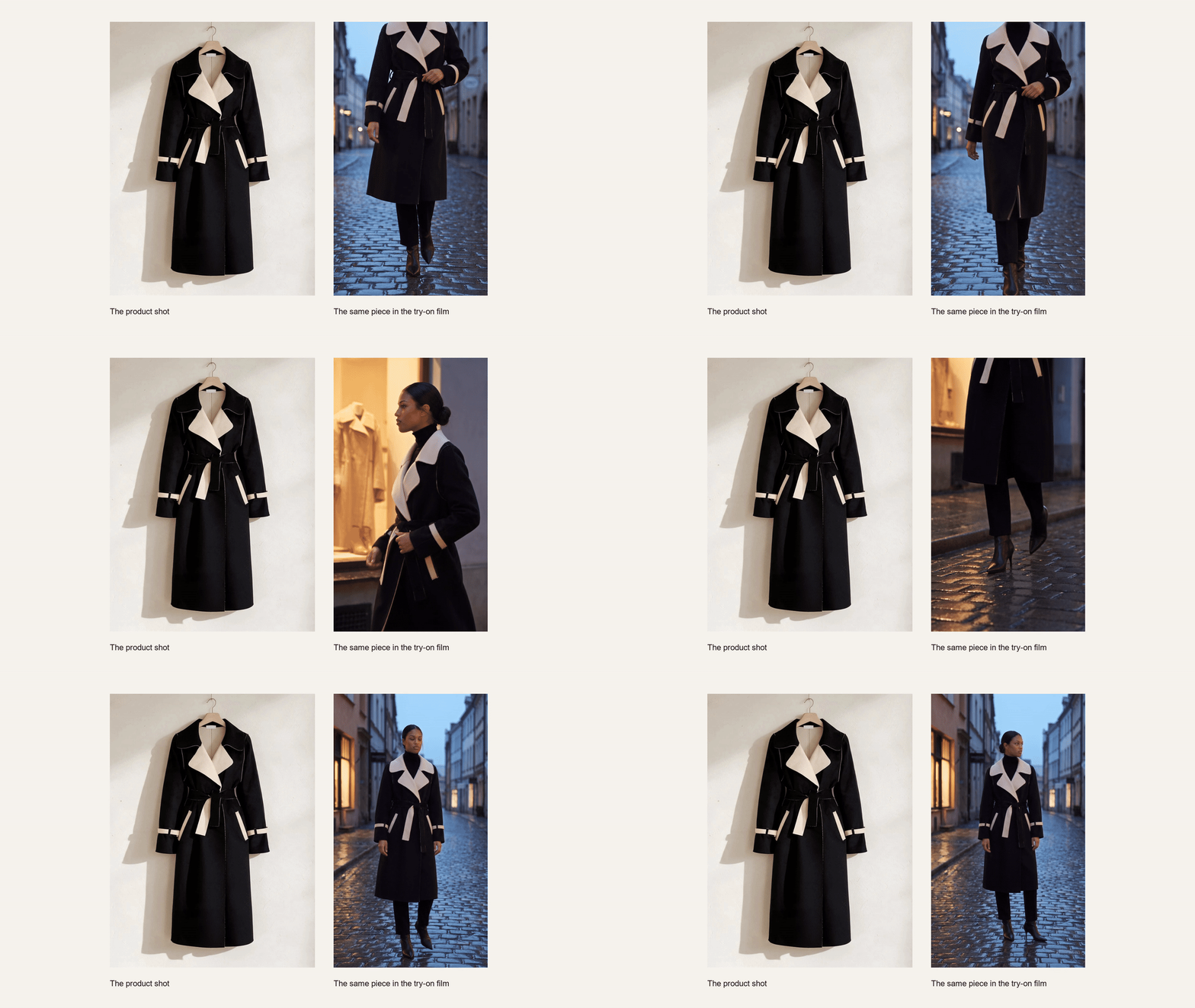
A garment photographs easily and sells badly, because a photograph cannot show it being worn. What follows is how the film gets made: the fit, the model, the shot mix and what the motion adds.

AI Virtual Try On That Reads How a Garment Is Worn

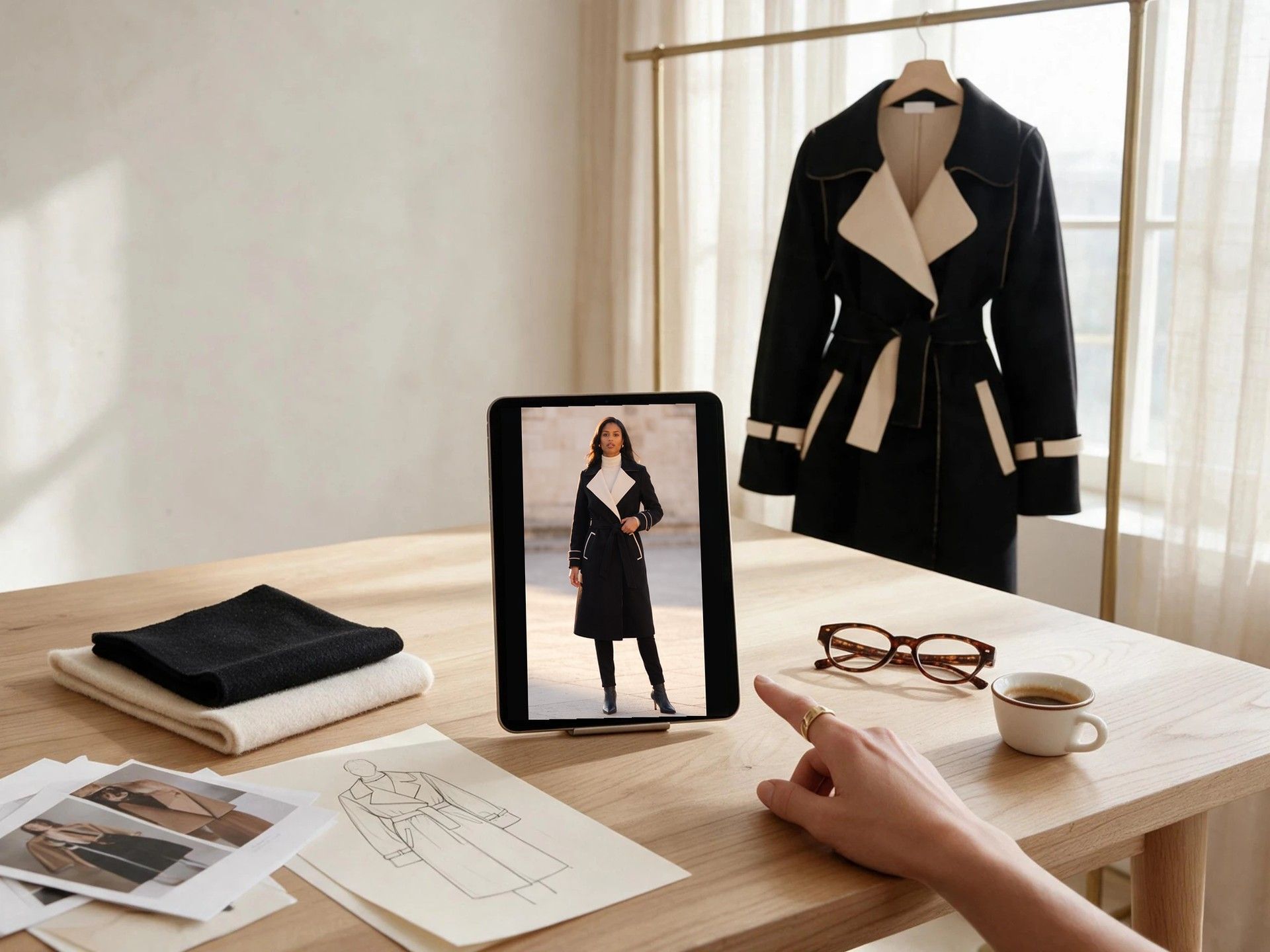
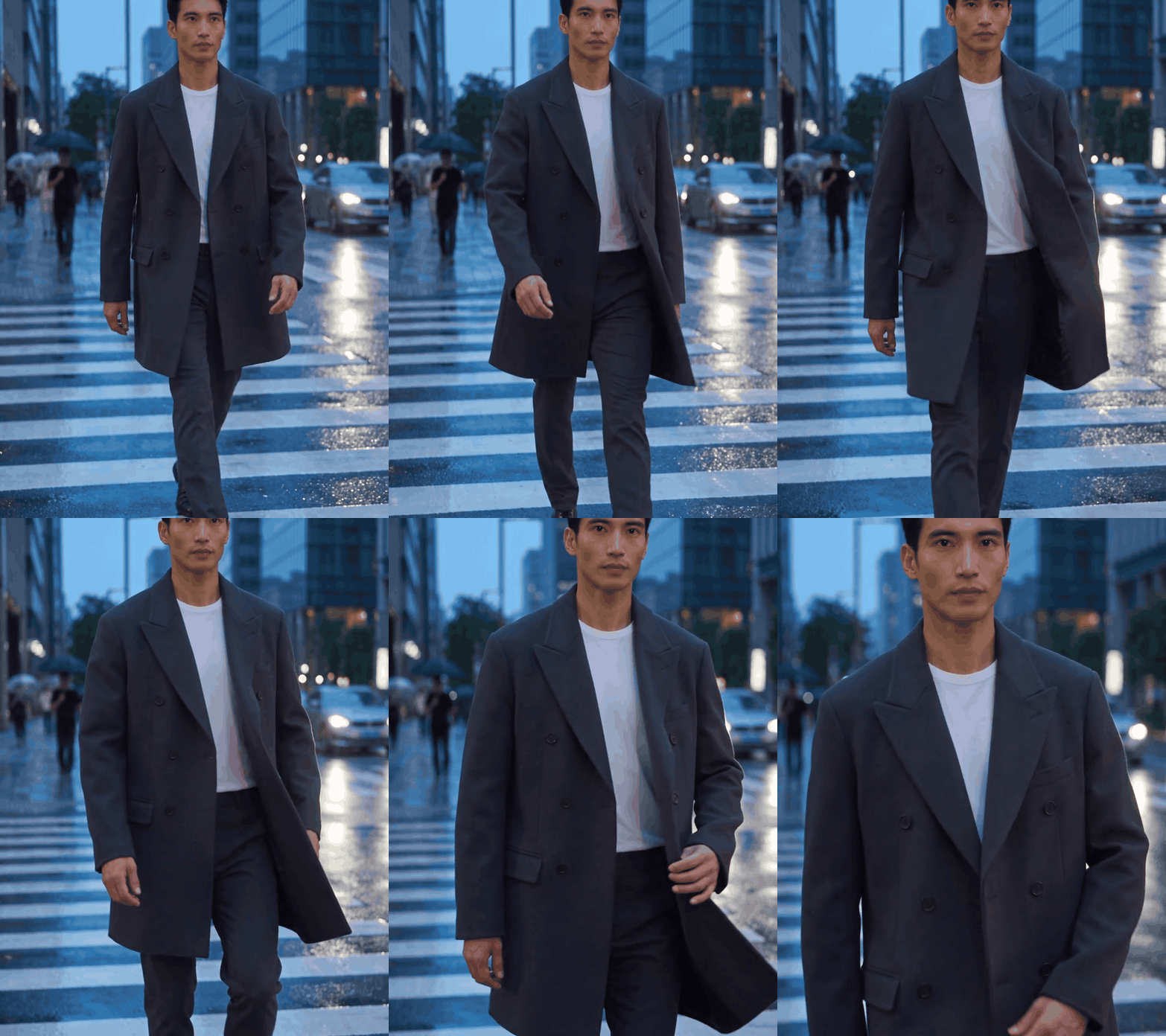
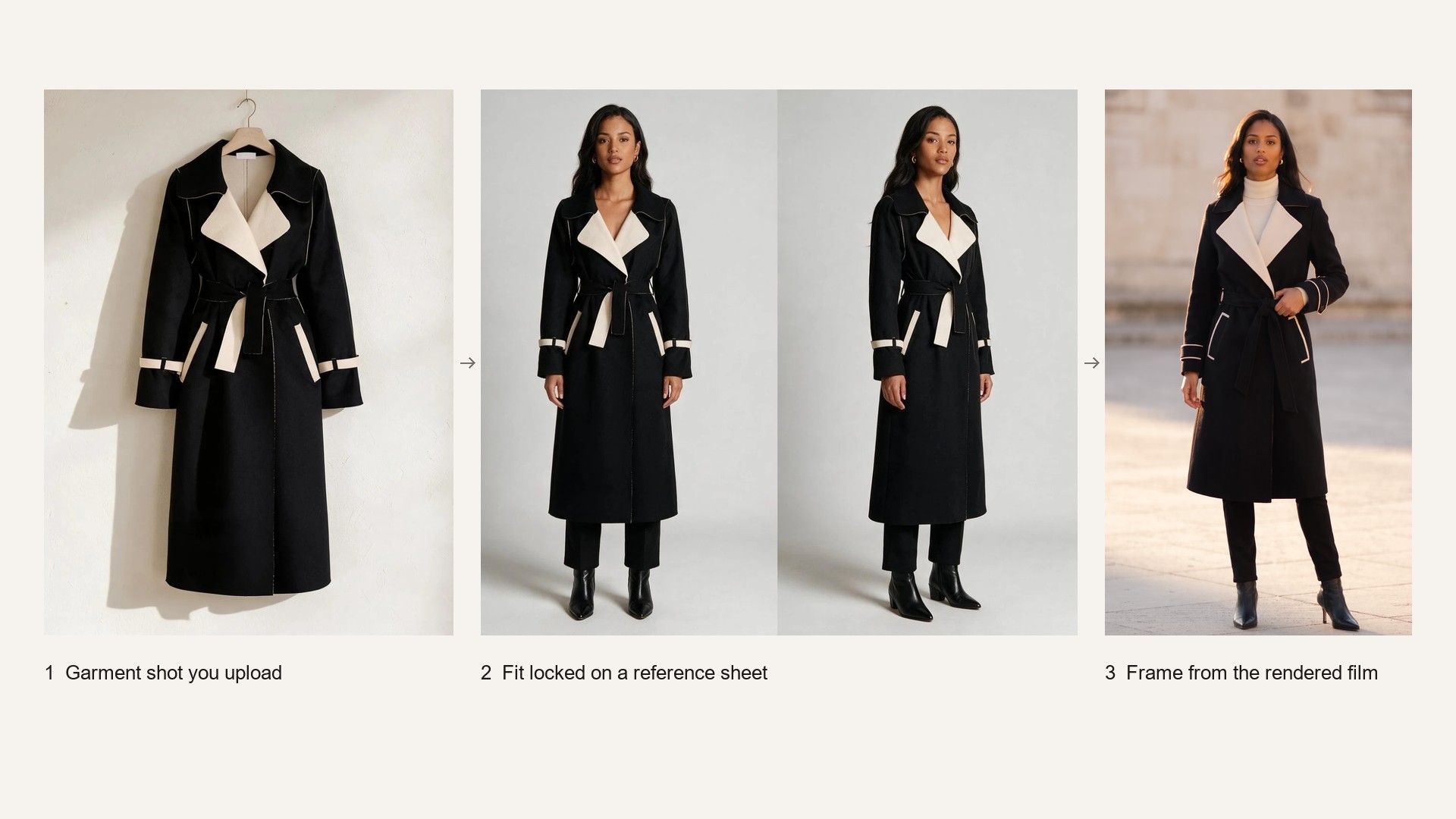
A jacket and a knit do not hang the same way, and a strap does not sit where a sleeve sits. Before anything renders, the template reads the structure and the wearing logic of what you uploaded, builds reference sheets for both the product and the model, then locks the fit with a try-on still. The film is rendered from that, not improvised frame by frame.
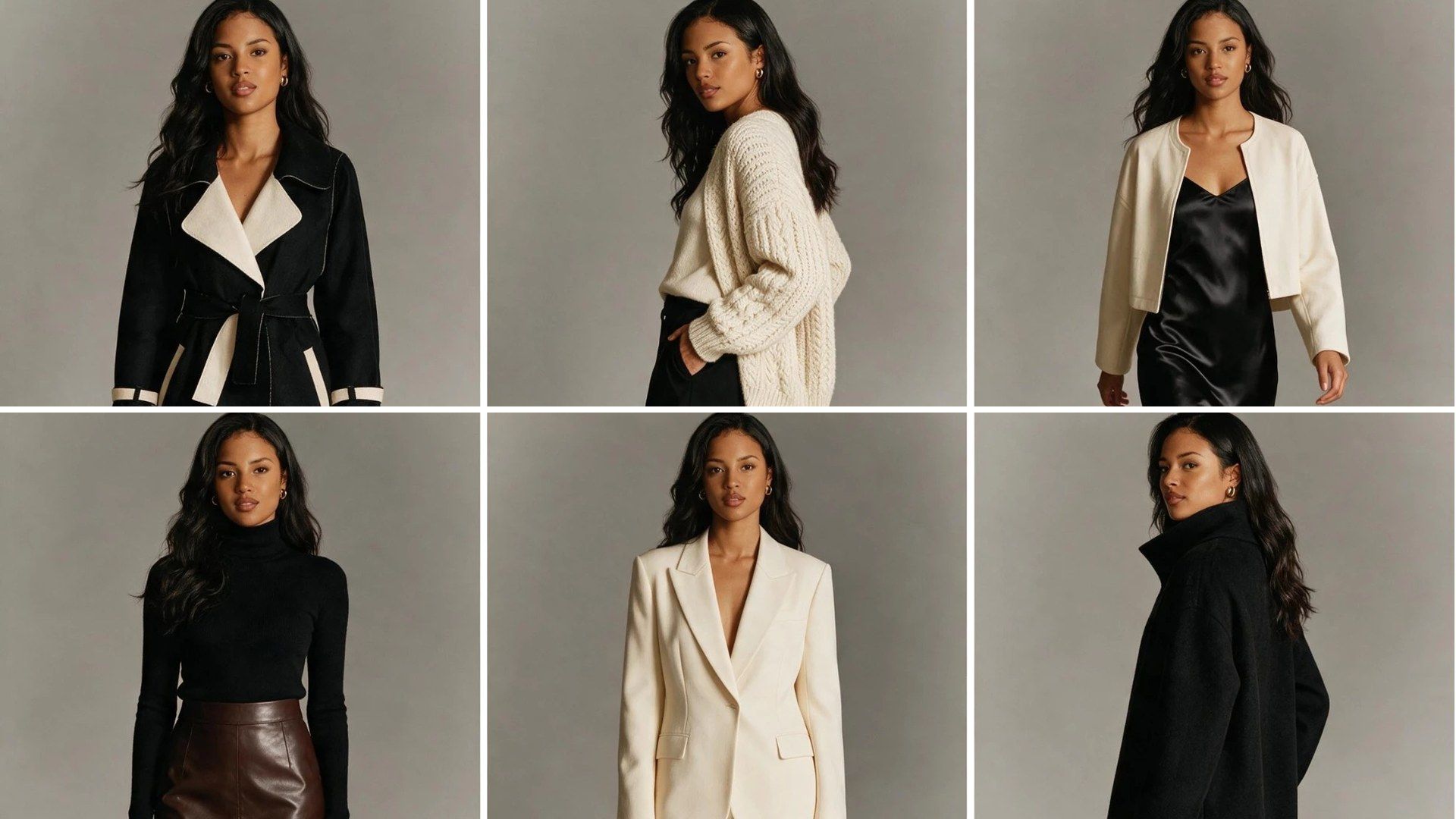
Virtual Try On Clothes on a Model You Choose or One It Casts

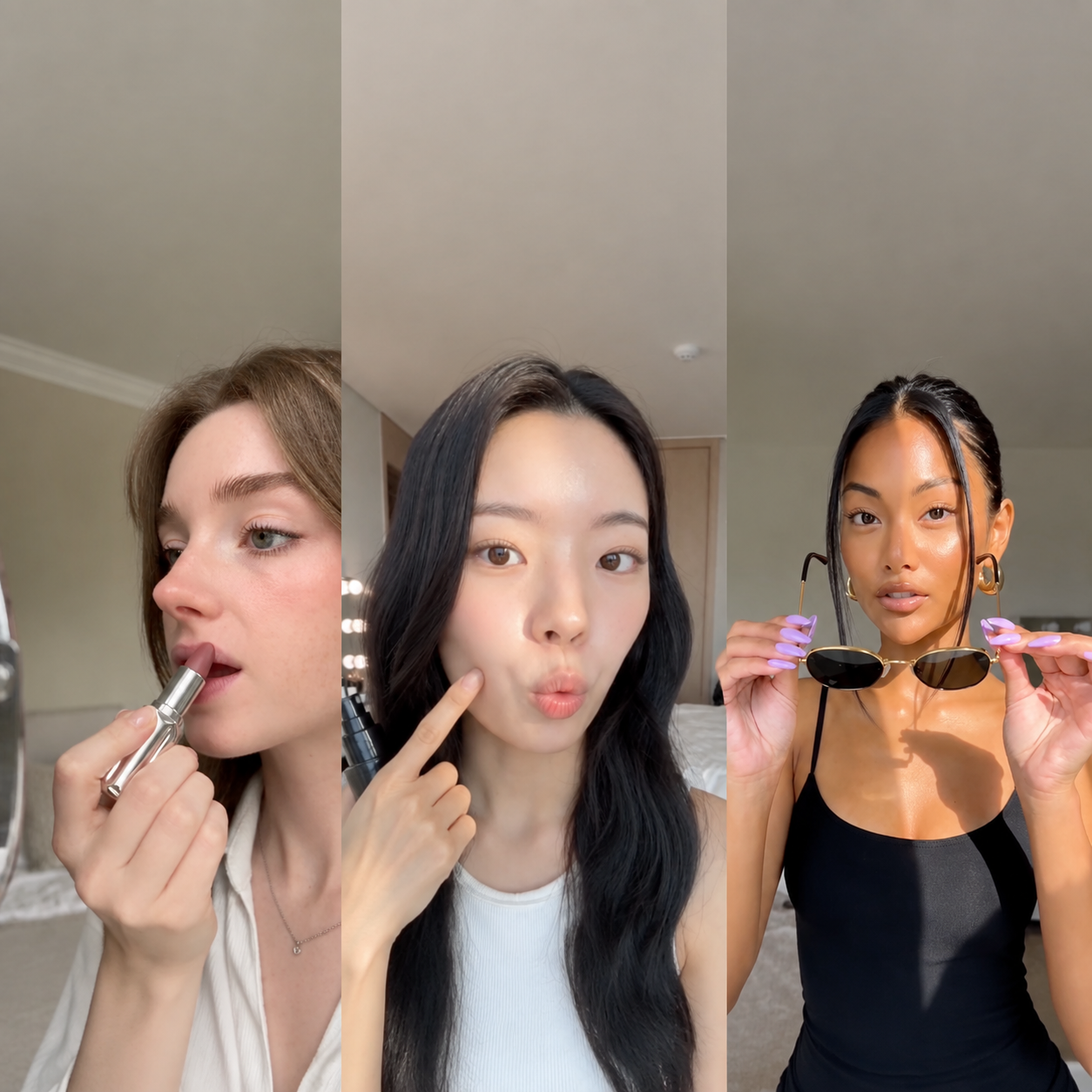
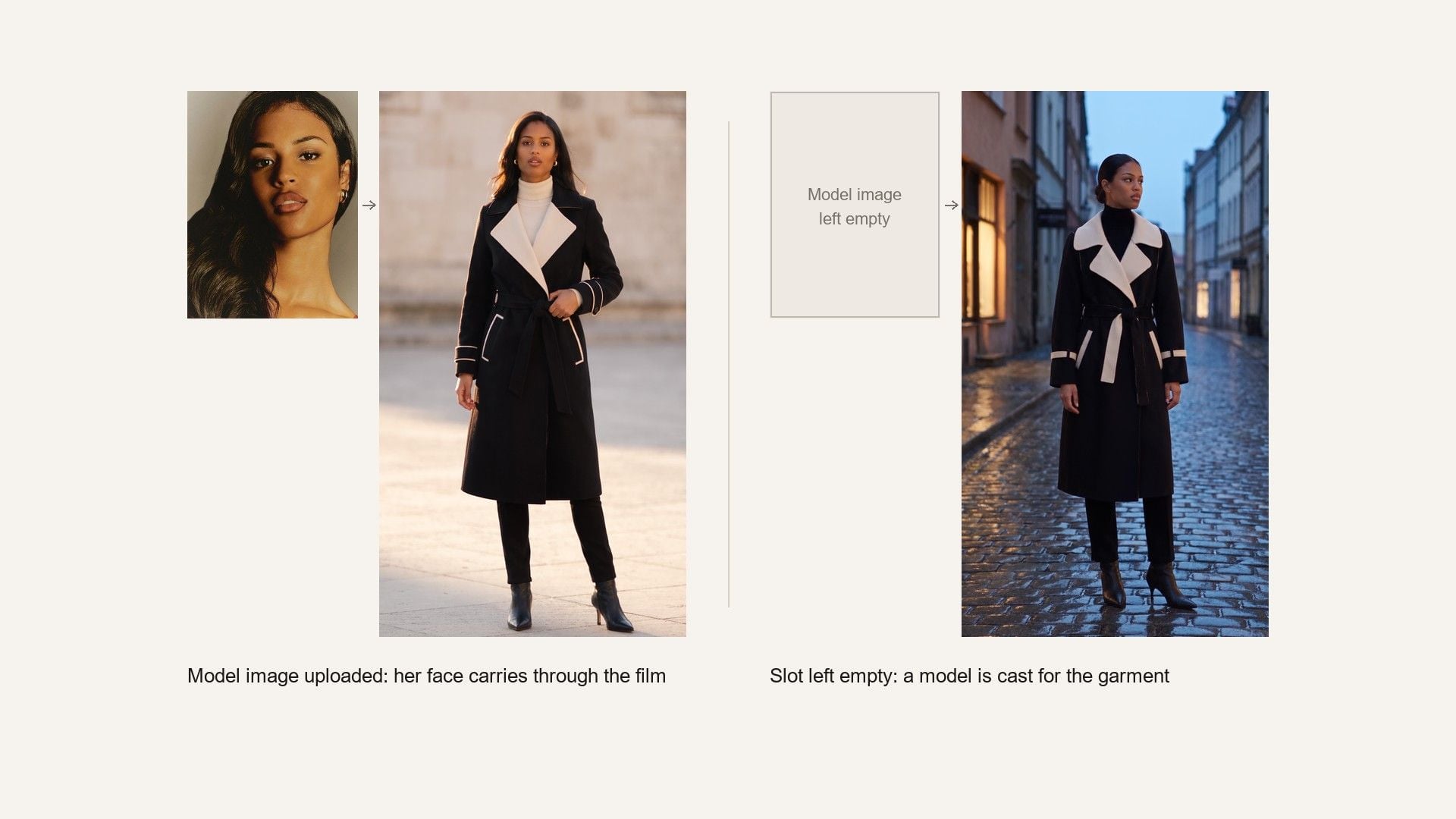
Upload a photograph of the person you want wearing it and that face carries through the film, which is what keeps a season consistent across twenty pieces. Leave the slot empty and a model is cast for the garment instead.

A Try-On Video Where Most of It Is the Garment

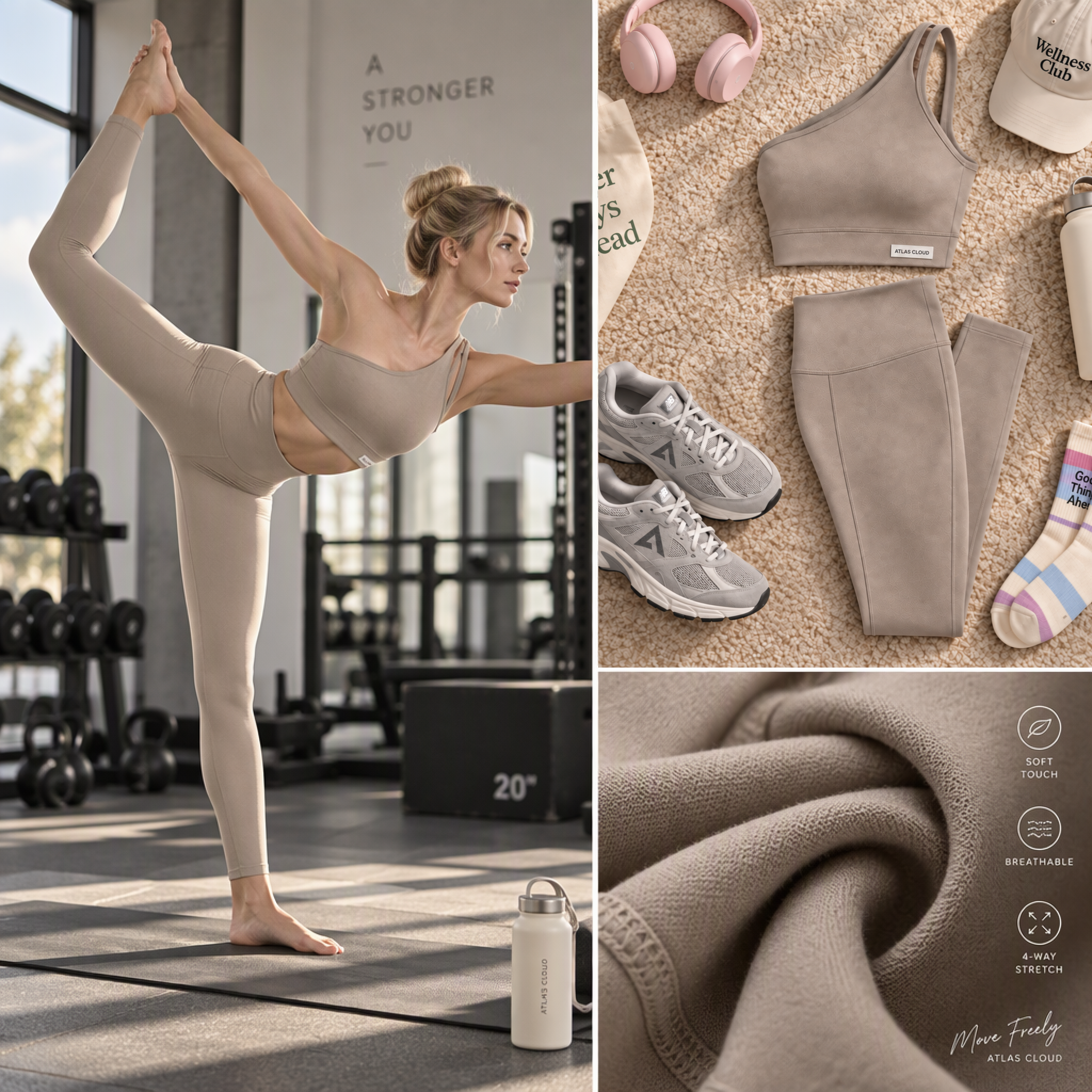
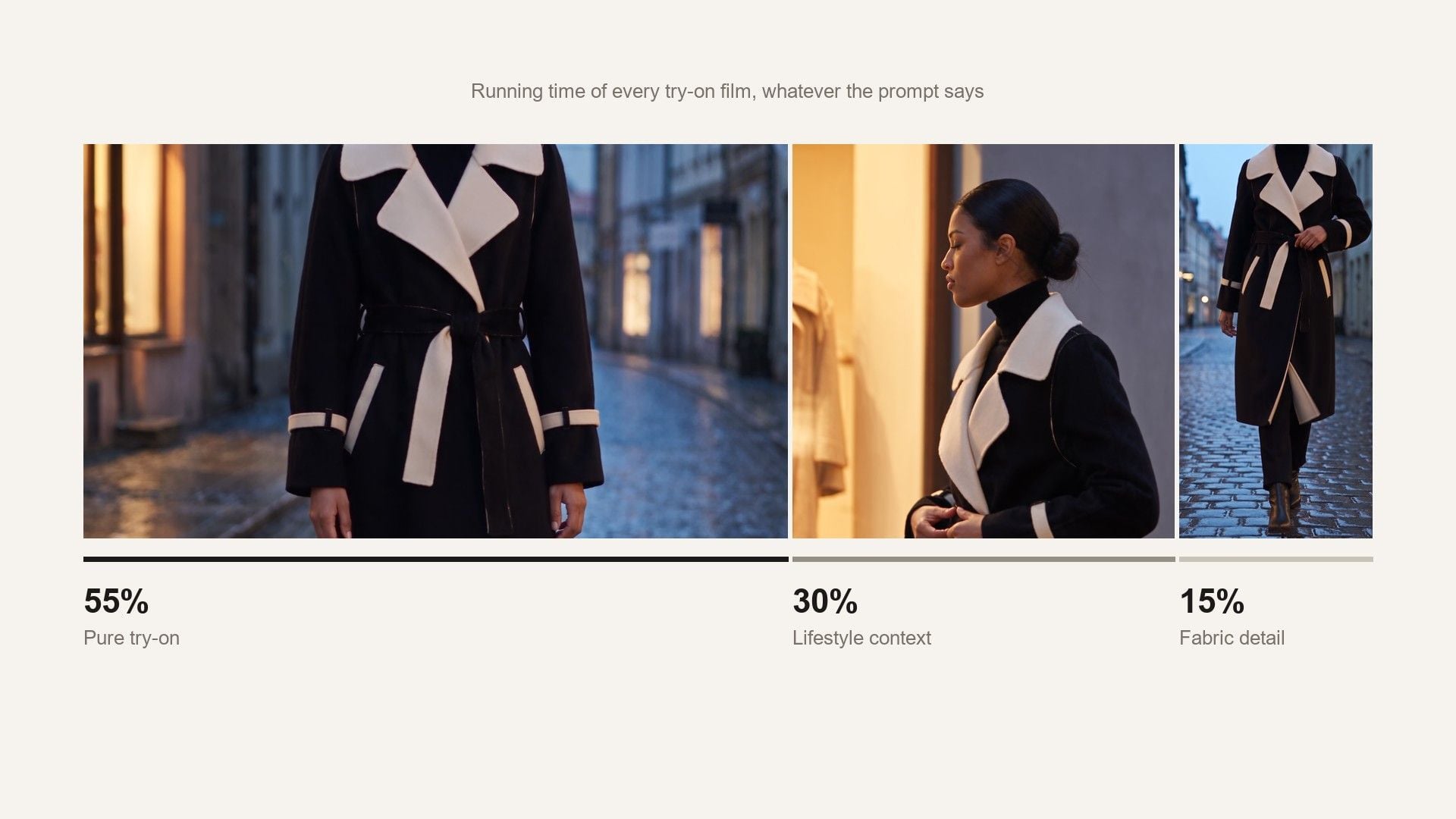
Lifestyle footage is easy to generate and easy to overdo, and a film that spends its time on scenery does not sell a jacket. The template fixes the shot mix and your prompt does not change it: most of the running time is the garment on a body, with just enough context to place it and a close pass on the fabric.

Show the Garment Moving Instead of Lying Flat

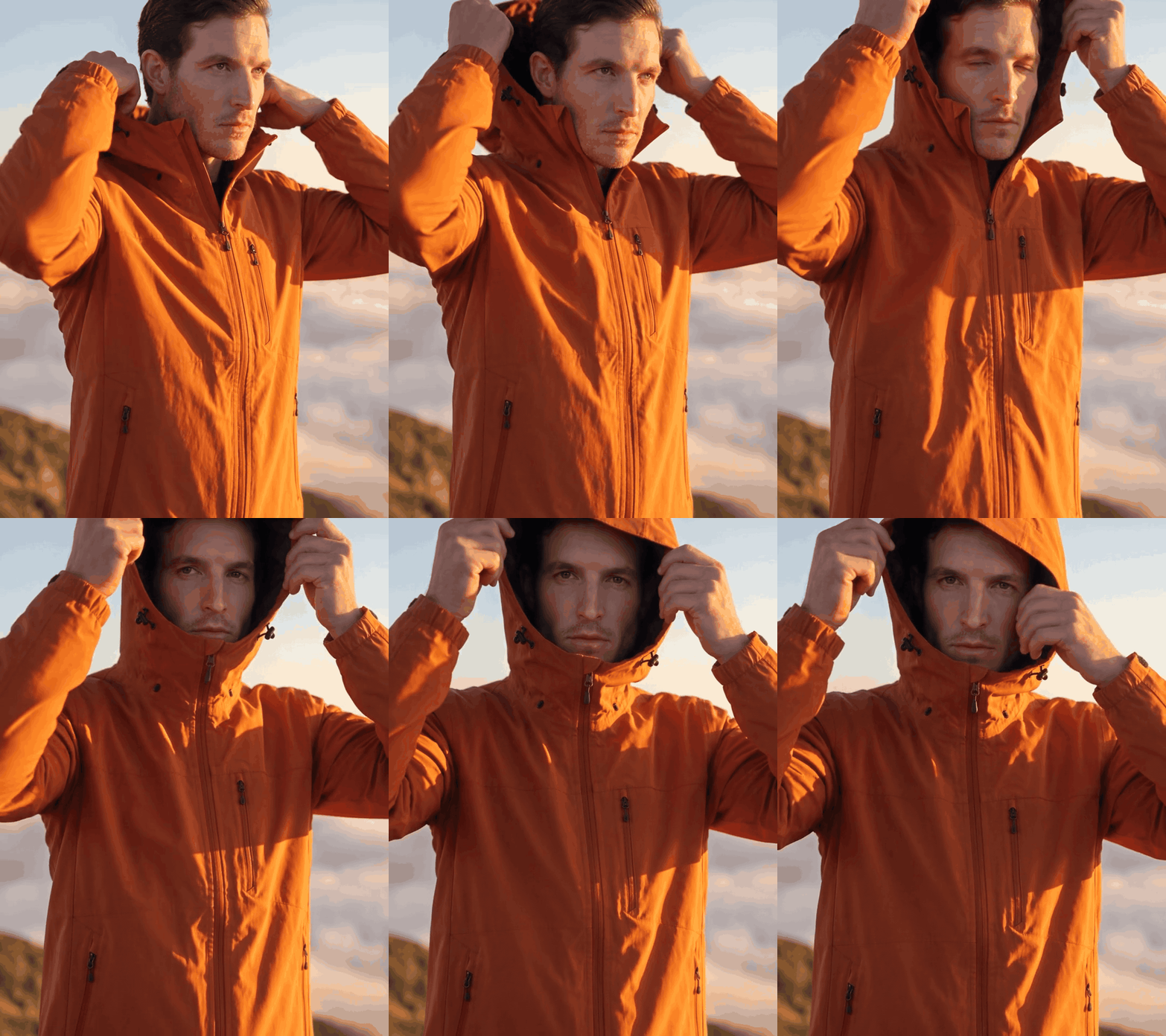
What does a shopper want to know that a photograph cannot answer? How the hem falls when someone walks, and whether the fabric moves like the material it claims to be. A still holds the garment in one pose; the film shows it moving. That is why the run returns four to fifteen seconds of footage, vertical by default, with four other shapes when a lookbook needs them.

How to Make a Try-On Video in Three Steps

  1. Upload the garment

    One clean shot of the piece, flat or on a hanger.

  2. Say who wears it

    Say who is wearing it, where, and any action worth showing, such as adjusting a hood. Upload a face as well if a specific person matters.

  3. Set the length and run

    Set the length and the shape, then run it. Vertical is already selected.

Where an AI Virtual Try On Video Fits

Pick the tab closest to your work.

The Long Tail a Shoot Never Reaches

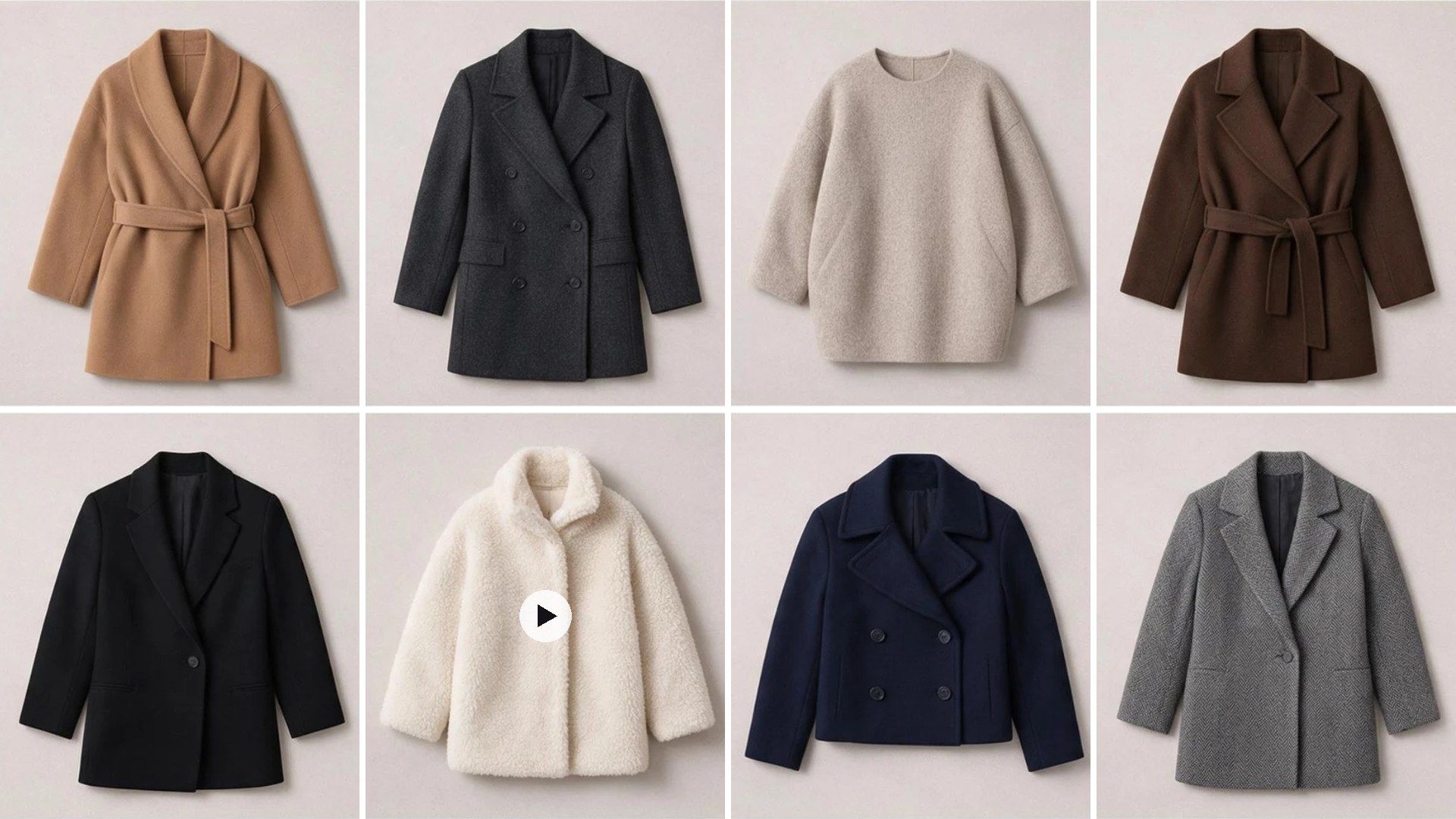
A lookbook day covers the hero pieces, and the rest of the drop goes online as flat lays because the model was booked for eight hours. Running the remaining SKUs through the template gets the whole range moving. The pieces that never justified a shoot are usually the ones with the least information on the page.

The Long Tail a Shoot Never Reaches

Motion Where Every Rival Has a Flat Lay

Category pages are walls of identical product stills, and many of them come from the same wholesaler with the same lighting. A few seconds of the piece being worn is the one thing on that page nobody else has. It also shows length and drape, which is what most clothing returns come down to.

Motion Where Every Rival Has a Flat Lay

Scale Is the Whole Problem

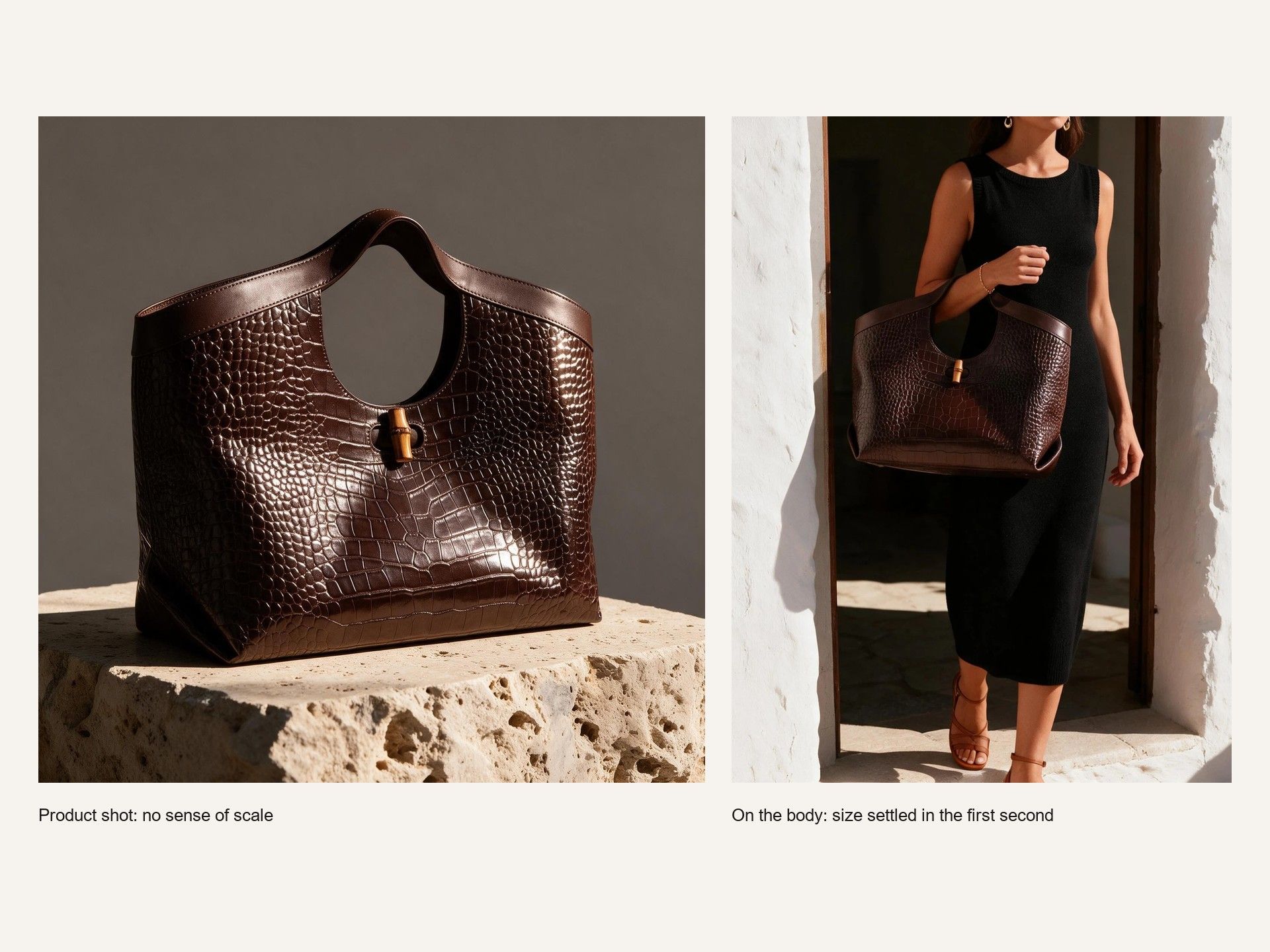
A ring or a bag is hard to judge from a product shot, and the first thing shoppers ask is how big it actually is. Hiring a hand model for a catalogue of small items rarely pays for itself. On-body footage settles the size question in the first second, which is roughly how long anyone looks.

Scale Is the Whole Problem

A Client Sees It Before the Shoot Is Booked

Selling a campaign direction is easier with something to watch, and a mood board asks the client to do the imagining. One garment and a brief gives the meeting a film to react to. If the direction is wrong, finding that out before the shoot is booked is the cheapest time to find out.

A Client Sees It Before the Shoot Is Booked

Atlas Cloud рдХреЗ рдФрд░ AI рдЯреВрд▓

Frequently Asked Questions

It is a short film of a garment being worn, generated from a product photograph instead of filmed on a model. You supply the garment shot and a line describing who should wear it, and the model works out the fit, renders the footage and returns a video file.

Both work, and so does a mannequin. What matters is that the shape of the piece is legible: the seams, the hem, where the fastenings sit. A crumpled flat lay gives the fit step less to work from than a hanger shot of the same garment.

The template targets 55 percent pure try-on, 30 percent lifestyle context and 15 percent fabric detail, so even a four-second cut spends most of its time on the garment being worn.

Any whole number of seconds from 4 to 15. The form opens on eight, the length the template's own example was rendered at.

Pricing follows length and resolution. At 720p a 4-second clip is about $1.76, 10 seconds about $3.58 and the full 15 seconds about $5.09. A failed render costs nothing.

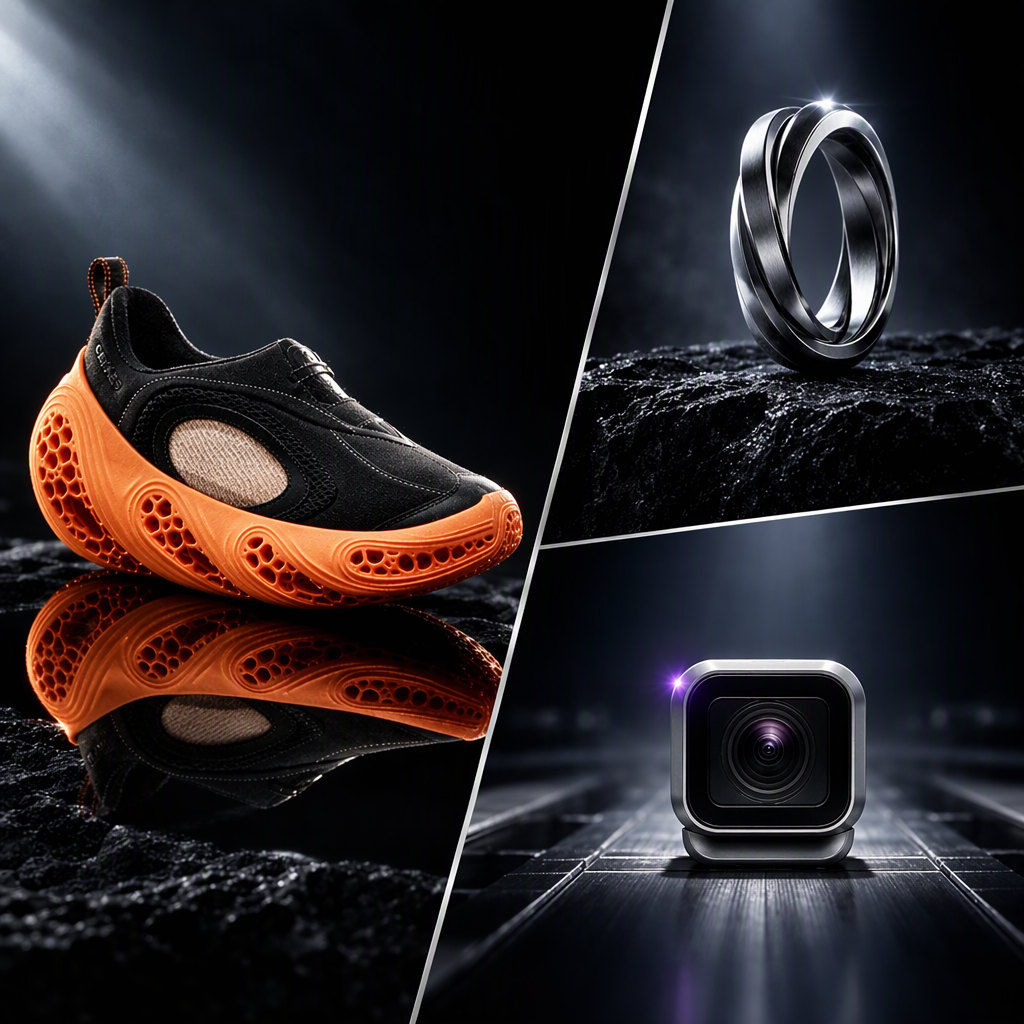
Bags, hats and jewellery go through the same steps as a garment: read from the photograph, fitted to the model, then filmed. Upload the piece the way it is worn or carried rather than boxed or folded, so the fit step has something to read.

The cut, the fabric, the hardware and any print are all taken from the photograph you upload, so a clear shot of a graphic gives the render the most to hold on to. A busy print on a garment that is moving is the hardest case here, as it is anywhere else.

Seedance 2.5. The garment reading, the reference sheets and the fit still are what this template contributes before the render starts.

Ad platforms and retail channels each have their own rules on synthetic people in ads and on generated model imagery, and none of them stay fixed for long. Read what the destination currently says about generated people before the video goes live.

Yes, one call per piece. Send a POST to /api/v1/model/generateVideo with the model set to atlascloud/studio/virtual-try-on, then poll /api/v1/model/prediction/{request_id} until the status comes back completed. Passing the same model_image on every call is what holds one face across the range. Start from the API docs.

Start with the Garment Shot You Already Have.