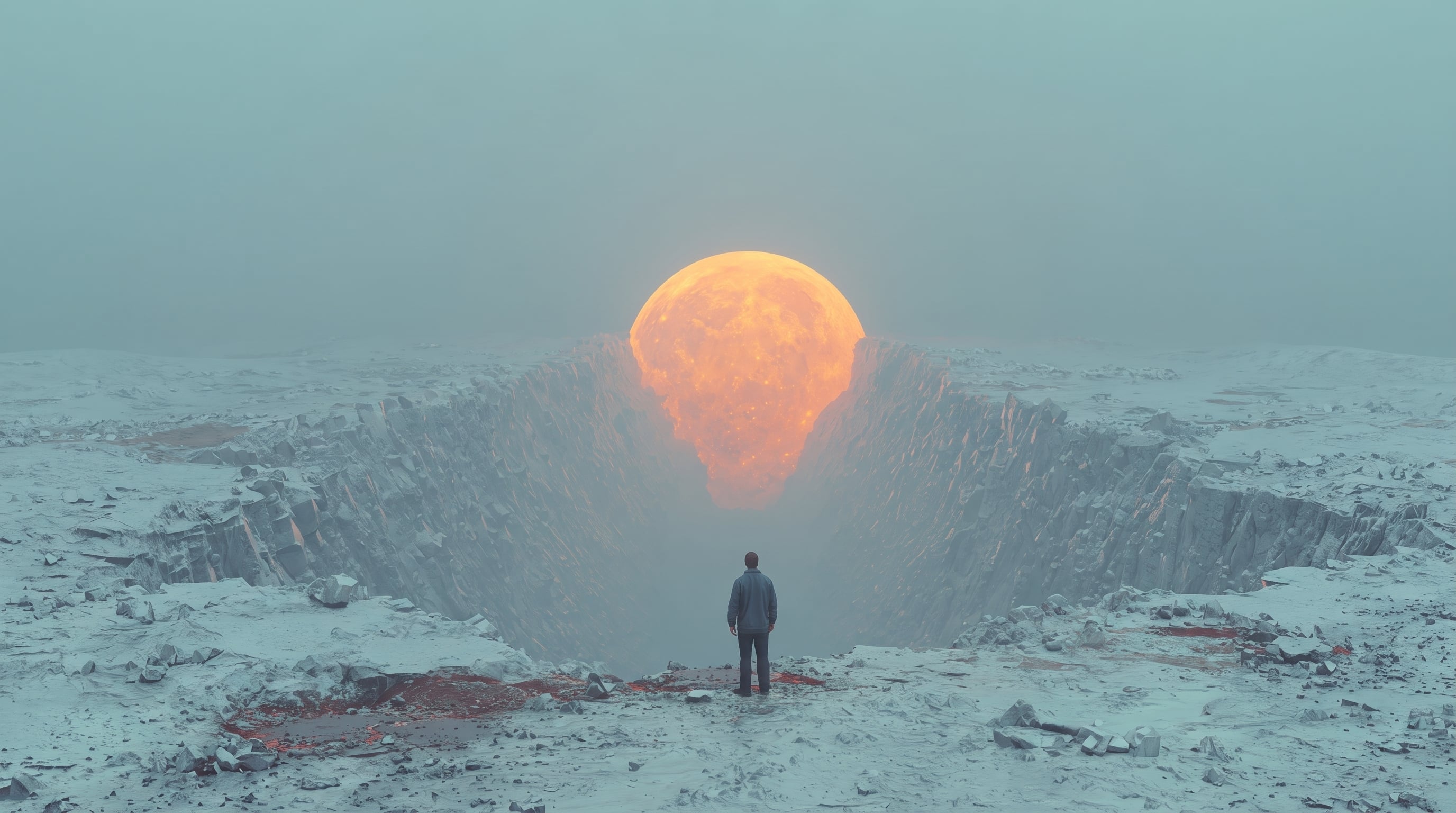
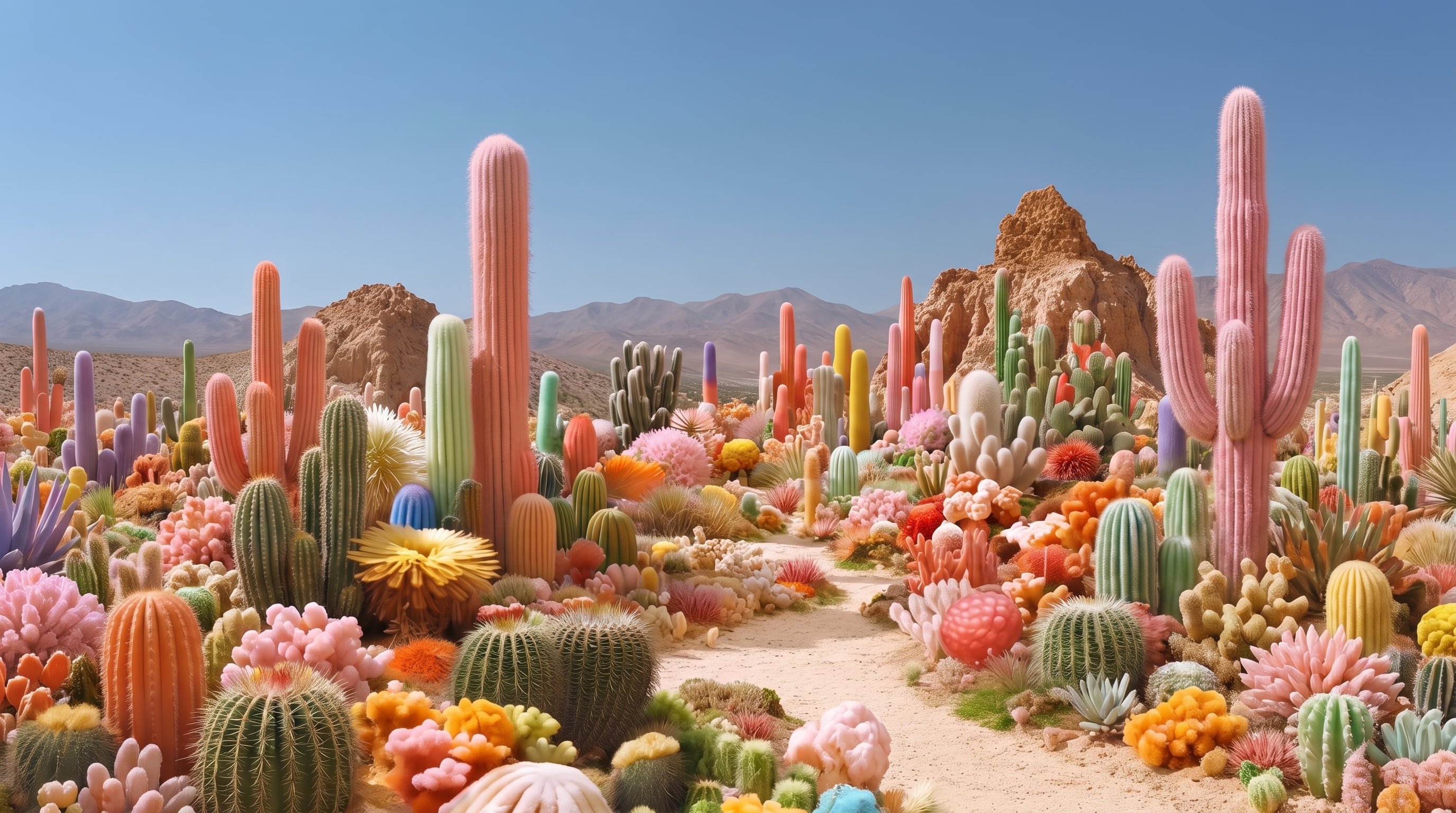
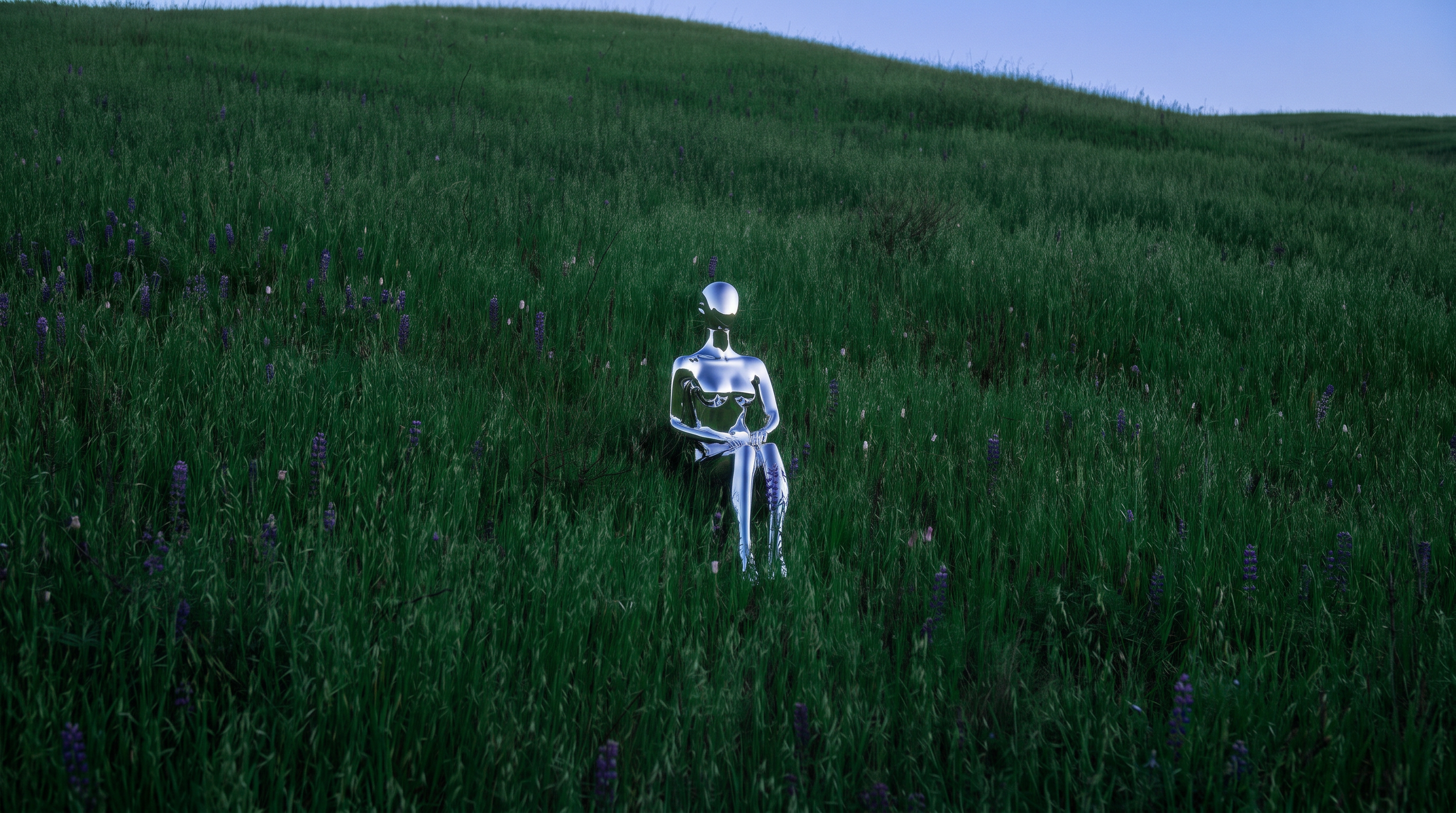
Pixverse c1 Storyboard to Video
Pixverse c1 is PixVerse's first AI video model created specifically for film production. Its action engine, cinematic visual effects, reference-guided consistency, and multi-panel storyboard conversion support coherent, controllable multi-shot sequences. Through Atlas Cloud, developers can call the model with one OpenAI-compatible key at standard pricing from $0.03 per second. Start building today.
PixVerse C1 is developed by PixVerse. Atlas Cloud (operated by Atlas Cloud AI LLC) provides access to it and does not own it. All trademarks belong to their respective owners.
Explore the Leading PixVerse C1
Atlas Cloud provides you with the latest industry-leading creative models.


Compare Pixverse c1 Video Generation Modes
Choose the Pixverse c1 input workflow that best matches your source assets and production goals.
| Modality | Description |
|---|---|
| Pixverse c1 I2V API (Image To Video) | Transform an image prompt into a high-quality generated video with the Pixverse c1 Image-to-Video endpoint. It is suited to animating artwork, product imagery, and other existing visual assets. The standard base price is $0.03. |
| Pixverse c1 Start-End API (Start-End To Video) | Provide starting and ending images to create a high-quality video that connects two visual states. Choose this endpoint for planned transitions, before-and-after sequences, or shots with defined opening and closing frames. Its standard base price is $0.03. |
| Pixverse c1 R2V API (Reference To Video) | Reference imagery guides this endpoint as it produces a high-quality video from image prompts. The workflow fits projects that need supplied visual material to inform the generated result. Generation starts at the standard base price of $0.03. |
| Pixverse c1 T2V API (Text To Video) | Begin with a text prompt and turn the written concept into a high-quality generated video. This option works well for story concepts, campaign ideas, and scenes without an existing source image. The verified standard base price is $0.03. |
Direct Every Shot with Pixverse c1
Pixverse c1 brings text, image, start and end frame, and reference guided video generation into one Atlas Cloud API, with 1 to 15 second durations, up to 1080p output, optional sound, eight aspect ratios in text and reference modes, named subject or background references, reproducible seeds, and transparent pay as you go pricing.
Four Pixverse c1 Creation Paths
Choose text-to-video, image-to-video, start and end frame generation, or reference-to-video through the Pixverse c1 family on Atlas Cloud. Each workflow uses a dedicated model ID while sharing one Atlas Cloud API. Move from an original prompt to an animated still, a guided transition, or a reference based composition without rebuilding your integration. This setup suits products that need multiple creation paths.
Flexible Duration and Resolution
Set any integer duration from 1 to 15 seconds and select 360p, 540p, 720p, or 1080p output across all four workflows. The same range lets teams lower settings for iteration, then raise resolution for delivery. Text and reference modes also expose eight aspect ratios, including 16:9, 9:16, 1:1, and 21:9. Use these controls for campaigns that must ship across screens.
Named Reference Control
Guide reference-to-video generation with one to seven uploaded images. Mark each image as a subject or background, then assign an optional reference name of up to 30 UTF-8 bytes so the prompt can identify it precisely. Resolution, duration, aspect ratio, sound, and seed remain configurable in the same request. This workflow fits character led stories, product scenes, and location specific creative.
Directed Start and End Frames
Provide both a first frame and a last frame, then describe how Pixverse c1 should connect them. Atlas Cloud accepts PNG, JPEG, JPG, and WebP inputs by public URL or Base64, with a combined HTTP body no larger than 20 MB. The two frame aspect ratios must remain within the documented 0.8 to 1.25 ratio range. Use this mode for deliberate reveals, transformations, and scene bridges.
Sound Control in Pixverse c1
Enable sound in any of the four Pixverse c1 generation modes while setting duration, resolution, and a reproducible seed in the same request. Audio generation defaults to on in the published Atlas schemas. Text and reference modes add eight aspect ratio choices, while image and transition outputs follow their supplied frames. The combination supports clips where motion, composition, and sound need to be requested together.
One API with Pay As You Go Access
Run all four endpoints through one Atlas Cloud API with transparent pay as you go access. The verified standard base price is $0.03 for each listed Pixverse c1 model. Shared authentication and consistent prediction responses simplify switching among text, image, transition, and reference workflows. This is especially useful for developer products that compare modes or route requests dynamically.
One Prompt, Three Video Models: Pixverse c1 Compared
See how Pixverse c1 and two comparable video models interpret the same action driven prompts across cinematic realism and stylized animation.
An 8–10 second continuous miniature fantasy chase titled “The Stained-Glass Knight Rides Beyond the Frame”: inside a cathedral at dusk, begin with an extreme macro push-in across rippled hand-painted glass and raised lead seams as an Art Nouveau knight in a vivid red cape suddenly gains depth, charges on horseback through the lead boundary, and races seamlessly across three adjacent window panels with distinct floral, celestial, and thorn-vine motifs, pursuing a silver crescent shard rolling along the curved tracery of a vast rose window. Track laterally inches from the pounding glass hooves as cobalt, crimson, and golden fragments refract beneath them, the horse leaping lead lines while the knight and steed remain perfectly consistent across every panel; whip-pan upward as the moon shard slips from the final arc, then orbit through the window to an exterior low-angle view as the knight bursts into translucent three-dimensional space and vaults to catch the falling shard on the tip of his lance. At the climax, the entire stained-glass window bulges outward into the real world like a luminous crystalline membrane with each cathedral bell strike, the red cape snapping and glass reflections sweeping across stone, then instantly compresses back into a perfectly flat illustration; rapidly dolly out to reveal the complete glowing rose window, with the knight frozen inside holding the restored silver moon as a subtle final glint. Fluid high-density motion from beginning to end, precise planar-to-volumetric transformations, physically convincing transparent refraction, continuous character identity and spatial continuity, no slow motion. Hand-drawn Art Nouveau stained-glass animation, elegant lead-line contours, segmented crimson, cobalt blue, and golden-yellow palette, interwoven amber sunset and cool blue moonlight, richly textured glass, magical cinematic contrast. Synchronized audio: accelerating hoofbeats ringing like glass, cape flutter, crystalline chimes as the shard rolls, deep resonant bells driving the window’s expansion and snap-back, orchestral strings rising to the leap and ending on one bright metallic note. No screens, software interfaces, dashboards, progress bars, charts, captions, subtitles, logos, or explanatory text. 16:9 aspect ratio.
Generated with Pixverse c1 Text-to-Video on Atlas Cloud
Generated with Seedance 2.5 Text-to-Video on Atlas Cloud
Generated with Seedance 2.0 Text-to-Video on Atlas Cloud
Inside a lunar-base laundry module, a maintenance technician opens the front-loading washer hatch and a weightless vortex of vivid red, yellow, and blue socks, metallic buttons, and glistening water droplets erupts around him. Over 8–10 seconds, begin with an ultra-wide POV from deep inside the spinning drum, rushing outward through the opening as the textile nebula bursts into the silver-gray cabin; cut to a lateral drifting tracking shot as the technician kicks off the wall and swims through zero gravity, grabbing at tumbling socks while droplets collide, merge, and scatter with physically accurate momentum. A lone red sock slips into an air vent, triggering a sudden blast that unfurls a huge billowing fabric sail; whip-pan to the technician as it wraps around him and sweeps him toward the observation window, then transition into a fast 360-degree orbit around his twisting body, the rippling cloth, spinning buttons, and suspended droplets, preserving perfect character, object, and spatial continuity. At the last instant, a floating laundry basket catches him; snap into a rapid pullback revealing the entire miniature lunar laundry room and, beyond the window, Earth slowly rising over the Moon. Cold white overhead practical lighting mixed with soft blue Earthshine, restrained silver-gray architecture making the saturated fabrics pop, retro 1970s science-fiction live-action aesthetic, exquisitely detailed practical miniatures, tactile analog production design, subtle film grain, realistic zero-gravity human motion, highly coherent cloth simulation, fluid surface tension and collisions, energetic continuous action, no slow motion, no screens, interfaces, dashboards, charts, progress bars, captions, logos, or on-screen text. Audio: washer hatch clunk, pressurized whoosh, fluttering fabric, metallic button pings, wet droplet taps, ventilation roar, strained breaths, and a playful retro-synth crescendo resolving on the basket catch. 16:9 aspect ratio
Generated with Pixverse c1 Text-to-Video on Atlas Cloud
Generated with Seedance 2.5 Text-to-Video on Atlas Cloud
Generated with Seedance 2.0 Text-to-Video on Atlas Cloud
Pixverse c1 Across the Production Pipeline
Pixverse c1 supports text, image, start and end frame, and reference guided video creation, giving developers practical routes to concept films, animated campaign assets, coherent transitions, character led stories, action sequences, and sound enabled social content.

Pixverse c1 Concept Films
Turn text prompts into high quality video sequences with Pixverse c1. Filmmakers and creative teams can use them to visualize trailer beats, establish cinematic scenes, or test narrative ideas before production.

Still Images in Motion
Start with a product image, illustration, or portrait and guide its motion through a prompt. Marketing teams and creators gain reusable video assets for showcases, campaign concepts, and social content.

Pixverse c1 Transition Stories
Set opening and closing images, then let Pixverse c1 generate the motion between them. This workflow suits product reveals, visual transformations, seasonal shifts, and compact narrative transitions for polished campaign edits.

Reference Led Character Shorts
Reference images help preserve recognizable subjects and backgrounds while the scene develops. Build character driven shorts, branded narratives, or recurring visual worlds where continuity matters across every generated shot and transition.

High Impact Action Scenes
For combat, fantasy effects, or fast motion, Pixverse c1 renders dynamic movement and visually demanding scenes. Directors can prototype action beats, camera energy, and spectacle heavy sequences for pitches or preproduction.

Pixverse c1 Social Spots
Generate video with synchronized sound enabled in the same request when the concept depends on atmosphere. Social teams can produce short promotional spots, mood driven posts, and launch teasers from one workflow.
Where Pixverse c1 Stands Among Video Models
Compare Pixverse c1 with leading text-to-video models by clip length, resolution, native audio, aspect ratio support, and standard Atlas Cloud pricing.
| Model | Output Duration | Max Resolution | Native Audio | Aspect Ratios | Standard Price |
|---|---|---|---|---|---|
| Pixverse c1 Text-to-Video | 1 to 15 seconds | 1080p | √ | 16:9, 9:16, 1:1, 4:3, 3:4, 2:3, 3:2, 21:9 | $0.03/second |
| MiniMax H3 Text-to-Video | 4 to 15 seconds | 2K | √ | 21:9, 16:9, 4:3, 1:1, 3:4, 9:16 | $0.038/second |
| Seedance 2.0 Text-to-Video | 4 to 15 seconds | 4K | √ | 16:9, 4:3, 1:1, 3:4, 9:16, 21:9, Adaptive | $0.112/second |
| Veo 3.1 Lite Text-to-video | 4, 6, or 8 seconds | 1080p | √ | 16:9, 9:16 | $0.05/second |
How to Use PixVerse C1 on Atlas Cloud
Get started in minutes — follow these simple steps to integrate and deploy models through Atlas Cloud's platform.
Create an Atlas Cloud Account
Sign up at atlascloud.ai and complete verification. New users receive free credits to explore the platform and test models.
Why Use PixVerse C1 on Atlas Cloud
Combining the advanced PixVerse C1 models with Atlas Cloud's GPU-accelerated platform provides unmatched performance, scalability, and developer experience.
Performance & flexibility
Low Latency:
GPU-optimized inference for real-time reasoning.
Unified API:
Run PixVerse C1, GPT, Gemini, and DeepSeek with one integration.
Transparent Pricing:
Predictable per-token billing with serverless options.
Enterprise & Scale
Developer Experience:
SDKs, analytics, fine-tuning tools, and templates.
Reliability:
99.99% uptime, RBAC, and compliance-ready logging.
Security & Compliance:
SOC 2 Type II, HIPAA alignment, data sovereignty in US.
PixVerse C1 API Questions, Answered
PixVerse C1 is a video generation model family from PixVerse, designed for cinematic production, continuity across multiple shots, action, visual effects, and storyboard workflows. Atlas Cloud provides four C1 endpoints for text, source images, start and end frames, or reference images.
Use PixVerse C1 to generate videos from text prompts, animate still images, connect defined start and end frames, or guide scenes with reference images. Its reference workflow also supports converting a multi panel storyboard image into a complete video.
Create an Atlas Cloud API key, select the appropriate C1 model ID, and submit the required prompt or image inputs to POST /api/v1/model/generateVideo. Generation runs asynchronously, so save the returned prediction ID and poll GET /api/v1/model/prediction/{id} until the task completes.
Choose text to video for prompt driven scenes and image to video when an existing visual should define the opening frame. Start and end mode creates motion between two specified frames, while reference mode is intended for guiding subjects, backgrounds, or storyboard based sequences.
Across the family, Atlas Cloud documents durations from 1 to 15 seconds, 360p through 1080p quality, prompts up to 5,000 characters, optional sound, and a seed parameter. Text and reference modes expose eight aspect ratios, while image based modes derive framing from their inputs. Reference mode accepts one to seven images, but developers should confirm the exact fields in the selected endpoint schema.
Each listed C1 endpoint has a standard starting price of $0.03 per second on Atlas Cloud. Billing is pay as you go, and the total cost depends on the generated duration and selected output settings.
Use reference to video when a particular subject or background must remain recognizable. For controlled transitions, provide start and end frames with similar proportions, since Atlas Cloud requires their aspect ratio difference to remain within the documented 0.8 to 1.25 range. Keep the prompt explicit about subject actions, camera movement, and scene conditions.
PixVerse positions C1 around cinematic production, action, visual effects, continuity across multiple shots, and storyboard conversion. The official capability matrix shows that C1 does not support video extension, while Atlas Cloud offers a dedicated video extension endpoint for V6. Select C1 for its specialized narrative workflows or V6 when extending an existing clip is required.
First confirm the model ID, authentication header, and endpoint specific inputs against the Atlas Cloud schema. If a task remains pending, poll its existing prediction ID instead of resubmitting blindly, because the original request may already have been accepted. For failures, record the request ID, prediction ID, error code, model ID, and timestamp before retrying or contacting support.
Explore More Families
Seedance 2.5
The Seedance 2.5 API gives developers ByteDance Seed’s joint audio and video model, generating 4 to 30 seconds in one pass from text, a first frame, or up to 50 references across images, video, and audio. It edits selected regions, extends clips, and follows white-model and green-screen inputs. Atlas Cloud, an authorized U.S. reseller, adds a 480p draft mode, native 1080p finals, and enhanced 4K delivery with pay-as-you-go pricing.

Kling 4.0
The Kling 4 API delivers Kling 4.0, the video model Kuaishou released on October 15, 2026. It generates up to 30 seconds in a single pass, follows up to 10 keyframes, blends 15 images, videos, and subjects through Omni Reference, and adds stereo audio with lip sync. Atlas Cloud serves all four endpoints, including video editing, on one OpenAI-compatible key from $0.11 per second. Start building today.
Seedream 5.5
Seedream 5.5 is ByteDance Seed's image generation and editing family. Guide edits with up to 10 reference images, or split an image into a base image and up to 99 editable layers, with optional OCR for text layers. On Atlas Cloud, generation, editing, and layer decomposition each cost a standard $0.02 per image, helping developers plan image workflow budgets. Start building today.
Kling 4.0 Flash
As a lower-cost option in the Kling 4.0 family, Kling 4.0 Flash combines images, videos, and subjects to create consistent 720p clips lasting 3 to 20 seconds. Start from a text prompt or animate a first-frame image to suit different production workflows. Atlas Cloud offers all four model variants at a standard price of $0.094 per second. Start building today.
Wan 3.0
Wan 3.0 is Alibaba’s newest video model, producing up to 30 seconds of 1080p video at 30fps with audio in one generation. Steer it with a text prompt, a first frame, up to 10 reference images, or a document. Standard costs less per second, while Prime keeps the same capabilities and returns results faster. Both run on the same Atlas Cloud key as Wan 2.7, 2.6, and 2.5.
GPT Image 2.6
The GPT Image 2.6 API gives developers OpenAI’s image model released on November 4, 2026, in two versions: Flare for fast iteration and Sunburst for detailed visual work. It generates images 50% faster than before and adds animated GIF output, SVG export, markup edits that target the area you circle, and a complexity setting. Atlas Cloud serves both models on one OpenAI-compatible key with pay-as-you-go pricing.
MiniMax H3 Image
MiniMax H3 Image builds on MiniMax's H3 family, combining image generation and editing in one checkpoint. Detailed prompts guide characters, scenes, and composition, while reference inputs steer visual changes. Atlas Cloud offers hosted access with pay-as-you-go billing, helping you integrate image workflows without managing model infrastructure. Start building today.
MiniMax H3
MiniMax H3 is MiniMax's multimodal video family for text, image, and reference guided creation. Across supported routes, it preserves subjects from reference media, offers flexible aspect ratios, and pairs generated sound with visuals through H3 Developer, with output profiles selected by endpoint. Atlas Cloud unifies the family behind one OpenAI-compatible key with transparent pay-as-you-go pricing from the standard rate of $0.038 per second. Start building today.
GPT Image 2.5
GPT Image 2.5 is OpenAI’s image generation and editing model, released on September 8, 2026 in two API versions. Flare is the default, with up to 50% lower latency than GPT Image 2, while Sunburst takes longer to give finer control over detailed edits. Both support up to 16 reference images, five quality tiers, transparent backgrounds, and custom sizes up to 3840px. Atlas Cloud serves the GPT Image 2.5 API at OpenAI’s per token rates, or at a flat price per image by 1K, 2K, or 4K tier.
Seedream 5.0 Pro
Seedream 5.0 Pro API gives developers ByteDance's controllable image editing model on Atlas Cloud. It places edits precisely with anchors and coordinates, separates images into editable layers, fuses multiple references, and matches exact colors and materials, with multilingual text at 2K and 3K. On Atlas Cloud you reach it through one key!
Seedance 2.0
Seedance 2.0 is ByteDance’s production video model for precise shot creation. Turn prompts into video, animate a first-frame image with optional last-frame guidance, or shape results with reference media and optional web search. Atlas Cloud brings these workflows into one unified API with transparent pay-as-you-go pricing and one OpenAI-compatible key. Start building today.
Gemini Omni 1.2 Flash
Gemini Omni 1.2 Flash is Google DeepMind's multimodal video model. Swap products, replace backgrounds, or adjust lighting while retaining the original performance and camera motion. Refine clips through successive edits, then upscale selected results to 4K for product videos and ad campaigns. On Atlas Cloud, video editing costs a standard $0.028 per second. Start building today.
Recommended Articles
Guides, tutorials, and product updates to help you get the most out of Atlas Cloud.





